
Lesezeichen
| Entwickler: | Aether Forge (6) | ||
| Preis: | Kostenlos | ||
| Score: | 1.230 Gold | ||
| Ranglisten: | 0 | ||
| Kommentare: | 0 Kommentar posten | ||
| Listen: | 0 0 | ||
| Punkte: | 0 | ||
| +1 Punkt | |||
Kurzinfo
Paste MD ist eine App von Aether Forge aus der Kategorie „Entwicklungstools“.
Erst erschienen, also noch ziemlich frisch.
Gratis, keine Werbung, keine In-App-Käufe. Nur du und die App.
Der Microsoft Store ist in Windows eingebaut, die Installation ist also in ein paar Klicks erledigt.
Der AppAgg-Score liegt bei 1.230. Das ist Gold.
Nur 8 Megabyte, passt sogar auf eine volle Festplatte.
Altersfreigabe „EVERYONE“, also auch für Kinder geeignet.
Spricht nur eine Sprache, und das ist nicht Deutsch.
Hier herrscht noch Funkstille: keine Bewertungen, keine Kommentare. Brich das Schweigen.
Der Entwickler hat noch 5 weitere Apps auf AppAgg. Ein Blick lohnt sich.
Übrigens, dieser Entwickler hat gerade 1 Angebot.
Willst du als Erstes von Updates und neuen Apps erfahren? Folge dem Entwickler oder abonniere den RSS-Feed. Push-Nachrichten kommen über die App AppAgg Alerts für Android und iOS.
Andere Plattformen 0
Preisentwicklung 0
- Aktueller Preis: Kostenlos
- Minimum: Kostenlos
- Maximum: Kostenlos
Dein eigener Feed auf der Startseite
Screenshots 10
Video 1
Beschreibung

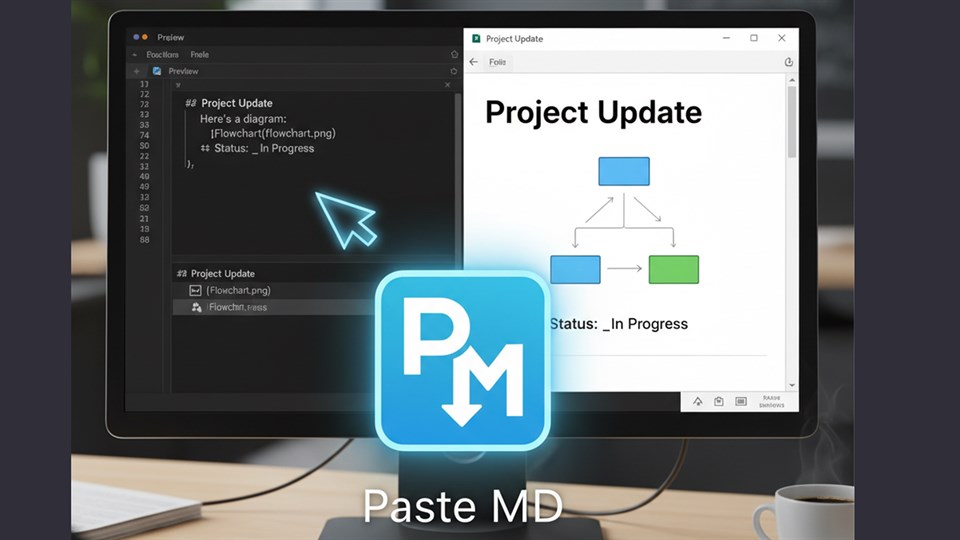
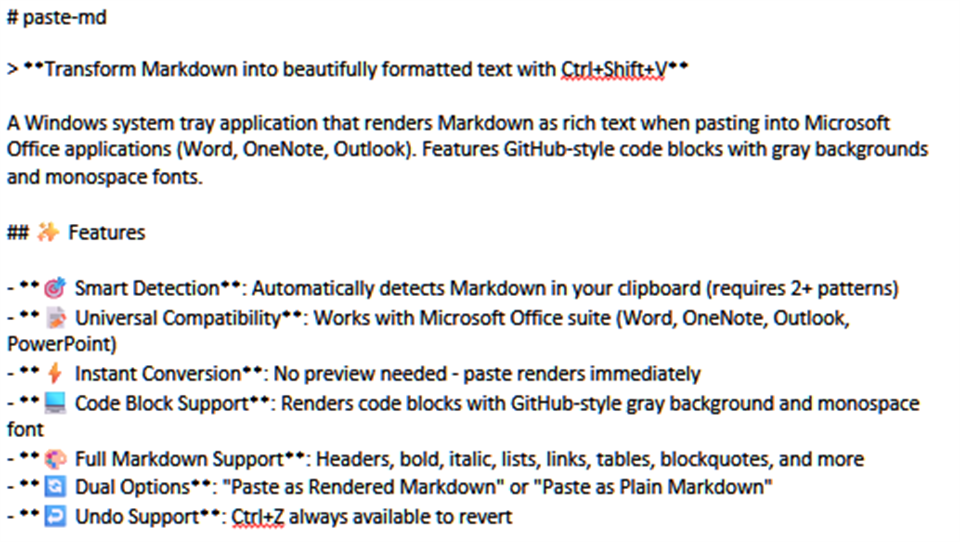
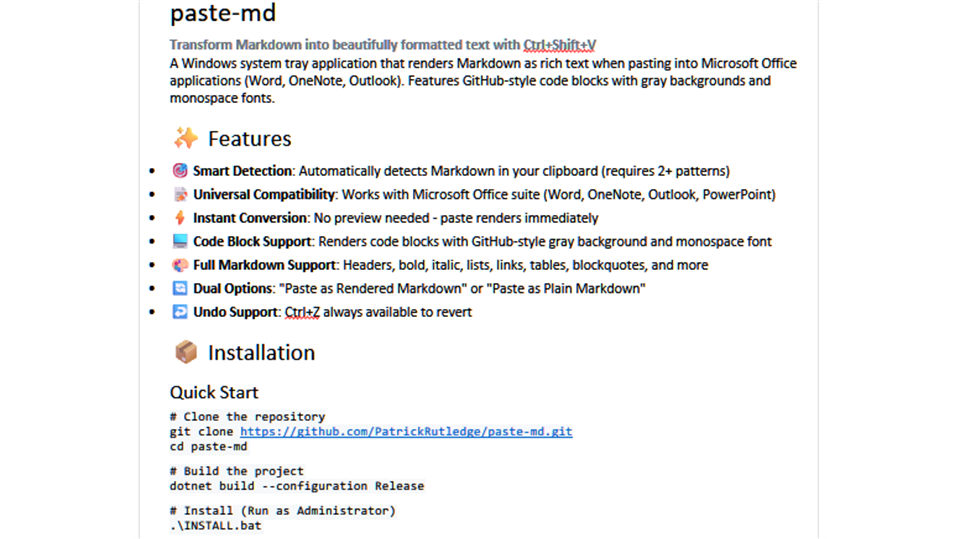
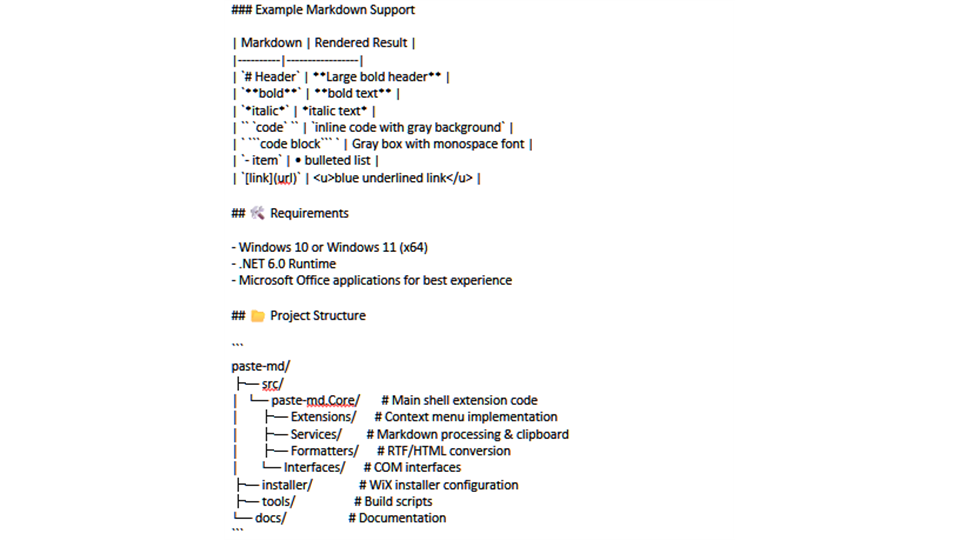
Stop wrestling with messy formatting. Paste MD is a lightweight Windows tray app that automatically converts Markdown into clean, rich text when you paste. Copy from GitHub, VS Code, Notion, ChatGPT, or any Markdown source, then just
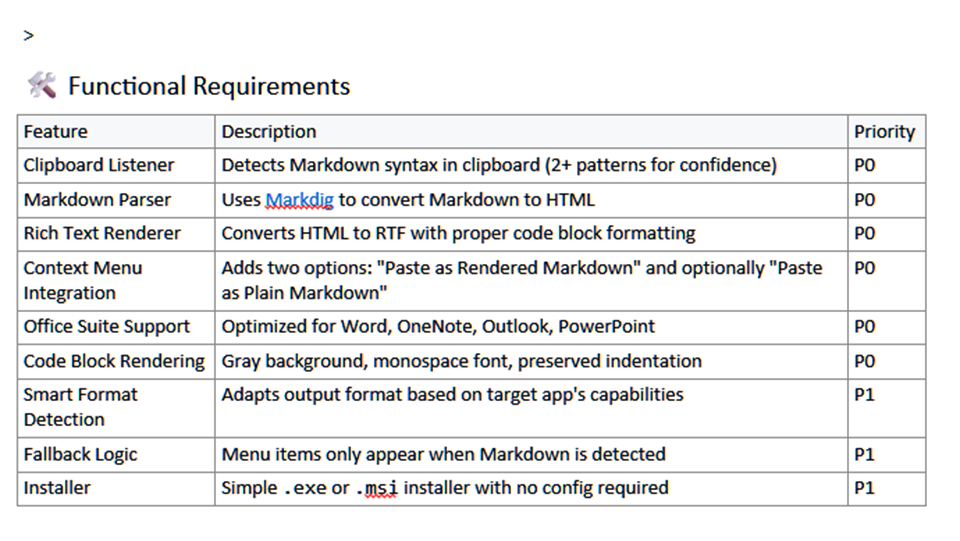
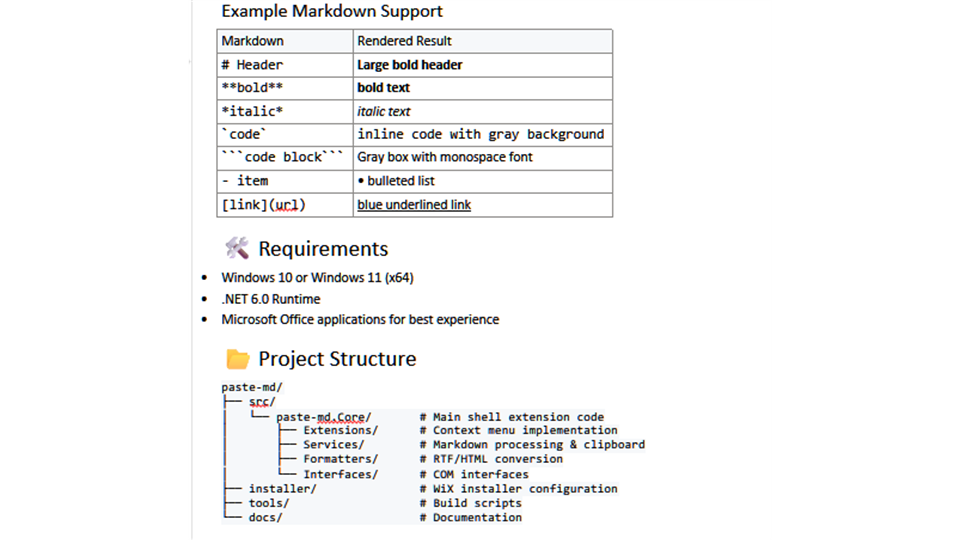
paste—and your content drops into Word, OneNote, Outlook, or PowerPoint perfectly formatted, with headers, lists, links, tables, and code blocks intact.
Why You'll Love It
- No hotkey to remember — Copy Markdown, then paste normally with Ctrl+V. Formatting happens automatically.
- Smart detection — paste-md recognizes Markdown in your clipboard and enriches it in the background.
- Office-native results — Output looks like you typed it directly into Word, with proper styles and spacing.
- GitHub-style code blocks — Monospace fonts and subtle gray backgrounds keep your snippets readable.
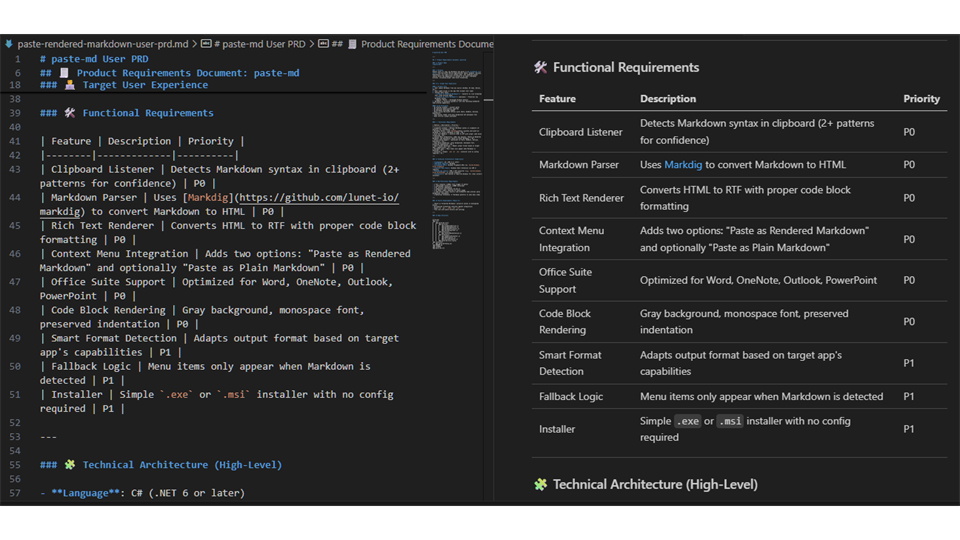
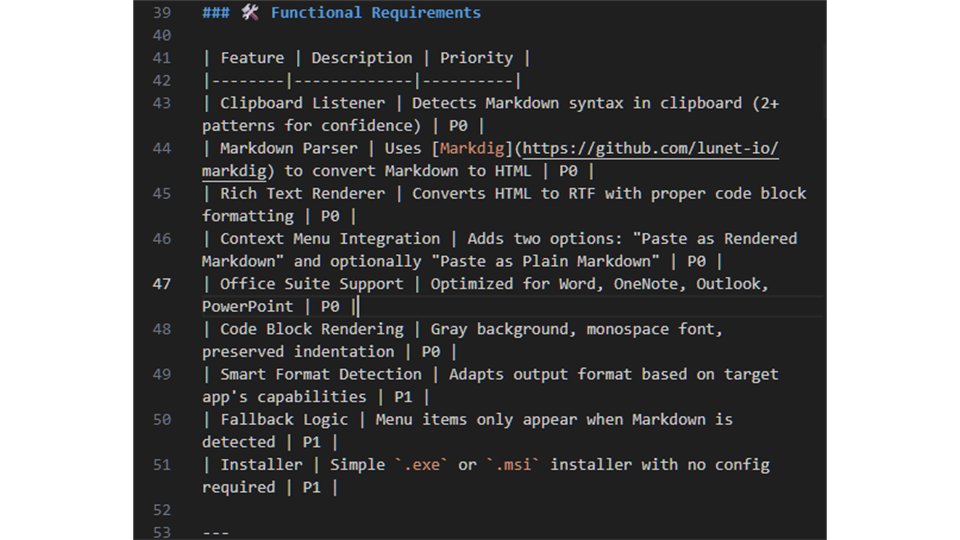
- Full Markdown support — Headers, bold, italic, lists, links, tables, blockquotes, and more.
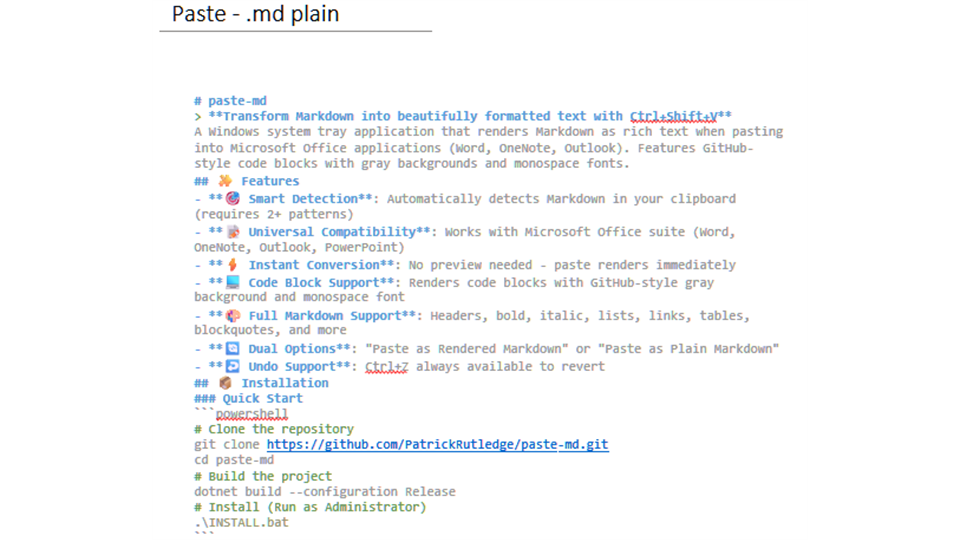
- Need the raw Markdown? — Use Paste Special → "Keep Text Only," and the original Markdown is always preserved.
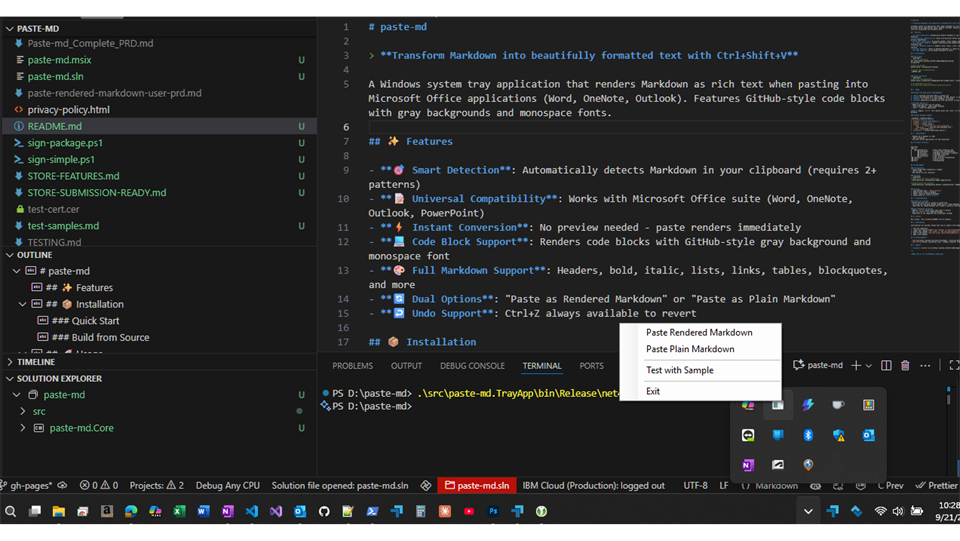
- Quiet and out of your way — Runs in the system tray, starts with Windows, and can be paused anytime from the tray menu.
Get Started in Seconds
1. Launch Paste MD—it lives quietly in your system tray.
2. Copy Markdown from any app or website.
3. Paste with Ctrl+V into your Office application.
4. Enjoy clean, professional formatting instantly.
System Requirements
- Windows 10 or Windows 11 (64-bit)
- .NET 6.0 Runtime
- Microsoft Office (Word, OneNote, Outlook, or PowerPoint) recommended
Support & Feedback
Questions, ideas, or bug reports? Visit our GitHub Issues page:
https://github.com/PatrickRutledge/paste-md/issues
Microsoft, Word, OneNote, PowerPoint, and Outlook are trademarks of Microsoft Corporation. Paste MD is an independent app and is not affiliated with or endorsed by Microsoft.
Vom Entwickler
Listen 0
-
 Paste MD
Punkte 0
-

- +1 Punkt

Ranglisten 0
-
- Deine Bewertung
Entwickler 6
- Aether Forge
- Follower: 0
- Plattformen: Windows Apps (6)
- Angebote: 1
- Listen: 0 0
- Punkte: 0
- Ranglisten: 0
- Kommentare: 0
- Videos: 3
- RSS: Abonnieren
Neue Funktionen
- Version: PC
- Zuletzt aktualisiert:
- What's New
- Simpler than ever — no shortcut to remember. Just copy Markdown and paste normally with Ctrl+V. Formatting now happens automatically, with no special hotkey.
- Improved reliability and stability. Reworked clipboard handling for smoother, more dependable pasting across Office apps.
- Raw Markdown is always preserved. Use Paste Special → "Keep Text Only" anytime you want the original Markdown source.
- Lighter and quieter. Runs unobtrusively in the system tray and starts with Windows.
Weitere Informationen
- Veröffentlichungsdatum:
- Kategorie:
Windows-Apps›Entwicklungstools - Betriebssysteme:
PC - Größe:
8 Mb - Verfügbare Funktionen:
Mixed reality - Unterstützte Sprachen:
Englisch - Altersfreigabe:
EVERYONE - Windows Store Bewertung: ¡
0
 https://patrickrutledge.github.io/aether-forge/
AppAgg-Score
Geschätzter AppAgg-Score für
Paste MD
Entwickler: Aether Forge
Ein höherer Score weist meist auf bessere Werte bei den von AppAgg erfassten Kennzahlen hin.
Basierend auf: Popularität · Nutzerbewertungen · Aktualität · Angeboten · Store-Daten · Community-Aktivität
Wird täglich anhand aktueller AppAgg-Daten neu berechnet.
Kommentare 0 ¡
Teilen
Paste MD Kurz-URL: Kopiert!- Windows Store

