
저장됨
저장됨 메뉴에 표시할 이름을 선택하세요.
완료!
| 개발자: | Talentfort (11) | ||
| 가격: | 무료 | ||
| 평가: | 570 브론즈 | ||
| 순위: | 0 | ||
| 댓글: | 0 댓글 게시 | ||
| 목록: | 0 + 0 | ||
| 포인트: | 0 + 0 ¡ | ||
| +1 포인트 | |||
기술

Key Features:
Silent printing — no print dialogs or popups
Supports thermal receipt printers (ESC/POS), kitchen order tickets (KOT), and bar order tickets (BOT)
Renders HTML receipts as high-quality raster images with Floyd-Steinberg dithering
Supports 80mm and 58mm paper formats
Cash drawer trigger support
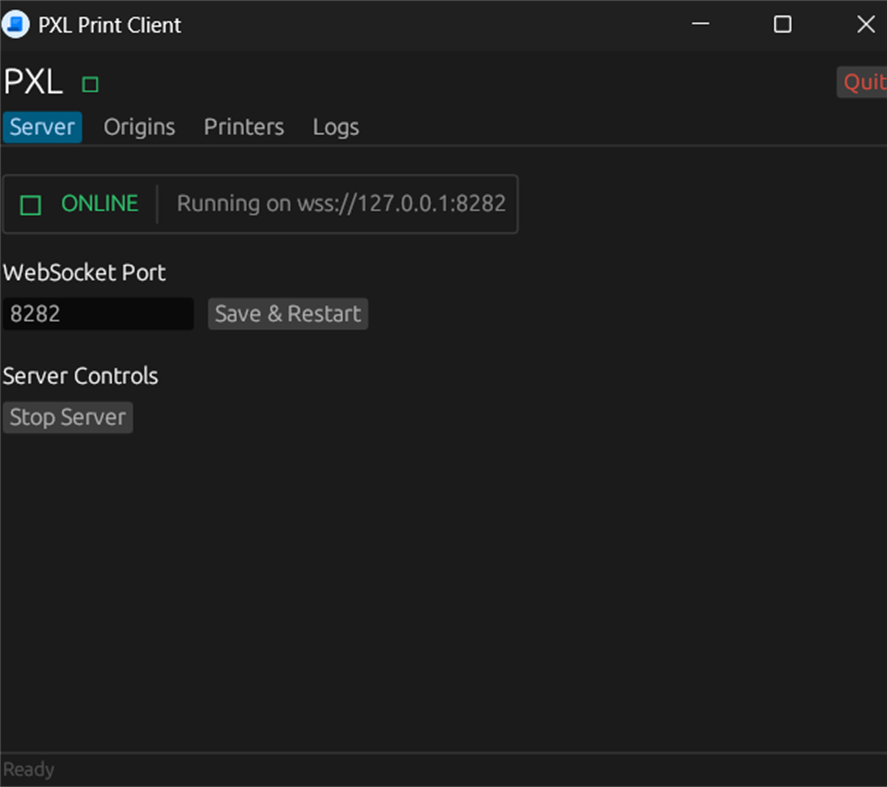
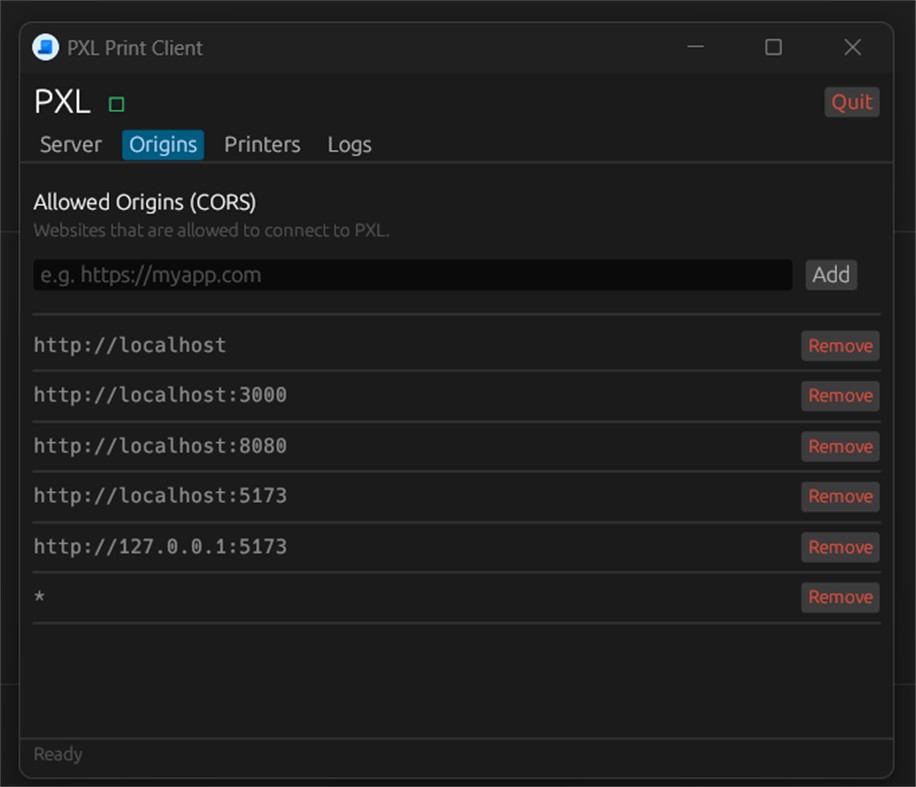
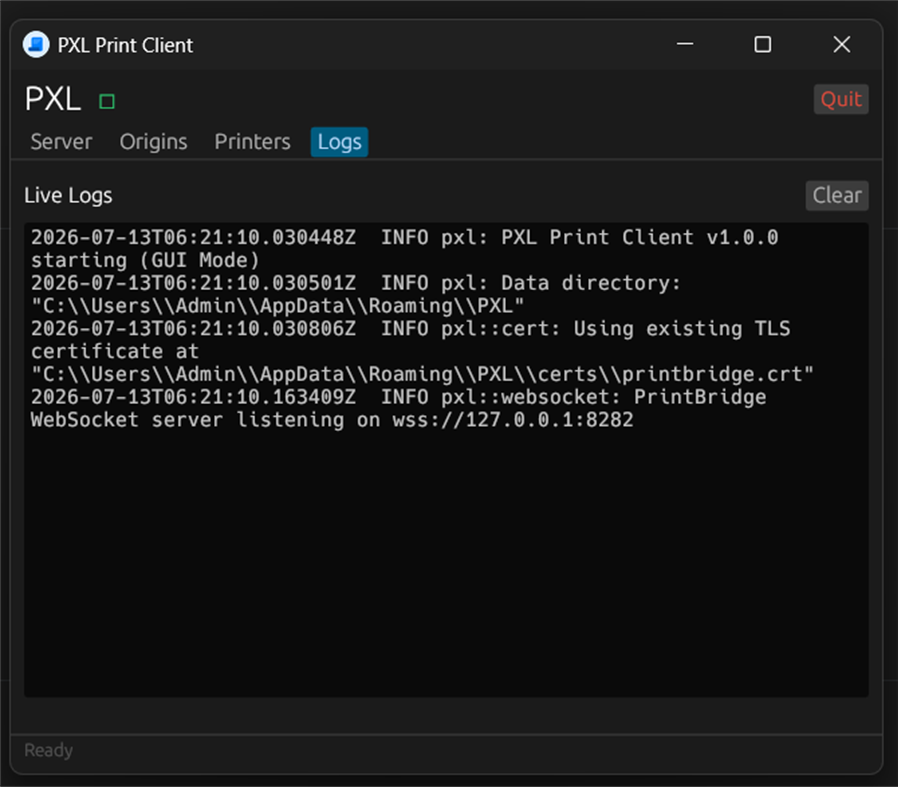
Secure local TLS/WebSocket connection (wss://127.0.0.1)
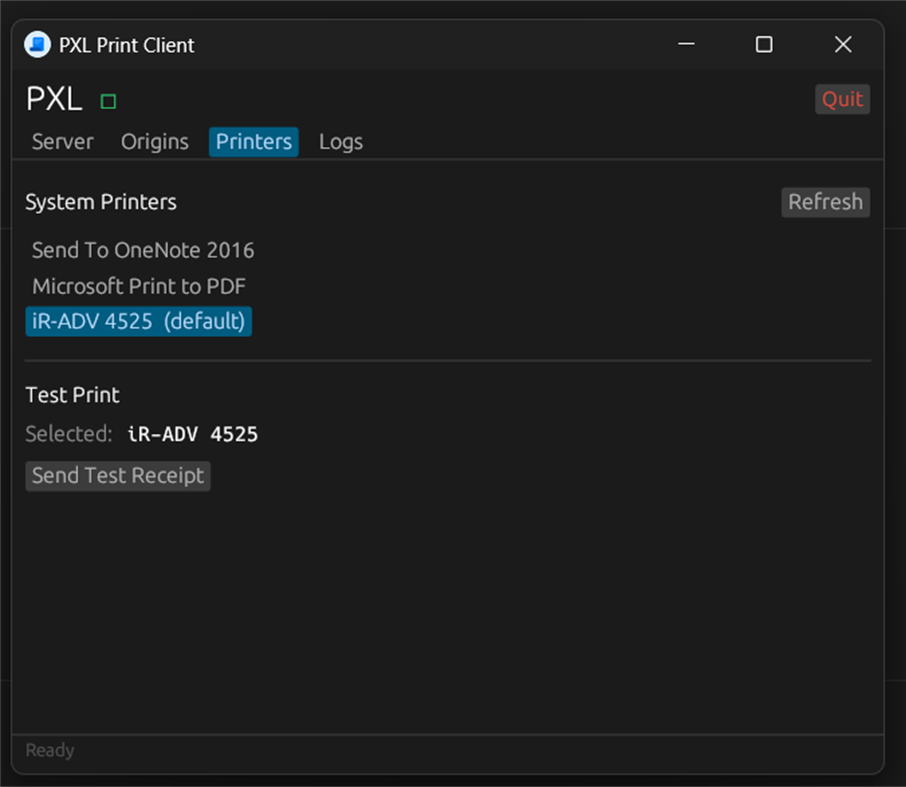
Multiple printer support — assign separate printers for cashier, kitchen, and bar
Lightweight system tray application with minimal resource usage
No data collection — everything stays on your device
How it works: Your web application connects to PXL Client via a secure local WebSocket. Print jobs are sent directly to your configured printers instantly — no cloud, no internet required.
Perfect for restaurants, retail stores, and any business using web-based POS systems that need fast, reliable silent printing.
광고
스크린샷
가격 내역
- 현재 가격: 무료
- 최소: 무료
- 최대: 무료
AppAgg 평가
570
AppAgg 예상 평가:
PXL Client
개발자: Talentfort
570 브론즈
평가가 높을수록 보통 AppAgg에서 더 강한 신호를 의미합니다.
기준: 인기 · 사용자 평점 · 최신성 · 딜 · 스토어 데이터 · 커뮤니티 활동
최신 AppAgg 데이터를 바탕으로 매일 다시 계산됩니다.
단축 URL: 복사됨!
새로운 기능
- 버전: PC
- 마지막 업데이트:
추가 정보
 https://talentfort.lk/
개발자
- TALENTFORT
- 팔로워: 0
- 플랫폼: iOS 앱 (10) Windows 앱 (1)
- 할인: 0
- 목록: 0 + 0
- 포인트: 0 + 0 ¡
- 순위: 0
- 댓글: 0
- 동영상: 0
- RSS: 구독
목록 (0)
0
- PXL Client
포인트 (0)
0
순위 (0)
0
댓글 (0)
가장 먼저 댓글을 남겨주세요
요약
PXL Client 단축 URL: 복사됨!- 공유하기
- Windows Store
“PXL Client” 앱은 Windows용 개발자 도구 카테고리에 속합니다. 이 앱은 “Talentfort”에서 개발했으며, 에 처음 출시되고 에 마지막으로 업데이트되었습니다. 이 앱은 현재 무료로 이용할 수 있습니다. 이 앱은 아직 AppAgg에서 평점을 받지 않았습니다. 이 앱은 다음 언어를 지원합니다: English. AppAgg는 “PXL Client” 앱의 가격 기록, 평점 및 사용자 리뷰를 추적합니다. AppAgg는 이 앱을 호스팅하거나 배포하지 않습니다. 이 앱과 관련된 모든 상표, 로고 및 스크린샷은 각 소유자에게 귀속됩니다. 이 앱의 향후 할인과 업데이트는 RSS 피드에서 확인할 수 있습니다.
유사 항목
-
- Termius - Modern SSH Client
- Windows 앱: 개발자 도구 게시자: Termius Corporation
- * 무료
- 목록: 0 + 4 0 0
- 포인트: 8 + 555 39K · 전설 버전: PC Termius is a modern SSH client designed for productivity and collaboration. Connect with one click from desktop and mobile no re-entering IP addresses, ports, and passwords. With a ...
-
- SSH Client - SFTP Terminal and Telnet
- Windows 앱: 개발자 도구 게시자: Moon Technolabs Pvt. Ltd.
- * 무료
- 목록: 0 0 0
- 포인트: 0 + 5 7K · 골드 버전: PC Experience seamless remote access with SSH Client Terminal & Telnet! This terminus & SFTP app offers secure & easy-to-use terminal emulation for your device. Here is one of the most ...
-
- NATS Client
- Windows 앱: 개발자 도구 게시자: Nathan Ver Beek
- 무료
- 목록: 0 0 0
- 포인트: 0 + 0 670 · 실버 버전: PC NATS Client is a fast, full-featured desktop client for monitoring and managing NATS messaging servers - built for developers and operators who need to see what's actually happening on
-
- WebSocket Debug Tools: Client & Server
- Windows 앱: 개발자 도구 게시자: YH Software
- * 무료
- 목록: 1 + 1 0 0
- 포인트: 1 + 0 1K · 실버 버전: PC This is a testing and debugging UWP app for WebSocket that helps you debug WebSocket connections! Both client and server debugger are included and you can view and copy detail message ...
-
- Nightingale REST Client
- Windows 앱: 개발자 도구 게시자: Jenius Apps
- * 무료
- 목록: 0 + 2 0 0
- 포인트: 0 + 137 21K · 플래티넘 버전: PC A modern, resource-friendly REST client for Windows. - Submit GET, POST, PATCH, and other HTTP requests. - Send multiple request in batches using collections. - Add multiple workspaces
- -100%
- Helena API Client
- Windows 앱: 개발자 도구 게시자: IDCT Bartosz Pachołek
- ▼ 무료
$1.09-100% - 목록: 0 + 1 0 0
- 포인트: 1 + 0 1K · 실버 버전: PC Helena is a light and native API client for building, sending, and debugging HTTP requests. No Electron, no account, and no telemetry. It runs as a single self-contained app and keeps ...
-
- SQLSSH: Database Client/SSH/S3
- Windows 앱: 개발자 도구 게시자: Trendcas
- 무료
- 목록: 0 0 0
- 포인트: 0 + 0 910 · 실버 버전: PC SQLSSH Developer Tools, One Beautiful App. In Your Pocket, On Your Desk. Stop switching between a database IDE, a terminal, and an SFTP/S3 app. SQLSSH unifies PostgreSQL, MySQL, MSSQL,
-
- ForgeReq REST Client
- Windows 앱: 개발자 도구 게시자: nikhily
- 무료
- 목록: 0 0 0
- 포인트: 0 + 0 1K · 실버 버전: PC ForgeReq REST Client is the ultimate privacy-first API workbench, designed for developers who need to build, chain, and load-test APIs without compromising their data. Featuring ...
- 새로운
- MarcoDB Client
- Windows 앱: 개발자 도구 게시자: SoteroApps
- $6.19
- 목록: 0 0 0
- 포인트: 0 + 0 580 · 브론즈 버전: PC MarcoDB Client is the official graphical user interface (GUI) and remote explorer for the MarcoDB Enterprise Server. Designed specifically for database administrators and developers ...
-
- Querym - Free Universal Database Client
- Windows 앱: 개발자 도구 게시자: QueryMaster
- 무료
- 목록: 0 0 0
- 포인트: 0 + 0 500 · 브론즈 버전: PC Querym is open source cross-platform MySQL and PostgreSQL client. It is fast, lightweight, secure and with intuitive interface. If you need additional features, drop us the issue in ...
- 새로운
- Filemade - Dual-Pane SFTP & SSH Client
- Windows 앱: 개발자 도구 게시자: Hades Corporation
- 무료
- 목록: 0 0 0
- 포인트: 0 + 0 1K · 실버 버전: PC Filemade is a modern, lightweight, and blazing-fast dual-pane SFTP & SSH client designed specifically for developers, system administrators, and DevOps engineers. Powered by a ...
- 새로운
- ShellDiver: SSH Client
- Windows 앱: 개발자 도구 게시자: Ostrong Studios
- 무료
- 목록: 0 0 0
- 포인트: 0 + 0 960 · 실버 버전: PC ShellDiver is an SSH client for people who work on servers every day. THE TERMINAL A real terminal, not a text box with a border. 256 colours and true colour, scrollback, reflow at any
-
- GitFiend
- Windows 앱: 개발자 도구 게시자: Toby Suggate
- 무료
- 목록: 1 + 2 0 0
- 포인트: 1 + 7 1K · 골드 버전: PC A Git client designed for humans. GitFiend provides a graphical interface for Git. (Note: Git needs to be installed separately). - Makes it super easy to see what is going on your ...
-
- NativeRest
- Windows 앱: 개발자 도구 게시자: NativeSoft, LLC
- * 무료
- 목록: 0 5 (1) 0
- 포인트: 1 + 9 6K · 골드 버전: PC NativeRest is a native HTTP client for Windows. Build, debug and test REST APIs is now even faster and easier. NativeRest desktop application is not using Electron, Chromium, Node.js ...

