
Lesezeichen
| Entwickler: | LaunchGrid Apps (3) | ||
| Preis: | Kostenlos | ||
| Score: | 690 Silber | ||
| Ranglisten: | 0 | ||
| Kommentare: | 0 Kommentar posten | ||
| Listen: | 0 0 | ||
| Punkte: | 0 | ||
| +1 Punkt | |||
Kurzinfo
Vorhang auf für ReplayFlow, eine App von LaunchGrid Apps aus der Kategorie „Entwicklungstools“.
Erst erschienen, also noch ziemlich frisch.
Gratis, keine Werbung, keine In-App-Käufe. Nur du und die App.
Der Microsoft Store ist in Windows eingebaut, die Installation ist also in ein paar Klicks erledigt.
Der AppAgg-Score liegt bei 690. Silber, und das ist gar nicht übel.
Altersfreigabe „EVERYONE“, also auch für Kinder geeignet.
Spricht nur eine Sprache, und das ist nicht Deutsch.
Hier herrscht noch Funkstille: keine Bewertungen, keine Kommentare. Brich das Schweigen.
Der Entwickler hat noch 2 weitere Apps auf AppAgg. Ein Blick lohnt sich.
Willst du als Erstes von Updates und neuen Apps erfahren? Folge dem Entwickler oder abonniere den RSS-Feed. Push-Nachrichten kommen über die App AppAgg Alerts für Android und iOS.
Andere Plattformen 0
Preisentwicklung 0
- Aktueller Preis: Kostenlos
- Minimum: Kostenlos
- Maximum: Kostenlos
Dein eigener Feed auf der Startseite
Screenshots 4
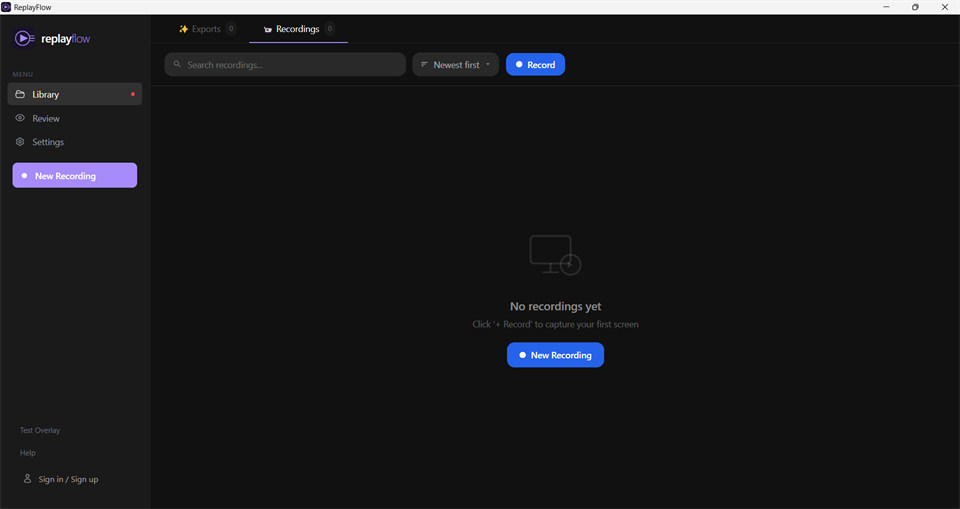
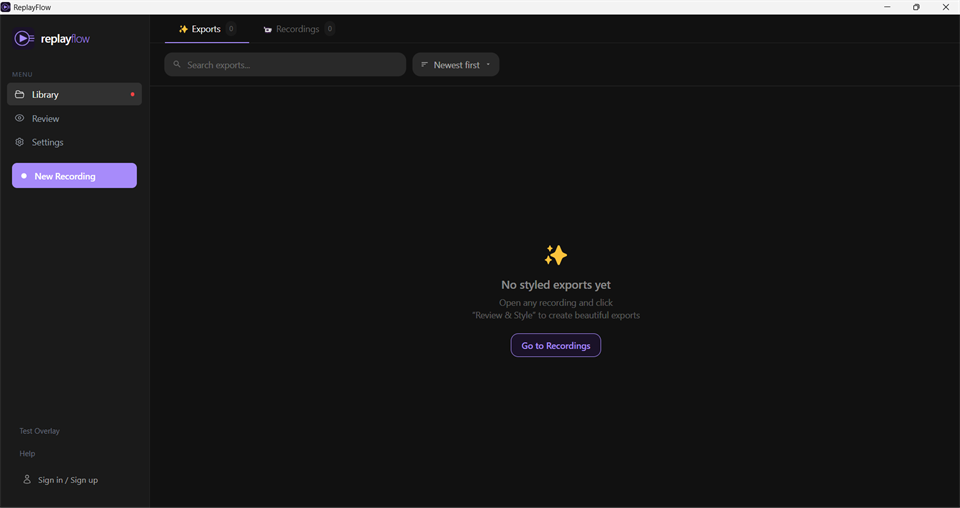
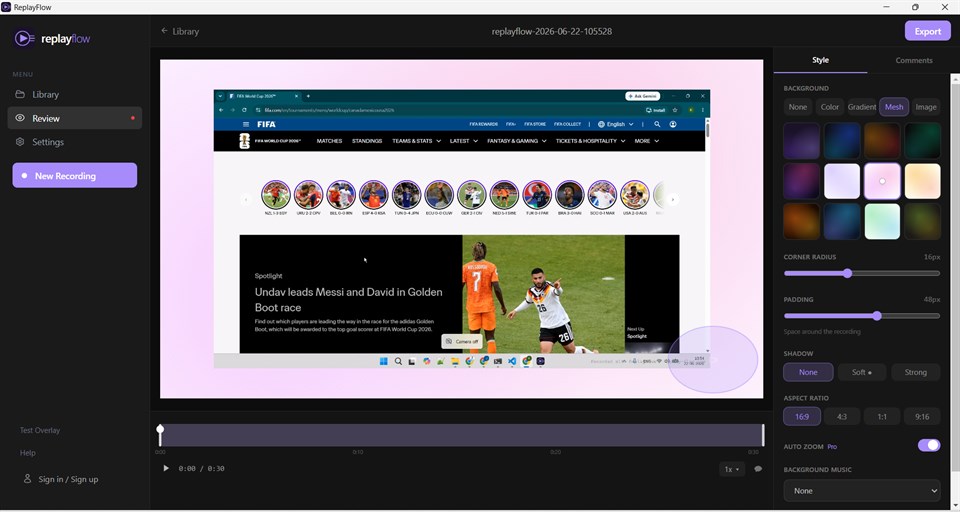
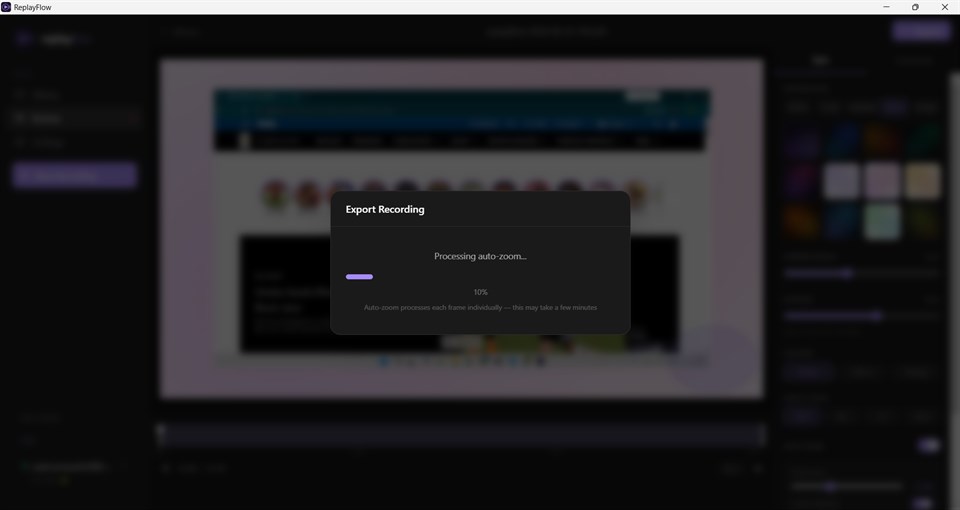
Beschreibung

tutorials, and bug reports — without spending time in a video editor.
Most screen recordings leave viewers confused about where to look or what
just happened. ReplayFlow automatically adds visual context so your
recordings communicate clearly from the first frame.
KEY CAPABILITIES:
🎬 Smart Screen Recording
Record your full screen or a specific application window. ReplayFlow
captures everything cleanly and efficiently.
🖱️ Automatic Visual Guidance
Cursor-following zoom, click highlights, and click animations draw
viewer attention to exactly what matters — automatically.
⌨️ Keyboard Shortcut Display
Keystroke overlays appear on screen as you type, making tutorials and
walkthroughs easy to follow.
✏️ Annotation Tools
Add arrows, text callouts, comments, and notes to guide viewers through
your recording.
✂️ Timeline Editing
Trim, refine, and arrange your recording segments without needing a
separate video editor.
☁️ Cloud Sharing
Upload and share recordings instantly via a shareable link — no file
transfers needed.
PERFECT FOR:
- Developers explaining a bug or feature
- Founders creating product demos
- Product managers sharing walkthroughs
- QA engineers reporting issues
- Support teams answering customer questions
- Anyone who needs to explain software visually
One-time purchase. No subscription. Works on Windows and macOS.
Vom Entwickler
Listen 0
-
 ReplayFlow
Punkte 0
-

- +1 Punkt

Ranglisten 0
-
- Deine Bewertung
Entwickler 3
- LaunchGrid Apps
- Follower: 0
- Plattformen: Android Apps (2) Windows Apps (1)
- Angebote: 0
- Listen: 0 0
- Punkte: 0
- Ranglisten: 0
- Kommentare: 0
- Videos: 0
- RSS: Abonnieren
Neue Funktionen
- Version: PC
- Zuletzt aktualisiert:
- Initial release of ReplayFlow on the Microsoft Store.
Weitere Informationen
- Veröffentlichungsdatum:
- Kategorie:
Windows-Apps›Entwicklungstools - Betriebssysteme:
PC - Größe:
283 Mb - Unterstützte Sprachen:
Englisch - Altersfreigabe:
EVERYONE - Windows Store Bewertung: ¡
0 - Webseite:
 https://www.replay-flow.com
AppAgg-Score
Geschätzter AppAgg-Score für
ReplayFlow
Entwickler: LaunchGrid Apps
Ein höherer Score weist meist auf bessere Werte bei den von AppAgg erfassten Kennzahlen hin.
Basierend auf: Popularität · Nutzerbewertungen · Aktualität · Angeboten · Store-Daten · Community-Aktivität
Wird täglich anhand aktueller AppAgg-Daten neu berechnet.
Kommentare 0 ¡
Teilen
ReplayFlow Kurz-URL: Kopiert!- Windows Store

