
Záložky
| Vývojář: | Bitifyware.SQLife (1) | ||
| Cena: | * Zdarma | ||
| Skóre: | 700 Stříbro | ||
| Žebříčky: | 0 | ||
| Komentáře: | 0 Přidat komentář | ||
| Seznamy: | 0 0 | ||
| Body: | 0 | ||
| +1 Bod | |||
Shrnutí
SQLife je aplikace od vývojáře Bitifyware.SQLife z kategorie „Vývojářské nástroje“.
Vyšla , takže je pořád docela čerstvá.
Vstup zdarma, ale obchůdek uvnitř má otevřeno.
Microsoft Store je přímo součástí Windows, takže instalace je otázkou pár kliknutí.
Skóre AppAgg je 700. „Stříbro“, a to vůbec není špatné.
Věková kategorie „EVERYONE“, takže se hodí i pro děti.
Mluví jen jedním jazykem a čeština to není.
Používali jste ji? Vaše recenze tu bude první.
Je to jediná aplikace tohoto vývojáře na AppAgg. Zatím.
Chcete se o aktualizacích a nových aplikacích dozvídat jako první? Sledujte vývojáře nebo odebírejte RSS kanál. Push oznámení chodí přes aplikaci AppAgg Alerts pro Android a iOS.
Další platformy 0
Historie cen 0
- Aktuální cena: Zdarma
- Minimum: Zdarma
- Maximum: Zdarma
Vlastní přehled na hlavní stránce
Snímky obrazovky 6
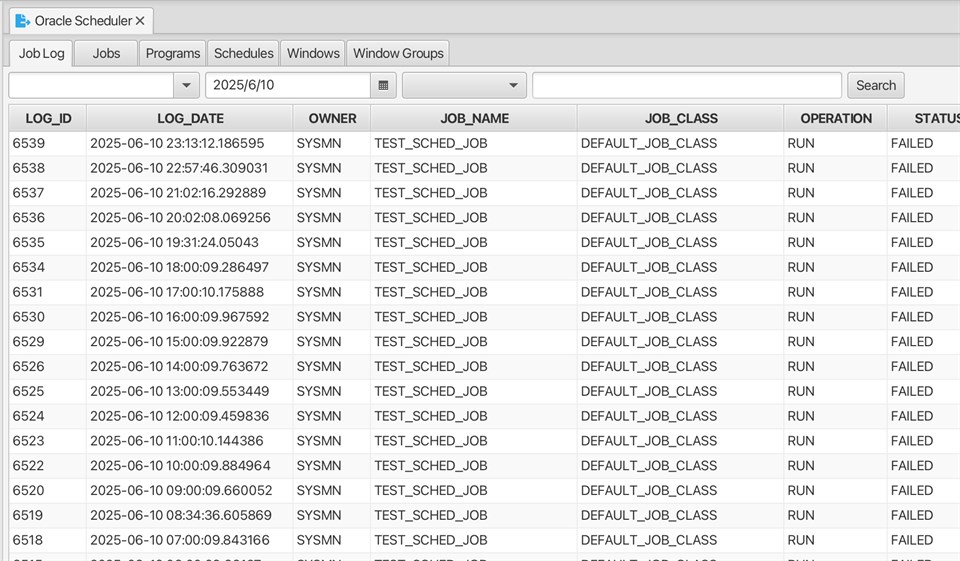
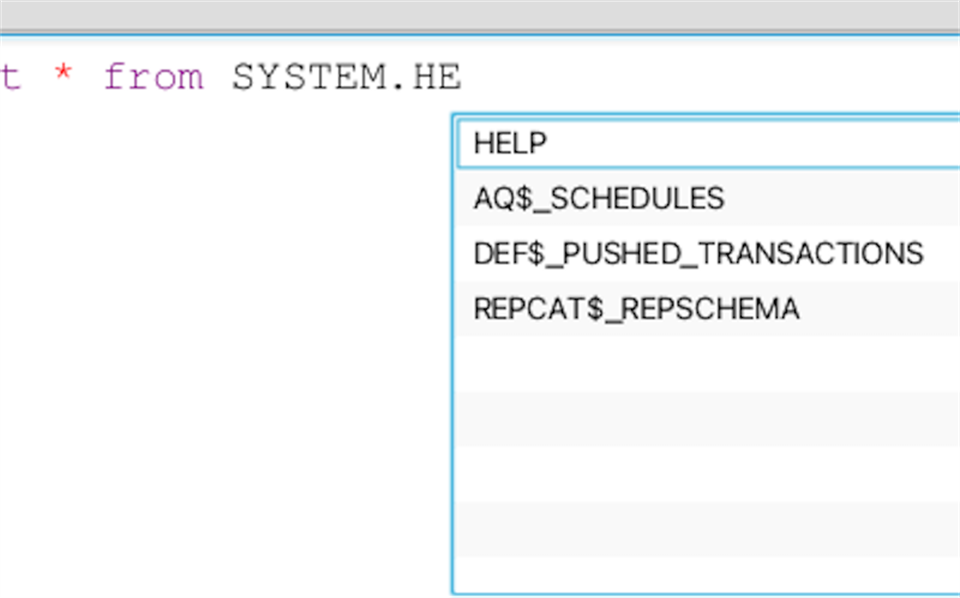
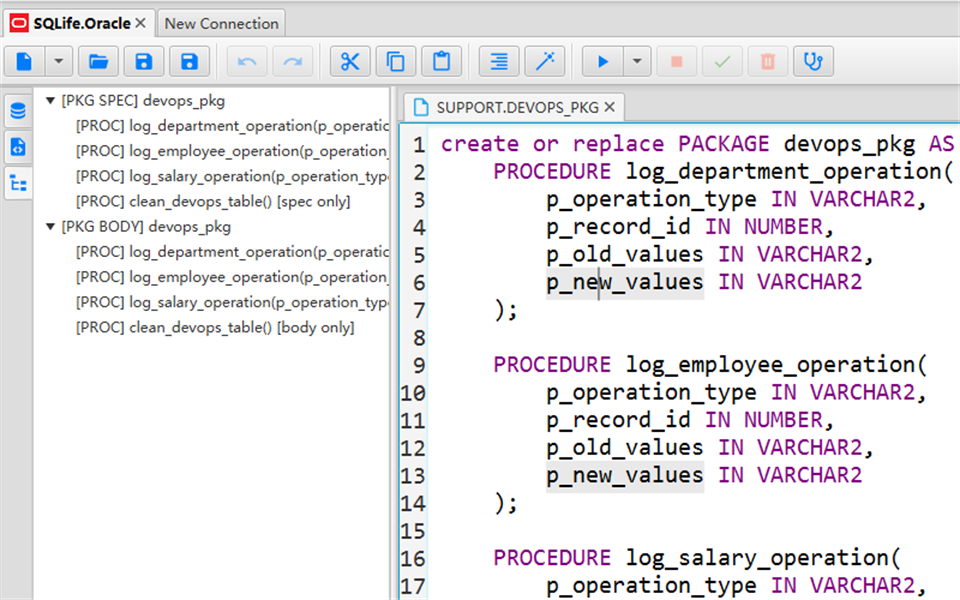
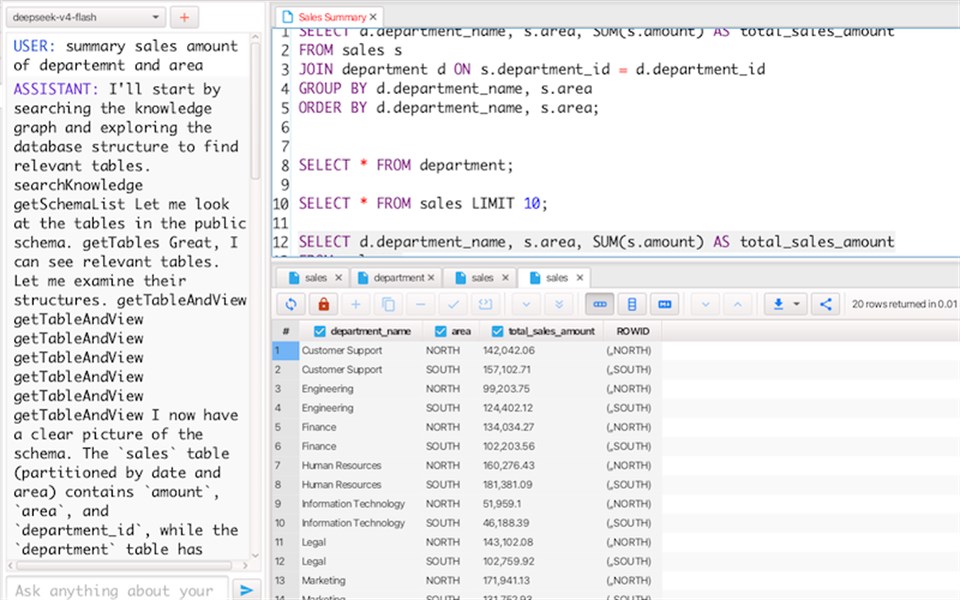
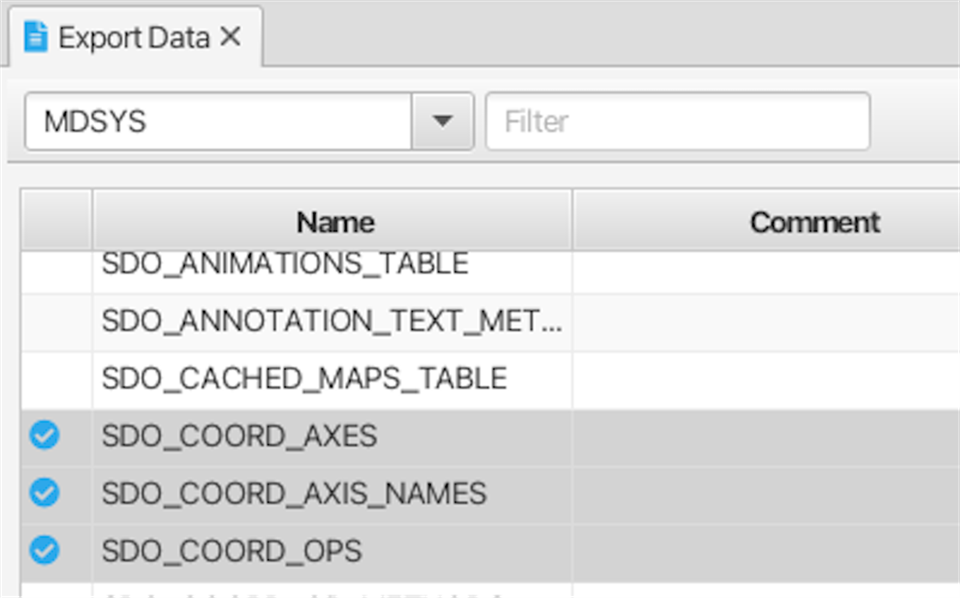
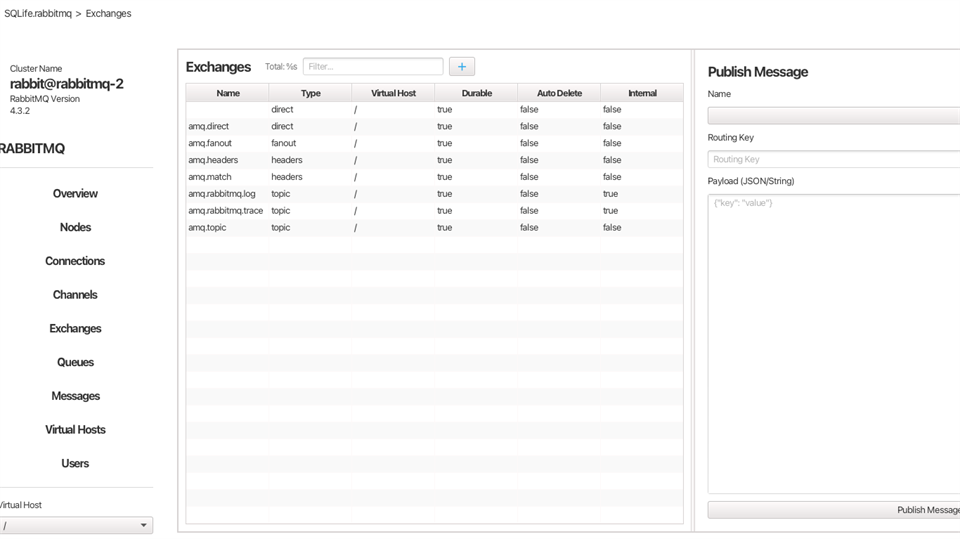
Popis

Od vývojáře
Seznamy 0
-
 SQLife
Body 0
-

- +1 Bod

Žebříčky 0
-
- Vaše hodnocení
Vývojář 1
- Bitifyware.SQLife
- Sledující: 0
- Platformy: Windows Aplikace (1)
- Slevy: 0
- Seznamy: 0 0
- Body: 0
- Žebříčky: 0
- Komentáře: 0
- Videa: 0
- RSS: Odebírat
Novinky
- Verze: PC
- Poslední aktualizace:
- New: Schema comparison now matches constraints and indexes by definition rather than by name by default, with an option to compare names; diff SQL includes the target schema name unless turned off. Editor tabs now work together: drag a tab onto another's middle to show both scripts side by side in one tab, with a shared result strip below; drag result tabs side by side, drop near an edge to reorder, or use the right-click menu to separate editors or split one into two synchronized views. MongoDB and Redis tabs work the same way, with Run and Merge for a whole script; a MongoDB script can hold one db query per line, each with its own result. Opening a collection or key loads the current editor (hold Ctrl for a new tab), and the MongoDB script menu offers Run, Run and Append and Run and Merge. The Gadget color converter previews colors as you type.
Fixes: Properties no longer leaves a metadata transaction that could block ALTER TABLE. Reopening a MongoDB collection no longer re-runs every editor query. Fixed the MongoDB Open icon highlight and Ctrl feedback, unwanted suggestions after Backspace/Delete or a table alias, lost temporary column visibility on Refresh, and MongoDB find queries with projection and sort/limit/skip asking for approval through MCP.
Other: Plugins load on first use, so many plugins no longer slow startup. Ant Design is the default theme for new installations.
- New: The View menu now has a Gadget tab with searchable small utilities — encoders, generators, number and base converters, date and time tools, HTTP and cURL clients, text and diff tools, YAML/JSON tools, crypto tools, QR codes, hashing and a hex viewer — with favorites, descriptions and per-tool history. Text comparison now handles large inputs quickly with bounded memory. SQL history shows whether a statement came from you, the AI assistant or an MCP client, and can be filtered. Result tables work together: copy all tables as Markdown, drag one result tab onto another for a side-by-side view, and use Play and Merge for several results in one view. The menu bar now sits in the window title bar with the app icon, title and window buttons, saving a separate title row; it follows the selected theme and keeps dragging, resizing, double-click maximize and Snap Layouts.
Fixes: Highlights are readable in every theme, and clicking a table highlights its SQL. Open editor tabs survive reconnect. Fixed notification backgrounds, plugin-manager scrolling, grayed block comments, disappearing long SQL text, the internal ROWID column in Markdown and chart views, Oracle type double-clicks, right-click hover text, a separate Save As icon, and idle CPU redraws.
Other: Quick Query was removed; the Plugin manager moved to the View menu. - New: SQLite connections can run entirely in memory for temporary work, with a warning that data is discarded on disconnect or app close. Schema comparison now shows all objects in side-by-side editors, with an object list for navigation and disk-backed handling for large comparisons. Drag a SQL script from File Explorer into an editor to open it. App and plugin icons follow the selected theme; added the Ant Design theme and icons.
Fixes: Removed unnecessary approval prompts for SELECT queries the parser cannot fully understand, and duplicate suggestions for the word already typed. Improved SQLite startup errors and diagnostics. Prevented repeated temporary copies of installed plugins; leftovers are cleaned at next launch. Fixed DuckDB/DB2 plugin compatibility, DB2 in the packaged app, first-query timing in new editors, and SSH tunnel port conflicts. - New: Open local command-line terminals on Windows for Oracle, MySQL, MariaDB, PostgreSQL, and SQL Server from Database → Command Line. Reuse connection credentials and optionally set the client path, encoding, and working directory. Requires Windows 10 version 1809 or later; no extra terminal software is needed. Test SSH password or private-key authentication before opening a terminal.
Fixed compatibility issues between SQLife and the MongoDB and Redis plugins (update both plugins). Fixed opening JSON files with long text or many escaped characters while preserving full content and syntax highlighting. Improved Windows terminal readability by preferring Cascadia Mono or Consolas when available.
Další informace
- Datum vydání:
- Kategorie:
Aplikace pro Windows›Vývojářské nástroje - OS:
PC - Velikost:
118 Mb - Podporované jazyky:
Angličtina - Hodnocení obsahu:
EVERYONE - Windows Store Hodnocení: ¡
0
 https://bitifyware.com/
Skóre AppAgg
Odhadované skóre AppAgg pro
SQLife
Vývojář: Bitifyware.SQLife
Vyšší skóre obvykle odráží lepší výsledky v ukazatelích sledovaných na AppAgg.
Na základě: popularity · uživatelských hodnocení · aktuálnosti · slev · dat obchodů · aktivity komunity
Denně se přepočítává z aktuálních dat AppAgg.
Komentáře 0 ¡
Sdílet
SQLife Krátká adresa URL: Zkopírováno!- Windows Store

