
Gemte
Vælg det navn, der skal vises i menuen Gemte.
Færdig!
| Udvikler: | Andrew Whitechapel (2) | ||
| Pris: | Gratis | ||
| Rangeringer: | 0 | ||
| Kommentarer: | 0 Skriv kommentar | ||
| Lister: | 1 + 1 | ||
| Point: | 1 + 9 (4.4) ¡ | ||
| Windows Store | |||
Beskrivelse

- as an exploration of the diagnostic and package manager APIs;
- to fill the gap on devices that don't support the traditional Task Manager app (eg, on Xbox);
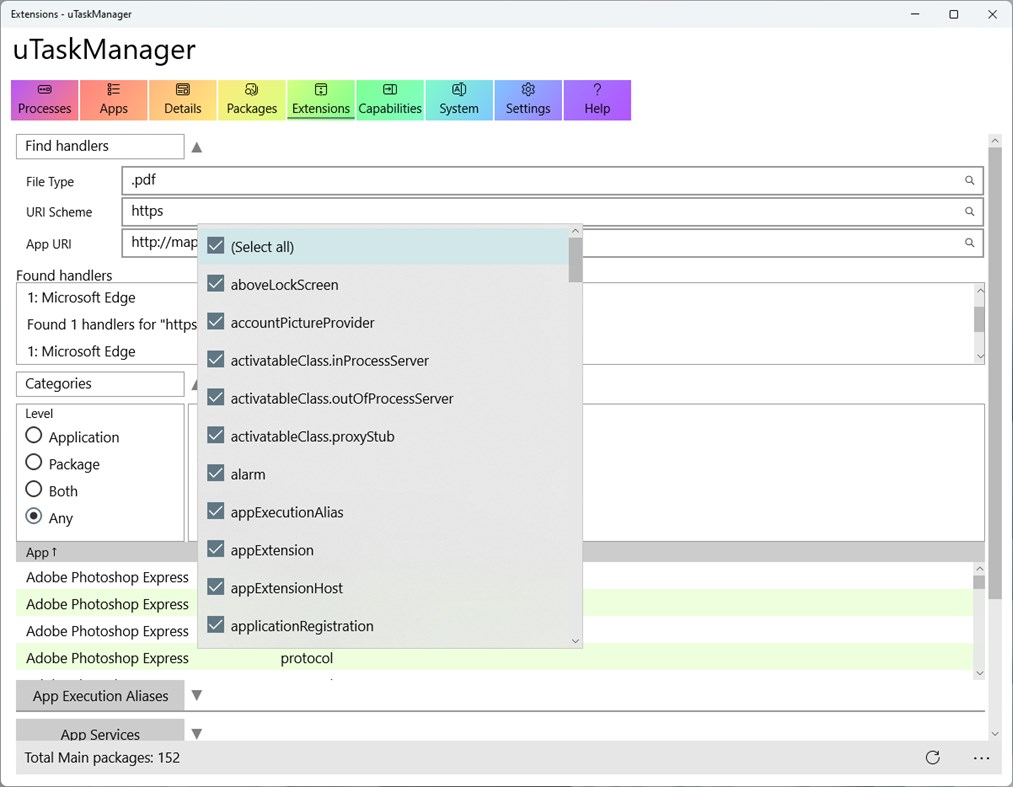
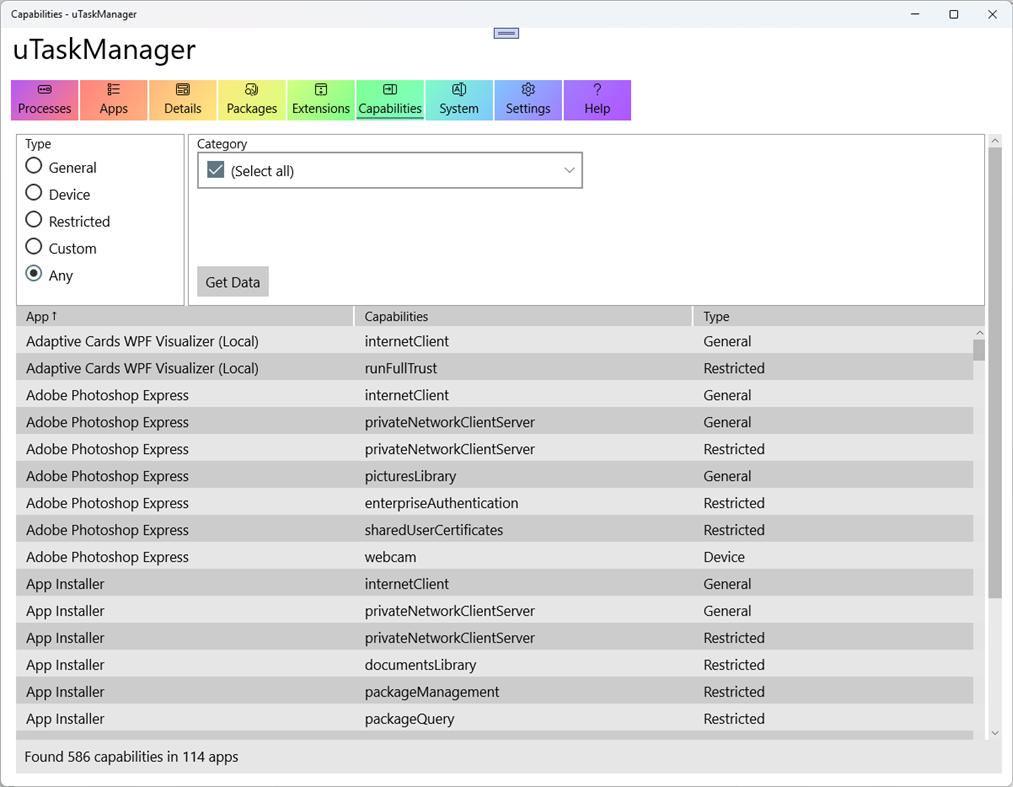
- to provide a way to examine the metadata of installed MSIX-packaged apps, including their capabilities and extensions.
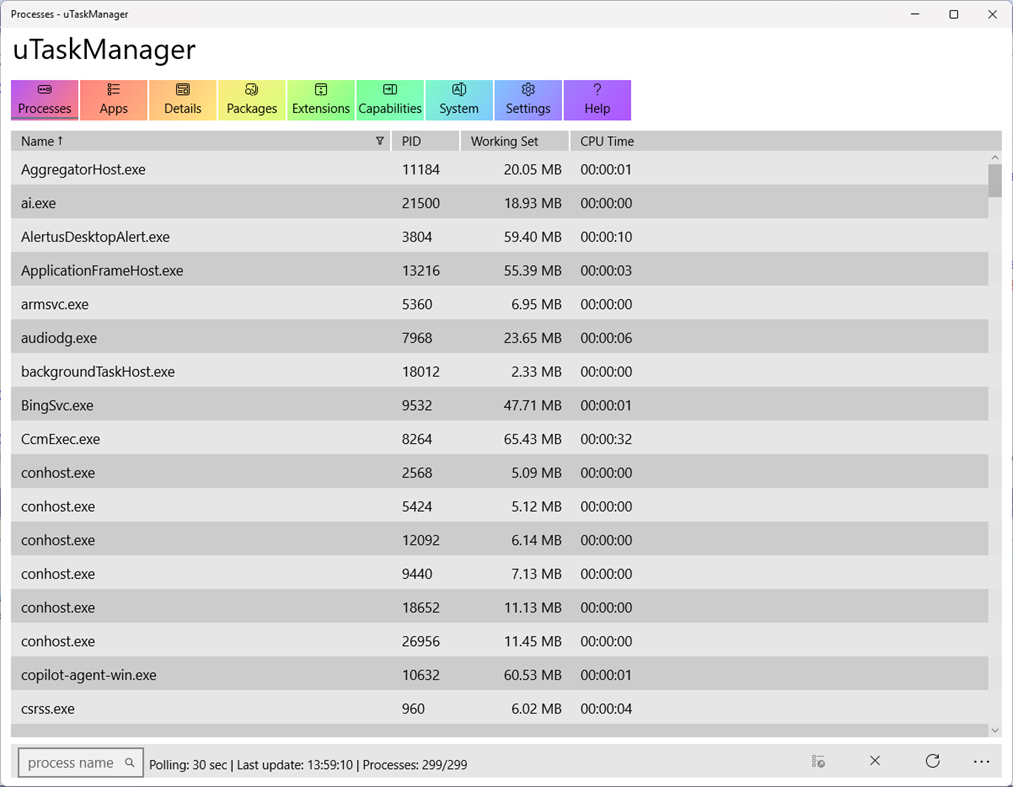
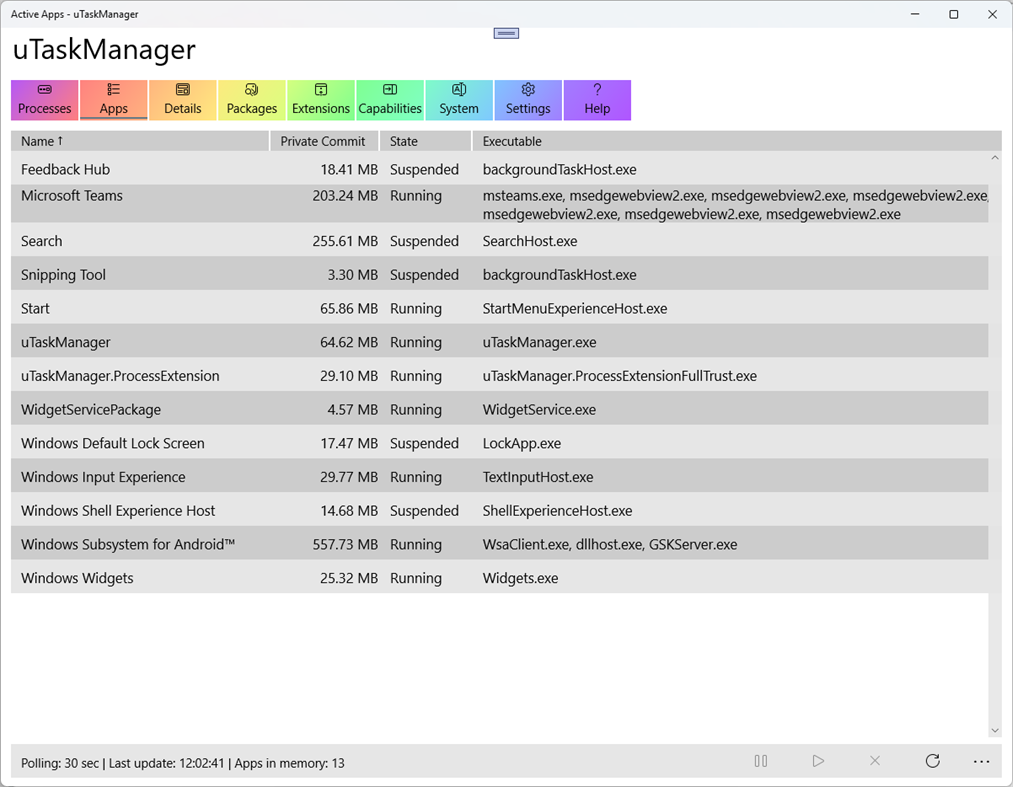
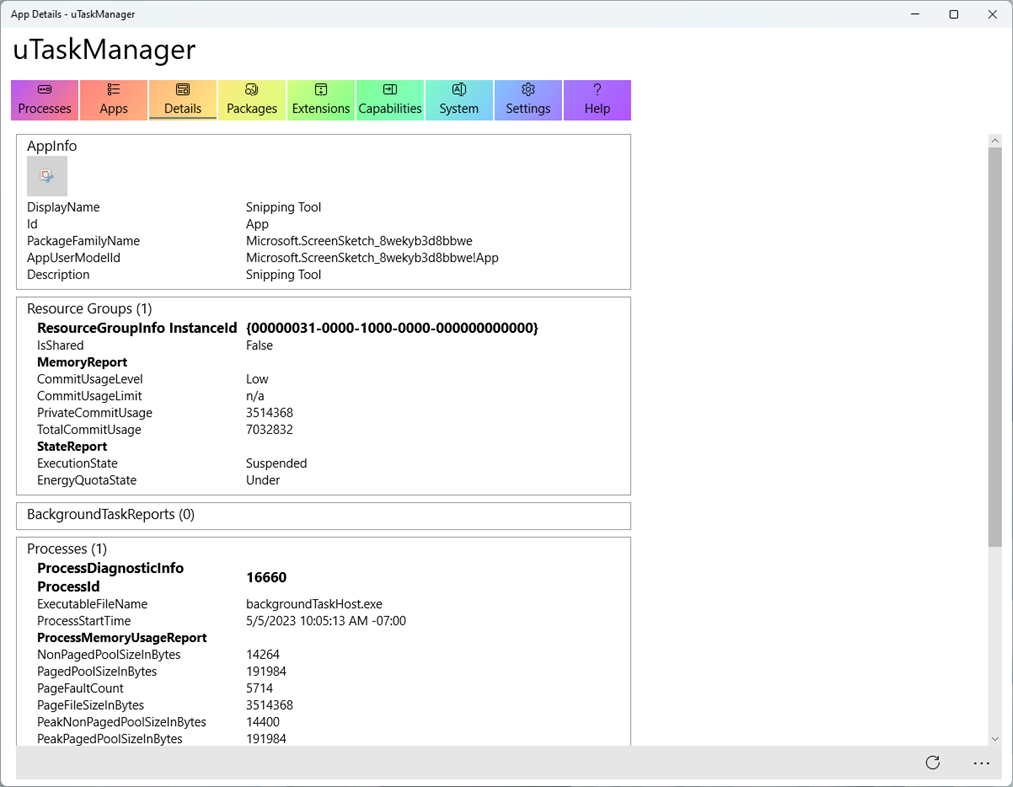
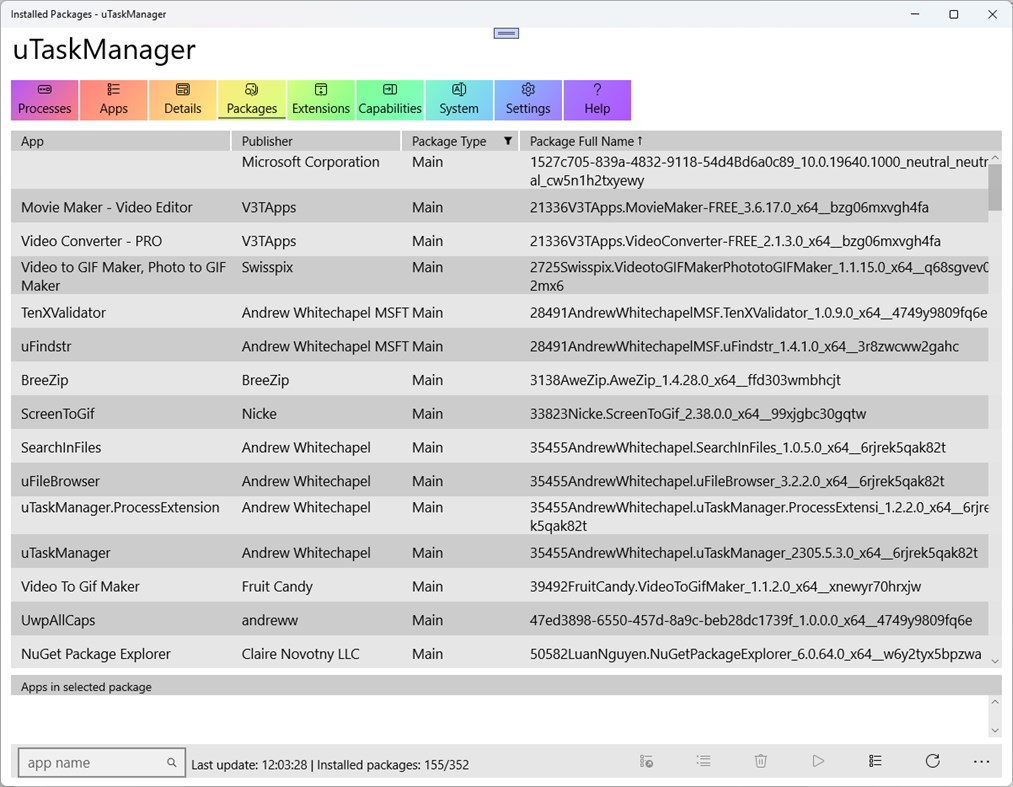
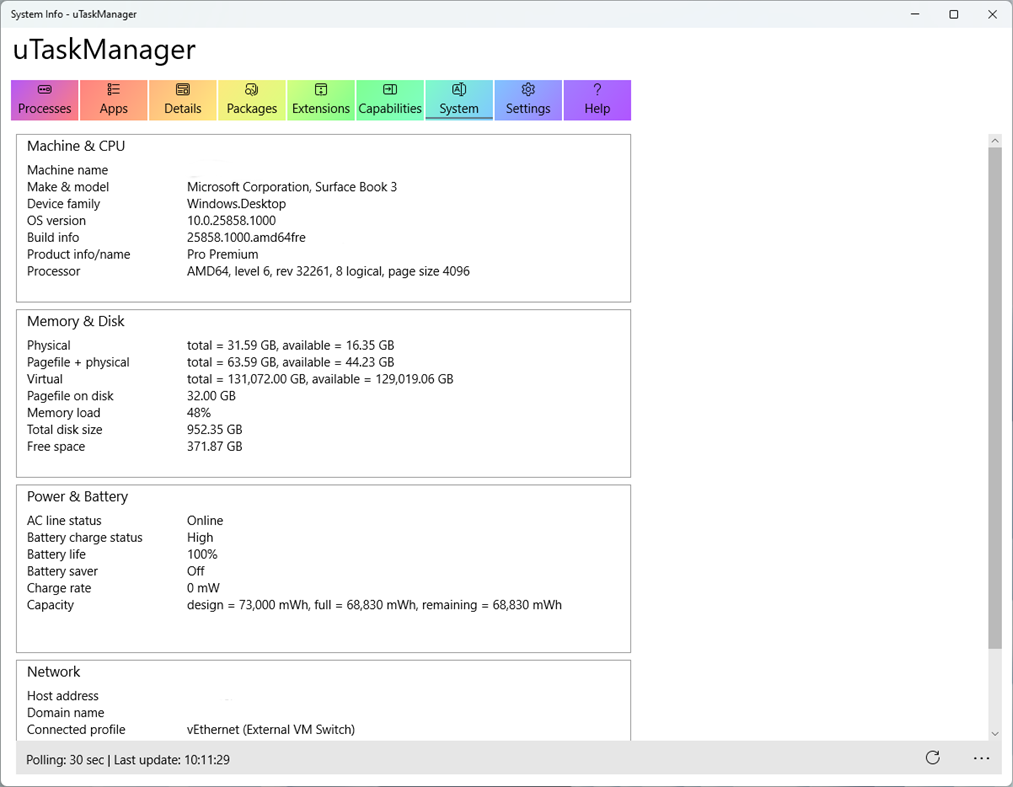
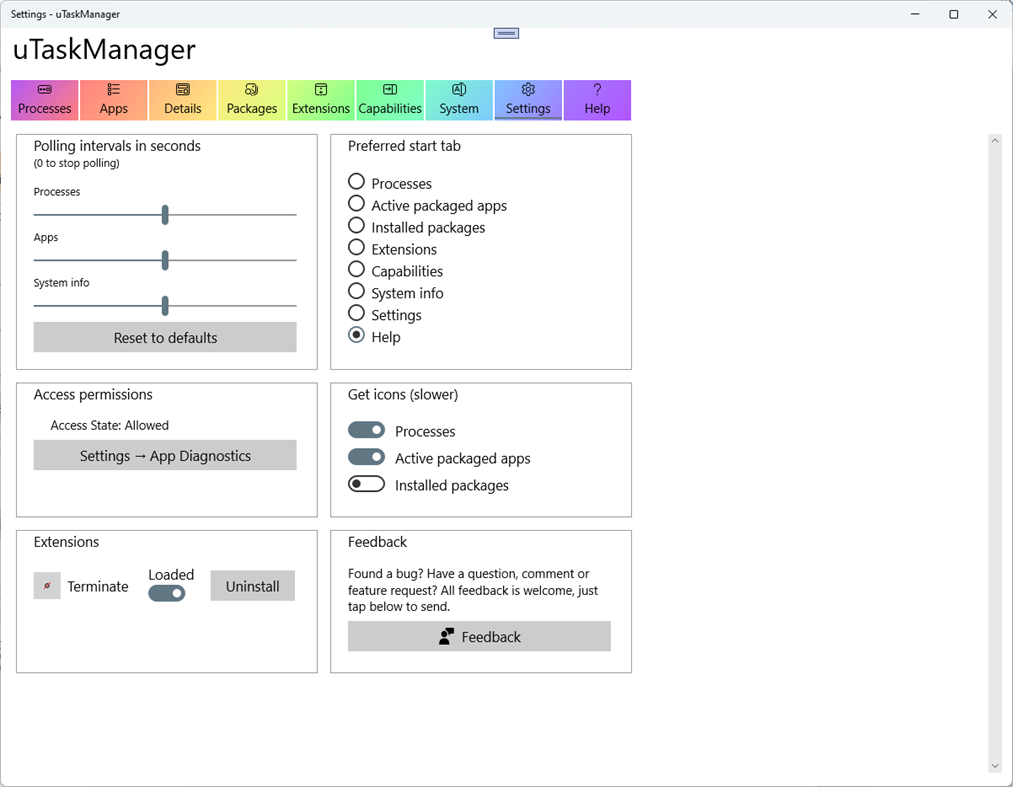
The app exercises the diagnostic and deployment APIs to gather diagnostic information on installed and running apps (both Win32 and UWP), including resources usage (CPU, memory, disk), execution state, background tasks, and so on. The Processes tab lists all running processes (packaged or unpackaged). On the Apps tab, you can select an app, and then drill down on the Details tab to get further information about the state of the app. You can also suspend/resume/terminate any non-system packaged app. The app also reports on installed packages, including Apps, Frameworks, Optional Packages and Resource Packages. From this list, you can activate any packaged app.
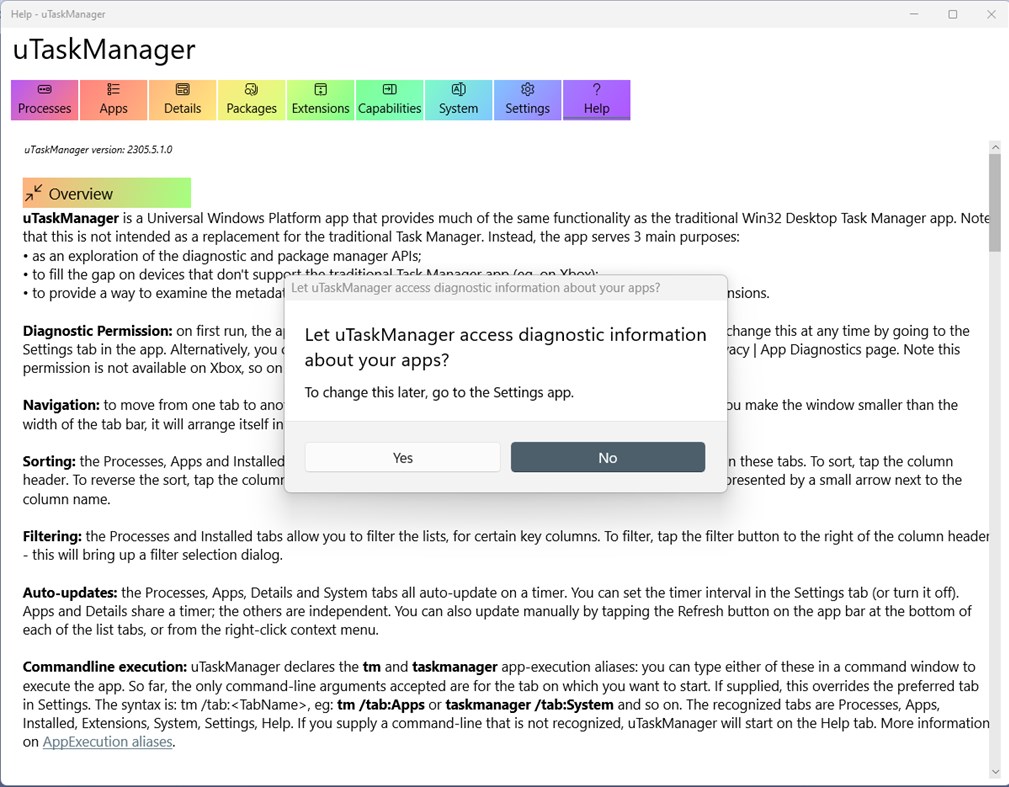
On first launch, the app will show a user-consent dialog, to grant permissions to access information about other running apps. If the user denies this request, then the running app information will be restricted to the current app only. Note: the user can always enable or disable this permission by going to the Settings app | Privacy | App diagnostics at any time. Also note that this permission is not available on Xbox, so on Xbox both the Process and Apps lists are restricted to just this app.
Note: on Windows 10 builds prior to 19041, there's a platform bug in fetching process information which will eventually cause the app to crash. For this reason, the timer-based auto-refresh on the Processes list is disabled on those builds, to reduce (but not eliminate) the chances of hitting the bug: you can refresh the list manually instead.
Ad
Skærmbilleder
Prishistorie
- Nuværende pris: Gratis
- Minimum: Gratis
- Maksimalt: Gratis
Overvåg priser
Yderligere oplysninger
- Udgivelsesdato:
- Kategori:
Windows Apps›Udviklerværktøjer - Operativsystem:
HoloLens,PC,Surface Hub,Xbox - Størrelse:
6 Mb - Understøttet sprog:
English - Indholdsklassificering:
EVERYONE - Windows Store Bedømmelse:
4.4(9)
Nyheder
- Version: PC
- Opdateret:
Udvikler
- Andrew Whitechapel
- Platforme: Windows Apps (2)
- Lister: 1 + 1
- Point: 2 + 11 ¡
- Rangeringer: 0
- Kommentarer: 0
- Rabatter: 0
- Videoer: 0
- RSS: Abonner
Lister (1)
- uTaskManager

Point (1)
-

- 59 codehai
- +1

Rangeringer (0)
0 ☹️
Kommentarer (0)
Vær den første til at kommentere 🌟
«uTaskManager». Platform: Windows. Kategori: Udviklerværktøjer. Udvikler: «Andrew Whitechapel». Første udgivelse: . Sidste opdatering: . Nuværende pris: gratis. Denne titel har endnu ikke modtaget vurderinger eller anmeldelser på AppAgg. Lister: offentlige 1, private 1. Sporede punkter: bekræftede 1, indirekte 9. Butik: Windows Store. Butiksbedømmelse: 4.4. Stemmer: 9. Tilgængelige sprog: English. AppAgg sporer prishistorik, vurderinger og brugerfeedback for «uTaskManager». Følg fremtidige rabatter og opdateringer via RSS. AppAgg hoster ikke applikationer eller distribuerer software. Alle varemærker, logoer og skærmbilleder tilhører deres respektive ejere.
uTaskManager Kort webadresse: Kopieret!- 🌟 Del
- Windows Store
Lignende
-
- Windows Terminal
- Windows Apps: Udviklerværktøjer Ved: Microsoft Corporation
- Gratis
- Lister: 7 + 3 0 0
- Point: 5 + 9,022 (4.5) Version: PC The Windows Terminal is a modern, fast, efficient, powerful, and productive terminal application for users of command-line tools and shells like Command Prompt, PowerShell, and WSL. ... ⥯
-
- App Installer for Mobile - WinUI 3
- Windows Apps: Udviklerværktøjer Ved: wherewhere
- Gratis
- Lister: 3 + 2 0 0
- Point: 20 + 4,115 (4.6) Version: PC Android™ App Installer for Windows 10/11 makes sideloading Android applications easy for WSA, Anbox, etc.: Just double-click the app package, and you won't have to run Android Debug ... ⥯
-
- Ubuntu on Windows
- Windows Apps: Udviklerværktøjer Ved: Canonical Group Limited
- Gratis
- Lister: 2 0 0
- Point: 11 + 912 (4.5) Version: PC Ubuntu on Windows allows you to use Ubuntu Terminal and run Ubuntu command line utilities including bash, ssh, git, apt and many more. Please note that Windows 10 S does not support ... ⥯
-
- Arduino IDE
- Windows Apps: Udviklerværktøjer Ved: Arduino LLC
- Gratis
- Lister: 0 + 2 0 0
- Point: 2 + 753 (4.5) Version: PC Arduino is an open-source electronics platform based on easy-to-use hardware and software. It's intended for anyone making interactive projects. IMPORTANT: This app performs with core ... ⥯
-
- DevToys
- Windows Apps: Udviklerværktøjer Ved: etiennebaudoux
- Gratis
- Lister: 3 + 1 0 0
- Point: 5 + 677 (4.9) Version: PC An Open-Source Swiss Army knife for developers. DevToys helps in everyday tasks like formatting JSON, comparing text, testing RegExp. No need to use many untruthful websites to do ... ⥯
-
- Termius - Modern SSH Client
- Windows Apps: Udviklerværktøjer Ved: Termius Corporation
- * Gratis
- Lister: 0 + 4 0 0
- Point: 8 + 534 (4.4) Version: PC Termius is a modern SSH client designed for productivity and collaboration. Connect with one click from desktop and mobile no re-entering IP addresses, ports, and passwords. With a ... ⥯
-
- TurboWarp
- Windows Apps: Udviklerværktøjer Ved: Thomas Weber
- Gratis
- Lister: 0 0 0
- Point: 1 + 539 (4.6) Version: PC TurboWarp is a mod of the Scratch programming language with a compiler to run projects faster, dark mode, new extensions, a bunch of addons, and more. - Runs projects up to 100x faster ⥯
-
- Python 3.12
- Windows Apps: Udviklerværktøjer Ved: Python Software Foundation
- Gratis
- Lister: 0 0 0
- Point: 1 + 466 (4.3) Version: PC Python is an easy to learn, powerful programming language. It has efficient high-level data structures and a simple but effective approach to object-oriented programming. Python s ... ⥯