
| ผู้พัฒนา: | ad2017 (1) | ||
| ราคา: | * $1.99 | ||
| การจัดอันดับ: | 0 | ||
| ความเห็น: | 0 เขียนความเห็น | ||
| รายการ: | 0 + 0 | ||
| แต้มแล: | 0 + 8 (2.4) ¡ | ||
| Windows Store | |||
คำอธิบาย

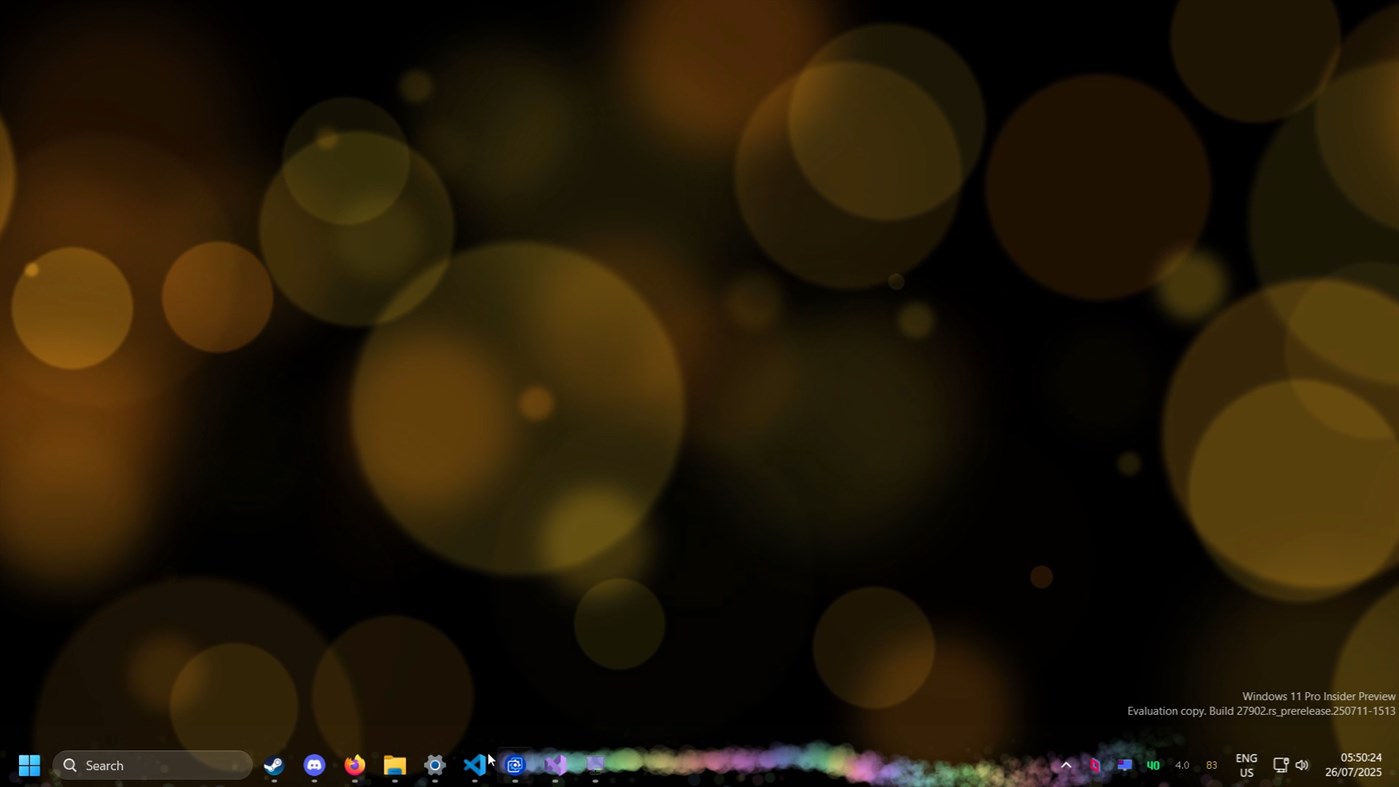
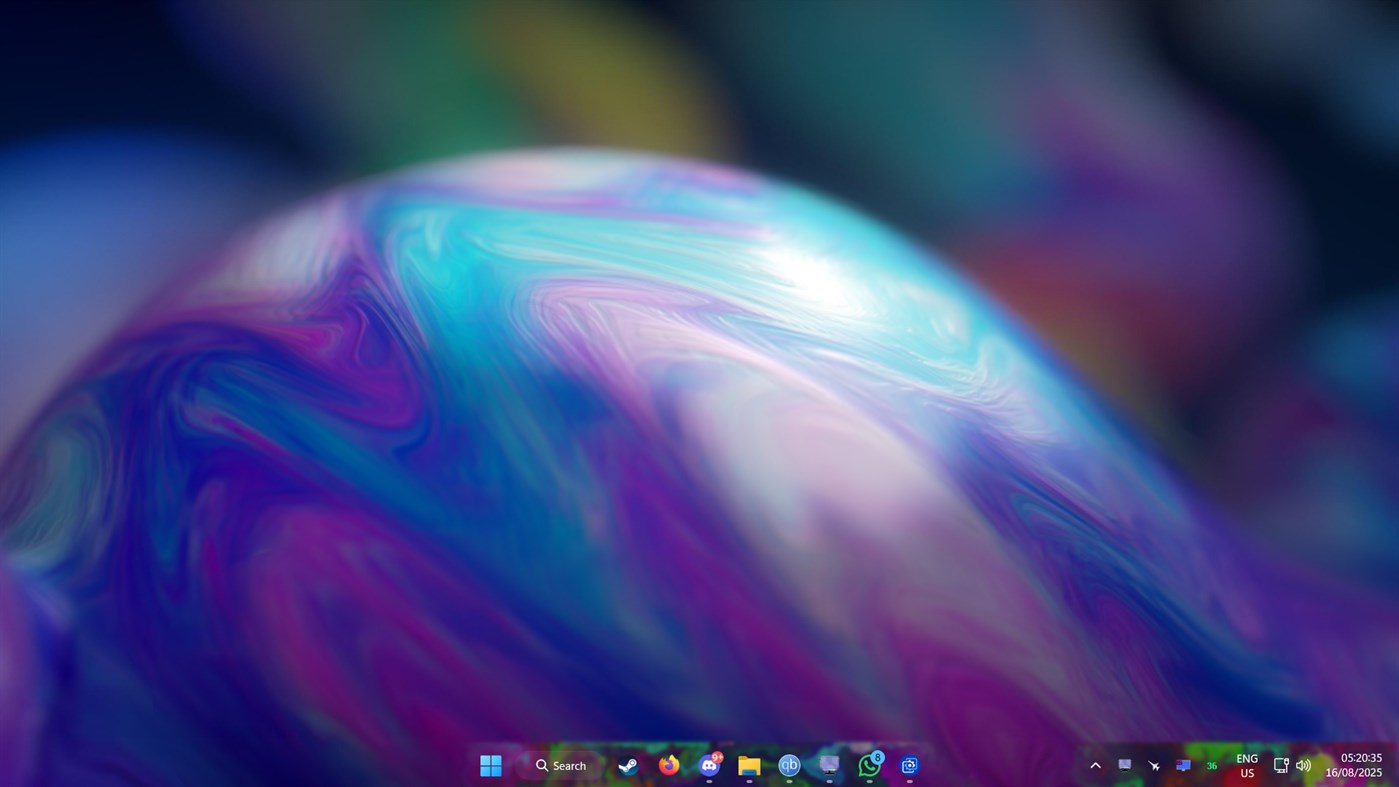
With RainbowTaskbar, you can finally make your Windows taskbar your own. You know, that bar at the bottom (or sometimes top) of your screen where you see your open apps and shortcuts? Yeah, that one! Instead of just the regular look, you can give it a fresh twist that suits your style.
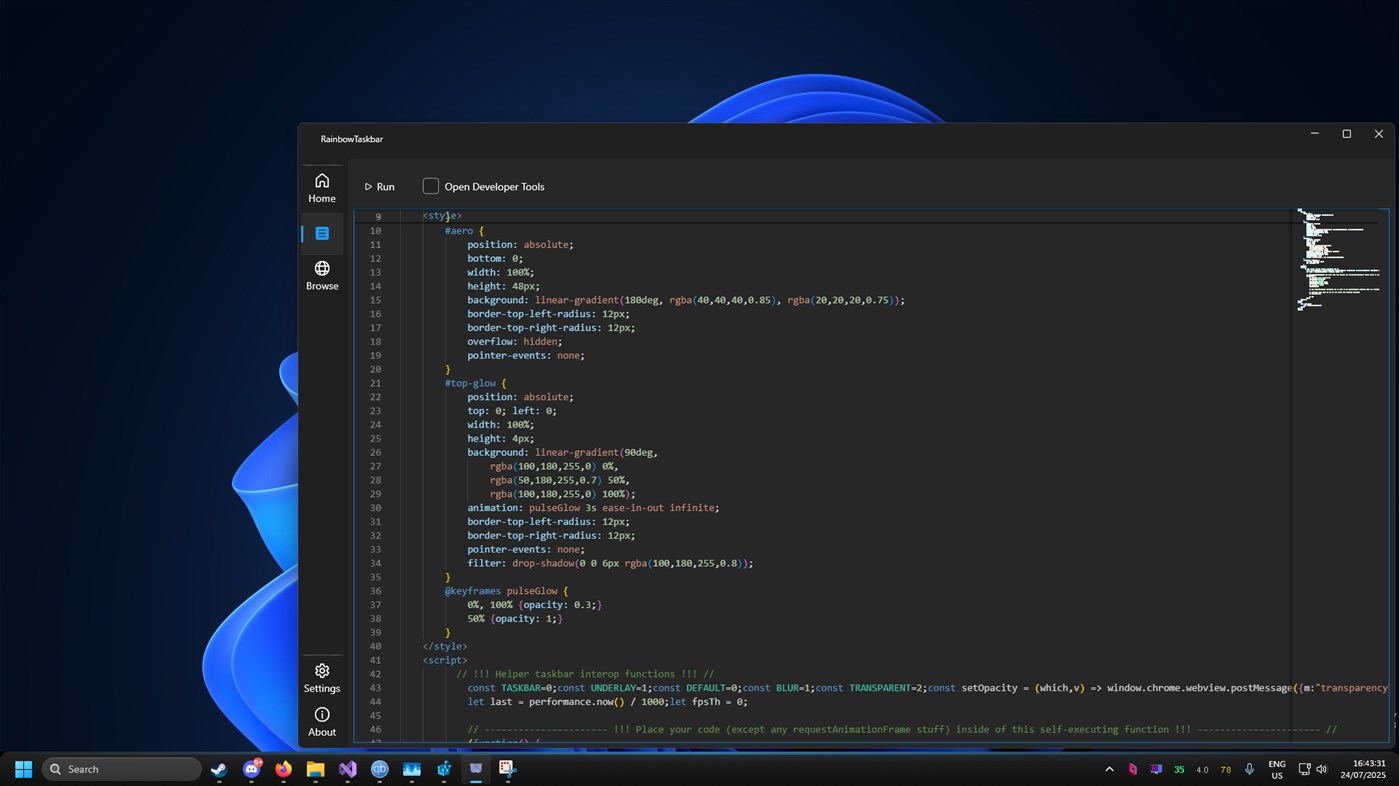
It can be a bit complicated first, but after giving it a shot you will enjoy creating many of your own taskbar designs! Because it now supports web configs, you can pretty much do anything in it, as long as you have the patience and knowledge to do it. You can use WebGL to render 3D graphics or cool shaders, or you could do it CSS only, or maybe in a good old canvas, similar to apps such as Wallpaper Engine, and honestly it pairs really great with it.
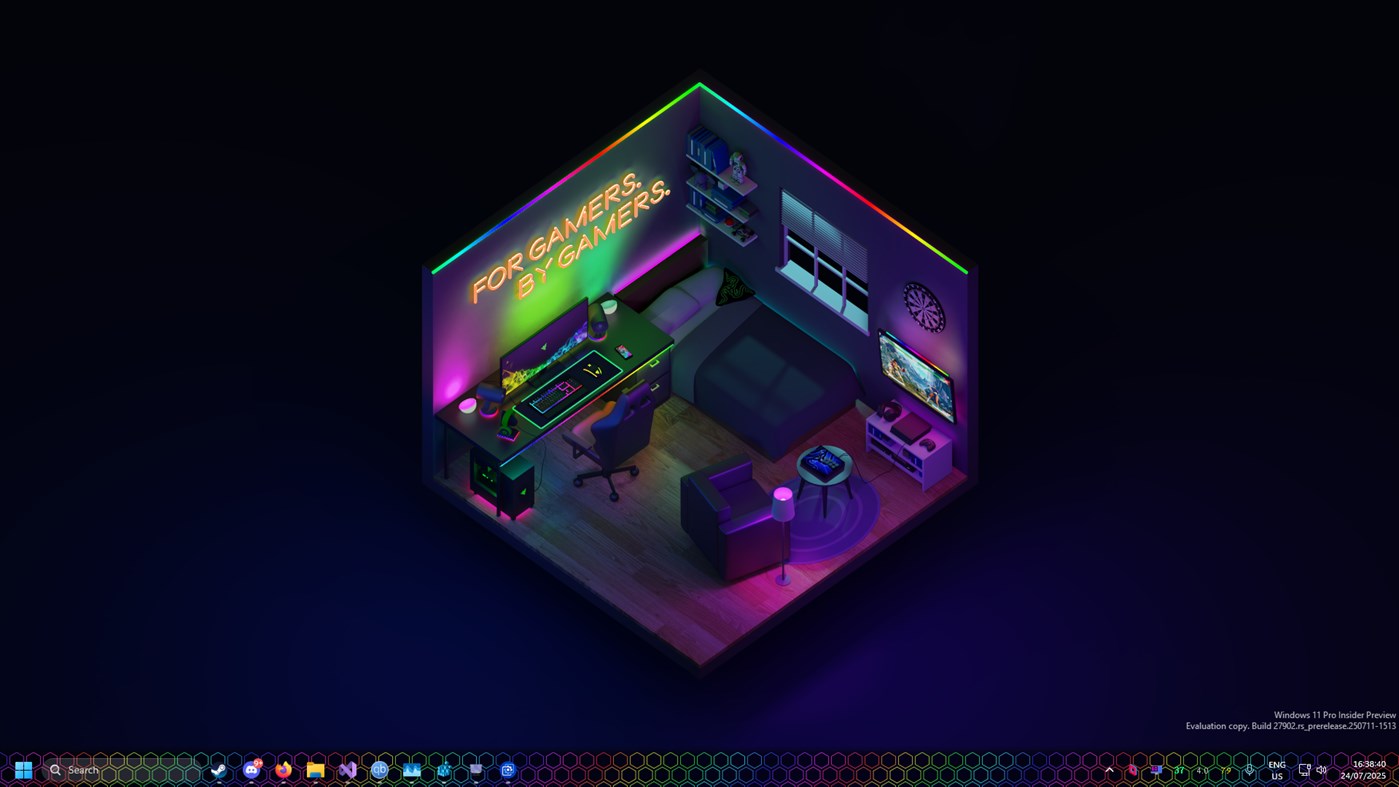
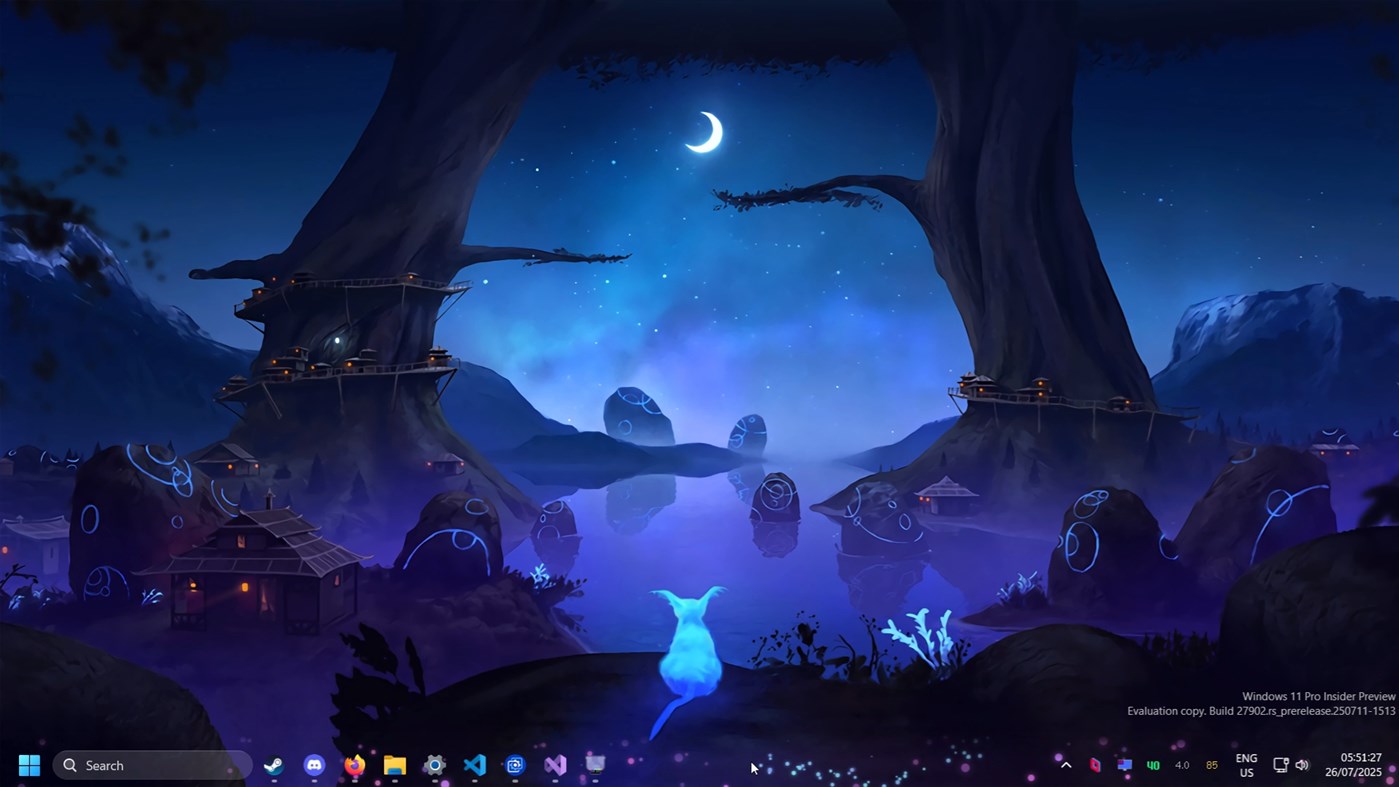
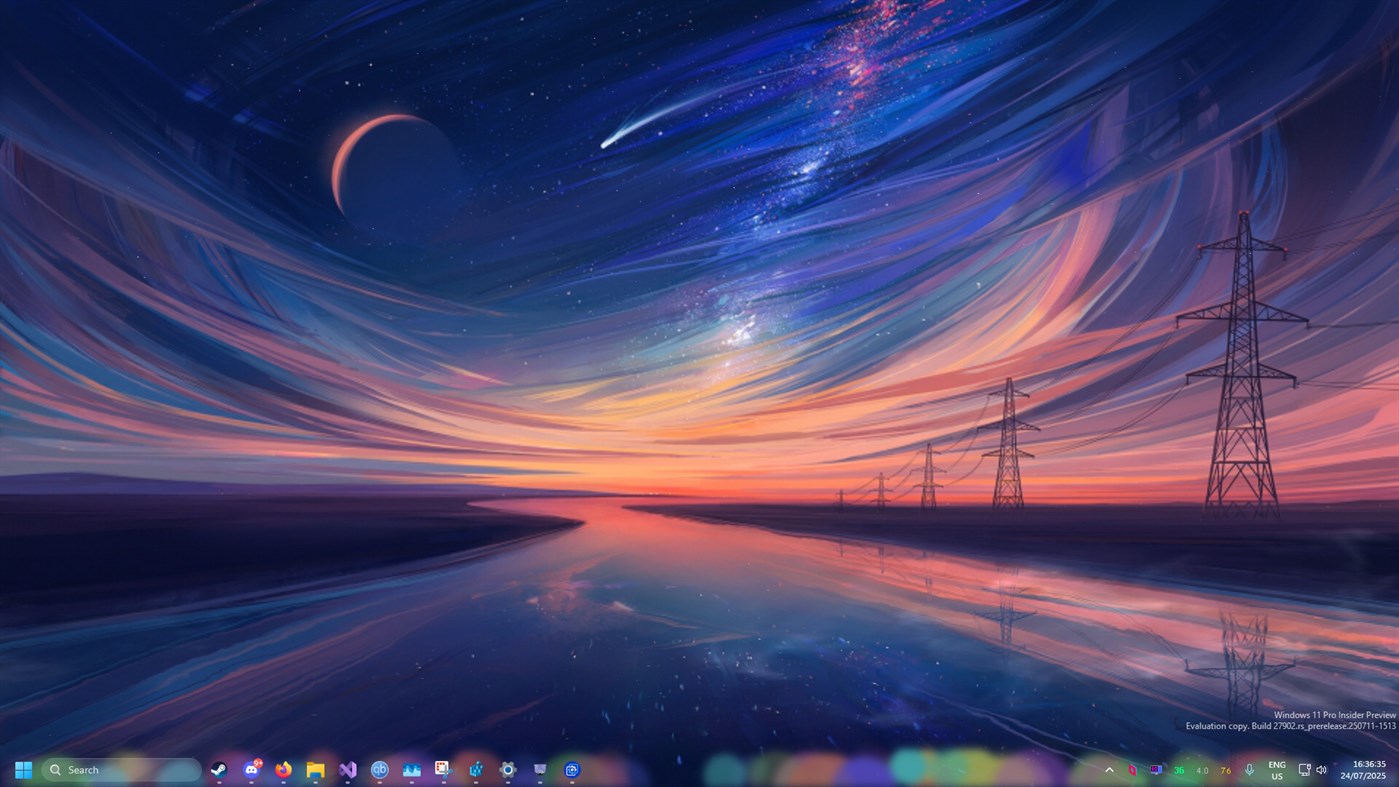
RainbowTaskbar comes with a few premade looks for your Windows taskbar so you can get the hang of it, but you can create pretty much anything your imagination desires! Place images, text, colors, shapes and make your taskbar rounded, blurred or transparent and many more options to come!
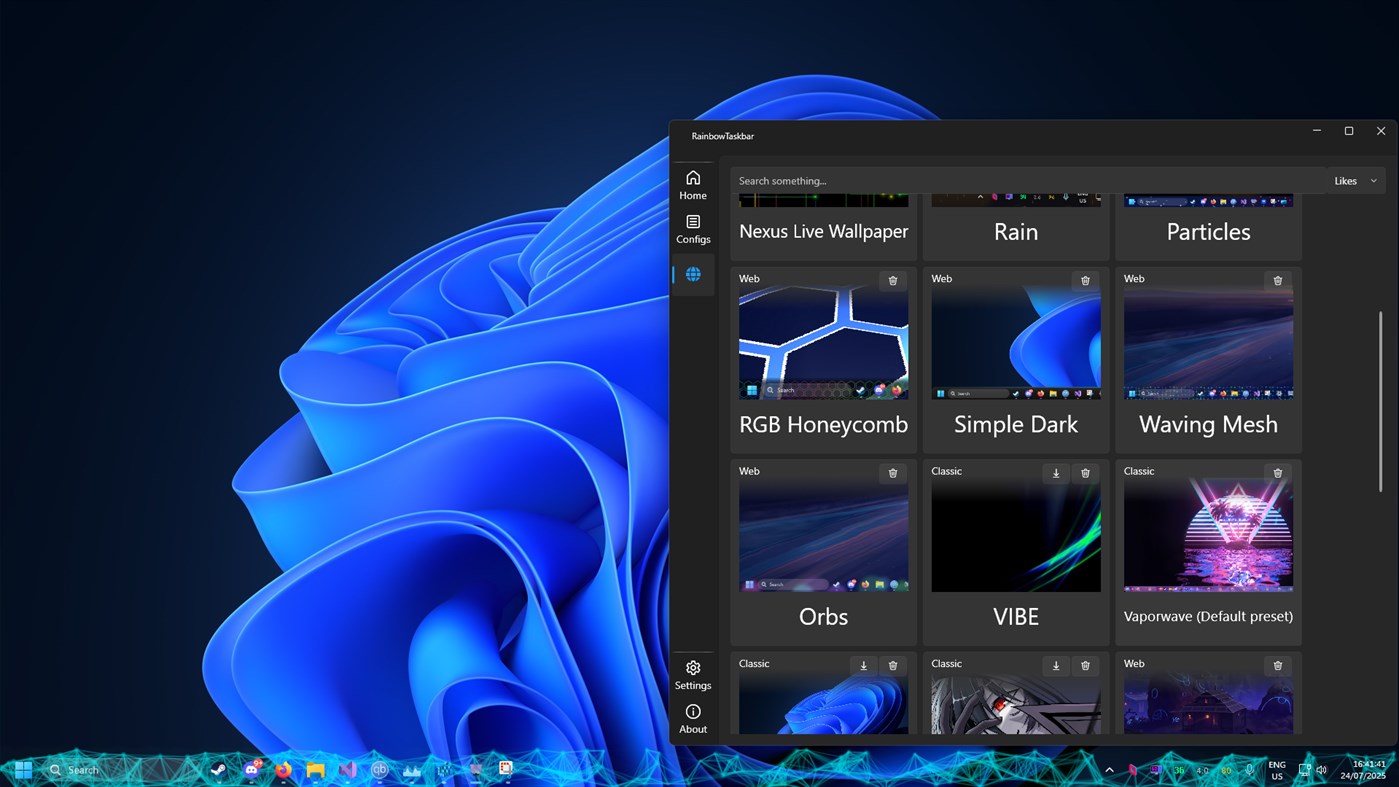
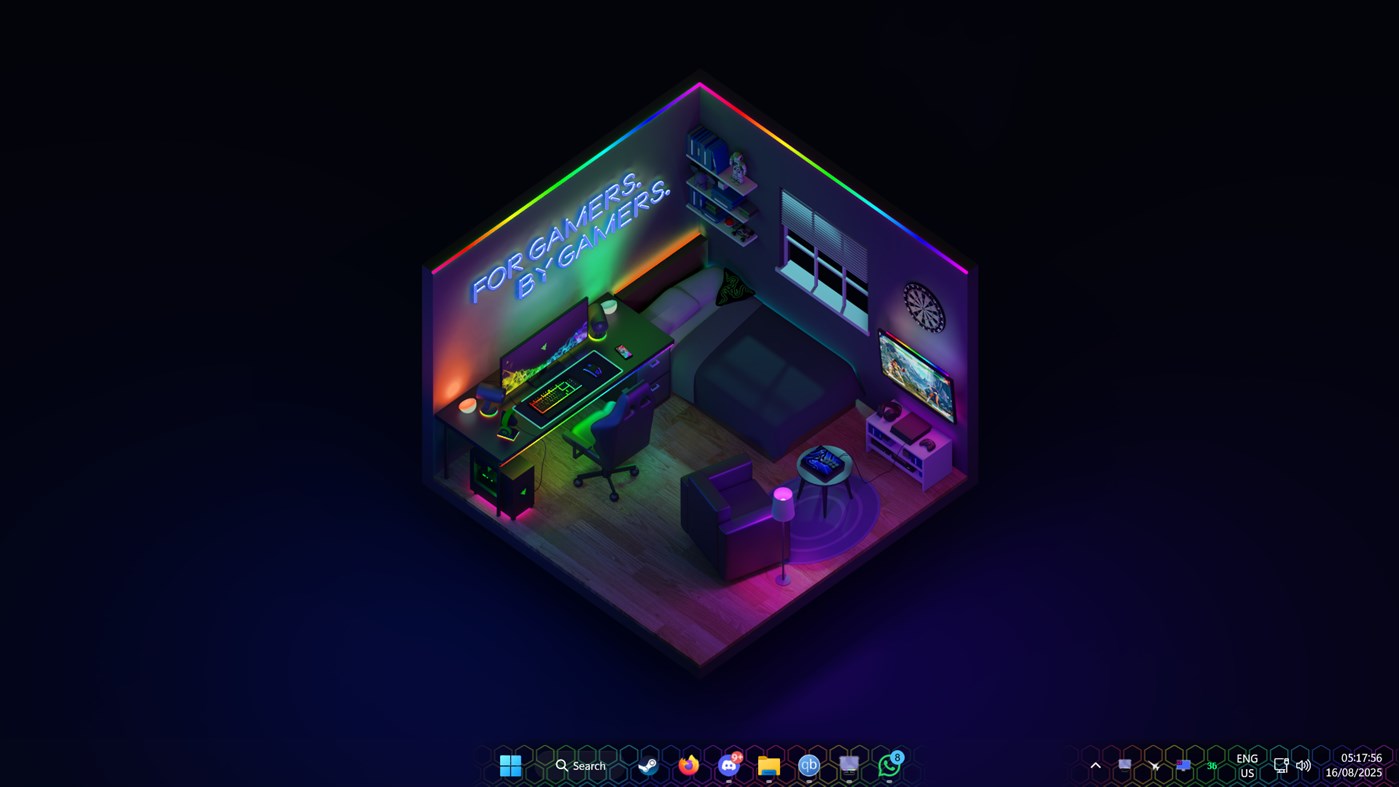
Thanks to the new update, you can use the Browse feature to find pre-made configurations shared by other users of RainbowTaskbar! I have also created a few myself, such as an interactive hex rainbow/rgb design, a matrix-like design, mystical floating particles with click interaction and much more. The personalization possibilities are really limitless!
RainbowTaskbar is a open-source app. That means that anyone can look at the code and check if it is malicious.
ภาพหน้าจอ
มีอะไรใหม่
- เวอร์ชัน: PC
- อัปเดต:
ราคา
-
* การซื้อภายในแอพ - วันนี้: $1.99
- ต่ำสุด: $0.99
- มากที่สุด: $1.99
ติดตามราคา
ผู้พัฒนา
- ad2017
- แพลตฟอร์ม: Windows แอป (1)
- รายการ: 0 + 0
- แต้มแล: 0 + 8 ¡
- การจัดอันดับ: 0
- ความเห็น: 0
- ลดราคา: 0
- วิดีโอ: 0
- RSS: ติดตาม
แต้มแล
0 ☹️
การจัดอันดับ
0 ☹️
รายการ
0 ☹️
- RainbowTaskbar.
ความเห็น
แสดงรีวิวเป็นคนแรกเลย 🌟
ข้อมูลเพิ่มเติม
- เวอร์ชัน: PC
- หมวดหมู่:
Windows แอป›การตั้งค่าส่วนบุคคล - ระบบปฏิบัติการ:
PC - ขนาด:
166 Mb - ภาษาที่สนับสนุน:
English - การจัดประเภทเนื้อหา:
EVERYONE - Windows Store คะแนนโดย:
2.4(8) - อัปเดต:
- วันที่วางจำหน่าย:
รายชื่อติดต่อ
- เว็บไซท์:
 https://www.ad2017.dev/rnb
RainbowTaskbar. URL แบบสั้น: คัดลอกแล้ว!- 🌟 แชร์
- Windows Store
คุณอาจชอบ
-
- Taskbar+
- Windows แอป: การตั้งค่าส่วนบุคคล โดย: PeroSoftware.com
- * ฟรี
- รายการ: 0 + 1 การจัดอันดับ: 0 ความเห็น: 0
- แต้มแล: 6 + 1,808 (4.4) เวอร์ชัน: PC Taskbar+ is a lightweight utility that can make the taskbar transparent, translucent or colored on Windows 10 and 11. It provides a more friendly setting interface and more intuitively ⥯
-
- Rainbow of Birds by Tracie Louise
- Windows แอป: การตั้งค่าส่วนบุคคล โดย: Microsoft Corporation
- ฟรี
- รายการ: 0 + 0 การจัดอันดับ: 0 ความเห็น: 0
- แต้มแล: 0 + 61 (4.8) เวอร์ชัน: PC From the subtle hues of sparrows to the dazzling plumage of lorikeets, Tracie Louise showcases a living rainbow of birds in this free, 12-set theme for Windows. These images are to be ... ⥯
-
- Transparent Taskbar
- Windows แอป: การตั้งค่าส่วนบุคคล โดย: chengcong
- $0.99
- รายการ: 0 + 0 การจัดอันดับ: 0 ความเห็น: 0
- แต้มแล: 1 + 96 (3.0) เวอร์ชัน: PC Transparent Taskbar is an application that sets the computer taskbar to blur glass and fully transparent, as well as transparency (from solid to full transparency). Use your HD ... ⥯
-
- TranslucentTB
- Windows แอป: การตั้งค่าส่วนบุคคล โดย: Charles Milette
- ฟรี
- รายการ: 3 + 1 การจัดอันดับ: 5 (1) ความเห็น: 0
- แต้มแล: 13 + 8,051 (4.4) เวอร์ชัน: PC A lightweight (uses a few MB of RAM and almost no CPU) utility that makes the Windows taskbar translucent/transparent on Windows 10 and Windows 11. Runner up for the Microsoft Store ... ⥯
-
- TaskbarX
- Windows แอป: การตั้งค่าส่วนบุคคล โดย: Chris Andriessen
- $1.99
- รายการ: 2 + 0 การจัดอันดับ: 0 ความเห็น: 0
- แต้มแล: 1 + 316 (3.0) เวอร์ชัน: PC NOTE (for Windows 11 users): TaskbarX is build for Windows 10. On Windows 11 TaskbarX can only be used to change the background style of the taskbar until Windows 11 version number ... ⥯
-
- Custom Cute Cursors - Desktop Customization
- Windows แอป: การตั้งค่าส่วนบุคคล โดย: Vortex Labs Apps LLP
- * ฟรี
- รายการ: 0 + 0 การจัดอันดับ: 0 ความเห็น: 0
- แต้มแล: 4 + 384 (3.4) เวอร์ชัน: PC Personalize your desktop appearance with our tool and dive into the world of cute custom cursors! We re dedicated to providing you with fancy and modern options for desktop ... ⥯
-
- TaskbarEffect
- Windows แอป: การตั้งค่าส่วนบุคคล โดย: Valaut
- $2.49
- รายการ: 0 + 0 การจัดอันดับ: 0 ความเห็น: 0
- แต้มแล: 0 + 4 (3.8) เวอร์ชัน: PC Makes the taskbar in constantly iridescent colors with dynamically changing transparency with the overlay of Aero Glass or Fluent Acrylic effects and the shadow fading into the ... ⥯
-
- NiceTaskbar
- Windows แอป: การตั้งค่าส่วนบุคคล โดย: Axiw Software
- * ฟรี
- รายการ: 1 + 0 การจัดอันดับ: 0 ความเห็น: 0
- แต้มแล: 9 + 426 (3.2) เวอร์ชัน: PC A toolkit that make your windows taskbar looks so nice ⥯
-
- Brightness Below Minimum Setter
- Windows แอป: การตั้งค่าส่วนบุคคล โดย: EvlarSoft LLC
- $3.99
- รายการ: 1 + 0 การจัดอันดับ: 0 ความเห็น: 0
- แต้มแล: 0 + 7 (3.6) เวอร์ชัน: PC Brightness Below Minimum Setter is the ultimate tool for achieving ultra-low brightness levels on your display, providing comfort for late-night work, reading, or reducing eye strain ... ⥯
-
- TouchMe Gesture Studio
- Windows แอป: การตั้งค่าส่วนบุคคล โดย: Appsolutely Apps
- * ฟรี
- รายการ: 1 + 0 การจัดอันดับ: 0 ความเห็น: 0
- แต้มแล: 0 + 1,866 (4.6) เวอร์ชัน: PC READ THIS FIRST The sole purpose of TouchMe Gesture Studio is to enable you to create, edit, and export a customized gesture file and that s it! This app does not and never will ... ⥯
-
- Penguin Monitor
- Windows แอป: การตั้งค่าส่วนบุคคล โดย: KingsZNHONE
- $2.99
- รายการ: 0 + 0 การจัดอันดับ: 0 ความเห็น: 0
- แต้มแล: 0 + 1 (1.0) เวอร์ชัน: PC Penguin Monitor is a floating window for monitoring system resources. Monitoring Network Upload&Download Monitoring CPU usage Monitoring RAM usage Double Click on taskbar icon to hide. ⥯
-
- Aurora Wallpaper
- Windows แอป: การตั้งค่าส่วนบุคคล โดย: Michał Łeptuch
- ฟรี
- รายการ: 0 + 1 การจัดอันดับ: 0 ความเห็น: 0
- แต้มแล: 0 + 8 (4.4) เวอร์ชัน: PC Do you know the breathtaking animation called Aurora? It's a beautiful play of colors that makes you feel calm and relaxed. It perfectly blends with taskbar and other elements of your ... ⥯
-
- Mouse Jiggler - Mouse Mover
- Windows แอป: การตั้งค่าส่วนบุคคล โดย: Dekker Information Technologies
- $2.99
- รายการ: 0 + 0 การจัดอันดับ: 0 ความเห็น: 0
- แต้มแล: 0 + 7 (3.3) เวอร์ชัน: PC A mouse jiggler & jiggler mouse, which cycles through your screens when away and keeps your Screens, Microsoft Teams Web & Desktop, Outlook, Skype, Zoom, Cisco Webex, Discord, Chanty, ... ⥯
-
- RainbowFrame
- Windows แอป: การตั้งค่าส่วนบุคคล โดย: Mahdi Hosseini
- ฟรี
- รายการ: 0 + 0 การจัดอันดับ: 0 ความเห็น: 0
- แต้มแล: 0 + 0 เวอร์ชัน: PC Change any window Border color to static color or rainbow effect ⥯