
Gespeichert
Wähle den Namen, der im Menü Gespeichert angezeigt werden soll.
Fertig!
| Entwickler: | Valaut (33) | ||
| Preis: | $2.49 | ||
| Einschätzung: | 500 Bronze | ||
| Klassifizierungen: | 0 | ||
| Kommentare: | 0 Kommentar posten | ||
| Listen: | 0 + 0 | ||
| Punkte: | 0 + 0 ¡ | ||
| +1 Punkte | |||
Beschreibung

Our other programs in the Microsoft Store:
TaskbarGadget - A set of mini-programs on the taskbar offering monitoring of computer parameters HDD & SSD, CPU, RAM, GPU, Network, Battery, Radio, Volume, Weather and providing easy access to numerous functions of Windows OS.
TaskbarGadgetLT - Lite version of TaskbarGadget - black and white indicators, no equalizer in Radio, etc.
TaskbarEffectLT - Lite version of TaskbarEffect - only the color of the taskbar is constantly changing.
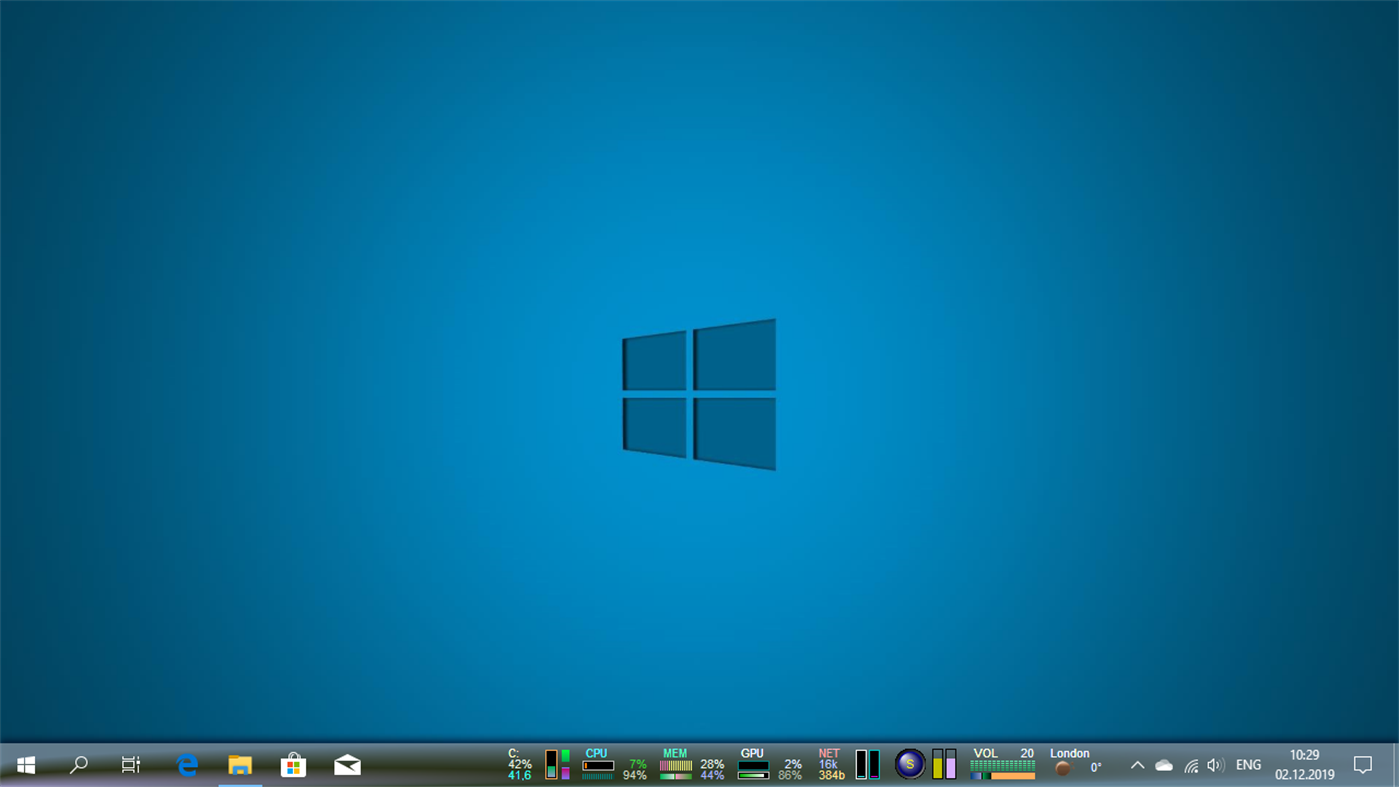
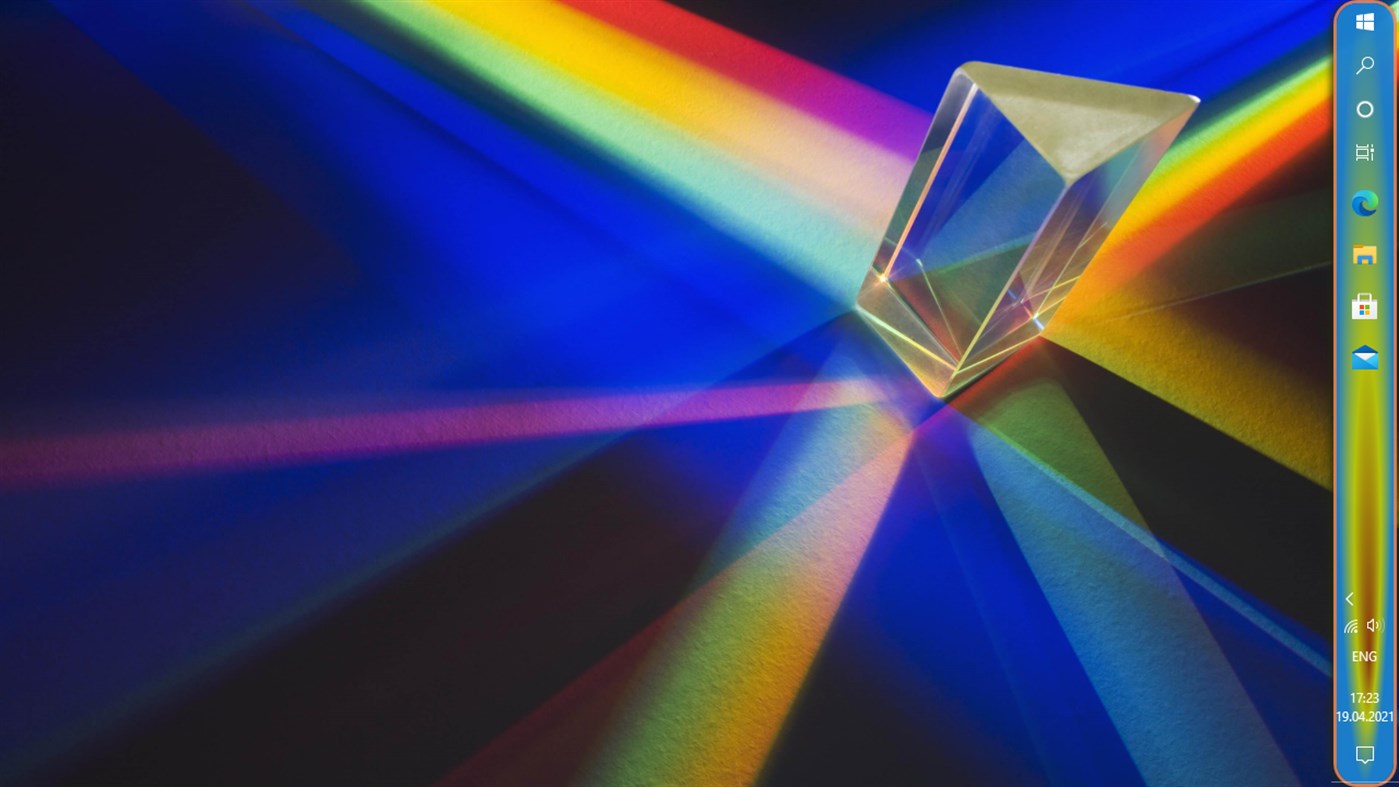
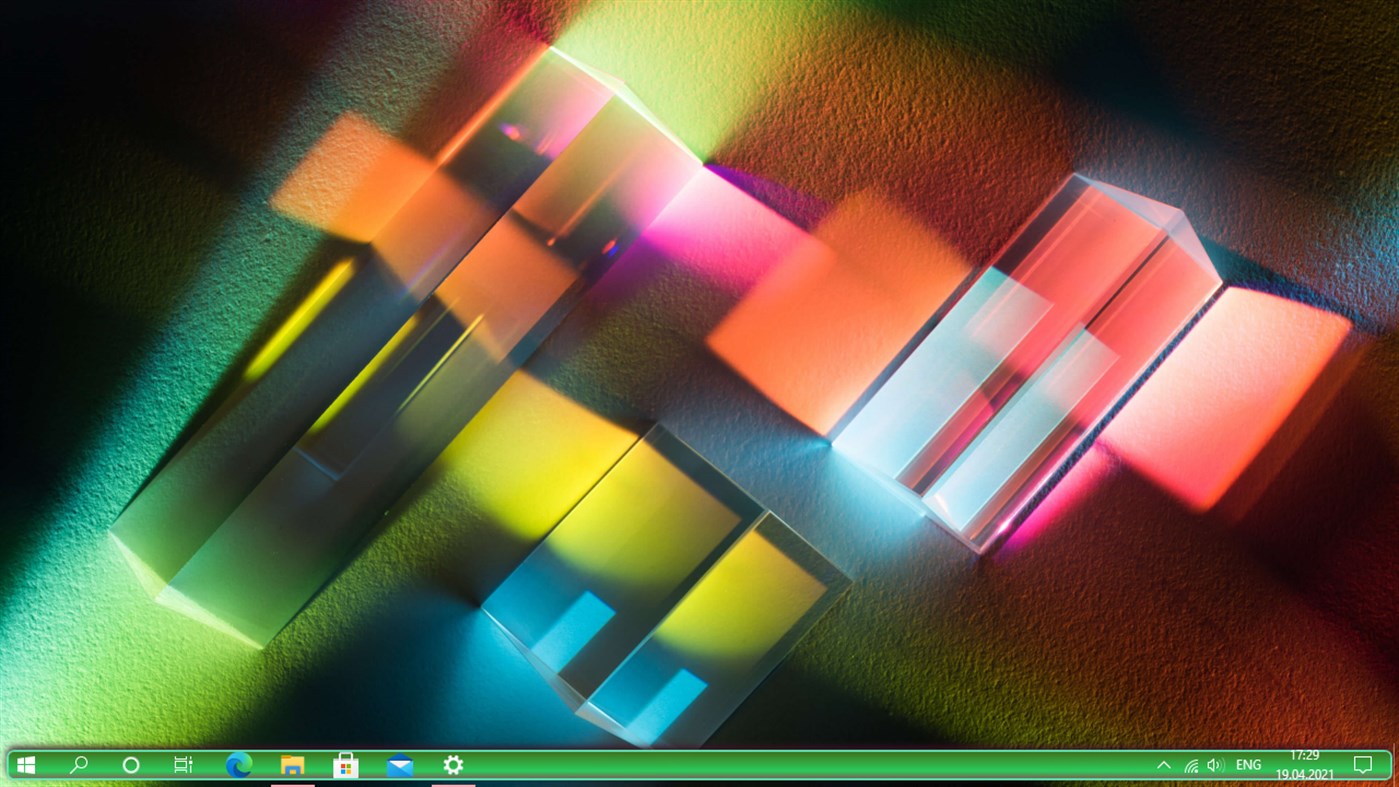
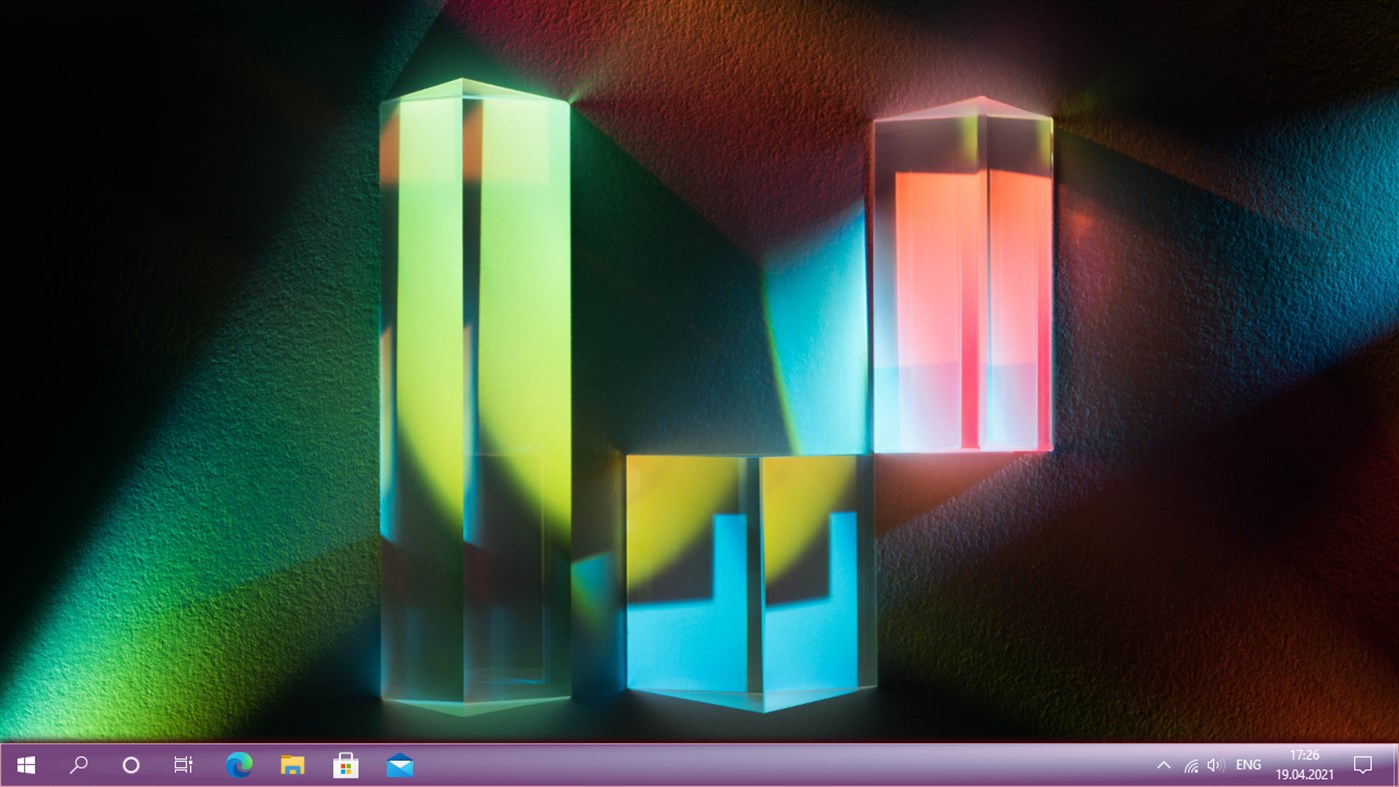
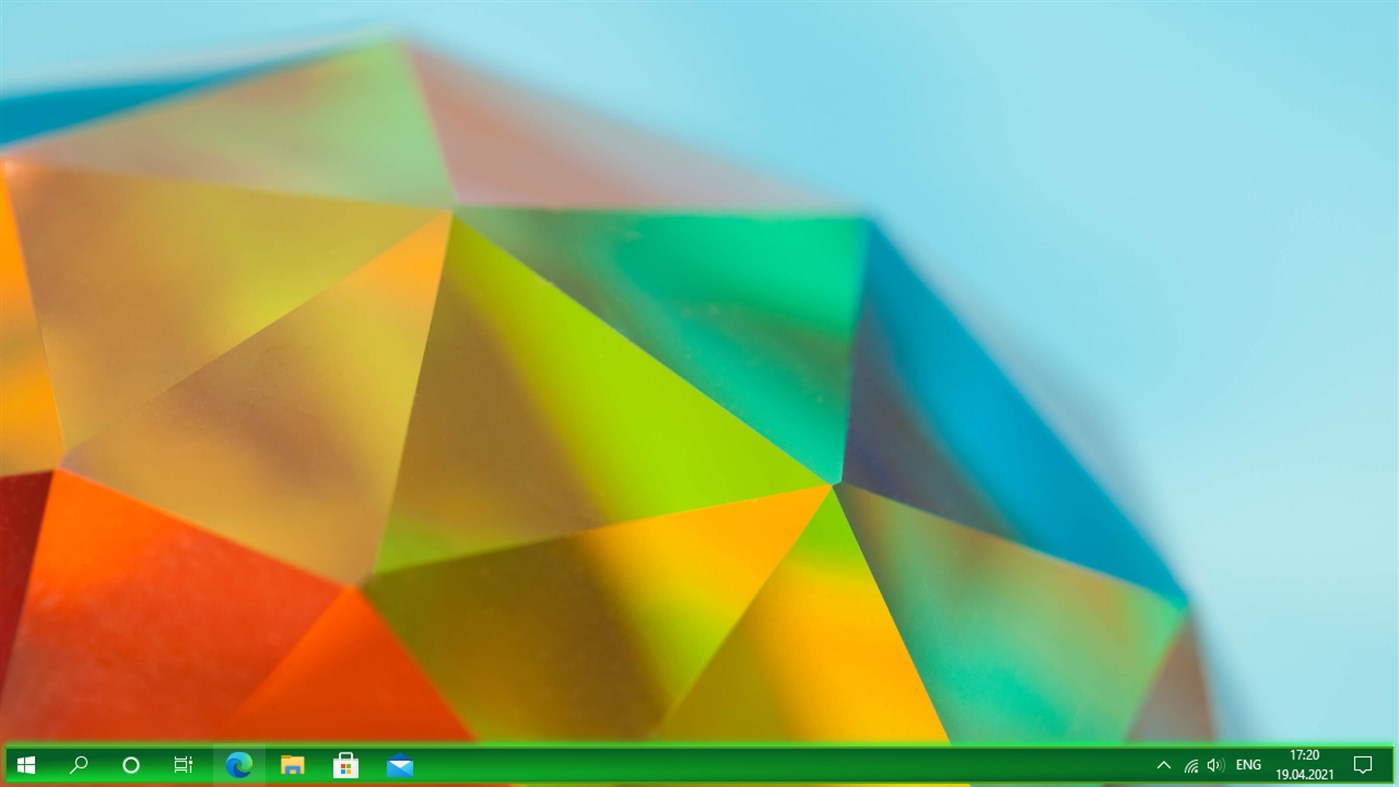
TaskbarEffect+ - Extended version of TaskbarEffect - added color highlighting of functional areas of the taskbar, highlighting pinned and active applications with the ability to position them in the center or on the right. All functional areas support constantly iridescent colors with dynamically changing transparency.
TaskbarRadio - Radio with an equalizer on the taskbar - twenty thousand radio stations from all over the world for every taste and for every mood.
TaskbarStyle - The program makes the taskbar transparent, translucent, with a monochrome or three-color gradient, with the Aero Glass or Fluent Acrylic effect, with a shadow or backlight, and also sets the color for the buttons of docked and running applications. Over fifty predefined taskbar themes.
TaskbarToDock - The application creates from the standard taskbar a dock similar to the MacOS dock.
WindowTransparent - Sets individual transparency in Z-order for windows of different applications.
WindowTransparent+ - An extended version of WindowTransparent - adds Aero Glass and Fluent Acrylic transparency to the topmost window.
LiveWallpaperSubstance - The application creates live wallpapers that change in shape and in iridescent colors.
LiveWallpaperSubstance+ - Extended version of LiveWallpaperSubstance - adds the ability to fine-tune visualization parameters.
LiveWallpaperMatrix - Live wallpaper for your desktop displaying the movement of letters, numbers and other symbols in the style of the movie Matrix.
LiveWallpaperMatrix+ - Extended version of LiveWallpaperMatrix - adds the ability to fine-tune visualization parameters.
LiveWallpaperRain - Live wallpaper imitating rain on your desktop.
LiveWallpaperRain+ - Extended version of LiveWallpaperRain - adds the ability to fine-tune rendering parameters.
Attention: if tweakers are used or have been used in Windows, then the applications may not work correctly, so use the trial version before purchasing the programs.
Screenshots
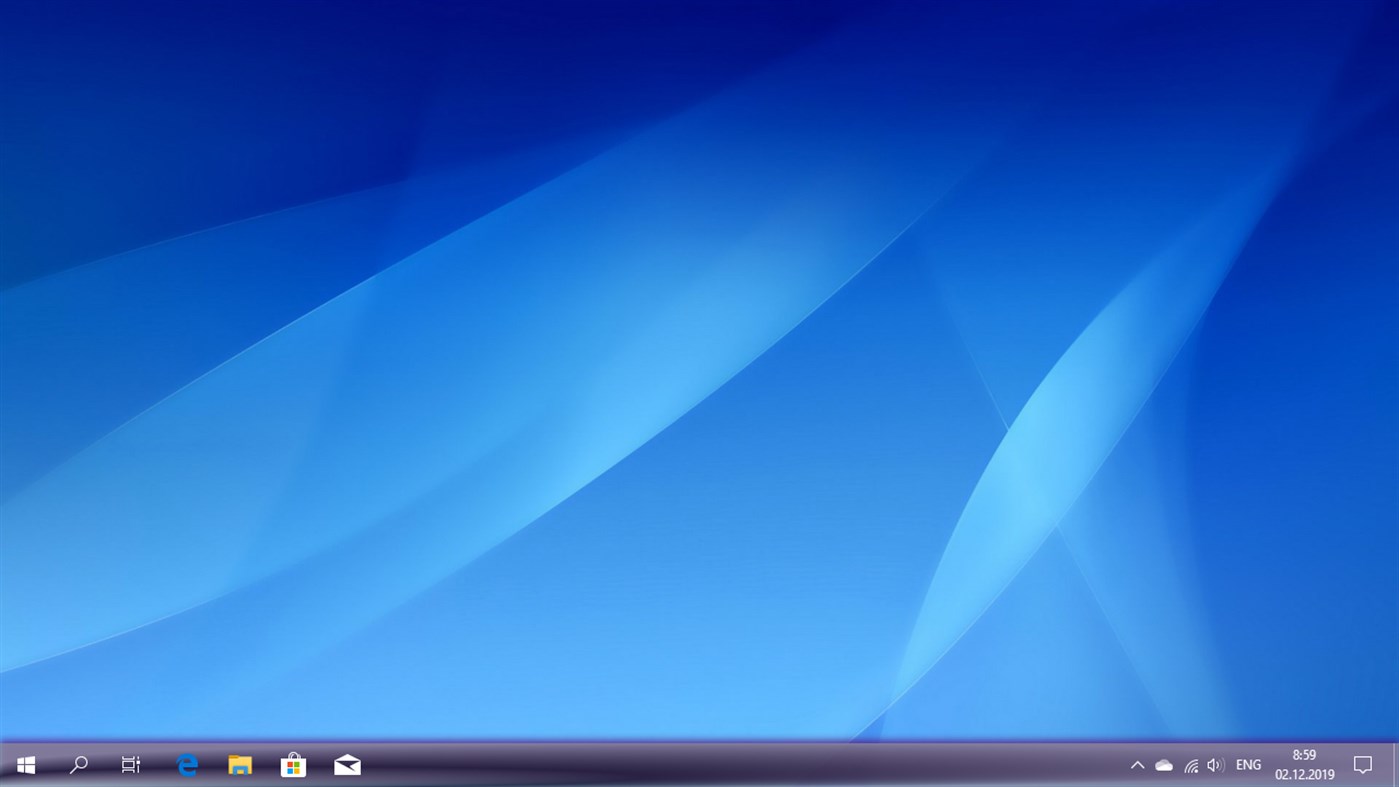
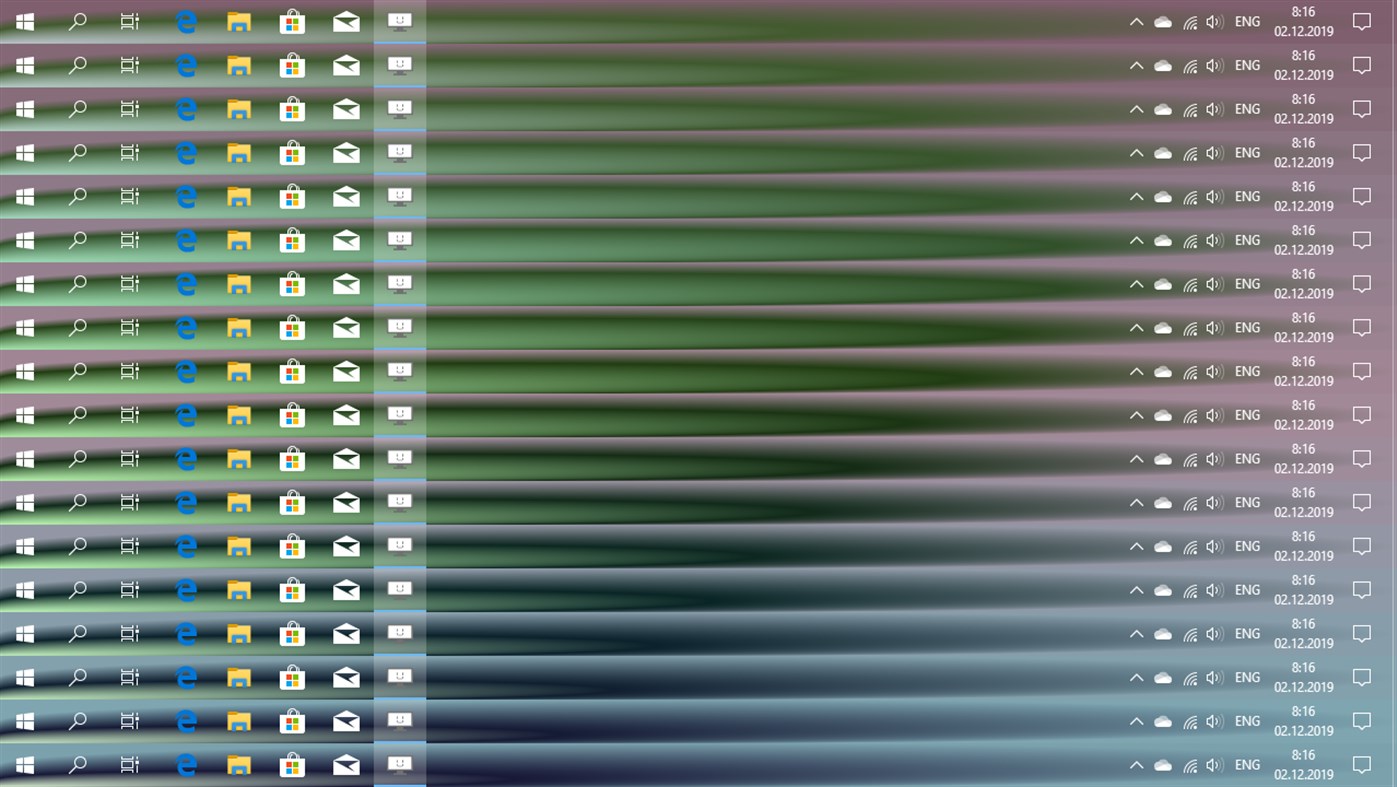
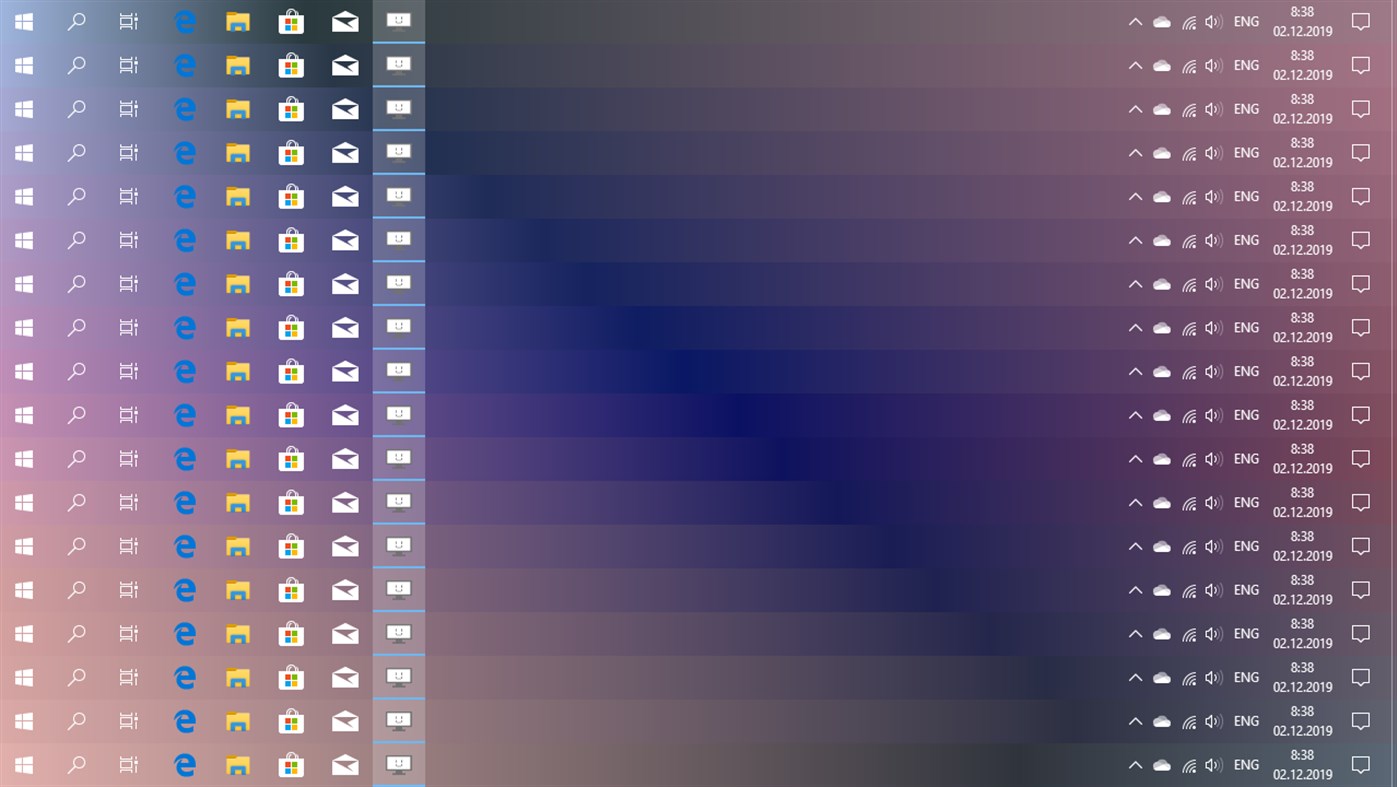
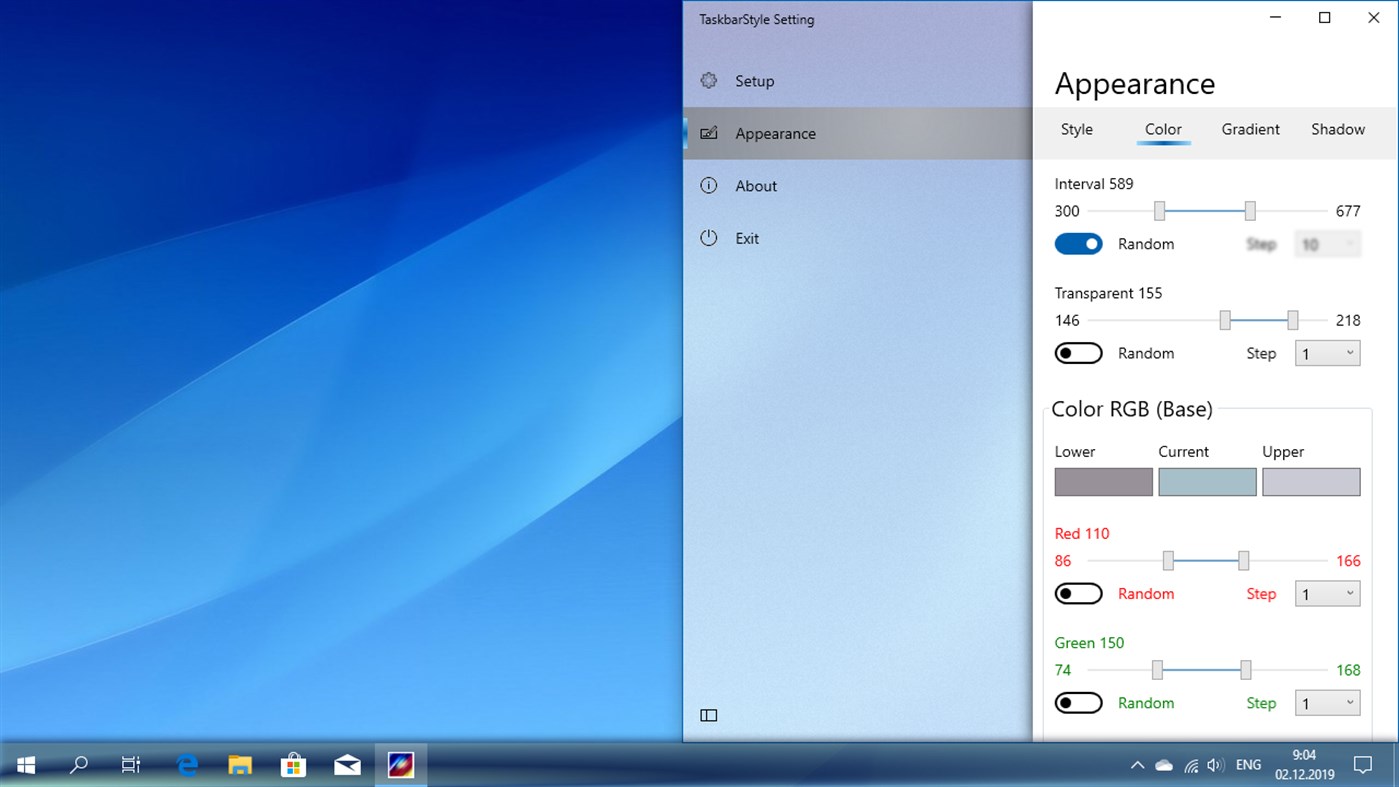

Ad
Preisentwicklung
- Aktueller Preis: $2.49
- Mindestens: $2.39
- Maximale: $3.99
Preise beobachten
AppAgg-Einschätzung
500
Geschätzte AppAgg-Einschätzung für
TaskbarEffect
500 Bronze
Höhere Einschätzungen bedeuten meist stärkere Signale auf AppAgg.
Basierend auf: Popularität · Nutzerbewertungen · Aktualität · Angeboten · Shop-Daten · Community-Aktivität
Wird täglich anhand aktueller AppAgg-Daten neu berechnet.
Kurz-URL: Kopiert!
Neue Funktionen
- Version: PC
- Zuletzt aktualisiert:
Weitere informationen
- Veröffentlichungsdatum:
- Kategorie:
Windows Apps›Personalisierung - Betriebssysteme:
PC,Surface Hub - Größe:
3 Mb - Unterstützte Sprachen:
English - Altersfreigabe:
EVERYONE - Windows Store Bewertung:
0 - Webseite:
 https://valaut.coolpage.biz
Entwickler
- Valaut
- Plattformen: Windows Apps (33)
- Listen: 0 + 0
- Punkte: 5 + 324 ¡
- Klassifizierungen: 0
- Kommentare: 0
- Rabatte: 0
- Videos: 0
- RSS: Abonnieren
Listen (0)
0
- TaskbarEffect
Punkte (0)
0
Klassifizierungen (0)
0
Kommentare (0)
Seien Sie der Erste, der einen Kommentar abgibt
Kurzinfo
TaskbarEffect Kurz-URL: Kopiert!- Teilen
- Windows Store
«TaskbarEffect». Plattform: Windows. Kategorie: Personalisierung. Entwickler: «Valaut». Erste Veröffentlichung: . Letzte Aktualisierung: . Aktueller Preis: $2.49. Niedrigster aufgezeichneter Preis: $2.39 (). Höchster aufgezeichneter Preis: $3.99 (). Dieser Titel hat noch keine Bewertungen oder Rezensionen auf AppAgg erhalten. Verfügbare Sprachen: English. AppAgg verfolgt den Preisverlauf, Bewertungen und Benutzerfeedback für «TaskbarEffect». AppAgg hostet keine Anwendungen und vertreibt keine Software. Alle Marken, Logos und Screenshots gehören ihren jeweiligen Eigentümern. Verfolgen Sie zukünftige Rabatte und Updates über RSS
Ähnliches
-
- Taskbar+
- Windows Apps: Personalisierung Von: PeroSoftware.com
- * Kostenlos
- Listen: 0 + 1 0 0
- Punkte: 6 + 2,111 38K Version: PC Taskbar+ is a lightweight utility that can make the taskbar transparent, translucent or colored on Windows 10 and 11. It provides a more friendly setting interface and more intuitively ⥯
-
- Transparent Taskbar
- Windows Apps: Personalisierung Von: chengcong
- $1.09
- Listen: 0 0 0
- Punkte: 1 + 85 14K Version: PC Transparent Taskbar is an application that sets the computer taskbar to blur glass and fully transparent, as well as transparency (from solid to full transparency). Use your HD ... ⥯
-
- TranslucentTB
- Windows Apps: Personalisierung Von: Charles Milette
- Kostenlos
- Listen: 3 + 2 5 (1) 0
- Punkte: 13 + 7,464 36K Version: PC A lightweight (uses a few MB of RAM and almost no CPU) utility that makes the Windows taskbar translucent/transparent on Windows 10 and Windows 11. Runner up for the Microsoft Store ... ⥯
-
- WindowTransparent
- Windows Apps: Personalisierung Von: Valaut
- $1.64
- Listen: 0 0 0
- Punkte: 0 + 6 650 Version: PC Sets individual transparency in Z-order for windows of different applications. Our other programs in the Microsoft Store: TaskbarGadget - A set of mini-programs on the taskbar offering ⥯
-
- TaskbarX
- Windows Apps: Personalisierung Von: Chris Andriessen
- $1.99
- Listen: 2 0 0
- Punkte: 1 + 301 6K Version: PC NOTE (for Windows 11 users): TaskbarX is build for Windows 10. On Windows 11 TaskbarX can only be used to change the background style of the taskbar until Windows 11 version number ... ⥯
-
- Custom Cute Cursors - Desktop Customization
- Windows Apps: Personalisierung Von: Vortex Labs Apps LLP
- * Kostenlos
- Listen: 0 0 0
- Punkte: 4 + 353 17K Version: PC Personalize your desktop appearance with our tool and dive into the world of cute custom cursors! We re dedicated to providing you with fancy and modern options for desktop ... ⥯
-
- NiceTaskbar
- Windows Apps: Personalisierung Von: Axiw Software
- * Kostenlos
- Listen: 1 0 0
- Punkte: 9 + 553 10K Version: PC A toolkit that make your windows taskbar looks so nice ⥯
-
- RainbowTaskbar.
- Windows Apps: Personalisierung Von: ad2017
- * $1.99
- Listen: 0 0 0
- Punkte: 0 + 8 700 Version: PC RainbowTaskbar allows you to finally properly personalize one of the core aspects of Windows: the taskbar. RainbowTaskbar is a user-friendly tool designed to let you personalize your ... ⥯
-
- Brightness Below Minimum Setter
- Windows Apps: Personalisierung Von: EvlarSoft LLC
- $3.99
- Listen: 1 0 0
- Punkte: 0 + 7 730 Version: PC Brightness Below Minimum Setter is the ultimate tool for achieving ultra-low brightness levels on your display, providing comfort for late-night work, reading, or reducing eye strain ... ⥯
-
- TouchMe Gesture Studio
- Windows Apps: Personalisierung Von: Appsolutely Apps
- * Kostenlos
- Listen: 1 0 0
- Punkte: 0 + 1,663 18K Version: PC READ THIS FIRST The sole purpose of TouchMe Gesture Studio is to enable you to create, edit, and export a customized gesture file and that s it! This app does not and never will ... ⥯
-
- Aurora Wallpaper
- Windows Apps: Personalisierung Von: Michał Łeptuch
- Kostenlos
- Listen: 0 + 1 0 0
- Punkte: 0 + 10 730 Version: PC Do you know the breathtaking animation called Aurora? It's a beautiful play of colors that makes you feel calm and relaxed. It perfectly blends with taskbar and other elements of your ... ⥯
-
- Mouse Jiggler - Mouse Mover
- Windows Apps: Personalisierung Von: Dekker Information Technologies
- $2.99
- Listen: 0 0 0
- Punkte: 0 + 8 680 Version: PC A mouse jiggler & jiggler mouse, which cycles through your screens when away and keeps your Screens, Microsoft Teams Web & Desktop, Outlook, Skype, Zoom, Cisco Webex, Discord, Chanty, ... ⥯
-
- Screensaver
- Windows Apps: Personalisierung Von: woomar
- $1.49
- Listen: 0 0 0
- Punkte: 0 + 0 550 Version: PC Premium screensavers with many customization that include: -Snow Effect. -Rain Effect. -Butterfly Effect. -Binary Rain Effect. -plus a Bonus Rectangles effect ! Big thanks to Pixabay ... ⥯
-
- 3d Ocean Wallpaper
- Windows Apps: Personalisierung Von: Brave little king
- $1.89
- Listen: 0 + 1 0 0
- Punkte: 2 + 0 560 Version: PC 3D Ocean Live Wallpaper, animated background with 3d wave effect, ocean and water. 3d ocean theme on your home screen or lock screen. ⥯