
| Udvikler: | Veuton Apps (1) | ||
| Pris: | $0.99 | ||
| Rangeringer: | 0 | ||
| Anmeldelser: | 0 Skriv en anmeldelse | ||
| Kommentarer: | 0 Skriv kommentar | ||
| Lister: | 0 + 0 | ||
| Point: | 0 + 0 ¡ | ||
| Windows Store | |||
Beskrivelse

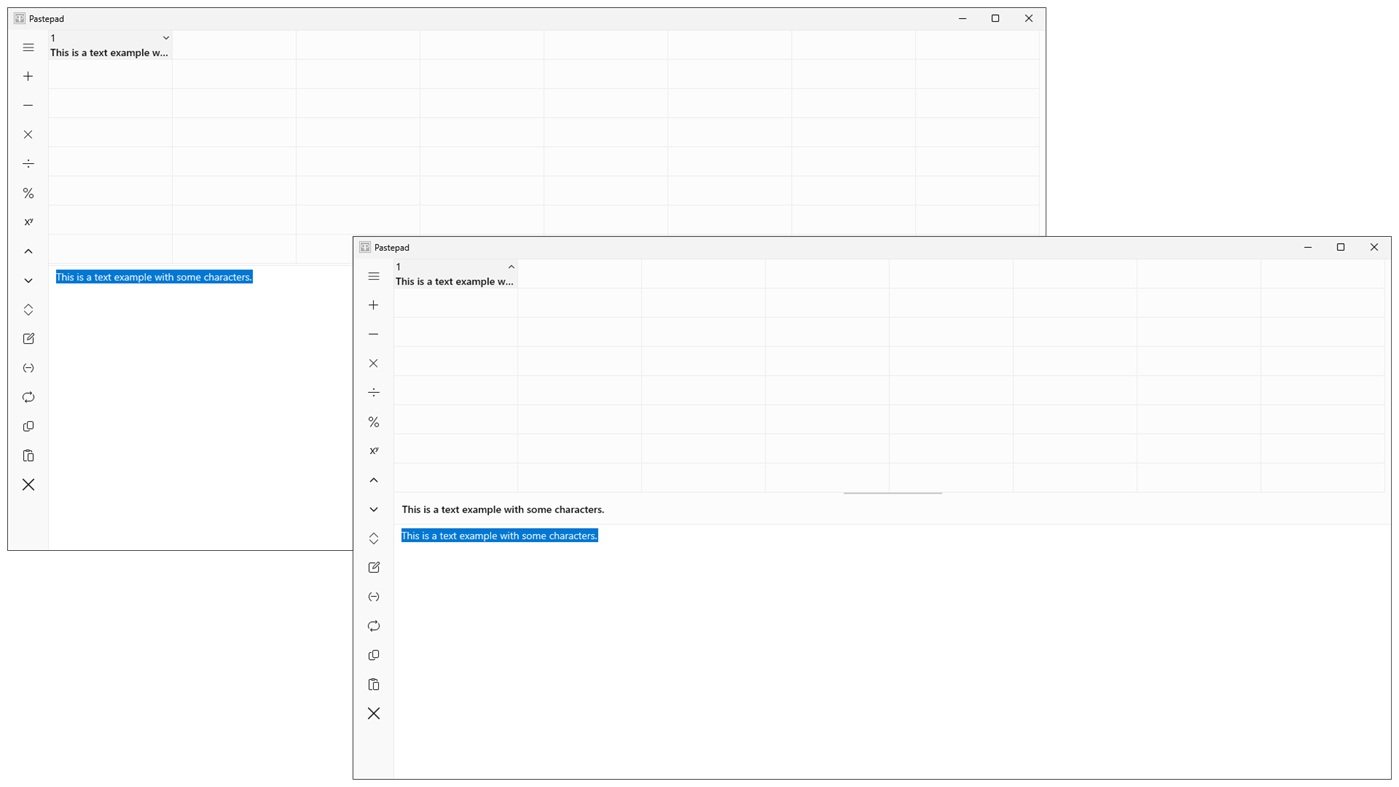
With automatic clipboard text pasting, or users can copy or drag text into the pad area. You can convert and copy content or store it in one of the 64 available memories for future use in other documents. For example, this text is divided into ten paragraphs, each saved in a separate memory for easy editing. When saving or converting, all formatting is removed, and all types of white space are condensed into a single space. Text can also be dragged into a memory or into the pad area.
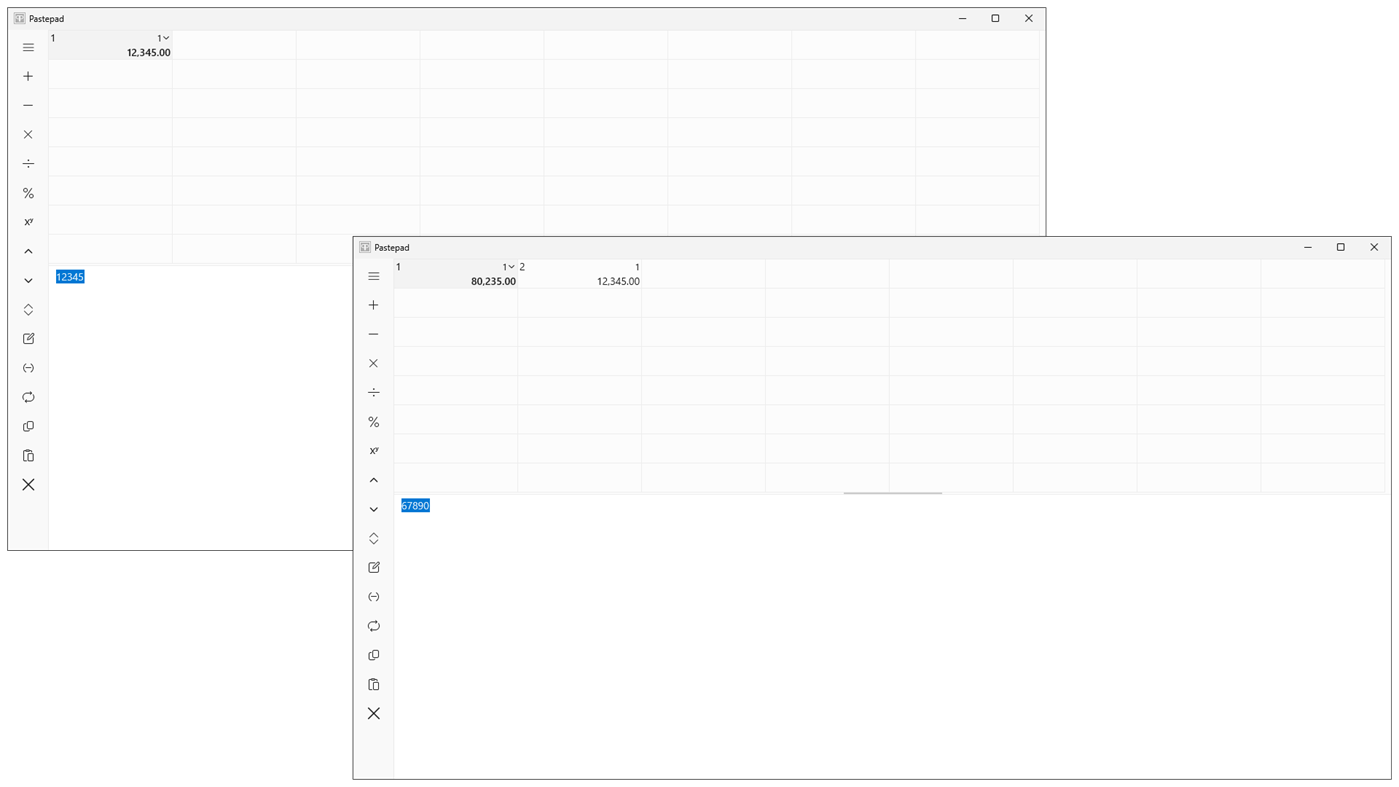
On the calculation side, the app smartly converts input into numbers (same as the Convert function), removing symbols like $-, €-, £-, and ¥-, along with thousand separators, while adjusting the decimal separator to your local format. The built-in 64-memory calculator handles basic arithmetic operations such as addition, subtraction, multiplication, division, percentage, and exponentiation. Multi-memory arithmetic is possible by selecting a result memory and using Shift and/or Ctrl to click on others. You can drag the source memory into an empty memory to transfer the entire arithmetic sequence.
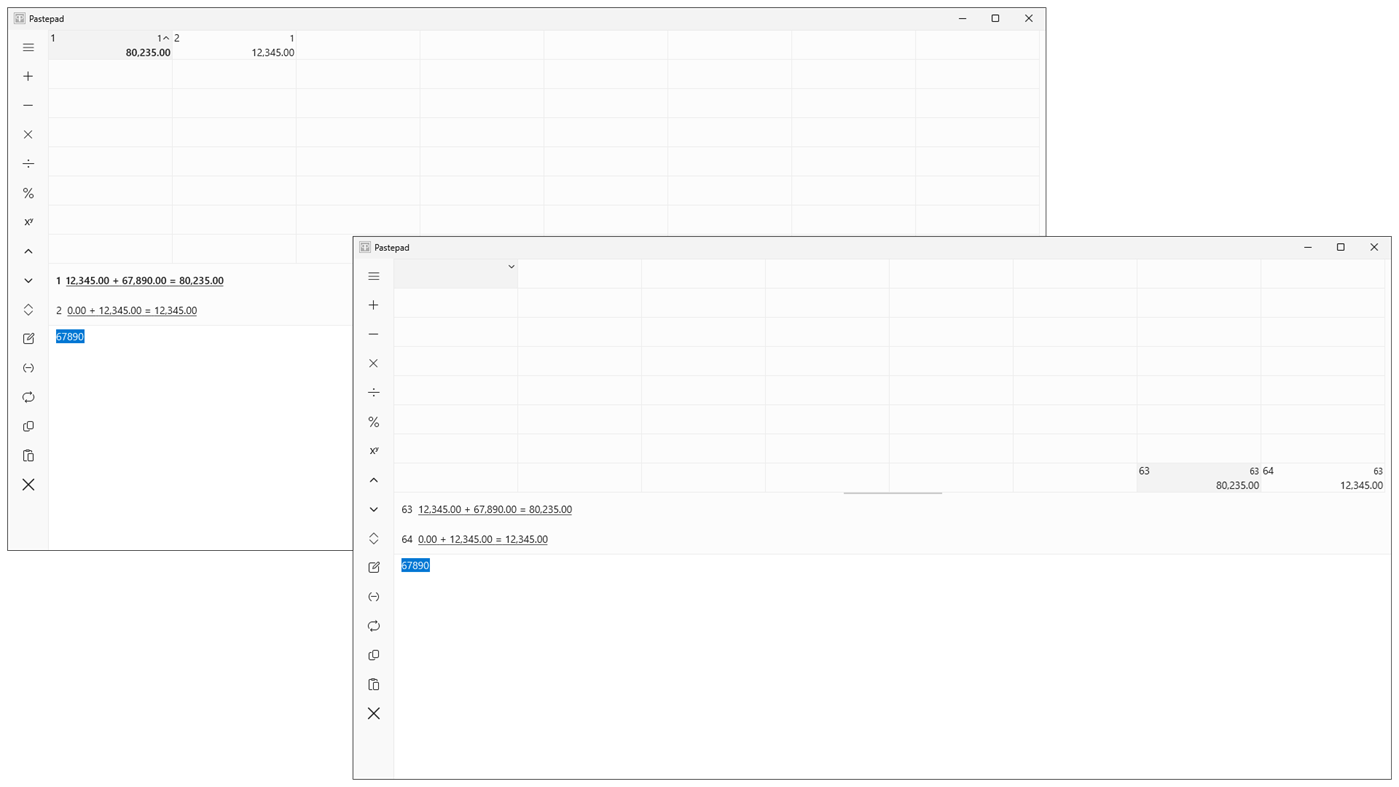
Before performing any arithmetic operation, the current memory shifts right (skipping used or labelled ones), creating an arithmetic sequence that lets you review calculations, including operators and operands, up to 63 steps back.
For example, to calculate a 20% discount on 1600 and show the new price and savings:
Select memory 1, enter 1600 in the pad area, click Addition or Save, input -20, click Percent, drag memory 2, and drop it onto Subtraction. This results in memory 1: -320.00, memory 2: 1280.00, memory 3: 1600.00. Use Shift and/or Ctrl and click Clear to erase.
In another case, adding 1, 2, and 3 with an "input error":
Select memory 1, enter 1 in the pad area and click Addition or Save, input 2 and click Addition, then enter 4 and click Addition (input error). To fix this, click Shift Clear and drag memory 2 onto memory 1. Then enter 3 and click Addition.
A more complex example involves deciding whether to buy a car for $40,000 or lease it for $400 over 36 months:
Select memory 1, input 40,000 and click Addition, enter -10 (10% value loss per year) and click Percent three times. Drag memory 4 (40,000) and drop it onto Subtraction. Memory 1 will show the total value loss after 3 years: -$10,840. Select memory 9, enter 400 and click Addition, enter 36 and click Multiplication. Memory 9 will display the total lease cost: $14,400. Select memory 17 and Ctrl-click memory 9 and memory 1, then click Addition. Memory 17 shows the additional lease cost ($3,560). Click Division (36 already entered) for the extra monthly cost: $98.89. Select memory 18 ($1,187), enter 3, and click Division. Drag memory 5 (40,000) and drop it onto Division. Enter 100 and click Multiplication to find the interest rate: 2.97% (value loss as an installment).
This application saves memory contents locally, with each memory holding up to 4095 characters. Selecting part of the text or a number in the pad area applies or clears that specific section. If no text is selected, all text in the pad area for inputs and outputs is inserted at the cursor.
TOP:
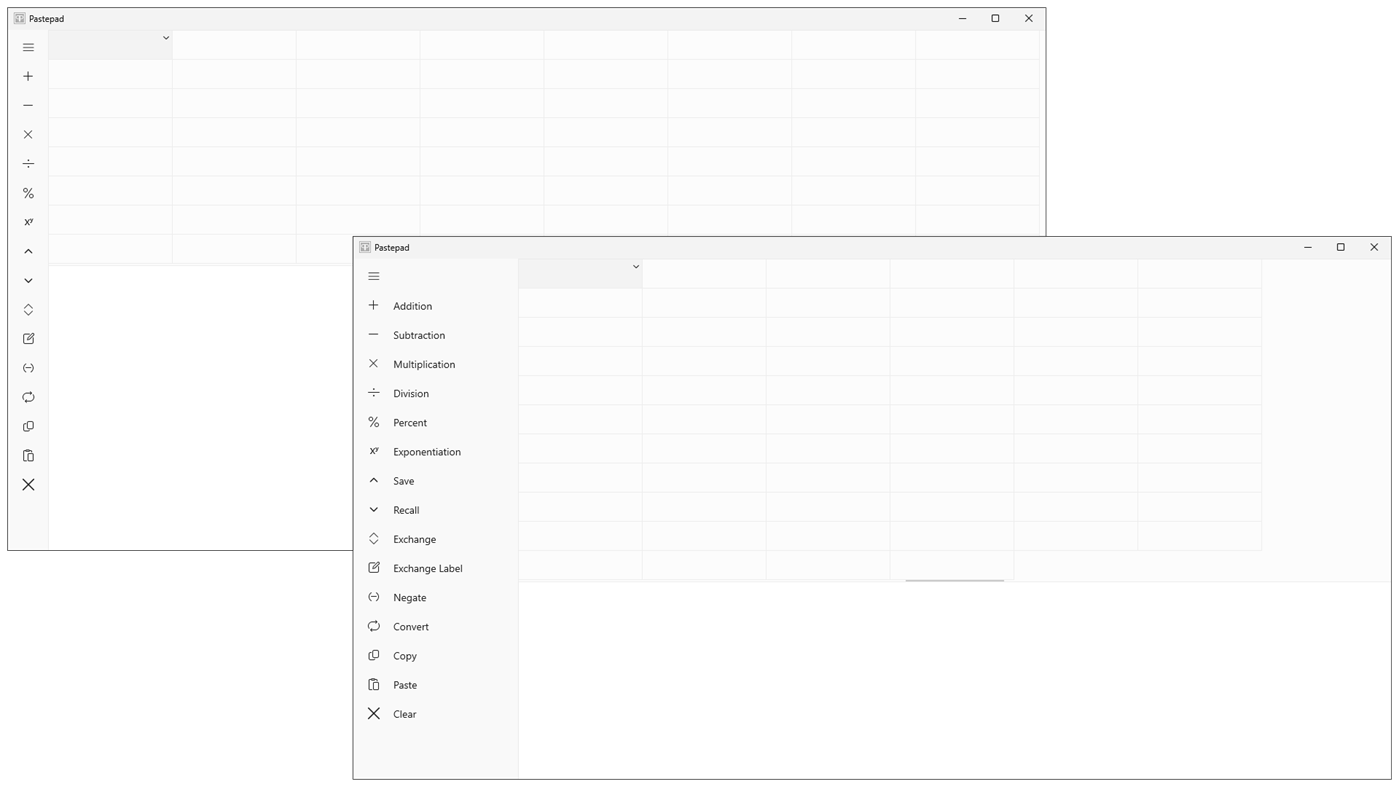
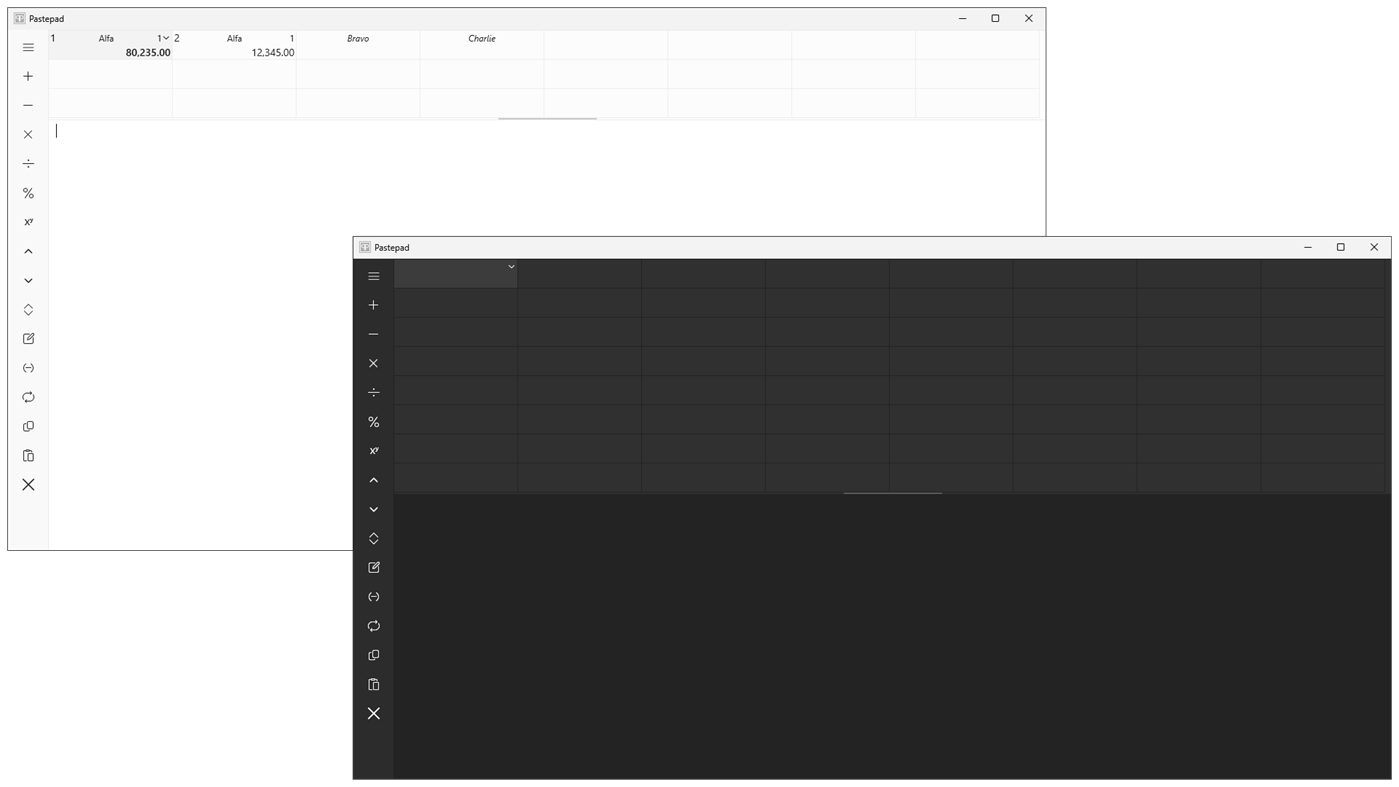
Choose one of the 64 memories to view all contents. Hovering over a selected memory to toggle details, revealing the full arithmetic sequence or complete text. The memory number and, if no label is present for arithmetic, the source-memory number are displayed. Memory content is draggable and droppable, and selected text in details can also be dragged. Use the thumb (the darker central line) to adjust the number of visible memories. You can drag and drop both text and numbers (addition) directly into memories .
LEFT:
Arithmetic functions include addition, subtraction, multiplication, division, percentage, and exponentiation are all droppable.
Save: saves the pad area to the selected memory, which shifts right if not empty. This is droppable.
Recall: retrieves content from the selected memory to the pad area.
Exchange: swaps the selected memory with the pad area.
Exchange Label: swaps the label for the selected memory or arithmetic sequence with the pad area.
Negate: toggles positive and negative numbers.
Convert: cleans up text and numbers and adjusts the decimal separator to local standards; automatically applied to memory functions.
Copy: copies the selected memory to the clipboard if not empty and no text is selected in the pad area; otherwise, copies the pad area. This is droppable from memories.
Paste: pastes the clipboard into the selected memory if empty and no text is selected in the pad area; otherwise, pastes into the pad area.
Clear: erases selected memories if more than one is chosen with Shift and/or Ctrl; otherwise, clears the pad area. If pad area empty clears the clipboard. With Shift, clears the selected memory. You can drag and drop a memory onto this button to clear it.
LOWER:
The editable section is called the pad area and is also droppable. You can select portions of text or numbers for use with any button. The input text or number is automatically selected if the operation succeeds; otherwise, the selection is cleared.
Ad
Skærmbilleder
Nyheder
- Version: PC
- Opdateret:
Pris
- I dag: $0.99
- Minimum: $0.99
- Maksimalt: $0.99
Overvåg priser
Ad
Udvikler
- Veuton Apps
- Platforme: Windows Apps (1)
- Lister: 0 + 0
- Point: 0 + 0 ¡
- Rangeringer: 0
- Anmeldelser: 0
- Rabatter: 0
- Videoer: 0
- RSS: Abonner
Point (0)
0 ☹️
Rangeringer (0)
0 ☹️
Lister (0)
0 ☹️
- Pastepad
Anmeldelser (0)
Vær den første til at gennemgå 🌟
Kommentarer (0)
Deltag i diskussionen
Vær den første til at kommentere.
Yderligere oplysninger
- Version: PC
- Kategori:
Windows Apps›Produktivitet - Operativsystem:
HoloLens,Mobile,PC,Surface Hub,Xbox - Størrelse:
2 Mb - Understøttet sprog:
Danish,Dutch,English,Finnish,French,German,Italian,Norwegian,Portuguese,Spanish,Swedish - Indholdsklassificering:
EVERYONE - Windows Store Bedømmelse:
0 - Opdateret:
- Udgivelsesdato:
Pastepad Kort webadresse: Kopieret!- 🌟 Del
- Windows Store
Du vil måske også kunne lide
-
- Mail and Calendar
- Windows Apps: Produktivitet Ved: Microsoft Corporation
- Gratis
- Lister: 5 + 3 Rangeringer: 0 Anmeldelser: 0
- Point: 17 + 640,906 (4.0) Kommentarer: 0 Version: PC The Mail and Calendar apps help you stay up to date on your email, manage your schedule and stay in touch with people you care about the most. Designed for both work and home, these ... ⥯
-
- Trio Office: DOCX & XLSX Editor
- Windows Apps: Produktivitet Ved: GT Office PDF Studio
- * Gratis
- Lister: 4 + 3 Rangeringer: 0 Anmeldelser: 1 (1)
- Point: 7 + 56,916 (4.5) Kommentarer: 0 Version: PC Trio Office is an all-in-one office suite. It's compatible with MS Office (Word, Excel & PowerPoint), Txt, Google Docs, Sheets & Slides, PDF and OpenOffice format for Windows. Edit ... ⥯
-
- BreeZip: RAR & ZIP
- Windows Apps: Produktivitet Ved: BreeZip
- * Gratis
- Lister: 10 + 2 Rangeringer: 0 Anmeldelser: 0
- Point: 31 + 54,188 (4.7) Kommentarer: 0 Version: PC BreeZip is a tool to "unarchive" many different kinds of archive files - an alternative to winrar, winzip & 7zip on Windows 10 & Windows 11. BreeZip will make it easy to unrar and ... ⥯
-
- Cool File Viewer - open rar, docx and more
- Windows Apps: Produktivitet Ved: Cool File Viewer
- * Gratis
- Lister: 12 + 2 Rangeringer: 5 (1) Anmeldelser: 1 (1)
- Point: 36 + 51,157 (4.5) Kommentarer: 0 Version: PC Cool File Viewer allows you to view any file on your PC. Simply select any file via the program window without first having to decide which application should be used to open a file. ... ⥯
-
- VPN Proxy: Fast & Unlimited
- Windows Apps: Produktivitet Ved: Roob
- * Gratis
- Lister: 1 + 2 Rangeringer: 0 Anmeldelser: 0
- Point: 17 + 42,889 (4.7) Kommentarer: 0 Version: PC Unlock the World with VPN Proxy - Bypass Censorship with Ease. Explore the web without borders, access geo-restricted websites & streaming services, hide your IP address, and avoid ... ⥯
-
- Total PC Cleaner: Clean Disk, Antivirus
- Windows Apps: Produktivitet Ved: Total PC Cleaner
- * Gratis
- Lister: 1 + 2 Rangeringer: 0 Anmeldelser: 0
- Point: 3 + 35,691 (4.6) Kommentarer: 0 Version: PC PC Cleaner & AntiVirus for Windows 11. Free disk space clean up, optimize memory, and speed up Windows system. Optimize and clean my PC. Cleaner & PC Cleaner for free. CCleaner, avast, ⥯
-
- Lenovo Vantage
- Windows Apps: Produktivitet Ved: LENOVO INC.
- Gratis
- Lister: 4 + 0 Rangeringer: 0 Anmeldelser: 0
- Point: 13 + 29,824 (4.8) Kommentarer: 0 Version: PC Enhance your PC experience with Lenovo Vantage. Vantage is a free app that makes it easy to optimize your computer performance and enable your device security protection. With Vantage, ⥯
-
- Alarm Clock HD
- Windows Apps: Produktivitet Ved: ANTARA SOFTWARE and CONSULTING PRIVATE LIMITED
- * Gratis
- Lister: 0 + 0 Rangeringer: 0 Anmeldelser: 0
- Point: 3 + 29,206 (4.5) Kommentarer: 0 Version: PC Alarm Clock HD is the #1 FREE alarm clock app for Windows! Try it and you will love it. > 1000 5 star ratings! This is the ultimate FREE multimedia alarm clock app with unlimited ... ⥯