
기술

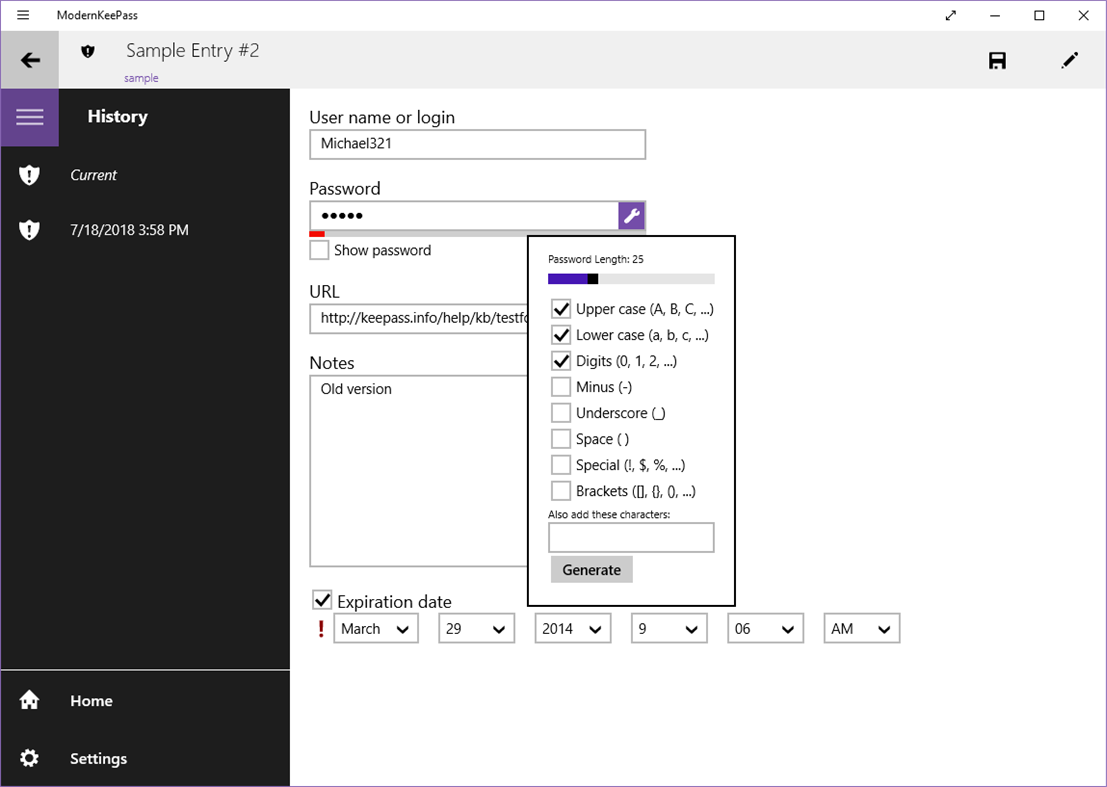
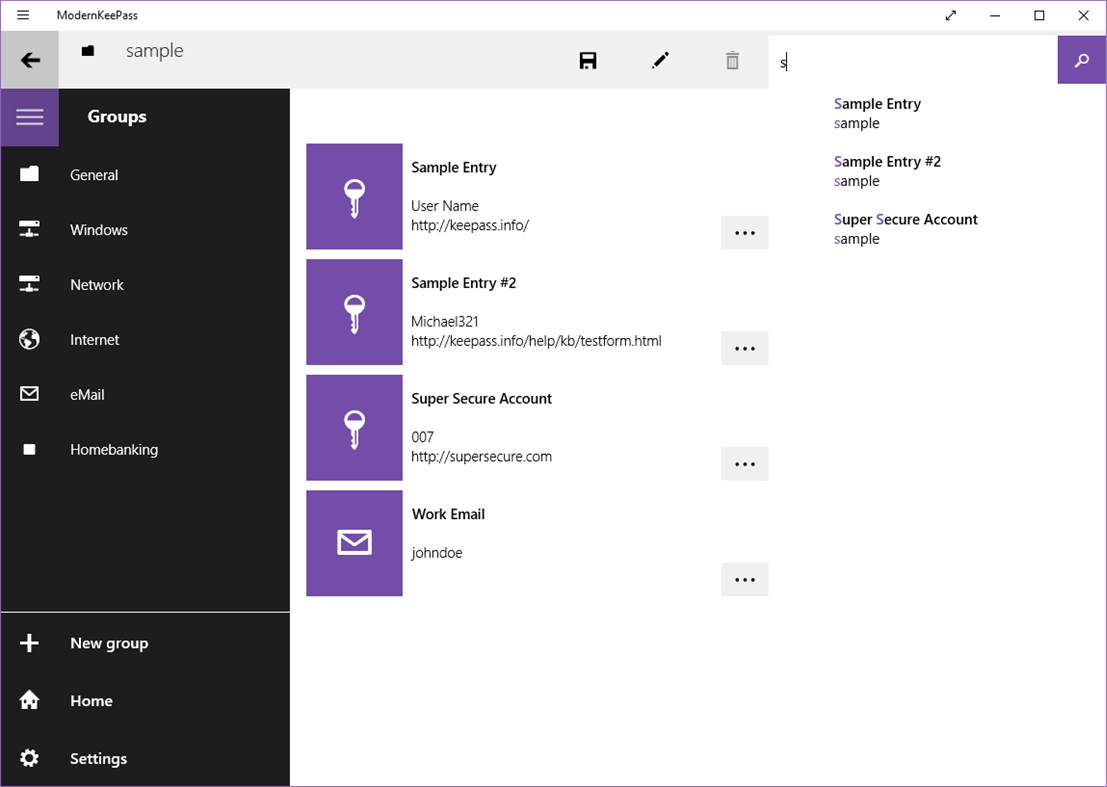
ModernKeePass is free, open-source and user friendly yet secure password manager, based on proven and certified technology from KeePass 2.x and fully compatible with it.
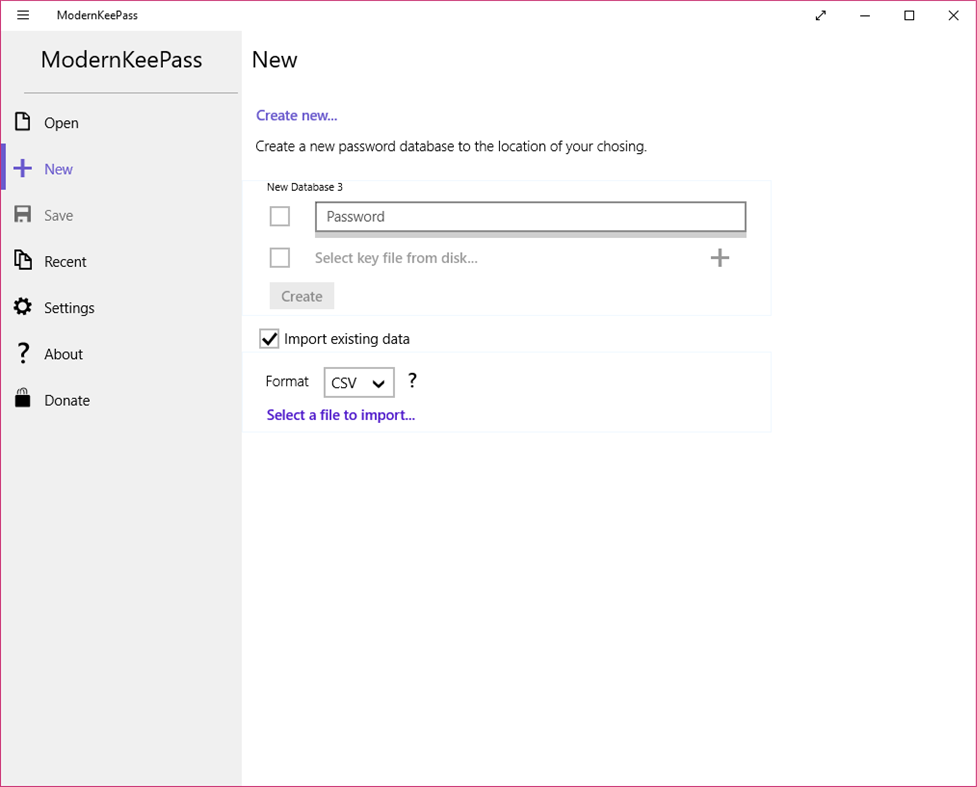
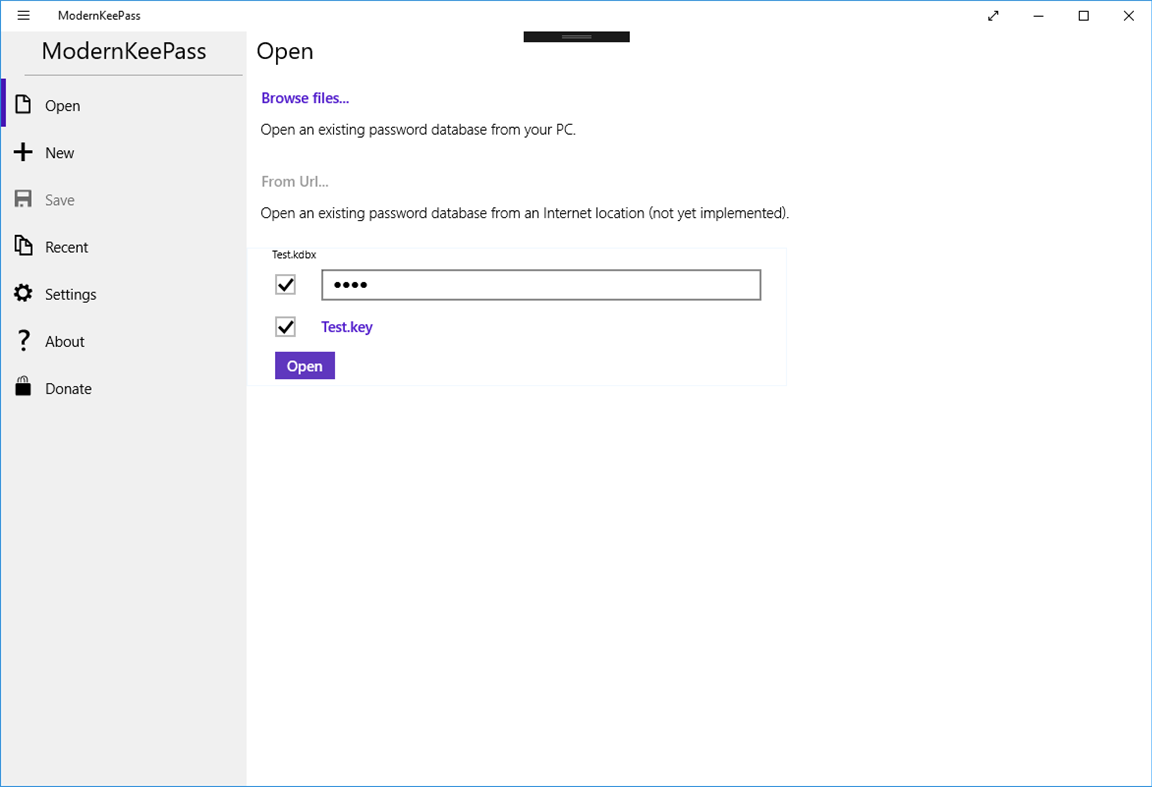
You can safely store and generate all your passwords in an encrypted, secure database that you can put anywhere (local computer/tablet, cloud, USB key...)
Even though security is an important matter, this app aims at being simple to use. Suggestions welcome!
Works in Windows 10, 8.1 and RT.
Ad
스크린샷
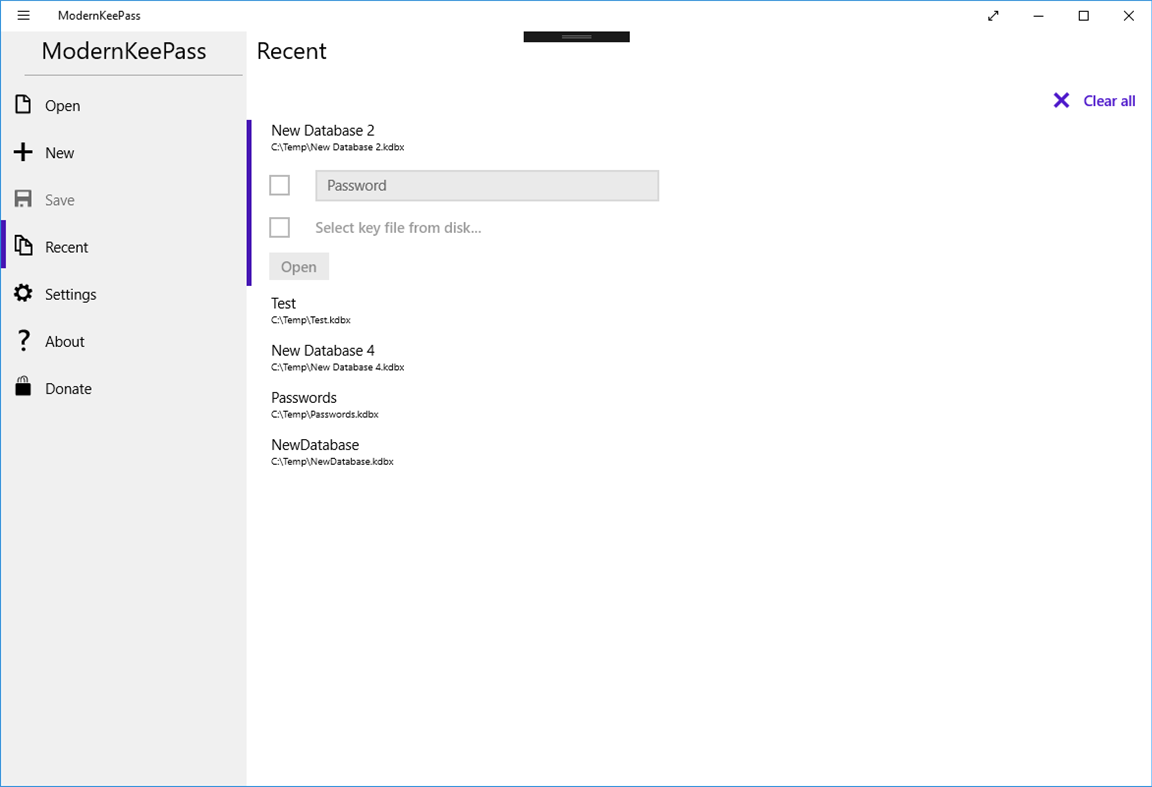
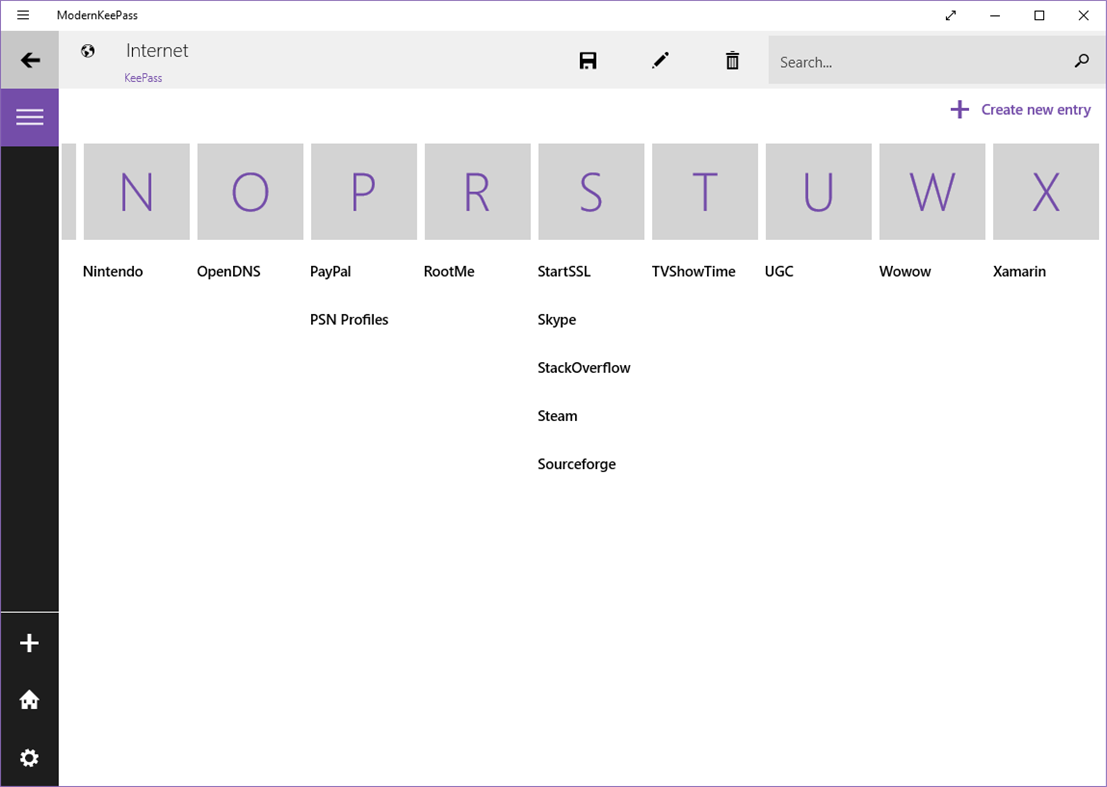
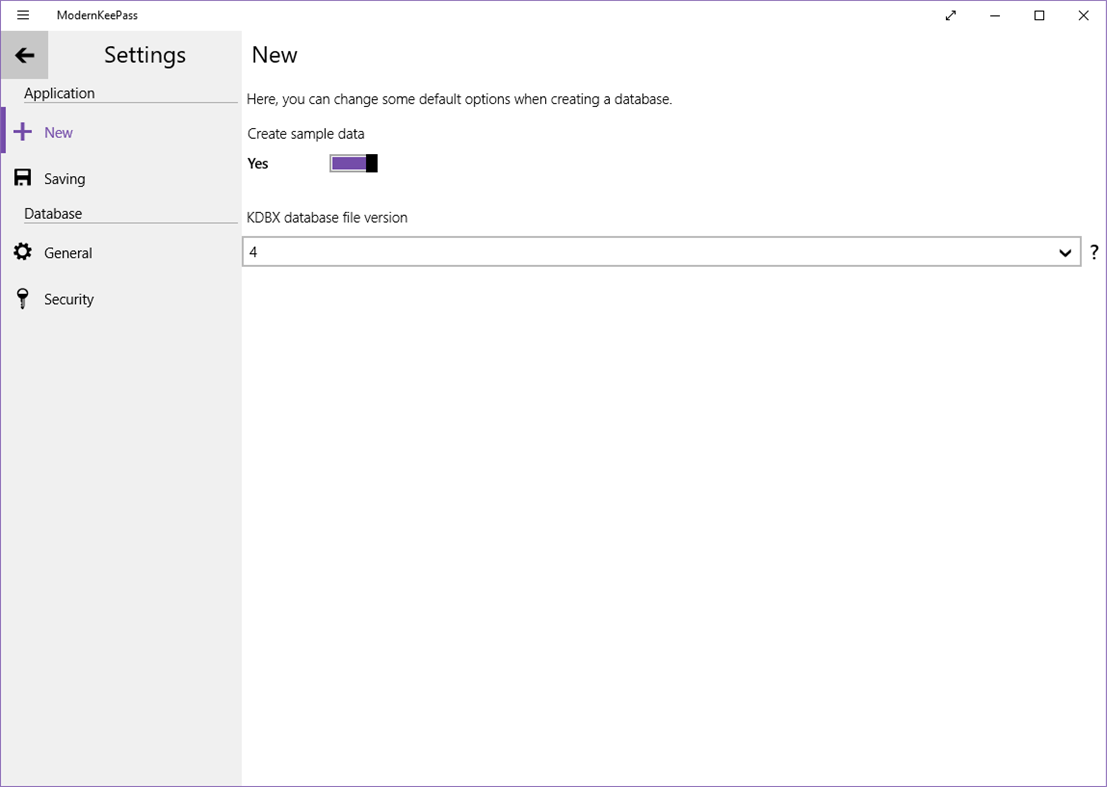
새로운 기능
- 버전: PC
- 업데이트:
가격
-
* 인앱 구매 - 오늘: 무료
- 최소: 무료
- 최대: 무료
가격 추적
Ad
포인트
0 ☹️
순위
0 ☹️
목록
0 ☹️
- ModernKeePass
리뷰
첫 번째 리뷰를 남겨보세요 🌟
추가 정보
주소록
 https://github.com/wismna/ModernKeePassModernKeePass 단축 URL: 복사됨!
- 🌟 공유하기
- Windows Store
당신은 또한 같은 수 있습니다
-
- Pass keys
- Windows 앱: 보안 게시자: Akam Foad
- 무료
- 목록: 0 + 0 순위: 0 리뷰: 0
- 포인트: 0 + 0 버전: PC Passkeys are a replacement for passwords. A password is something that can be remembered and typed, and a passkey is a secret stored on one s devices, unlocked with biometrics. Learn ... ⥯
-
- (Pass)Word Generator
- Windows 앱: 보안 게시자: SEC PlayGround
- 무료
- 목록: 0 + 0 순위: 0 리뷰: 0
- 포인트: 0 + 1 (4.0) 버전: PC This is a simple app that allow you to generate random password and word(s). Total more than 350,000 words available. Added in QR code generation for Unicode and regular text. ⥯
-
- Ease Pass
- Windows 앱: 보안 게시자: Julius Kirsch
- 무료
- 목록: 0 + 0 순위: 0 리뷰: 0
- 포인트: 0 + 0 버전: PC Dependencies: This app requires the .NET runtime for operation. Ease Pass is a straightforward yet powerful password manager that makes managing your passwords easy and intuitive. With ⥯
-
- Less Pass
- Windows 앱: 보안 게시자: Grégoire Geis
- 무료
- 목록: 0 + 0 순위: 0 리뷰: 0
- 포인트: 0 + 0 버전: PC An offline and open-source client that generates passwords like https://lesspass.com does, in Fluent Design. Unofficial application. Source: https://github.com/6A/LessPass ⥯
-
- KeePassXC
- Windows 앱: 보안 게시자: KeePassXC Team
- 무료
- 목록: 0 + 1 순위: 0 리뷰: 0
- 포인트: 1 + 99 (4.8) 버전: PC KeePassXC is a modern, secure, and open-source password manager that stores and manages your most sensitive information. This program requires Microsoft Visual C++ Redistributable to ... ⥯
-
- TXTvault Password Manager
- Windows 앱: 보안 게시자: Robert Capra
- $0.99
- 목록: 0 + 1 순위: 0 리뷰: 0
- 포인트: 1 + 0 버전: PC TXTvault is your ultimate solution for safeguarding sensitive information securely and efficiently. This user-friendly app serves as a virtual vault, allowing you to store and organize ⥯
-
- Skimmer Scanner
- Windows 앱: 보안 게시자: DautNet
- 무료
- 목록: 1 + 0 순위: 0 리뷰: 0
- 포인트: 0 + 0 버전: PC Fuel Pump Skimmers can steal your Credit or Debit Card information without you ever suspecting. This app uses your phone's Bluetooth radio to detect a common radio component in modern ... ⥯
-
- J-Lock Encryption
- Windows 앱: 보안 게시자: Devcoons
- $4.99
- 목록: 0 + 0 순위: 0 리뷰: 0
- 포인트: 0 + 7 (4.4) 버전: PC In today s digital landscape, protecting your files is not optional it s essential. J-Lock Encryption Tool is a modern utility designed for individuals and professionals who need ... ⥯
-
- TNO Crypt
- Windows 앱: 보안 게시자: Gatesjunior
- $5.99
- 목록: 0 + 0 순위: 0 리뷰: 0
- 포인트: 0 + 2 (4.5) 버전: PC This program will encrypt/decrypt files and folders on your PC. It follows the Trust No One (TNO) methodology, meaning that only you can decrypt anything that you have encrypted with ... ⥯
-
- 2FAGuard
- Windows 앱: 보안 게시자: Timo Kössler
- 무료
- 목록: 0 + 0 순위: 0 리뷰: 0
- 포인트: 1 + 5 (4.6) 버전: PC A modern app for managing 2FA authentication codes With 2FAGuard, you can securely store your 2FA tokens and easily access them when needed. Your keys are encrypted according to the ... ⥯
-
- Firewall Log Viewer for Windows
- Windows 앱: 보안 게시자: MajinSoft
- $49.99
- 목록: 0 + 0 순위: 0 리뷰: 0
- 포인트: 0 + 0 버전: PC Are you sure everything is fine? Windows 10 and 11 integrate Windows Defender Firewall, a powerful software that protects your system from unwanted inbound or outbound connections. ... ⥯
-
- Everbridge 360
- Windows 앱: 보안 게시자: Everbridge Inc
- 무료
- 목록: 0 + 0 순위: 0 리뷰: 0
- 포인트: 0 + 0 버전: PC Stay connected with your workplace, school, or other organizations to receive vital information during critical events or while managing your response to an incident. For organizations ⥯