
| ผู้พัฒนา: | Miciniti Ventures (2) | ||
| ราคา: | * ฟรี | ||
| การจัดอันดับ: | 0 | ||
| ความเห็น: | 0 เขียนความเห็น | ||
| รายการ: | 0 + 0 | ||
| แต้มแล: | 0 + 44 (2.8) ¡ | ||
| Windows Store | |||
คำอธิบาย

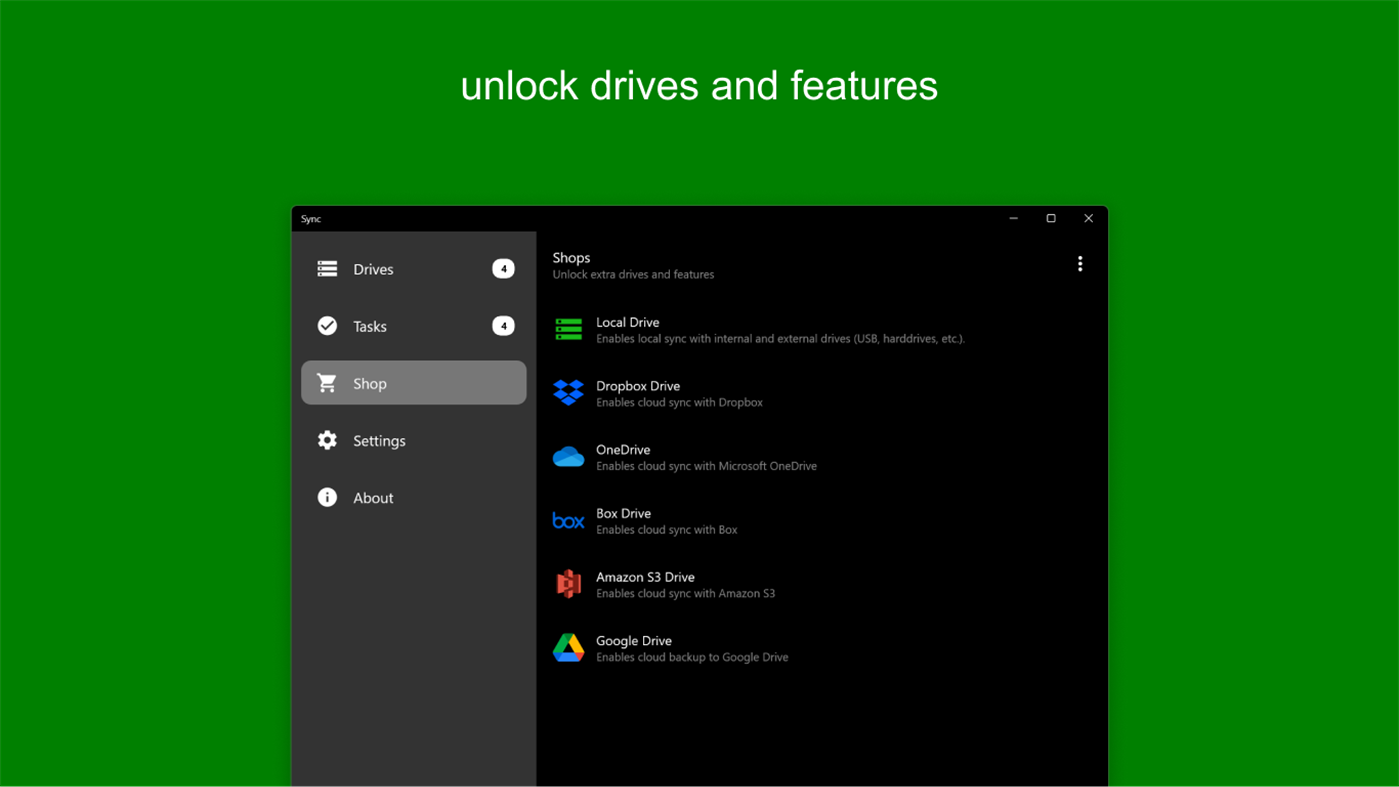
With Sync, you can sync, backup, and restore your files to/from local drives and several cloud storage drives like Amazon S3, Dropbox, Box , OneDrive, and Google Drive.
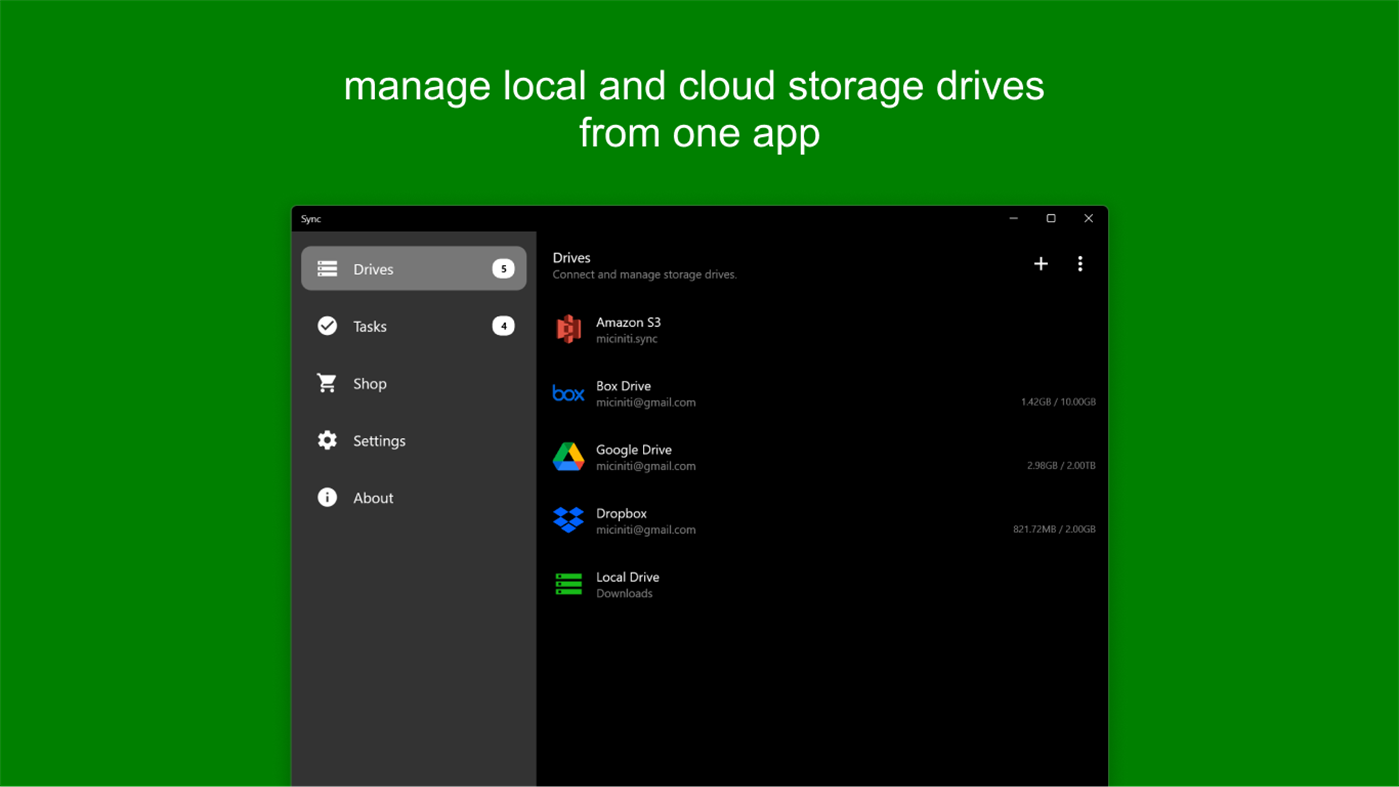
1. Drives
A drive is either a local storage unit or a cloud storage service where your files and data are stored.
Sync supports the following drives:
- Local Drives
- External Drives: External disks and USB drives
- Amazon S3
- Dropbox
- Box
- Microsoft OneDrive
- Google Drive
2. Source:
A source is a local storage unit that supplies files for upload to other drives and also receives files downloaded from them.
Sync supports the following sources:
- Local Drive
- External Drive
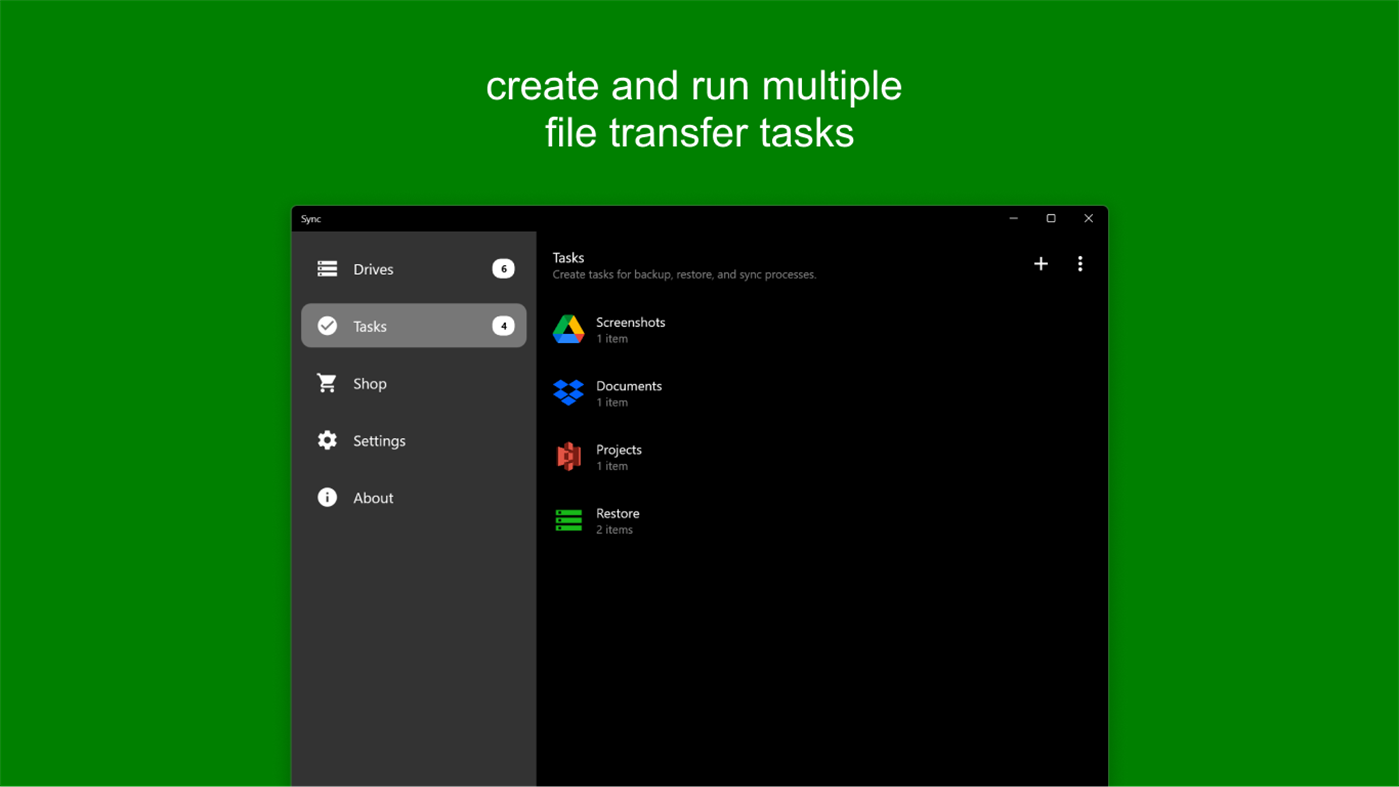
3. Tasks:
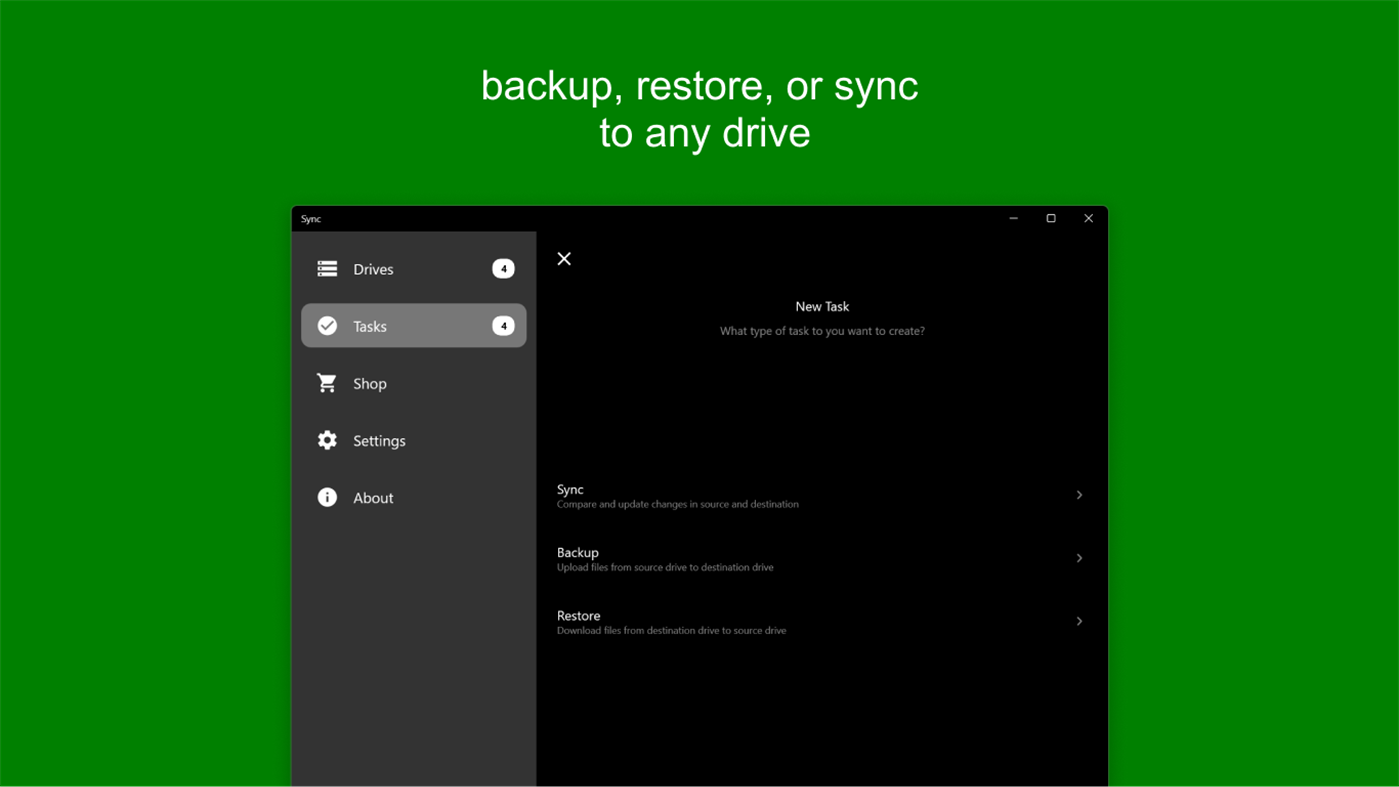
File transfers are organized into tasks. Each task consists of one or more sources and a target drive, allowing you to run sync, backup, or restore operations. You can create multiple tasks, and each task can include multiple sources.
4. File Transfer Operations
A task can perform the following operations:
- Full Sync: Compares and synchronizes files between two locations. Deleted files in one location are removed from the other, while new files are copied across.
- Backup: Uploads files from local storage to a cloud storage drive.
- Restore: Downloads files from a cloud storage drive to a local drive.
- Backup Sync: Uploads only changed files from sources to the destination drive.
- Restore Sync: Downloads only changed files from a drive to the target sources.
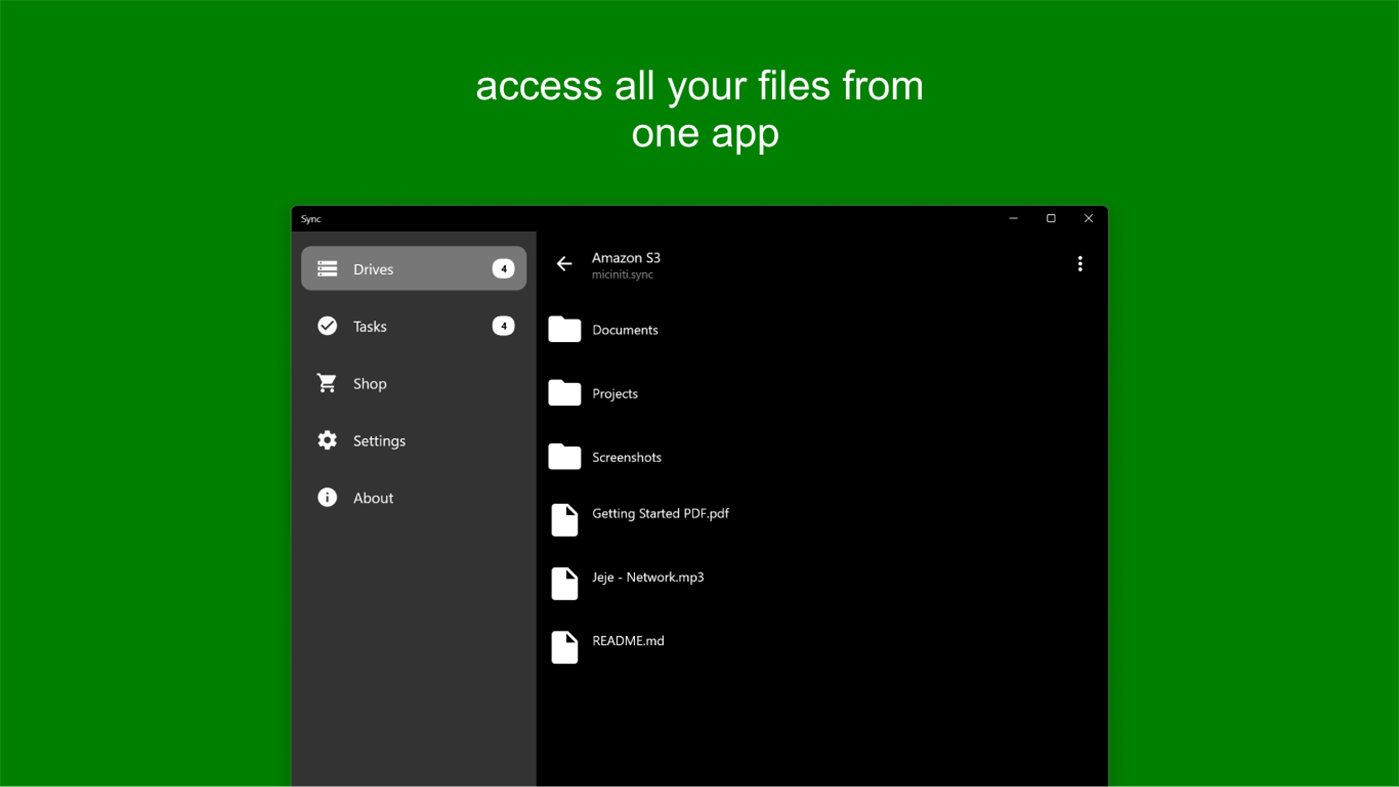
5. File Manager
Sync includes a built-in file manager that lets you browse, upload, download, rename, and delete files and folders on your drives.
7. Pricing
Start with any drive for free.
Unlock additional drives and features—including Local Drive, External Drive (hard disk and USB disks), Amazon S3, Google Drive, Dropbox, Box, and OneDrive—through in-app purchases.
For additional help and guides, please visit
https://syn.miciniti.com/help
Ad
ภาพหน้าจอ
มีอะไรใหม่
- เวอร์ชัน: PC
- อัปเดต:
ราคา
-
* การซื้อภายในแอพ - วันนี้: ฟรี
- ต่ำสุด: ฟรี
- มากที่สุด: ฟรี
ติดตามราคา
Ad
ผู้พัฒนา
- Miciniti Ventures
- แพลตฟอร์ม: Windows แอป (2)
- รายการ: 0 + 0
- แต้มแล: 0 + 44 ¡
- การจัดอันดับ: 0
- ความเห็น: 0
- ลดราคา: 0
- วิดีโอ: 0
- RSS: ติดตาม
แต้มแล
0 ☹️
การจัดอันดับ
0 ☹️
รายการ
0 ☹️
- Sync
ความเห็น
แสดงรีวิวเป็นคนแรกเลย 🌟
ข้อมูลเพิ่มเติม
- เวอร์ชัน: PC
- หมวดหมู่:
Windows แอป›เครื่องมือและอรรถประโยชน์ - ระบบปฏิบัติการ:
HoloLens,PC,Surface Hub - ขนาด:
20 Mb - ภาษาที่สนับสนุน:
English - การจัดประเภทเนื้อหา:
EVERYONE - Windows Store คะแนนโดย:
2.8(44) - อัปเดต:
- วันที่วางจำหน่าย:
รายชื่อติดต่อ
- เว็บไซท์:
 https://sync.miciniti.com
Sync URL แบบสั้น: คัดลอกแล้ว!- 🌟 แชร์
- Windows Store
คุณอาจชอบ
-
- Sync Files
- Windows แอป: เครื่องมือและอรรถประโยชน์ โดย: PT. Tata Logic Infobasis
- $2.99
- รายการ: 0 + 0 การจัดอันดับ: 0 ความเห็น: 0
- แต้มแล: 0 + 0 เวอร์ชัน: PC To syncron files between two folder. Usually to flash drive. As Backup and ease of managing files at 2 mirror folder. This app will syncron 2 folder as adding, updating and deleting ... ⥯
-
- Folder Sync
- Windows แอป: เครื่องมือและอรรถประโยชน์ โดย: Nico Baumgarten
- * $1.99
- รายการ: 0 + 0 การจัดอันดับ: 0 ความเห็น: 0
- แต้มแล: 0 + 28 (3.0) เวอร์ชัน: PC Folder Sync is a tool to simply synchronize the contents of two folders, on the same device or across network locations. ⥯
-
- Subtitle Sync
- Windows แอป: เครื่องมือและอรรถประโยชน์ โดย: 3AM Apps
- * ฟรี
- รายการ: 0 + 0 การจัดอันดับ: 0 ความเห็น: 0
- แต้มแล: 1 + 0 เวอร์ชัน: PC Effortlessly fix subtitle timing with SubtitleSync, the ultimate tool for syncing subtitles to your videos! Whether your subtitles are running too fast or too slow, SubtitleSync makes ... ⥯
- -50%
- Backup and Sync by Nero
- Windows แอป: เครื่องมือและอรรถประโยชน์ โดย: Nero AG
- $39.99
$79.99-50% - รายการ: 0 + 0 การจัดอันดับ: 0 ความเห็น: 0
- แต้มแล: 0 + 19 (4.8) เวอร์ชัน: PC Low cost and the ability to stop payments as your software needs change. Fully automate your backups Relax safe in the knowledge that your files are safe: You can back up your files ... ⥯
-
- Microsoft Sticky Notes
- Windows แอป: เครื่องมือและอรรถประโยชน์ โดย: Microsoft Corporation
- ฟรี
- รายการ: 2 + 3 การจัดอันดับ: 0 ความเห็น: 0
- แต้มแล: 8 + 43,762 (3.9) เวอร์ชัน: PC Need to remember something for later? Use Microsoft Sticky Notes. They're the simple way to quickly save something for later, so you can stay in the flow. With Sticky Notes, you can ... ⥯
-
- Record Screen - FREE
- Windows แอป: เครื่องมือและอรรถประโยชน์ โดย: V3TApps
- ฟรี
- รายการ: 1 + 2 การจัดอันดับ: 0 ความเห็น: 0
- แต้มแล: 12 + 10,775 (4.8) เวอร์ชัน: PC Record Screen Free Screen Recorder for Windows 10 & 11 Trusted by thousands of users. Capture your screen or app windows in Full HD up to 60 fps, with no watermark. Perfect for ... ⥯
-
- SyncFolder
- Windows แอป: เครื่องมือและอรรถประโยชน์ โดย: Jos Huybrighs
- ฟรี
- รายการ: 5 + 2 การจัดอันดับ: 4 (1) ความเห็น: 0
- แต้มแล: 4 + 140 (4.2) เวอร์ชัน: PC A super simple app to backup / synchronize folders on Windows 10 and later, and import photos and videos from a camera or smartphone connected over USB or WiFi. With this app it is ... ⥯
-
- Samsung Flow
- Windows แอป: เครื่องมือและอรรถประโยชน์ โดย: Samsung Electronics Co, Ltd.
- ฟรี
- รายการ: 4 + 2 การจัดอันดับ: 0 ความเห็น: 0
- แต้มแล: 5 + 1,511 (4.2) เวอร์ชัน: PC Samsung Flow is a software product that enables a seamless, secure, connected experience across your devices. You can authenticate your Tablet/PC with your smartphone, share content ... ⥯
-
- Video Maker - VideoShow
- Windows แอป: เครื่องมือและอรรถประโยชน์ โดย: Videopix
- * ฟรี
- รายการ: 0 + 0 การจัดอันดับ: 0 ความเห็น: 0
- แต้มแล: 2 + 4,625 (4.1) เวอร์ชัน: PC Video Maker VideoShow is a powerful and creative video editing tool that allows you to transform your photos and videos into polished, professional-looking creations. With smooth ... ⥯
- -33%
- Markdown Notebook
- Windows แอป: เครื่องมือและอรรถประโยชน์ โดย: SinghWong Dev
- $1.39
$2.09-33% - รายการ: 0 + 0 การจัดอันดับ: 0 ความเห็น: 0
- แต้มแล: 0 + 0 เวอร์ชัน: PC Markdown Notebook is a simple and efficient cross-platform note-taking app that supports both local and cloud synchronization, helping you capture ideas and to-dos anytime, anywhere. ... ⥯
-
- Webcam Face Detector
- Windows แอป: เครื่องมือและอรรถประโยชน์ โดย: Frank Eppink
- $0.99
- รายการ: 0 + 0 การจัดอันดับ: 0 ความเห็น: 0
- แต้มแล: 0 + 0 เวอร์ชัน: PC This Webcam Face Detector is useful to detect faces. In the case faces are detected the app does the following 3 things - store an image - play an audio file (if configured to do so) - ⥯
-
- SyncMedia
- Windows แอป: เครื่องมือและอรรถประโยชน์ โดย: Unger Trading Corporation
- * ฟรี
- รายการ: 0 + 0 การจัดอันดับ: 0 ความเห็น: 0
- แต้มแล: 0 + 6 (4.3) เวอร์ชัน: PC NEW - Getting started guide video. 2.0 released! Many New Features Added including: Remove duplicates only mode. - Ability to organize or remove duplicates of all windows 10 supported ... ⥯
-
- Copasty
- Windows แอป: เครื่องมือและอรรถประโยชน์ โดย: 4Apps
- ฟรี
- รายการ: 1 + 0 การจัดอันดับ: 0 ความเห็น: 0
- แต้มแล: 0 + 0 เวอร์ชัน: PC Welcome to a world of effortless clipboard synchronization across all your devices with Copasty the ultimate clipboard management tool designed to keep your copied content within easy ... ⥯
-
- Ouisync
- Windows แอป: เครื่องมือและอรรถประโยชน์ โดย: eQualitie Inc
- ฟรี
- รายการ: 0 + 0 การจัดอันดับ: 0 ความเห็น: 0
- แต้มแล: 1 + 0 เวอร์ชัน: PC Ouisync is a free and open source tool enabling file sync and backups between devices, peer-to-peer. Features: Easy to use: Simply install and quickly create files and folders to sync ... ⥯