
| Udvikler: | Two Lives Left (5) | ||
| Pris: | Gratis | ||
| Rangeringer: | 0 | ||
| Kommentarer: | 0 Skriv kommentar | ||
| Lister: | 5 + 10 | ||
| Point: | 13 + 125 (4.5) ¡ | ||
| App Store | |||
Beskrivelse

"Codea for iPad is a super slick way to write and run programs on your iPad." – Gizmodo
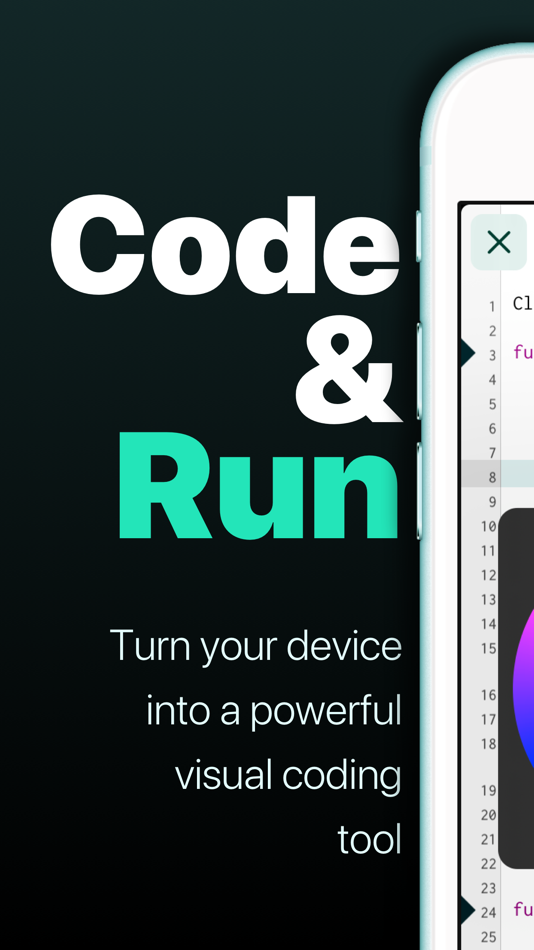
Codea lets you create games and simulations — or just about any visual idea you have. Turn your thoughts into interactive creations that make use of iPad features like Multi-Touch and the accelerometer.
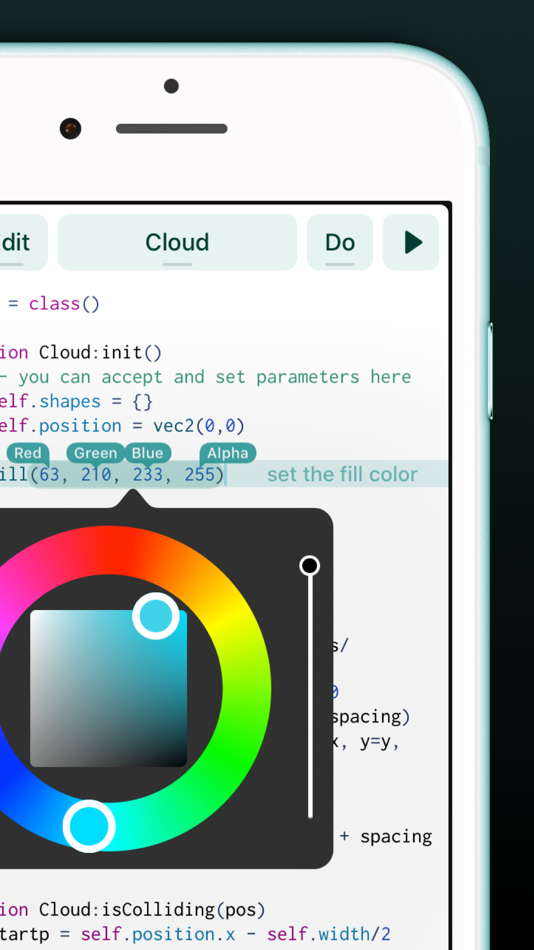
We think Codea is the most beautiful code editor you'll use, and it's easy. Codea is designed to let you touch your code. Want to change a color, or an image? Tapping will bring up visual editors that let you choose exactly what you want.
Codea is built on the Lua programming language. A simple, elegant language that doesn't rely too much on symbols — a perfect match for iPad.
Here's how you use it: type your code. Press play to watch it run. Interact with it. Get creative.
FEATURES
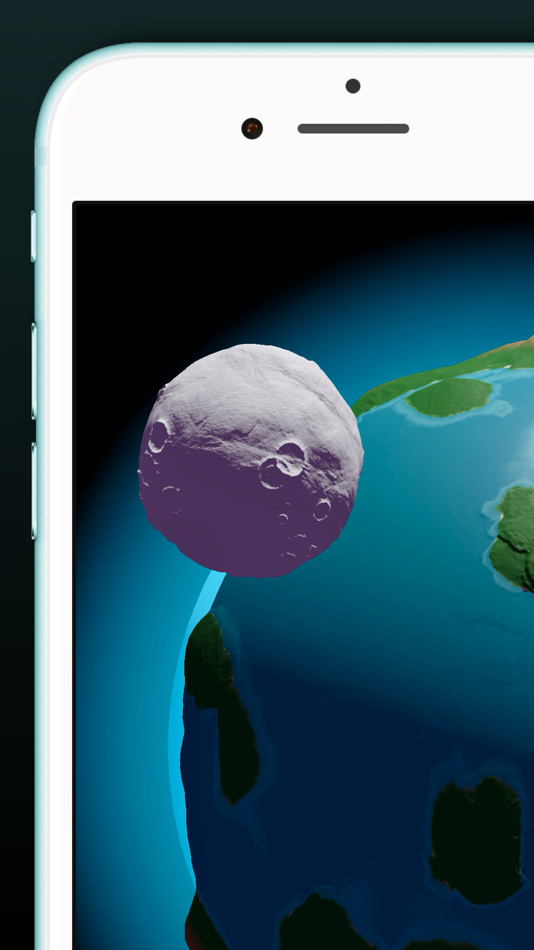
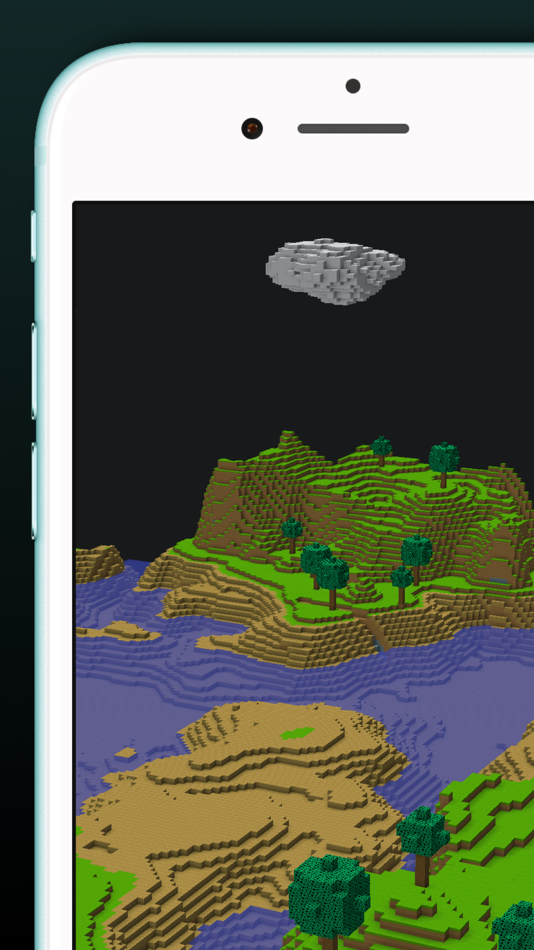
• A fully featured 2D and 3D renderer
• Lots of great example projects to learn from, including games
• Touch your code: tap colors, images and sounds to adjust them
• Export your finished projects to Xcode to produce real apps
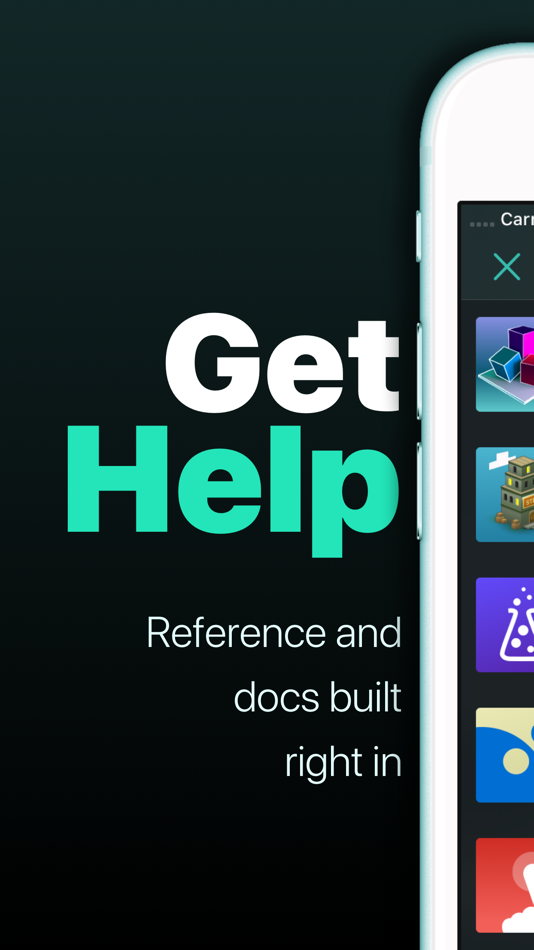
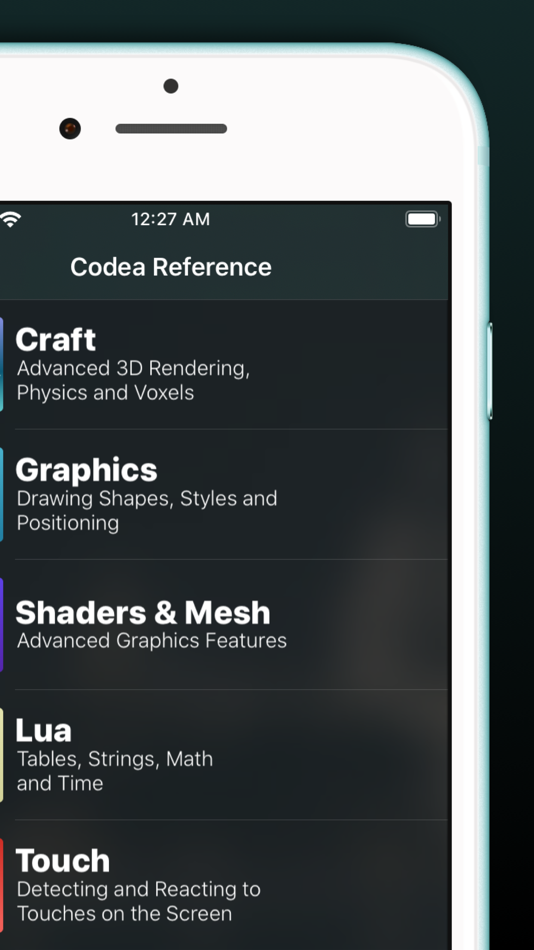
• Complete in-line reference documentation accessible from keyboard
• Intelligent syntax highlighting and auto-completing code editor
• Import your own assets from Dropbox
• Full 2D and 3D physics engines for complex motion
• Add parameters so you can tweak variables at runtime
• Interact with accelerometer and multi-touch on your device
• Generate retro-game sound effects
• GLSL Shader Language support with live shader editor
• Bluetooth keyboard support and keyboard shortcuts
• Air Code: code live from your PC using WiFi
• Much, much more
IMPORTANT INFORMATION
• Join the forums at https://talk.codea.io to ask questions, share ideas and get help when you need it
• If you need help or wish to get in contact with us, please use the support link on this page
• Privacy policy https://codea.io/privacy
• Terms https://www.apple.com/legal/internet-services/itunes/dev/stdeula/
SUBSCRIPTION
• Codea is free to use for projects up to 500 lines, after which you can subscribe to Codea Pro for access to advanced features and unlimited project size
• Monthly and yearly plans available
• Lifetime one-time purchase also available
• Pricing may vary by region. Your subscription will automatically renew unless auto-renew is turned off at least 24 hours before the end of the current period. You can manage or cancel your subscription in your App Store account settings.
Ad
Skærmbilleder


Prishistorie
- I dag: Gratis
- Minimum: Gratis
- Maksimalt: $29.99
Overvåg priser
Nyheder
- Version: 3.15
- Opdateret:
- File API
- This lets you copy, move, rename and delete files using asset keys. See the Storage chapter for documentation and examples
Multi-Window Mode
- iPad power users: you can now switch Codea into multi-window mode from the settings pane to open and run projects in new windows by default. Great for external displays
iPad Menu Bar Support
- Codea now supports the iPad menu bar
IMPROVEMENTS
Liquid Glass
- Codea now supports the new UI. Edges more opinionated
Documentation Sharing
- Adds a share button to documentation pages to share markdown-formatted snippets. Share what you know, perhaps with an LLM?
Project Reordering While Searching
- You can now reorder projects even while a search is active
Carbide Rendering & Canvas Improvements
- Adds canvas.position and canvas.size
- UI canvas position is no longer influenced by UI scale
- Fixes an issue where camera viewport affected canvas rendering
- Camera and matrix state handling is more robust when using render textures and matrix.push
Carbide Shader Improvements
- Adds a new sprite() mode to Shader Builder for improved sprite render order control
- Improves handling of sampler flags in shaders. Textures behave themselves
Editor Improvements
- Autocomplete is now suppressed inside multi-line strings and comments
FIXES
- Fixed crashes when displaying PDFs
- Documentation example views now display correctly
- Fixed crashes related to camera state when mixing viewports, matrices, and render textures
- Fixed issues with iCloud assets that could cause hangs
- Fixed an issue where the Find view didn’t automatically search for selected text sometimes
Yderligere oplysninger
- Udgivelsesdato:
- Kategori:
iOS Apps›Værktøjer - Operativsystem:
iPad,iPhone,iOS 17.6 eller nyere - Størrelse:
197 Mb - Understøttet sprog:
Catalan,Chinese,Dutch,English,French,German,Italian,Japanese,Russian,Spanish - Indholdsklassificering:
4+ - App Store Bedømmelse:
4.5(125) - Websted:
 https://codea.io
Udvikler
Lister (5)
- Codea


Point (13)


Rangeringer (0)
0 ☹️
Kommentarer (0)
Vær den første til at kommentere 🌟
«Codea». Platform: iOS. Kategori: Værktøjer. Udvikler: «Two Lives Left». Første udgivelse: . Sidste opdatering: . Nuværende pris: gratis. Denne titel har endnu ikke modtaget vurderinger eller anmeldelser på AppAgg. Lister: offentlige 5, private 10. Sporede punkter: bekræftede 13, indirekte 125. Butik: App Store. Butiksbedømmelse: 4.5. Stemmer: 125. Tilgængelige sprog: Catalan, Chinese, Dutch, English, French, German, Italian, Japanese, Russian, Spanish. AppAgg sporer prishistorik, vurderinger og brugerfeedback for «Codea». Følg fremtidige rabatter og opdateringer via RSS. AppAgg hoster ikke applikationer eller distribuerer software. Alle varemærker, logoer og skærmbilleder tilhører deres respektive ejere.
Codea Kort webadresse: Kopieret!- 🌟 Del
- App Store
Lignende
-
- Shade
- iOS Apps: Grafik & Design Ved: Two Lives Left
- $19.99
- Lister: 1 + 0 0 0
- Point: 2 + 123 (4.3) Version: 1.3.2 Shade transforms your device into a professional node-based shader editor. Build stunning, connected shader graphs that render in real time You'll find full support for keyboard ... ⥯
-
- hyperPad Starter
- iOS Apps: Værktøjer Ved: UntitledD
- Gratis
- Lister: 0 + 0 0 0
- Point: 0 + 33 (4.1) Version: 2.6 Create Your First Game on iPad for Free! Make one free game and explore visual coding on the most powerful game development app. No coding, subscriptions or ads. Just hyperPad, for ... ⥯