
저장됨
저장됨 메뉴에 표시할 이름을 선택하세요.
완료!
| 개발자: | Two Lives Left (5) | ||
| 가격: | * 무료 | ||
| 순위: | 0 | ||
| 댓글: | 0 댓글 게시 | ||
| 목록: | 5 + 10 | ||
| 포인트: | 13 + 126 (4.5) ¡ | ||
| App Store | |||
기술

"Codea for iPad is a super slick way to write and run programs on your iPad." – Gizmodo
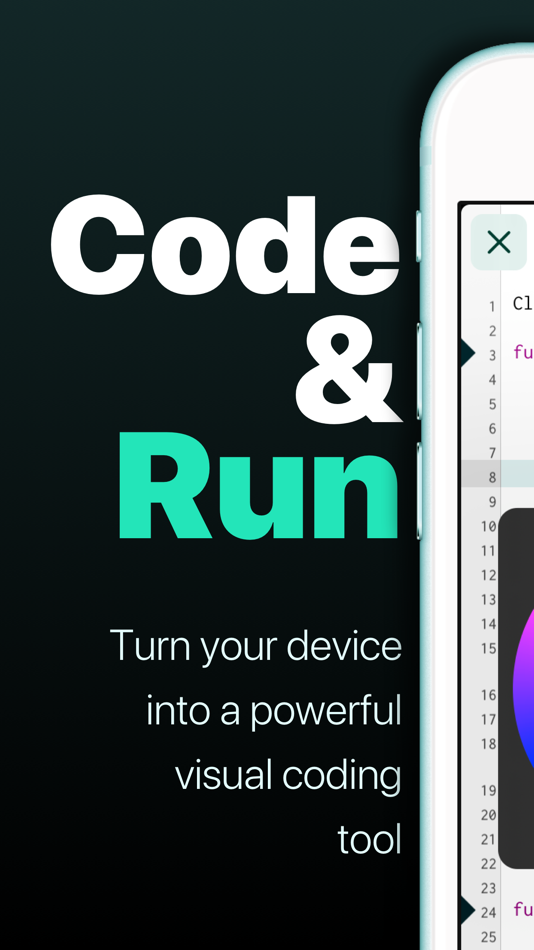
Codea lets you create games and simulations — or just about any visual idea you have. Turn your thoughts into interactive creations that make use of iPad features like Multi-Touch and the accelerometer.
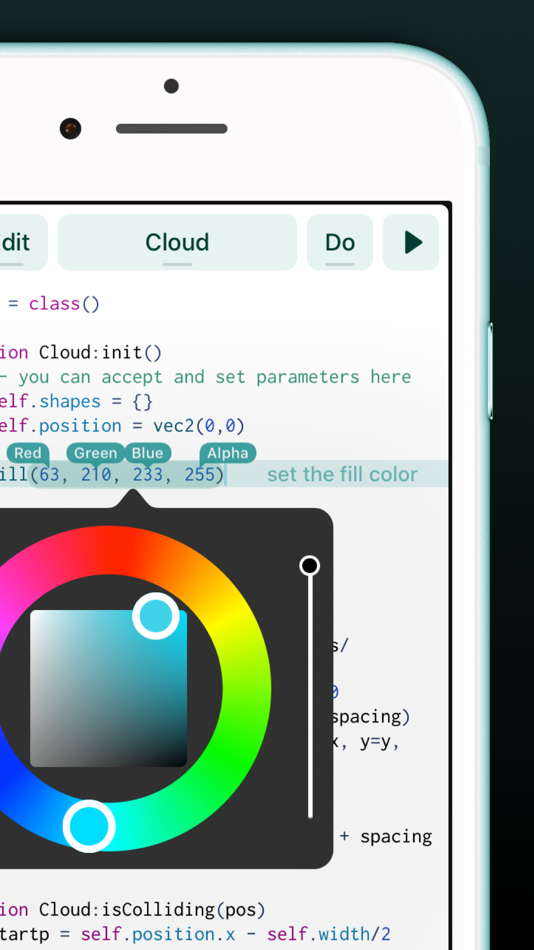
We think Codea is the most beautiful code editor you'll use, and it's easy. Codea is designed to let you touch your code. Want to change a color, or an image? Tapping will bring up visual editors that let you choose exactly what you want.
Codea is built on the Lua programming language. A simple, elegant language that doesn't rely too much on symbols — a perfect match for iPad.
Here's how you use it: type your code. Press play to watch it run. Interact with it. Get creative.
FEATURES
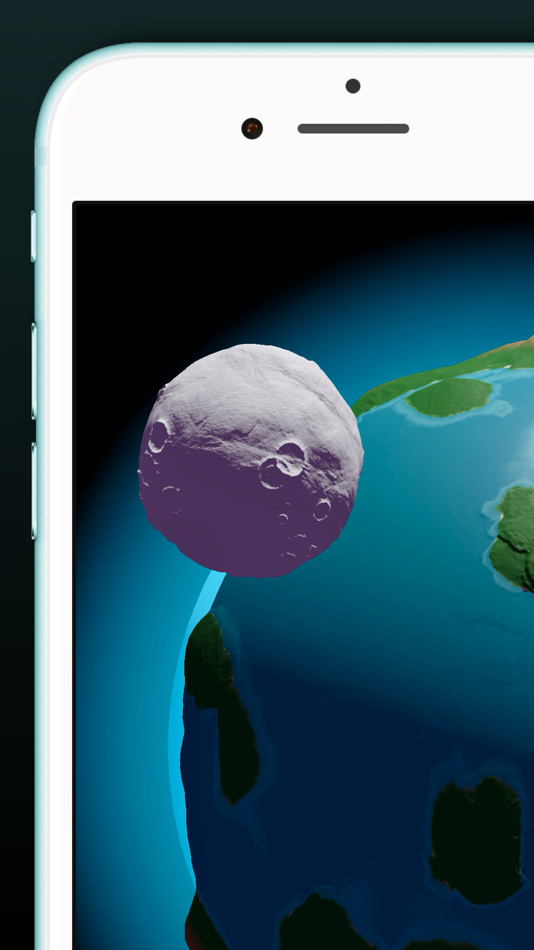
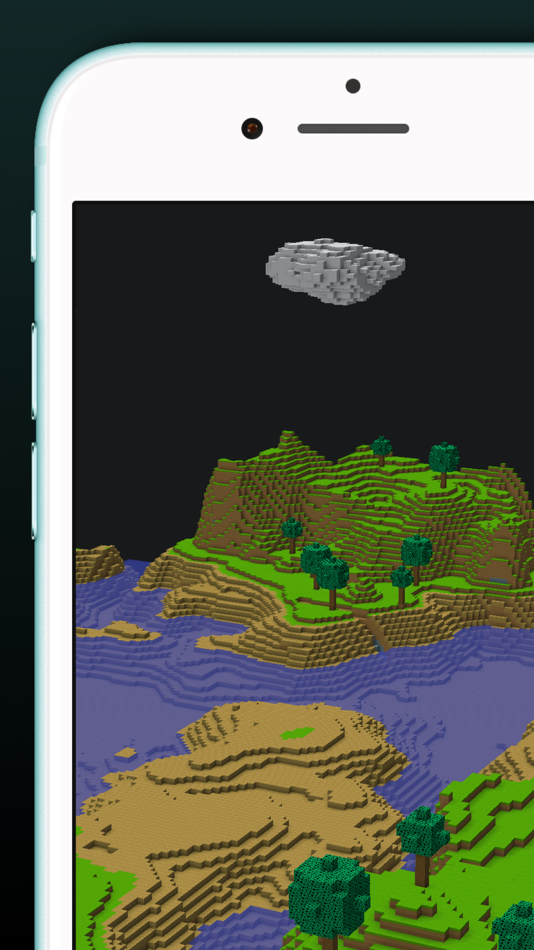
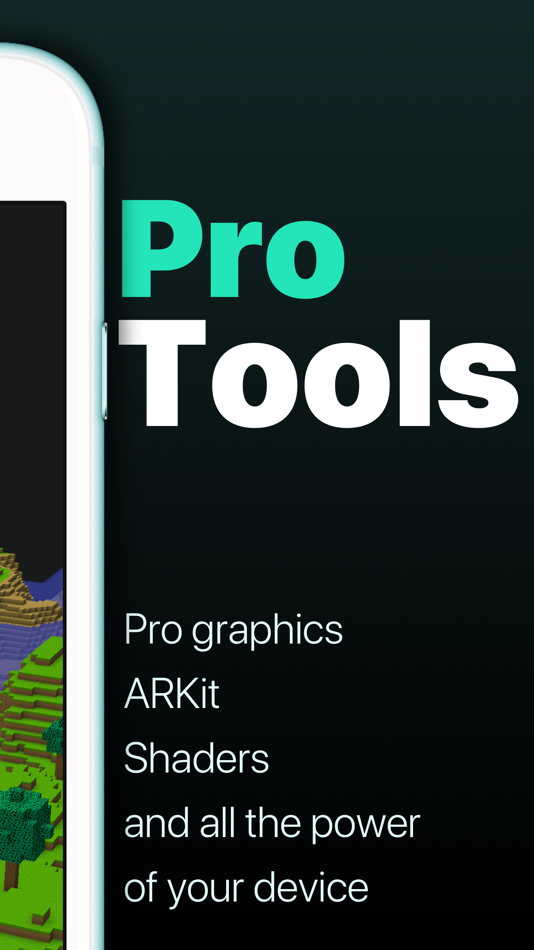
• A fully featured 2D and 3D renderer
• Lots of great example projects to learn from, including games
• Touch your code: tap colors, images and sounds to adjust them
• Export your finished projects to Xcode to produce real apps
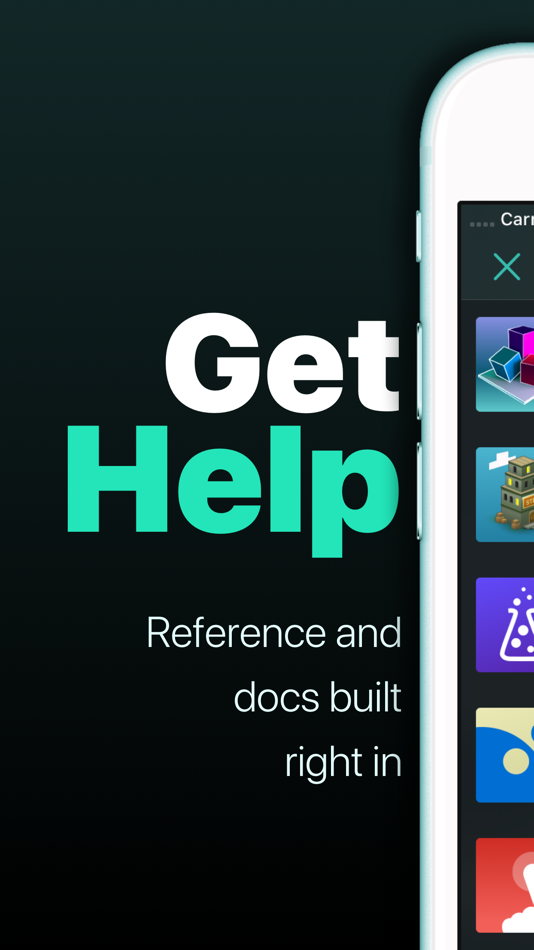
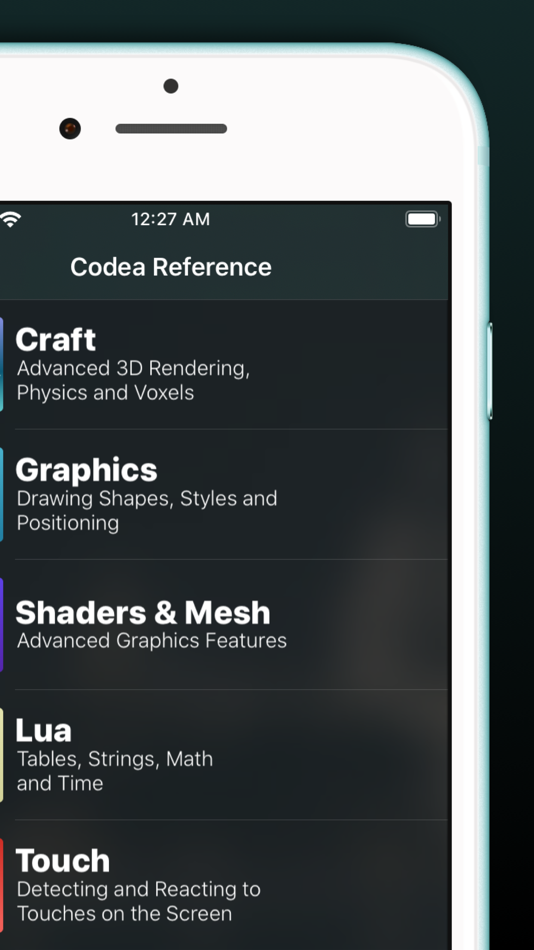
• Complete in-line reference documentation accessible from keyboard
• Intelligent syntax highlighting and auto-completing code editor
• Import your own assets from Dropbox
• Full 2D and 3D physics engines for complex motion
• Add parameters so you can tweak variables at runtime
• Interact with accelerometer and multi-touch on your device
• Generate retro-game sound effects
• GLSL Shader Language support with live shader editor
• Bluetooth keyboard support and keyboard shortcuts
• Air Code: code live from your PC using WiFi
• Much, much more
IMPORTANT INFORMATION
• Join the forums at https://talk.codea.io to ask questions, share ideas and get help when you need it
• If you need help or wish to get in contact with us, please use the support link on this page
• Privacy policy https://codea.io/privacy
• Terms https://www.apple.com/legal/internet-services/itunes/dev/stdeula/
SUBSCRIPTION
• Codea is free to use for projects up to 500 lines, after which you can subscribe to Codea Pro for access to advanced features and unlimited project size
• Monthly and yearly plans available
• Lifetime one-time purchase also available
• Pricing may vary by region. Your subscription will automatically renew unless auto-renew is turned off at least 24 hours before the end of the current period. You can manage or cancel your subscription in your App Store account settings.
Ad
스크린샷


가격 내역
-
* 인앱 구매 - 오늘: 무료
- 최소: 무료
- 최대: $29.99
가격 추적
새로운 기능
- 버전: 3.16
- 업데이트:
- Built-in MCP Server & AI Agent Support
- Codea now includes a built-in MCP server, making it easier to connect AI coding agents directly to your projects
- To get started, open Air Code and check the updated menus and documentation
Editor Scroll to Top Gesture
- Adds a new setting in Editor Preferences to control the editor scroll-to-top gesture
Xcode Export Improvements
- Improves Xcode export
- The Xcode exporter now uses the same packaging style as zip export, with dependencies embedded into the exported project
IMPROVEMENTS
Performance Improvements
- Improves Codea startup performance
- Attempts to improve loading performance on the project grid
Game Center Turn-Based Support
- Adds GKTurnBasedEventHandlerDelegate support
Viewer Layout Improvements
- Prevents the viewer split pane from being occluded by buttons in iPhone landscape mode
FIXES
- Fixes an issue where the dependency list could show items in an incorrect state
- Fixes an issue where pressing return could incorrectly add an `end` statement
- Fixes `require` when importing projects using modern buffer ordering syntax
- Fixes image pixel access behaviour so it is no longer inverted on the Y-axis in Modern renderer
- Minor UI fixes
추가 정보
 https://codea.io
개발자
목록 (5)
- Codea


포인트 (13)


순위 (0)
0 ☹️
댓글 (0)
가장 먼저 댓글을 남겨주세요 🌟
«Codea». 플랫폼: iOS. 카테고리: 개발자 도구. 개발자: «Two Lives Left». 첫 번째 릴리스: . 마지막 업데이트: . 현재 가격: 무료. 이 타이틀은 아직 AppAgg에서 평가나 리뷰를 받지 못했습니다. 목록: 공개: 5, 비공개: 10. 추적된 포인트: 확인됨: 13, 간접: 126. 매장: App Store. 매장 평가: 4.5. 투표: 126. 사용 가능한 언어: Catalan, Chinese, Dutch, English, French, German, Italian, Japanese, Korean, Russian, Spanish. AppAgg는 «Codea»의 가격 기록, 평점 및 사용자 피드백을 추적합니다. 향후 할인 및 업데이트 받기: RSS에서 확인할 수 있습니다. AppAgg는 애플리케이션을 호스팅하거나 소프트웨어를 배포하지 않습니다. 모든 상표, 로고 및 스크린샷은 해당 소유자의 자산입니다.
Codea 단축 URL: 복사됨!- 🌟 공유하기
- App Store
유사 항목
-
- Shade
- iOS 앱: 그래픽 및 디자인 게시자: Two Lives Left
- $19.99
- 목록: 1 + 0 0 0
- 포인트: 2 + 123 (4.3) 버전: 1.3.2 Shade transforms your device into a professional node-based shader editor. Build stunning, connected shader graphs that render in real time You'll find full support for keyboard ... ⥯
-
- hyperPad Starter
- iOS 앱: 개발자 도구 게시자: UntitledD
- 무료
- 목록: 0 + 0 0 0
- 포인트: 0 + 33 (4.1) 버전: 2.6 Create Your First Game on iPad for Free! Make one free game and explore visual coding on the most powerful game development app. No coding, subscriptions or ads. Just hyperPad, for ... ⥯