
Gespeichert
Wähle den Namen, der im Menü Gespeichert angezeigt werden soll.
Fertig!
| Entwickler: | Nektony LLC (12) | ||
| Preis: | $34.99 | ||
| Einschätzung: | 9,480 Legende | ||
| Ranglisten: | 0 | ||
| Kommentare: | 0 Kommentar posten | ||
| Listen: | 1 + 2 | ||
| Punkte: | 6 + 0 ¡ | ||
| +1 Punkte | |||
Beschreibung

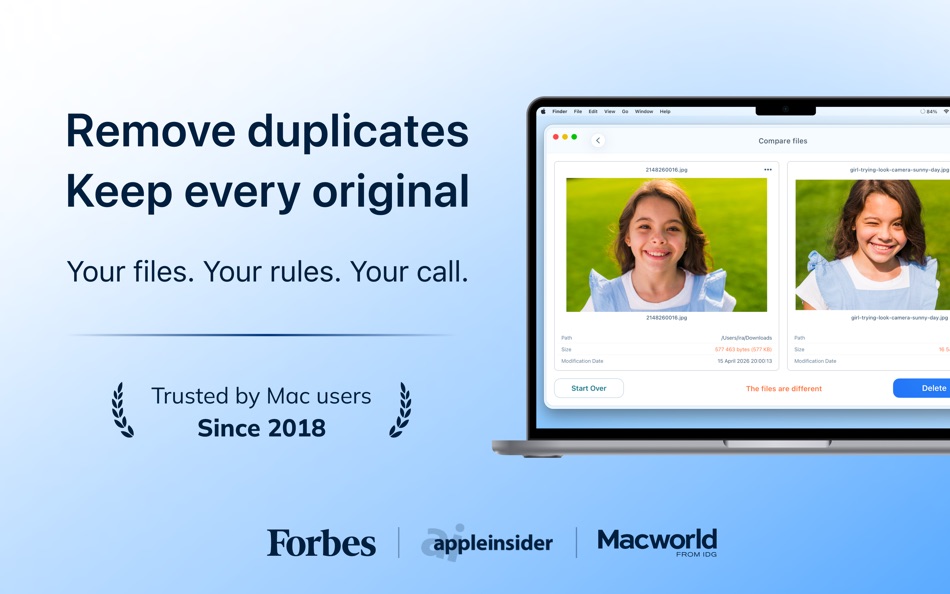
With Duplicate File Finder Pro, you can find duplicate files on a Mac’s hard drive or on any external disk. This duplicate cleaner accurately compares files and folders and finds duplicates, including duplicate photos, duplicate music, and even similar media files.
Steps for removing duplicate photos on a Mac:
Scan a disk, folder, or your Photos Library for duplicates → Select duplicate files and folders → Review and remove duplicates.
Duplicate File Finder Pro provides a wide set of features to find duplicate files and folders on a Mac, organize or delete duplicate photos, and even view Similar folders and merge them.
Duplicate File Finder Pro allows you to:
▸ Find any type of duplicate files: duplicate music, duplicate photos, videos, documents, and so on.
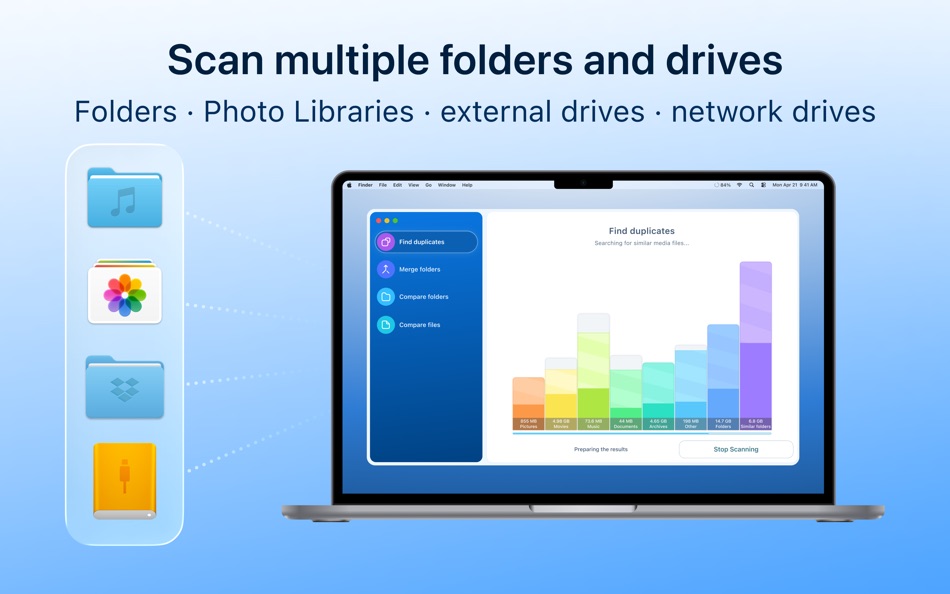
▸ Find duplicates on any drive type (external, network, and cloud storage
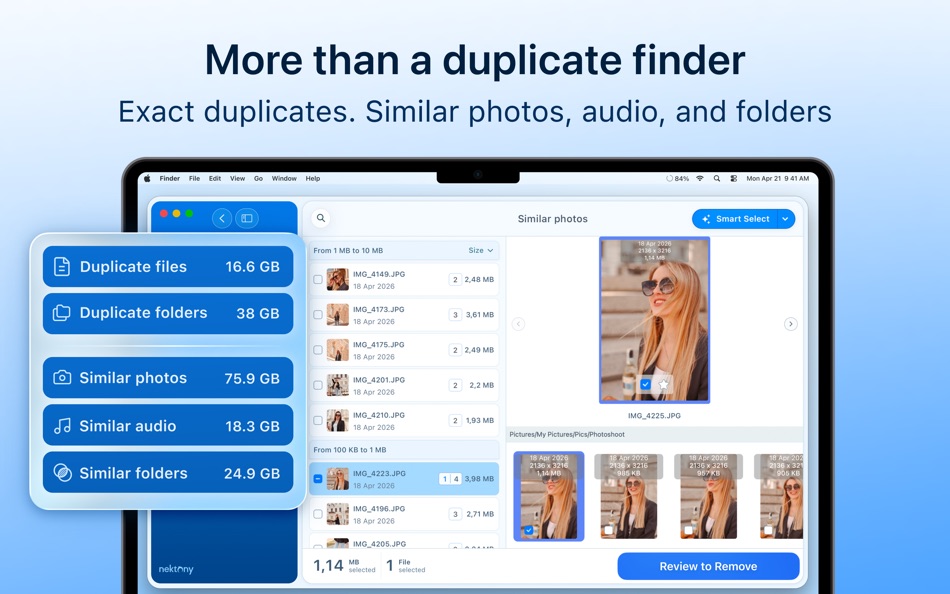
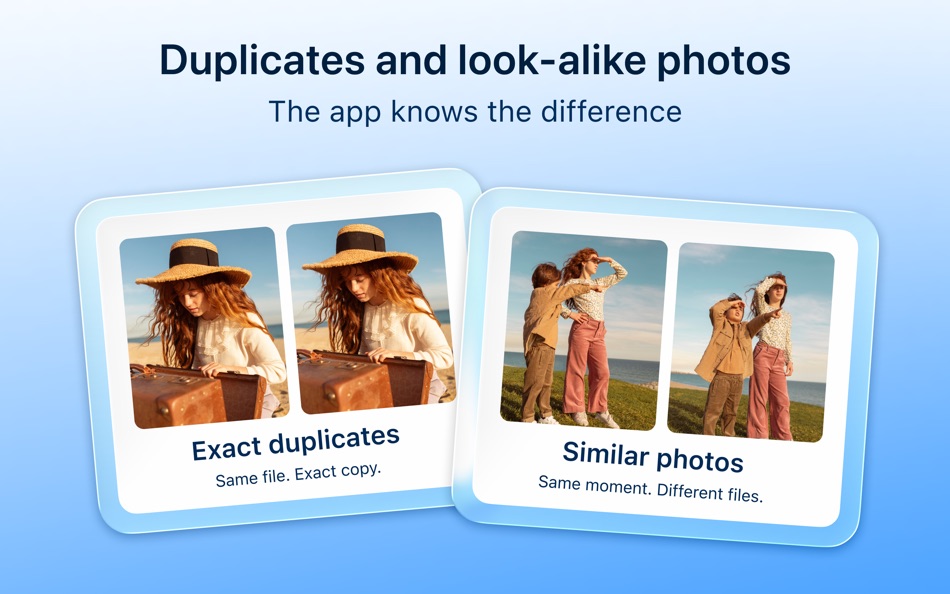
▸ Find duplicate photos and similar images
▸ Find similar audio files
▸ Scan multiple Photos Libraries for duplicate and similar photos
▸ Sort duplicates by categories (type, name, count, path, size)
▸ Remove duplicate files and folders
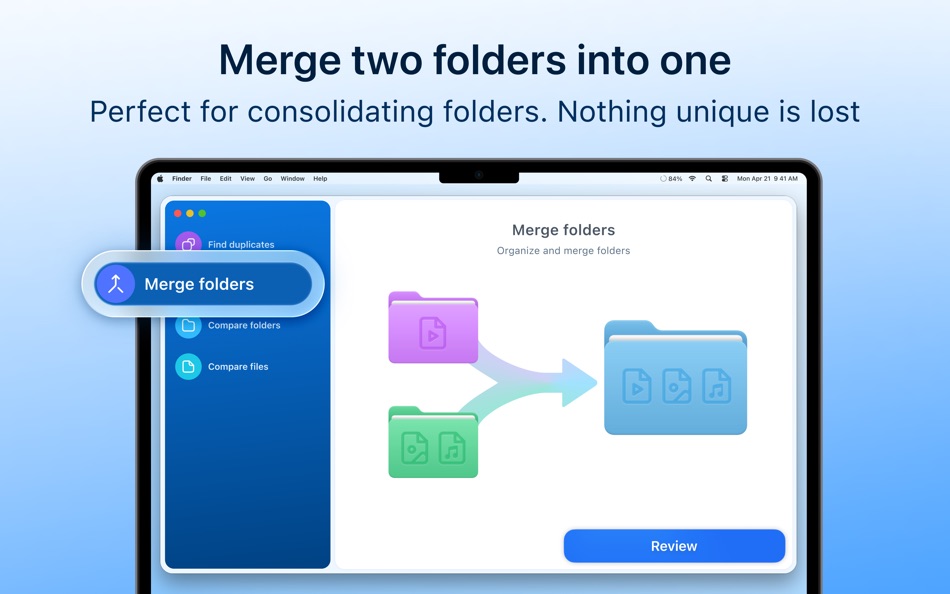
▸ Merge similar folders
▸ Merge any two folders into a new one
▸ Batch merge multiple folders
▸ Choose folders where duplicates should be removed or kept with the “Select by folders” option
▸ Specify the priority folder for the Smart Select option
▸ Add any file, folder, or file extension to the Skip List
▸ Move selected duplicates to a specific folder instead of removing them
▸ Restore deleted duplicates
Check how much space each duplicate takes on your Mac with our duplicate checker. You can also see a list of the biggest similar folders that contain both identical and unique files.
List of the best features of Nektony’s duplicate photo finder:
SEARCH FOR DUPLICATE FILES:
▸ Fast scanning algorithm
▸ Scanning for duplicates in multiple folders, drives, and Photos Libraries
▸ Support for external drives and mounted network folders
▸ "Recents" for scanned folders
▸ Animated scanning process
▸ Support for scanning hidden folders
FIND DUPLICATES:
▸ Preview duplicates by category
▸ Preview duplicates with Quick Look
▸ List of similar folders
▸ Visual folder similarity map
▸ Quick-find bar
▸ Flexible sorting and filtering
REMOVE DUPLICATES:
▸ Selected files summary
▸ One-click selection of multiple duplicate files
▸ Smart duplicate autoselection with custom rules
▸ "Always select" and "Never select" options
▸ Confirmation list for duplicate removal
▸ Flexible removal: Trash, permanent Delete, or move to folder
REMOVE SIMILAR MEDIA FILES
▸ Find a series of similar photos
▸ Find similar music files
▸ Preview groups of similar photos and audio files
▸ Compare similar photos/audio in each group of series
▸ Click the Star icon to select the best photo/audio and remove other files in each series
MERGE FOLDERS
▸ Merge two similar folders
▸ Merge any multiple folders
▸ Merge any two folders into a new folder
▸ Move unique files from one folder to another
▸ Copy unique files from one folder to another
▸ Tag merged files
Duplicate File Finder Pro is the best duplicate photo finder. Use the application to organize duplicate content or get rid of duplicate files taking up valuable disk space on your Mac.
NOTE: If you have any comments, general questions, or technical issues, please contact us directly at support@nektony.com. We will respond within one business day.
Werbung
Screenshots


Preisentwicklung
- Aktueller Preis: $34.99
- Minimum: $9.99
- Maximum: $34.99
Preise beobachten Zur Liste hinzufügen und Rabattbenachrichtigungen per E-Mail oder Push erhalten
AppAgg-Score
9,480
Geschätzte AppAgg-Einschätzung für
Duplicate File Finder Pro
Entwickler: Nektony LLC
9,480 Legende
Höhere Einschätzungen bedeuten meist stärkere Signale auf AppAgg.
Basierend auf: Popularität · Nutzerbewertungen · Aktualität · Angeboten · Shop-Daten · Community-Aktivität
Wird täglich anhand aktueller AppAgg-Daten neu berechnet.
Kurz-URL: Kopiert!
Neue Funktionen
- Version: 9.2.2
- Zuletzt aktualisiert:
- The app icon now adapts to macOS appearance styles, and Smart Select picks the right duplicates even more accurately.
Ideas or questions are always welcome at support@nektony.com.
Weitere informationen
- Veröffentlichungsdatum:
- Kategorie:
macOS-Apps›Dienstprogramme - Betriebssysteme:
macOS,macOS 11.0 oder höher - Größe:
22 Mb - Unterstützte Sprachen:
Chinese,English,French,German,Italian,Russian,Spanish,Ukrainian - Altersfreigabe:
4+ - Mac App Store Bewertung: ¡
0
 https://nektony.com/duplicate-finder-free
Entwickler
- Nektony LLC
- Follower: 0
- Plattformen: iOS Apps (2) macOS Apps (10)
- Rabatte: 0
- Listen: 2 + 3
- Punkte: 34 + 919 ¡
- Ranglisten: 0
- Kommentare: 0
- Videos: 0
- RSS: Abonnieren
Listen (1)
- Duplicate File Finder Pro

Punkte (6)




Ranglisten (0)
0
Kommentare (0)
Seien Sie der Erste, der einen Kommentar abgibt
Kurzinfo
Duplicate File Finder Pro Kurz-URL: Kopiert!- Mac App Store
Auf AppAgg können Sie „Duplicate File Finder Pro“ verfolgen, eine App von Nektony LLC für macOS in der Kategorie Dienstprogramme. AppAgg-Einschätzung: 9,480 (Legende). AppAgg-Punkte der App — bestätigt: 6; indirekt: 0. Öffentliche Listen mit dieser App: 1. Nutzer, die sie in privaten Listen gespeichert haben: 2. AppAgg-Nutzer haben die App noch nicht bewertet. Bestätigte Punkte erfassen Store-Aufrufe angemeldeter AppAgg-Nutzer; indirekte Punkte beruhen auf Store-Daten. AppAgg zählt öffentliche Listen mit einer App oder einem Spiel sowie Nutzer, die sie oder es in privaten Listen gespeichert haben. Die App wurde erstmals am veröffentlicht. Die App wurde zuletzt am aktualisiert. Die App kostet derzeit $34.99. Der niedrigste erfasste Preis für die App lag bei $9.99 (); der höchste bei $34.99 (). Die App ist in folgenden Sprachen verfügbar: Chinese, English, French, German, Italian, Russian, Spanish, Ukrainian. Sehen Sie sich den Preisverlauf an, fügen Sie die App einer Liste hinzu oder folgen Sie dem Entwickler. Verfolgen Sie künftige Angebote und Aktualisierungen der App über den RSS-Feed. AppAgg hostet oder vertreibt diese App nicht. Alle Marken, Logos und Screenshots im Zusammenhang mit der App gehören ihren jeweiligen Eigentümern.

