
Saved
Choose the name that will be shown in your Saved menu.
Done!
| Developer: | GoodPDF Limited (7) | ||
| Price: | Free | ||
| Rankings: | 0 | ||
| Comments: | 0 Add a comment | ||
| Lists: | 1 + 1 | ||
| Points: | 3 + 0 ¡ | ||
| +1 Points | |||
Description

# EDIT ORIGINAL PDF TEXT
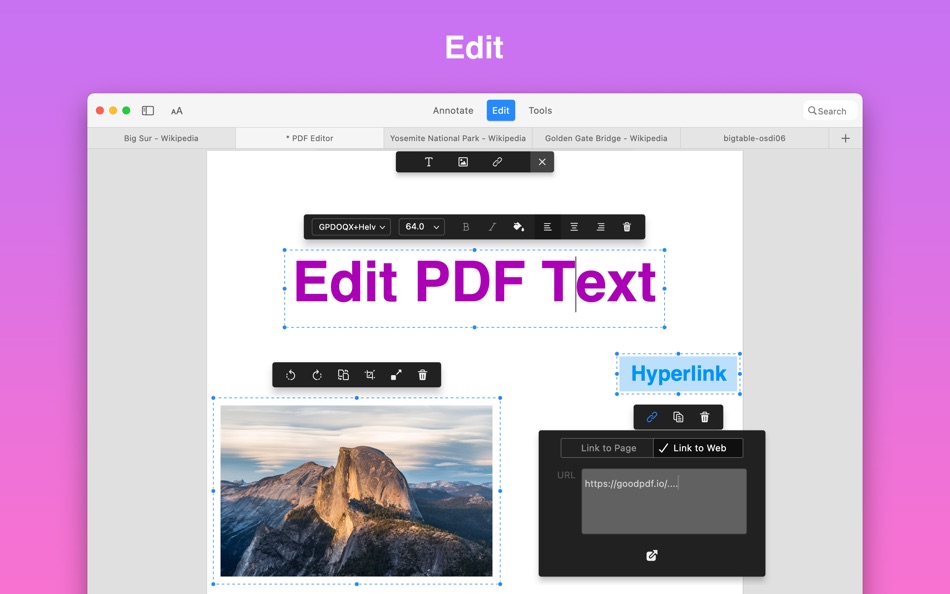
PDF Reader X provides the best experience for editing PDFs on your Mac. It will automatically detect the font, size, and opacity of the original text, so you can make edits easily.
# EDIT PDF IMAGES
With PDF Reader X, you can add, replace, and move images in PDF documents. Edit images the way you want.
# EDIT PDF LINKS
Now linking any part of the text to a different page or a website is easy. Moreover, links can be added to the images.
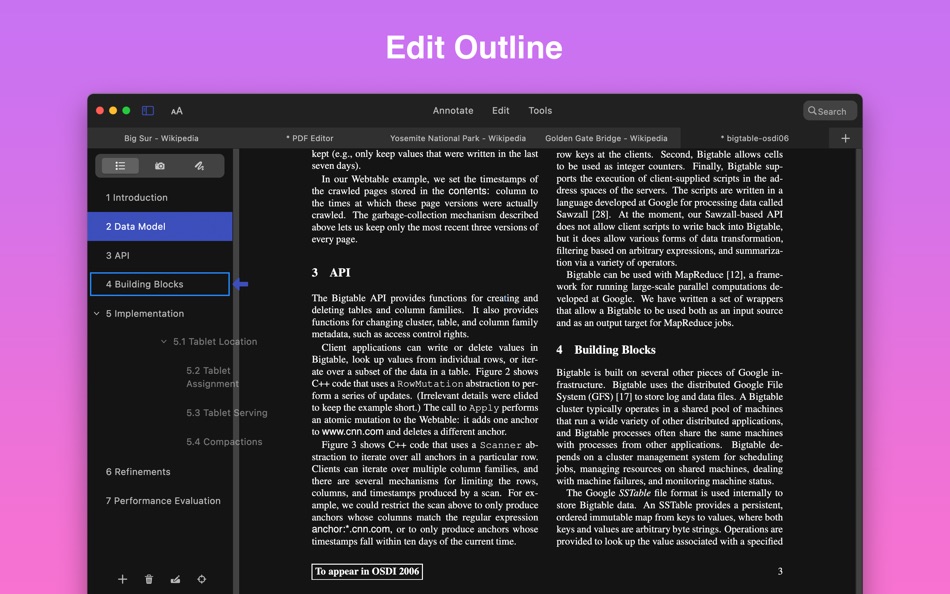
# EDIT PDF OUTLINE
Create, edit and remove outline items on your PDFs
# ORGANIZE PAGES
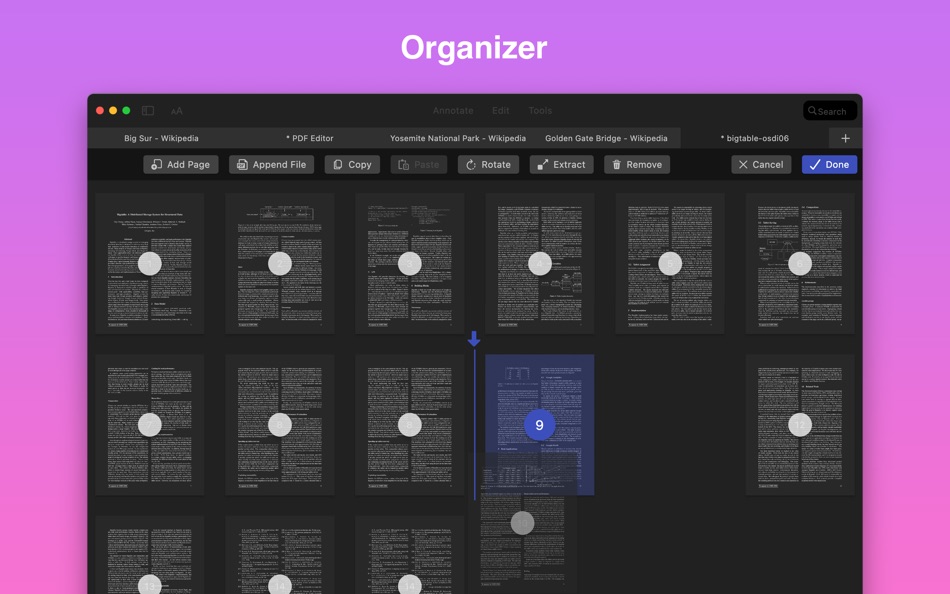
Arrange pages in PDF in a snap. Split, delete, rotate, add and crop PDF pages. Drag and drop page thumbnails to arrange pages. Let you reorder PDF pages exactly the way you want. Combine, organize, and edit PDFs in one software.
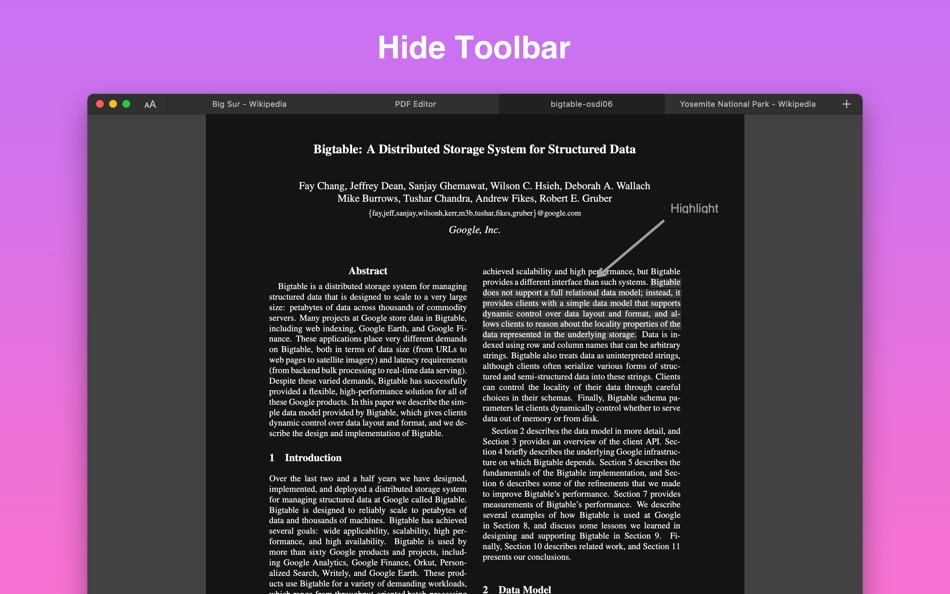
# ANNOTATE PDFs
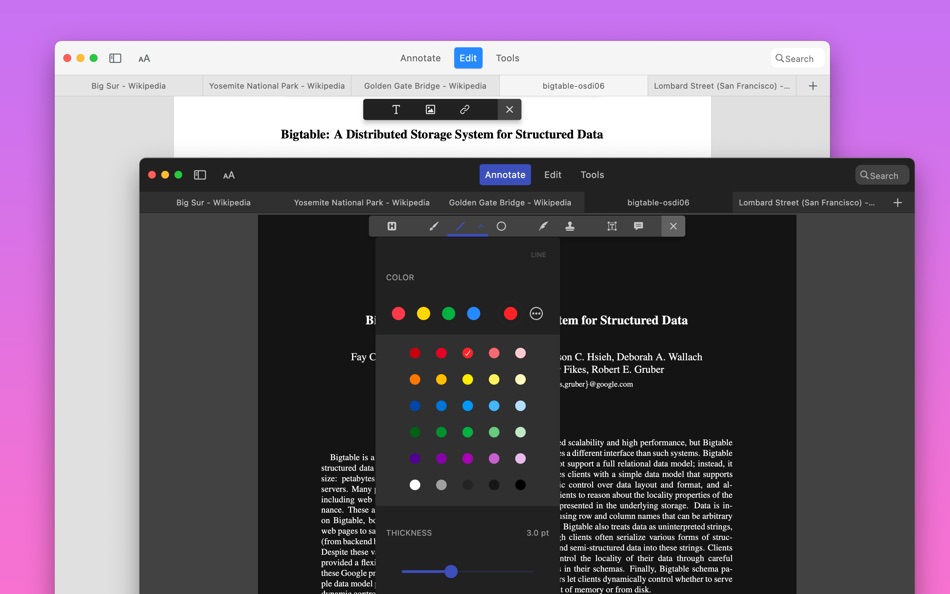
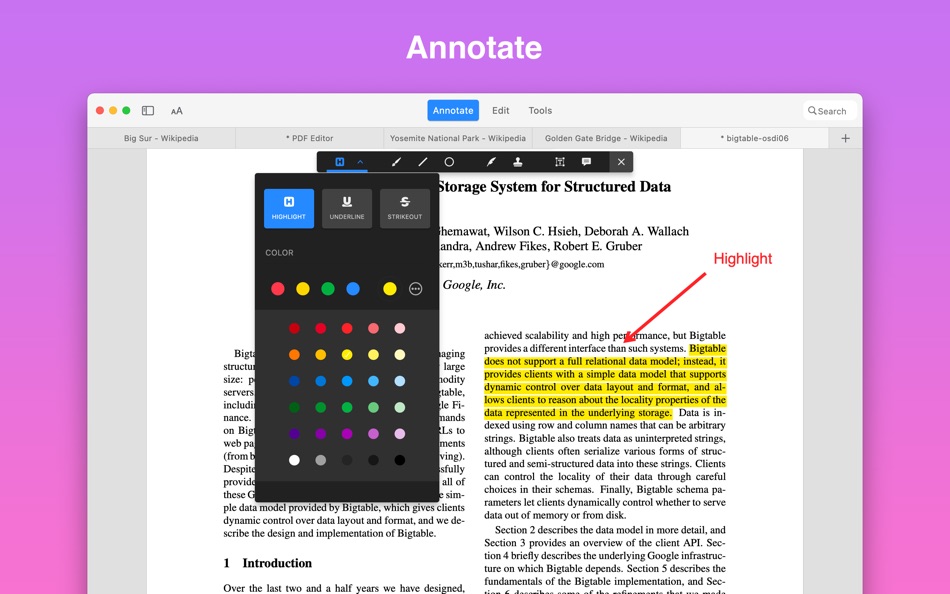
Annotate, Markup, and Highlight PDF As You Please. With PDF Reader X, you can annotate PDF files, add comments, highlight text, and markup PDF with shapes, stamps, and drawings.
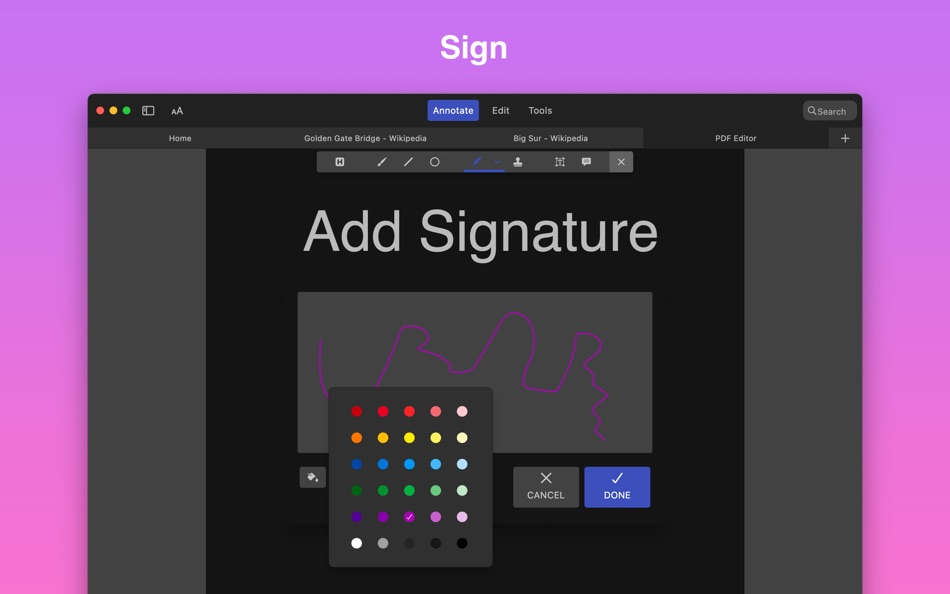
# SIGN PDFs
You can sign your PDF agreement or invoice with PDF Reader X.
# COMPRESS PDFs
If you need to email your thesis with lots of diagrams, tables, images and tons of text pages with the very limited size of the e-mail, compressing your PDF file is the easiest way to solve this problem.
# PROTECT PDFs
If there's a document with some financial statements, you don't want everyone to see or use it without permission. That's when you need password to protect your PDF.
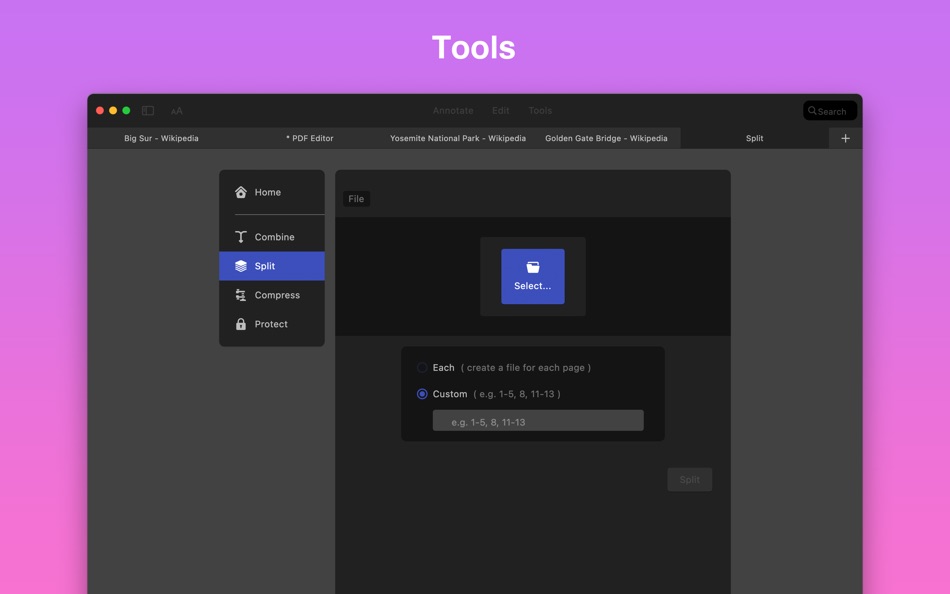
# SPLIT PDFs
Easily save specific pages of your PDF document. You can extract one page or multiple pages from PDF.
# MERGE PDFs
Integrating PDFs is useful when you are conducting scientific research and need to merge a lot of statistical info from different sources into one PDF file.
# CREATE PDF DOCUMENT
You can create a new PDF document from images, text files and clipboard. Or you can create a blank PDF document, then insert text and images by youself, just like editing a Word document.
Read more about our terms and conditions here:
https://goodpdf.io/privacy
https://www.apple.com/legal/internet-services/itunes/dev/stdeula/
Have questions or issues? Don't hesitate to reach out to us at https://goodpdf.io/contact
Ad
Screenshots
Price History
- Current price: Free
- Minimum: Free
- Maximum: Free
Track prices
Additional Information
- Release Date:
- Category:
macOS Apps›Business - OS:
macOS,macOS 10.14 and up - Size:
36 Mb - Supported Languages:
Chinese,English - Content Rating:
4+ - Mac App Store Rating:
0
 https://goodpdf.io/pdf-reader-x?source=MAS
Developer
- GoodPDF Limited
- Platforms: macOS Apps (7)
- Lists: 1 + 2
- Points: 5 + 0 ¡
- Rankings: 0
- Comments: 0
- Deals: 0
- Videos: 0
- RSS: Subscribe
Lists (1)
- PDF Reader X - Edit Adobe PDF

Points (3)
-

- 512 expat4i
- +1
-
- 2,979 바람처어럼
- +1
-
- 11,352 Simon Chan
- +1



Rankings (0)
0 ☹️
Comments (0)
Be the first to comment 🌟
«PDF Reader X - Edit Adobe PDF» is a Business app for macOS, developed by «GoodPDF Limited». It was first released on and last updated on . This app is currently free. This app has not yet received any ratings on AppAgg. It has been added to 1 public lists and 1 private lists created by users. AppAgg has tracked 3 confirmed points plus 0 indirect points for this app. Available languages: Chinese, English. AppAgg continuously tracks the price history, ratings, and user feedback for «PDF Reader X - Edit Adobe PDF». Subscribe to this app or follow its RSS feed to get notified about future deals or updates. AppAgg does not host applications or distribute software. All trademarks, logos and screenshots belong to their respective owners.
PDF Reader X - Edit Adobe PDF Short URL: Copied!- 🌟 Share
- Mac App Store
Similar
-
- Easy PDF Reader for Adobe PDF
- macOS Apps: Business By: Cristian Gav
- Free
- Lists: 0 0 0
- Points: 0 Version: 1.0.6 Easy PDF Reader for Adobe PDF is the perfect choice for you if you want to open, edit, sign or highlight any Adobe PDF document or any other PDF file. By using the Easy PDF Reader for ... ⥯
-
- PDF Reader Pro
- macOS Apps: Business By: 金玲 李
- $2.99
- Lists: 0 + 1 0 0
- Points: 8 Version: 5.2.6 PDF Reader Pro is a document management application that integrates efficient reading and intelligent organization, designed specifically for users who need to read and manage PDF ... ⥯
-
- PDF Reader Pro:Editor,Sign PDF
- macOS Apps: Business By: 庭法 符
- * Free
- Lists: 0 0 0
- Points: 0 Version: 2.6.0 PDF Reader Pro is a real all-in-one PDF Ultimate Solution letting you complete any PDF tasks, such as PDF viewing, annotating, creating, converting to Microsoft Office Word / Excel / ... ⥯
-
- PDF Converter for Adobe File
- macOS Apps: Business By: Talha Rehman
- Free
- Lists: 0 0 0
- Points: 0 Version: 1.4 Convert your files into PDF format with just a tap - Download our PDF Converter app now! Tired of dealing with incompatible file formats? All you have to do is drag and drop your file ... ⥯
-
- PDF Page Editor Pro Edition
- macOS Apps: Business By: PDF Technologies, Inc.
- * $13.99
- Lists: 1 0 0
- Points: 2 Version: 2.0 PDF Page Editor Pro Edition is a modern macOS application completely rebuilt with Swift and SwiftUI, designed to deliver a faster, cleaner, and more responsive PDF page editing ... ⥯
-
- Flyingbee Reader - PDF Reader
- macOS Apps: Business By: Flyingbee Software Co., Ltd.
- Free
- Lists: 0 0 0
- Points: 0 Version: 3.2.6 Flyingbee Reader makes working with pdf easier on Mac than ever before due to the simplicity of its interface and feature-rich functions. Flyingbee Reader is more than a pdf viewer, ... ⥯
-
- Basic PDF Reader
- macOS Apps: Business By: Joseph Morganelli
- $1.99
- Lists: 0 0 0
- Points: 0 Version: 1.50 Basic PDF Reader is a fast, lightweight PDF viewer designed for users who want essential PDF functionality without unnecessary bloat. Built specifically for macOS, it provides a clean, ⥯
-
- PDFgear: PDF Editor & Reader
- macOS Apps: Business By: PDF GEAR TECH PTE. LTD.
- Free
- Lists: 0 + 1 0 0
- Points: 4 Version: 2.23 PDFgear is a full-featured and free PDF editor, which provides read, edit, annotation, convert, sign, combine, merge, compress, page management, encrypt, and print PDF documents. "It s ⥯
-
- PDF Office Suite - Edit & Sign
- macOS Apps: Business By: Global Mobile Game Limited
- $25.99
- Lists: 0 0 0
- Points: 0 Version: 1.0.2 PDF Office Suite is a must-have app for anyone who reads, annotates or edits PDF documents on Mac.PDF Editor Pro is for those who want to go beyond PDF Editor to create interactive ... ⥯
-
- PDF Editor, Converter & Reader
- macOS Apps: Business By: Abdul Shakoor
- * Free
- Lists: 0 0 0
- Points: 0 Version: 1.0.2 Edit, merge, compress & sign PDFs easily. All-in-one PDF tool for fast, smart workflow. PDF TEXT EDITOR: COMPREHENSIVE TOOL FOR PDF MANAGEMENT Unlock the full potential of your PDF ... ⥯
-
- PDF to Word Free
- macOS Apps: Business By: 科 姚
- * Free
- Lists: 0 + 1 0 0
- Points: 4 Version: 3.1 PDF to Word Free lets you quickly and easily convert PDF files to Microsoft Word document, and preserves original formatting well. So you can easily edit or reuse PDF data in Microsoft ⥯
-
- PDF Edit All
- macOS Apps: Business By: 东莞市青木网络科技有限公司
- Free
- Lists: 0 0 0
- Points: 1 Version: 1.1.0 PDF Edit All is a trusted Mac PDF reader, editor and converter. Use basic PDF tools and functions to do more work and save valuable time: View PDF: Smooth navigation and fast PDF ... ⥯
-
- PDF Editor Pro - Sign & EDIT
- macOS Apps: Business By: Global Executive Consultants (Shanghai) Ltd
- $19.99
- Lists: 0 0 0
- Points: 1 Version: 2.8.9 PDF Editor Pro is a must-have app for anyone who reads, annotates or edits PDF documents on Mac.PDF Editor Pro is for those who want to go beyond PDF Editor to create interactive ... ⥯
-
- PDF Editor Star
- macOS Apps: Business By: 顺华 吕
- Free
- Lists: 0 + 1 0 0
- Points: 2 Version: 5.0.0 PDF Editor Star is a editor and viewer of PDF files. You can search PDF files, edit them, add notes, highlight sections, copy and paste, and much more. PDF Editor Star provides support ⥯