
저장됨
저장됨 메뉴에 표시할 이름을 선택하세요.
완료!
| 개발자: | Enpass Technologies Private Limited (3) | ||
| 가격: | * 무료 | ||
| 평가: | 20,600 플래티넘 | ||
| 순위: | 0 | ||
| 댓글: | 0 댓글 게시 | ||
| 목록: | 2 + 1 | ||
| 포인트: | 0 + 359 (3.9) ¡ | ||
| +1 포인트 | |||
기술

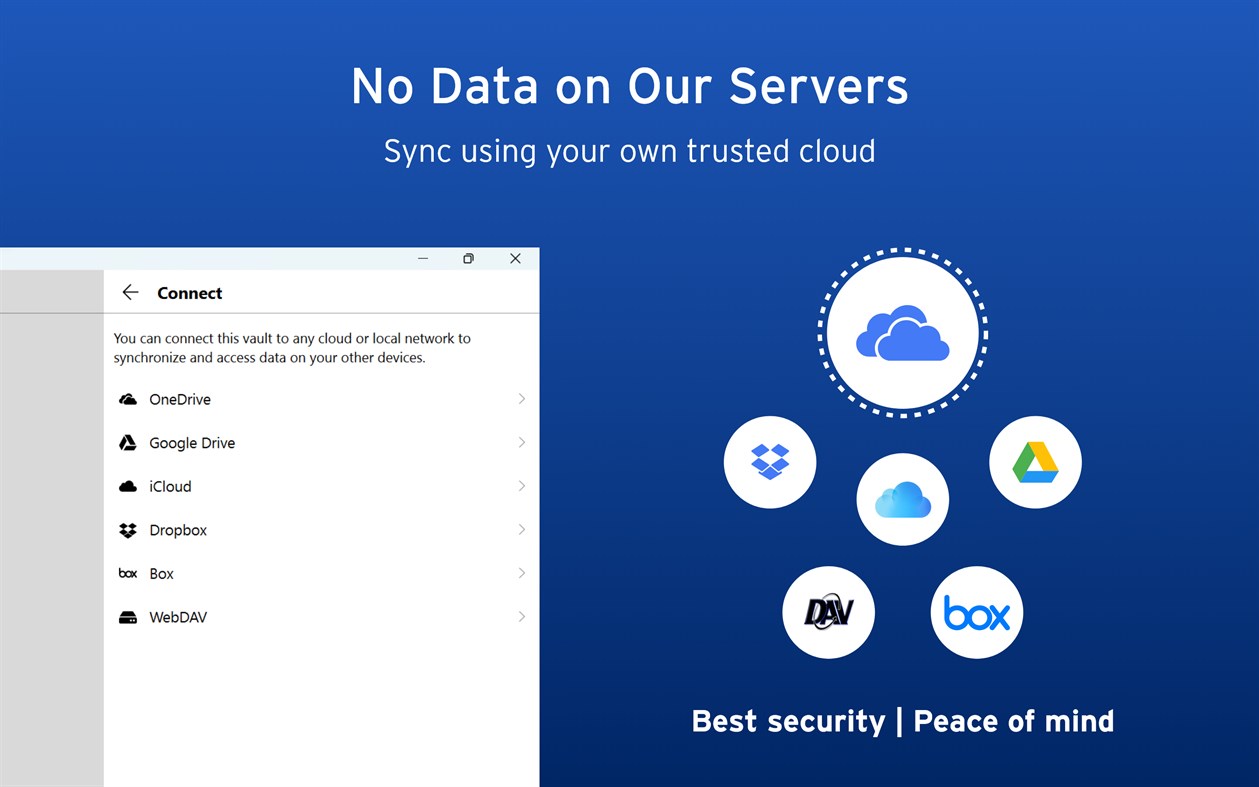
Enpass believes your data belongs to you. Instead of keeping everyone’s passwords on a central server like most password managers, with Enpass YOU choose where your encrypted vaults are stored and synced.
● Enpass works with OneDrive, iCloud, Google Drive, Box, Dropbox, NextCloud, WebDAV, or completely offline.
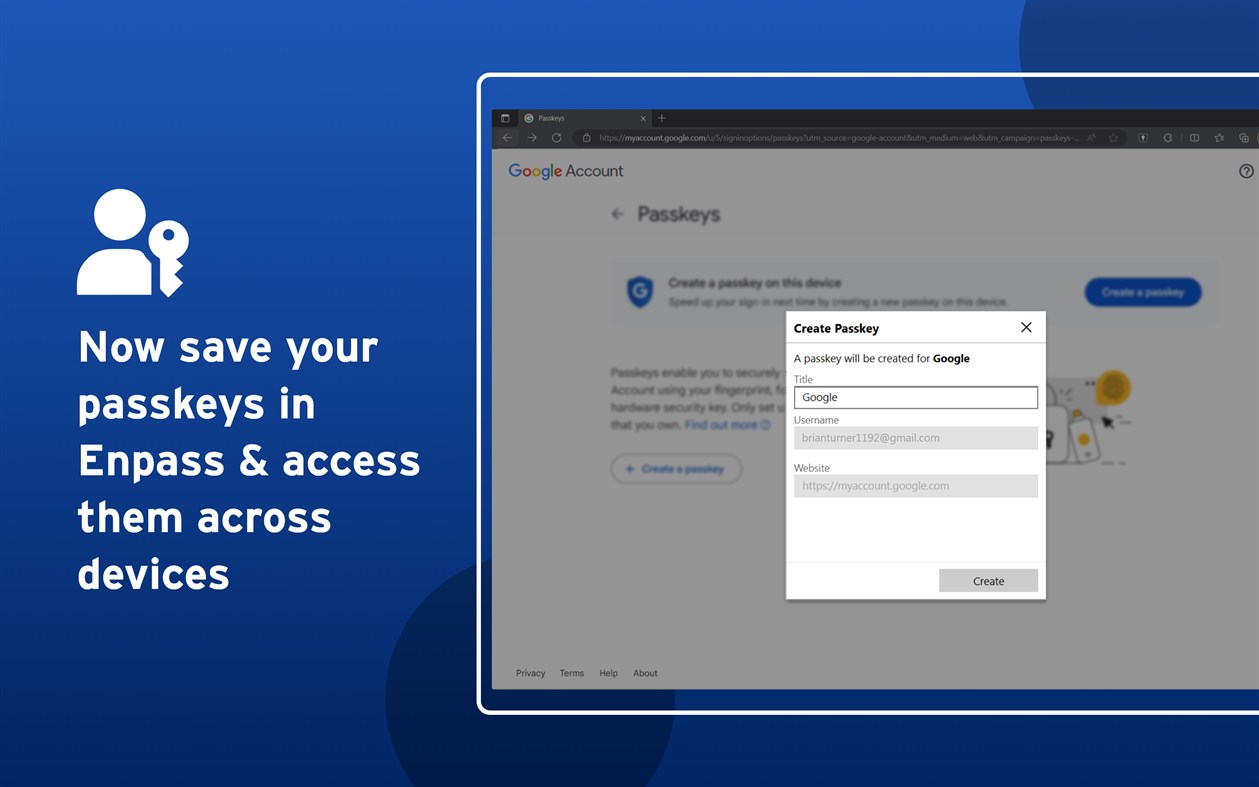
● And with support for storing and syncing passkeys across devices, Enpass is ready for the password-less future.
WHY ENPASS IS SAFER
● Most password managers store every user’s vaults in their own central server, making a tempting single target for hackers
But with Enpass, hackers would have to
- Target you personally
- Know which cloud services you’ve chosen for your vaults
- Have the credentials to those cloud accounts
- Get past each account's multi-factor authentication
- And know your Enpass master password
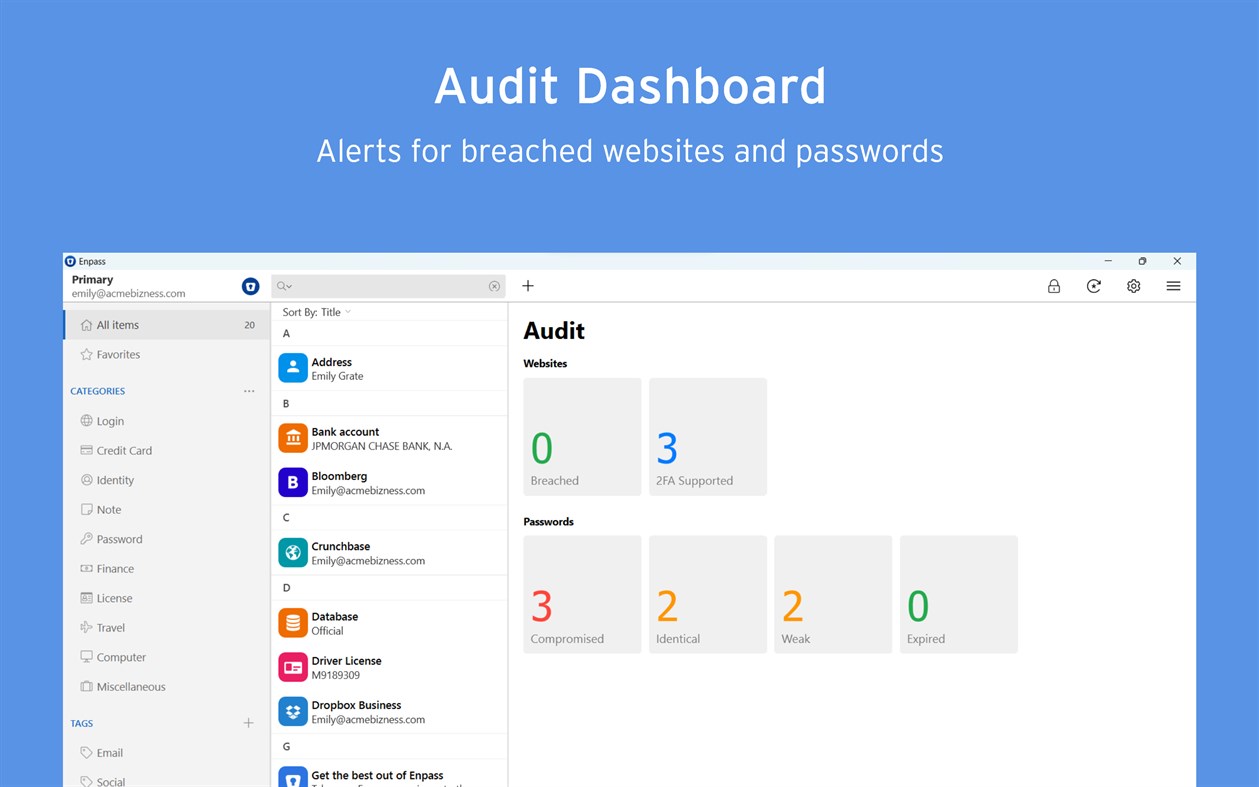
● Enpass also includes password audit & breach monitoring — user-friendly tools to help keep you safe
WHY ENPASS IS BETTER
● Store and sync passkeys — ready for the password-less future
● Unlimited vaults — completely separate work passwords from personal, and more
● Share individual vaults — with a parter or project team; help manage passwords for kids or elderly relatives
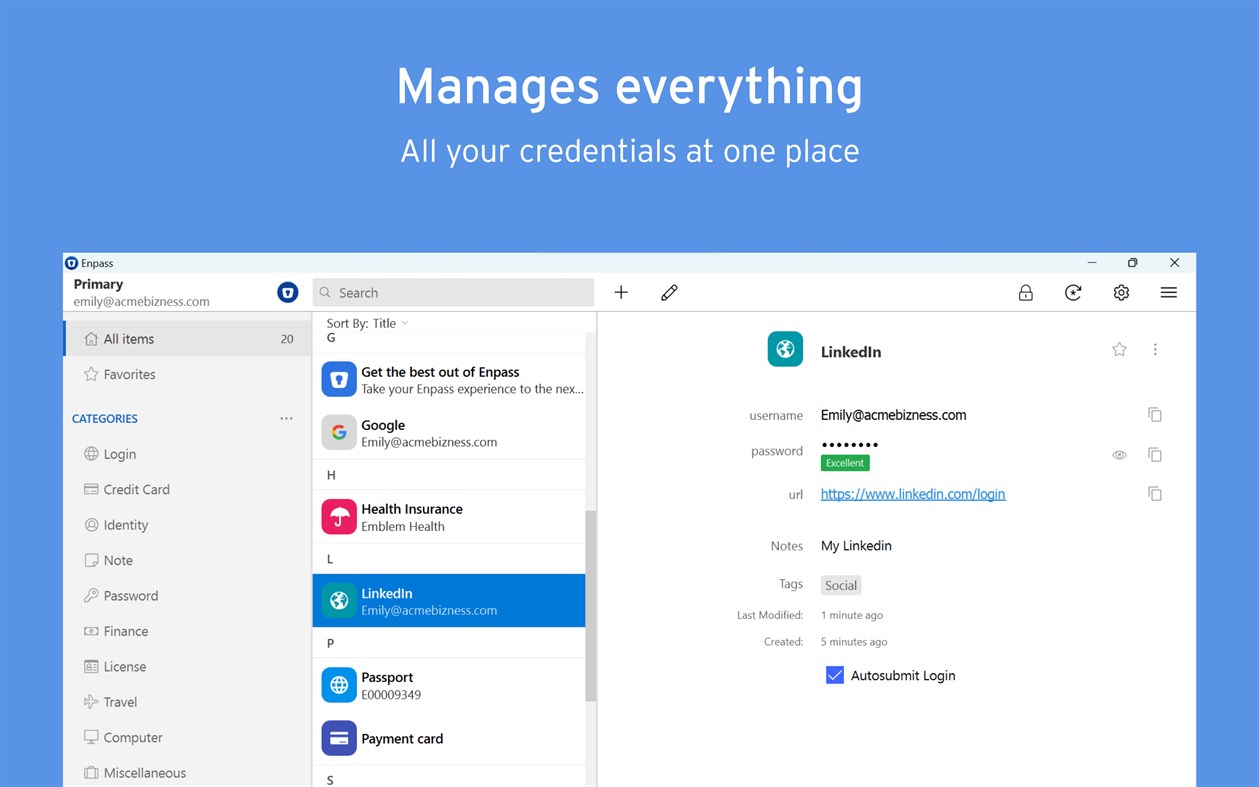
● Wildly customizable — make your own templates, categories, and tags to organize your credentials and private files
● Customize each Item — add, remove, and rearrange fields, or make your own (even multi-line fields)
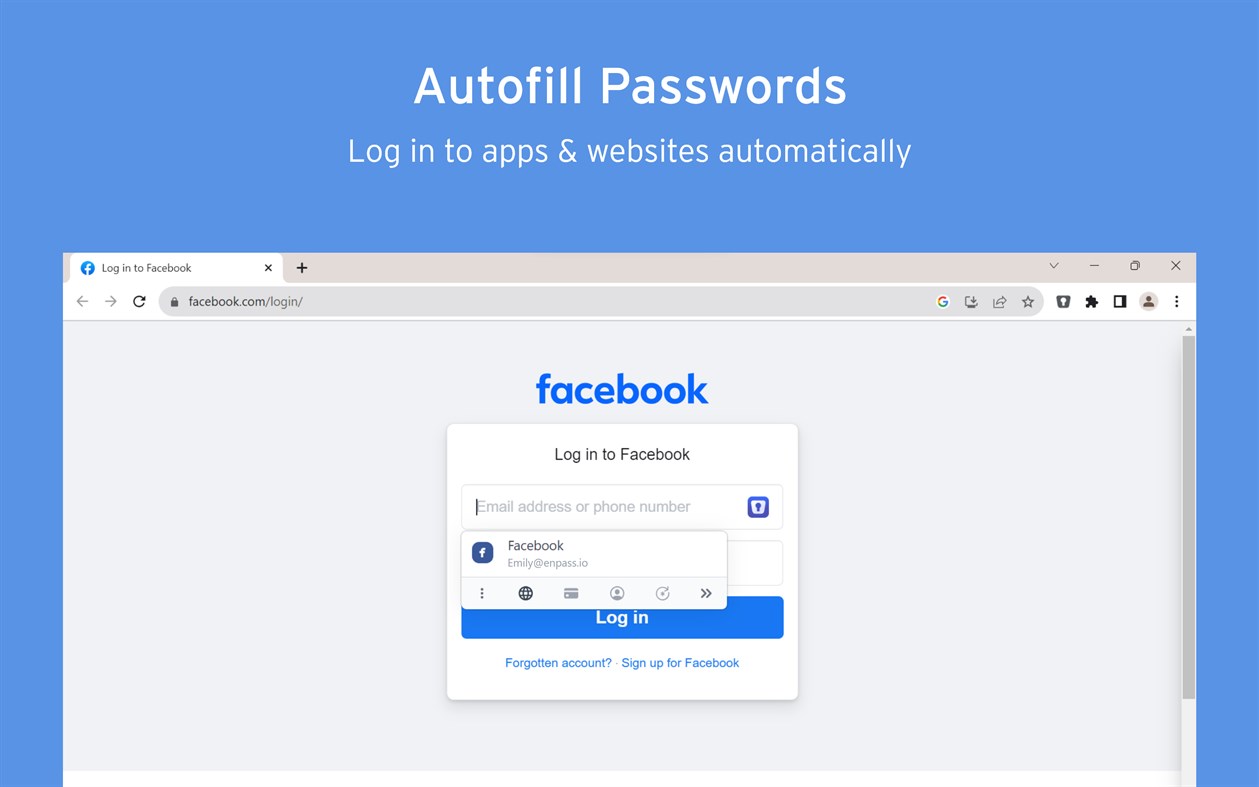
● Customizable browser extension — make auto-fill and auto-save work the way YOU like, and make your own keyboard shortcuts
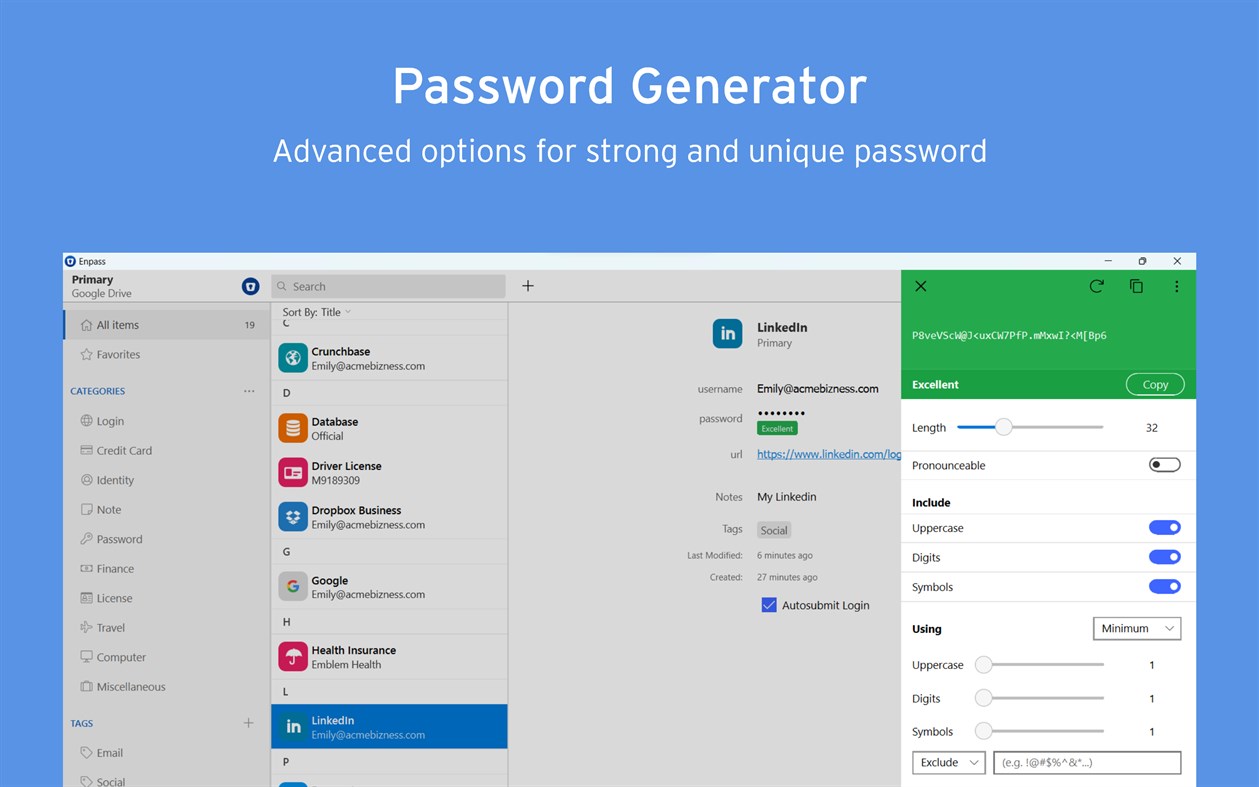
● Customizable password generator — tweak up to 10 parameters when creating strong new passwords
● Attachments — include documents and images with your saved credentials
● Built-in authenticator (TOTP) — no need for a separate app to get those 6-digit codes
AND ENPASS IS AFFORDABLE
● Enpass desktop is FREE for individual users (mobile syncs up to 25 items for free)
● Enpass Premium starts at just $1.99/mo, Enpass Family at $2.99/mo
● Enpass Business starts at $2.99/user/mo (or $9.99/mo flat for small teams)
● Visit enpass.io/pricing for more details. **
ENPASS IS ALSO BETTER FOR BUSINESS
● Decentralized storage & sync makes Enpass compliance-friendly
● Powerful security and recovery tools, and one-click sharing for teams
● Automatic provisioning and offboarding
● Easy integration with Google Workspace and Microsoft 365
ENPASS IS EVERYWHERE
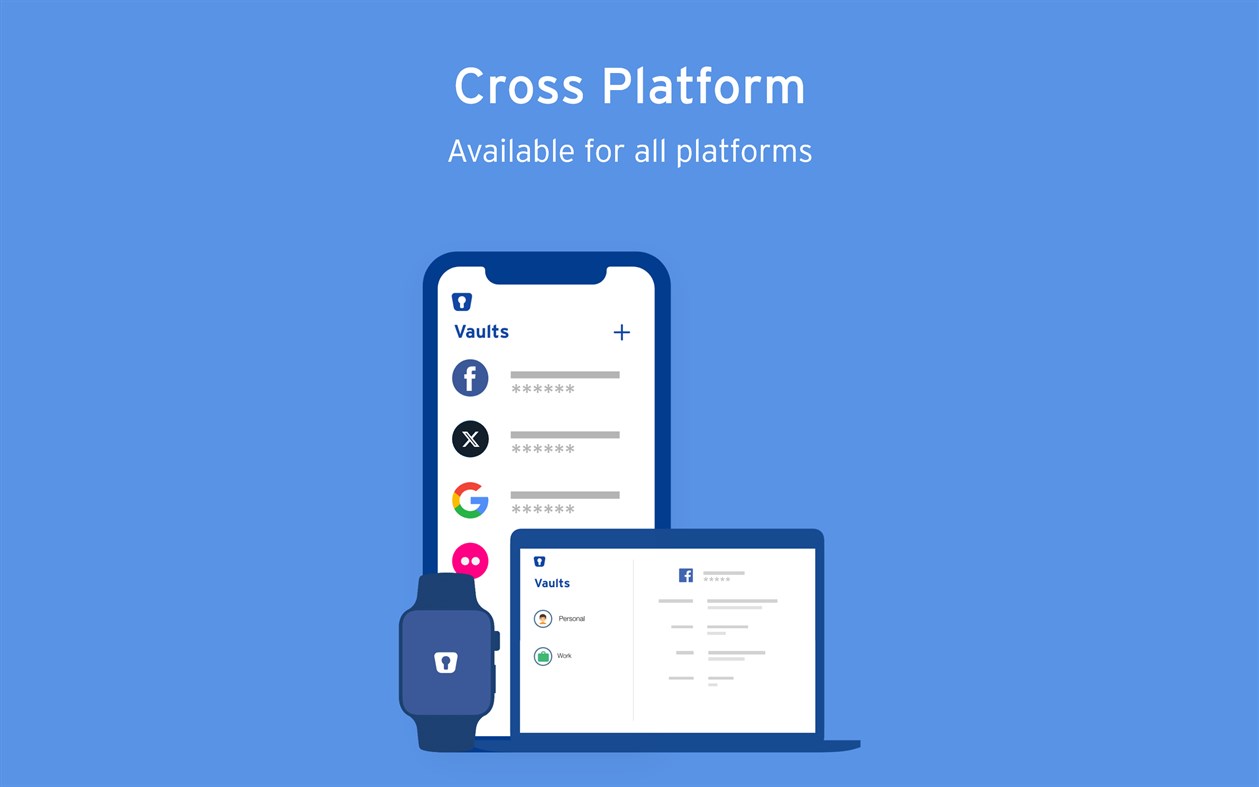
● Enpass works across Windows, Android, iOS, watchOS, Mac, Linux, and all major browsers
SECURITY
● Zero-knowledge AES-256 encryption on 100% of user data
● Certified compliance with ISO/IEC 27001:2013 standards
● Quick unlock with Windows Hello face or fingerprint authentication
● Quick unlock with a PIN
● Unlock with a keyfile as second-factor authentication
CONVENIENCE
● Auto-fills passwords, authentication codes, credit cards, and webforms
● Auto-saves new or changed credentials
● Stores and syncs passkeys across devices
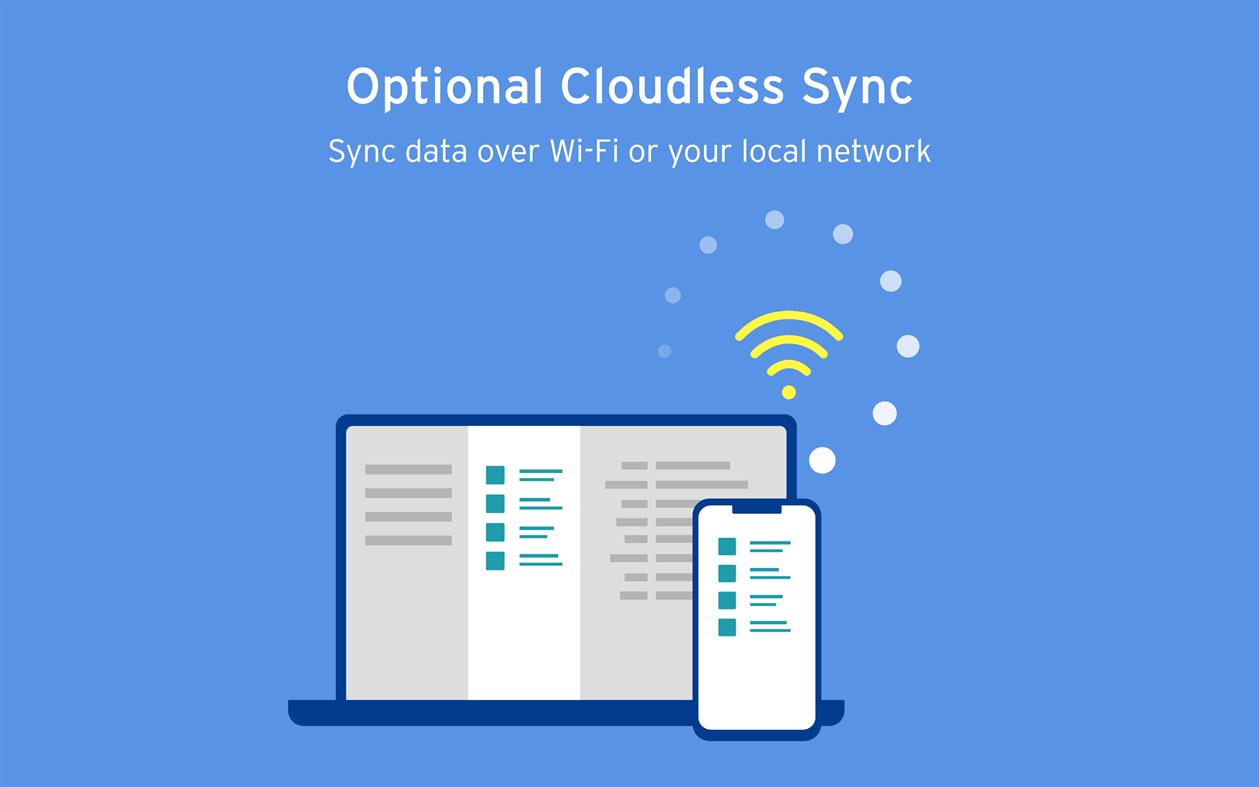
● Syncs via your personal cloud accounts or via Wi-Fi
● Launch on startup
● System-wide mini-window pop-up, accessible via keyboard shortcut
PASSWORD SAFETY
● Highly customizable password generator
● Automatically checks for weak or compromised passwords
● Automatically monitors for website breaches
● Retains password history for each Item
USABILITY
● Extensions for Edge, Firefox and all Chromium-based browsers
● Easy import from other password managers and CSVs
● Customize tags, categories, fields, and more
● File attachments (add ID cards & other documents to items)
● Copy to Clipboard
● Dark Mode
** Premium subscription can be purchased at enpass.io/pricing or through your mobile device’s app store.
● Terms of Use: https://www.enpass.io/legal/terms
● Privacy Policy: https://www.enpass.io/legal/privacy
ENPASS SUPPORT
Email: support@enpass.io
Twitter: @EnpassApp
Facebook: Facebook.com/EnpassApp
Forums: https://discussion.enpass.io
스크린샷
Ad
가격 내역
-
* 인앱 구매 - 현재 가격: 무료
- 최소: 무료
- 최대: 무료
가격 추적
AppAgg 평가
20,600
AppAgg 예상 평가:
Enpass Password Manager
20,600 플래티넘
평가가 높을수록 보통 AppAgg에서 더 강한 신호를 의미합니다.
기준: 인기 · 사용자 평점 · 최신성 · 딜 · 스토어 데이터 · 커뮤니티 활동
최신 AppAgg 데이터를 바탕으로 매일 다시 계산됩니다.
단축 URL: 복사됨!
새로운 기능
- 버전: PC
- 마지막 업데이트:
추가 정보
- 출시일:
- 카테고리:
Windows 앱›생산성 - 운영체제:
HoloLens,Mobile,PC,Surface Hub - 크기:
46 Mb - 지원되는 언어:
Afrikaans,Arabic,Catalan,Chinese,Croatian,Czech,Danish,Dutch,English,Finnish,French,Galician,German,Greek,Hebrew,Hungarian,Indonesian,Italian,Japanese,Korean,Lithuanian,Malay,Norwegian,Persian/Farsi,Polish,Portuguese,Romanian,Russian,Slovak,Slovenian,Spanish,Swedish,Thai,Turkish,Ukrainian,Vietnamese - 콘텐츠 등급:
EVERYONE - Windows Store 개의 평가:
3.9(359) - X: EnpassApp
- Facebook: EnpassApp
- 웹사이트:
 https://www.enpass.io
개발자
목록 (2)
- Enpass Password Manager


포인트 (0)
0
순위 (0)
0
댓글 (0)
가장 먼저 댓글을 남겨주세요
요약
Enpass Password Manager 단축 URL: 복사됨!- 공유하기
- Windows Store
«Enpass Password Manager». 플랫폼: Windows. 카테고리: 생산성. 개발자: «Enpass Technologies Private Limited». 첫 번째 릴리스: . 마지막 업데이트: . 현재 가격: 무료. 이 타이틀은 아직 AppAgg에서 평가나 리뷰를 받지 못했습니다. 목록: 공개: 2, 비공개: 1. 매장: Windows Store. 매장 평가: 3.9. 투표: 359. 사용 가능한 언어: Afrikaans, Arabic, Catalan, Chinese, Croatian, Czech, Danish, Dutch, English, Finnish, French, Galician, German, Greek, Hebrew, Hungarian, Indonesian, Italian, Japanese, Korean, Lithuanian, Malay, Norwegian, Persian/Farsi, Polish, Portuguese, Romanian, Russian, Slovak, Slovenian, Spanish, Swedish, Thai, Turkish, Ukrainian, Vietnamese. AppAgg는 «Enpass Password Manager»의 가격 기록, 평점 및 사용자 피드백을 추적합니다. AppAgg는 애플리케이션을 호스팅하거나 소프트웨어를 배포하지 않습니다. 모든 상표, 로고 및 스크린샷은 해당 소유자의 자산입니다. 향후 할인 및 업데이트 받기: RSS에서 확인할 수 있습니다
유사 항목
-
- Password Manager - MegaPass
- Windows 앱: 생산성 게시자: Megaish
- $1.89
- 목록: 1 + 1 0 0
- 포인트: 1 + 16 590 버전: PC Protect your personal data with MegaPass the easy, secure password manager for Windows. MegaPass stores all your passwords and sensitive info locally on your device using advanced ... ⥯
-
- Keeper® Password Manager
- Windows 앱: 생산성 게시자: Keeper Security Inc
- * 무료
- 목록: 0 + 1 0 0
- 포인트: 2 + 1,477 44K 버전: PC Keeper Password Manager keeps your passwords, passkeys and data secure on any device. The Keeper app maximizes your password security and strengthens your password protection, keeping ... ⥯
-
- #1 Password Manager
- Windows 앱: 생산성 게시자: CompaNova LLC
- * 무료
- 목록: 0 0 0
- 포인트: 0 + 49 590 버전: PC #1 Password Manager is a feature-rich, most secure and safe Windows 11 application for managing passwords and other sensitive personal data. It uses the best practices and most ... ⥯
-
- LdN Password Manager
- Windows 앱: 생산성 게시자: Leduy Nguyen
- 무료
- 목록: 0 0 0
- 포인트: 1 + 0 510 버전: PC LdN Password Manager let you manage your passwords safely. All passwords and related confidential information are saved on you computer hard drive in a highly encrypted form. It has a ... ⥯
-
- mPass - Secure Password Manager
- Windows 앱: 생산성 게시자: DevCrux Solutions
- * 무료
- 목록: 0 0 0
- 포인트: 0 + 0 500 버전: PC mPass Password Manager allows you to keep and manage your logins, passwords, and other private info safe and secure in one encrypted database and access them anywhere on any device. ... ⥯
-
- mSecure - Password Manager and Digital Wallet
- Windows 앱: 생산성 게시자: mSeven Software
- * 무료
- 목록: 0 0 0
- 포인트: 0 + 340 9K 버전: PC Don t take any chances with your passwords and private information. mSecure is the most secure and straightforward solution to managing your sensitive information across your devices. ... ⥯
-
- Fill Forms - Password Manager
- Windows 앱: 생산성 게시자: EasyWork
- $7.99
- 목록: 0 0 0
- 포인트: 0 + 0 500 버전: PC Fill Form is a sample program for save and fill in User names, Pins, Passwords and other texts. Fill Form can work with all browsers. It is standalone application, not integrated to ... ⥯
-
- Password Blocks
- Windows 앱: 생산성 게시자: bAPPs
- 무료
- 목록: 0 + 1 0 0
- 포인트: 0 + 0 530 버전: PC Password Blocks is a light, quick, and easy to use password manager. You can create/edit groups and accounts easily with the functions presented on the app. You can also choose colors ... ⥯
-
- Destiny Item Manager (DIM)
- Windows 앱: 생산성 게시자: Destiny Item Manager
- 무료
- 목록: 0 0 0
- 포인트: 0 + 252 13K 버전: PC Destiny 1 and 2 Item Manager. Get weapon suggestions and which perks to use, create loadouts, and so much more. ⥯
-
- Password Database
- Windows 앱: 생산성 게시자: gjbsolutions
- 무료
- 목록: 0 0 0
- 포인트: 0 + 0 500 버전: PC This App is a simple SQLite Password Database. It keeps your passwords locally and encrypts them with your master password. ⥯
-
- Password Admin
- Windows 앱: 생산성 게시자: Vdev Limited
- 무료
- 목록: 0 0 0
- 포인트: 0 + 0 500 버전: PC An elegant app to manage your passwords for bank accounts, credit cards, email, websites, PC, locks, codes and notes. App uses AES 256 encryption and data can be backed up to OneDrive. ⥯
-
- Headphones Manager
- Windows 앱: 생산성 게시자: Articent Group LLC
- * 무료
- 목록: 0 0 0
- 포인트: 2 + 120 22K 버전: PC Experience audio like never before with Headphones Manager, the ultimate app designed to optimize and personalize your headphone usage. Whether you're a music enthusiast or a gamer ... ⥯
-
- PDF Manager - Merge, Split, Trim
- Windows 앱: 생산성 게시자: User Camp
- $9.99
- 목록: 1 + 1 0 0
- 포인트: 1 + 445 18K 버전: PC Merge, split, extract, and combine PDFs with PDF Manager! An "Essential App" as selected by the Microsoft Store. PDF Manager is a powerful, easy-to-use app for merging and editing PDF ... ⥯
-
- Organize:Me - To-Do List & Personal Task Manager
- Windows 앱: 생산성 게시자: taskfabric
- * $29.99
- 목록: 0 0 0
- 포인트: 0 + 0 500 버전: PC New on Windows Store Your personal task manager - if you need to handle more than just a simple list! Organize:Me is easy to use for beginners and perfect for personal use. And if you ... ⥯