
저장됨
저장됨 메뉴에 표시할 이름을 선택하세요.
완료!
| 개발자: | Newera Software Technology Inc. (33) | ||
| 가격: | $9.99 | ||
| 순위: | 0 | ||
| 댓글: | 0 댓글 게시 | ||
| 목록: | 1 + 1 | ||
| 포인트: | 1 + 8 (2.9) ¡ | ||
| Windows Store | |||
기술

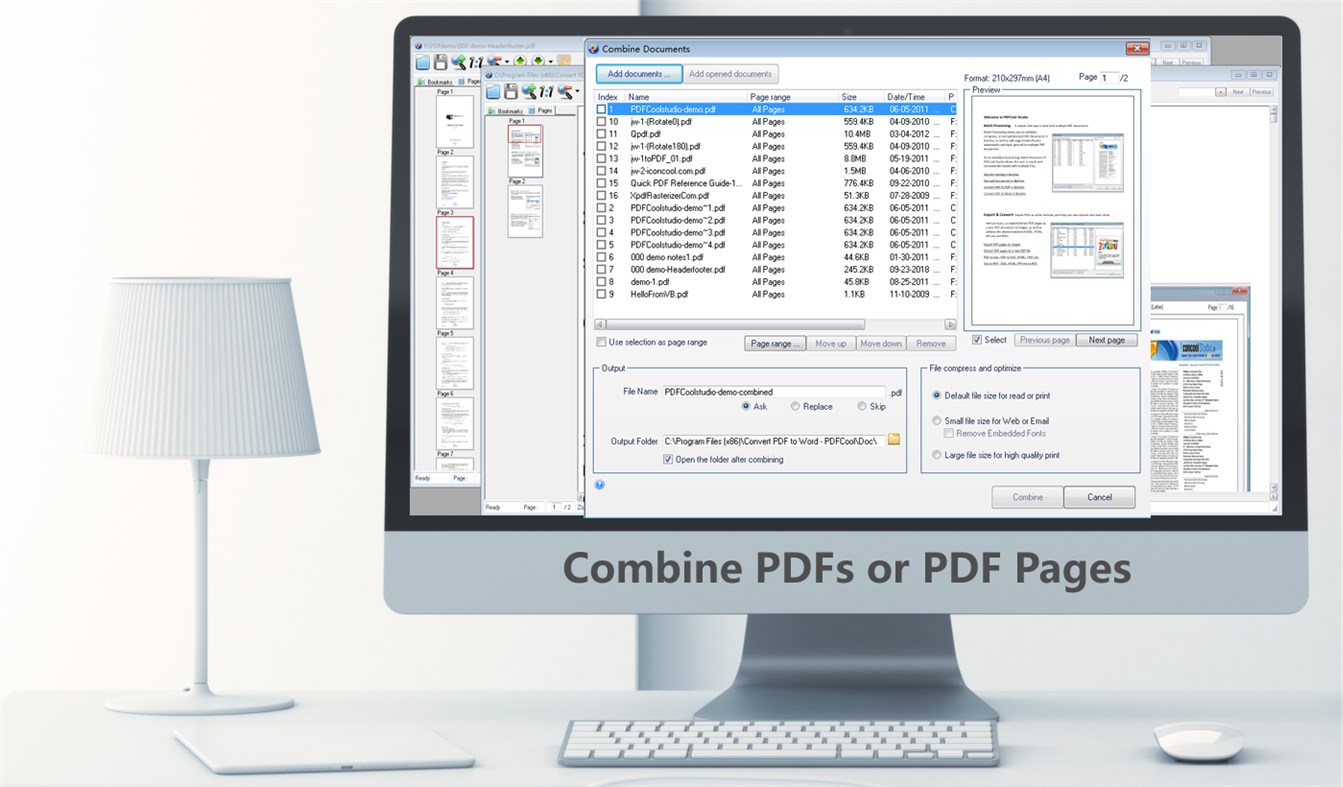
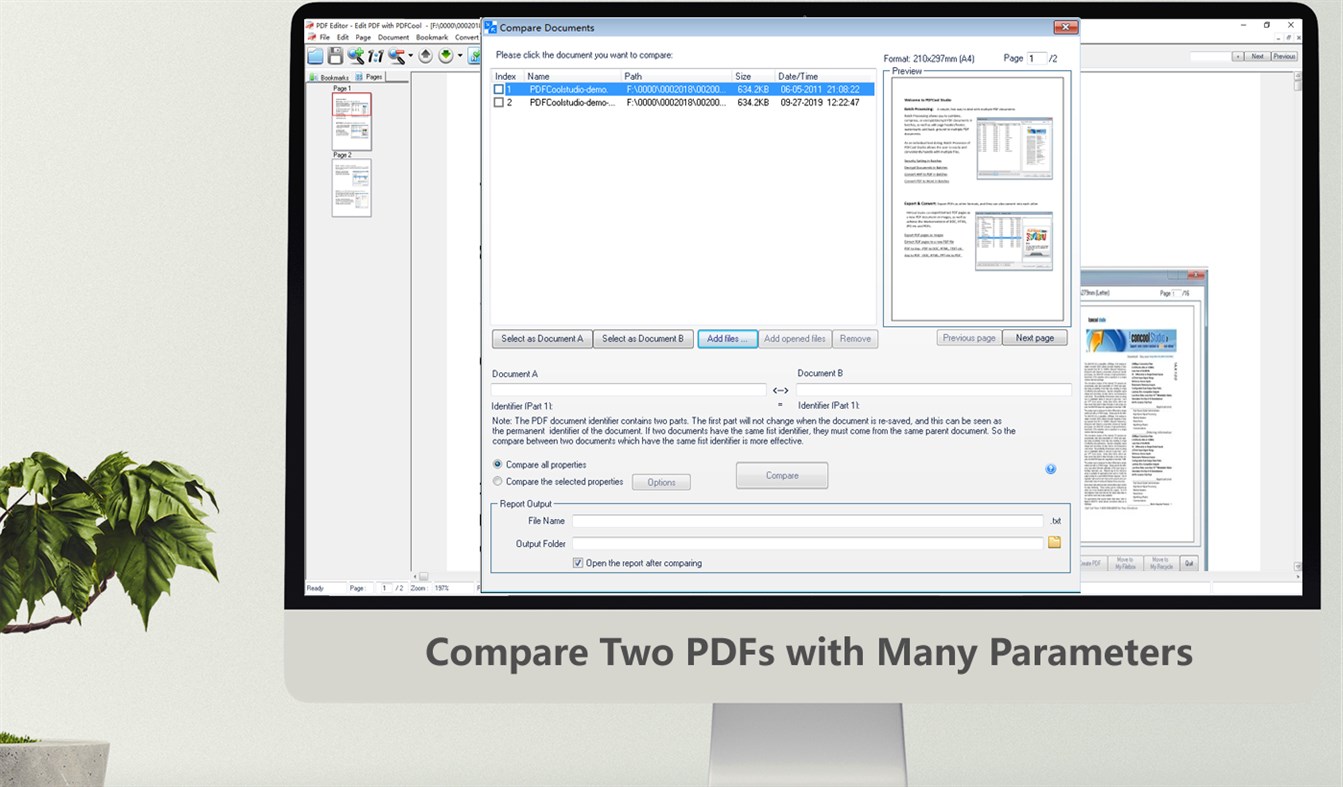
"Combine PDF - PDFCool" allows the user to combine a variety of individual PDF documents into a new PDF document. The user can choose to combine all pages or partial pages of the documents.
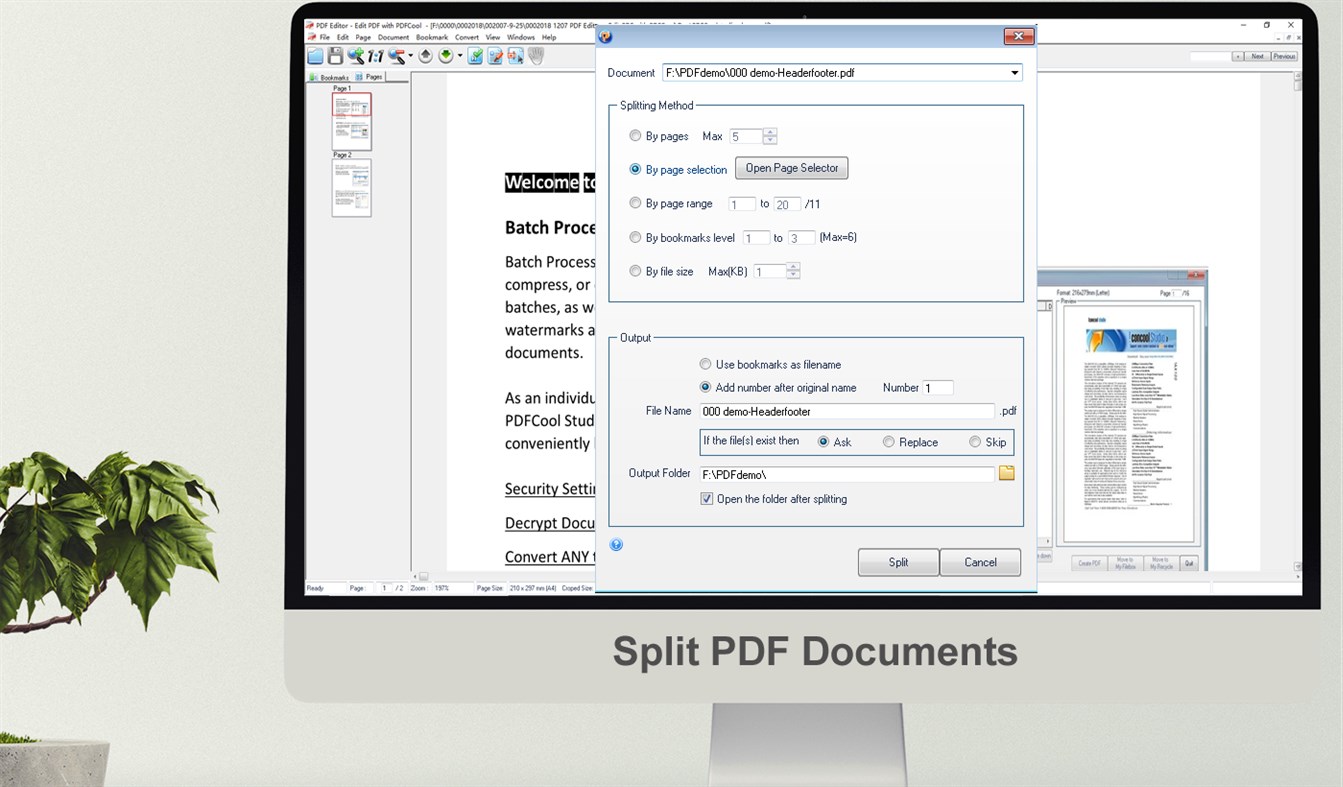
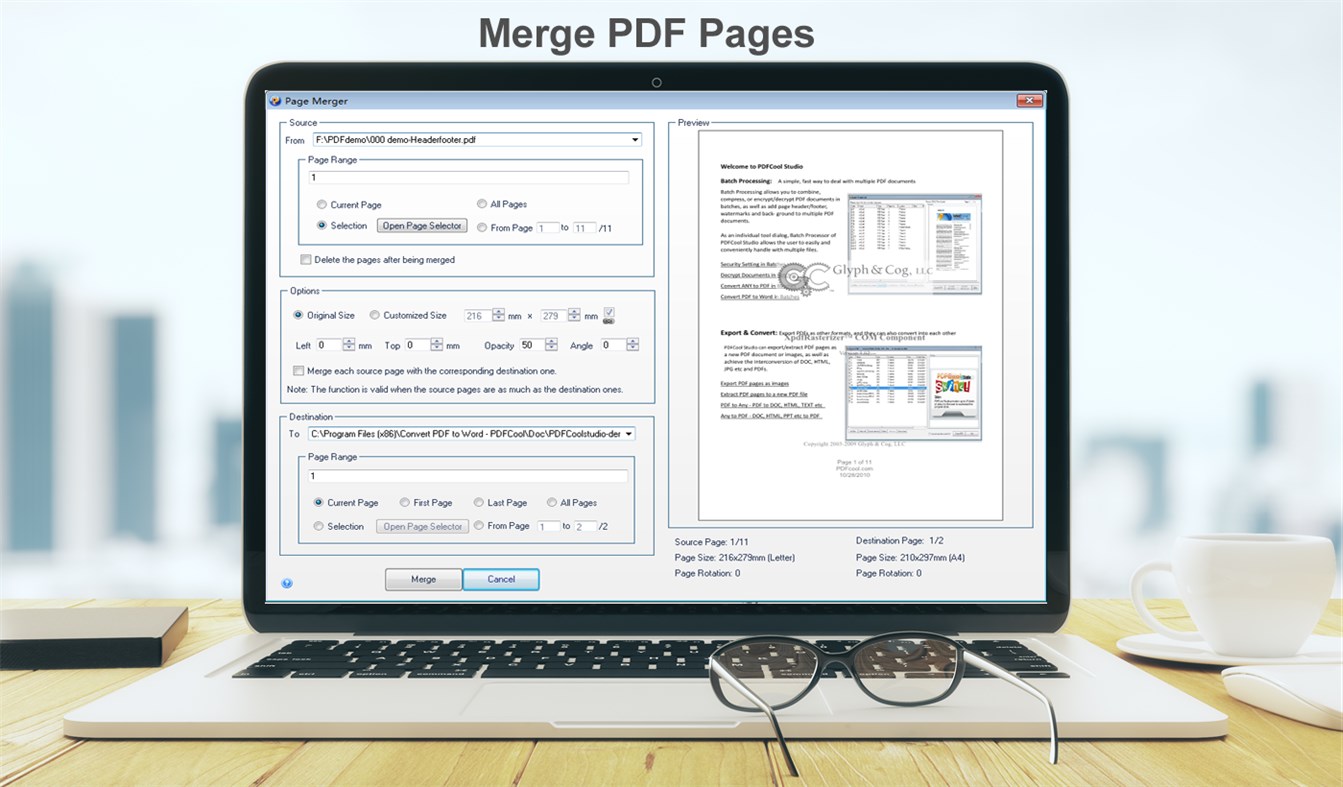
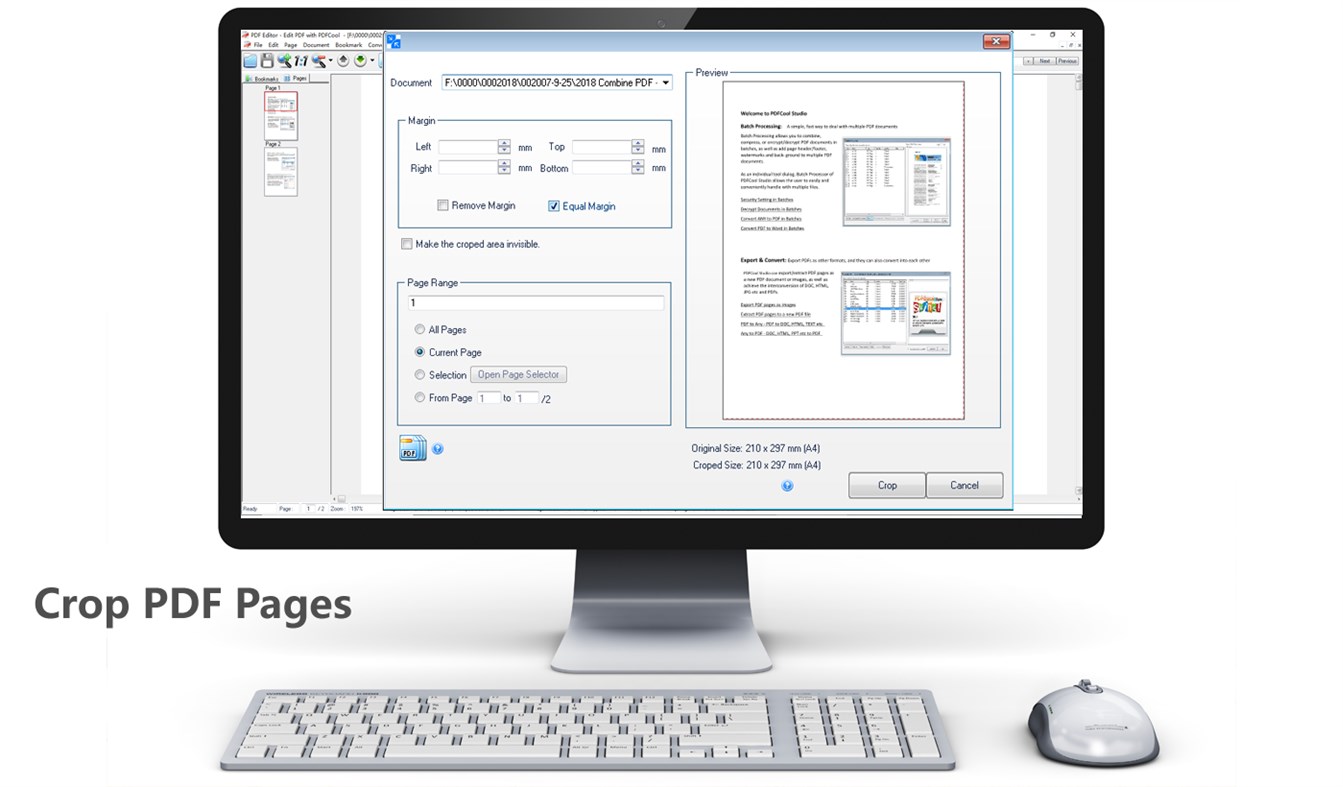
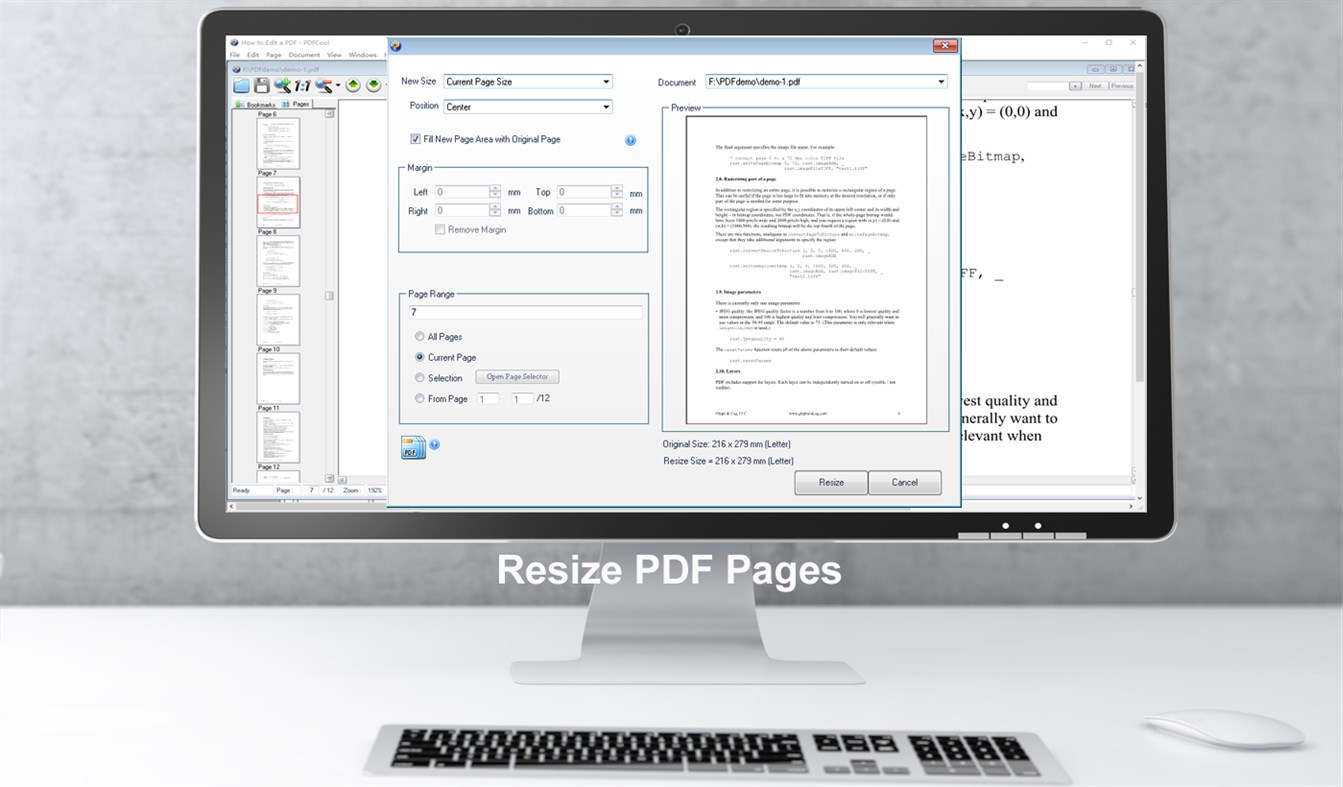
In addition, the powerful page processing functions enable you to export, copy, rotate, merge, resize and crop pages in your PDFs.
Product Features:
One-off purchase for lifetime use;
No hidden costs in applications;
No third-party costs;
Continuous updates and support.
Special offer:
We will give each buyer a FREE account of the powerful "Any to Any File Cloud Processor".
"Any to Any File Cloud Processor" is an online system(SaaS). It supports PDF converting, editing, encryption, decryption, combining(merging), splitting, photo online processing, and many document processing functions. It supports converting 500 formats to PDF or JPG, and converting PDF or JPG to 150 formats,
You just need to send a screenshot of the running product to iconcool@vip.126.com to get this free account.
Ad
스크린샷

가격 내역
- 현재 가격: $9.99
- 최소: 무료
- 최대: $29.99
가격 추적
추가 정보
 http://pdfcool.com/
새로운 기능
- 버전: PC
- 업데이트:
개발자
- Newera Software Technology Inc.
- 플랫폼: Windows 앱 (33)
- 목록: 5 + 2
- 포인트: 52 + 102 ¡
- 순위: 0
- 댓글: 0
- 할인: 0
- 동영상: 0
- RSS: 구독
목록 (1)
- Combine PDF

포인트 (1)
-

- 11,280 Simon Chan
- +1

순위 (0)
0 ☹️
댓글 (0)
가장 먼저 댓글을 남겨주세요 🌟
«Combine PDF». 플랫폼: Windows. 카테고리: 유틸리티 및 도구. 개발자: «Newera Software Technology Inc.». 첫 번째 릴리스: . 마지막 업데이트: . 현재 가격: $9.99. 최저 기록 가격: $0.00 (). 최고 기록 가격: $29.99 (). 이 타이틀은 아직 AppAgg에서 평가나 리뷰를 받지 못했습니다. 목록: 공개: 1, 비공개: 1. 추적된 포인트: 확인됨: 1, 간접: 8. 매장: Windows Store. 매장 평가: 2.9. 투표: 8. 사용 가능한 언어: English. AppAgg는 «Combine PDF»의 가격 기록, 평점 및 사용자 피드백을 추적합니다. 향후 할인 및 업데이트 받기: RSS에서 확인할 수 있습니다. AppAgg는 애플리케이션을 호스팅하거나 소프트웨어를 배포하지 않습니다. 모든 상표, 로고 및 스크린샷은 해당 소유자의 자산입니다.
Combine PDF 단축 URL: 복사됨!- 🌟 공유하기
- Windows Store
유사 항목
-
- PDF Merger - PDFCool
- Windows 앱: 유틸리티 및 도구 게시자: Newera Software Technology Inc.
- $9.99
- 목록: 0 + 1 0 0
- 포인트: 2 + 6 (2.8) 버전: PC "PDF Merger - PDFCool" is an easy to use but powerful PDF document handler. It can be used to merge and combine PDF documents. It supports 17 kinds of page processing functions like ... ⥯
-
- PDF Conversion Suite
- Windows 앱: 유틸리티 및 도구 게시자: Tiny Smart Apps
- * 무료
- 목록: 1 0 0
- 포인트: 0 + 5,425 (4.7) 버전: PC PDF Conversion Suite creates PDF or multipage TIFF from various document formats. Also it could convert your PDF file to Microsoft Word Document(docx). You just need to select action ... ⥯
-
- PDF to JPG - A Batch Converter
- Windows 앱: 유틸리티 및 도구 게시자: RootRise Technologies Private Limited
- $3.99
- 목록: 0 0 0
- 포인트: 0 + 14 (3.4) 버전: PC PDF to JPG is an easy, intuitive and fastest way to batch convert PDF documents into best quality images. PDF to JPG converts each PDF page into JPEG, JPEG XR, PNG, TIFF, GIF and BMP ... ⥯
-
- PDF Viewer Plus
- Windows 앱: 유틸리티 및 도구 게시자: GSnathan
- 무료
- 목록: 0 0 0
- 포인트: 0 + 4,162 (4.7) 버전: PC PDF Viewer Plus PDF Viewer Plus is a simple UWP PDF reader. Easily open and view a PDF file from you local storage. With the recent update, you can easily print PDF files, open ... ⥯
-
- PDF Converter Union
- Windows 앱: 유틸리티 및 도구 게시자: AI Power
- * 무료
- 목록: 0 0 0
- 포인트: 0 버전: PC PDF Converter Union is an all-encompassing PDF utility designed to facilitate quick and efficient management of PDF documents. Whether you need to merge, split, or convert document ... ⥯
-
- PDF Merger And Splitter
- Windows 앱: 유틸리티 및 도구 게시자: PDFClubs
- $1.99
- 목록: 0 0 0
- 포인트: 0 + 9 (4.9) 버전: PC PDF Merger And Splitter is an easy, fast and highly secure app to merge and split your PDF document offline. If you have several PDF documents and need to merge them into a single PDF ... ⥯
-
- PDF Editor for Windows
- Windows 앱: 유틸리티 및 도구 게시자: SoftPard Tech
- * 무료
- 목록: 0 + 1 0 0
- 포인트: 3 + 510 (4.4) 버전: PC PDF Editor kit, a complete PDF editor, merger and annotator. It is a very easy, lightweight, secure app to read, annotate, fill, merge, split and watermark your PDF Files. The app is ... ⥯
-
- PDF Converter
- Windows 앱: 유틸리티 및 도구 게시자: AnywaySoft, Inc.
- 무료
- 목록: 0 + 1 0 0
- 포인트: 1 + 284 (4.1) 버전: PC PDF Converter is an all-in-one tool to convert PDF documents to five other document formats. Having our PDF Converter means you have: A PDF to Word (docx) converter A PDF to ePub ebook ⥯
-
- PDF To Images Maker
- Windows 앱: 유틸리티 및 도구 게시자: GalaxyApps
- 무료
- 목록: 0 + 1 0 0
- 포인트: 0 + 74 (4.4) 버전: PC PDF to Image Maker- An application to convert PDF to images Free Convert PDF to Image - Free PDF to Image converter, nothing to upload and then download. Convert free infinite number ... ⥯
-
- PDF to DWG Converter
- Windows 앱: 유틸리티 및 도구 게시자: AnyDWG Software
- 무료
- 목록: 0 + 1 0 0
- 포인트: 1 + 7 (3.3) 버전: PC PDF to DWG Converter is a full featured PDF to DWG/DXF converter that allows you to batch convert PDF to DWG and PDF to DXF without the need of AutoCAD and Adobe Acrobat. ⥯
-
- PDF to JPG
- Windows 앱: 유틸리티 및 도구 게시자: 韵华软件
- * 무료
- 목록: 0 0 0
- 포인트: 1 버전: PC "PDF to JPG" Converter is an efficient conversion tool that allows users to seamlessly transform PDF files into the JPG image format. Key Features: User-Friendly Interface: The ... ⥯
-
- PDF JoinCount
- Windows 앱: 유틸리티 및 도구 게시자: indeepsoft
- $17.49
- 목록: 0 0 0
- 포인트: 0 버전: PC PDF JoinCount can join PDF files or count pages of multiple PDFs at once. Joining PDF files: Select if you want to include a summary page, bookmarks or to number pages, and then drop ... ⥯
-
- PDF MergeSplit
- Windows 앱: 유틸리티 및 도구 게시자: hllsygn
- $1.29
- 목록: 0 0 0
- 포인트: 0 버전: PC PDF Merge *Merge multiple pdf files you enter into a single pdf. Split PDF *Separate your PDF file into two new pdfs from the page you specified. *Separate your PDF file into multiple ... ⥯
-
- Pdf Utilities
- Windows 앱: 유틸리티 및 도구 게시자: MKA Solutions
- $9.99
- 목록: 0 0 0
- 포인트: 0 + 7 (4.4) 버전: PC PDF Utilities let you to make different operations on your PDF documents directly on your PC without online sharing. It can convert your PDF in Microsoft Word documents (.docx) making ... ⥯