
| 개발자: | XBMC Foundation (1) | ||
| 가격: | 무료 | ||
| 순위: | 0 | ||
| 리뷰: | 0 리뷰 작성 | ||
| 댓글: | 0 댓글 게시 | ||
| 목록: | 3 + 2 | ||
| 포인트: | 3 + 2,371 (4.4) ¡ | ||
| Windows Store | |||
기술

IMPORTANT: This app performs with core functionality on Windows 10 S but some addons may not work.
Disclaimer:
The official Kodi version does not contain any content what so ever. This means that you should provide your own content from a local or remote storage location, DVD, Blu-Ray or any other media carrier that you own. Additionally Kodi allows you to install third-party plugins that may provide access to content that is freely available on the official content provider website. Any other means of watching illegal content which would otherwise be paid for is not endorsed or approved by Team Kodi.
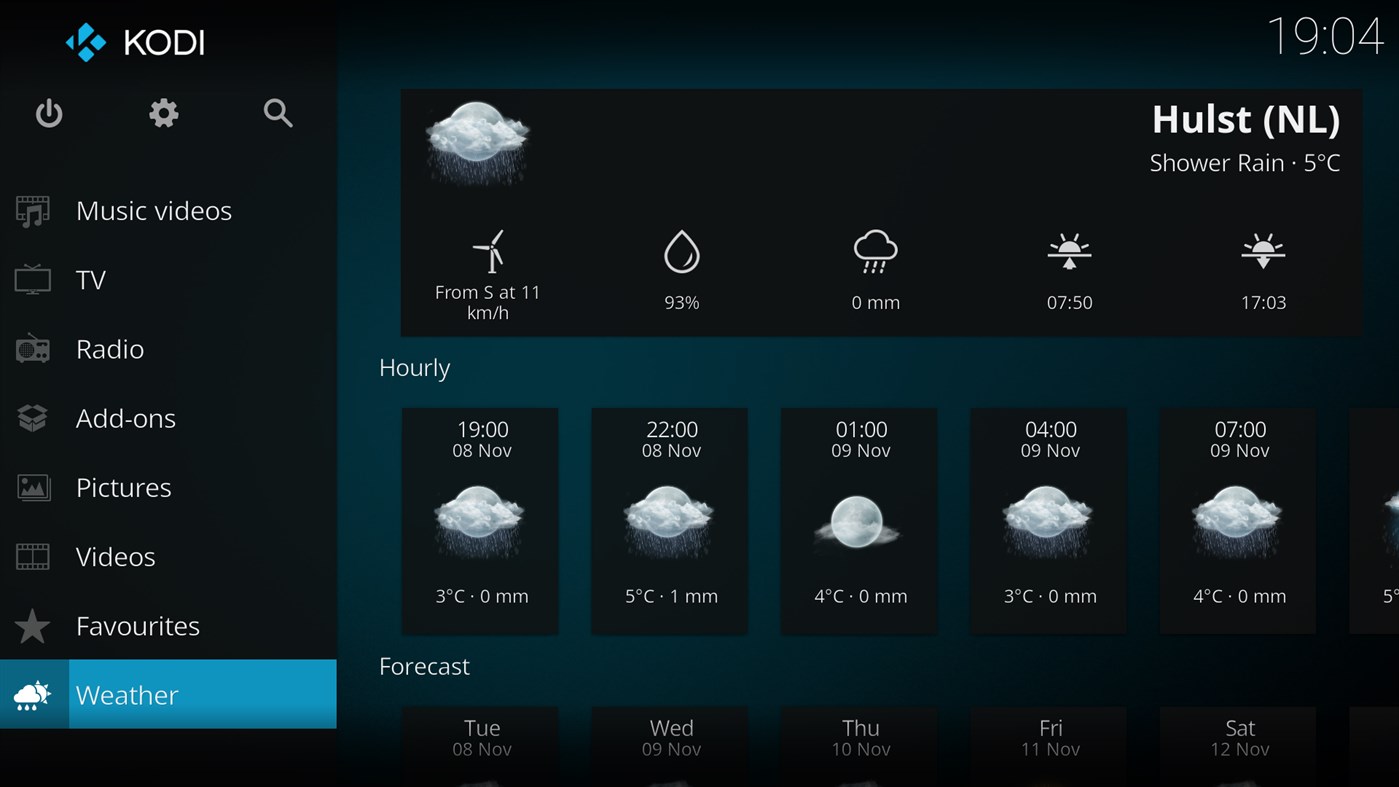
Estuary is the standard skin and is designed to be fast and user friendly.
- Kodi does not supply or include any media or content.
- Users must provide their own content or install one of the third party plug-ins
- Kodi has no affiliation with any third-part plug-in or add-on provider what so ever.
- We do not endorse the streaming of copyright protected material without permission of the copyright holder.
- In order to upgrade from a previous version you must have installed an official released version by Team Kodi. Any other version may cause failure to upgrade.
License and development:
Kodi® is a trademark of the XBMC Foundation. For further details you can visit http://kodi.wiki/view/Official:Trademark_Policy
Kodi® is fully Open-Source and released under the GPLv2.0+ license. It includes many third-party libraries which use compatible licenses. Due to the inclusion of some GPLv3.0 libraries the entire application becomes GPLv3.0 as binary.
Should you wish to help on future development you can do so by visiting our forum for further questions.
Attribution of images or names shown in the used screenshots:
“Sintel” is licensed as Creative Commons Attribution 3.0.
© copyright Blender Foundation | durian.blender.org
Ad
스크린샷
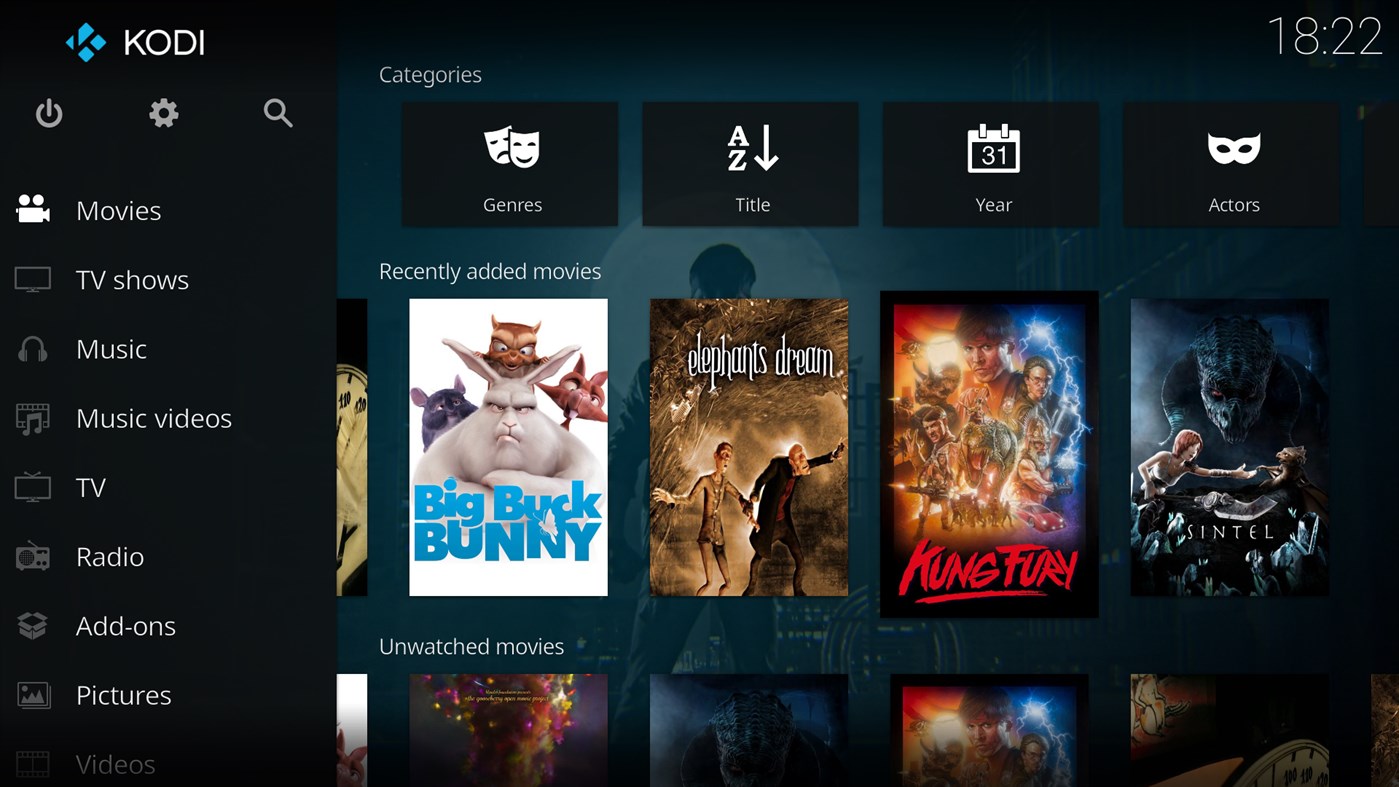
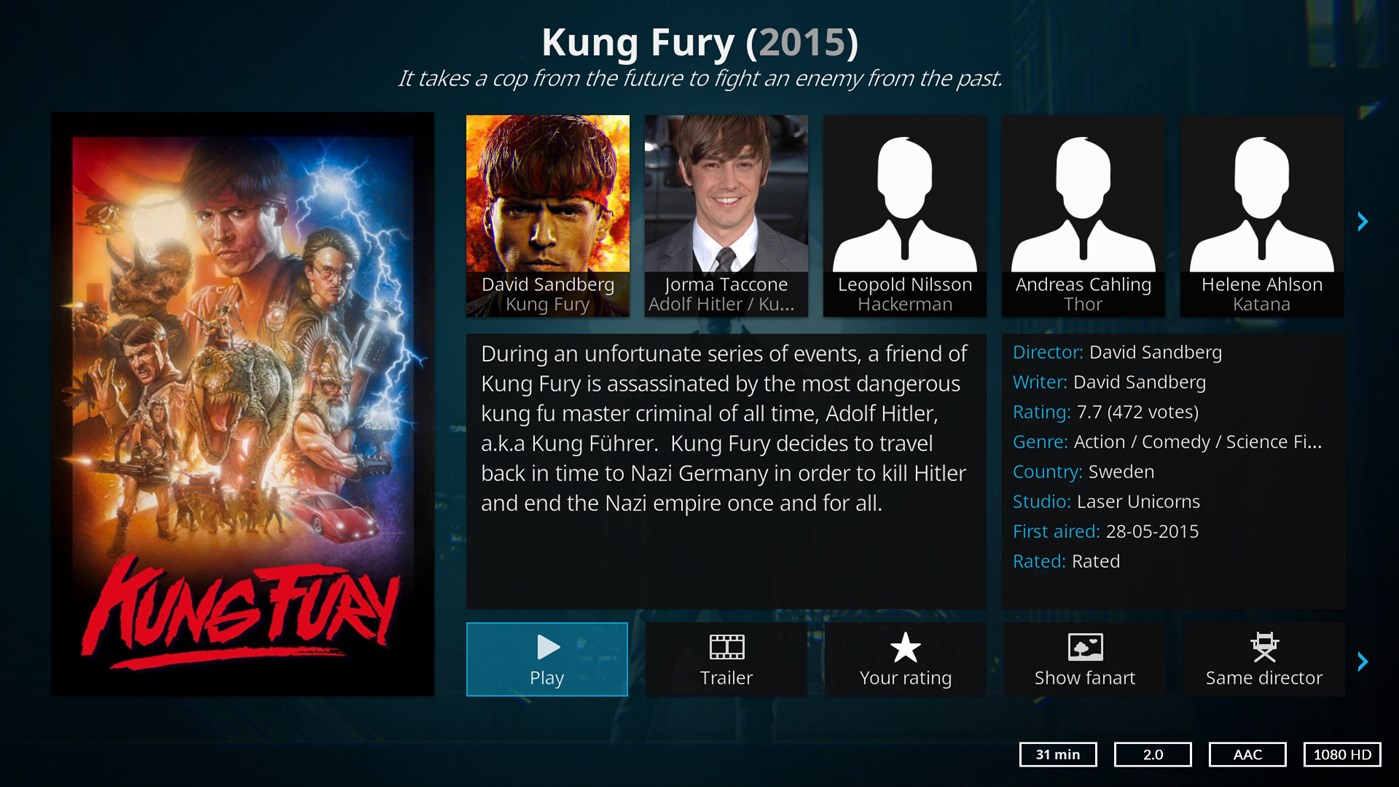
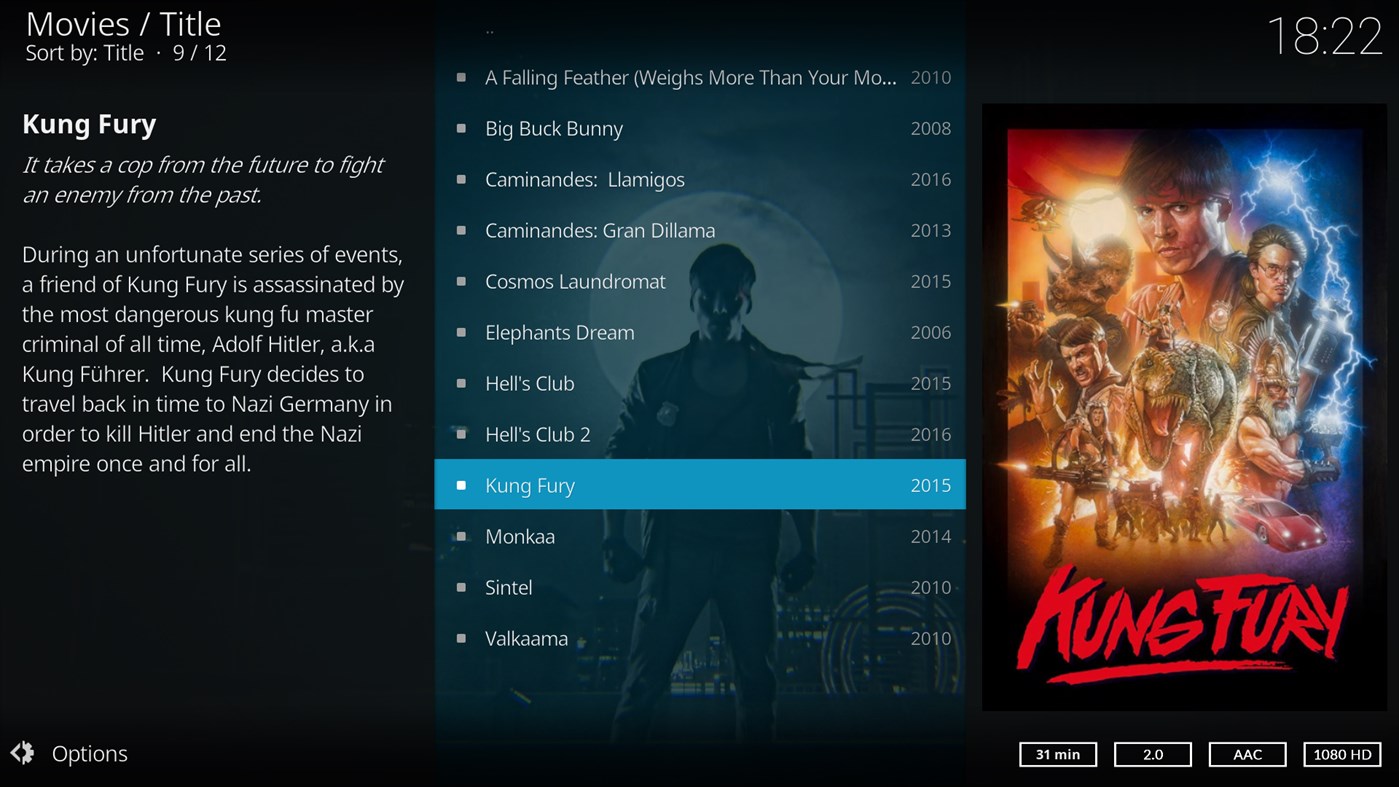
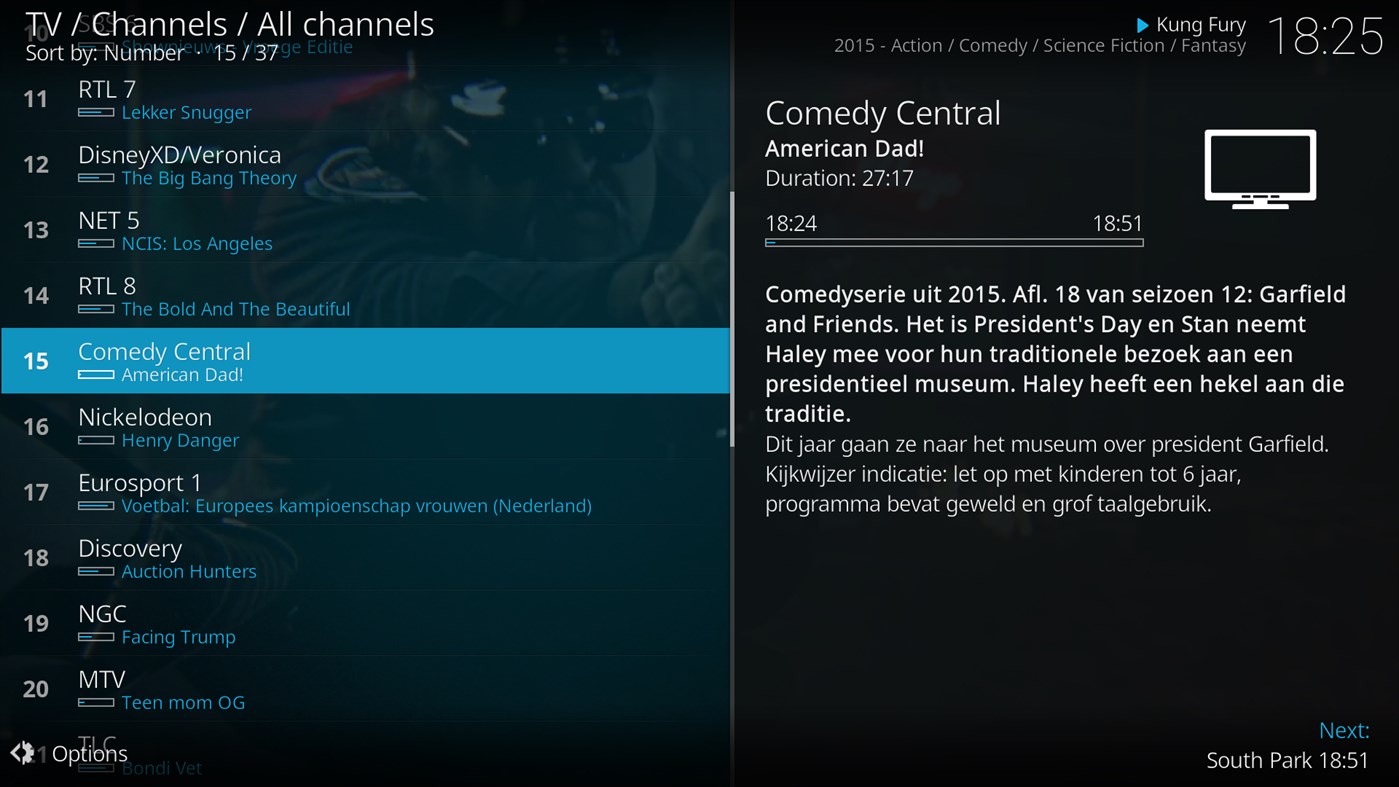
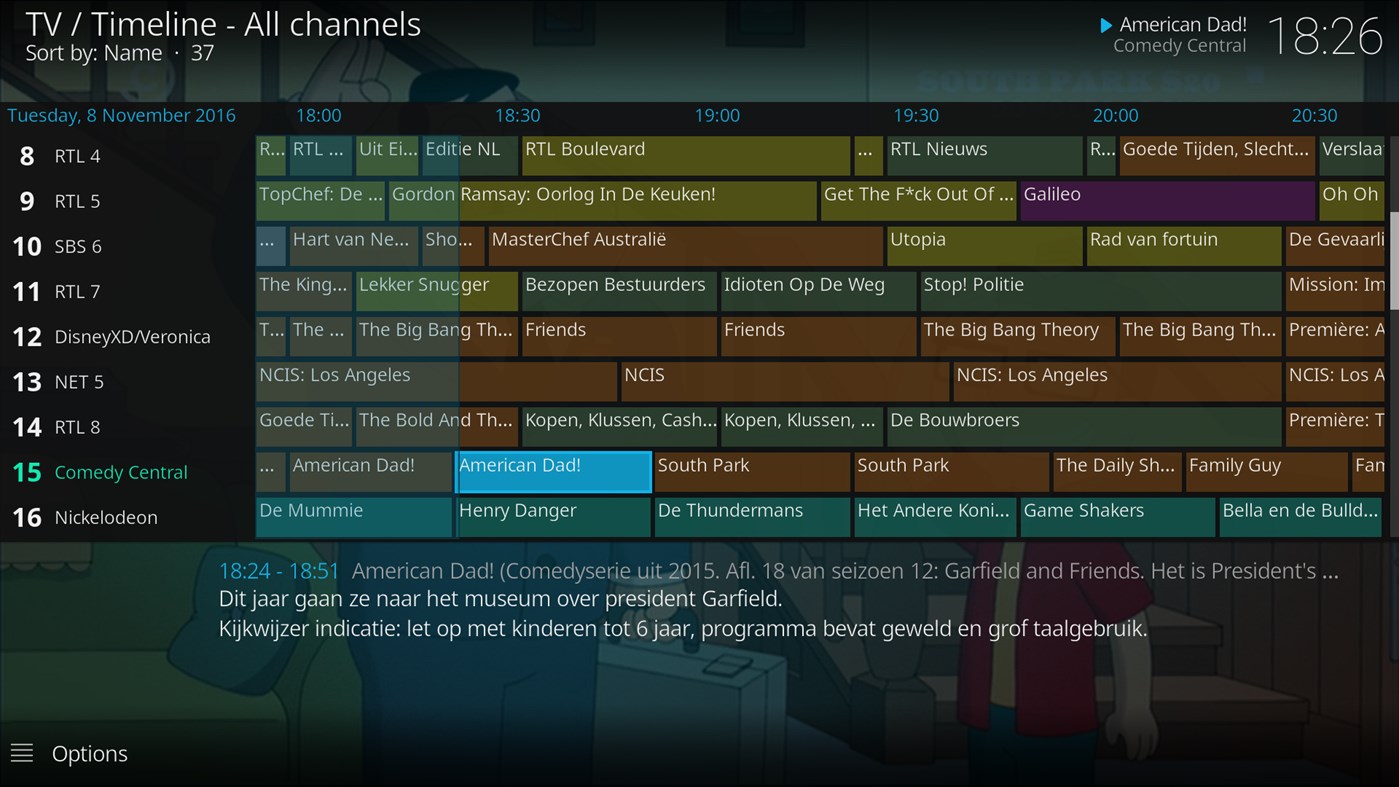
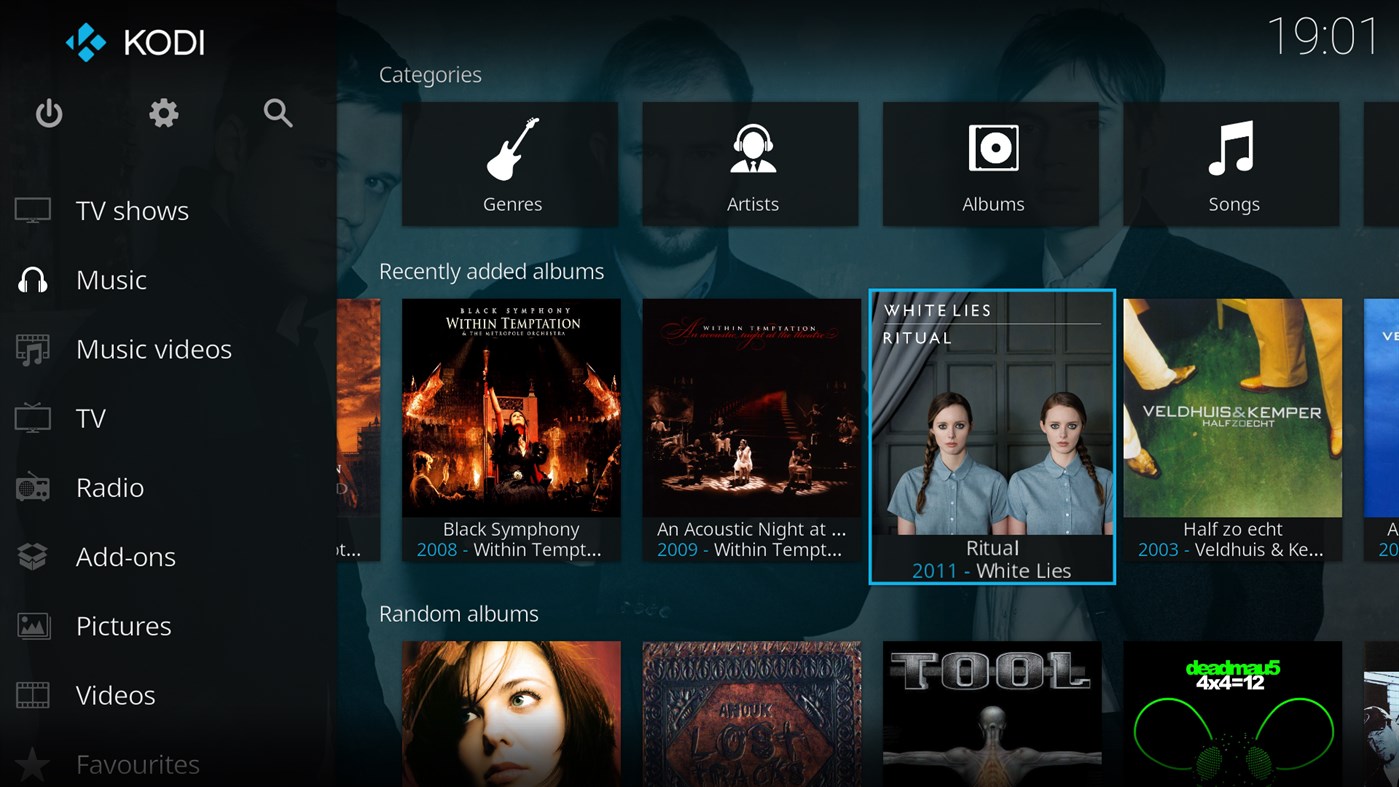
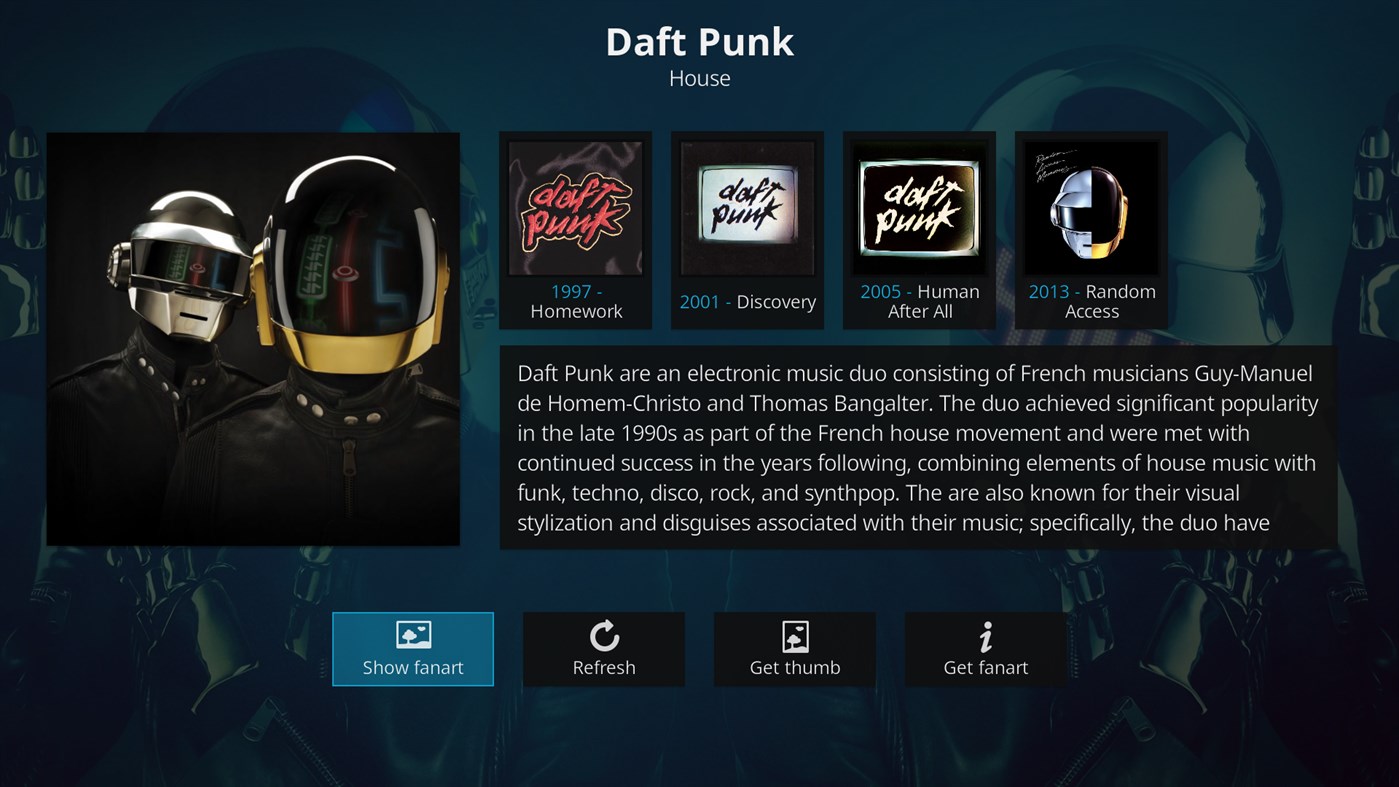
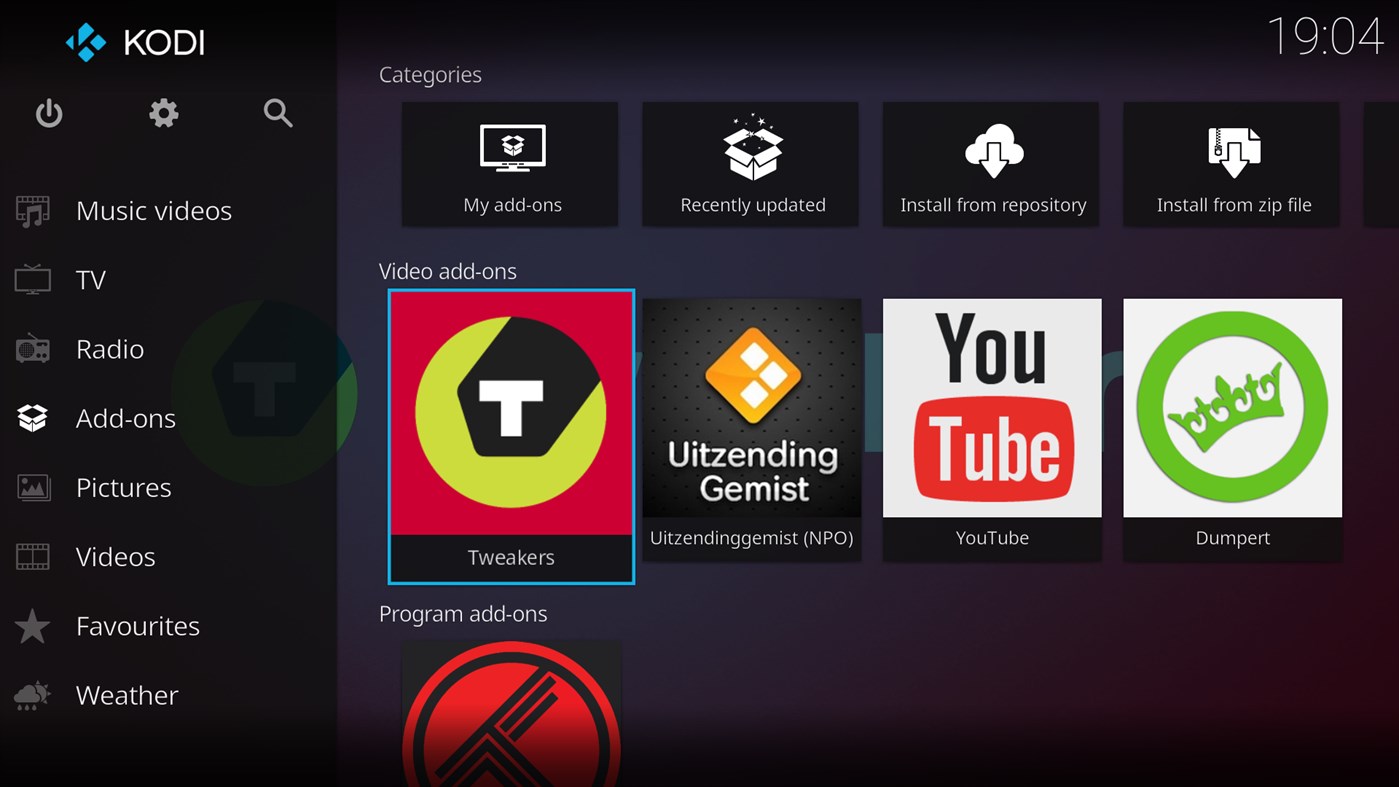
가격 내역
- 오늘: 무료
- 최소: 무료
- 최대: 무료
가격 추적
새로운 기능
- 버전: PC
- 업데이트:
댓글 (0)
가장 먼저 댓글을 남겨주세요 🌟
개발자
- XBMC Foundation
- 플랫폼: Windows 앱 (1)
- 목록: 3 + 2
- 포인트: 3 + 2,371 ¡
- 순위: 0
- 리뷰: 0
- 댓글: 0
- 할인: 0
- 동영상: 0
- RSS: 구독
포인트 (3)
-

- 1 fsdfsa wefrwf
- +1



순위 (0)
0 ☹️
목록 (3)
- Kodi



리뷰 (0)
첫 번째 리뷰를 남겨보세요 🌟
추가 정보
주소록
- 웹사이트:
 http://kodi.tv
«Kodi». 플랫폼: Windows. 카테고리: 사진 및 동영상. 개발자: «XBMC Foundation». 첫 번째 릴리스: . 마지막 업데이트: . 현재 가격: 무료. 이 타이틀은 아직 AppAgg에서 평가나 리뷰를 받지 못했습니다. 목록: 공개: 3, 비공개: 2. 추적된 포인트: 확인됨: 3, 간접: 2,371. 매장: Windows Store. 매장 평가: 4.4. 투표: 2,371. 사용 가능한 언어: English. AppAgg는 «Kodi»의 가격 기록, 평점 및 사용자 피드백을 추적합니다. 향후 할인 및 업데이트 받기: RSS에서 확인할 수 있습니다. AppAgg는 애플리케이션을 호스팅하거나 소프트웨어를 배포하지 않습니다. 모든 상표, 로고 및 스크린샷은 해당 소유자의 자산입니다.
Kodi 단축 URL: 복사됨!- 🌟 공유하기
- Windows Store
Ad
유사 항목
-
- Any DVD - DVD & Video Player
- Windows 앱: 사진 및 동영상 게시자: Any DVD & Office App
- * 무료
- 목록: 12 + 0 순위: 0 리뷰: 0
- 포인트: 25 + 109,532 (4.5) 0 버전: PC DVD Player for windows 10/11. Any DVD Player is a DVD, video & audio player. Experience the ultimate freedom to play, convert, and enhance your media collection with Any DVD Player. ... ⥯
-
- FileBot
- Windows 앱: 유틸리티 및 도구 게시자: Point Planck Limited
- $59.99
- 목록: 0 + 0 순위: 0 리뷰: 0
- 포인트: 0 + 321 (4.6) 0 버전: PC ** Please visit www.filebot.net and read the manual, watch the video tutorials and ask any questions you may have in the FileBot Forums to ensure that FileBot is the right tool for the ⥯
-
- OnkRemote
- Windows 앱: 엔터테인먼트 게시자: Merlin Software
- $4.99
- 목록: 0 + 0 순위: 0 리뷰: 0
- 포인트: 0 + 52 (4.4) 0 버전: PC OnkRemote is the first Windows 10 app to control your Onkyo(tm) or Integra(tm) brand AV Receiver over wifi! Here is a list of just some of its many features: * Connect to your PC or ... ⥯
-
- File Bot - Intelligent software For FFmpeg
- Windows 앱: 유틸리티 및 도구 게시자: InternetOfThingsDev
- $9.99
- 목록: 0 + 0 순위: 0 리뷰: 0
- 포인트: 0 + 1 (1.0) 0 버전: PC FileAutoName is the ultimate tool which can organize and rename your movies, tv shows or anime, and music well as download subtitles and artwork. It can rename and move hundreds of ... ⥯
-
- HEVC Video Player
- Windows 앱: 사진 및 동영상 게시자: MicroJL Software
- $4.99
- 목록: 0 + 0 순위: 0 리뷰: 0
- 포인트: 0 + 5 (3.2) 0 버전: PC HEVC player is a standalone video player using libde265 to playback H.265 / HEVC content. It currently supports HEVC as well as MP4,MOV,WMV,AVI... video format with common audio codecs ⥯