
Сохранённое
Выберите название, которое будет отображаться в меню «Сохранённое».
Готово!
| Разработчик: | Cem Olcay (44) | ||
| Цена: | $3.99 | ||
| Оценка: | 27,200 Платина | ||
| Рейтинги: | 0 | ||
| Комментарии: | 0 Оставьте комментарий | ||
| Списки: | 6 + 7 | ||
| Очки: | 2 + 38 (4.4) ¡ | ||
| +1 Очки | |||
Описание

Add an unlimited number of steps to your sequencer.
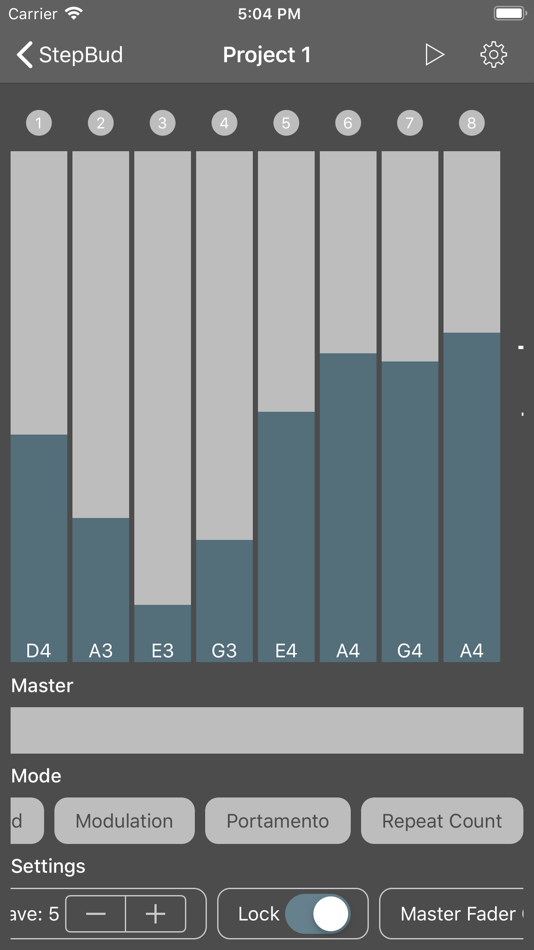
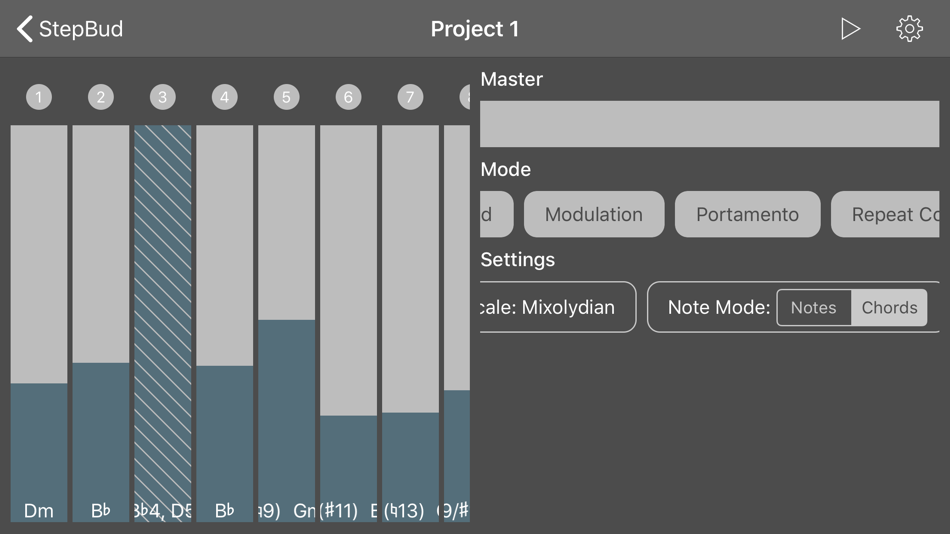
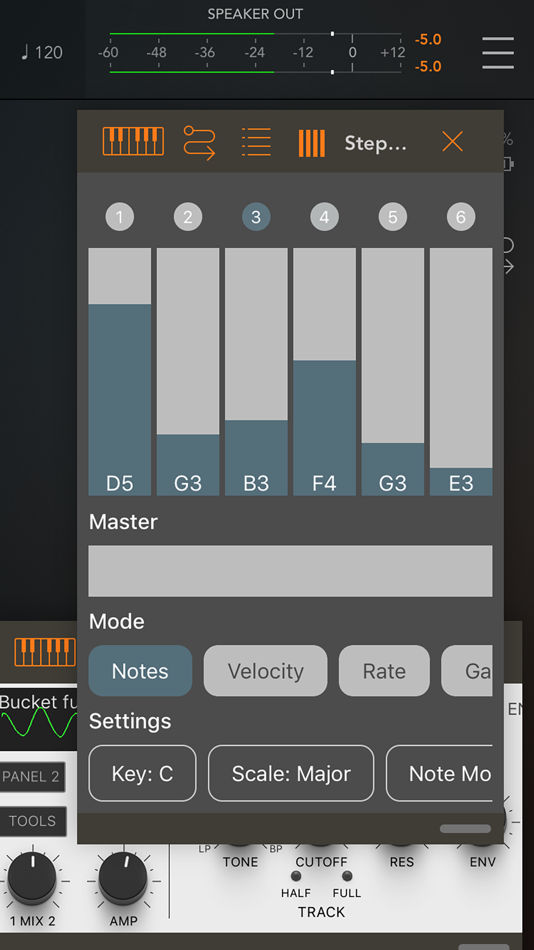
Your steps appear with a LED and a fader on top of your screen.
You can change the active mode that your step faders displaying/controlling.
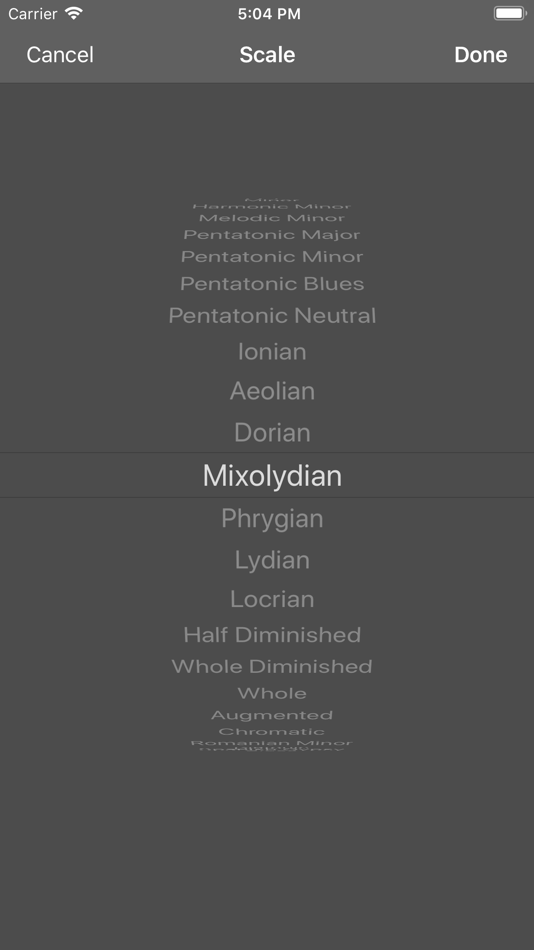
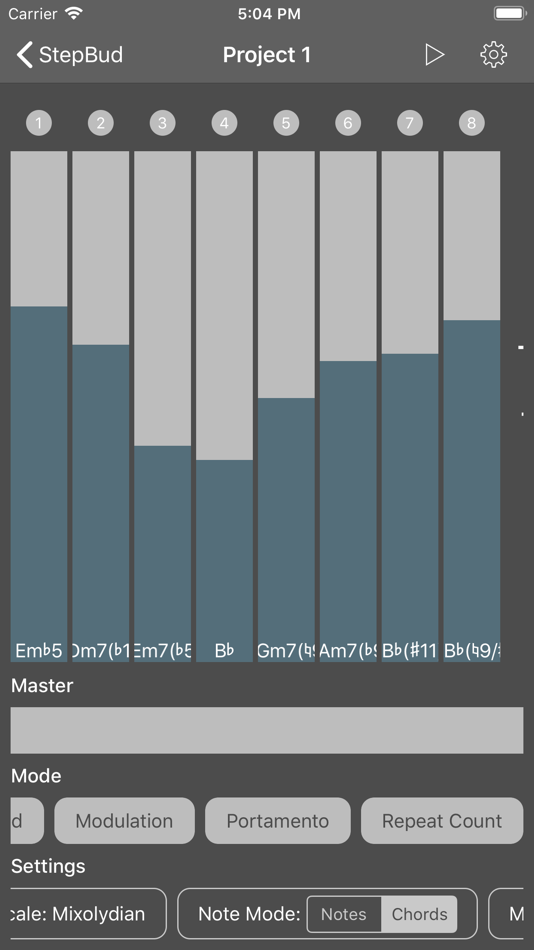
- Set the current note or chord in range of the scale and key you selected with respect the range of the octave you want to focus,
- Set the velocity, rate, gate time, modulation, pitch bend, portamento, probability and swing for each step,
- Try increasing the rate and repeat count your steps if you want to add more flavor.
- Send unlimited custom MIDI CC messages if you want to control your hardware or software synth parameters.
- Lock steps if you don't want them to change their value.
- Skip steps for creating interesting live performances.
Below the step faders, you have a master fader where you can control your entire sequencer. It has two modes which you can change from the settings strip on the bottom of the app.
- In copy mode, it assigns its value to each step.
- In shift mode, it shifts up or down each step.
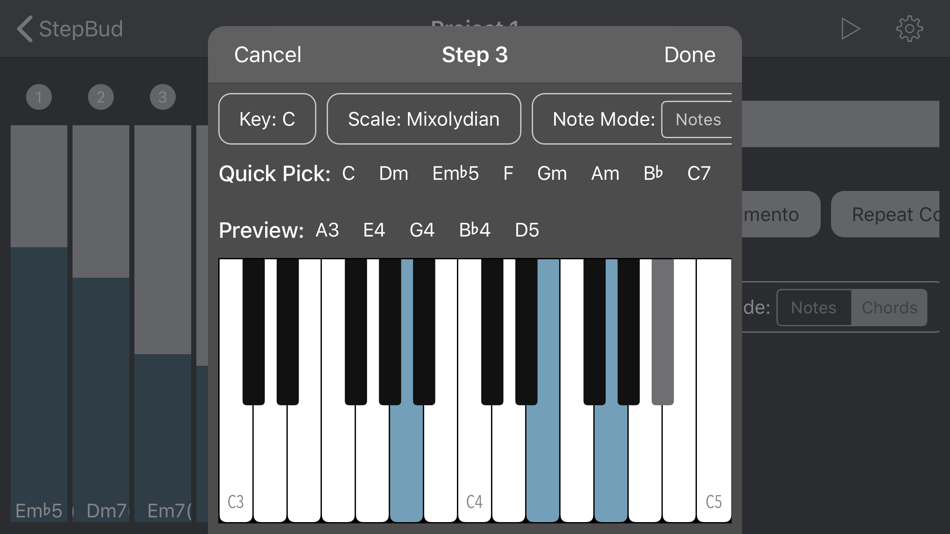
If you want to go off-scale or try some crazy chords on some of your steps, or maybe on all of them, you can go to the Step Editor by double tapping the LED of the step you want to edit.
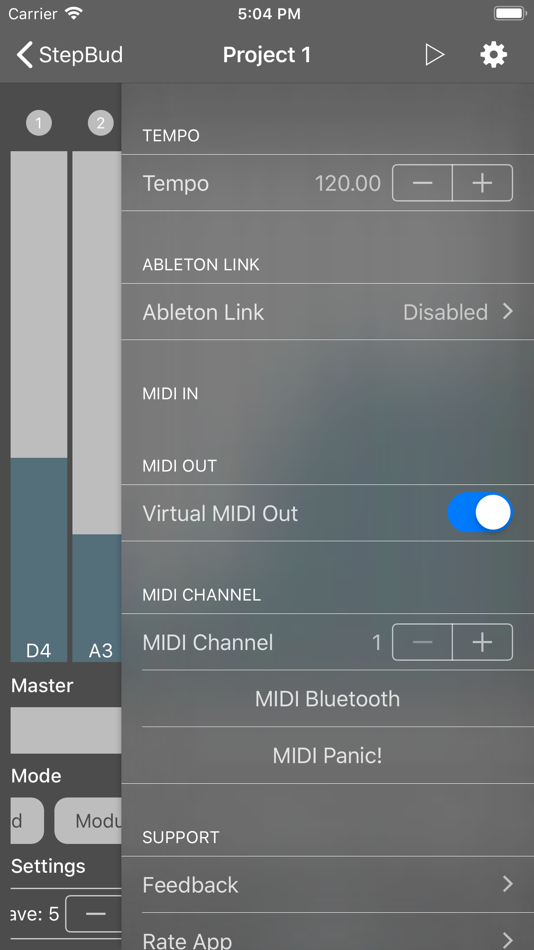
In StepBud's powerful Step Editor, you can set your step's notes either from the virtual keyboard or your connected MIDI keyboard. Don't forget to enable MIDI in port of your MIDI keyboard or the you want to receive MIDI from the settings menu. You may also preview the selected notes by pressing the preview button in Step Editor for making sure you created the perfect sound for your particular step.
You can also toggle the steps you want to disable by tapping its LED.
If you long-press the LED, you can access a menu where you may copy/paste the steps around, remove them or edit them.
If you enable the lock mode from the settings strip on the bottom of the app, you may adjust each visible step fader on the screen by a single swipe gesture without having to lift your finger up.
Try to change your arppegio mode from the settings strip. You can sequence your steps up, down, up-down or random order.
StepBud is a MIDI sequencer app and it does not generate sounds itself. You need to route its MIDI out port in the settings menu to the audio app you want to sequence.
Please note that you need to have an iOS 11+ device and an Audio Unit host application such as AUM, apeMatrix, Cubasis, BeatMaker or Audiobus in order to use the StepBud as an Audio Unit plugin. And don't forget to route StepBud's MIDI out to the app or audio unit you want to sequence.
StepBud's MIDI layer powered by free and open-source project AudioKit
https://github.com/AudioKit/AudioKit
Also, StepBud offers its core components for free on GitHub. Feel free to star, fork or contribute.
https://github.com/cemolcay/MusicTheory
https://github.com/cemolcay/LiveFader
https://github.com/cemolcay/MIDIEventKit
Реклама
Скриншоты
История цен
- Текущая цена: $3.99
- Минимум: $0.99
- Максимум: $4.99
Отслеживайте цены Добавьте в список, чтобы получать уведомления о скидках по электронной почте или через push
Оценка AppAgg
27,200
Примерная оценка AppAgg для
StepBud - AUv3 MIDI Sequencer
Разработчик: Cem Olcay
27,200 Платина
Более высокая оценка обычно означает лучшие результаты по показателям AppAgg.
На основе: популярности · оценок пользователей · актуальности · скидок · данных магазинов · активности сообщества
Пересчитывается ежедневно на основе актуальных данных AppAgg.
Бейдж для вашего сайта:  Скопировано!
Что нового
- Версия: 2.1
- Последнее обновление:
- This version updates the AUv3 state saving.
Дополнительная информация
- Дата выпуска:
- Категория:
Приложения для iOS›Музыка - Операционные системы:
iPad,iPhone,iOS 13.0 и выше - Размер:
8 Mb - Поддерживаемые языки:
English,Turkish - Возрастные ограничения:
4+ - App Store Рейтинг: ¡
4.4(38)
 https://keybudapp.com/stepbud
Разработчик
- Cem Olcay
- Подписчики: 1
- Платформы: iOS Приложения (42) macOS Приложения (2)
- Скидки: 0
- Списки: 32 + 26
- Очки: 166 + 420 ¡
- Рейтинги: 0
- Комментарии: 0
- Видео: 0
- RSS: Подписаться
Списки (6)
- StepBud - AUv3 MIDI Sequencer





Очки (2)
-

- 1,067 Marika
- +1
-
- 201 Taban Bovin
- +1
Рейтинги (0)
0
Комментарии (0)
Будьте первым, кто оставит комментарий
Кратко
StepBud - AUv3 MIDI Sequencer Короткий URL: Скопировано!- App Store
На AppAgg можно следить за приложением «StepBud - AUv3 MIDI Sequencer» от Cem Olcay. Платформа — iOS, категория — Музыка. Оценка AppAgg: 27,200 (Платина). Очки приложения — подтверждённые: 2; косвенные: 38. Публичных списков с приложением: 6. Пользователей, сохранивших его в приватные списки: 7. Пользователи AppAgg пока не оценили приложение. Подтверждённые очки отражают переходы авторизованных пользователей AppAgg в магазин; косвенные очки основаны на данных магазинов. AppAgg учитывает публичные списки с приложением или игрой и пользователей, сохранивших приложение или игру в приватные списки. Приложение впервые выпущено . Последнее обновление приложения: . Сейчас приложение стоит $3.99. Самая низкая зафиксированная цена приложения — $0.99 (), самая высокая — $4.99 (). Оценка приложения в App Store: 4.4. Количество голосов: 38. Приложение доступно на следующих языках: English, Turkish. Посмотрите историю цен, добавьте приложение в список или подпишитесь на разработчика. Следите за будущими скидками и обновлениями приложения через RSS-канал. AppAgg не размещает и не распространяет это приложение. Все связанные с приложением товарные знаки, логотипы и снимки экрана принадлежат их владельцам.

