
已保存
选择将在你的已保存菜单中显示的名称。
完成!
说明

Videos: mkv, rmvb, rm, avi, mov, wmv, flv, f4v, f4p, f4a, f4b, swf, mpg, mpeg, mpeg1, mpeg2, m1v, m2v, mpv, mp4, mpeg4, m4v, 3gp, 3gpp, 3g2, 3gp2, m2p, ps, ts, m2ts, mts, mt2s, ogm, ogv, divx, dv, asf, wtv, webm, m3u, m3u8 etc.
Audios: flac, ape, m2a, mp1, mp2, mpa, mp3, mpg3, m4a, m4b, wma, wav, wv, xm, aiff, aif, ac3, a52, aac, opus, ogg, oga, mid, midi, mka etc.
Subtitles: ass, ssa, srt, idx&sub
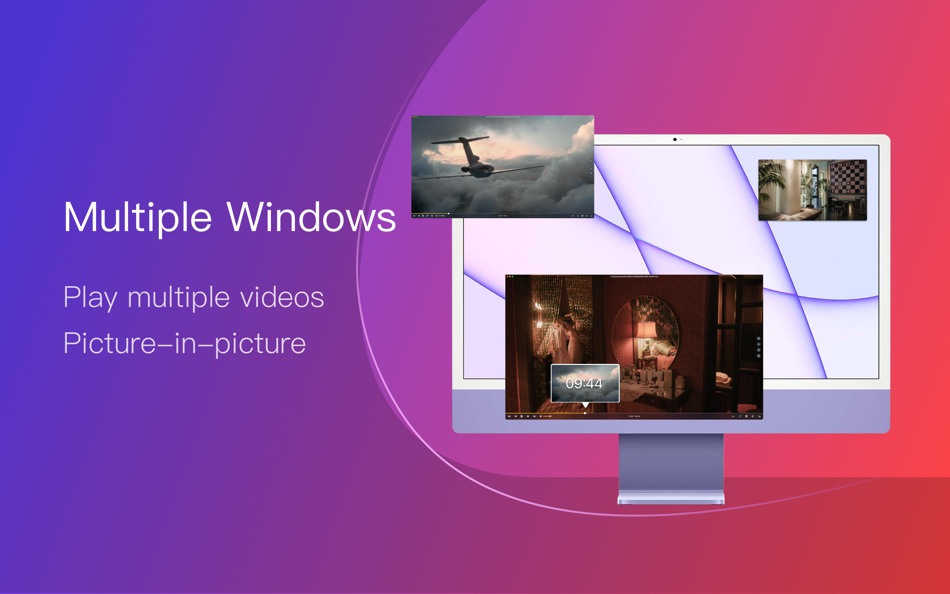
OmniPlayer for Mac is a comprehensive media player for almost any video and audio format on macOS. It has powerful features with a modern and clean design. You can use it to play various 4K/1080P/720P HD videos and normal/lossless audio easily with hardware decoding. OmniPlayer’s rich features let you conveniently control and adjust the playback, playlists, video images, audio tracks, subtitles, and screenshots, etc.
Features
· Supports Multiple Media Types
- Play almost any format of the local and remote server videos and audios (SAMBA/FTP protocol).
- Supports online videos and audio with HTTP/HTTPS protocols.
- Play Youtube and Vimeo videos using the webpage URL directly without online ads.
· Playlist Control
- Record media files to playlists automatically and automatically clear all when exiting the player.
- Play, search, delete, change repeat mode of media items in the playlist.
· Playback Control
- Pause, resume, fast forward, rewind and jump to a specified progress time.
- Record last progress time of playback when stopping automatically.
- Show preview images on the progress bar when playing a local video.
- Hide controls automatically to display pure video view without any occlusion.
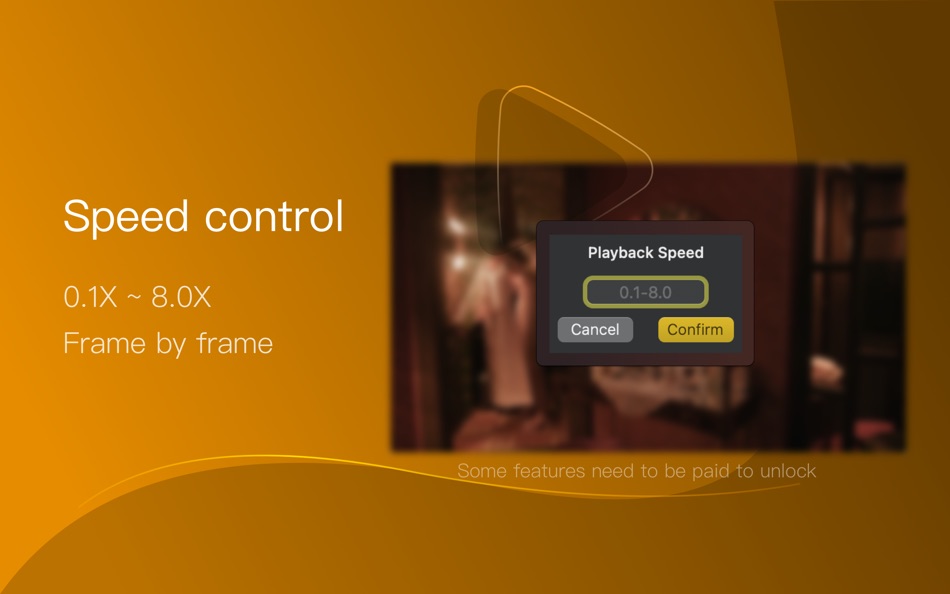
- Adjust playback speed from 0.25x to 4x.
· Video Image Adjustment
- Adjust window size and video image aspect ratio quickly.
- Adjust video image rotation in all directions.
- Adjust video image equalizer including brightness, contrast, and saturation.
· Audio Control
- Change audio delay time to synchronize audio and video.
- Choose different audio tracks in the video.
- Choose audio mode such as Stereo, Dolby Surround, Headphones, etc.
- Customize audio equalizer or choose predefined equalizer settings such as Classic, Rock, Pop, etc.
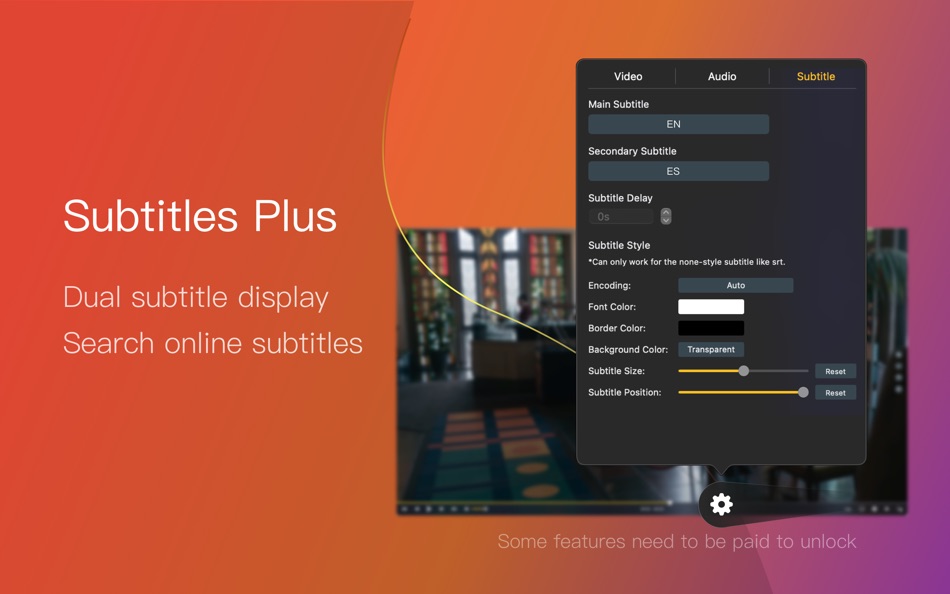
· Subtitle Control
- Load different formats of local subtitles in real-time.
- Search and load subtitles online with video name or hash.
- Support for most languages. Change subtitle color and size in real-time.
- Change the encoding of subtitles in different languages to fix subtitle display problems.
· Screenshot
- Take a screenshot with different formats.
- Generate GIF images up to 60s. Export thumbnails with one click.
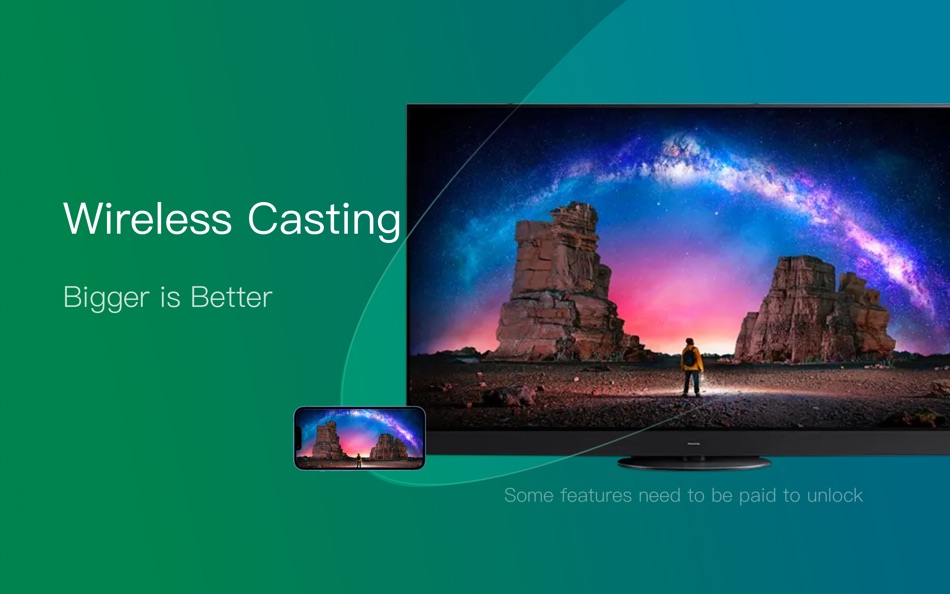
· Wireless Display
- DLNA protocol, Chromecast protocol, Roku channel
OmniPlayer offers the following option for Upgrading to VIP service
Service: Upgrade to VIP
One-time purchase to get lifetime access
Monthly subscription
Yearly subscription
Price may vary by location.
Privacy Policy and Terms of Use
https://okaapps.com/privacy
https://www.apple.com/legal/internet-services/itunes/dev/stdeula/
Contact Us:
- Telegram: appsupportgroup
- WeChat: appsupportgroup
- QQ group: 260862101
屏幕截图
价格历史
-
* 提供应用内购商品 - 目前价格: 免费
- 最小值: 免费
- 最大值: 免费
可选
Ad
其他信息
 https://okaapps.com/support
列表 (1)
- OmniPlayer: MKV Video Player

积分 (6)
-

- 244 Valentyn
- +1
-
- 322 Mudu
- +1
-
- 1 Wambugu kinyua
- +1
-
- 2,979 바람처어럼
- +1
-
- 11,366 Simon Chan
- +1
-
- 1 Frank Tefft
- +1






排名 (0)
0 ☹️
评论 (0)
成为第一个发表评论的人 🌟
«OmniPlayer: MKV Video Player». 平台: macOS. 类别: 摄影与录像. 开发商: «成浩 吴». 首次发布: . 最后更新: . 目前价格: 免费. 该条目尚未在 AppAgg 上获得评分或评论。 列表: 公开: 1, 私密: 1. 追踪点: 已确认: 6, 间接: 0. 可用语言: Chinese, English, French, German, Italian, Japanese. AppAgg 会跟踪 «OmniPlayer: MKV Video Player»的价格历史、评分和用户反馈。 关注未来折扣和更新: RSS. AppAgg 不托管应用程序或分发软件。 所有商标、徽标和屏幕截图均属于其各自所有者。
OmniPlayer: MKV Video Player 短网址: 已复制!- 🌟 分享
- Mac App Store
类似
-
- Video Bee - Video Intelligence
- macOS 应用: 摄影与录像 来自: Video Bee BV
- 免费
- 列表: 0 0 0
- 积分: 3 版本: 1.1.3 Introducing the VideoBee.io video production extension. Video Bee in Final Cut Pro X: - Share footage with your team. - Import clips from the cloud to your timeline. - Export edits ... ⥯
-
- Final Video Player - MKV & MP4
- macOS 应用: 摄影与录像 来自: CYNOBLE TECHNOLOGY LIMITED
- * 免费
- 列表: 0 0 0
- 积分: 4 版本: 1.1.19 Final Video Player, the ultimate media player for your Mac! Designed with simplicity and versatility, Final Video Player offers a seamless and enjoyable experience for all your ... ⥯
-
- Video Doctor • Repair media
- macOS 应用: 摄影与录像 来自: Denk Alexandru
- * 免费
- 列表: 0 + 2 0 0
- 积分: 7 版本: 2.1.1 With Video Doctor, you can repair corrupted, damaged, or unplayable video files. It can also repair media that can be played, but contain errors, drop frames, have strange pixels, or ... ⥯
-
- MKV to Any Lite
- macOS 应用: 摄影与录像 来自: Fatima Malagouen
- 免费
- 列表: 0 0 0
- 积分: 0 版本: 2.2.8 MKV to Any Lite is a powerful free tool, designed to convert MKV videos to popular video or audio formats. After conversion, you can also play the completed files on popular devices ... ⥯
-
- Video Converter Platinum
- macOS 应用: 摄影与录像 来自: Aiseesoft
- $29.99
- 列表: 0 + 1 0 0
- 积分: 9 版本: 6.7.27 Video Converter Platinum is the fastest Video Converter in App Store with the highest output quality. It allows you to rip homemade DVD to MP4/MOV/WMV and more videos, also convert any ⥯
-
- Video Stream Player - Speed Up
- macOS 应用: 摄影与录像 来自: Global Mobile Game Limited
- $11.99
- 列表: 0 0 0
- 积分: 0 版本: 1.0 Video Stream Player is a professional video playback tool. It supports ALL video formats, 4K/ultra HD video files, and plays them with high-definition. Formats Supported: 3gp, asf, ... ⥯
-
- Video Slide
- macOS 应用: 摄影与录像 来自: Ebey Tech LLC
- $0.99
- 列表: 0 + 1 0 0
- 积分: 7 版本: 1.0 Video Slide is a great way to skim through an array of videos. Click the 'Choose Video Directory' button in toolbar to locate a directory containing video files. Videos will be loaded ... ⥯
-
- Video Merge & Split
- macOS 应用: 摄影与录像 来自: 华芳 刘
- $1.99
- 列表: 0 0 0
- 积分: 0 版本: 2.4.2 Video Merge & Split = Video Converter(Single file) + Video Merger + Video Splitter Video Merge & Split is a simple and user-friendly video converting(single file), merging and ... ⥯
-
- Video Splitter Suite
- macOS 应用: 摄影与录像 来自: Nikhil Anshuman
- $3.99
- 列表: 0 0 0
- 积分: 0 版本: 1.0 Video Splitter Suite Effortlessly split any video into perfectly timed segments using hours, minutes & seconds. Designed for Mac, this powerful utility supports all major formats, ... ⥯
-
- Video Evaluator
- macOS 应用: 摄影与录像 来自: Koray Birand
- $3.99
- 列表: 0 0 0
- 积分: 0 版本: 1.1 Video Evaluator is a professional media comparison tool for macOS. Load up to 10 videos and images simultaneously, compare them side by side, and analyze every frame with precision ... ⥯
-
- Player(MPH&KMH Version)
- macOS 应用: 摄影与录像 来自: 树 贝
- 免费
- 列表: 0 0 0
- 积分: 1 版本: 1.4.9 Video player with GPS track playback ⥯
-
- Video Tool: Cut, Crop, Convert
- macOS 应用: 摄影与录像 来自: Erik Wegener
- $2.99
- 列表: 0 0 0
- 积分: 1 版本: 1.2 Video Tool is a fast app designed for light-weight video edits: Trimming/cutting (changing video start and end time) Resizing (changing video dimensions) Reformatting to MP4, MOV, QT ... ⥯
-
- Video Size Compressor
- macOS 应用: 摄影与录像 来自: Ruchira Ramesh
- $4.99
- 列表: 0 0 0
- 积分: 0 版本: 6.3 Video Size Compressor reduces the file size of a video to an exact size without clipping any part of it.For example, if there is a Video of size 250 MB . The application could reduce ... ⥯
-
- Video Generator - Reel Maker
- macOS 应用: 摄影与录像 来自: Codeway
- * 免费
- 列表: 0 0 0
- 积分: 0 版本: 1.0 Video Generator Reel Maker Create stunning videos effortlessly with the power of AI. Video Generator Reel Maker is an all-in-one video creation app designed for creators, marketers, ... ⥯