
| Entwickler: | KonsApps (1) | ||
| Preis: | Kostenlos | ||
| Klassifizierungen: | 0 | ||
| Rezensionen: | 0 Rezension schreiben | ||
| Listen: | 1 + 1 | ||
| Punkte: | 2 + 5 (4.4) ¡ | ||
| Windows Store | |||
Beschreibung

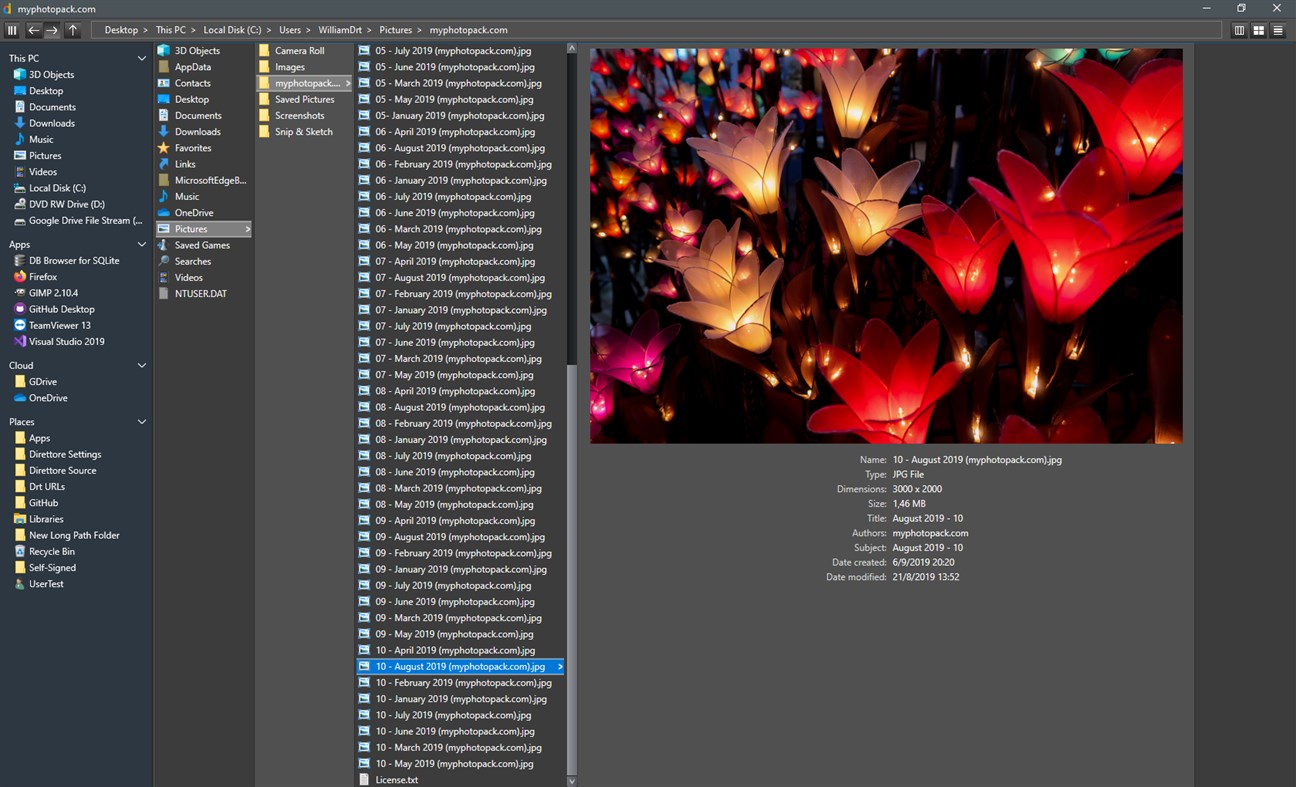
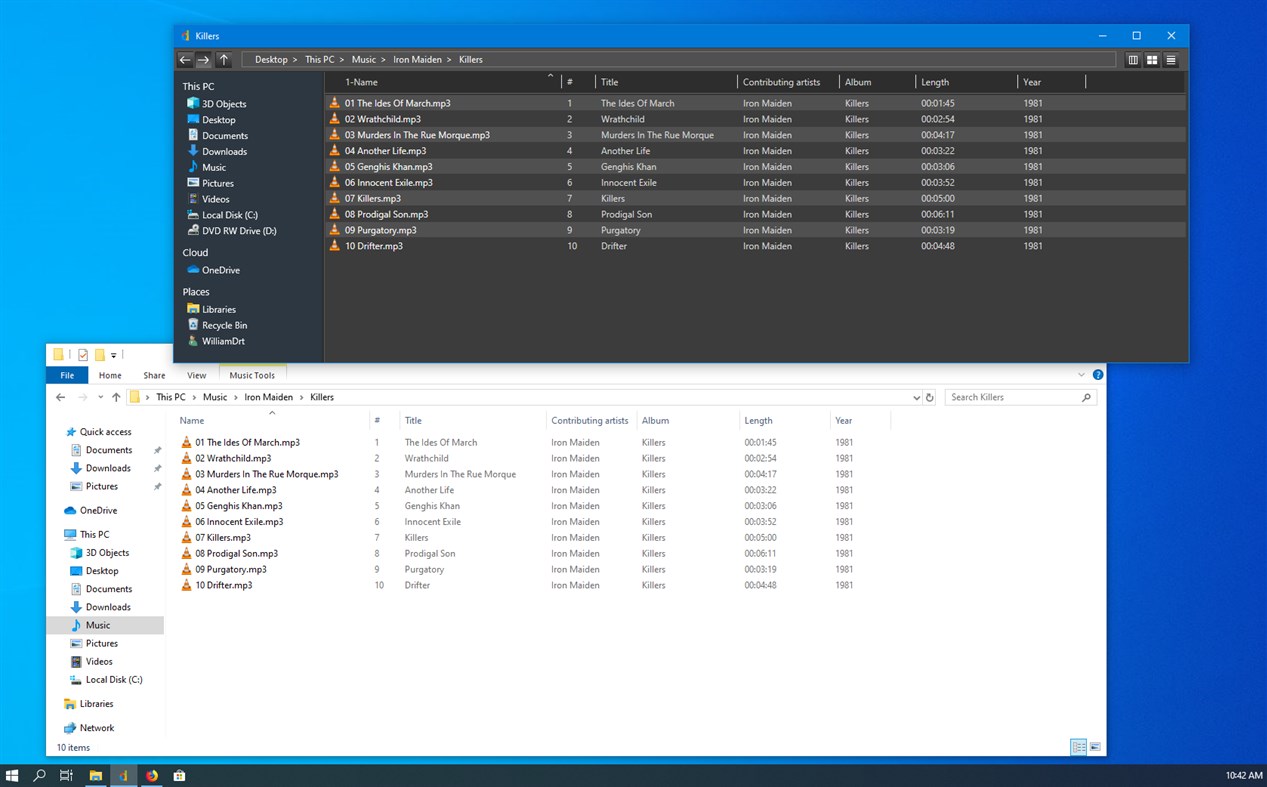
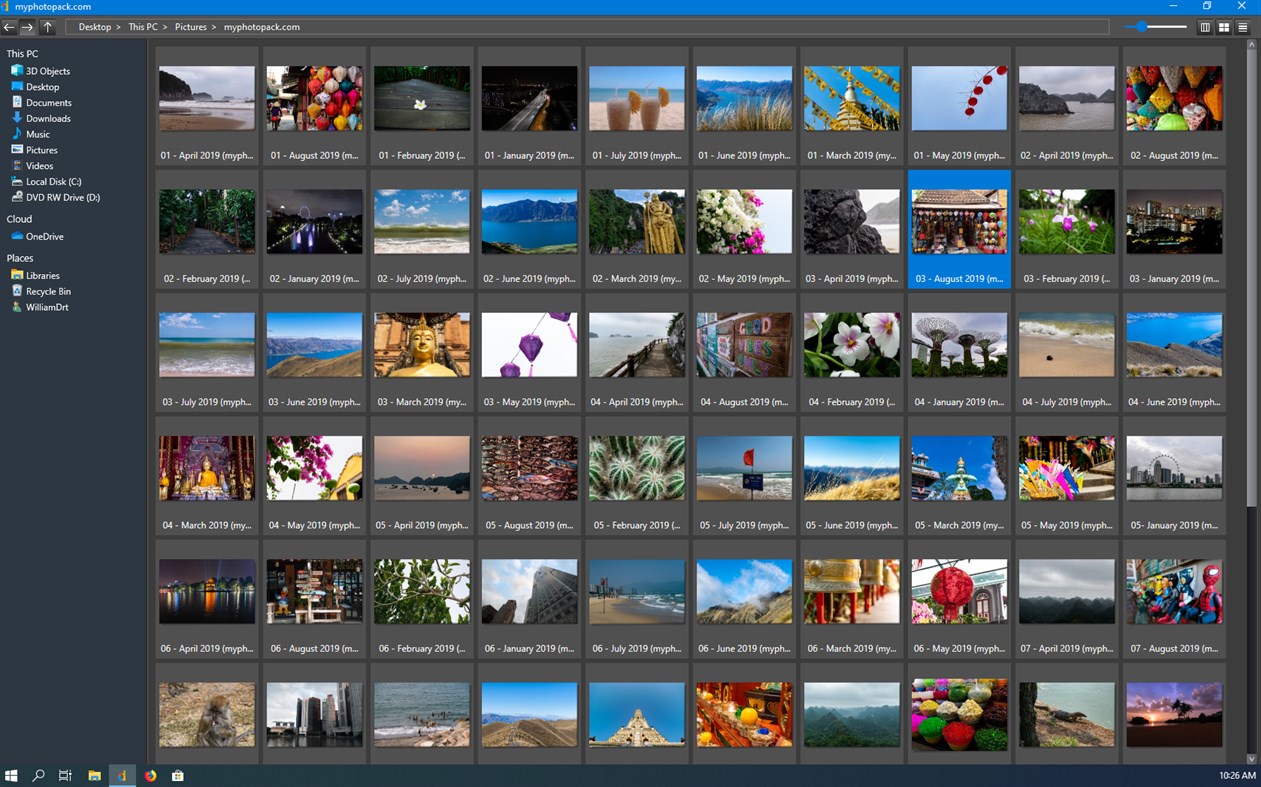
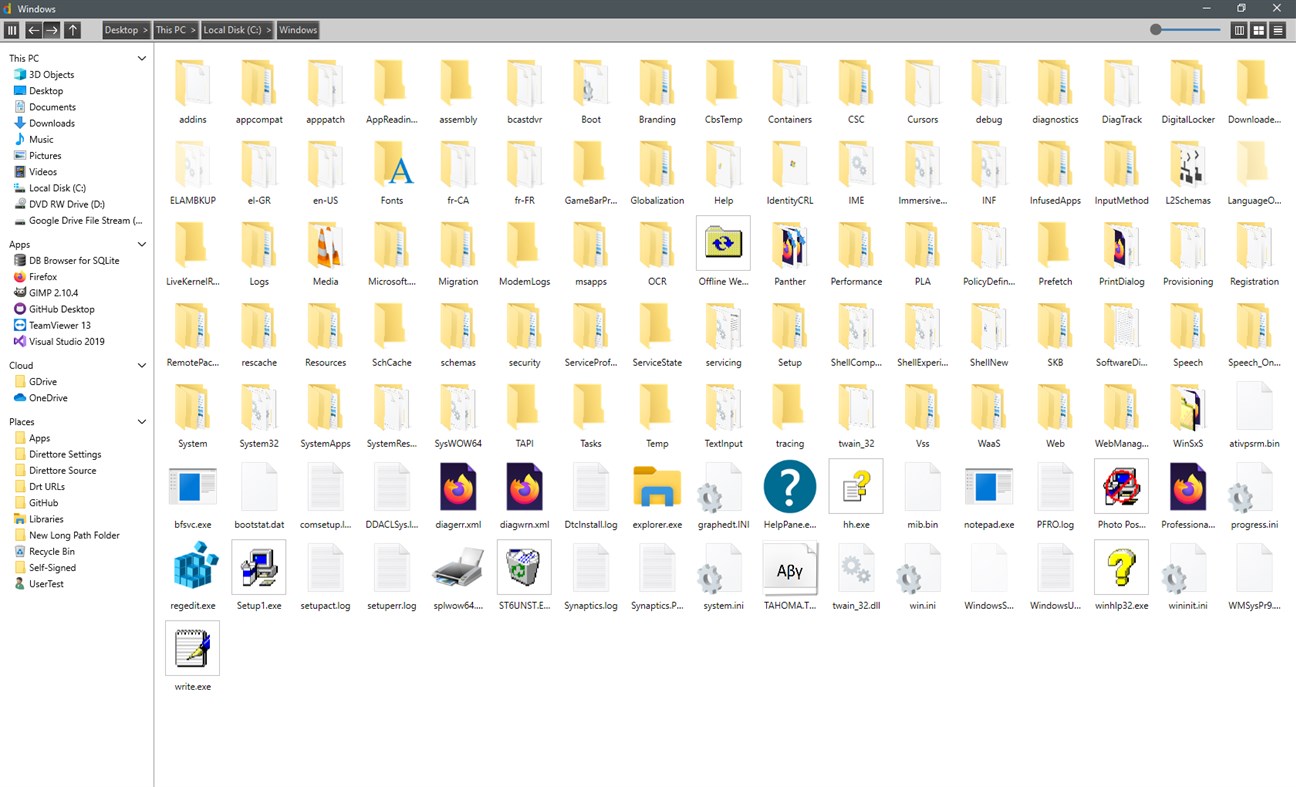
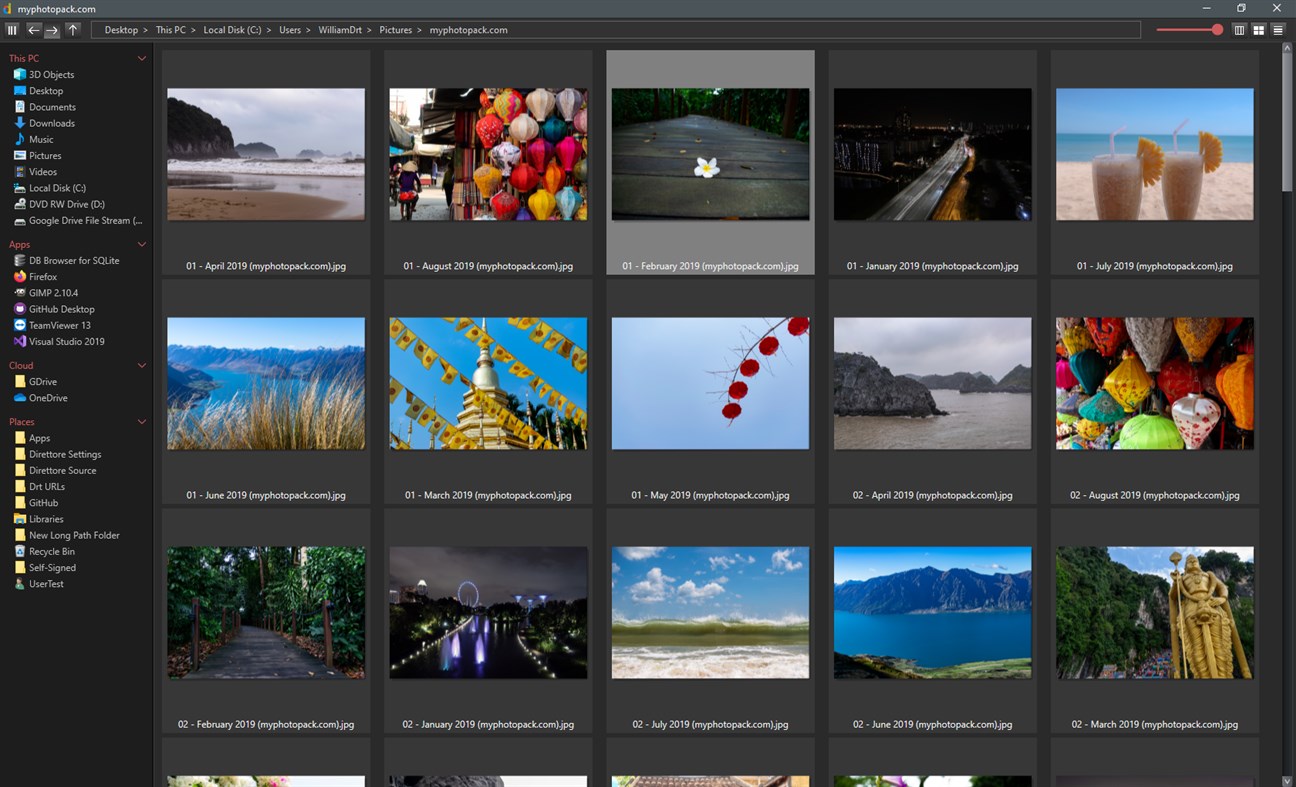
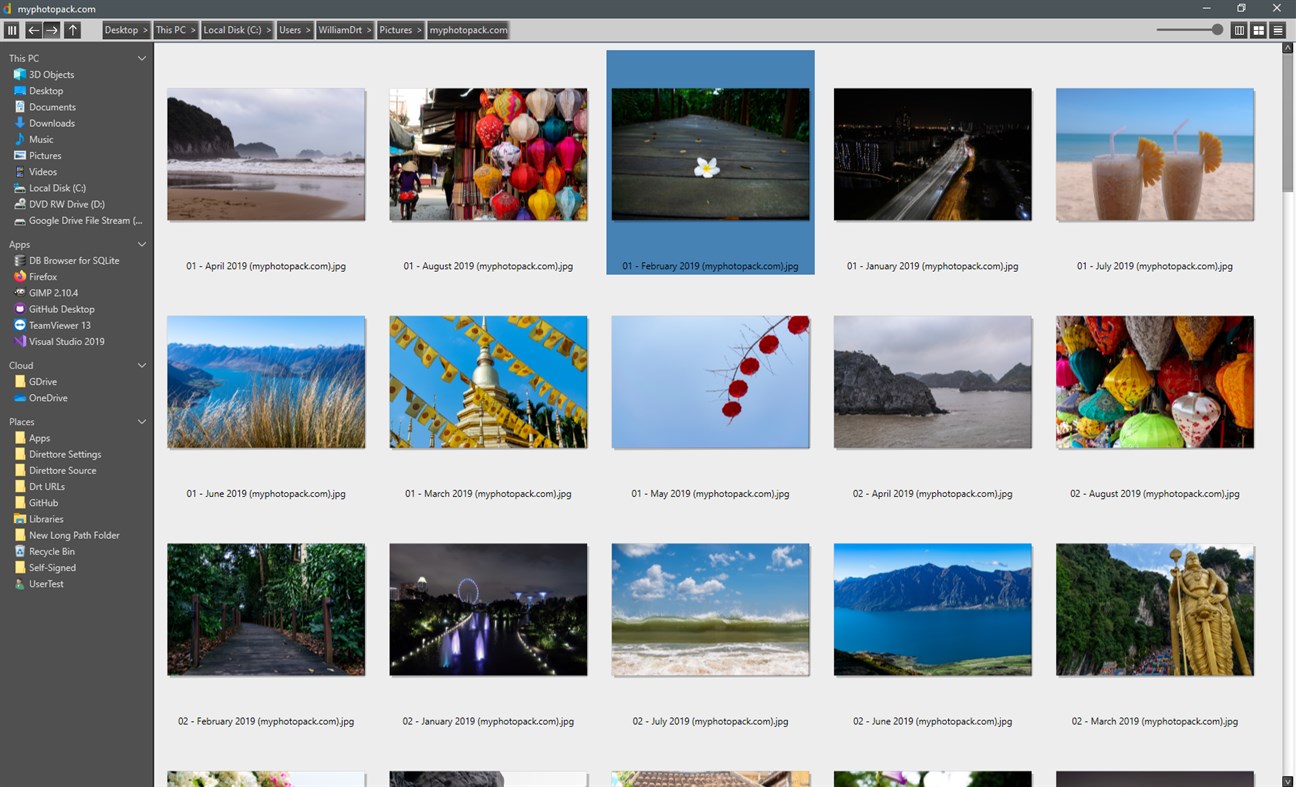
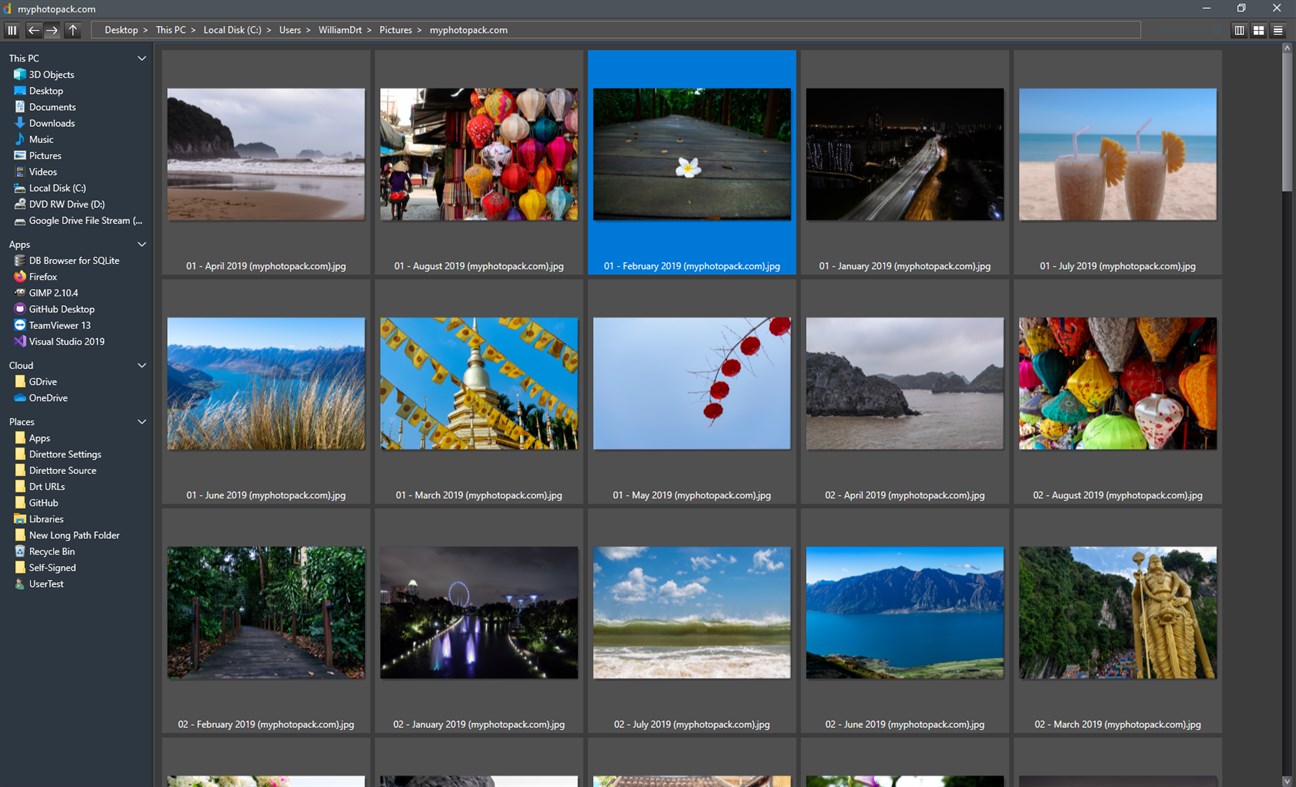
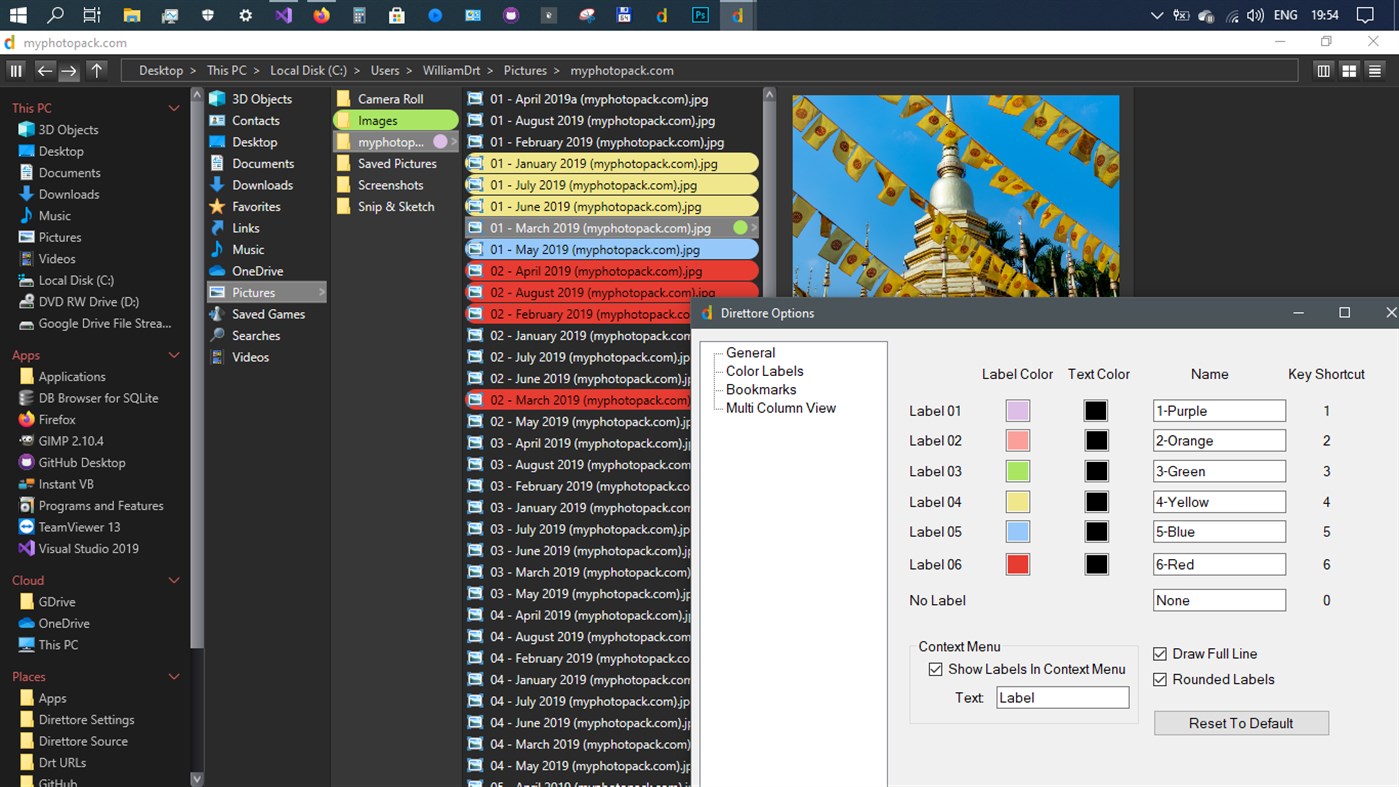
Multi Column(miller's columns) | Thumbnails | Details views.
Supports Themes and Icon packs. Asynchronous file operations. Long path support. Color Labels.
RTL Languages ARE supported. RTL Layout is NOT supported.
Main UI is localized, options are in English only.
Preview files:
Direttore supports QuickLook
Install QuickLook from the Store and launch it.
In Direttore select a file and press [space bar] , to see file's preview.
Press [space bar] again to get out of the preview.
Multi column view:
Direttore remembers column width, for each specific folder. Just set it once, and it will be remembered.
Hold [alt] while resizing column, to resize all columns equally.
Double click while hovering a column divider to size column to fit.
Color Labels:
Add any of the six color labels to any file or folder. NTFS drives only, not for special folders, e.g. "This PC".
Sort with color labels, like any other property.
This PC + Bookmark Folders.
Have as many Bookmarks Folders as you like. Organize your bookmarks your way.
Click on a Bookmarks Folder header to collapse / uncollapse a group.
Right click on a Bookmarks Folder header to: rename/make new/delete.
Drag drop an item on a Bookmarks Folder header, to place a bookmark in that folder.
You can bookmark files or apps, not just folders.
Font too small or to large ?
No need to search through windows settings. Just press [Ctr] + [+] or [Ctr] + [-].
Direttore supports custom text size.
Screenshots
Neue Funktionen
- Version: PC
- Aktualisiert:
Preis
- Heute: Kostenlos
- Mindestens: Kostenlos
- Maximale: $4.59
Preise beobachten
Entwickler
- KonsApps
- Plattformen: Windows Apps (1)
- Listen: 1 + 1
- Punkte: 2 + 5 ¡
- Klassifizierungen: 0
- Rezensionen: 0
- Rabatte: 0
- Videos: 0
- RSS: Abonnieren
Punkte
-

- 177 Olivier Sztabowicz
- +1
-
- 10,532 Simon Chan
- +1


Klassifizierungen
0 ☹️
Listen

Rezensionen
Schreiben Sie die erste Bewertung 🌟
Weitere informationen
- Version: PC
- Kategorie:
Windows Apps›Produktivität - Betriebssysteme:
PC - Größe:
6 Mb - Unterstützte Sprachen:
English - Altersfreigabe:
EVERYONE - Windows Store Bewertung:
4.4(5) - Aktualisiert:
- Veröffentlichungsdatum:
Kontakte
 https://www.yellow-pointers-software.com/Direttore File Manager Kurz-URL: Kopiert!
- 🌟 Teilen
- Windows Store
Das könnte Ihnen auch gefallen
-
- Factory File Manager
- Windows Apps: Produktivität Von: proccelerate GmbH
- Kostenlos
- Listen: 0 + 0 Klassifizierungen: 0 Rezensionen: 0
- Punkte: 0 + 22 (3.1) Version: PC Factory File Manager is a side by side file management app. Multiple tabs can be created to manage different file locations within the same app. Of course, copy, move, delete, ... ⥯
-
- Owlfiles - File Manager
- Windows Apps: Produktivität Von: Skyjos Co., Ltd.
- * Kostenlos
- Listen: 1 + 0 Klassifizierungen: 0 Rezensionen: 0
- Punkte: 0 + 19 (4.1) Version: PC Owlfiles is a powerful file management app on mobile platforms and desktop platforms. It can access not only files on your PC, but also files on your server, NAS and cloud. Stream ... ⥯
-
- Cool File Viewer - open rar, docx and more
- Windows Apps: Produktivität Von: Cool File Viewer
- * Kostenlos
- Listen: 11 + 2 Klassifizierungen: 5 (1) Rezensionen: 1 (1)
- Punkte: 36 + 51,157 (4.5) Version: PC Cool File Viewer allows you to view any file on your PC. Simply select any file via the program window without first having to decide which application should be used to open a file. ... ⥯
-
- File Analyzer Plus
- Windows Apps: Produktivität Von: Bitberry Software
- Kostenlos
- Listen: 0 + 0 Klassifizierungen: 0 Rezensionen: 0
- Punkte: 0 + 53 (2.7) Version: PC File Analyzer Plus recognizes more than 15,000 file formats. Let File Analyzer Plus examine your file if you cannot open it. After identifying the file format, it will show you ... ⥯
-
- File Renamer
- Windows Apps: Produktivität Von: Aftnet
- Kostenlos
- Listen: 0 + 0 Klassifizierungen: 0 Rezensionen: 0
- Punkte: 2 + 109 (2.8) Version: PC File Renamer makes it easy to rename large number of files in in a few clicks. Have a large picture library and wished files were called something more descriptive than ... ⥯
-
- File Counter
- Windows Apps: Produktivität Von: Ivan Makaruskin
- * Kostenlos
- Listen: 0 + 0 Klassifizierungen: 0 Rezensionen: 0
- Punkte: 0 + 2 (3.0) Version: PC File Counter is an easy-to-use application that can automatically count all files in directories you specify.It has only a couple of options that can be easily figured out by users. ... ⥯
-
- File Opener Plus
- Windows Apps: Produktivität Von: Yellow Elephant Productions
- $2.99
- Listen: 0 + 0 Klassifizierungen: 0 Rezensionen: 0
- Punkte: 0 + 49 (4.3) Version: PC File Opener Plus - Universal, Simple and Smart! Movies, music, books, photos, docs - Everything in one app! ️ Photo Editing: BMP, PNG, JPEG. ️ Audio Formats: MP3, AAC, WMA, AC3. ️ ... ⥯
-
- File Sieve
- Windows Apps: Produktivität Von: Nikolai Belai
- $17.49
- Listen: 0 + 0 Klassifizierungen: 0 Rezensionen: 0
- Punkte: 0 + 0 Version: PC File sieve - sort files by folders. Capabilities: Sorting files by folders by extensions. Sorting files by folders by types. Sorting files by folders by dates. Files with same name ... ⥯
-
- File Optimizer
- Windows Apps: Produktivität Von: Dezeiraud Gaëtan
- $1.99
- Listen: 0 + 0 Klassifizierungen: 0 Rezensionen: 0
- Punkte: 0 + 0 Version: PC Introducing File Optimizer, the ultimate solution for reducing file sizes without compromising quality. Ideal for professionals, developers, and content creators, this powerful tool ... ⥯
-
- Destiny Item Manager (DIM)
- Windows Apps: Produktivität Von: Destiny Item Manager
- Kostenlos
- Listen: 0 + 0 Klassifizierungen: 0 Rezensionen: 0
- Punkte: 0 + 178 (4.8) Version: PC Destiny 1 and 2 Item Manager. Get weapon suggestions and which perks to use, create loadouts, and so much more. ⥯
-
- File Format Converter Plus
- Windows Apps: Produktivität Von: NewSystem
- $2.99
- Listen: 0 + 0 Klassifizierungen: 0 Rezensionen: 0
- Punkte: 0 + 0 Version: PC This tool provides file format conversion facility from (.DOCX) to (.PDF) including the ability to bulk convert the files at once instead of one by one. ⥯
-
- RAR File Extractor - Zip Unzip & File Compressor
- Windows Apps: Produktivität Von: Sandpiper Studio
- * Kostenlos
- Listen: 0 + 0 Klassifizierungen: 0 Rezensionen: 0
- Punkte: 0 + 12 (2.9) Version: PC Zip/Rar is an archive format that offers data compression without data loss. Tutorial: http://www.fabricj.com/rar-file-extractor-zip-unzip-file-compressor/ A Zip/Rar file may contain ... ⥯
-
- Paste to File
- Windows Apps: Produktivität Von: Whitewater Foundry
- $0.99
- Listen: 0 + 1 Klassifizierungen: 0 Rezensionen: 0
- Punkte: 1 + 0 Version: PC Pastes an image directly to a temporary file and copies its path back. Are you tired of copying an image, pasting it in a program, looking for where to save the file, remembering where ⥯
-
- Sider: AI File Analyst — Deeply Understand Anything
- Windows Apps: Produktivität Von: Vidline Inc.
- * Kostenlos
- Listen: 1 + 1 Klassifizierungen: 0 Rezensionen: 0
- Punkte: 4 + 94 (4.2) Version: PC Sider helps you deeply understand complex files with AI-powered insights. Why Choose Sider In today's world of information overload, accessing data is effortless but achieving true ... ⥯