
| デベロッパー: | 书毅 钟 (2) | ||
| 価格: | $9.99 | ||
| ランキング: | 0 | ||
| レビュー: | 0 レビューを書く | ||
| コメント: | 0 コメントを投稿する | ||
| リスト: | 2 + 2 | ||
| ポイント: | 0 + 0 ¡ | ||
| Mac App Store | |||
説明

What's special with Clearview reader?
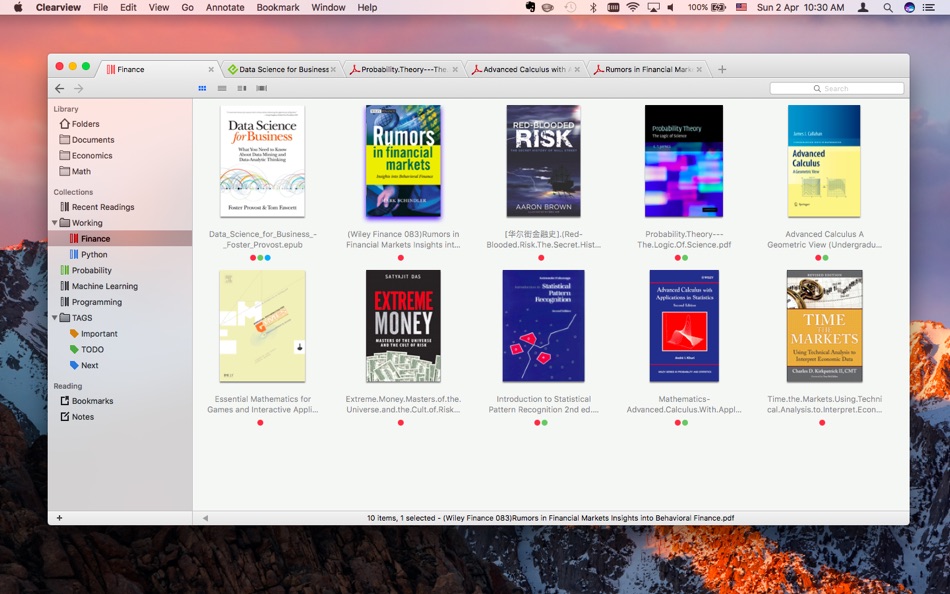
• Easy and intuitive books management.
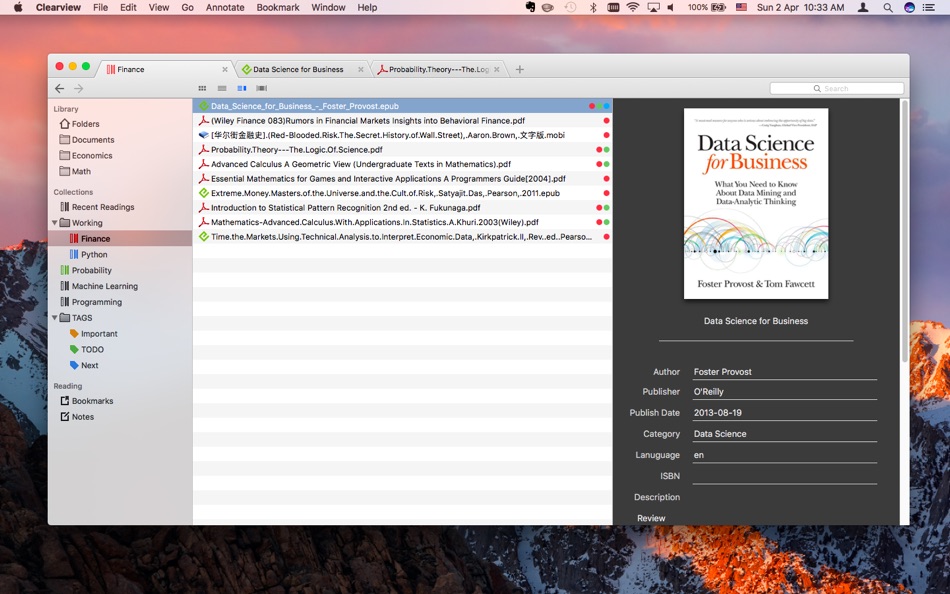
Just drag the folders containing e-book files from finder and drop on the Clearview shelf, all the files information will be imported to the library quickly, then you can browse, search and read the books from shelf easily. With book folders and book collections cooperating together, you will find that books organization is such an easy thing.
- Cover flow preview of books.
- Drag and drop from library or finder to construct book collections.
- Capability to edit book meta info and change book cover.
• Tabbed style window make reading smooth and efficient.
With several related books organized in the same window, you do not have to look for and switch between the book windows everywhere. further more, with a shelf tab and book file tabs living in the same window, browsing and reading is so easy.
- Restore multiple closed tabs;
• Powerful searching capabilities.
You can find a book quickly by the file name, content, author, title or publisher.
You can also search in a book for specified texts.
- Sorting search results by page or rank.
• Popular book formats support, PDF, EPUB, CHM, MOBI(azw, azw3), FB2 and CBR(CBZ), with almost the same excellent reading experiences.
- Thumbnails display of book pages.
- Book page color themes (Normal, Sepia, Night time);
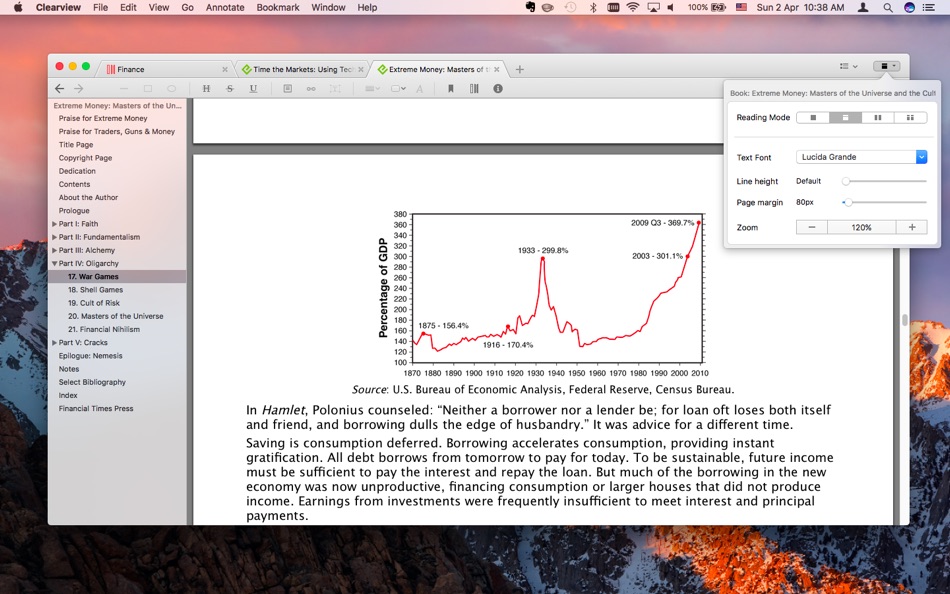
- Text fonts adjustment (Size, line height and font family).
- Printing support for all book formats;
• Each of 4 book formats can be presented in four reading layouts. Page flip or continuous scrolling, single page or two columns.
- adjust page margin;
Yes, you can read a EPUB, MOBI or CHM book like a PDF book in a continuous mode, by scrolling pages quickly, you do not have to flip page and a page, and no need to pause to click the next chapter.
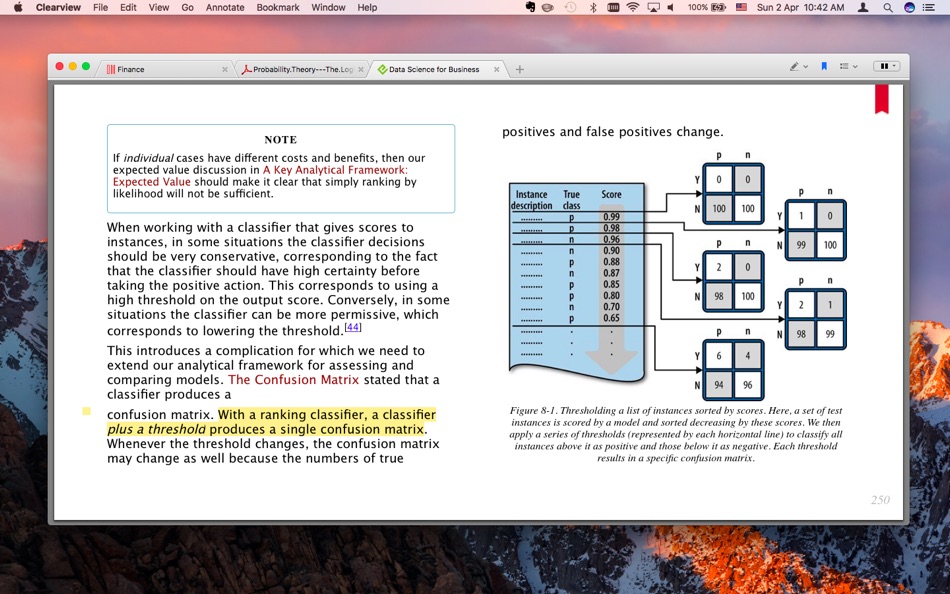
• Annotations and bookmarks support on all 4 book formats.
Revisions will be saved in library database automatically, not on the original book files, so "save changes" prompt dialog won't appear in your smooth reading.
- For pdf, you can also choose (with a preference option) to save annotations to the original pdf file, this way make Clearview a compact editor for pdf;
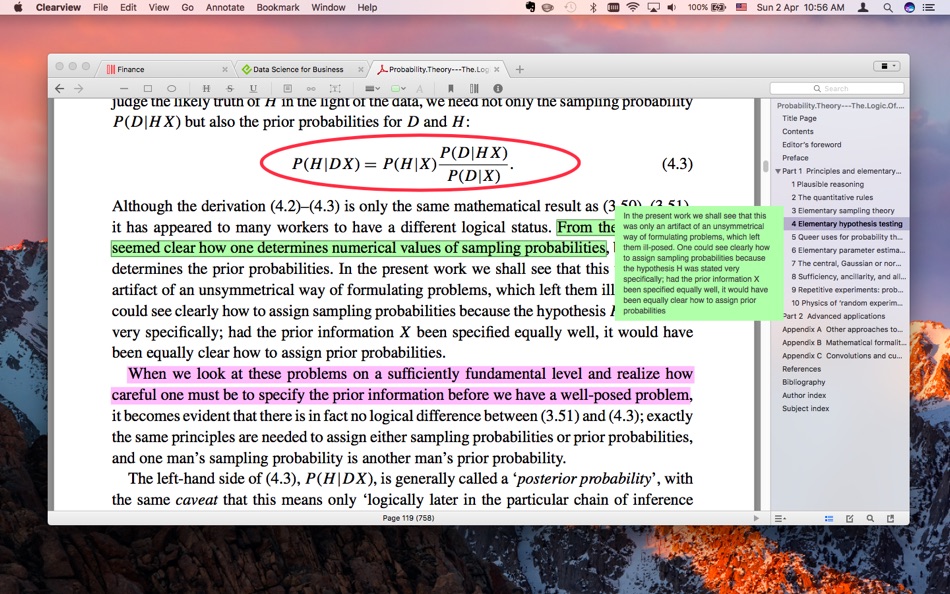
- Line, arrow, rectangle, ellipse, highlight, strike, underline, free text, comments - for PDF annotations;
- Note/Comment, highlight, strike, underline - for EPUB, MOBI, CHM annotations;
- Customizable annotation colors and line width;
- Export PDF with annotations;
- Export notes as RTF file, pdf or print;
- Export/convert epub/mobi/chm book as a pdf book;
• Syncing annotations, bookmarks, book collections and meta informations with iCloud
You can read a book make annotations to it on multiple Macs and sync them with iCloud.
IMPORTANT: No support for DRM protected ebooks! (Such as many of the books sold on iTunes or other book stores)
If you have any questions or feedback, feel free to write to canoesoft@gmail.com, we are sincerely happy to listen to, talk to and help you.
If you want to try before buy, please download the trial version at the Canoe Software website.
Ad
スクリーンショット
価格履歴
- 今日: $9.99
- 最小値: $9.99
- 最大: $9.99
料金のチェック
コメント (0)
最初にコメントしてください 🌟
デベロッパー
ポイント (0)
0 ☹️
ランキング (0)
0 ☹️
リスト (2)
- Clearview


レビュー (0)
最初のクチコミを書こう 🌟
情報
連絡先
 http://www.clearview-reader.com/clearview/?utm_source=apple&utm_medium=store&utm_campaign=AppStore
 «Clearview». プラットフォーム: macOS. カテゴリ: 教育. 開発者: «书毅 钟». 最初のリリース: . 最終更新日: . 現在の価格: $9.99. 記録された最低価格: $9.99. 記録された最高価格: $9.99. このタイトルはまだ AppAgg で評価やレビューを受けていません。 リスト: 公開: 2, 非公開: 2. 利用可能な言語: Chinese, English. AppAgg は «Clearview»の価格履歴、評価、ユーザーフィードバックを追跡します。 今後の値下げと更新をフォロー: RSS で確認できます. AppAgg はアプリケーションをホストしたり、ソフトウェアを配布したりしません。 すべての商標、ロゴ、スクリーンショットはそれぞれの所有者に帰属します。
Clearview 短縮 URL: コピーしました!- 🌟 シェア
- Mac App Store
Ad
類似
-
- Clearview X
- macOS アプリ: 教育 作者: 书毅 钟
- $9.99
- リスト: 0 + 1 ランキング: 0 レビュー: 0
- ポイント: 0 + 0 0 バージョン: 3.6.0 Easy-to-use ebook reader, equipped with library shelf, supports popular ebook formats as PDF, EPUB (DRM free), CHM, MOBI, FB2 and comic books(CBR, CBZ). You can make annotations, ... ⥯
-
- DxO OpticsPro for Photos
- macOS アプリ: 写真/ビデオ 作者: DxO Labs
- $9.99
- リスト: 1 + 0 ランキング: 0 レビュー: 0
- ポイント: 0 + 0 0 バージョン: 1.4.4 DxO OpticsPro for Photos is designed to provide a seamless image processing workflow for Photographers who are on a Mac, and use OS X Photos as their primary photo application. DxO ... ⥯