Done!
Developer: Daniele Meli (1)
Price: $2.99
Score: 6,990 Gold
Rankings: 5 (1)  
Comments: 1 Add a comment
Lists: 2 + 0
Points: 2 + 0 ¡
+1 Points

Description

MilliDraw - Measure & Draw
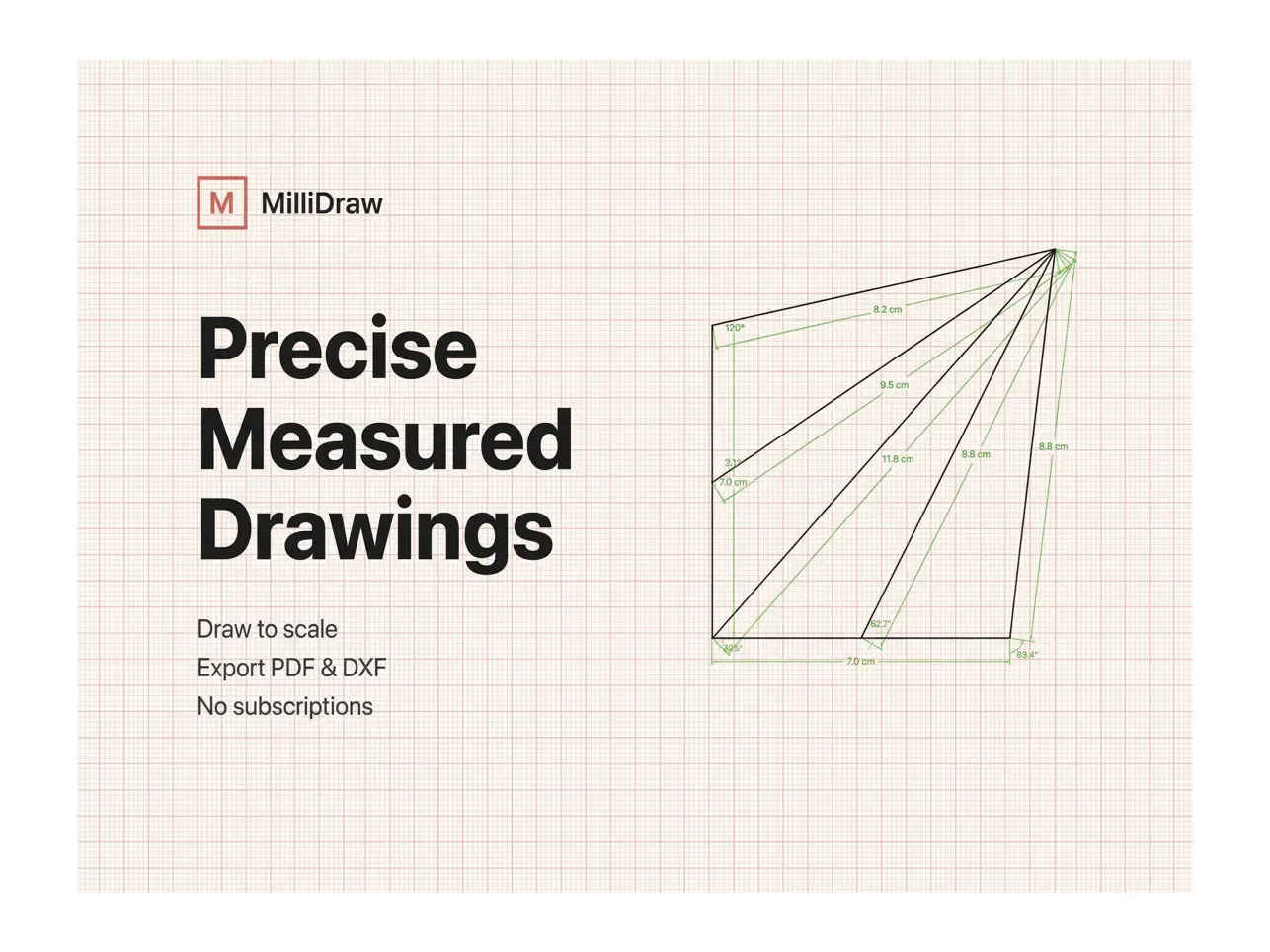
Create precise measured drawings on iPad with Apple Pencil.

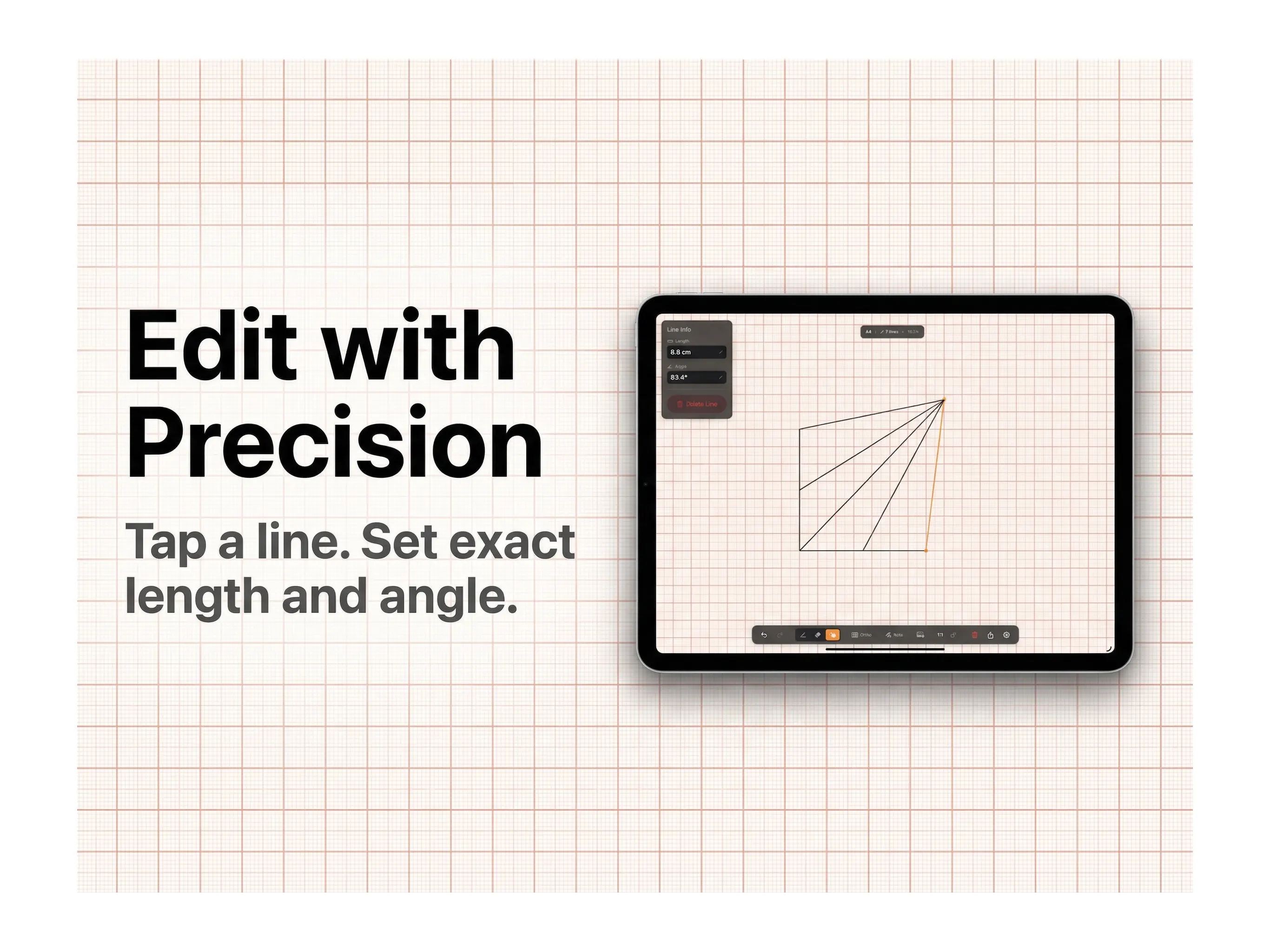
MilliDraw helps you sketch real-world shapes, enter exact lengths and angles, and export clean PDF or DXF drawings for workshops, contractors, makers, architects and collaborators.

Inspired by classic millimeter paper, MilliDraw is built for modern measurement workflows. Instead of sending confusing sketches, annotated photos or lists of numbers, you can create a clear drawing where every segment and angle is defined.

Use it when precision matters: planning cuts, measuring irregular shapes, documenting site dimensions or communicating what needs to be fabricated before work begins.

Typical uses:

• Planning marble, wood, glass or metal cuts
• Measuring irregular walls, rooms and spaces
• Sketching technical shapes with exact dimensions
• Sending clear drawings to workshops or contractors
• Creating quick measured sketches on site
• Preparing simple CAD-friendly DXF files

Features:

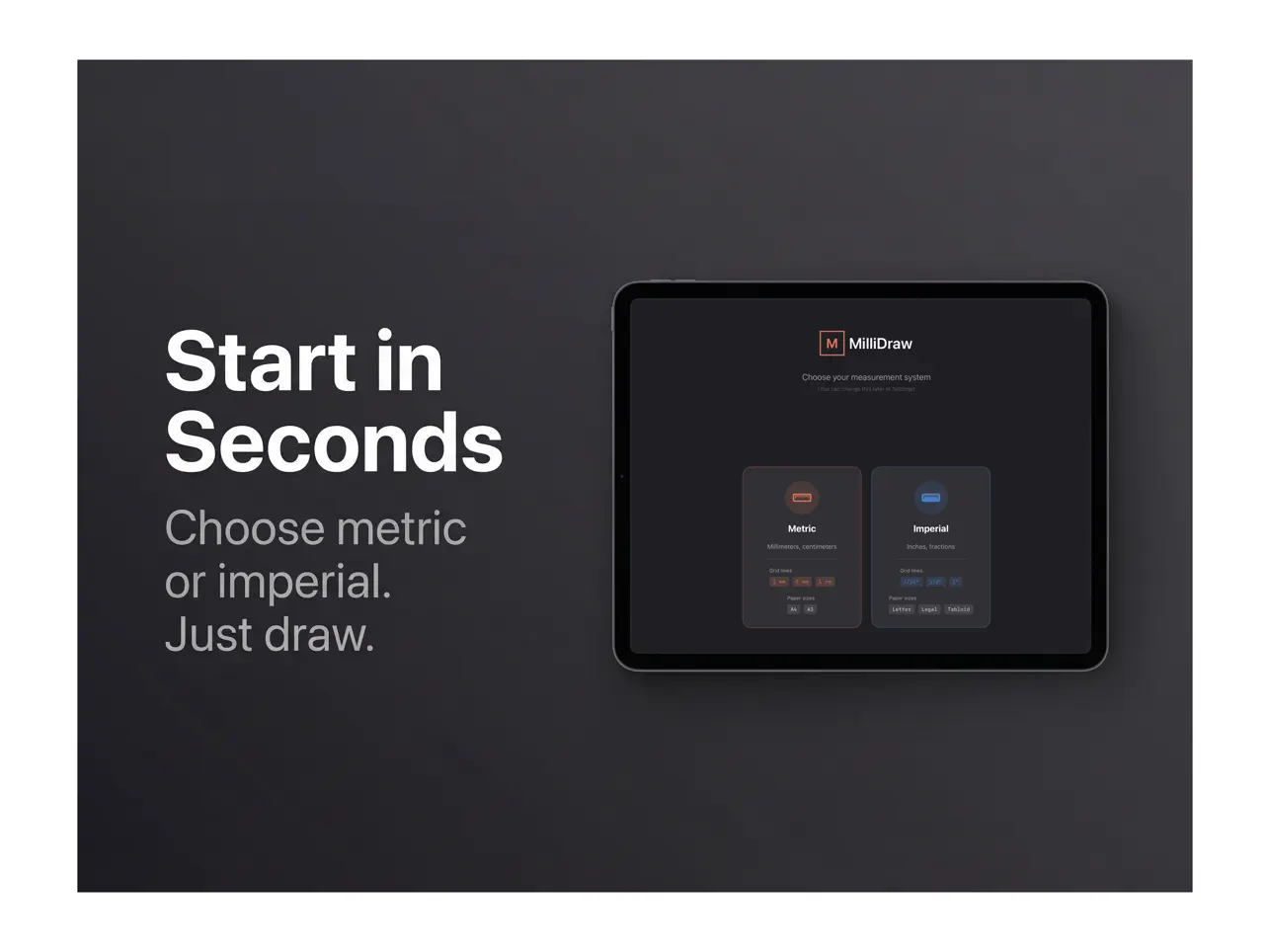
• Millimeter or imperial grid canvas
• Full Apple Pencil support
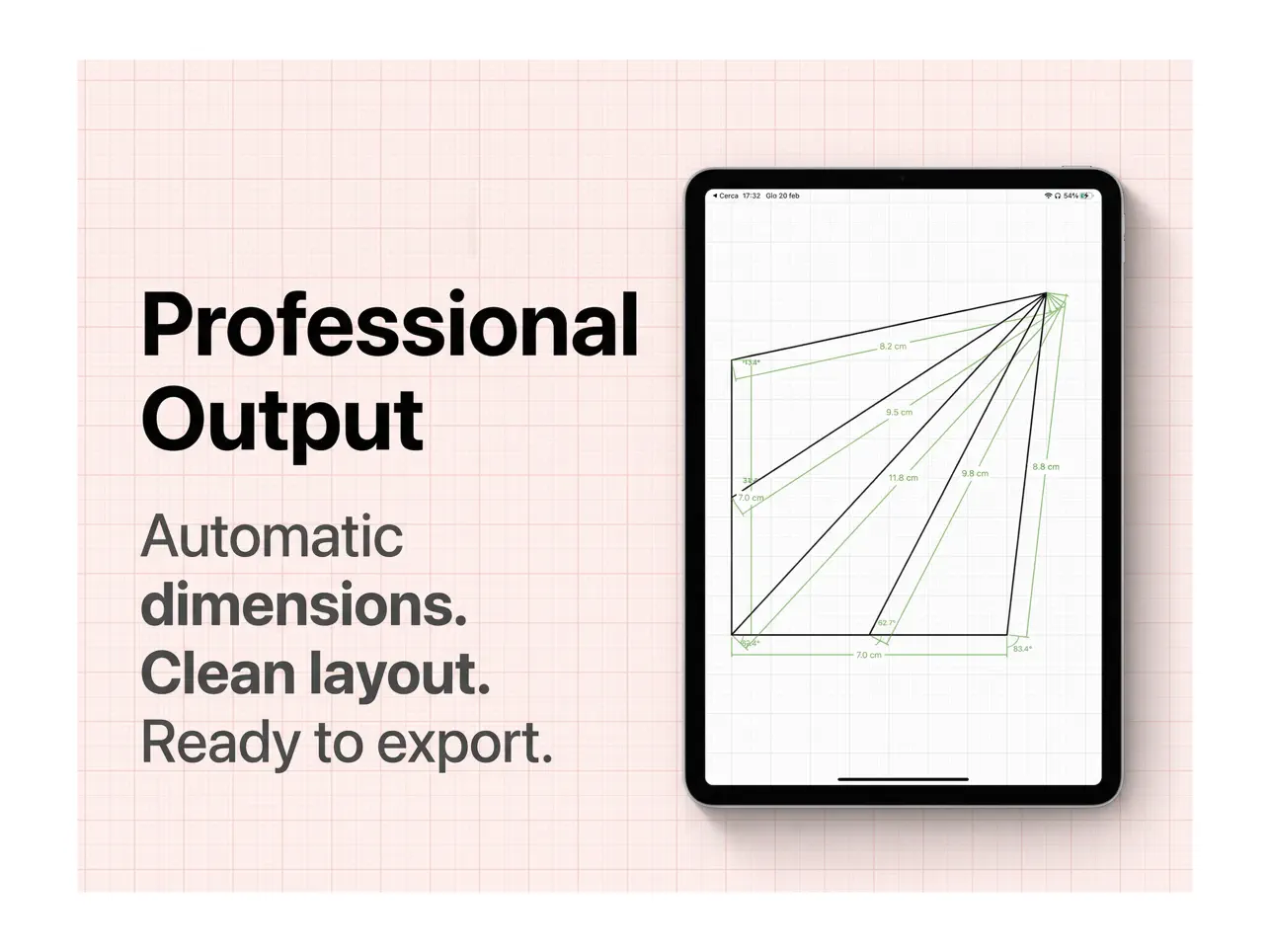
• Exact lengths and angles for every segment
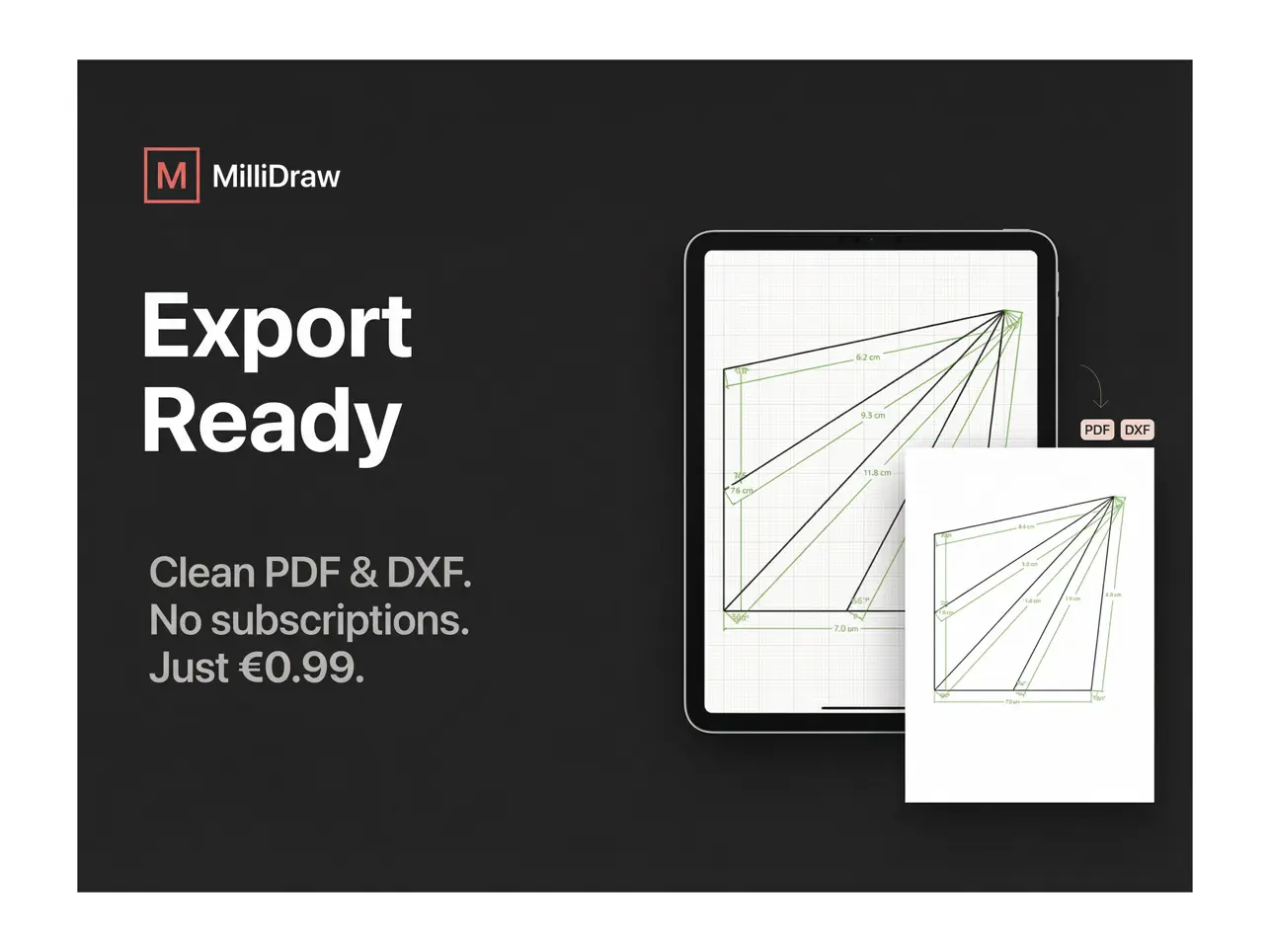
• Clean PDF and DXF export
• Import editable drawings from PDF
• Minimal interface designed for fast work
• No subscriptions, one-time purchase

MilliDraw is designed for architects, engineers, makers, contractors and anyone who needs to communicate precise 2D shapes without the complexity of full CAD software.
More ↓
Ad

Screenshots

#1. MilliDraw - Measure & Draw (iOS) By: Daniele Meli
#2. MilliDraw - Measure & Draw (iOS) By: Daniele Meli
#3. MilliDraw - Measure & Draw (iOS) By: Daniele Meli
#4. MilliDraw - Measure & Draw (iOS) By: Daniele Meli
#5. MilliDraw - Measure & Draw (iOS) By: Daniele Meli

Price History

  • Current price: $2.99
  • Minimum: $0.99
  • Maximum: $2.99
Track prices

AppAgg Score

Estimated AppAgg Score for  
MilliDraw - Measure & Draw

6,990 Gold

Higher scores usually mean stronger signals on AppAgg.

Based on:  popularity ·  ratings ·  freshness ·  deals ·  store data ·  community signals

Recalculated daily using fresh AppAgg data.

Short URL: Copied!

What's new

  • Version: 4.1.0
  • Last Updated:
  • New in 4.1.0

    • German language support — the app now follows your iPad's system language (English & German).
    • Cleaner PDF exports — the project summary now sits in its own footer band below the drawing, so it never overlaps your work or background image. Added the MilliDraw logo to the summary.
    • Fixed the bottom toolbar getting cut off in portrait on iPad — it now scrolls so every tool stays reachable.
    • Simpler onboarding — removed the confusing "quick start" preset cards; you now go straight to a blank canvas.
    • Privacy-first, anonymous usage analytics to help us improve the app. No accounts, no tracking, no personal data — your drawings always stay on your device.

    Requires iPadOS 26.

Additional Information

Developer

Lists (2)

Points (2)

Rankings (1)

Comments (1)

morgnatar
Very useful!

Summary

MilliDraw - Measure & DrawMilliDraw - Measure & Draw Short URL: Copied!
  •  Share
  • App Store
«MilliDraw - Measure & Draw» is a Productivity app for iOS, developed by «Daniele Meli». It was first released on and last updated on . The lowest historical price was $0.99 on , and the highest was $2.99 on . AppAgg users rated this app 5 out of 5, based on 1 votes. It has been added to 2 public lists and 0 private lists created by users. AppAgg has tracked 2 confirmed points plus 0 indirect points for this app. Available languages: English, German. AppAgg continuously tracks the price history, ratings, and user feedback for «MilliDraw - Measure & Draw». AppAgg does not host applications or distribute software. All trademarks, logos and screenshots belong to their respective owners. Subscribe to this app or follow its RSS feed to get notified about future deals or updates.

Similar

You may also like

Recently viewed

Search operators you can use with AppAgg
Add to AppAgg
AppAgg
Start using AppAgg. It’s Free!
Sign Up
Sign In