
Saved
Choose the name that will be shown in your Saved menu.
Done!
| Developer: | Neuron Software (13) | ||
| Price: | $9.99 | ||
| Score: | 9,660 Gold | ||
| Rankings: | 0 | ||
| Comments: | 0 Add a comment | ||
| Lists: | 1 + 0 | ||
| Points: | 0 + 7 (3.3) ¡ | ||
| +1 Points | |||
Description

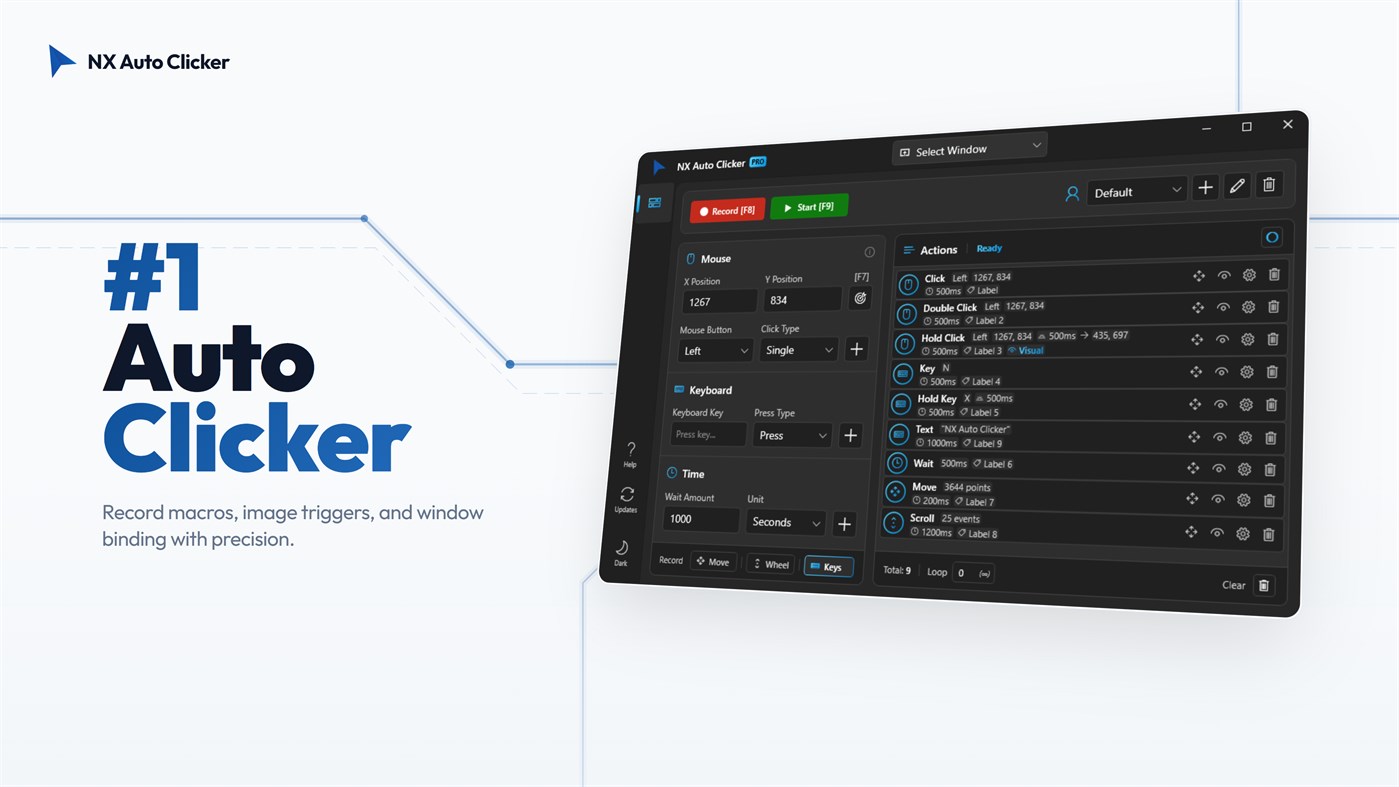
NX Auto Clicker is the #1 rated auto clicker and macro recorder designed for gamers and power users. Dominate your favorite games and streamline your daily workflow with the ultimate automation tool for Windows 10 and Windows 11 on the Microsoft Store.
NX is more than just a basic mouse clicker. It is a premium, all-in-one automation suite combining a High-Speed Auto Clicker, a powerful Keyboard Macro Recorder, and Smart Visual Triggers. Whether you need an extreme CPS (Clicks Per Second) boost for Minecraft, background farming in Roblox, or data entry automation for your job, NX Auto Clicker delivers unmatched precision and reliability.
WHY CHOOSE NX AUTO CLICKER?
Step away from clunky, legacy software. NX features a sleek, modern Windows 11 Glassmorphism interface loaded with exclusive capabilities like Background Mode and Image Recognition, allowing your PC to do the heavy lifting while you multitask.
CORE FEATURES FOR ULTIMATE AUTOMATION:
• Extreme Speed & Stability: Fully optimized engine delivering up to 1000 Clicks Per Second (CPS). Achieve rapid-fire clicking without crashing your game or lagging your system.
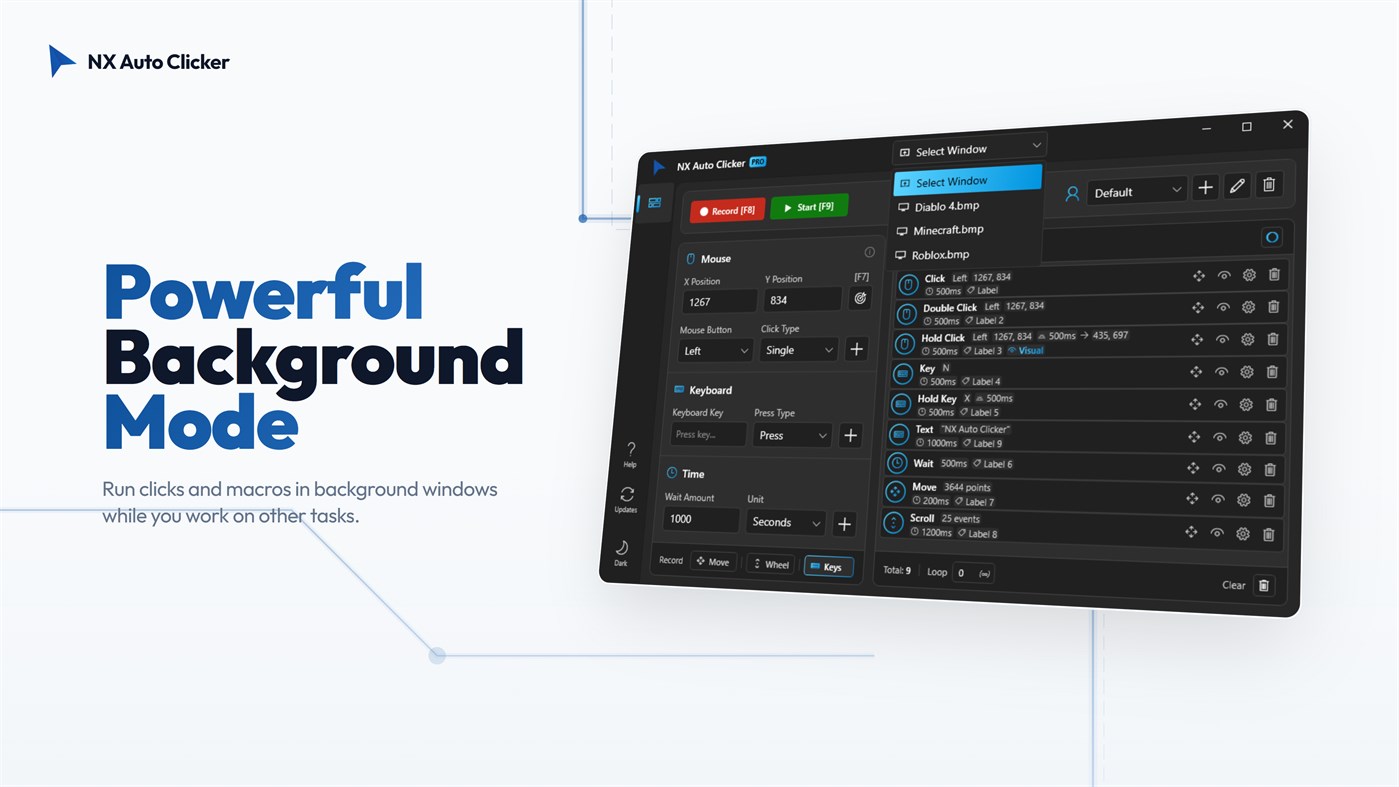
• True Background Mode: Multitask like a pro! Run your macros in background windows. Automate farming in games like Roblox or Minecraft while you watch YouTube, browse the web, or work on another monitor.
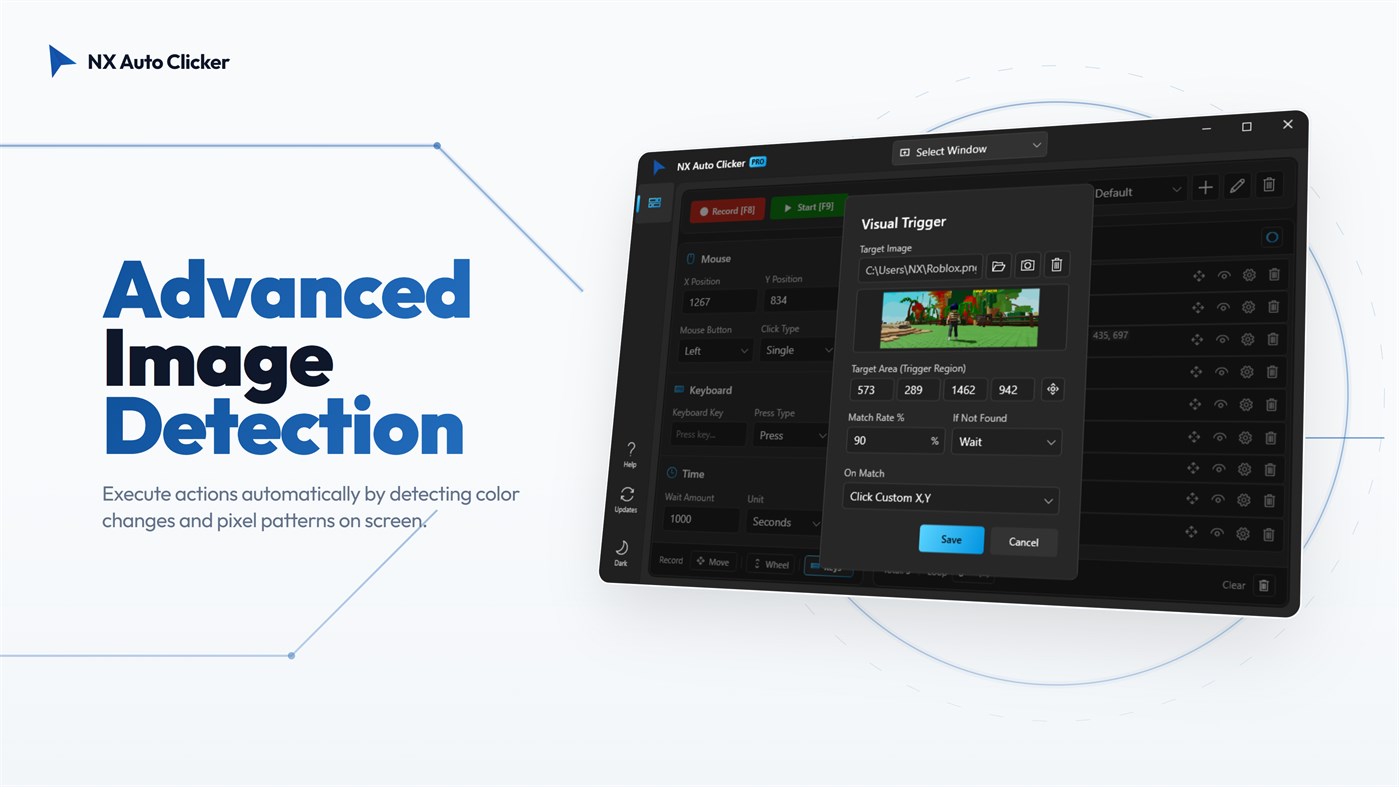
• Smart Visual Triggers (Image Recognition): NX scans your screen for specific images and instantly triggers actions. You can configure it to click precisely on the detected image's location, click a custom X/Y coordinate, or press a specific keyboard key. This powerful system allows you to create highly diverse and complex scenarios for reactive gaming, auto-healing, or smart workflows.
• Advanced Macro Recorder: Easily record complex mouse movements, clicks, and keyboard strokes (Space, Enter, etc.) with a single hotkey (F8). Create infinite loops and timed sequences with zero coding required.
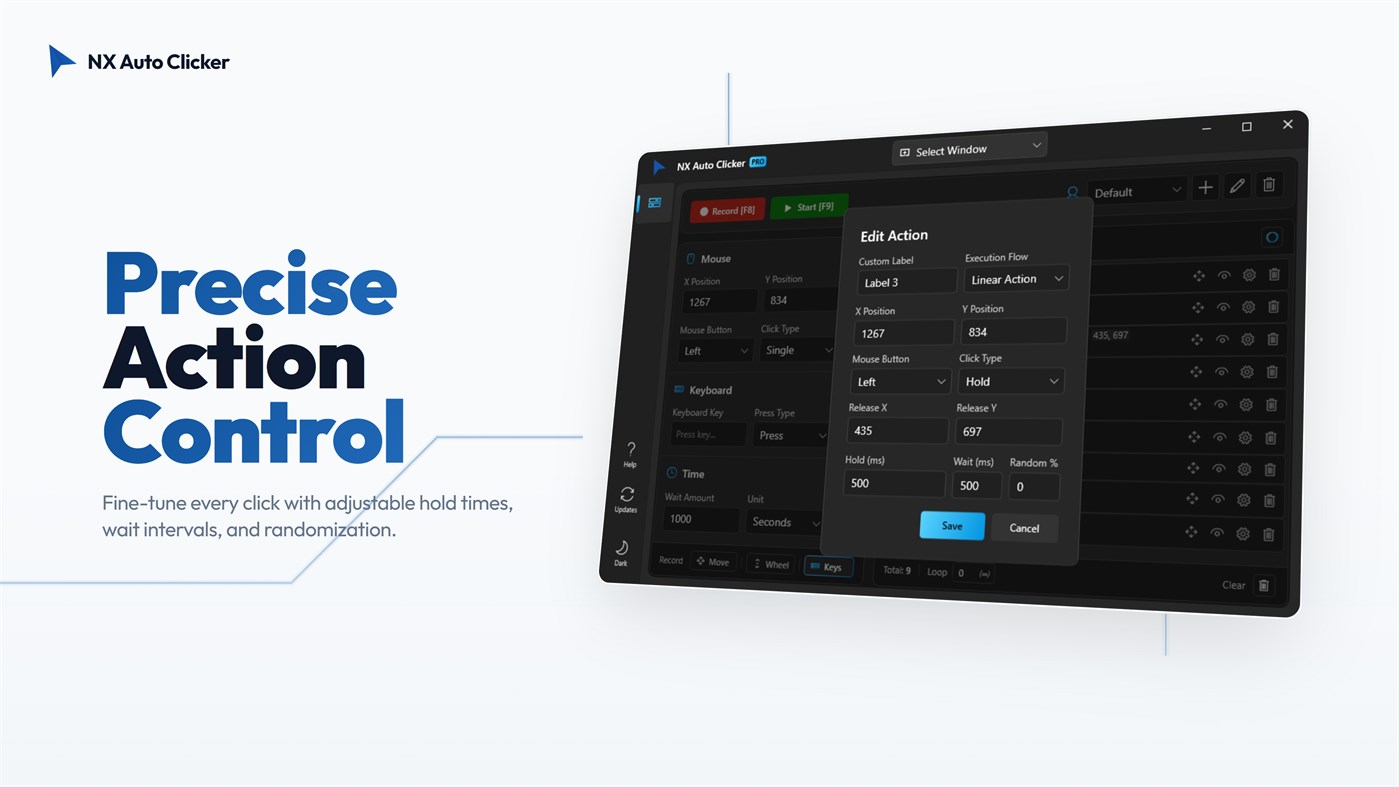
• Precision Editing: Fine-tune every single click, key press, and delay with advanced editing settings. Adjust X/Y coordinates and execution flows down to the millisecond.
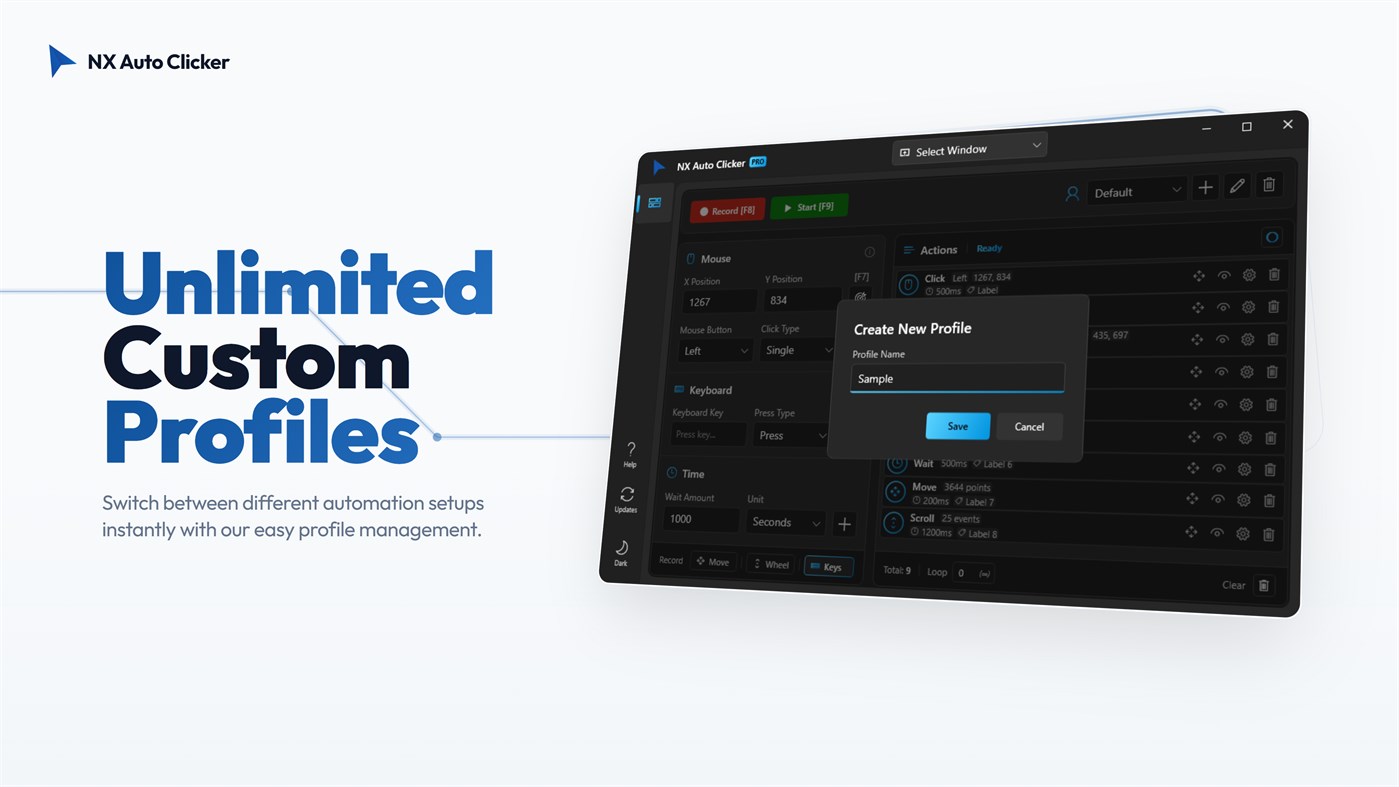
• Profile Management: Save your custom setups for different games or tasks and switch between them instantly. No need to recreate macros every time!
• Human-Like Interaction (Anti-Ban): Prevent detection with the "Random Interval" feature. By slightly varying click delays and hold times, NX perfectly mimics natural human behavior.
OPTIMIZED FOR YOUR FAVORITE GAMES:
• Roblox Auto Clicker: The perfect companion for AFK farming in Anime Fighters, Pet Simulator 99, Blox Fruits, and Tycoon games.
• Minecraft: Ideal for AFK fishing farms, mob grinders, PvP bridging, and rapid block building.
• MMORPGs: Automate crafting, looting, and skill leveling in World of Warcraft (WoW), Final Fantasy XIV, Lost Ark, and RuneScape.
• Idle & Clicker Games: Dominate Cookie Clicker and Clicker Heroes with stable, ultra-fast CPS.
FREQUENTLY ASKED QUESTIONS (FAQ):
Q: Can NX Auto Clicker work while minimized?
A: Yes! Our powerful Background Mode allows you to target specific background windows, letting you use your computer normally while the auto clicker runs silently.
Q: What is a Visual Trigger?
A: It is an advanced feature that scans your screen for a specific image. Once found, it can automatically click the exact location of that image, click a custom coordinate, or press a key, allowing you to build countless automation scenarios.
Q: Is it safe for my PC and accounts?
A: Absolutely. NX operates locally on your machine, and features humanized random click intervals for secure usage. It is a one-time purchase with no hidden subscriptions.
Stop grinding and start automating. Download NX Auto Clicker today and experience the smartest, most powerful auto clicker on the Microsoft Store!
Advertisement
Screenshots
Price History
- Current price: $9.99
- Minimum: $9.69
- Maximum: $19.99
Track prices Add to a list to get discount alerts by email or push
AppAgg Score
9,660
Estimated AppAgg Score for
NX Auto Clicker
Developer: Neuron Software
9,660 Gold
Higher scores usually mean stronger signals on AppAgg.
Based on: popularity · ratings · freshness · deals · store data · community signals
Recalculated daily using fresh AppAgg data.
Short URL: Copied!
What's new
- Version: PC
- Last Updated:
Additional Information
- Release Date:
- Category:
Windows Apps›Utilities & Tools - OS:
PC - Size:
103 Mb - Supported Languages:
English - Content Rating:
EVERYONE - Windows Store Rating:
3.3(7)
Developer
- Neuron Software
- Followers: 0
- Platforms: Windows Apps (13)
- Deals: 4
- Lists: 1 + 1
- Points: 2 + 7 ¡
- Rankings: 0
- Comments: 0
- Videos: 0
- RSS: Subscribe
Lists (1)
- NX Auto Clicker

Points (0)
0
Rankings (0)
0
Comments (0)
Be the first to comment
Summary
NX Auto Clicker Short URL: Copied!- Share
- Windows Store
On AppAgg, you can track the Windows app “NX Auto Clicker” by Neuron Software, listed under Utilities & Tools. AppAgg Score: 9,660 (Gold). AppAgg Points for the app — confirmed: 0; indirect: 7. Public lists containing the app: 1. Users who have saved it in private lists: 0. AppAgg users have not rated the app yet. Confirmed Points record visits to a store by signed-in AppAgg users; indirect Points are based on store data. AppAgg counts public lists containing an app or game and users who have saved it in private lists. The app was first released on . The app was last updated on . The app currently costs $9.99. The lowest recorded price for the app was $9.69 (); the highest was $19.99 (). Current app rating on Windows Store: 3.3. Number of votes: 7. The app is available in these languages: English. Explore the price history, add the app to a list, or follow its developer. Follow future deals and updates for the app via its RSS feed. AppAgg does not host or distribute the app. All trademarks, logos, and screenshots related to the app belong to their respective owners.

