
Salvati
Scegli il nome che verrà mostrato nel tuo menu Salvati.
Completato!
| Sviluppatore: | Evgenii Evsiukov (14) | ||
| Prezzo: | * Gratis | ||
| Valutazione: | 6,770 Oro | ||
| Classificazioni: | 0 | ||
| Commenti: | 0 Pubblica commento | ||
| Listes: | 1 + 0 | ||
| Punti: | 1 + 0 ¡ | ||
| +1 Punti | |||
Descrizione

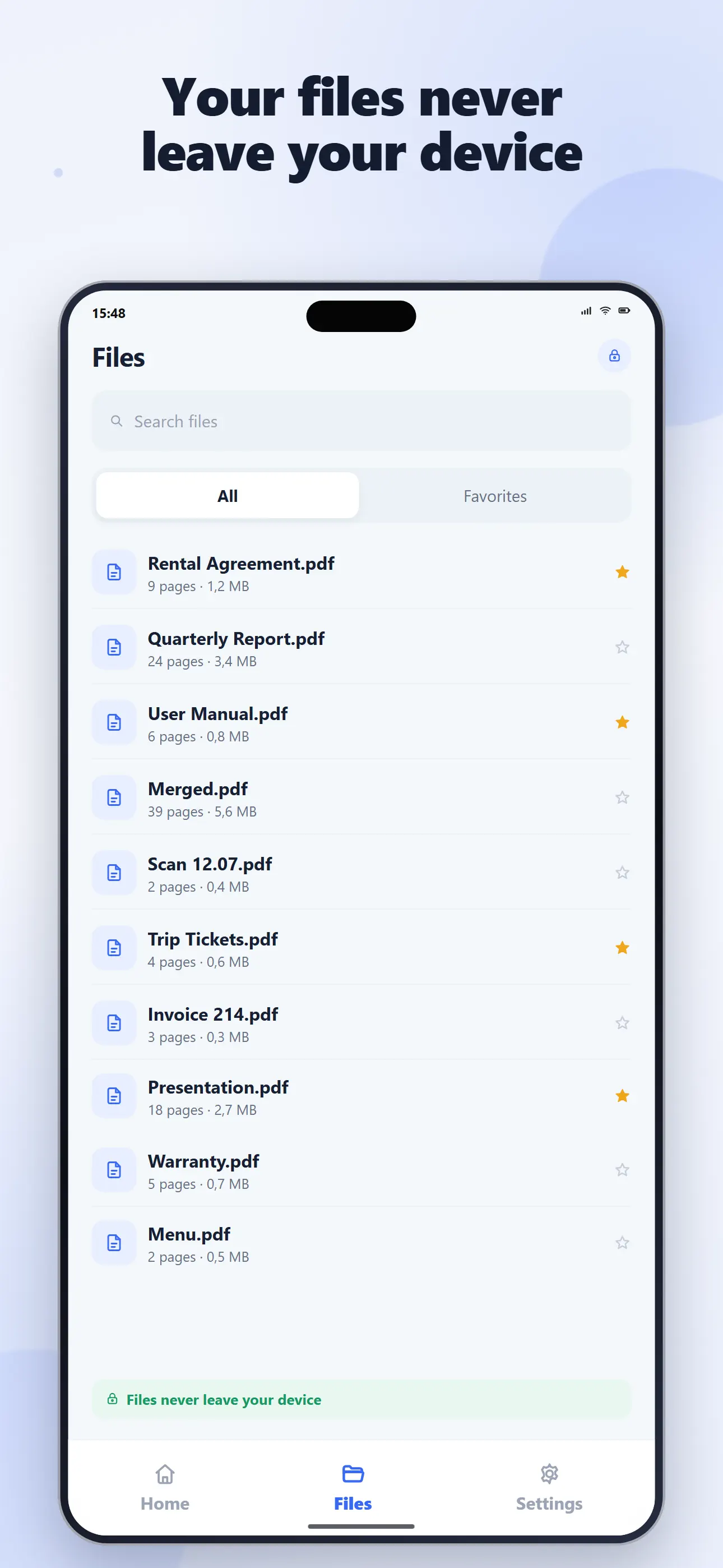
Your documents are processed directly on your device. PDF content, OCR text, search queries and passwords are not uploaded to our servers.
16 PDF TOOLS IN ONE APP
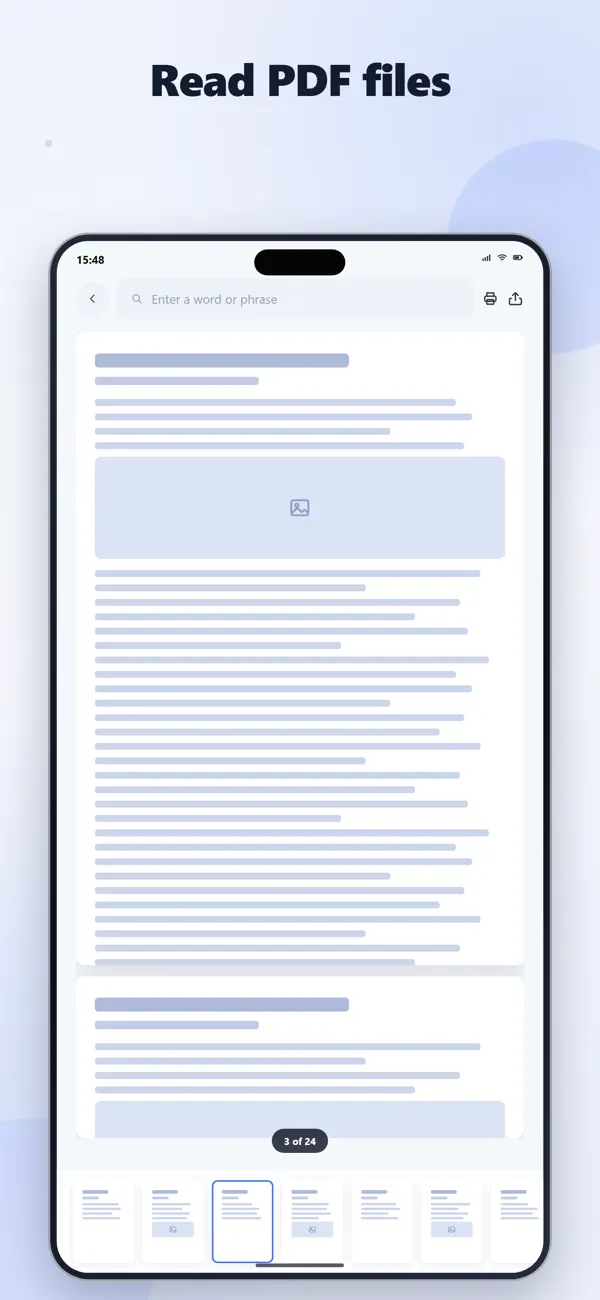
1. PDF READER
Open and read PDF files with smooth navigation, zoom, page thumbnails and quick page selection.
• Search text inside compatible PDF documents
• Open password-protected PDF files
• Print and share documents
• Navigate quickly between pages
2. ORGANIZE PDF
• Reorder individual pages
• Remove unnecessary pages
• Rotate selected pages
3. MERGE PDF
Combine multiple PDF documents into one file and arrange them in the order you need.
4. SPLIT PDF
Extract selected pages or divide a document into separate PDF files.
5. COMPRESS PDF
Reduce PDF file size using selectable quality levels.
6. IMAGES TO PDF
Turn photos and images into a PDF document.
7. PDF TO IMAGES
Export PDF pages as image files.
8. TEXT TO PDF
Create formatted PDF documents with:
• Headings and paragraphs
• Bold, italic and underlined text
• Bulleted and numbered lists
• Text alignment
• Fonts and colors
• Adjustable text size and line spacing
• Images
9. DOCUMENT SCANNER
Scan multi-page documents with automatic edge detection, cropping and correction. You can also create scanned PDFs from images in your gallery.
10. ROTATE PDF
Rotate every page in a PDF by 90, 180 or 270 degrees.
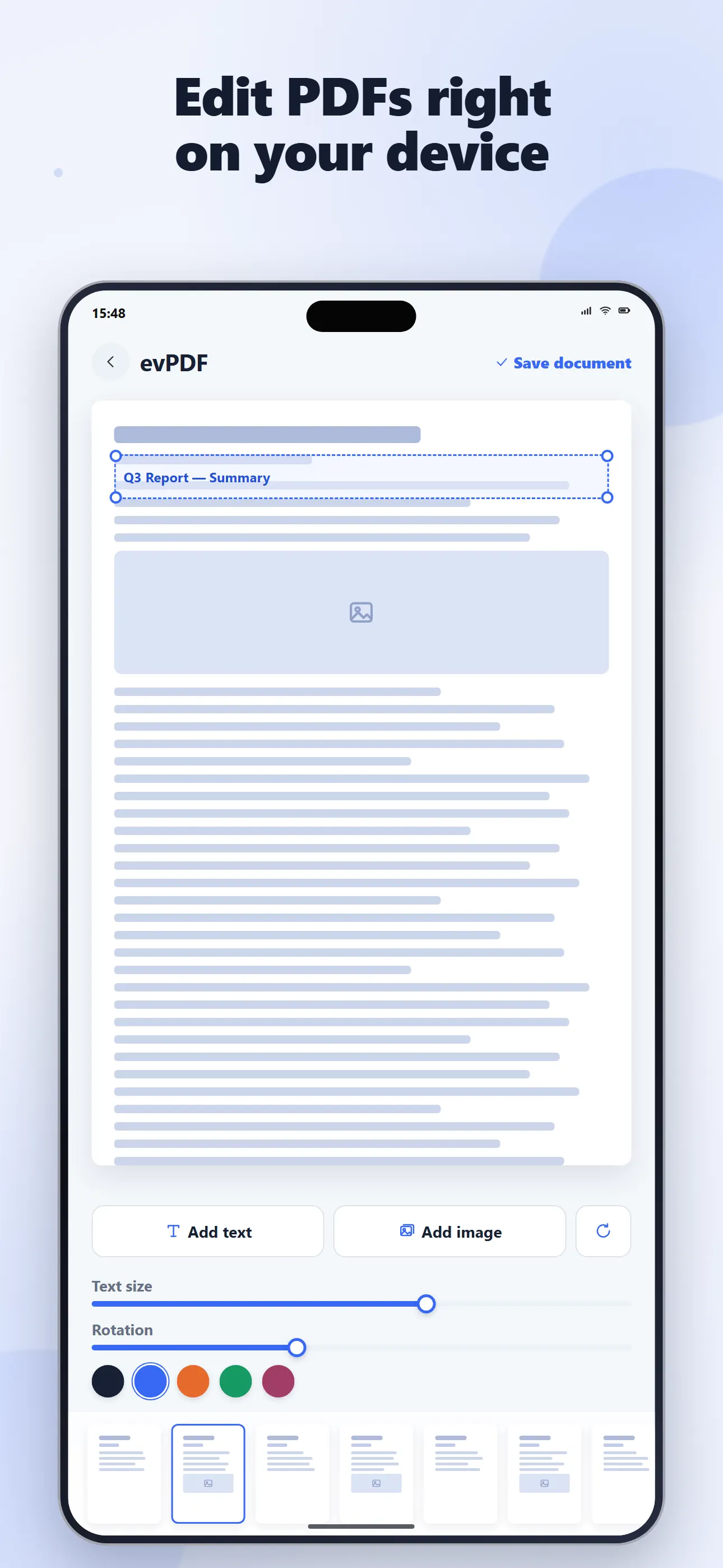
11. ANNOTATE PDF
Add new visual elements over PDF pages:
• Text
• Images
• Arrows
• Lines
• Rectangles
• Ellipses
Move, resize and rotate added elements directly on the page. Format added text with different fonts, sizes, colors, alignment and backgrounds.
Annotations are added as a new visual layer and do not modify the original text inside the source PDF.
12. OCR SCANNER
Recognize text from scanned documents and images directly on your device.
• Edit recognized text
• Copy text to the clipboard
• Share extracted text through other apps
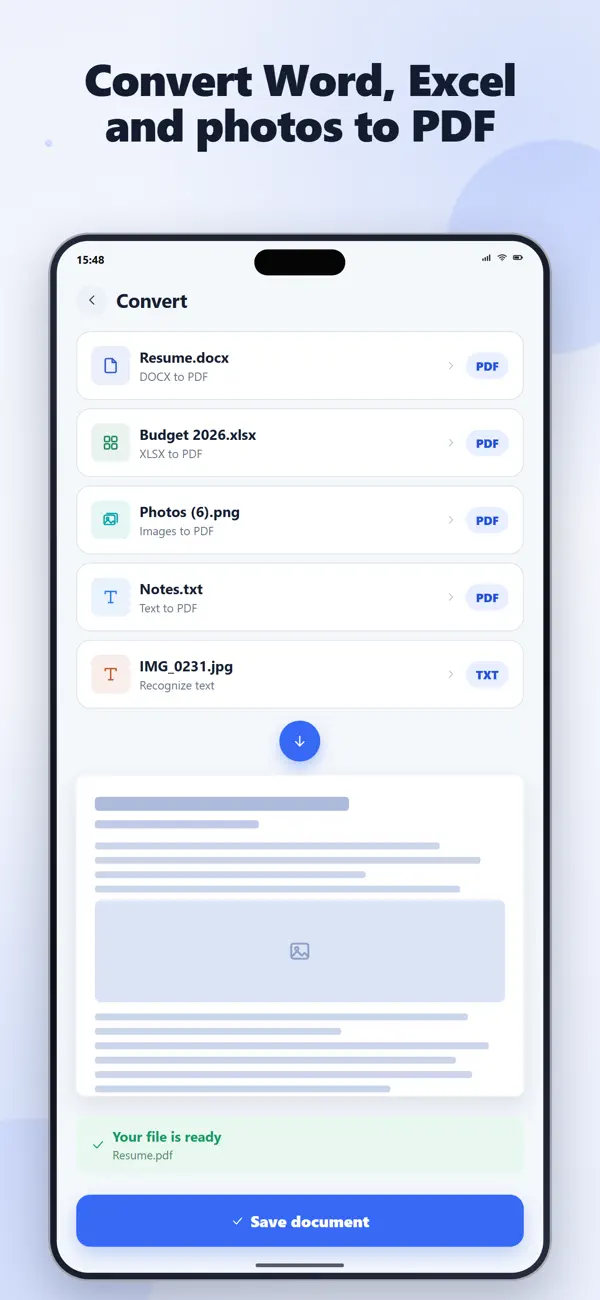
13. DOCX TO PDF
Convert Word documents to PDF with configurable settings:
• A4 or Letter page size
• Portrait or landscape orientation
• Adjustable margins
• Configurable text size
• Image scaling options
14. XLSX TO PDF
Convert Excel spreadsheets to PDF.
• Convert the first sheet or all sheets
• Choose page size and orientation
• Adjust margins and text size
• Fit spreadsheets to page width
• Repeat the first row as a header
• Preserve supported cell colors, borders and formatting
• Use workbook print areas when available
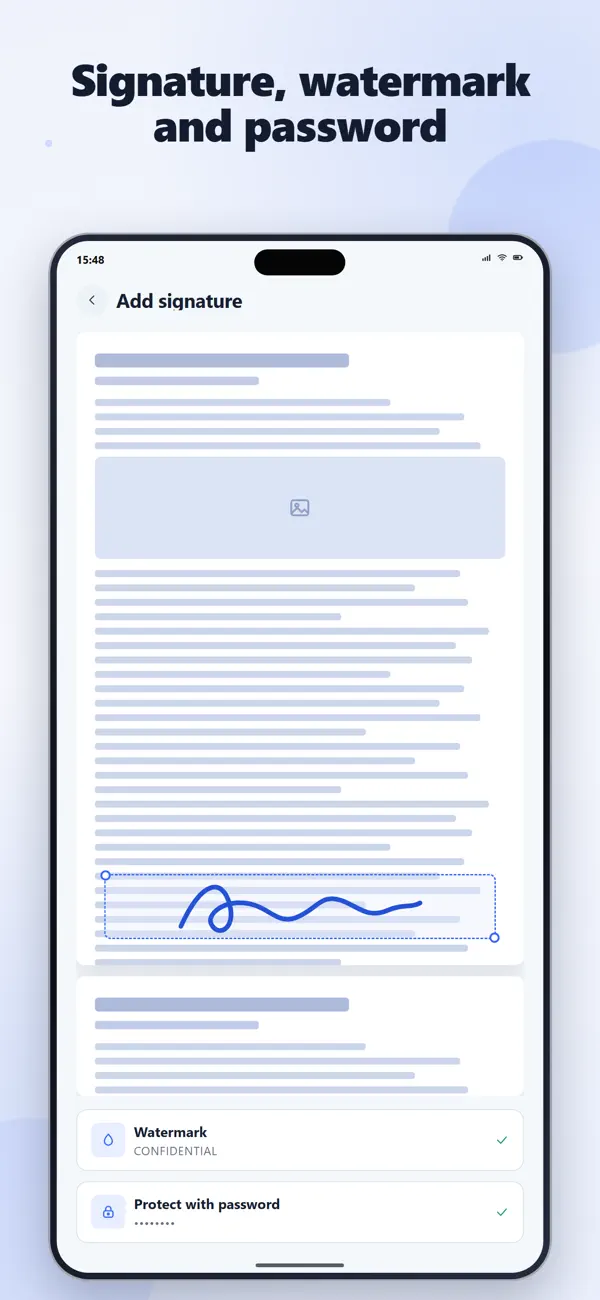
15. SIGN PDF
Draw your signature and place it on selected PDF pages.
• Move the signature directly on the page
• Resize it while preserving proportions
• Add it only to the pages you choose
16. WATERMARK AND PROTECT PDF
Add a text or image watermark with adjustable:
• Position
• Size
• Rotation angle
• Transparency
Protect PDF documents with a password to prevent unauthorized opening.
FILE MANAGEMENT
Keep your documents in the local evPDF library.
• Access recent files
• Add documents to favorites
• Search by file name
• Rename documents
• Delete documents
• Import files from your device
• Use saved PDFs in other tools without importing them again
PRIVATE ON-DEVICE PROCESSING
Your documents are processed directly on your device.
evPDF does not upload the following data to our servers:
• PDF content
• OCR text
• File names and paths
• Search queries
• Document passwords
No account or cloud upload is required for document processing.
FREE AND PREMIUM
PDF reading and file management are unlimited.
The free version includes daily access to PDF tools. evPDF Premium removes daily limits across the complete toolkit.
Use evPDF for work, study, forms, receipts, contracts, notes, reports and everyday document tasks, all in one private PDF app.
Privacy Policy: https://evsi.store/en/app/evpdf/privacy
Terms of Use: https://evsi.store/en/app/evpdf/terms
Ad
Screenshot



Cronologia dei prezzi
-
* Acquisti in-app - Prezzo attuale: Gratis
- Minimo: Gratis
- Massimo: Gratis
Monitora prezzi Aggiungi a un elenco per ricevere avvisi sugli sconti via e-mail o push
Valutazione AppAgg
6,770
Valutazione AppAgg stimata per
evPDF: 16-in-1 PDF Tools
6,770 Oro
Valutazioni più alte indicano di solito segnali più forti su AppAgg.
Basato su: popolarità · valutazioni degli utenti · freschezza · offerte · dati degli store · attività della community
Ricalcolato ogni giorno con dati AppAgg aggiornati.
URL breve: Copiato!
Informazioni aggiuntive
- Data di uscita:
- Categoria:
iOS App›Utility - Sistemi operativi:
iPad,iPhone,iOS 15.5 e versioni successive - Dimensioni:
51 Mb - Lingue supportate:
English - Classificazione contenuti:
4+ - App Store Voto:
0 - Sito web:
 https://evsi.store/en/app/evpdf
Sviluppatore
- Evgenii Evsiukov
- Piattaforme: iOS App (8) iOS Giochi (6)
- Listes: 1 + 0
- Punti: 3 + 69 ¡
- Classificazioni: 0
- Commenti: 0
- Sconti: 0
- Video: 0
- RSS: Sottoscrivi
- Follower: 0
Listes (1)
- evPDF: 16-in-1 PDF Tools

Punti (1)
-

- 5,531 Sam
- +1
Classificazioni (0)
0
Commenti (0)
Sii il primo a commentare
In breve
evPDF: 16-in-1 PDF Tools URL breve: Copiato!- Condividi
- App Store
«evPDF: 16-in-1 PDF Tools». Piattaforma: iOS. Categoria: Utility. Sviluppatore: «Evgenii Evsiukov». Prima uscita: . Ultimo aggiornamento: . Prezzo attuale: gratuito. Questo titolo non ha ancora ricevuto valutazioni o recensioni su AppAgg. Elenchi: pubblici 1, privati 0. Punti tracciati: confermati 1, indiretti 0. Lingue disponibili: English. AppAgg tiene traccia della cronologia dei prezzi, delle valutazioni e del feedback degli utenti per «evPDF: 16-in-1 PDF Tools». AppAgg non ospita applicazioni né distribuisce software. Tutti i marchi, loghi e screenshot appartengono ai rispettivi proprietari. Segui futuri sconti e aggiornamenti tramite RSS
Simili
-
- PDF Tools: Scan & Edit
- iOS App: Utility di: Andrii Ilchenko
- * Gratis
- Listes: 0 0 0
- Punti: 0 + 0 580 · Bronzo Versione: 1.0.0 PDF Tools: Scan & Edit is a fast and simple app to manage your PDF files in seconds. No complicated menus. Just open the app and get things done. KEY FEATURES: Scan to PDF Quickly scan
-
- PDF Tools - Scan & Editor
- iOS App: Utility di: Aziz Kurt
- * Gratis
- Listes: 0 0 0
- Punti: 0 + 0 600 · Bronzo Versione: 1.1.7 Transform your iPhone into the ultimate PDF toolkit! Scan, edit, merge, convert, and sign PDFs with professional quality. Support for 15 languages. SCANNER (AI-Powered) Scan documents ...
-
- PDF Tools Pro – Edit & Convert
- iOS App: Utility di: Marius Fraitor
- Gratis
- Listes: 0 0 0
- Punti: 2 + 1 1K · Argento Versione: 1.1 PDF Tools Pro puts essential PDF tools in your pocket. Edit, organize, and secure documents in seconds. MERGE & SPLIT Combine multiple PDFs into one file Split a PDF by page ranges or ...
-
- PDF Tools: Merge & Split
- iOS App: Utility di: Yehor Yurchenko
- * Gratis
- Listes: 0 0 0
- Punti: 1 + 2 7K · Oro Versione: 1.2 PDF Tools is a simple and fast way to work with PDF files on your iPhone. Merge, split, compress, and convert PDF documents to JPG or PNG in just a few taps. All processing happens ...
-
- PDF Tools - Offline
- iOS App: Utility di: Ebin Joy
- * Gratis
- Listes: 0 0 0
- Punti: 0 + 0 770 · Argento Versione: 1.0.2 PDF Tools Offline lets you manage, edit, convert, scan, and secure PDF files directly on your device without uploading anything to the cloud. Fast, private, and secure all processing ...
-
- PDF Tools - Create & Edit PDFs
- iOS App: Utility di: PixelWave LLC
- Gratis
- Listes: 0 0 0
- Punti: 0 + 2 590 · Bronzo Versione: 1.5.1 PDF Tools is your all-in-one PDF app for iOS. Create PDFs from photos, merge multiple files, split PDFs into separate documents, and reorder or delete pages all in a simple, ...
-
- PDF Tools-Merge, Rotate& Split
- iOS App: Utility di: Nalin Savaliya
- * Gratis
- Listes: 0 0 0
- Punti: 0 + 27 12K · Oro Versione: 4.0 SPLIT - Split a PDF file into multiple documents by specifying page points, number of output files or number of pages per file. A free and easy to use tool to separate PDF pages: PDF ...
-
- PDF Tools: Read & Edit
- iOS App: Utility di: Shilong Lu
- Gratis
- Listes: 0 0 0
- Punti: 0 + 8 2K · Argento Versione: 1.0.13 One-click conversion of PDF↔Word/Excel/TXT, no watermark! Supports OCR scanning, electronic signature, merge and split, file encryption, and turns your phone into an office tool in ...
-
- PDF Pulse PDF Tools & Scanner
- iOS App: Utility di: Varun Kumar
- Gratis
- Listes: 0 0 0
- Punti: 0 + 0 730 · Argento Versione: 1.0 PDF Pulse is an all-in-one PDF utility designed to make document management fast, secure, and effortless. Whether you need to lock important files, merge PDFs, scan documents, or ...
-
- PDF Tools: JPG Pictures to PDF
- iOS App: Utility di: Heat Studio LLC
- * Gratis
- Listes: 0 0 0
- Punti: 1 + 1 7K · Oro Versione: 1.0 Simplify every PDF task in one app. Easily sign, scan, and convert your documents with a clean, modern interface designed for productivity. Turn photos or JPEG files into PDFs, add ...
-
- QR & PDF Tools
- iOS App: Utility di: Helate Susbar
- * Gratis
- Listes: 0 0 0
- Punti: 1 + 0 930 · Argento Versione: 1.0 QR & PDF Tools QR Scanner, PDF Converter & Generator Scan QR codes, create PDF files, and convert photos, text, files, and URLs into documents instantly. All essential QR and PDF ...
- Nuova
- SendFix: Local PDF Tools
- iOS App: Utility di: Shenzhen Wenlicai Technology Co., Ltd.
- * Gratis
- Listes: 0 0 0
- Punti: 0 + 0 860 · Argento Versione: 1.0.1 SendFix is a local PDF toolbox for organizing, converting, protecting, and sharing files on your iPhone or iPad. Core processing happens directly on your device, without uploading ...
-
- TinyPDF - Offline PDF Tools
- iOS App: Utility di: Amal Bose B S
- $0.99
- Listes: 0 0 0
- Punti: 0 + 0 670 · Bronzo Versione: 1.0 TinyPDF is a fast, private PDF toolkit for iPhone. Do your PDF work directly on your device: Compress PDF files to save storage and share faster Merge multiple PDFs into one clean ...
-
- PDFast: PDF Tools & Scanner
- iOS App: Utility di: Vladimir Rodzaevskiy
- * $2.99
- Listes: 0 0 0
- Punti: 4 + 0 1K · Argento Versione: 2.4 PDFast Your All-in-One PDF Toolkit Everything you need to work with PDFs, right in your pocket. POWERFUL TOOLS: Join PDFs Merge multiple files into one Split PDF Extract specific pages

