
Gespeichert
Wähle den Namen, der im Menü Gespeichert angezeigt werden soll.
Fertig!
| Entwickler: | David Kocher (2) | ||
| Preis: | $23.99 | ||
| AppAgg-Bewertung: | $10,790 | ||
| Klassifizierungen: | 0 | ||
| Kommentare: | 0 Kommentar posten | ||
| Listen: | 5 + 4 | ||
| Punkte: | 3 + 0 ¡ | ||
| +1 Punkte | |||
Beschreibung

If you have a feature request or bug to report, please write to support@cyberduck.io instead of leaving a comment.
Screenshots
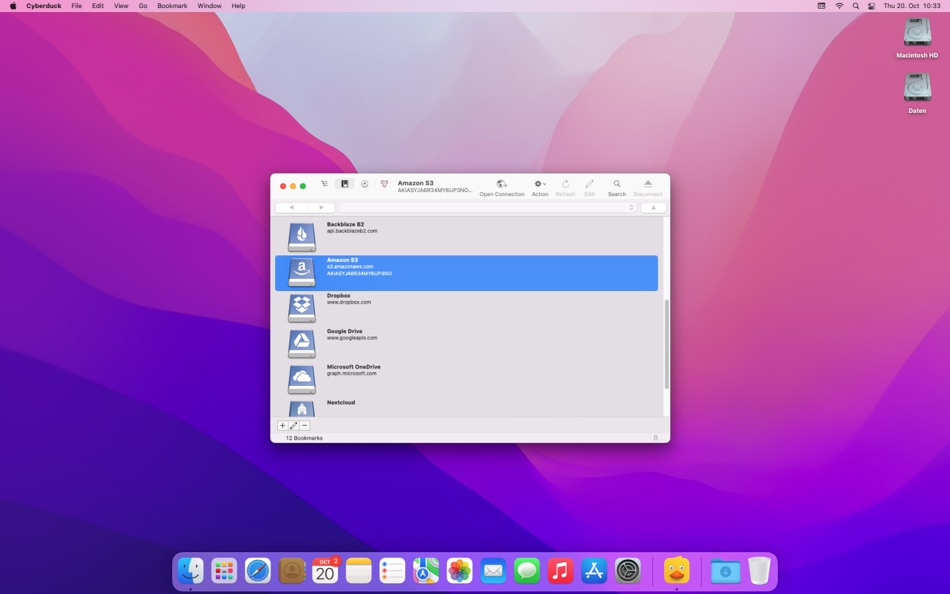
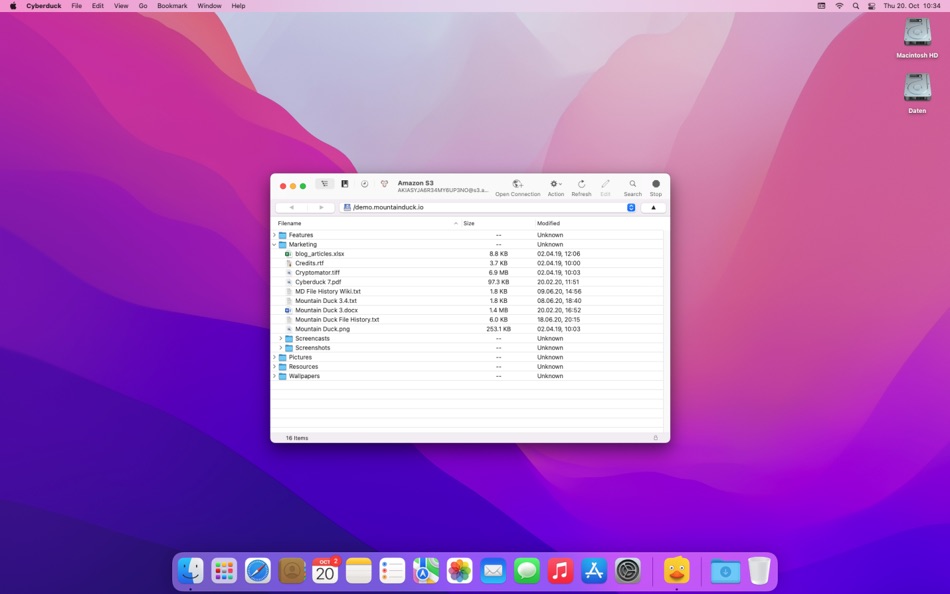
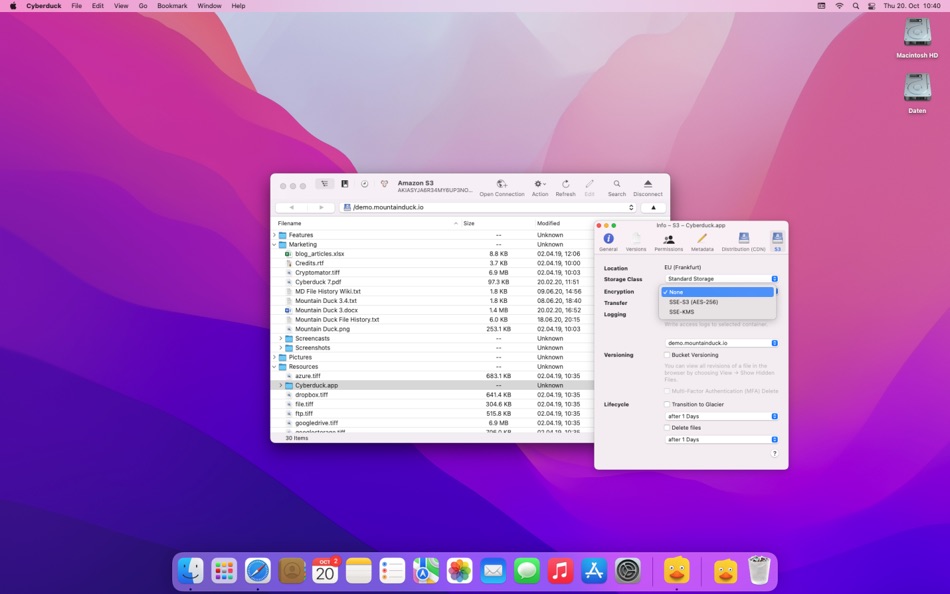

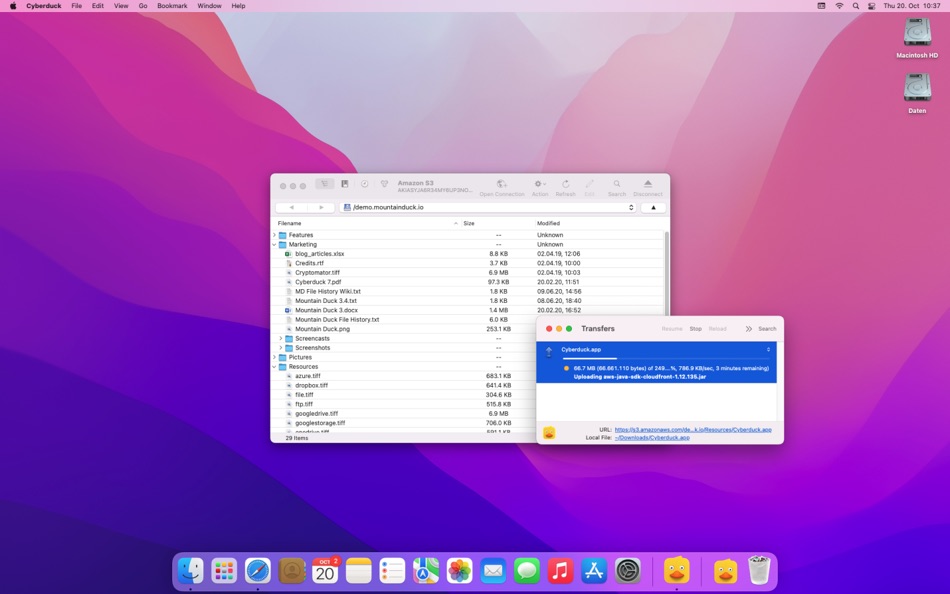
Ad
Preisentwicklung
- Aktueller Preis: $23.99
- Mindestens: $23.99
- Maximale: $23.99
Preise beobachten
AppAgg-Bewertung
Geschätzte AppAgg-Bewertung für Cyberduck
$10,790
Höhere Bewertungen bedeuten meist stärkere Signale auf AppAgg.
Basierend auf: 🔥 Popularität · ⭐ Nutzerbewertungen · 🕒 Aktualität · 🏷️ Angeboten · 🏬 Shop-Daten · 👥 Community-Aktivität
Diese Bewertung dient nur zur Information. Sie ist kein echter Preis, kein Verkaufsangebot und keine Marktbewertung.
Kurz-URL: Kopiert!
Neue Funktionen
- Version: 9.4.1
- Zuletzt aktualisiert:
- • Cleartext uploads to unlocked vault with auto detect disabled in Preferences (Cryptomator) (#17893)
• Unable to lock vault (Cryptomator) (#17892)
Weitere informationen
- Veröffentlichungsdatum:
- Kategorie:
macOS Apps›Produktivität - Betriebssysteme:
macOS,macOS 10.13 oder höher - Größe:
144 Mb - Unterstützte Sprachen:
Arabic,Bulgarian,Catalan,Chinese,Croatian,Czech,Danish,Dutch,English,Estonian,Finnish,French,Georgian,German,Greek,Hebrew,Hungarian,Italian,Japanese,Korean,Latvian,Norwegian,Polish,Portuguese,Romanian,Russian,Serbian,Slovak,Slovenian,Spanish,Swedish,Tamil,Thai,Turkish,Ukrainian,Welsh - Altersfreigabe:
4+ - Mac App Store Bewertung:
0 - Webseite:
 https://cyberduck.io
Entwickler
- David Kocher
- Plattformen: macOS Apps (2)
- Listen: 6 + 7
- Punkte: 22 + 0 ¡
- Klassifizierungen: 0
- Kommentare: 0
- Rabatte: 0
- Videos: 0
- RSS: Abonnieren
Listen (5)
- Cyberduck


Punkte (3)
-

- 21 Tibor Seres
- +1
-
- 2,930 바람처어럼
- +1
-
- 1,111 m374
- +1



Klassifizierungen (0)
0 ☹️
Kommentare (0)
Seien Sie der Erste, der einen Kommentar abgibt 🌟
«Cyberduck». Plattform: macOS. Kategorie: Produktivität. Entwickler: «David Kocher». Erste Veröffentlichung: . Letzte Aktualisierung: . Aktueller Preis: $23.99. Niedrigster aufgezeichneter Preis: $23.99. Höchster aufgezeichneter Preis: $23.99. Dieser Titel hat noch keine Bewertungen oder Rezensionen auf AppAgg erhalten. Listen: öffentliche 5, private 4. Verfolgte Punkte: bestätigte 3, indirekte 0. Verfügbare Sprachen: Arabic, Bulgarian, Catalan, Chinese, Croatian, Czech, Danish, Dutch, English, Estonian, Finnish, French, Georgian, German, Greek, Hebrew, Hungarian, Italian, Japanese, Korean, Latvian, Norwegian, Polish, Portuguese, Romanian, Russian, Serbian, Slovak, Slovenian, Spanish, Swedish, Tamil, Thai, Turkish, Ukrainian, Welsh. AppAgg verfolgt den Preisverlauf, Bewertungen und Benutzerfeedback für «Cyberduck». Verfolgen Sie zukünftige Rabatte und Updates über RSS. AppAgg hostet keine Anwendungen und vertreibt keine Software. Alle Marken, Logos und Screenshots gehören ihren jeweiligen Eigentümern.
Cyberduck Kurz-URL: Kopiert!- 🌟 Teilen
- Mac App Store
Ähnliches
-
- Mountain Duck
- macOS Apps: Produktivität Von: David Kocher
- * Kostenlos
- Listen: 2 + 6 0 0
- Punkte: 19 + 0 $10k Version: 5.2.1 Mountain Duck lets you mount server and cloud storage as a disk on your desktop. With Smart Synchronization, files are synchronized to the local disk when opened to allow offline usage ⥯
-
- FR[AI]ME
- macOS Apps: Medizin Von: AINOSTICS Ltd.
- * Kostenlos
- Listen: 0 0 0
- Punkte: 0 + 0 $4k Version: 2.0.1 FR[AI]ME by AINOSTICS™ is a lightweight and powerful QuickLook extension for macOS, designed to give medical professionals, researchers, and students instant previews of common ... ⥯
Das könnte Ihnen auch gefallen
Zuletzt angesehen
Zuletzt aktualisiert:
Suchoperatoren in AppAgg