
저장됨
저장됨 메뉴에 표시할 이름을 선택하세요.
완료!
기술
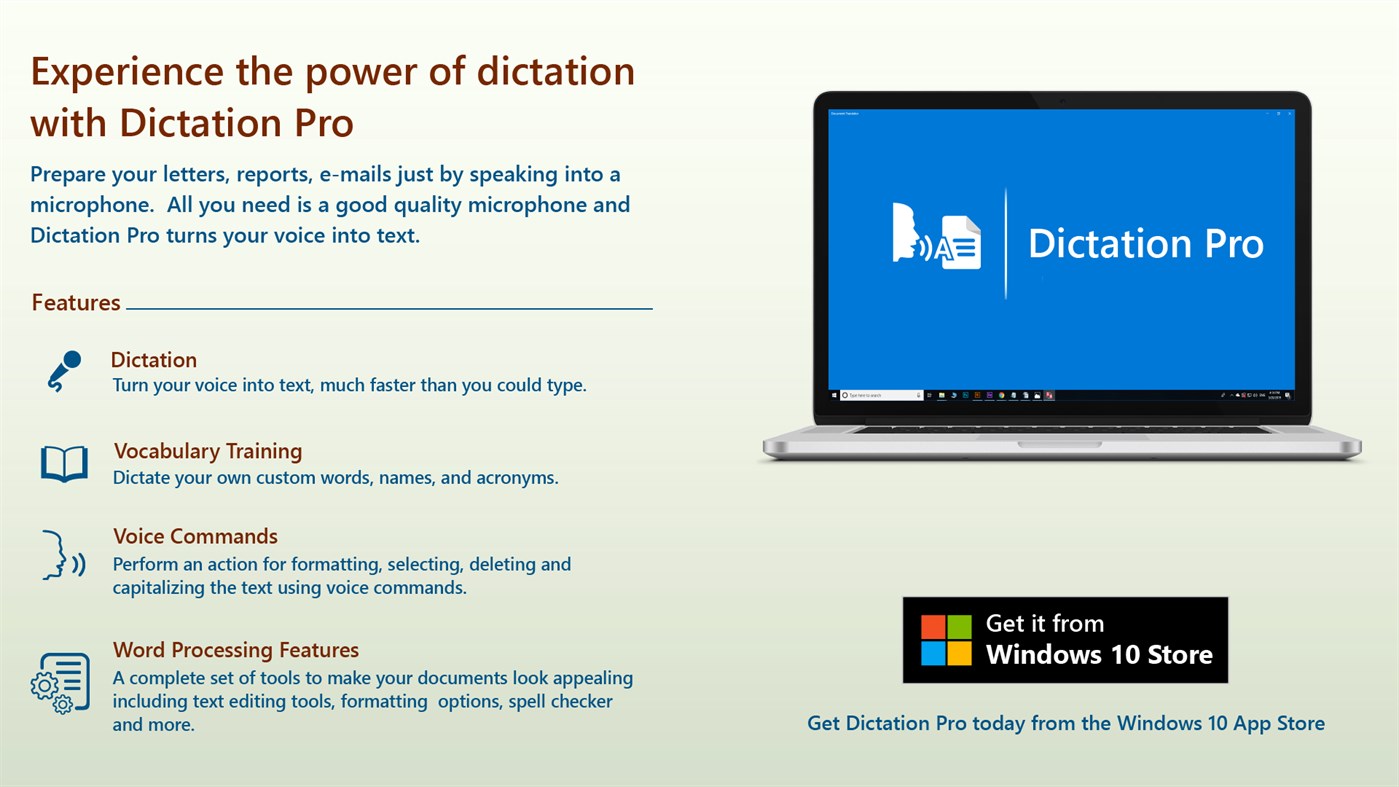
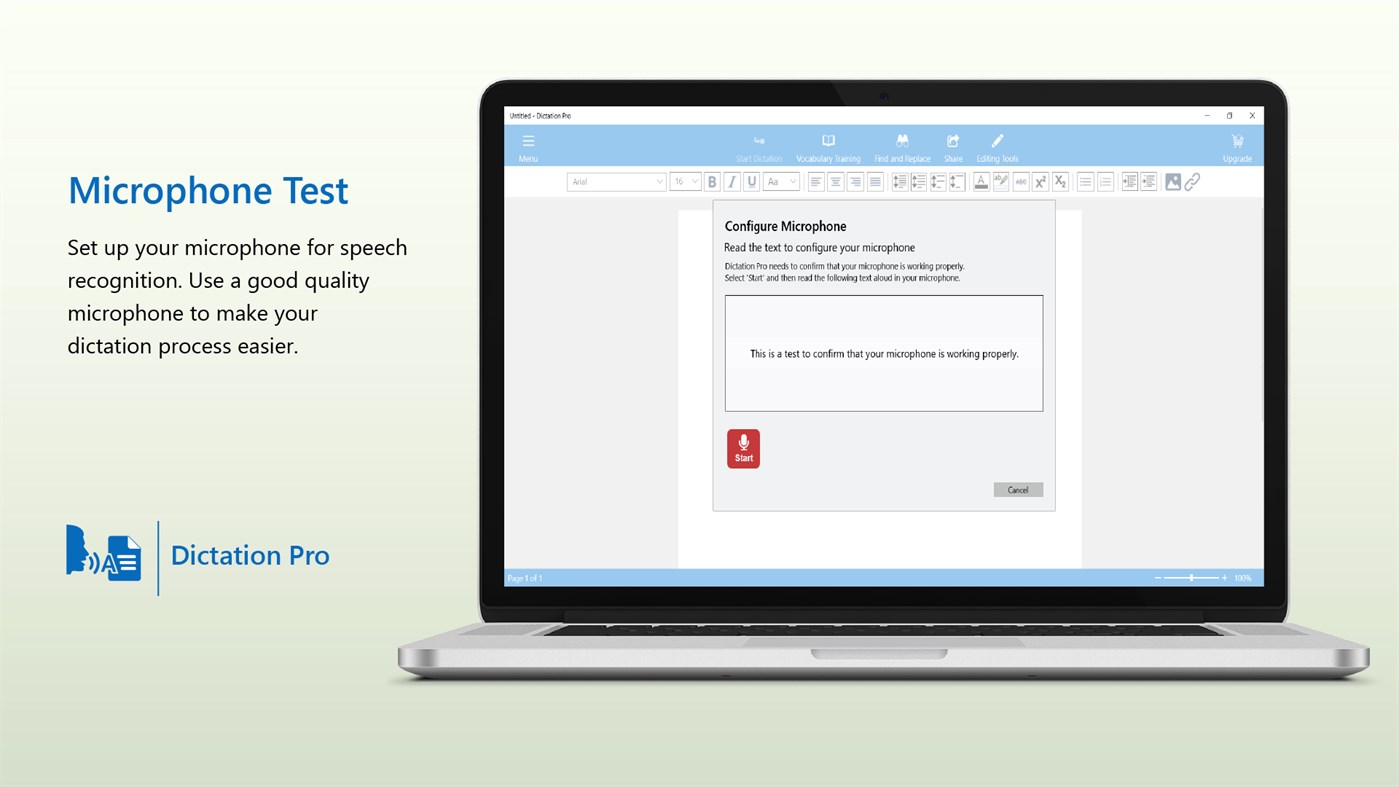
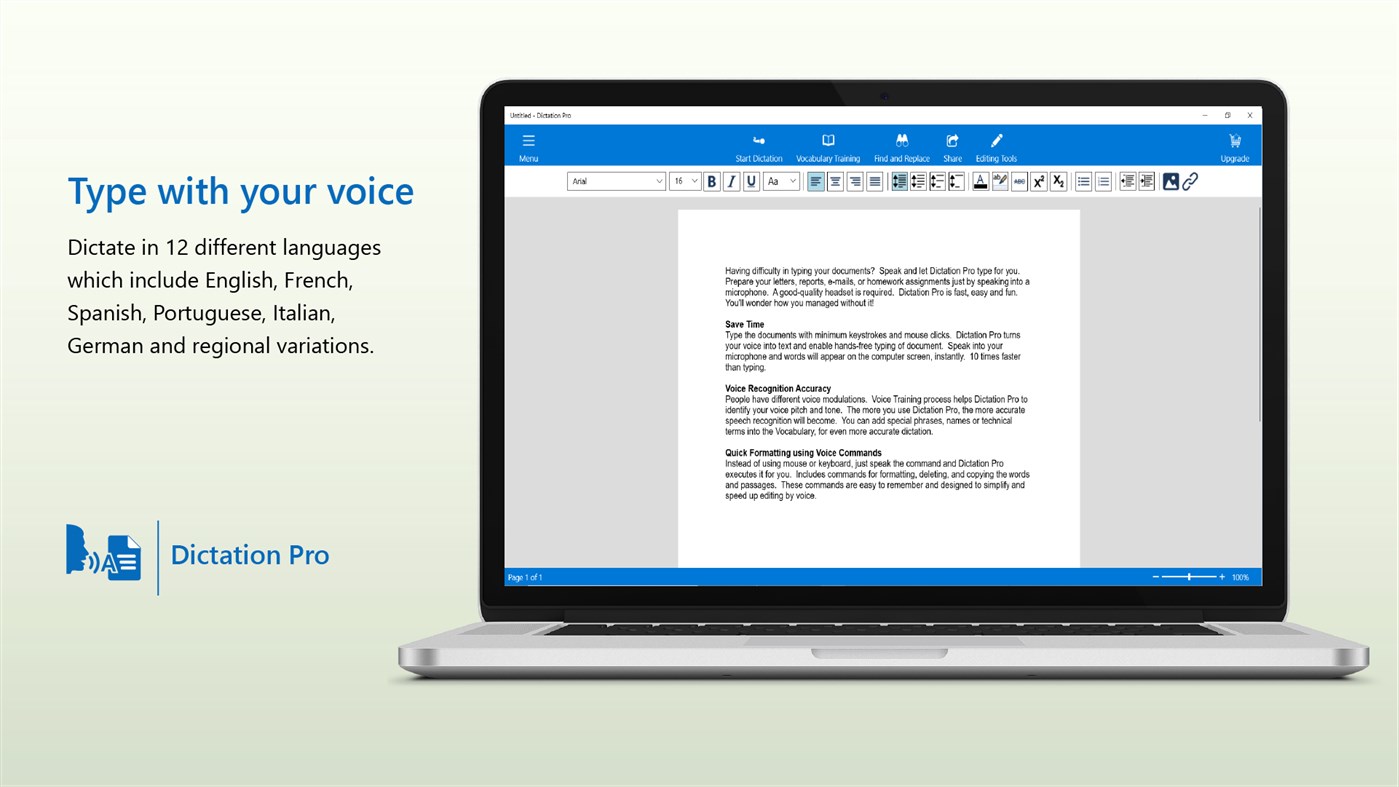
Prepare your letters, reports, e-mails just by speaking into a microphone. Say words and watch them appear on your screen. All you need is a good quality microphone and Dictation Pro turns your voice into text.
Perfect Spelling and Capitalization
When you dictate, all the words will be spelled correctly so no need to worry about spelling mistakes. Dictation Pro has the ability to automatically capitalize specific words as you dictate. When you begin to dictate a sentence, Dictation Pro handles many formatting options such as auto capitalizing names of days, weeks, countries and more. You don’t have to worry about capitalizing the first letter of every sentence, Dictation Pro does it for you automatically.
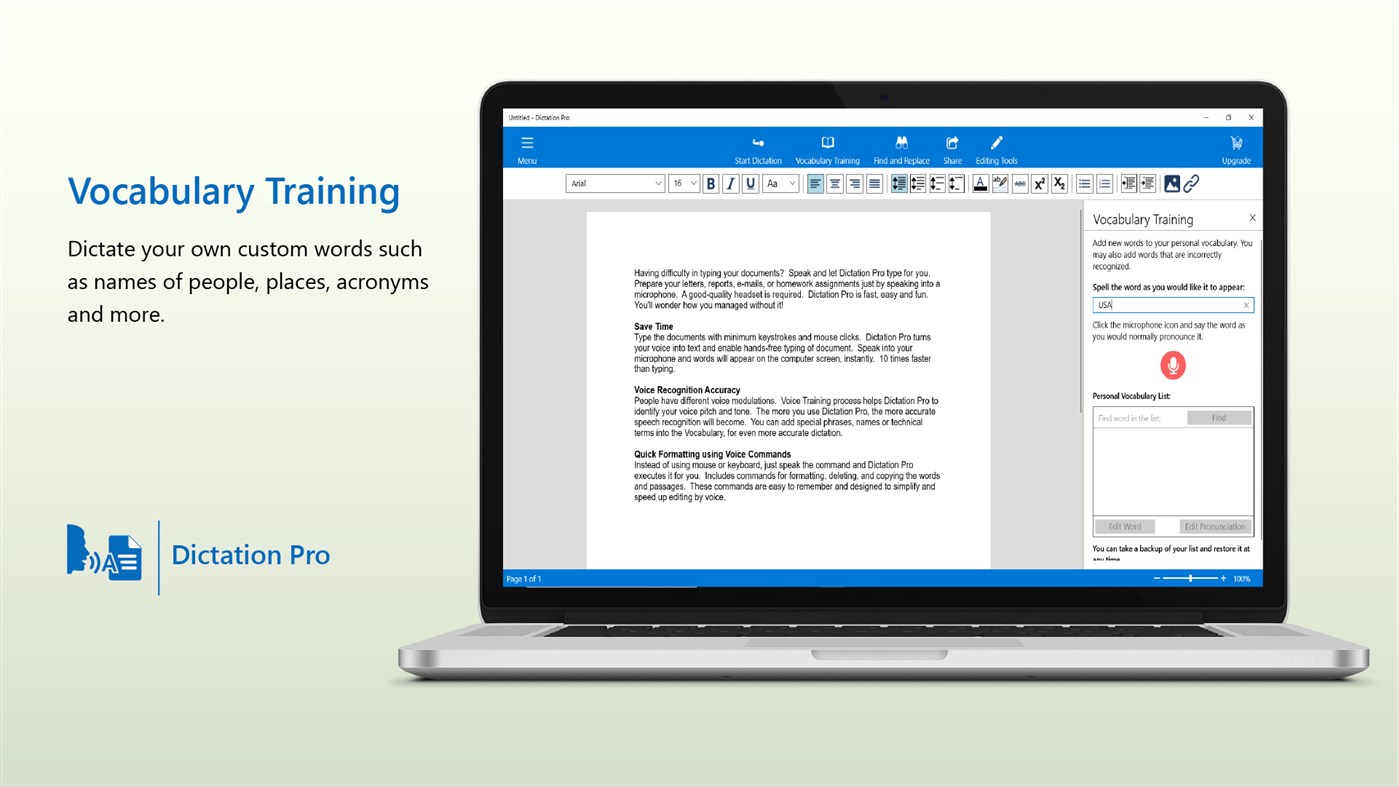
Vocabulary Training
Use Vocabulary Training to dictate your own custom words, names, and acronyms.
To add words which are incorrectly recognized, just spell the word, pronounce it as you normally would and save it.
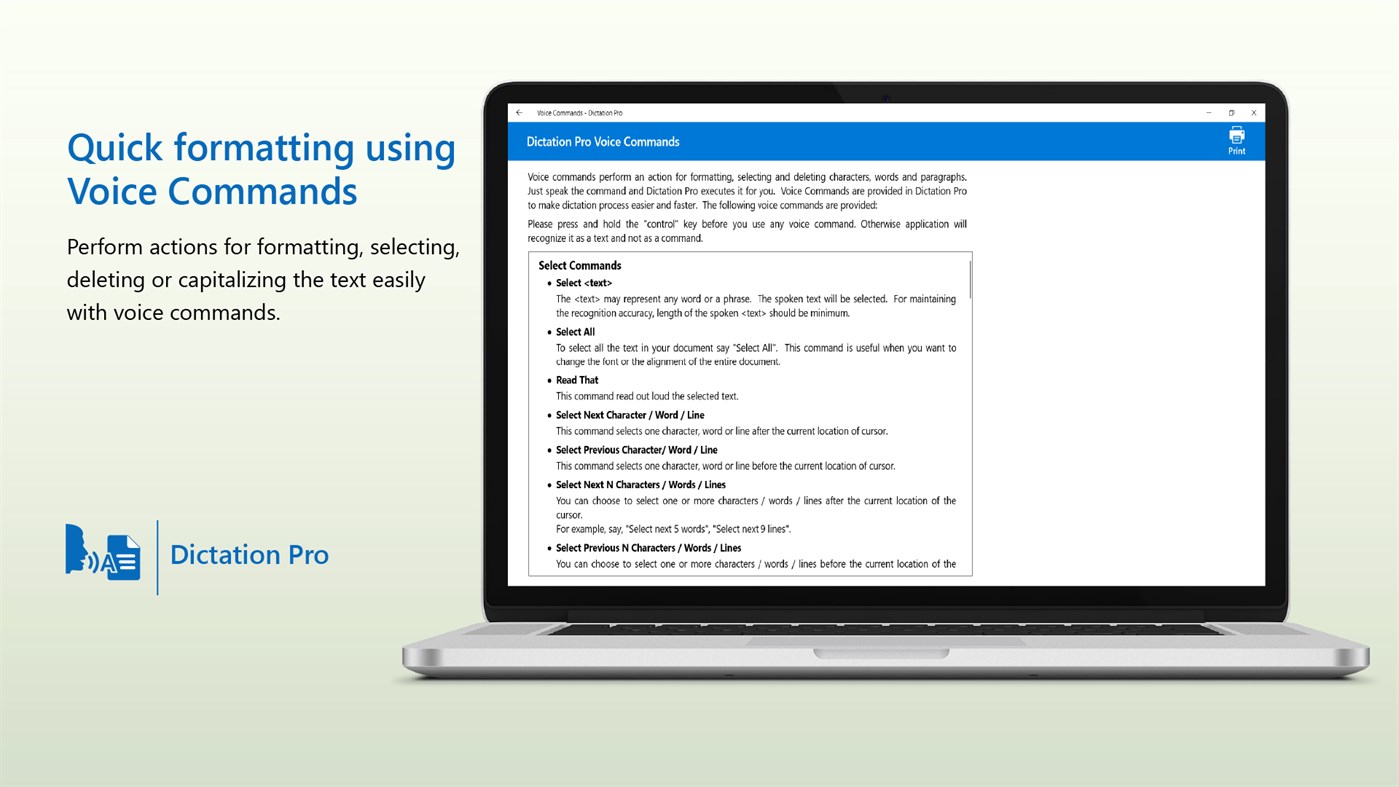
Quick formatting using voice commands
Voice commands make it easier to interact with your computer without using the keyboard or mouse. Just speak the command and Dictation Pro will execute it for you. You can use voice commands to perform actions for formatting, selecting, deleting and capitalizing the text.
Word Processing Features
No matter what kind of document you are working on, it will probably need some formatting. Make your documents appealing and beautiful by using word processing features such as various font styles, sizes, alignment, spacing options, bullets, and numbering. In addition, you can insert images for better visual presentation and hyperlinks for navigation.
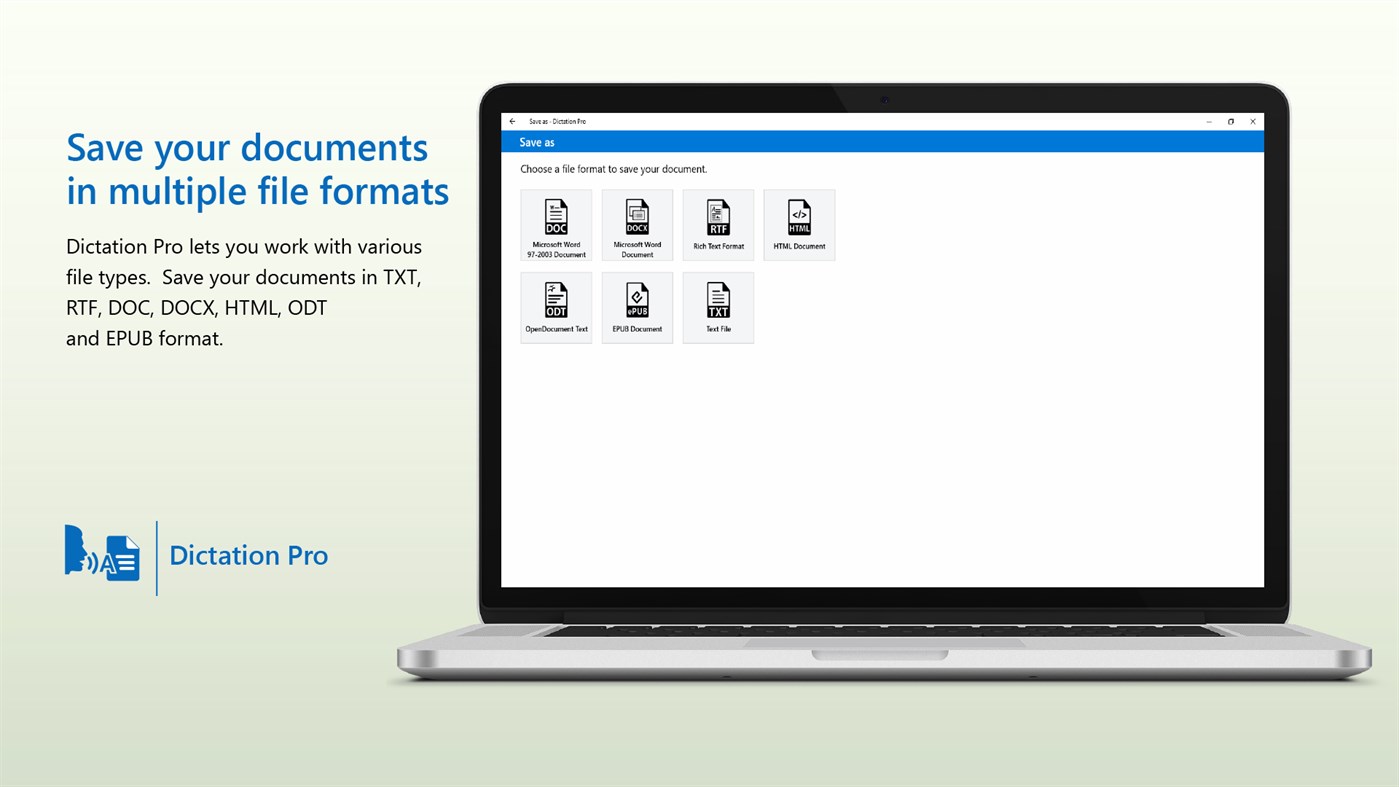
Supported file formats
Dictation Pro lets you work with various file types. Save your documents in TXT, RTF, DOC, DOCX, HTML, ODT and EPUB format.
Trial
Dictation Pro provides you a 7-day trial. You can access all the features of the application during the trial period. After the 7-day trial is completed, you will be charged the monthly fee to continue using Dictation Pro. To avoid any charges, cancel the subscription during the trial period from the Microsoft Store. Even after canceling you can still use Dictation Pro with all word processing features enabled but you will not be able to dictate words. At any time you can choose a monthly or yearly subscription to re-enable all features.
Speed up document creation and complete your work faster than ever before.
Experience the power of dictation. Now it is a lot easier to create documents just by speaking.
So what are you waiting for? Download Dictation Pro now.
LIKE US and STAY CONNECTED
Facebook: https://www.facebook.com/Deskshare-1590403157932074
Deskshare: https://www.deskshare.com
Support Forum: https://www.deskshare.com/forums/ds_topics24_Dictation-Pro.aspx
Contact Technical Support: https://www.deskshare.com/contact_tech.aspx
스크린샷
Ad
가격 내역
-
* 인앱 구매 - 현재 가격: 무료
- 최소: 무료
- 최대: 무료
가격 추적
AppAgg 평가
10,140
AppAgg 예상 평가:
Dictation Pro
10,140 골드
평가가 높을수록 보통 AppAgg에서 더 강한 신호를 의미합니다.
기준: 인기 · 사용자 평점 · 최신성 · 딜 · 스토어 데이터 · 커뮤니티 활동
최신 AppAgg 데이터를 바탕으로 매일 다시 계산됩니다.
단축 URL: 복사됨!
새로운 기능
- 버전: PC
- 마지막 업데이트:
추가 정보
 http://www.deskshare.com/dictation.aspx
목록 (1)
- Dictation Pro

포인트 (0)
0
순위 (0)
0
댓글 (0)
가장 먼저 댓글을 남겨주세요
요약
Dictation Pro 단축 URL: 복사됨!- 공유하기
- Windows Store
«Dictation Pro». 플랫폼: Windows. 카테고리: 생산성. 개발자: «DeskShare». 첫 번째 릴리스: . 마지막 업데이트: . 현재 가격: 무료. 이 타이틀은 아직 AppAgg에서 평가나 리뷰를 받지 못했습니다. 목록: 공개: 1, 비공개: 0. 매장: Windows Store. 매장 평가: 3.6. 투표: 123. 사용 가능한 언어: English, French, German, Italian, Portuguese, Spanish. AppAgg는 «Dictation Pro»의 가격 기록, 평점 및 사용자 피드백을 추적합니다. AppAgg는 애플리케이션을 호스팅하거나 소프트웨어를 배포하지 않습니다. 모든 상표, 로고 및 스크린샷은 해당 소유자의 자산입니다. 향후 할인 및 업데이트 받기: RSS에서 확인할 수 있습니다
유사 항목
-
- Dictation.
- Windows 앱: 생산성 게시자: LAT
- * 무료
- 목록: 0 0 0
- 포인트: 0 + 303 13K 버전: PC A tool for converting from your voice to text and vice versa. - Save result to file. - Share ⥯
-
- Dictation and TTS Notepad
- Windows 앱: 생산성 게시자: Alexander Komarov
- $7.99
- 목록: 0 0 0
- 포인트: 0 + 0 750 버전: PC Dictate in English with both native and non-native accents. Read text aloud or convert text to an audio file in 36 languages. Features: Dictation language: English (United States). ... ⥯
-
- Dictation X – Supporting 100 Languages
- Windows 앱: 생산성 게시자: Expho
- $2.99
- 목록: 0 0 0
- 포인트: 0 + 0 590 버전: PC Stop typing. Start talking. Dictation X turns your voice into perfectly formatted text in real time, in 100+ languages, right on your PC. Built for the Way You Actually Work: Write ... ⥯
-
- Dictator for UWP
- Windows 앱: 생산성 게시자: eScape Technology LLC
- $0.99
- 목록: 0 0 0
- 포인트: 0 + 0 600 버전: PC Speech Recognition is awesome at taking down your every word! Don't bother writing it down or making bulky noisy voice recordings to transcribe later, because Dictator for UWP is your ... ⥯
-
- ODMS Desktop App
- Windows 앱: 생산성 게시자: OM Digital Solutions Corporation
- * 무료
- 목록: 0 0 0
- 포인트: 0 + 0 570 버전: PC This application software is necessary to link the cloud side system of ODMS Cloud with the local PC. It automatically detects the USB connection of OM Digital Solutions' Voice ... ⥯
-
- FastTranscribe
- Windows 앱: 생산성 게시자: Psalmsoft Solutions
- $3.34
- 목록: 0 0 0
- 포인트: 0 + 0 590 버전: PC Transform your audio and video content into accurate text instantly with FastTranscribe, powered by OpenAI's industry-leading Whisper AI technology. Whether you're transcribing ... ⥯
-
- DokPro
- Windows 앱: 생산성 게시자: PSE Solutions
- * 무료
- 목록: 0 0 0
- 포인트: 1 + 0 790 버전: PC Create clear and high-quality minutes on your smartphone or tablet with DokPro in no time, and send a PDF version by e-mail to the predefined recipients. Camera integration allows you ... ⥯
-
- Speech recognition for audio file
- Windows 앱: 생산성 게시자: Ronald LO
- $9.99
- 목록: 0 0 0
- 포인트: 0 + 12 570 버전: PC Audio transcription and voice dictation with automatic speech recognition in your PC ! Agile Dictate makes audio transcription is easy for you to get high quality transcripts of your ... ⥯
-
- Transkriptor
- Windows 앱: 생산성 게시자: Transkriptor
- * 무료
- 목록: 0 0 0
- 포인트: 0 + 0 750 버전: PC Transkriptor is speech to text app that transcribes meetings, class, audio, and voice to text! Use an automatic transcription app to take meeting notes and dictate interviews. It ... ⥯
-
- Speechify: Text to Speech & Voice AI Typing
- Windows 앱: 생산성 게시자: Speechify
- * 무료
- 목록: 0 0 0
- 포인트: 0 + 6 10K 버전: PC Speechify lets you dictate everything and listen to anything, so you move through your inbox and your reading list faster than ever. Voice Typing Speak Instead of Type When it is time ... ⥯
-
- Wispr Flow
- Windows 앱: 생산성 게시자: Wispr AI, Inc.
- * 무료
- 목록: 0 0 0
- 포인트: 1 + 32 13K 버전: PC Wispr Flow is a voice-powered dictation tool that helps you write 3x faster across all your apps. Speak naturally, and Wispr Flow transforms your voice into perfectly formatted text ... ⥯
-
- Express Scribe Transcription Express Edition
- Windows 앱: 생산성 게시자: NCH Software
- * 무료
- 목록: 0 0 0
- 포인트: 0 + 19 10K 버전: PC Express Scribe Transcription Software is the fastest and easiest way to transcribe audio files. Designed for typists, this program gives you the control you need when transcribing with ⥯
-
- DiktamenMobile2
- Windows 앱: 생산성 게시자: Diktamen
- 무료
- 목록: 0 0 0
- 포인트: 0 + 0 520 버전: PC Diktamen mobile dictation ⥯
- 새로운
- SpeechPulse Speech-to-Text
- Windows 앱: 생산성 게시자: AVBeam
- * 무료
- 목록: 0 0 0
- 포인트: 0 + 7 8K 버전: PC Unlock effortless dictation with SpeechPulse, which uses your computer's microphone for real-time speech recognition. Seamlessly type into your favorite apps, including text editors, ... ⥯