
Gemte
Vælg det navn, der skal vises i menuen Gemte.
Færdig!
| Udvikler: | Phase Five Systems (2) | ||
| Pris: | $14.99 | ||
| Score: | 64,600 Legende | ||
| Ranglister: | 0 | ||
| Kommentarer: | 0 Skriv kommentar | ||
| Lister: | 24 + 9 | ||
| Point: | 7 + 1,676 (4.5) ¡ | ||
| +1 Point | |||
Beskrivelse

Jump Desktop is a remote desktop application that lets you securely connect to any computer in the world. Compatible with both RDP and VNC, Jump Desktop is secure, reliable and very easy to set up. Jump Desktop also supports our own, high performance, next generation remote desktop protocol called Fluid Remote Desktop.
Easy setup and reliable:
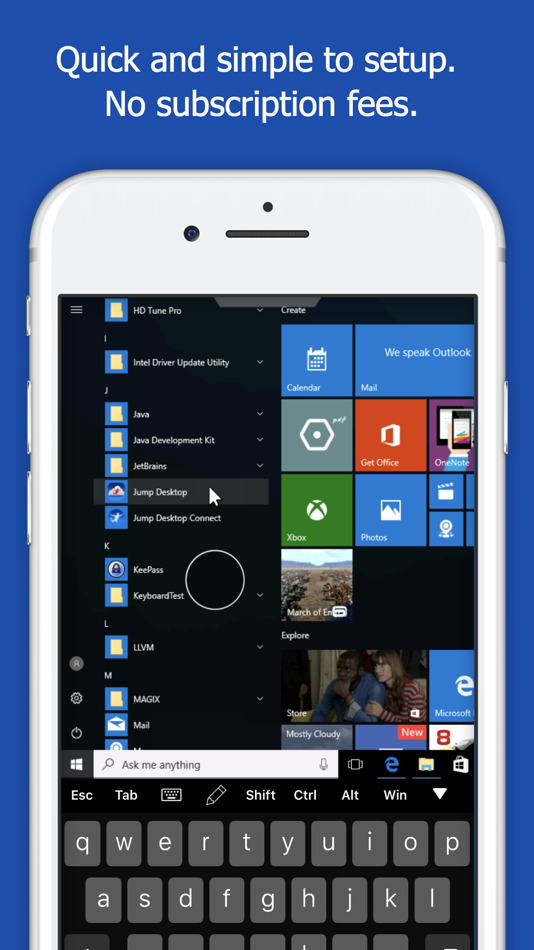
Jump Desktop is very easy to setup; anyone can do it! Just visit: https://jumpdesktop.com on your PC or Mac, click the ‘Automatic Setup’ link and follow step-by-step instructions. You’ll be up and running in no time. Also - not subscriptions!
Secure:
Jump encrypts the connection between computers to ensure privacy and security. Automatic connections are always encrypted by default. Supports NLA, TLS/SSL encryption for RDP. SSH Tunnelling and SSL/TLS encryption for VNC. Fluid Remote Desktop uses DTLS for secure connections.
Powerful features:
* Works with almost any computer and operating system.
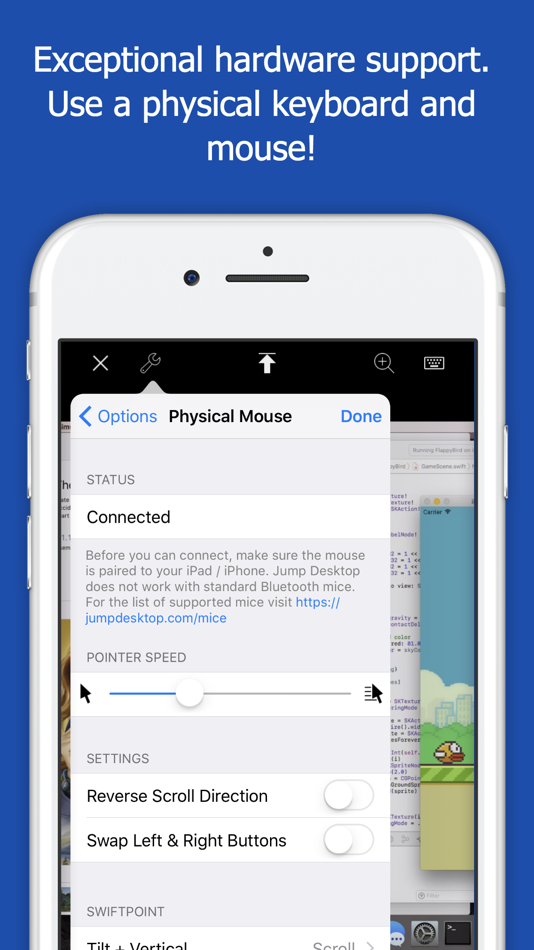
* Supports physical mice! On iOS 13 and iPadOS, Jump Desktop supports the accessibility mouse with some limitations. Jump Desktop also supports special physical mice with no limitations. For more information visit https://jumpdesktop.com/mice.
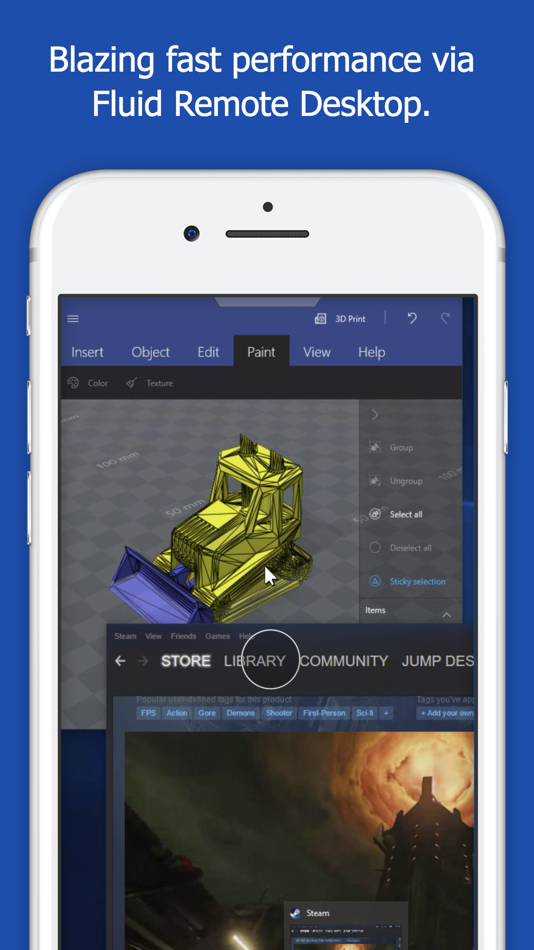
* Fluid Remote Desktop protocol supports high performance remote desktop and audio.
* Easy and secure setup: Automatically configure your PC or Mac for remote access using Wi-Fi/3G/LTE without worrying about your router settings. Setup as many computers as you like – there are no limits!
* Built for iPad Pro, iPad, iPhone and iPod
* iPad Pro features: Full support for split-screen multitasking and Apple Pencil.
* Open multiple simultaneous connections
* Live connection previews
* Protect your server settings using Touch ID
* Connection syncing via iCloud connection syncing
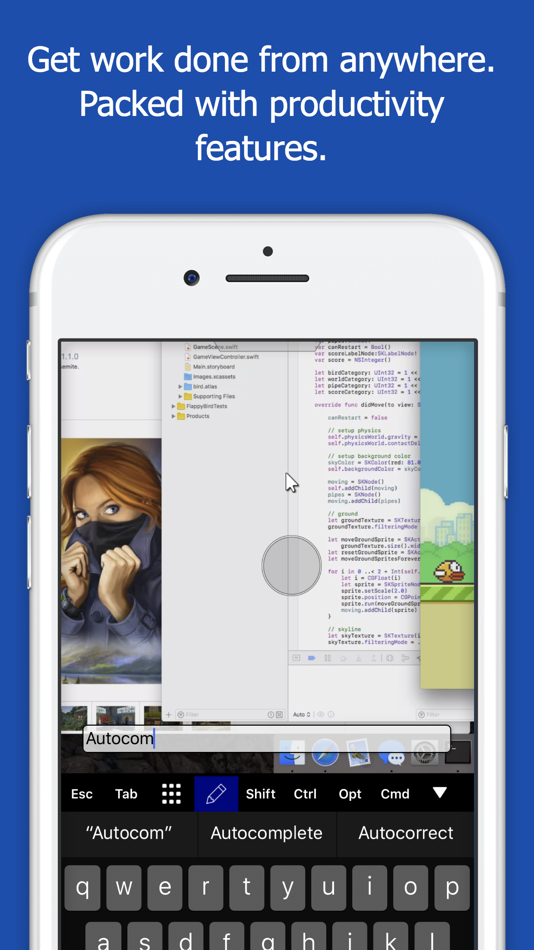
* Advanced Bluetooth keyboard: The best bluetooth keyboard support on the App Store. Shortcuts, function keys and arrow keys - everything works. Also includes macros for keys no available on bluetooth keyboards (i.e function keys)
* SSH tunneling with password and public key authentication supported
* Supports large custom screen resolutions and VGA/HDMI out
* Full mouse support via touch gestures: left, right and middle button clicks, dragging, scrolling, precision pointer movement
* Multiple gesture support - includes the ability to draw or write using your finger
* Copy/paste: Transfer text to or from your computer using the pasteboard
* HDMI/VGA external monitor support: View your desktop on an external monitor using a cable or AirPlay. Jump Desktop will let you utilize you external display as a true monitor (not as a mirror like other apps on the store).
* Multi-core rendering engine makes Jump Desktop one of the fastest RDP and VNC engines on the planet
* Full support for Linea and Infinea barcode and MSR scanners. Includes support for E2E encryption.
RDP features:
* Supports RD Gateway
* Supports custom resolutions. Set any resolution you want including Retina resolutions.
* Dynamic RDP resolution updates on Windows 8.1+
* Remote printing: Send print outs from your computer to your iPad/iPhone device (exclusive RDP print redirection feature on the App Store!)
* Folder sharing
* Audio streaming
* Console sessions
* International keyboard layouts
* Multiple monitor support on Windows 7+
* Multi-touch redirection support on Windows 8+
Fluid Features:
* Super high performance, adaptive remote desktop
* Audio streaming
* Strong encryption built into the protocol
* Connect from anywhere, even restricted networks without requiring networking knowledge
* Clipboard sharing
VNC features:
* Tested with Mac OS X, TightVNC, RealVNC, UltraVNC, Linux (Ubuntu Remote Desktop)
* Secure: Supports SSH tunneling as well as SSL encryption
* Black & white, gray scale, 8, 16 and 24-bit color to help optimize bandwidth
* Multiple monitor support
* Macs: Support locking the Mac's screen and syncing the pasteboard
Reklame
Skærmbilleder

Prishistorik
- Nuværende pris: $14.99
- Minimum: $6.99
- Maksimum: $14.99
Overvåg priser Føj til en liste for at få besked om rabatter via e-mail eller push
AppAgg-score
64,600
Estimeret AppAgg-score for
Jump Desktop (RDP, VNC, Fluid)
Udvikler: Phase Five Systems
64,600 Legende
En højere score afspejler som regel bedre resultater på de områder, AppAgg måler.
Baseret på: popularitet · brugervurderinger · aktualitet · tilbud · butiksdata · fællesskabsaktivitet
Genberegnes dagligt ud fra aktuelle AppAgg-data.
Del AppAgg-score
Kort webadresse: Kopieret! Badge til dit website: Nyheder
- Version: 10.15.31
- Sidst opdateret:
- Jump Desktop 10 is the biggest update to Jump Desktop for iPhone and iPad in years.
VIRTUAL DISPLAYS, FOR THE FIRST TIME ON IPHONE AND IPAD
• A Single Virtual Display gives the host a desktop made for your device — your screen's exact resolution, full Retina sharpness, following rotation and running at your screen's refresh rate. No more pinching and zooming around a desktop built for someone else's monitor.
• Turn it on the first time you connect, or any time from the Display menu.
SHARPER, SMOOTHER SESSIONS
• Hardware decoding keeps motion smooth and your battery lasting longer. Choose Codec > Hardware.
• Choose Fluid 2.0, Fluid or Hardware from the new Codec menu.
• Pick a Color Quality level: Good for performance, High for sharp text, Pro and Ultra for 10-bit color.
• Sessions run at up to 120 frames per second on ProMotion iPhone and iPad models.
MORE WAYS TO WORK
• On iPad, work on as many computers as you want at the same time, each in its own window. Touch and hold a computer, then tap Connect in new window.
• Pair a game controller and the host sees an Xbox controller, or use the on-screen controller with movable portrait and landscape layouts.
• Use External Display puts the host's screen on a monitor, TV or projector while you control the session from your iPhone or iPad.
• Choose how long sessions stay connected in the background, from a few minutes up to No Limit.
• Tap Settings, then Show Connection Stats, to see how the connection is doing.
Full details: https://docs.jumpdesktop.com/whats-new
Yderligere oplysninger
- Udgivelsesdato:
- Kategori:
iOS-apps›Erhverv - Operativsystem:
iPad,iPhone,iOS 16.0 eller nyere - Størrelse:
54 Mb - Understøttede sprog:
Chinese,English,French,German,Italian,Japanese,Korean,Russian,Spanish - Indholdsklassificering:
4+ - App Store Bedømmelse: ¡
4.5(1,676) - Websted:
 https://www.jumpdesktop.com
Udvikler
- Phase Five Systems
- Følgere: 0
- Platforme: iOS Apps (1) macOS Apps (1)
- Tilbud: 0
- Lister: 30 + 11
- Point: 16 + 1,676 ¡
- Ranglister: 5 (1)
- Kommentarer: 0
- Videoer: 0
- RSS: Abonner
Lister (24)
- Jump Desktop (RDP, VNC, Fluid)





Point (7)


Ranglister (0)
0
Kommentarer (0)
Vær den første til at kommentere
Kort fortalt
Jump Desktop (RDP, VNC, Fluid) Kort webadresse: Kopieret!- App Store
På AppAgg kan du følge »Jump Desktop (RDP, VNC, Fluid)«, en app fra Phase Five Systems til iOS i kategorien Erhverv. AppAgg-score: 64,600 (Legende). Appens AppAgg-point — bekræftede: 7; indirekte: 1,676. Offentlige lister med appen: 24. Brugere, der har gemt den på private lister: 9. Brugerne på AppAgg har endnu ikke bedømt appen. Bekræftede point registrerer butiksbesøg fra brugere, der er logget ind på AppAgg. Indirekte point bygger på butiksdata. De to tællere viser antallet af offentlige lister og brugere, der har gemt appen eller spillet på private lister. Appen blev udgivet første gang . Appen blev senest opdateret . Appen koster i øjeblikket $14.99. Den laveste registrerede pris for appen var $6.99 (); den højeste var $14.99 (). Appens aktuelle bedømmelse i App Store: 4.5. Antal stemmer: 1,676. Appen understøtter følgende sprog: Chinese, English, French, German, Italian, Japanese, Korean, Russian, Spanish. Se prishistorikken, føj appen til en liste, eller følg udvikleren. Følg kommende tilbud og opdateringer til appen via appens RSS-feed. AppAgg hoster eller distribuerer ikke denne app. Alle varemærker, logoer og skærmbilleder med tilknytning til appen tilhører deres respektive ejere.

