
ที่บันทึกไว้
เลือกชื่อที่จะแสดงในเมนูที่บันทึกไว้ของคุณ
เสร็จแล้ว
| ผู้พัฒนา: | MeMeTiMe (2) | ||
| ราคา: | * ฟรี | ||
| การจัดอันดับ: | 0 | ||
| ความเห็น: | 0 โพสต์ความคิดเห็น | ||
| รายการ: | 0 + 0 | ||
| แต้มแล: | 0 + 3 (5.0) ¡ | ||
| +1 แต้มแล | |||
คำอธิบาย

It works like this:
1. Download the app
2. Install our .git-hook
3. Go about your work day
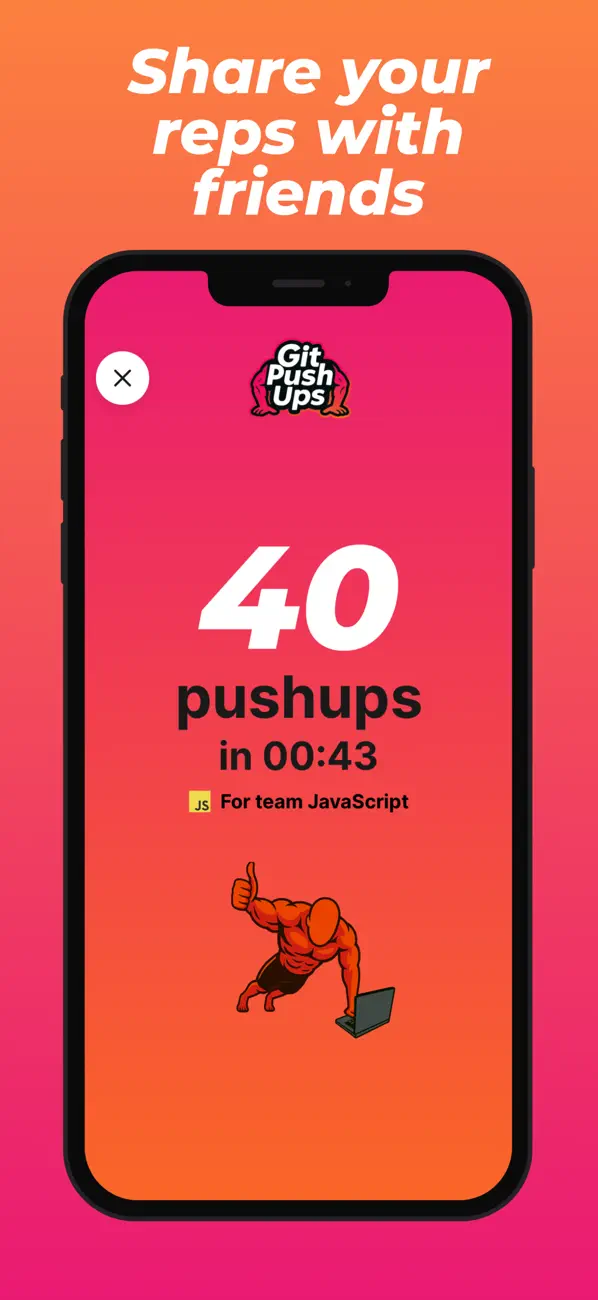
If you try to commit your work without having done pushups that day, your git hook will fail until you drop and give us 20 (or even 1 if you prefer).
Go about your work day or keep doing reps to climb the daily leaderboard!
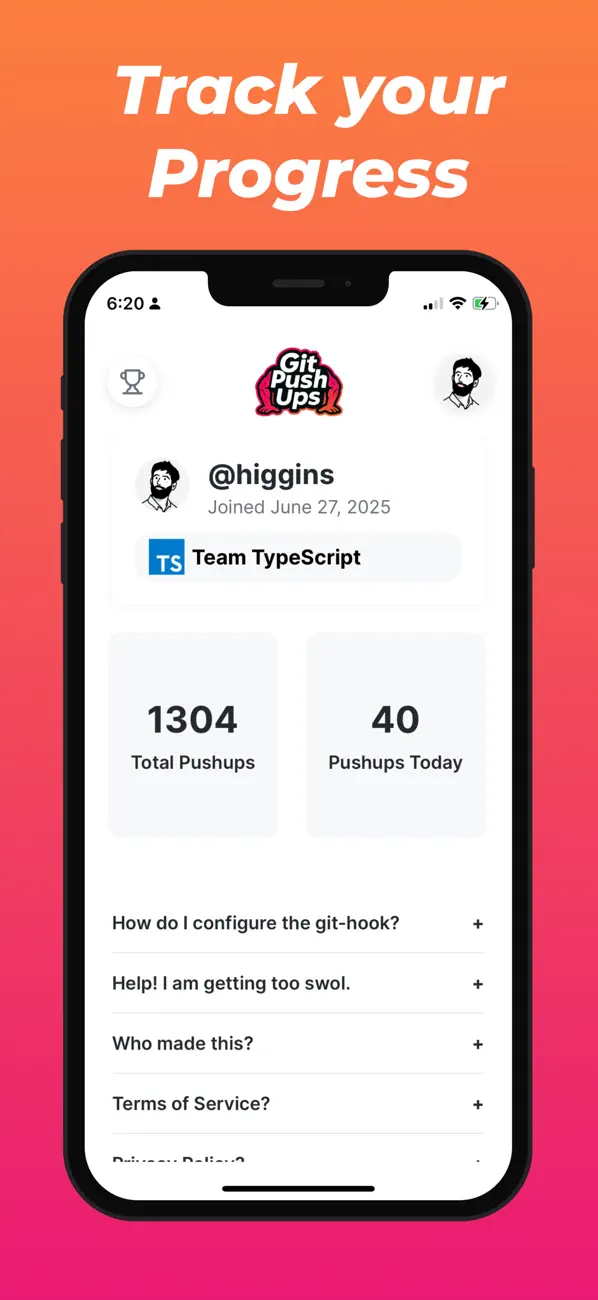
Upgrade to PRO to change your daily goal, view your contribution graph, sync with Apple HealthKit and more!
For more information on our terms of service (EULA), please see https://gitpushups.com/terms
Ad
ภาพหน้าจอ


ประวัติราคา
-
* การซื้อภายในแอพ - ราคาปัจจุบัน: ฟรี
- ต่ำสุด: ฟรี
- มากที่สุด: ฟรี
ติดตามราคา
ข้อมูลเพิ่มเติม
- วันที่วางจำหน่าย:
- หมวดหมู่:
iOS แอป›เครื่องมือ - ระบบปฏิบัติการ:
iPad,iPhone,iOS 15.1 และสูงกว่า - ขนาด:
107 Mb - ภาษาที่สนับสนุน:
English - การจัดประเภทเนื้อหา:
4+ - App Store คะแนนโดย:
5.0(3)
มีอะไรใหม่
- เวอร์ชัน: 1.34.0
- อัปเดต:
- Bug fixes:
- Prevent screen from dimming on some devices while doing pushups
Thanks @LoganWeir for the report!
ผู้พัฒนา
- MeMeTiMe
- แพลตฟอร์ม: Android แอป (1) iOS แอป (1)
- รายการ: 0 + 0
- แต้มแล: 0 + 3 ¡
- การจัดอันดับ: 0
- ความเห็น: 0
- ลดราคา: 0
- วิดีโอ: 0
- RSS: ติดตาม
รายการ (0)
0 ☹️
- Git Pushups
แต้มแล (0)
0 ☹️
การจัดอันดับ (0)
0 ☹️
ความเห็น (0)
เป็นคนแรกที่แสดงความเห็น 🌟
«Git Pushups». แพลตฟอร์ม: iOS. หมวดหมู่: เครื่องมือ. ผู้พัฒนา: «MeMeTiMe». การเปิดตัวครั้งแรก: . อัปเดตล่าสุด: . ราคาปัจจุบัน: ฟรี. ชื่อนี้ยังไม่ได้รับการให้คะแนนหรือบทวิจารณ์บน AppAgg ร้านค้า: App Store. คะแนนร้านค้า: 5.0. โหวต: 3. ภาษาที่ใช้ได้: English. AppAgg ติดตามประวัติราคา การให้คะแนน และคำติชมของผู้ใช้ «Git Pushups». ส่วนลดและอัปเดตในอนาคต: RSS. AppAgg ไม่ได้โฮสต์แอปพลิเคชันหรือแจกจ่ายซอฟต์แวร์ เครื่องหมายการค้า โลโก้ และภาพหน้าจอทั้งหมดเป็นของเจ้าของที่เกี่ยวข้อง
Git Pushups URL แบบสั้น: คัดลอกแล้ว!- 🌟 แชร์
- App Store
คล้ายกัน
- ใหม่
- Git_Client
- iOS แอป: เครื่องมือ โดย: Tom Kaden
- * ฟรี
- รายการ: 0 + 1 0 0
- แต้มแล: 1 เวอร์ชัน: 1.0.0 Git Client brings your GitHub workflow to iPhone and iPad. Browse repositories, review changes line-by-line, commit files, manage branches, and automate syncing with Siri and the ... ⥯
-
- Git client - Working Copy
- iOS แอป: เครื่องมือ โดย: Anders Borum
- * ฟรี
- รายการ: 6 + 4 0 0
- แต้มแล: 5 + 3,603 (4.9) เวอร์ชัน: 6.8.3 Access Git repositories on the go. Clone, edit, commit and push while allowing other apps access to repositories. Git is a important part of our work-life and iOS can take part in ... ⥯
-
- Weee: The Git Monster
- iOS แอป: เครื่องมือ โดย: 铠嵘 蒋
- ฟรี
- รายการ: 0 0 0
- แต้มแล: 0 + 3 (5.0) เวอร์ชัน: 1.1.4 Your quiet slug companion for Git workflows on iOS and iPadOS. Meet Weee the lightweight, modern Git client designed for iOS. Whether you re a developer managing code, a writer syncing ⥯
-
- Source Files: Git Storage
- iOS แอป: เครื่องมือ โดย: Anders Borum ApS
- * ฟรี
- รายการ: 2 + 3 0 0
- แต้มแล: 5 + 26 (4.5) เวอร์ชัน: 2026.18 Source Files is a faster way to access GitHub, Gitea, GitLab and BitBucket from the Finder and Files app without having to clone repositories or commit changes. Using REST APIs instead ⥯
- ใหม่
- Do Git Work
- iOS แอป: เครื่องมือ โดย: Manuel Gruber
- ฟรี
- รายการ: 0 + 1 0 0
- แต้มแล: 0 เวอร์ชัน: 1.0.0 See today's GitHub contributions the moment you pick up your phone. Do Git Work puts your contribution count front and center on iPhone and iPad. Beautiful Home Screen and Lock Screen ... ⥯
-
- GitDrive - Git client & server
- iOS แอป: เครื่องมือ โดย: 磊 李
- ฟรี
- รายการ: 1 + 1 0 0
- แต้มแล: 2 + 41 (4.3) เวอร์ชัน: 1.1.0 The repository pushed from your PC to GitDrive will be automatically synced to iCloud. As a result, it turns the iOS device already in the palm of your hand into a Git-enabled mobile ... ⥯
-
- PolyGit Git Client
- iOS แอป: เครื่องมือ โดย: Matcha Software LLC
- ฟรี
- รายการ: 0 0 0
- แต้มแล: 1 + 108 (4.5) เวอร์ชัน: 53.0 Update your repositories from anywhere. PolyGit is a Git client designed for simplicity and ease of use. Your entire commit history is accessible with just a few taps. Git has never ... ⥯
-
- Combine - Code Editor & Git
- iOS แอป: เครื่องมือ โดย: Margins Technologies LLC
- * ฟรี
- รายการ: 0 0 0
- แต้มแล: 1 + 5 (5.0) เวอร์ชัน: 1.4.14 Professional coding with zero compromises. Turn your iPhone or iPad into a professional development studio. Code offline anywhere, run code, preview web projects live, seamlessly ... ⥯
-
- Code - Editor Git and Terminal
- iOS แอป: เครื่องมือ โดย: Morella Folesani
- ฟรี
- รายการ: 0 0 0
- แต้มแล: 0 + 32 (4.1) เวอร์ชัน: 1.0.1 Code, Work Anywhere! This app has an entire developer suite embedded in this app, and it's fully native! ## Code Editor - Various Themes - Colored Syntax - Autocompletion - Minimap - ... ⥯
-
- Quick Issues: Fast Git Capture
- iOS แอป: เครื่องมือ โดย: Balthasar Siekiera
- * ฟรี
- รายการ: 0 0 0
- แต้มแล: 0 เวอร์ชัน: 2026.2 Quick Issues is a native iOS issue capture app for developers who ship across GitHub, GitLab, and self-hosted instances. Create issues in moments, organize everything in one unified ... ⥯
-
- Textastic Code Editor
- iOS แอป: เครื่องมือ โดย: Alexander Blach
- ฟรี
- รายการ: 14 + 12 0 0
- แต้มแล: 20 + 2,430 (4.7) เวอร์ชัน: 10.9.4 Textastic is a comprehensive and versatile text and code editor for iPad and iPhone. It supports syntax highlighting for more than 80 programming and markup languages. Connect to SFTP, ⥯
-
- Buffer Editor - Code Editor
- iOS แอป: เครื่องมือ โดย: Blakzero Oy
- * ฟรี
- รายการ: 5 + 5 0 0
- แต้มแล: 8 + 157 (3.9) เวอร์ชัน: 21.4 Buffer Editor is a POWERFUL code and text editor that lets you easily develop software, view code or take notes on the go. Enjoy an editing experience that is both versatile and ... ⥯
-
- Code App
- iOS แอป: เครื่องมือ โดย: thebaselab Ltd
- $6.99
- รายการ: 2 + 5 0 0
- แต้มแล: 10 + 296 (4.0) เวอร์ชัน: 1.12.1 Code App is a MIT-licensed desktop-class code editor for iPadOS with built-in Node.js, Python, C, C++, PHP and Java runtime. We built it because there is nothing else on the App Store ... ⥯