
| ผู้พัฒนา: | Sajida Parveen (3) | ||
| ราคา: | * ฟรี | ||
| การจัดอันดับ: | 0 | ||
| ความเห็น: | 0 เขียนความเห็น | ||
| รายการ: | 0 + 0 | ||
| แต้มแล: | 1 + 0 ¡ | ||
| Mac App Store | |||
คำอธิบาย

WHY CODEVIBE?
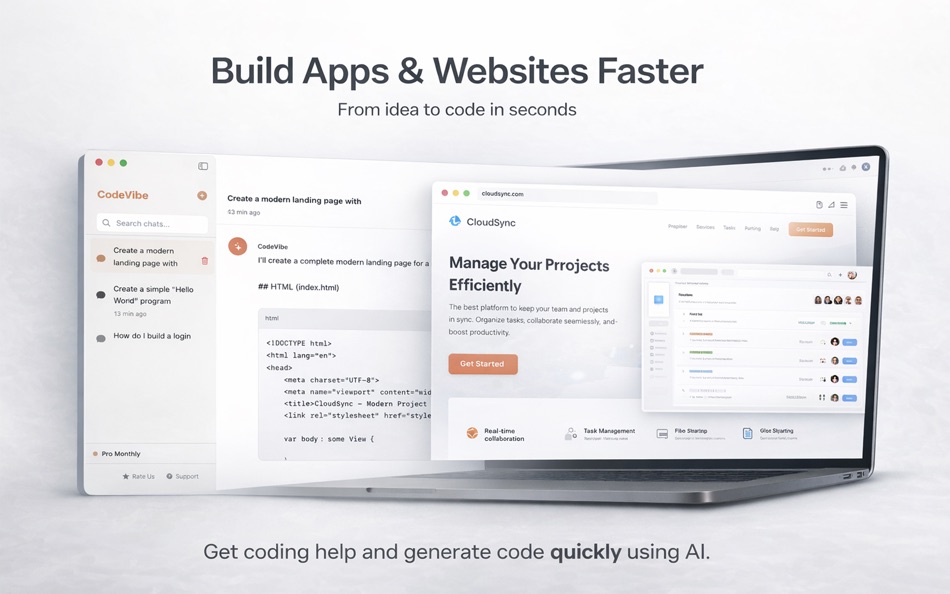
- Build complete apps and websites with AI guidance
- Instant AI assistance for any coding question
- Context-aware help with your entire codebase
- Beautiful native macOS design
- File attachments (images, PDFs, code files)
- Unlimited conversation history
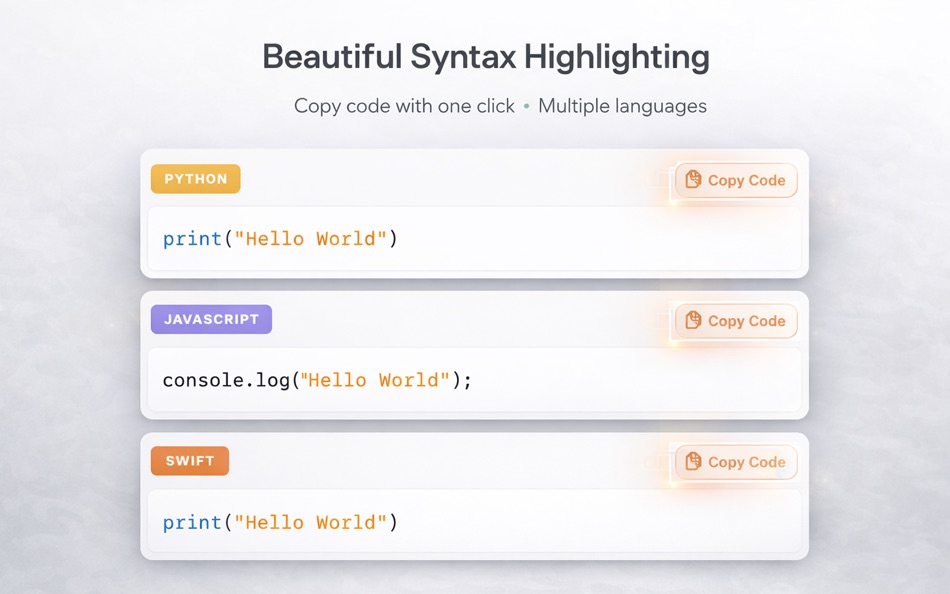
- Code syntax highlighting
- One-click code copying
- Stop and regenerate responses
- Fast and reliable
PERFECT FOR
- Building iOS, macOS, and web applications
- Debugging errors and exceptions
- Writing and reviewing code
- Creating unit tests
- Optimizing database queries
- Learning new programming languages
- Understanding complex codebases
- Code refactoring
- Algorithm design
- API integration help
KEY FEATURES
SMART CONVERSATIONS
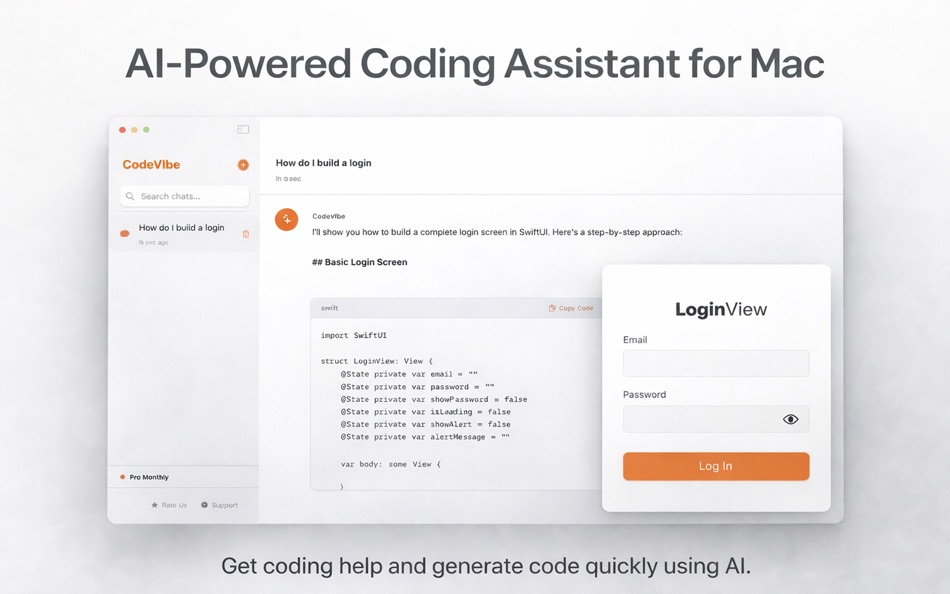
Ask anything about programming in natural language. CodeVibe understands context and provides detailed, accurate answers with code examples.
FILE ATTACHMENTS
Upload screenshots of errors, PDF documentation, or code files for more precise help. CodeVibe can analyze images and documents.
CODE HIGHLIGHTING
All code snippets are beautifully formatted with syntax highlighting, making responses easy to read and understand.
CONVERSATION HISTORY
Never lose a conversation. All your chats are saved locally and searchable, so you can always reference past solutions.
NATIVE MACOS EXPERIENCE
Built specifically for macOS with a clean, intuitive interface that feels right at home on your Mac.
COPY WITH ONE CLICK
Quickly copy code snippets or entire responses to use in your projects.
STOP & REGENERATE
Not happy with a response? Stop generation anytime or regenerate answers to get different perspectives.
WHO IS IT FOR?
- Professional developers
- Computer science students
- Coding bootcamp participants
- Self-taught programmers
- Tech leads and architects
- Anyone learning to code
PRIVACY & SECURITY
Your code and conversations are treated with the highest level of security. We use industry-standard encryption and never share your data with third parties.
SUPPORTED LANGUAGES
CodeVibe helps with all major programming languages including:
Python, JavaScript, TypeScript, Swift, Java, C++, C#, Go, Rust, PHP, Ruby, Kotlin, SQL, HTML, CSS, and many more.
GET STARTED IN SECONDS
1. Download CodeVibe
2. Upgrade to Pro for unlimited access
Join thousands of developers who code faster and smarter with CodeVibe. Download now and experience the future of coding assistance.
---
Powered by Claude Api.
This app uses the Claude API but is not affiliated with, endorsed by, or an official product of Anthropic.
All trademarks belong to their respective owners.
Note: Access to all features may require an additional purchase.
Terms of Use: https://sites.google.com/view/sajidaparveen-terms-and-use/
Privacy Policy:https://sites.google.com/view/sajidaparveen-privacy-policy/
ภาพหน้าจอ

ราคา
-
* การซื้อภายในแอพ - วันนี้: ฟรี
- ต่ำสุด: ฟรี
- มากที่สุด: ฟรี
ติดตามราคา
ผู้พัฒนา
- Sajida Parveen
- แพลตฟอร์ม: iOS แอป (1) macOS แอป (2)
- รายการ: 0 + 0
- แต้มแล: 2 + 0 ¡
- การจัดอันดับ: 0
- ความเห็น: 0
- ลดราคา: 0
- วิดีโอ: 0
- RSS: ติดตาม
แต้มแล

การจัดอันดับ
0 ☹️
รายการ
0 ☹️
- CodeVibe - AI Coding Assistant
ความเห็น
แสดงรีวิวเป็นคนแรกเลย 🌟
ข้อมูลเพิ่มเติม
- เวอร์ชัน: 1.1
- หมวดหมู่:
macOS แอป›เครื่องมือ - ระบบปฏิบัติการ:
macOS,macOS 15.6 และสูงกว่า - ขนาด:
3 Mb - ภาษาที่สนับสนุน:
English - การจัดประเภทเนื้อหา:
4+ - Mac App Store คะแนนโดย:
0 - อัปเดต:
- วันที่วางจำหน่าย:
CodeVibe - AI Coding Assistant URL แบบสั้น: คัดลอกแล้ว!- 🌟 แชร์
- Mac App Store
คุณอาจชอบ
-
- Code Converter AI
- macOS แอป: เครื่องมือ โดย: Hanva,LLC
- * ฟรี
- รายการ: 1 + 0 การจัดอันดับ: 0 ความเห็น: 0
- แต้มแล: 1 + 1 (1.0) เวอร์ชัน: 2.1 Welcome to the future of programming with Code Converter AI, the revolutionary AI-driven coding assistant designed to make your coding experience effortless and efficient! Code ... ⥯
-
- Code Merger AI Assistant
- macOS แอป: เครื่องมือ โดย: TidalAurum, LLC
- ฟรี
- รายการ: 0 + 0 การจัดอันดับ: 0 ความเห็น: 0
- แต้มแล: 0 + 0 เวอร์ชัน: 1.03 Swift File Merger - Streamline Your Code Organization Effortlessly combine multiple Swift files into a single, organized document for enhanced code review, sharing, and analysis. Key ... ⥯
-
- Prompt Helper: AI Coding Tool
- macOS แอป: เครื่องมือ โดย: ProductiveTap
- $19.99
- รายการ: 0 + 0 การจัดอันดับ: 0 ความเห็น: 0
- แต้มแล: 0 + 0 เวอร์ชัน: 1.1 Prompt Helper takes the pain out of crafting coding prompts for tools like ChatGPT especially when you need to include file contents as context. Instead of manually copy-pasting files ... ⥯
-
- AI App Localization: xcstrings
- macOS แอป: เครื่องมือ โดย: Sparrow Code
- ฟรี
- รายการ: 0 + 1 การจัดอันดับ: 0 ความเห็น: 0
- แต้มแล: 2 + 3 (5.0) เวอร์ชัน: 1.5.31 The localizer supports XLIFF XCLOC and Xcstrings files. You can export in any of these formats to edit the localization. Pluralization and all file versions are supported. The ... ⥯
-
- VibeCoder : AI App Builder
- macOS แอป: เครื่องมือ โดย: AI Agent
- * ฟรี
- รายการ: 0 + 0 การจัดอันดับ: 0 ความเห็น: 0
- แต้มแล: 1 + 0 เวอร์ชัน: 0.0.17 Vibe Coder is a powerful and flexible app builder that lets you create and launch web apps quickly. Build anything from basic utilities like calculators and to-do lists to ... ⥯
-
- Code Runner for Python
- macOS แอป: เครื่องมือ โดย: Omer UCEL
- $0.99
- รายการ: 0 + 1 การจัดอันดับ: 0 ความเห็น: 0
- แต้มแล: 3 + 0 เวอร์ชัน: 4.0 Code Runner for Python is your personal Python sandbox, perfect for learning, experimenting, and quickly testing code snippets wherever you are. Ditch the complex server setup for ... ⥯
-
- Vibe Backup - Dev Code Backup
- macOS แอป: เครื่องมือ โดย: 光琇 林
- * ฟรี
- รายการ: 0 + 0 การจัดอันดับ: 0 ความเห็น: 0
- แต้มแล: 0 + 0 เวอร์ชัน: 1.0.2 Vibe Backup is built for Vibe Coding developers the ultimate way to keep your code projects safe, automated, and instantly restorable. It's the set-and-forget safety net so you can ... ⥯
-
- AI Vibe Coding for Xcode
- macOS แอป: เครื่องมือ โดย: Dmitry Suvorov
- * ฟรี
- รายการ: 0 + 1 การจัดอันดับ: 0 ความเห็น: 0
- แต้มแล: 8 + 0 เวอร์ชัน: 2.0.2 Boost your Swift development with an AI-powered assistant inside Xcode. AI Vibe Coding Assistant for Xcode brings advanced LLM capabilities into your workflow with a seamless sidebar ... ⥯
-
- Code Cleaner
- macOS แอป: เครื่องมือ โดย: Andre Yonadam
- $1.99
- รายการ: 0 + 0 การจัดอันดับ: 0 ความเห็น: 0
- แต้มแล: 0 + 0 เวอร์ชัน: 1.0 Clean your HTML, CSS and Javascript files with Code Cleaner! Also great for making minified HTML, CSS and Javascript files easier to read again! Clean your code at your command within ... ⥯
-
- Code Replay
- macOS แอป: เครื่องมือ โดย: Aryaman Sharda
- ฟรี
- รายการ: 0 + 2 การจัดอันดับ: 0 ความเห็น: 0
- แต้มแล: 3 + 0 เวอร์ชัน: 1.0 Code Replay is an innovative and powerful tool designed specifically for developers, presenters, and teachers. It enables you to record your coding session in Xcode for playback later. ⥯
-
- AI Developer
- macOS แอป: เครื่องมือ โดย: KeoGlobal
- ฟรี
- รายการ: 0 + 0 การจัดอันดับ: 0 ความเห็น: 0
- แต้มแล: 0 + 0 เวอร์ชัน: 1.0 AI Developer provides the essential tools and insights to optimize your code quality, streamline development, and boost productivity. It is tailored for developers, programming ... ⥯
-
- Ai Chat - Answer Anything
- macOS แอป: เครื่องมือ โดย: Jia Rong Fan
- ฟรี
- รายการ: 0 + 1 การจัดอันดับ: 0 ความเห็น: 0
- แต้มแล: 3 + 3 (3.7) เวอร์ชัน: 1.4.5 Ai Chat is a beautiful, minimalist Mac client, based on the world's most advanced Ai language model Ai Q&A chat App, providing a smoother and faster chat experience than the official ... ⥯
-
- Code for SQLite3
- macOS แอป: เครื่องมือ โดย: ZeeZide GmbH
- $13.99
- รายการ: 0 + 0 การจัดอันดับ: 0 ความเห็น: 0
- แต้มแล: 1 + 0 เวอร์ชัน: 1.0.4 Code for SQLite3 is a little macOS application that accepts either SQLite3 database files or SQL source code, and generates Swift source code for them. This is done for two main use ... ⥯
-
- Code Signing
- macOS แอป: เครื่องมือ โดย: Sergii Kryvoblotskyi
- $1.99
- รายการ: 0 + 0 การจัดอันดับ: 0 ความเห็น: 0
- แต้มแล: 1 + 0 เวอร์ชัน: 1.0.7 Code Signing is a developer tool that reads files' signing information and validates the signature. There is no more need to use command-line tools, parse the results, or read the ... ⥯