
| Developer: | 波 宋 (9) | ||
| Price: | $4.99 | ||
| Rankings: | 0 | ||
| Reviews: | 0 Write a Review | ||
| Lists: | 0 + 0 | ||
| Points: | 0 + 0 ¡ | ||
| Mac App Store | |||
Description

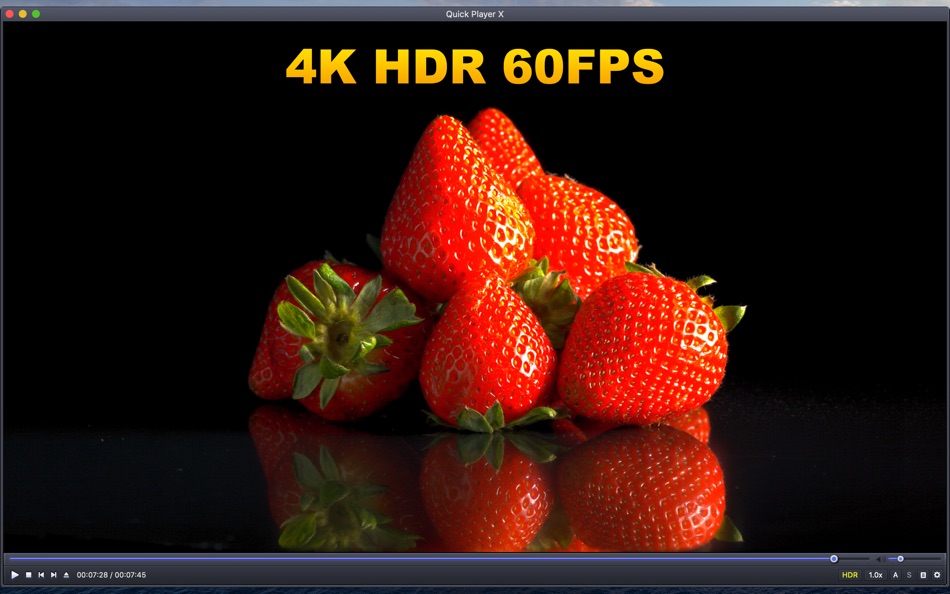
Quick Player X version 7.0 has fully supported 4K HDR 60FPS.
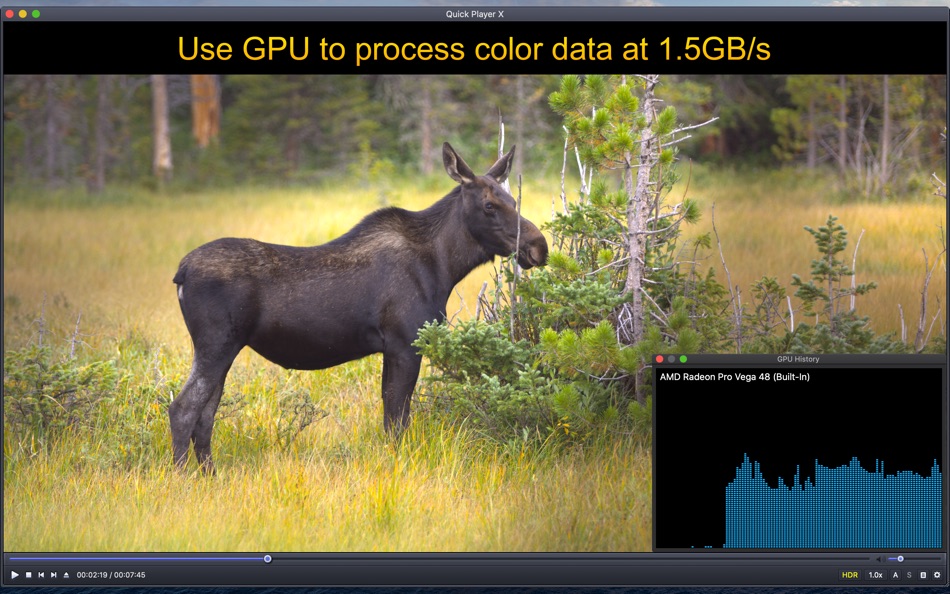
Quick Player X has been highly optimized, taking full advantage of the powerful computing power of the GPU to process up to 1.5GB of color data per second.
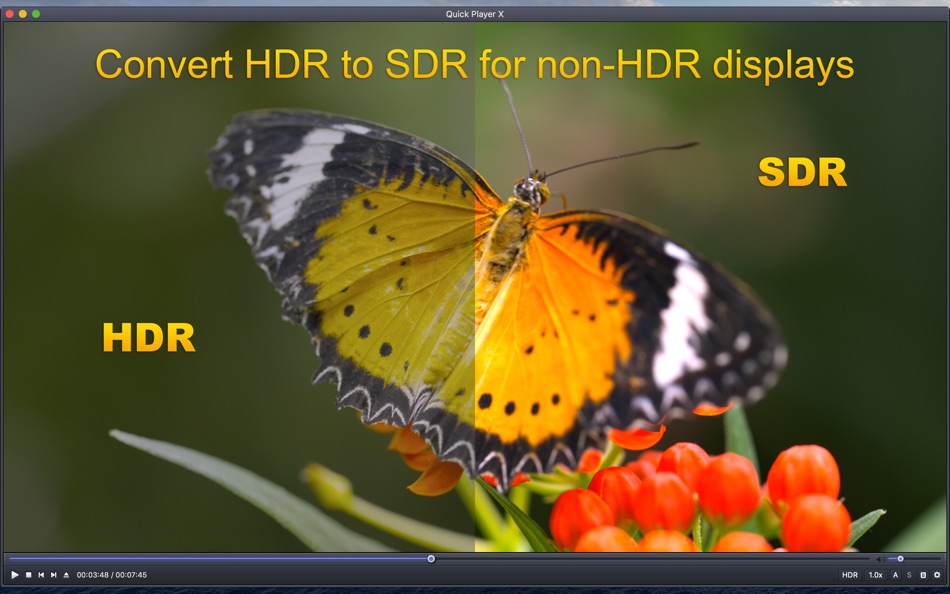
In order to correctly present HDR colors on non-HDR displays, Quick Player X provides the function of converting HDR to SDR. If your built-in display or external display supports HDR, you can turn off this feature.
The bit rate of HDR video is high. To avoid freezing during playback, please make sure that HDR video is stored in a high-speed storage device and directly connected to the computer with a high-speed cable.
There are minimum requirements to play 4K 60FPS video. Most Mac models produced after 2019 should be fine.
Key Features:
• Play almost any format of file
• Perfect on TV-out
• Support AirPlay Display
• One key toggle fullscreen among multi-monitors
• Built-in Display sleep intelligently
• Bluetooth headset controls
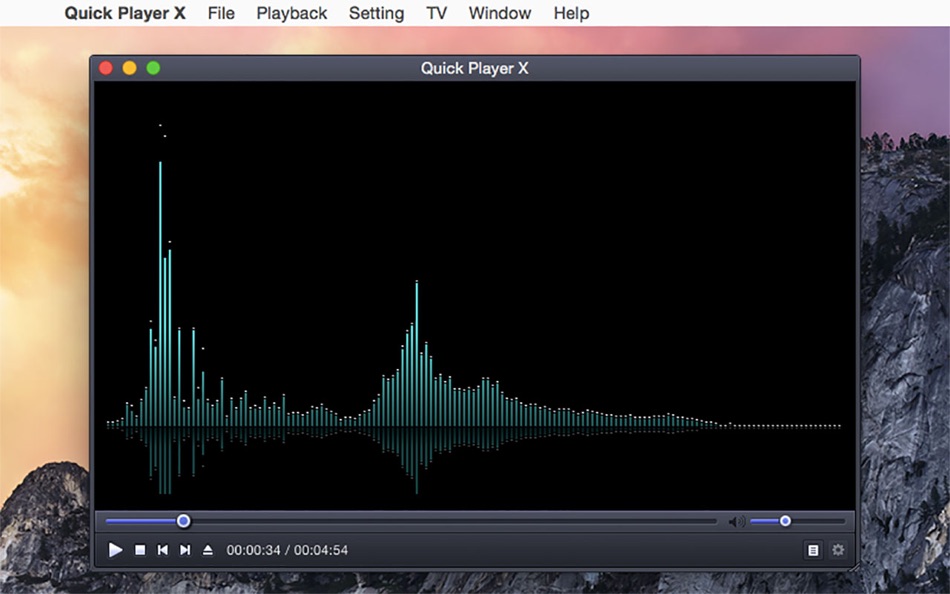
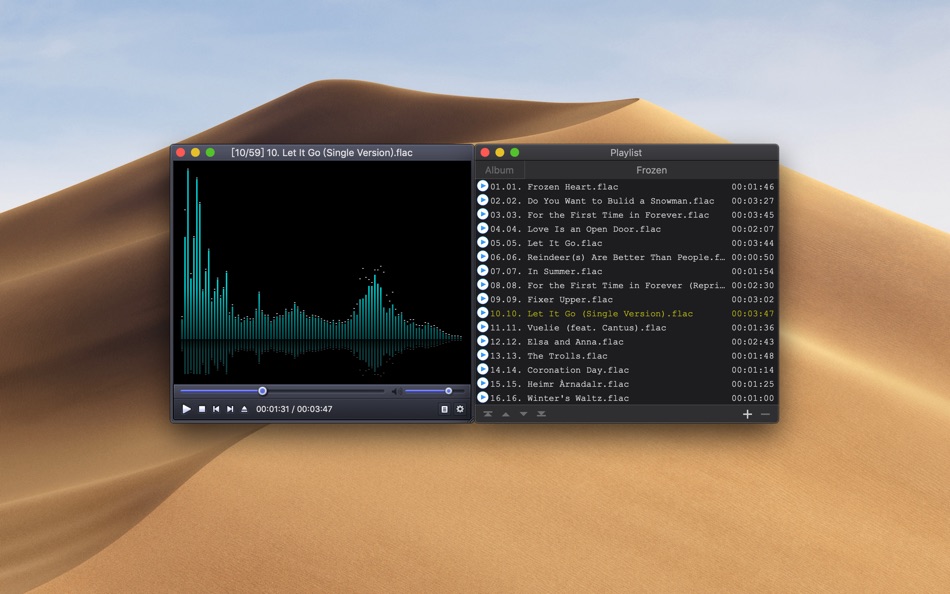
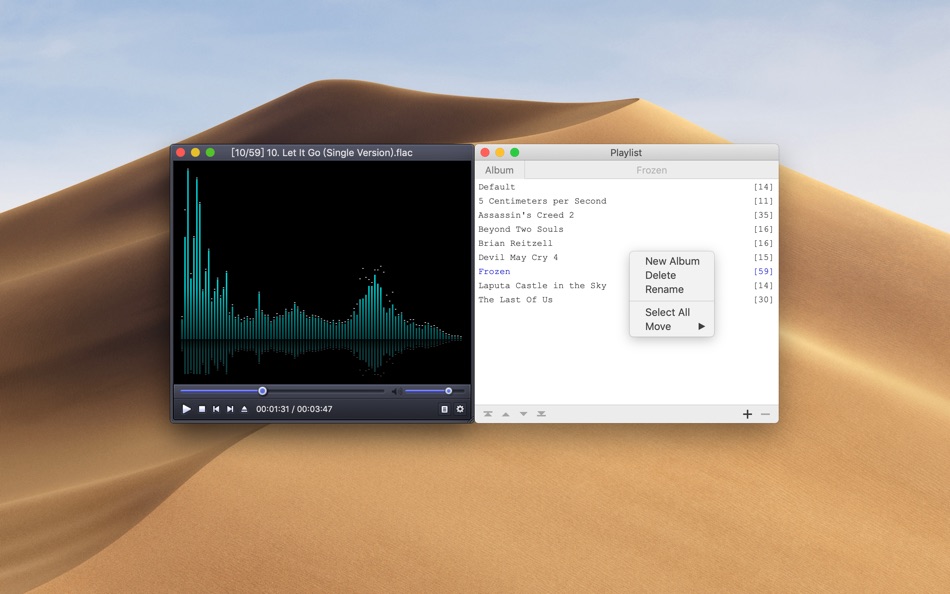
• Music visualizer
• Enable/Disable history
• Search for associated resources (episodes, subtitles, etc) automatically
• Play the next associated episode automatically
• Detect the encoding of subtitle intelligently
• Video equalizer
• Drag and Drop file from Finder
• Start playing with subtitle file
• Shortcut key support
• Shortcut menu support
• Status OSD support
• Switch audio track
• Switch subtitle
• Adjust audio delay/subtitle delay/subtitle size
• Seek forward/backward
• Speed control
• Support anti-aliasing for zoom
• Media file inspector (Command-I)
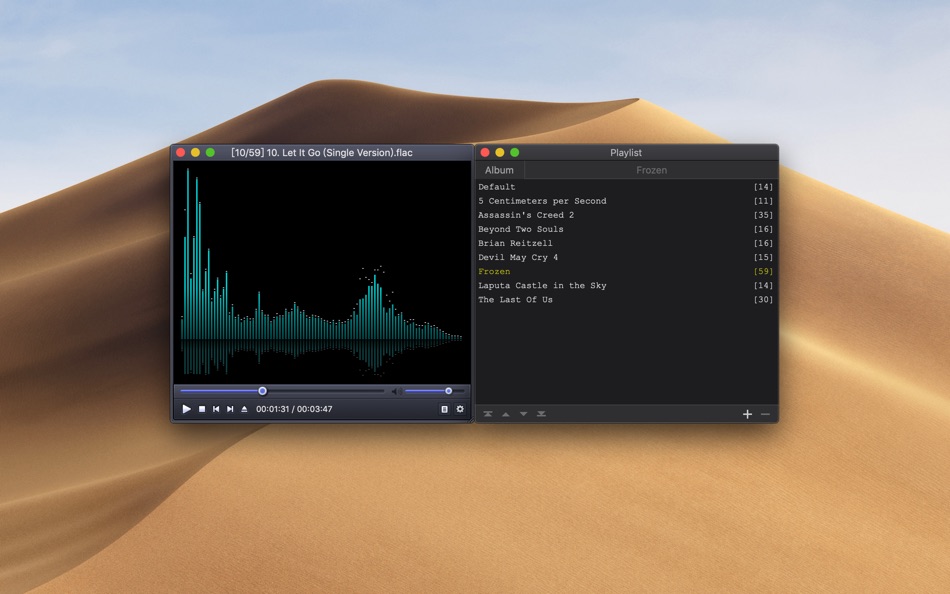
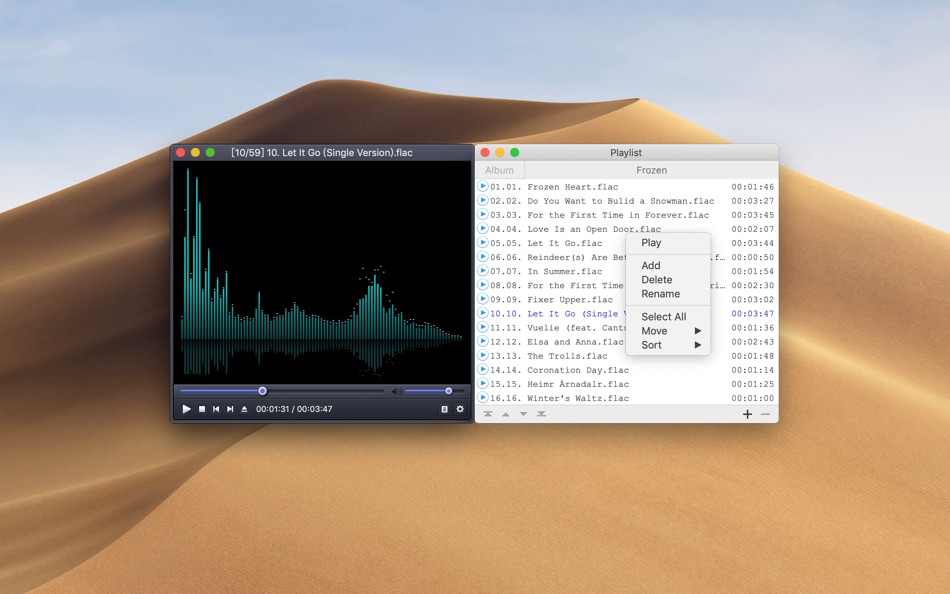
• Editable playlist (Command-P): Add, Delete, Rename, Sort, Play
• Support 4K HDR 60FPS
• Convert HDR to SDR for non-HDR displays
If you have any questions or suggestions, please contact us at:
SimpleAppleDev@outlook.com
Screenshots

Price History
- Today: $4.99
- Minimum: $4.99
- Maximum: $4.99
Track prices
Developer
- 波 宋
- Platforms: iOS Apps (1) macOS Apps (7) macOS Games (1)
- Lists: 0 + 2
- Points: 7 + 1 ¡
- Rankings: 0
- Reviews: 0
- Discounts: 0
- Videos: 0
- RSS: Subscribe
Points
0 ☹️
Rankings
0 ☹️
Lists
0 ☹️
Reviews
Be the first to review 🌟
Additional Information
- Version: 7.4
- Category:
macOS Apps›Entertainment - OS:
macOS,macOS 13.0 and up - Size:
16 Mb - Supported Languages:
Chinese,English,French,Japanese,Korean - Content Rating:
4+ - Mac App Store Rating:
0 - Updated:
- Release Date:
«Quick Player X» is a Entertainment app for macOS, developed by «波 宋». It was first released on and last updated on . The lowest historical price was $4.99, and the highest was $4.99. This app has not yet received any ratings or reviews on AppAgg. Available languages: Chinese, English, French, Japanese, Korean. AppAgg continuously tracks the price history, ratings, and user feedback for «Quick Player X». Subscribe to this app or follow its RSS feed to get notified about future discounts or updates.
Quick Player X Short URL: Copied!- 🌟 Share
- Mac App Store
You may also like
-
- IPTV Player (IPEXO)
- macOS Apps: Entertainment By: IPEXO Player
- Free
- Lists: 0 + 0 Rankings: 0 Reviews: 0
- Points: 0 + 5 (4.4) Version: 2.5.1 Disclaimer Additional purchase is required in order to use the app. This app does not include any media content. Users must provide their own content, such as m3u playlists or XC/XUI ... ⥯
-
- Aurora Player
- macOS Apps: Entertainment By: Stefan Van Damme
- $24.99
- Lists: 0 + 0 Rankings: 0 Reviews: 0
- Points: 0 + 0 Version: 1.9 Aurora Player is a unique media player application for Apple Vision Pro. It is a multiform video player that shows a realistic glow effect around the player that matches the content of ⥯
-
- Smart IPTV Player Pro
- macOS Apps: Entertainment By: 柱荣 李
- $3.99
- Lists: 0 + 1 Rankings: 0 Reviews: 0
- Points: 12 + 0 Version: 1.0.3 This is a media player. Users can easily watch live TV from all over the world, such as high-resolution live broadcasts, sports matches, current movies, new season series, and TV ... ⥯
-
- IPTV Smarters Player Expert
- macOS Apps: Entertainment By: LIFTOFF
- Free
- Lists: 1 + 0 Rankings: 0 Reviews: 0
- Points: 10 + 365 (4.3) Version: 9.2.1 IPTV Expert: The Ultimate IPTV Player for Seamless Streaming Are you tired of unsatisfactory IPTV players? Meet IPTV Expert, the ultimate IPTV player designed for peak performance. ... ⥯
-
- Virginia Player
- macOS Apps: Entertainment By: ibrahim akoum
- Free
- Lists: 0 + 0 Rankings: 0 Reviews: 0
- Points: 1 + 7 (3.7) Version: 1.2 Virginia Player is the greatest video streaming player that offers you an easy way to watch online TV from your internet service provider or any different source from the web that ... ⥯
-
- Noob Player
- macOS Apps: Entertainment By: Sigurdur Tomasson
- Free
- Lists: 1 + 1 Rankings: 0 Reviews: 0
- Points: 4 + 0 Version: 2.6.4 Noob Player lets you watch multiple playlist at a time with tabs. You can set an option to set whether switching between tabs pauses the video playback of tabs so that if you want you ... ⥯
-
- Fig Player - play mp4 mkv mp3
- macOS Apps: Entertainment By: JingZhi He
- * Free
- Lists: 0 + 0 Rankings: 0 Reviews: 0
- Points: 6 + 0 Version: 1.3.27 Fig Player, is a media player for Mac that supports a wide variety of media files and allows you to listen to music, watch videos and movies. If you have an extensive media library but ⥯
-
- Flix IPTV – m3u IPTV Player
- macOS Apps: Entertainment By: Evolution World Fzco
- Free
- Lists: 0 + 0 Rankings: 0 Reviews: 0
- Points: 0 + 25 (4.7) Version: 1.3 Flix IPTV m3u IPTV Player Looking for a reliable IPTV player that seamlessly loads your playlist and plays your favorite channels without interruptions? Tired of glitchy, unreliable ... ⥯
-
- Donia IPTV: Smart Player
- macOS Apps: Entertainment By: Steven John Badger
- * Free
- Lists: 0 + 0 Rankings: 0 Reviews: 0
- Points: 0 + 1 (5.0) Version: 2.0.5 Donia IPTV: The Smart Way to Stream & Share Discover a personalized TV experience like never before with Donia IPTV Player designed for seamless streaming, smart recommendations, and ... ⥯
-
- Super M3u8 Player
- macOS Apps: Entertainment By: 亚兰 郑
- $4.99
- Lists: 0 + 0 Rankings: 0 Reviews: 0
- Points: 0 + 0 Version: 1.2 Super M3u8 Player A professional M3U8 streaming video downloader and player for macOS. Features: M3U8 Video Download - Automatic M3U8 playlist parsing - Concurrent segment downloads ... ⥯
- New
- Vidi: Universal 4K Player
- macOS Apps: Entertainment By: Clifford Ofili
- * Free
- Lists: 0 + 0 Rankings: 0 Reviews: 0
- Points: 0 + 0 Version: 1.0.4 Meet Vidi, the ultimate video player designed exclusively for macOS. Whether you're watching a 4K HDR movie, binge-watching a series, or casting content to your TV, Vidi delivers a ... ⥯
-
- XTREAM IPTV: TV Player IP +
- macOS Apps: Entertainment By: Yana Beschetnikova
- Free
- Lists: 0 + 0 Rankings: 0 Reviews: 0
- Points: 0 + 2 (2.5) Version: 1.3 Features of IPTV Player Dragon: - Quick and easy search - Read m3u playlists and m3u8 files - Add, remove playlists - Create your own favourite list - Picture-in-Picture mode - AirPlay ⥯
-
- TT Video Player
- macOS Apps: Entertainment By: 彬 余
- $9.99
- Lists: 0 + 0 Rankings: 0 Reviews: 0
- Points: 0 + 0 Version: 1.0 A concise local media player that supports nearly all video formats. It enables multi-window playback of the same or different videos simultaneously, and allows for quick and easy ... ⥯
-
- Vuko Player
- macOS Apps: Entertainment By: 23doors
- * Free
- Lists: 0 + 0 Rankings: 0 Reviews: 0
- Points: 2 + 0 Version: 1.0.9 Vuko Player is a fast, beautiful HDR video player for iPhone, iPad, and Mac. Stream from your Plex or Jellyfin media servers, download videos for offline viewing, and enjoy your ... ⥯