
Marcaje
| Dezvoltator: | Ctr-L (11) | ||
| Preț: | * Gratuit Nou | ||
| Scor: | 830 Argint | ||
| Clasamente: | 0 | ||
| Comentarii: | 0 Postează comentariu | ||
| Liste: | 0 0 | ||
| Puncte: | 0 | ||
| +1 Punct | |||
Pe scurt
C Ftp este o aplicație creată de Ctr-L, din categoria „Instrumente pentru dezvoltatori”.
Nou-nouță, a apărut . Încă miroase a cod proaspăt.
Intrarea e gratis, dar magazinul dinăuntru e deschis.
Microsoft Store e integrat în Windows, deci se instalează din câteva clicuri.
Scorul AppAgg e 830. „Argint”, și asta nu e deloc rău.
Clasificare de vârstă „EVERYONE”: merge și pentru copii.
Vorbește 54 de limbi, inclusiv româna.
Ai folosit-o? Recenzia ta ar fi prima de aici.
Dezvoltatorul mai are 10 aplicații pe AppAgg. Merită o privire.
Apropo, acest dezvoltator are acum 3 reduceri.
Vrei să afli primul de actualizări și aplicații noi? Urmărește dezvoltatorul sau abonează-te la RSS. Notificările push vin prin aplicația AppAgg Alerts pentru Android și iOS.
Alte platforme 0
Istoricul prețurilor 0
- Prețul actual: Gratuit
- Minim: Gratuit
- Maxim: Gratuit
Propriul tău flux pe pagina principală
Capturi de ecran 5
Descriere

Take control of your files, servers, and cloud storage with C FTP, a modern file transfer and management application for Windows.
Whether you manage websites, upload project files, maintain remote servers, or organize files across different locations, C FTP gives you the tools you need in one clean, efficient workspace.
ONE APP. MULTIPLE CONNECTIONS.
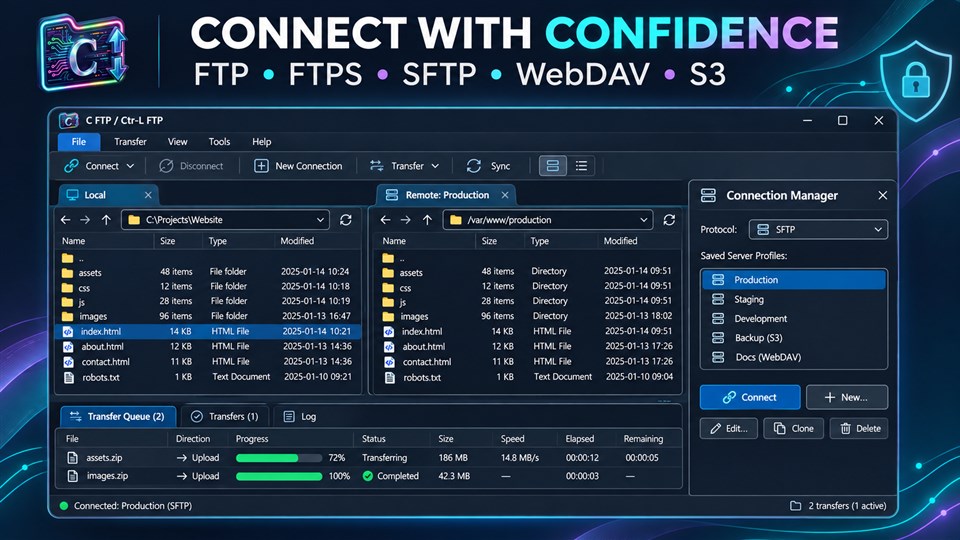
Connect to your files using popular transfer protocols:
• FTP — Standard file transfer connections.
• FTPS — Secure FTP with explicit or implicit TLS.
• SFTP — Secure file transfers over SSH.
• WebDAV — Access compatible remote storage over HTTPS.
• S3 — Work with compatible object storage services.
Choose the connection type that fits your server and manage your files from a single desktop application.
A BETTER WAY TO MANAGE FILES
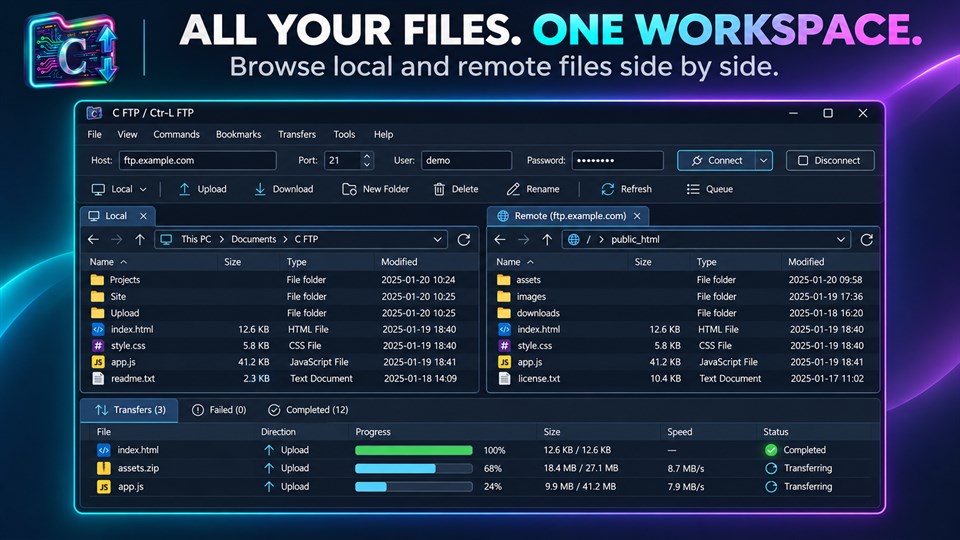
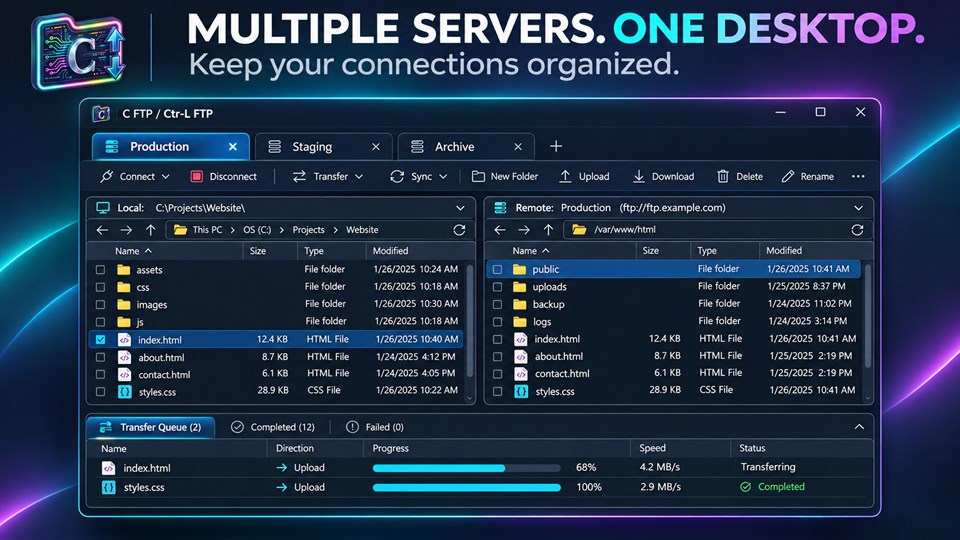
The dual-pane file manager puts your local and remote files side by side, making everyday tasks faster and easier.
Browse folders, upload and download files, create directories, rename items, move files, and organize remote content without constantly switching between windows.
Drag-and-drop support helps simplify transfers, while multiple connection tabs let you work with different servers from one place.
STAY IN CONTROL OF EVERY TRANSFER
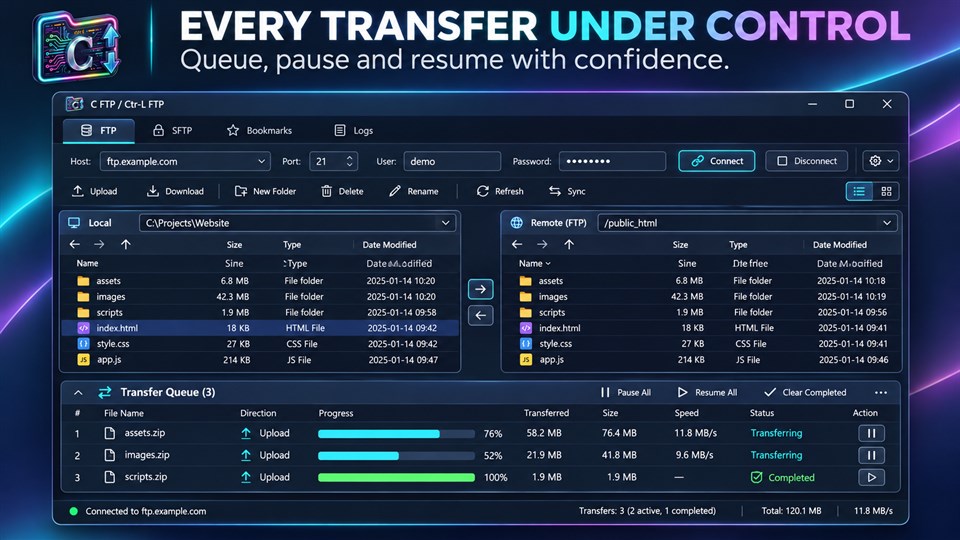
C FTP provides practical tools for managing file transfers:
• Transfer queue with progress information.
• Pause and resume controls for supported operations.
• File conflict handling when destination files already exist.
• Options to overwrite, resume, rename, or skip conflicting transfers.
• Transfer speed controls.
• Support for multiple server connections.
From everyday file uploads to more demanding transfer workflows, C FTP is designed to keep your work organized and manageable.
YOUR CONNECTIONS, READY WHEN YOU ARE
Save server profiles and bookmarks for quicker access to frequently used locations.
Import supported connection configurations from FileZilla, WinSCP, Cyberduck, and OpenSSH to simplify moving to C FTP.
Secure connection options help you choose an appropriate protocol for your server. Supported Windows credential storage helps protect saved authentication details.
DESIGNED FOR EVERYDAY PRODUCTIVITY
C FTP combines essential file management tools with a clean, modern Windows interface.
• Convenient local and remote folder navigation.
• Multiple connection tabs.
• Directory comparison tools.
• File and folder management.
• Flexible transfer controls.
• Multilingual interface.
• A workspace designed for efficient daily use.
FREE TO GET STARTED. PRO WHEN YOU NEED MORE.
Download C FTP for free and access its file management features with BASIC.
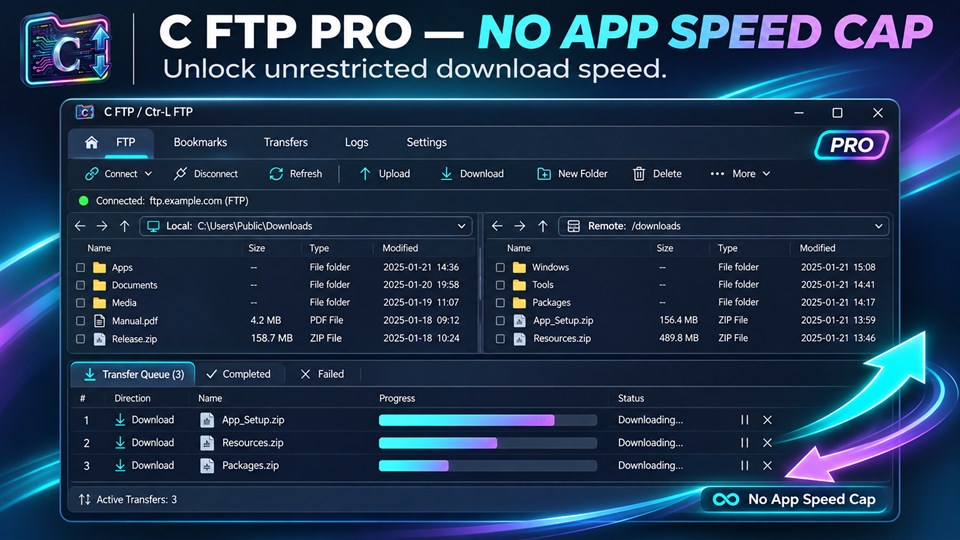
For transfers without an application-imposed download speed limit, choose the optional C FTP PRO annual subscription.
PRO removes the BASIC download speed cap while your subscription remains active. Actual transfer speeds depend on your internet connection, server, and network conditions.
C FTP gives you the flexibility to start free and upgrade when you need faster transfers.
C FTP — Your files. Your servers. Your workspace.
De la dezvoltator
Liste 0
-
 C Ftp
Puncte 0
-

- +1 Punct

Clasamente 0
-
- Evaluarea ta
Dezvoltator 11
- Ctr-L
- Urmăritori: 0
- Platforme: Windows Aplicații (11)
- Reduceri: 3
- Liste: 0 0
- Puncte: 0
- Clasamente: 0
- Comentarii: 0
- Videoclipuri: 1
- RSS: Abonează-te
Ce este nou
- Versiune: PC
- Ultima actualizare:
Informații suplimentare
- Data lansării:
- Categorie:
Aplicații pentru Windows›Instrumente pentru dezvoltatori - SO:
PC - Dimensiune:
113 Mb - Limbi disponibile:
Română,Albaneză,Arabă,Armeană,Bengaleză,Bulgară,Cehă,Chineză,Coreeană,Croată,Daneză,Ebraică,Engleză,Estonă,Filipineză,Finlandeză,Franceză,Georgiană,Germană,Greacă,Gujarati,Hindi,Indoneziană,Islandeză,Italiană,Japoneză,Kannada,Letonă,Lituaniană,Macedoneană,Maghiară,Malaeză,Malayalam,Marathi,Neerlandeză,Norvegiană,Persană,Poloneză,Portugheză,Punjabi,Rusă,Slovacă,Slovenă,Spaniolă,Suedeză,Swahili,Sârbă,Tamilă,Telugu,Thailandeză,Turcă,Ucraineană,Urdu,Vietnameză - Evaluarea conținutului:
EVERYONE - Windows Store Evaluare: ¡
0 - Website:
 https://ctr-l.com/
Scor AppAgg
Scor AppAgg estimat pentru
C Ftp
Dezvoltator: Ctr-L
Un scor mai mare reflectă de obicei rezultate mai bune pentru indicatorii urmăriți de AppAgg.
Bazat pe: popularitate · evaluări ale utilizatorilor · actualitate · oferte · date din magazine · activitatea comunității
Recalculat zilnic pe baza datelor AppAgg actualizate.
Comentarii 0 ¡
Distribuie
C Ftp Adresă URL scurtă: Copiat!- Windows Store

