
Marcaje
| Dezvoltator: | Gunatit Solutions (1) | ||
| Preț: | Gratuit Nou | ||
| Scor: | 1.110 Argint | ||
| Clasamente: | 0 | ||
| Comentarii: | 0 Postează comentariu | ||
| Liste: | 0 0 | ||
| Puncte: | 0 | ||
| +1 Punct | |||
Pe scurt
ControlsTwin este o aplicație creată de Gunatit Solutions, din categoria „Instrumente pentru dezvoltatori”.
Noutate: a apărut , deci ești printre primii.
Gratuită, fără reclame, fără cumpărături în aplicație. Doar tu și aplicația.
Microsoft Store e integrat în Windows, deci se instalează din câteva clicuri.
Scorul AppAgg e 1.110. „Argint”, și asta nu e deloc rău.
Doar 38 de megabyți, încape chiar și pe un disc plin.
Clasificare de vârstă „EVERYONE”: merge și pentru copii.
Vorbește o singură limbă, și nu e româna.
Liniște totală deocamdată. Nicio notă, niciun comentariu. Rupe tăcerea.
E singura aplicație a dezvoltatorului pe AppAgg. Deocamdată.
Vrei să afli primul de actualizări și aplicații noi? Urmărește dezvoltatorul sau abonează-te la RSS. Notificările push vin prin aplicația AppAgg Alerts pentru Android și iOS.
Alte platforme 0
Istoricul prețurilor 0
- Prețul actual: Gratuit
- Minim: Gratuit
- Maxim: Gratuit
Propriul tău flux pe pagina principală
Capturi de ecran 10
Descriere

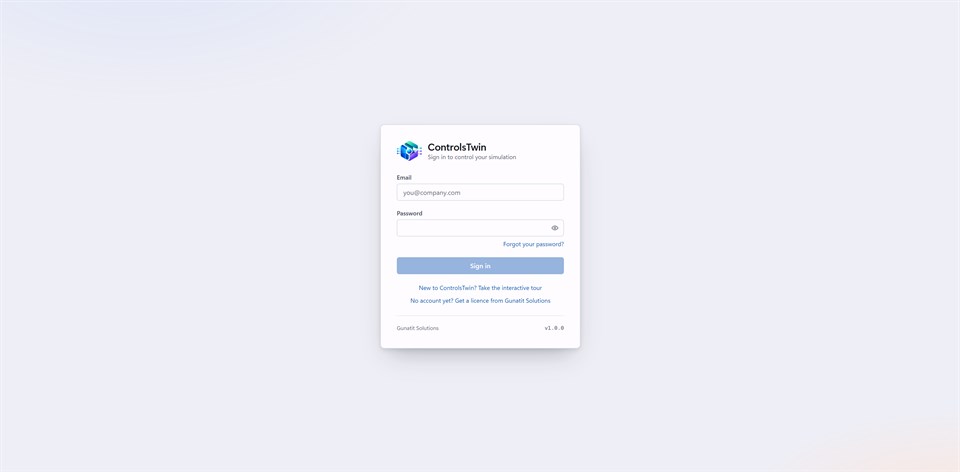
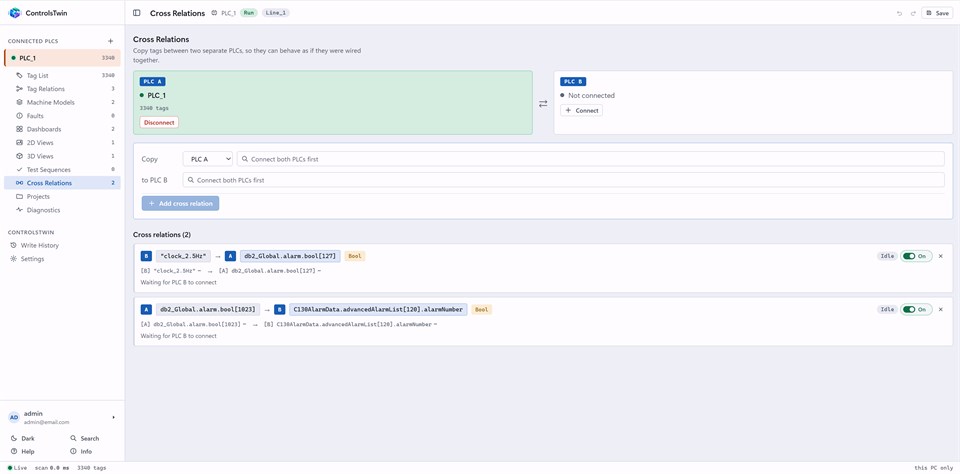
S7-PLCSIM Advanced is sold and licensed by Siemens, is not available in the Microsoft Store, and must be installed on the same PC. ControlsTwin licences are sold by Gunatit Solutions: a licence is for one named user and can be in use on one PC at a time. Signing in needs an internet connection. Without S7-PLCSIM Advanced, ControlsTwin tells you what is missing and offers an interactive tour of its screens.
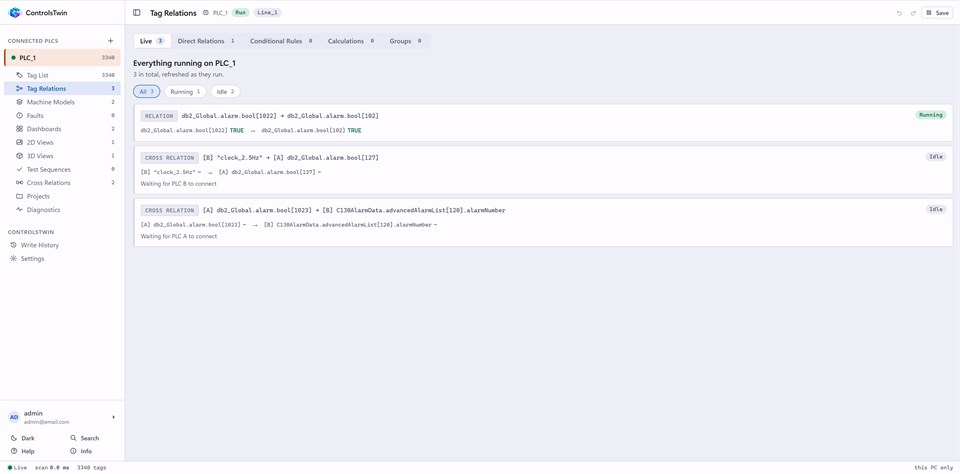
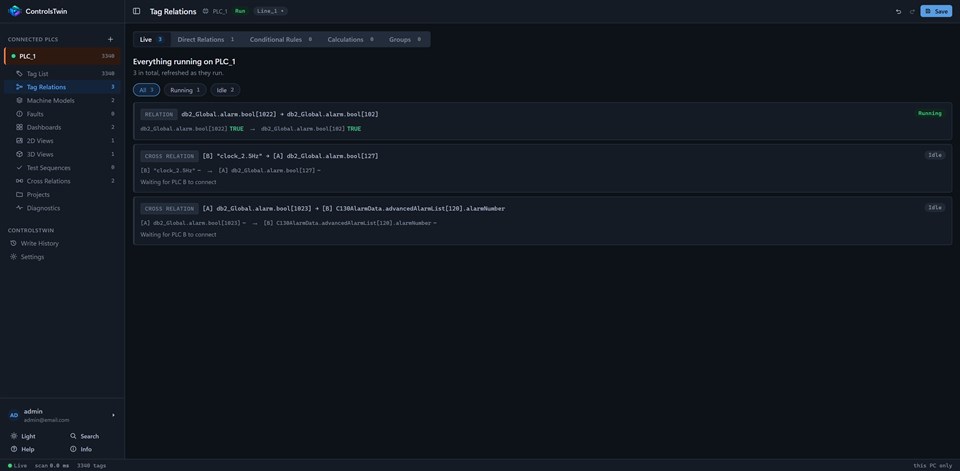
ControlsTwin helps automation engineers test a Siemens PLC program in simulation, on their own PC, before they go to site. Download your program from TIA Portal into S7-PLCSIM Advanced as usual. ControlsTwin connects to that simulated PLC and reads its tags. You then surround your program with simple machine models, faults and test sequences, and see how your logic responds to the situations you set up.
WHAT YOU CAN DO
• See every tag with its live value, search tags and write values.
• Add ready-made machine models that respond to the PLC: cylinder, valve, motor or pump, conveyor with parts, tank level, analog sensor and output, first-order process for PID tests, and counter or encoder.
• Switch on faults to check that your program notices them: a jam, a trip, a sensor that never comes on, or a tag that is stuck, frozen, inverted, chattering, noisy or has a broken wire. A red warning shows on every screen while a fault is on.
• Build rules that run continuously: direct relations, conditional rules with up to eight AND/OR conditions and an ELSE value, edge triggers, and calculations that write a formula's result to a tag.
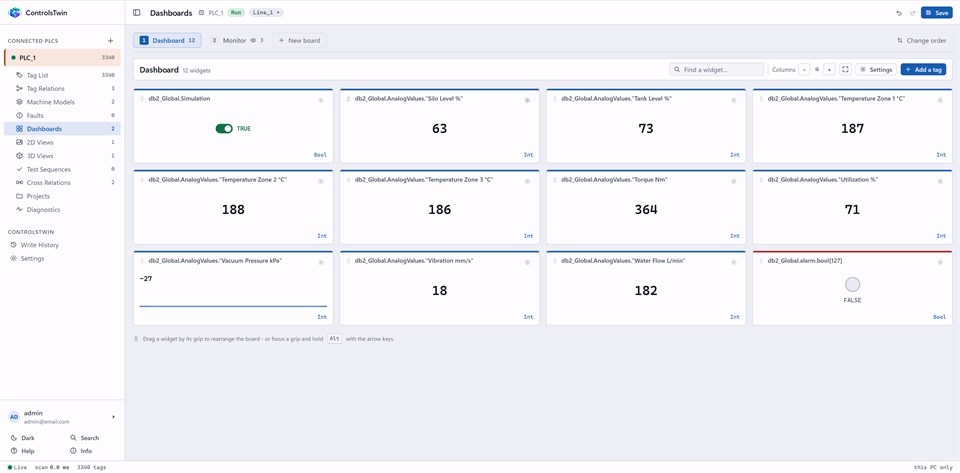
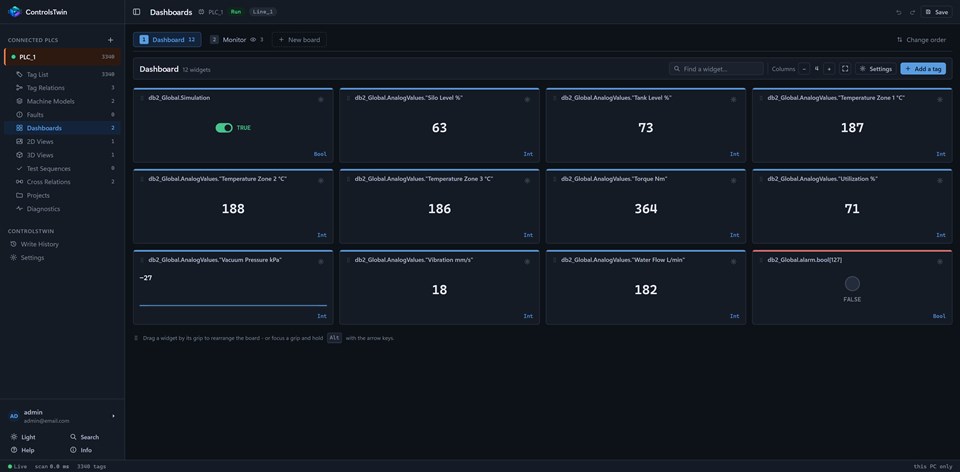
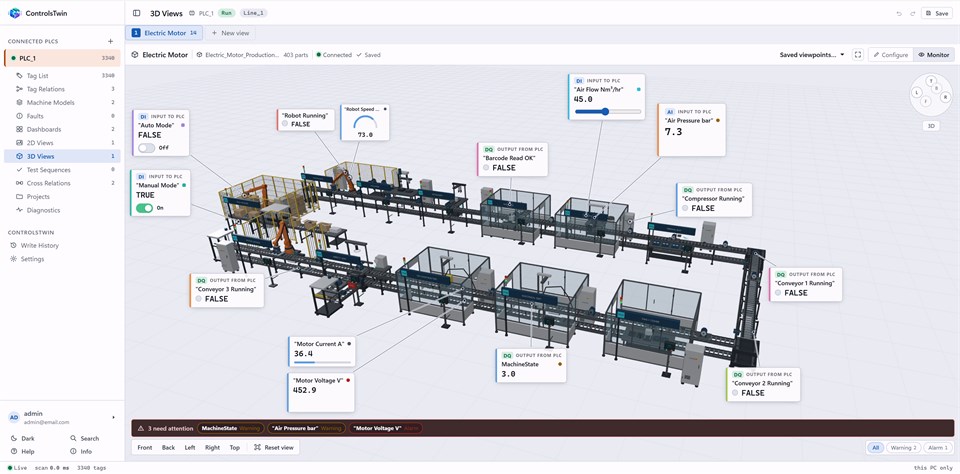
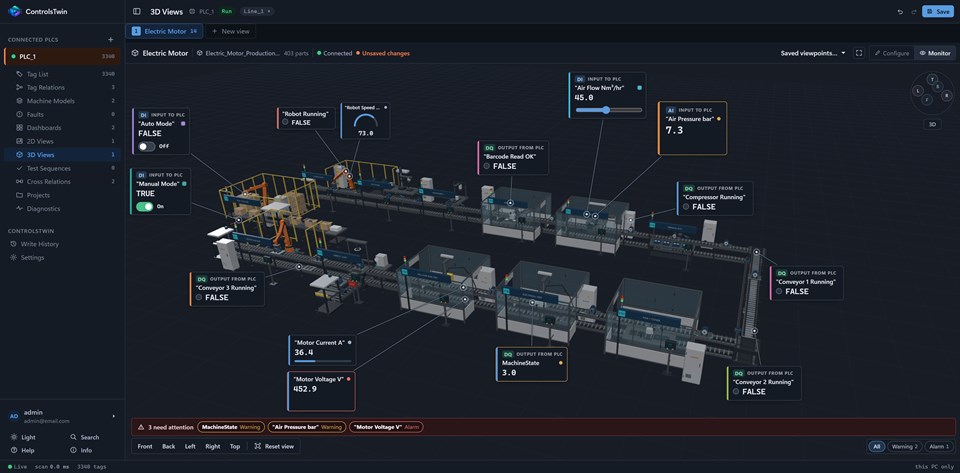
• Arrange live readings on dashboards (including trend charts), on a photo of the machine (2D views) or on a 3D model (3D views).
• Run test sequences that end in a plain pass or fail.
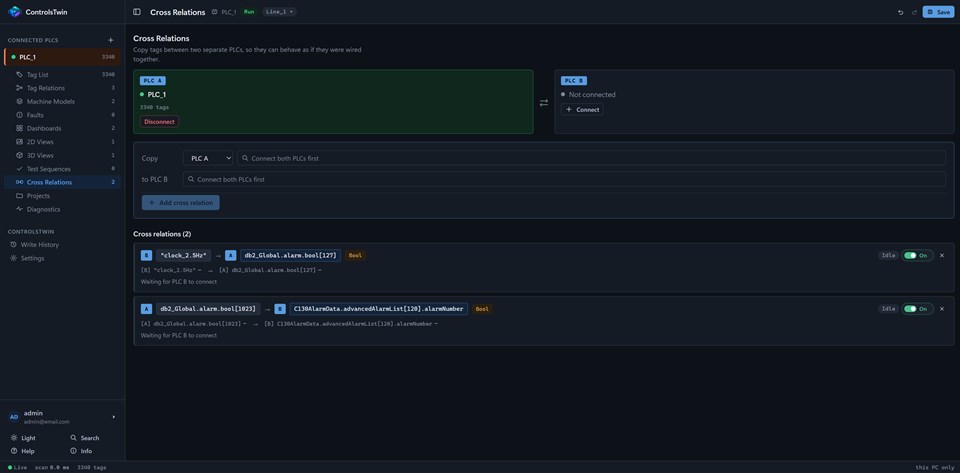
• Link tags between PLCs, and look back at every value written in a write history that survives restarts.
• Keep everything in one project file, with autosave and one-click backups.
• Start quickly with the built-in user manual and two reference projects.
HOW IT RUNS
ControlsTwin runs on your PC and opens in your web browser. It works only on that PC: it accepts no connections from other computers and never connects to a real PLC. Projects are saved in Documents\ControlsTwin Projects. S7-PLCSIM Advanced has its own Siemens system requirements; for example, Siemens does not support it on Windows Home editions.
SIMULATION ONLY
ControlsTwin is a simulation and engineering aid. Its machine models are simplified approximations, and its results reflect idealized conditions: real machines, PLCs and processes will behave differently. Never use ControlsTwin, or the simulation it works with, to read from or write to a real PLC or to control real equipment. Check everything on the real equipment with qualified people and your own safety and commissioning procedures.
LICENCE
ControlsTwin is free to download. To use it, you need a ControlsTwin licence account from Gunatit Solutions; see the publisher's website and support contact on this page. The ControlsTwin licence agreement is shown the first time you open the app and must be accepted before use.
Siemens, SIMATIC, S7-PLCSIM and TIA Portal are trademarks of Siemens AG. Gunatit Solutions is not affiliated with or endorsed by Siemens AG.
De la dezvoltator
Liste 0
-
 ControlsTwin
Puncte 0
-

- +1 Punct

Clasamente 0
-
- Evaluarea ta
Dezvoltator 1
- Gunatit Solutions
- Urmăritori: 0
- Platforme: Windows Aplicații (1)
- Reduceri: 0
- Liste: 0 0
- Puncte: 0
- Clasamente: 0
- Comentarii: 0
- Videoclipuri: 0
- RSS: Abonează-te
Ce este nou
- Versiune: PC
- Ultima actualizare:
Informații suplimentare
- Data lansării:
- Categorie:
Aplicații pentru Windows›Instrumente pentru dezvoltatori - SO:
PC - Dimensiune:
38 Mb - Limbi disponibile:
Engleză - Evaluarea conținutului:
EVERYONE - Windows Store Evaluare: ¡
0 - Website:
 https://www.gunatitsolutions.com/
Scor AppAgg
Scor AppAgg estimat pentru
ControlsTwin
Dezvoltator: Gunatit Solutions
Un scor mai mare reflectă de obicei rezultate mai bune pentru indicatorii urmăriți de AppAgg.
Bazat pe: popularitate · evaluări ale utilizatorilor · actualitate · oferte · date din magazine · activitatea comunității
Recalculat zilnic pe baza datelor AppAgg actualizate.
Comentarii 0 ¡
Distribuie
ControlsTwin Adresă URL scurtă: Copiat!- Windows Store

