
ที่บันทึกไว้
เลือกชื่อที่จะแสดงในเมนูที่บันทึกไว้ของคุณ
เสร็จแล้ว
| ผู้พัฒนา: | FirstOrder.AI (4) | ||
| ราคา: | ฟรี | ||
| การประเมิน: | 34,300 แพลทินัม | ||
| การจัดอันดับ: | 0 | ||
| ความเห็น: | 0 โพสต์ความคิดเห็น | ||
| รายการ: | 0 + 0 | ||
| แต้มแล: | 0 + 1,303 (4.7) ¡ | ||
| +1 แต้มแล | |||
คำอธิบาย

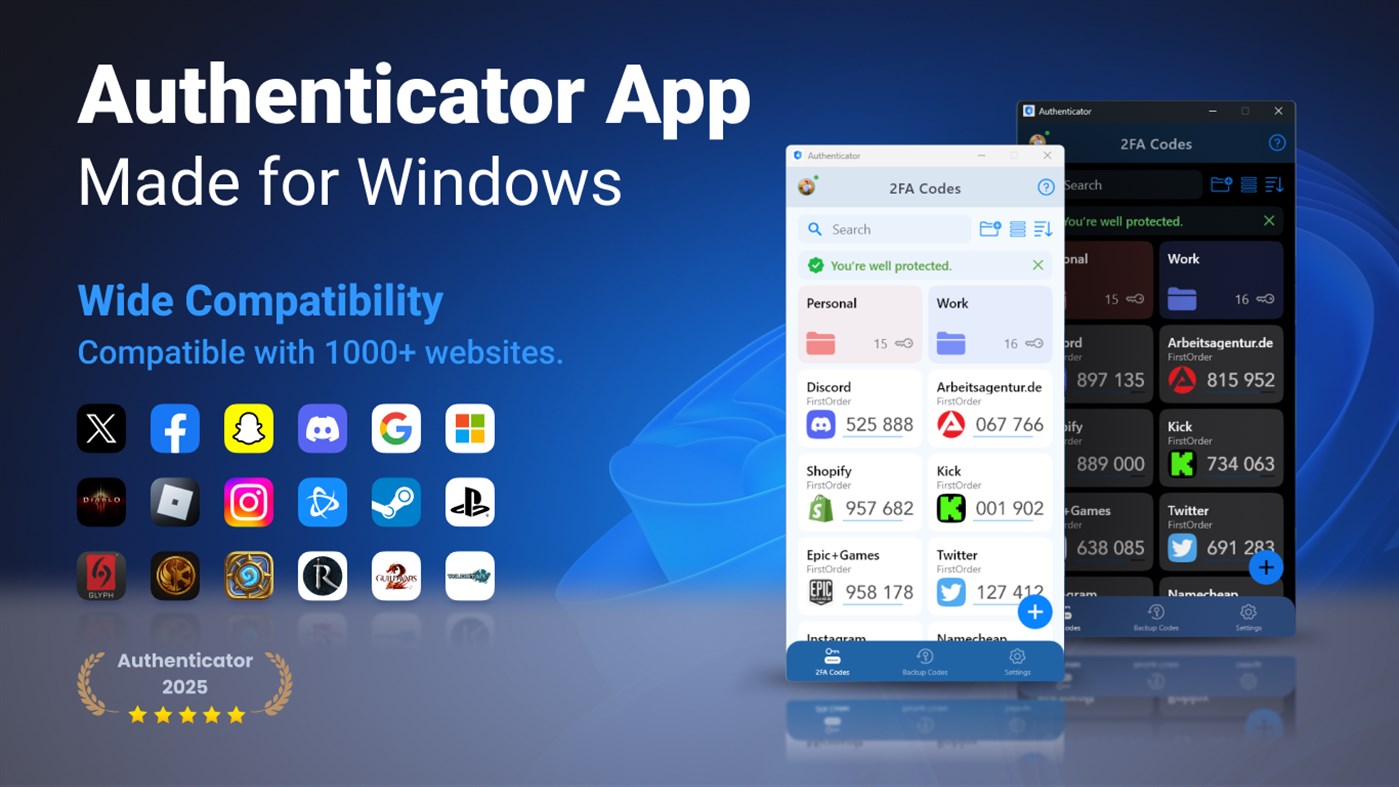
Authenticator App is a highly secure authentication app that can generate 2FA(two-factor authentication) tokens/TOTP(time-based one-time passwords) for Windows users when signing into their online accounts and help them to protect their accounts from hackers by adding an additional layer of security. This TOTP authenticator app supports synchronization & backup across smart phones, tablets and Windows PC by using Google Cloud.
The Authenticator app is compatible with more than 1000 websites and services that provide two-factor authentication.
Key Features:
1. Store and generate 2FA codes. The code will update to a new one every 30 seconds.
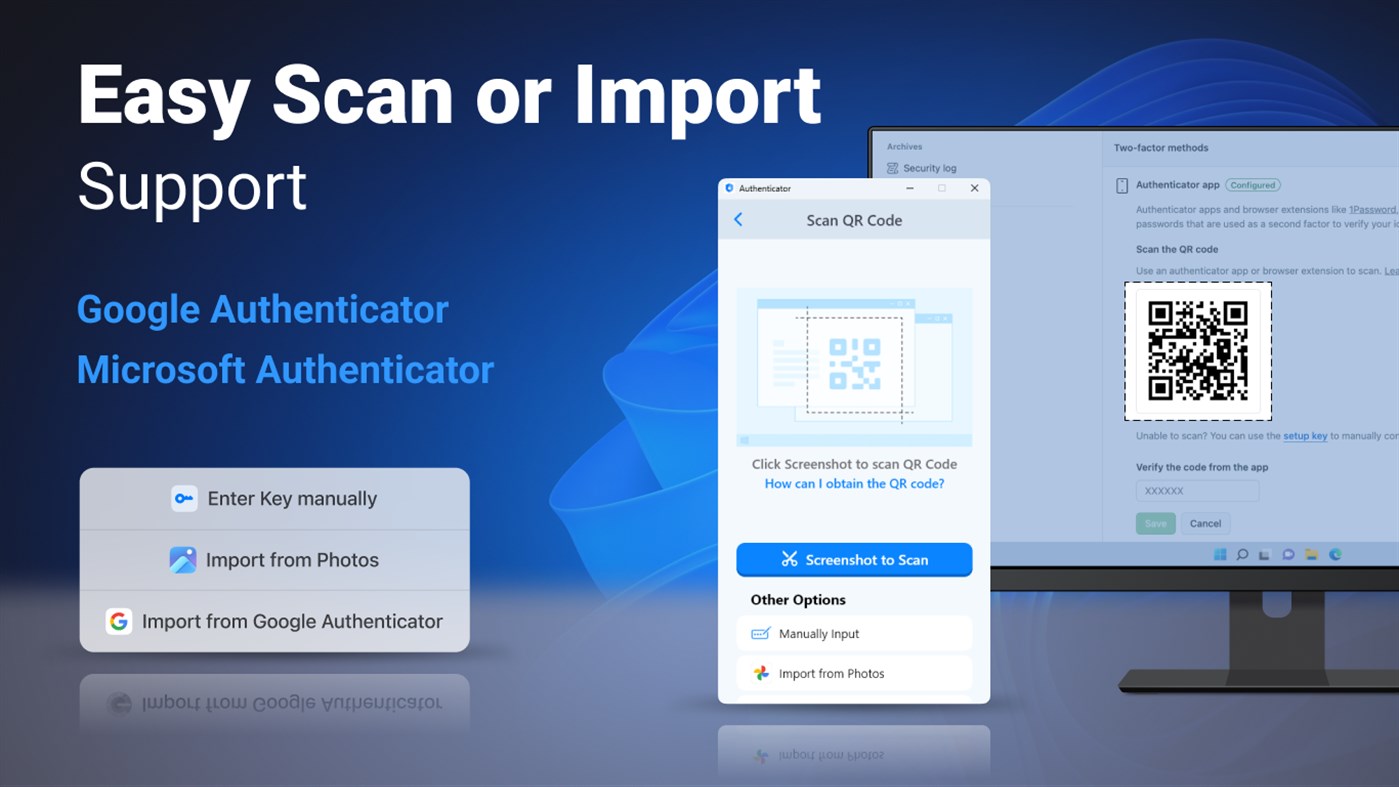
2. Easy to setup 2FA. Scan QR Code or enter manually to add 2FA account, support import from Google Authenticator, also support Mircosoft Authenticator.
3. User-friendly guides. The app has instructions that describe basic steps, such as adding 2FA Code.
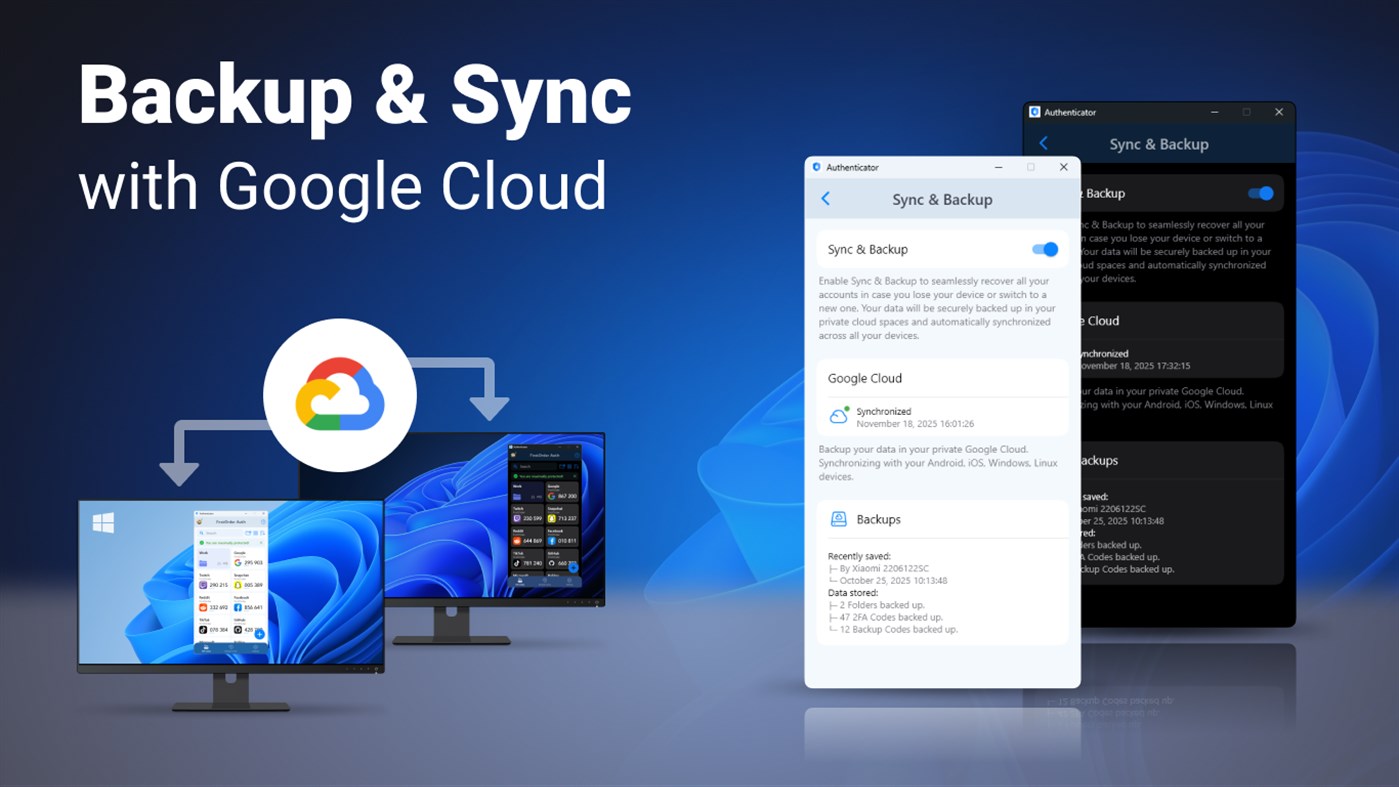
4. Encrypted sync & backup using Google Cloud. Sync your accounts across smartphones, tablets & Windows PC.
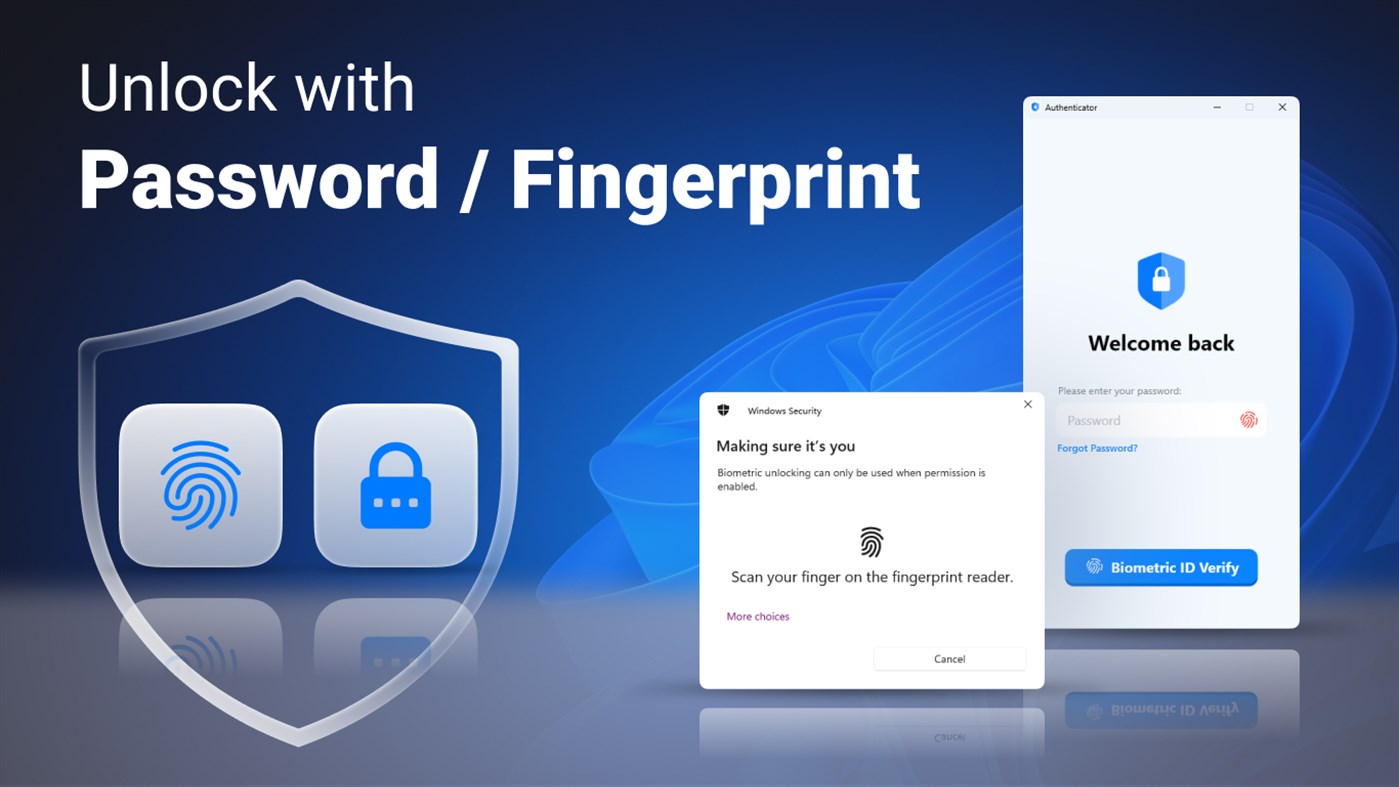
5. App level security by password/fingerprint. You are the only one who can read your codes.
6. Easily restore your accounts when you lose your device.
7. Import and export two-factor authentication accounts. You can import/export your data from/to local storage.
8. Backup codes & Recovery codes. Easily manage and import codes from files.
9. Folders. Manage your keys in custom folders.
10. AutoFill 2FA codes via our browser extensions.
11. MCP server. Allow AI agents to safely access your 2FA codes.
It is so easy for multi-factor authentication app to verify your online identity. You just need to turn on two-step verification on your online apps settings & choose to set up a different Authenticator app; then use our authy app to scan the QR code for a quick & easy setup. Now you can enter your one-time password (OTP software token) generated by our app on the website to log in!
If you have any thoughts, questions or suggestions, please feel free to contact us at feedback@firstorder.ai
Home Page: https://authenticator.firstorder.ai
Terms of Use: https://authenticator.firstorder.ai/terms-of-service
Privacy Policy: https://authenticator.firstorder.ai/privacy-policy-authenticator
ภาพหน้าจอ
Ad
ประวัติราคา
- ราคาปัจจุบัน: ฟรี
- ต่ำสุด: ฟรี
- มากที่สุด: ฟรี
ติดตามราคา
การประเมิน AppAgg
34,300
การประเมิน AppAgg โดยประมาณสำหรับ
Authenticator App · 2FA
34,300 แพลทินัม
การประเมินที่สูงขึ้นมักหมายถึงสัญญาณบน AppAgg ที่แข็งแกร่งขึ้น
อิงจาก: ความนิยม · คะแนนจากผู้ใช้ · ความสดใหม่ · ดีล · ข้อมูลร้านค้า · กิจกรรมชุมชน
คำนวณใหม่ทุกวันจากข้อมูล AppAgg ล่าสุด.
URL แบบสั้น: คัดลอกแล้ว!
มีอะไรใหม่
- เวอร์ชัน: PC
- อัปเดตล่าสุด:
ข้อมูลเพิ่มเติม
- วันที่วางจำหน่าย:
- หมวดหมู่:
Windows แอป›ความปลอดภัย - ระบบปฏิบัติการ:
PC - ขนาด:
25 Mb - ภาษาที่สนับสนุน:
English - การจัดประเภทเนื้อหา:
EVERYONE - Windows Store คะแนนโดย:
4.7(1,303) - เว็บไซท์:
 https://authenticator.firstorder.ai
ผู้พัฒนา
- FirstOrder.AI
- แพลตฟอร์ม: iOS แอป (3) Windows แอป (1)
- รายการ: 0 + 1
- แต้มแล: 1 + 1,814 ¡
- การจัดอันดับ: 0
- ความเห็น: 0
- ลดราคา: 0
- วิดีโอ: 0
- RSS: ติดตาม
รายการ (0)
0
- Authenticator App · 2FA
แต้มแล (0)
0
การจัดอันดับ (0)
0
ความเห็น (0)
เป็นคนแรกที่แสดงความเห็น
สรุป
Authenticator App · 2FA URL แบบสั้น: คัดลอกแล้ว!- แชร์
- Windows Store
«Authenticator App · 2FA». แพลตฟอร์ม: Windows. หมวดหมู่: ความปลอดภัย. ผู้พัฒนา: «FirstOrder.AI». การเปิดตัวครั้งแรก: . อัปเดตล่าสุด: . ราคาปัจจุบัน: ฟรี. ชื่อนี้ยังไม่ได้รับการให้คะแนนหรือบทวิจารณ์บน AppAgg ร้านค้า: Windows Store. คะแนนร้านค้า: 4.7. โหวต: 1,303. ภาษาที่ใช้ได้: English. AppAgg ติดตามประวัติราคา การให้คะแนน และคำติชมของผู้ใช้ «Authenticator App · 2FA». AppAgg ไม่ได้โฮสต์แอปพลิเคชันหรือแจกจ่ายซอฟต์แวร์ เครื่องหมายการค้า โลโก้ และภาพหน้าจอทั้งหมดเป็นของเจ้าของที่เกี่ยวข้อง ส่วนลดและอัปเดตในอนาคต: RSS
คล้ายกัน
-
- 2FA Authenticator Desktop
- Windows แอป: ความปลอดภัย โดย: XSoft Studio
- $1.19
- รายการ: 0 0 0
- แต้มแล: 0 + 0 570 เวอร์ชัน: PC 2FA Authenticator Desktop brings the future of strong authentication to the convenience of your Windows device. The 2FA Authenticator Desktop app generates secure 2 step verification ... ⥯
-
- WinOTP Authenticator
- Windows แอป: ความปลอดภัย โดย: Vladimir Akopyan
- ฟรี
- รายการ: 4 0 0
- แต้มแล: 7 + 16 6K เวอร์ชัน: PC Authenticator lets you save and generate One Time Password comonly used by Microsoft, Google and other online services as a Two-Factor authentication. It features cloud sync with ... ⥯
-
- G Authenticator - For (Google) Service
- Windows แอป: ความปลอดภัย โดย: Apppre Mobile
- * ฟรี
- รายการ: 0 0 0
- แต้มแล: 0 + 574 28K เวอร์ชัน: PC G Authenticator is a Windows desktop authenticator designed for users who rely heavily on Google accounts, Google 2FA, and Google-style sign-in workflows. It provides a desktop-first ... ⥯
-
- 2 Factor Authenticator
- Windows แอป: ความปลอดภัย โดย: Dhananjay Odhekar
- ฟรี
- รายการ: 1 0 0
- แต้มแล: 6 + 496 9K เวอร์ชัน: PC The 2 Factor Authenticator app can generate security codes for your Microsoft, Google, LastPass and facebook accounts. You need to enable two factor or two step verification in your ... ⥯
-
- Trustelem Authenticator
- Windows แอป: ความปลอดภัย โดย: Trustelem
- ฟรี
- รายการ: 0 0 0
- แต้มแล: 0 + 0 550 เวอร์ชัน: PC WALLIX Authenticator (formerly Trustelem Authenticator) is a multi-factor authentication application. It is fully compatible with Google Authenticator and alike. When used with WALLIX ... ⥯
-
- Simple Authenticator
- Windows แอป: ความปลอดภัย โดย: Develmaster
- $0.99
- รายการ: 0 0 0
- แต้มแล: 0 + 0 890 เวอร์ชัน: PC One Time Password Generation: Securing your login has never been easier! Here are the features of our application: Your Key Meets Your Password: If you wish, obtain your login key by ... ⥯
-
- 2fast – Two Factor Authenticator
- Windows แอป: ความปลอดภัย โดย: Jan Philipp Weber
- * ฟรี
- รายการ: 0 0 0
- แต้มแล: 0 + 230 21K เวอร์ชัน: PC 2fast (acronym for two factor authenticator supporting TOTP) is a free, open source, two factor authenticator for Windows and other platforms. 2fast has the ability to store the ... ⥯
-
- Oracle Mobile Authenticator
- Windows แอป: ความปลอดภัย โดย: Oracle America Inc
- ฟรี
- รายการ: 0 0 0
- แต้มแล: 0 + 11 7K เวอร์ชัน: PC Oracle Mobile Authenticator enables you to securely verify your identity by using your mobile device as a authentication factor. The app generates one-time passwords for login. Or it ... ⥯
-
- Passwords & Codes-Safe
- Windows แอป: ความปลอดภัย โดย: SAFEINCLOUD S.A.S.
- ฟรี
- รายการ: 0 0 0
- แต้มแล: 0 + 2,135 24K เวอร์ชัน: PC SafeInCloud Password Manager allows you to keep your logins, passwords, and other private info safe and secure in an encrypted database. You can synchronize your data with another ... ⥯
-
- 2FAGuard
- Windows แอป: ความปลอดภัย โดย: Timo Kössler
- ฟรี
- รายการ: 0 0 0
- แต้มแล: 1 + 5 8K เวอร์ชัน: PC A modern app for managing 2FA authentication codes With 2FAGuard, you can securely store your 2FA tokens and easily access them when needed. Your keys are encrypted according to the ... ⥯
-
- ellipticSecure Device Manager
- Windows แอป: ความปลอดภัย โดย: ellipticSecure
- ฟรี
- รายการ: 0 0 0
- แต้มแล: 0 + 0 890 เวอร์ชัน: PC Easily manage your Hardware Security Module, PKCS#11 token or FIDO2 Security Key with the ellipticSecure Device Manager. Instead of just signing PDFs or e-mails with the PKCSS#11 ... ⥯
-
- Bytewarden
- Windows แอป: ความปลอดภัย โดย: Alistair23
- ฟรี
- รายการ: 0 0 0
- แต้มแล: 0 + 0 590 เวอร์ชัน: PC This is an unofficial open source client for the bitwarden password manager. This client is based on the original bitwarden mobile client with added support for Windows 10, Windows 10 ... ⥯