
Gespeichert
Wähle den Namen, der im Menü Gespeichert angezeigt werden soll.
Fertig!
| Entwickler: | Chris Andriessen (3) | ||
| Preis: | $1.99 | ||
| Einschätzung: | 6,590 Gold | ||
| Klassifizierungen: | 0 | ||
| Kommentare: | 0 Kommentar posten | ||
| Listen: | 2 + 0 | ||
| Punkte: | 1 + 301 (2.9) ¡ | ||
| +1 Punkte | |||
Beschreibung

TaskbarX is build for Windows 10. On Windows 11 TaskbarX can only be used to change the background style of the taskbar until Windows 11 version number 10.0.22621.1265 Feb 2023. If you have a higher version than Windows 11 10.0.22621.1265 Feb 2023 TaskbarX will not work.
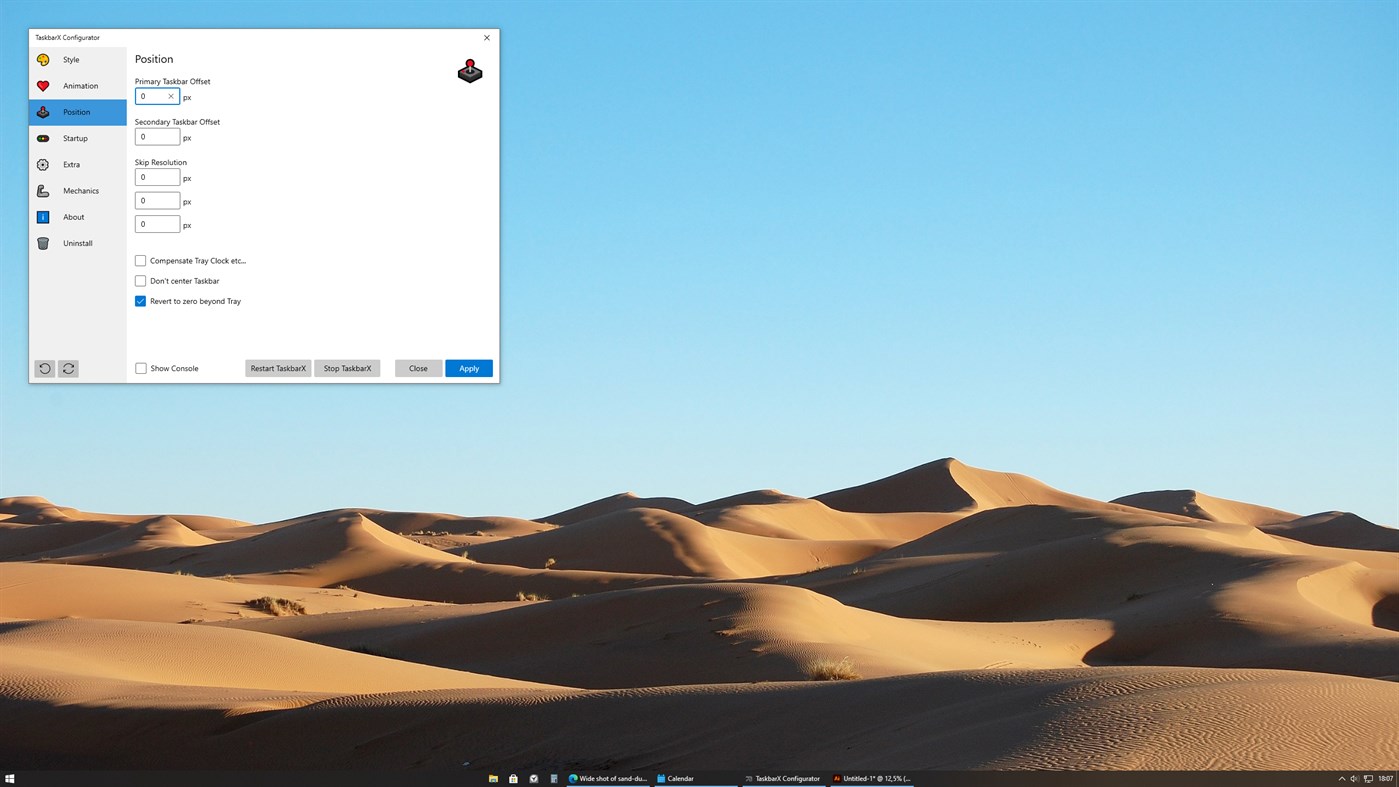
TaskbarX gives you control over the position of your Windows 10 taskbar icons.
TaskbarX will give you an original Windows dock like feel.
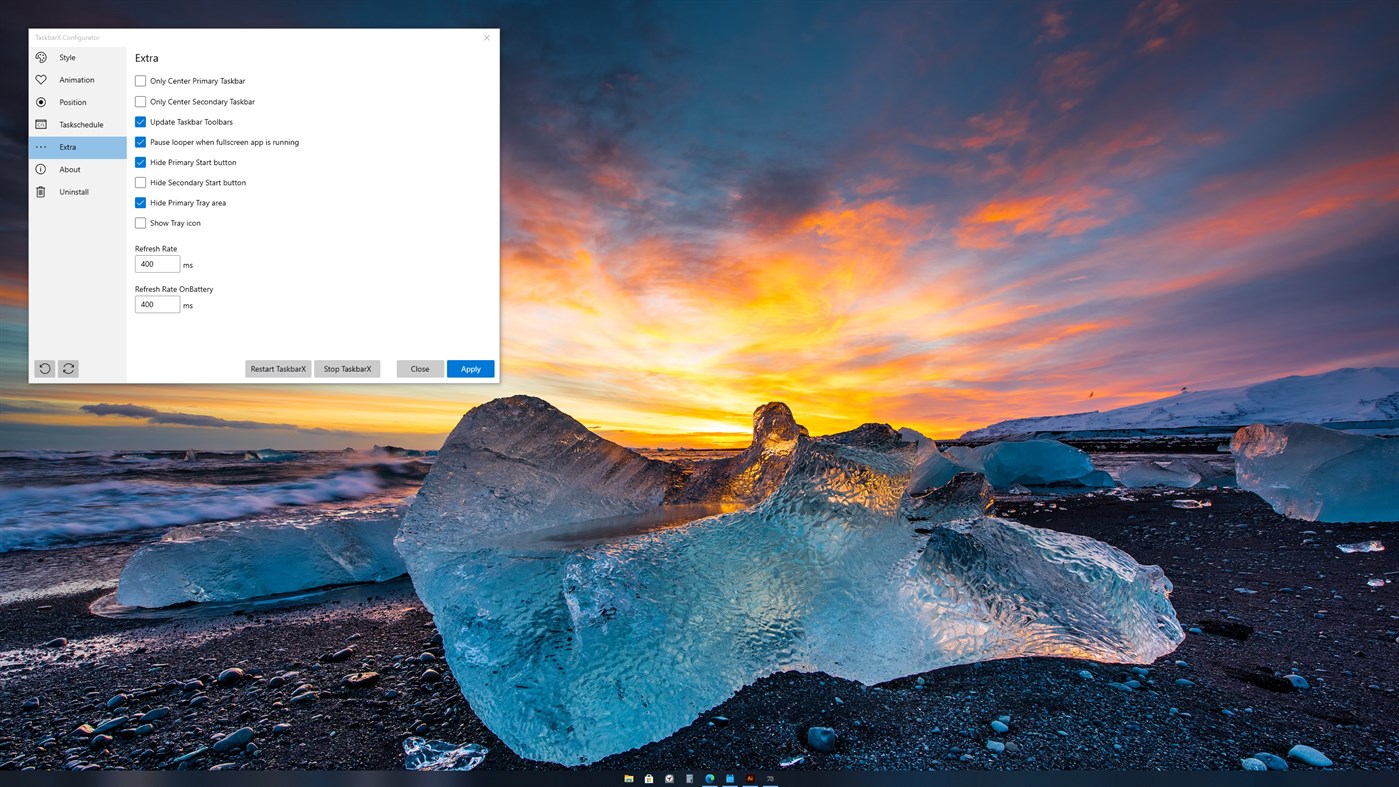
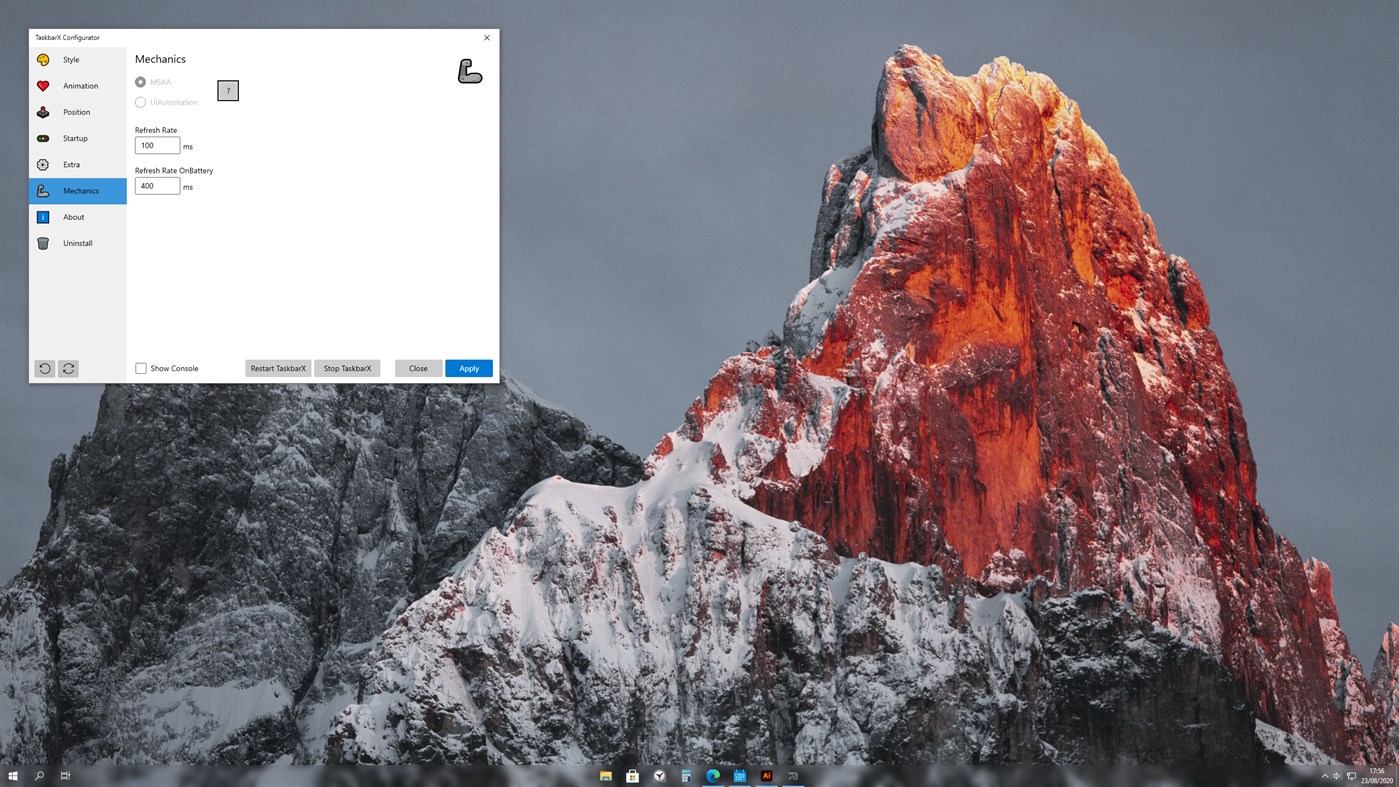
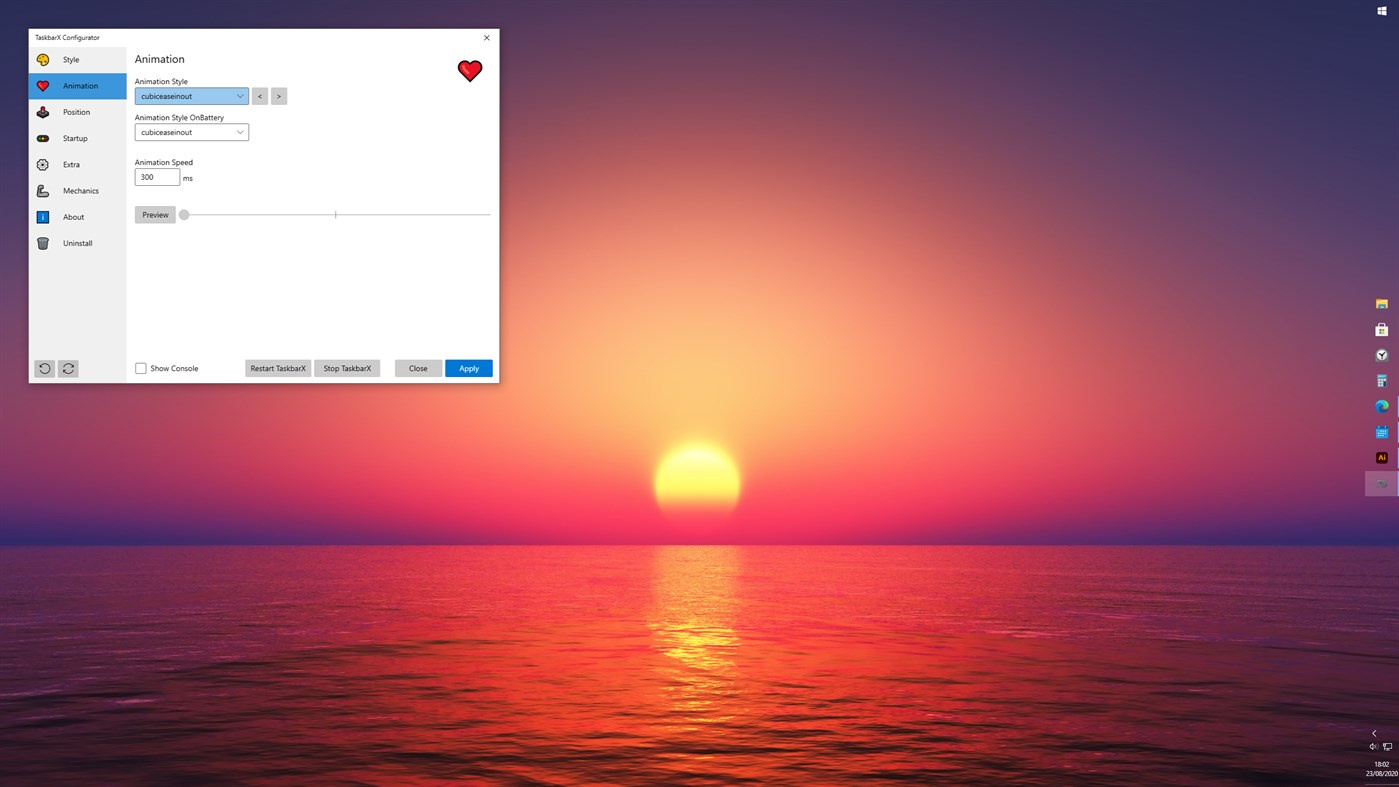
The icons will move to the center or user given position when an icon gets added or removed from the taskbar. You will be given the option to choose between a variety of different animations and change their speeds. The animations can be disabled if you don't like animations and want them to move in an instant. The center position can also be changed to bring your icons more to the left or right based on the center position. Currently all taskbar settings are supported including the vertical taskbar and unlimited taskbars.
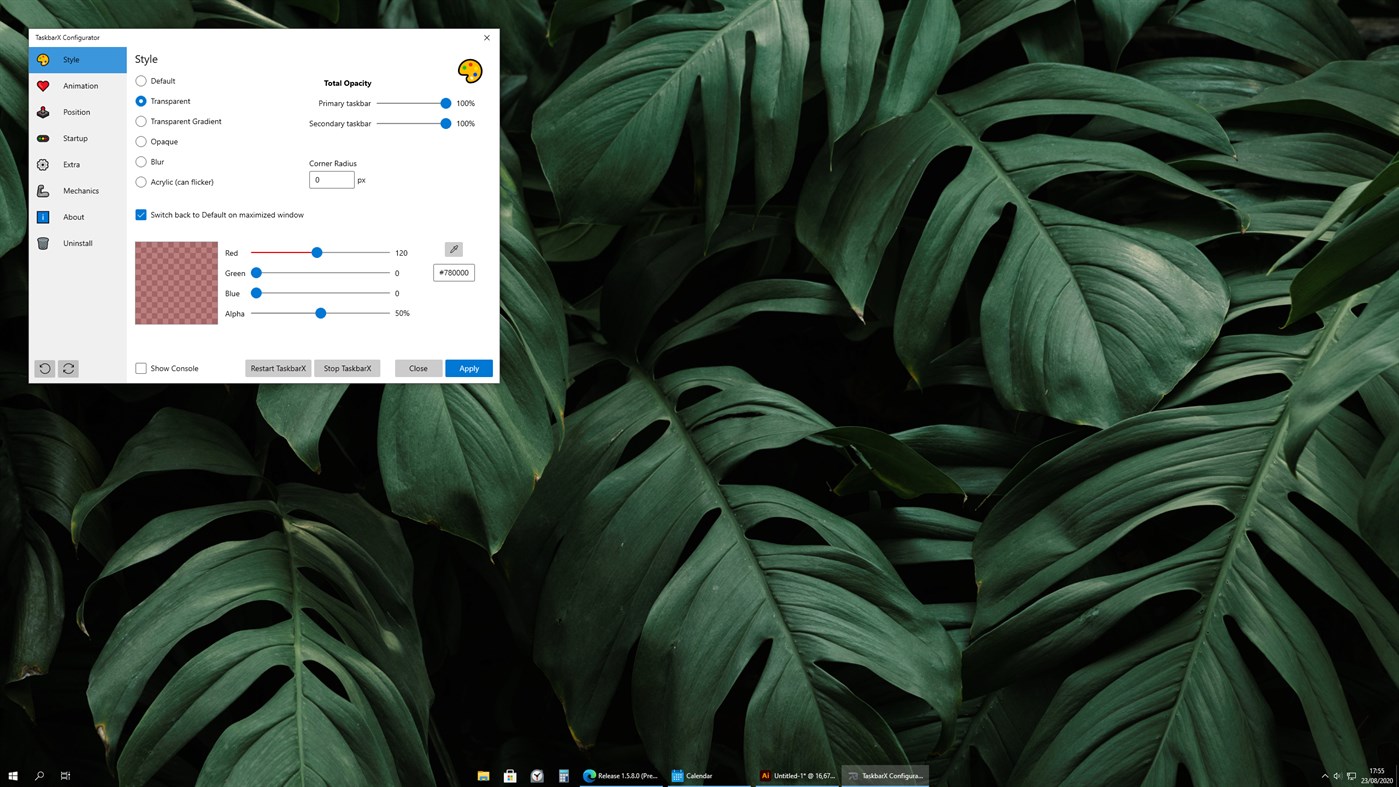
You can also change the taskbar style to Transparent, Blur and Acrylic.
Run at startup:
To make TaskbarX run at starup you will have to open the "TaskbarX Configurator" listed in your start menu. And hit the Apply button.
Screenshots
Ad
Preisentwicklung
- Aktueller Preis: $1.99
- Mindestens: $0.99
- Maximale: $1.99
Preise beobachten
AppAgg-Einschätzung
6,590
Geschätzte AppAgg-Einschätzung für
TaskbarX
6,590 Gold
Höhere Einschätzungen bedeuten meist stärkere Signale auf AppAgg.
Basierend auf: Popularität · Nutzerbewertungen · Aktualität · Angeboten · Shop-Daten · Community-Aktivität
Wird täglich anhand aktueller AppAgg-Daten neu berechnet.
Kurz-URL: Kopiert!
Neue Funktionen
- Version: PC
- Zuletzt aktualisiert:
Weitere informationen
- Veröffentlichungsdatum:
- Kategorie:
Windows Apps›Personalisierung - Betriebssysteme:
PC - Größe:
2 Mb - Unterstützte Sprachen:
English - Altersfreigabe:
EVERYONE - Windows Store Bewertung:
2.9(301) - Webseite:
 https://chrisandriessen.nl/
Entwickler
- Chris Andriessen
- Plattformen: Windows Apps (3)
- Listen: 2 + 1
- Punkte: 3 + 326 ¡
- Klassifizierungen: 0
- Kommentare: 0
- Rabatte: 1
- Videos: 0
- RSS: Abonnieren
Listen (2)
- TaskbarX


Punkte (1)
-

- 1 Fahad Abdul Rub
- +1

Klassifizierungen (0)
0
Kommentare (0)
Seien Sie der Erste, der einen Kommentar abgibt
Kurzinfo
TaskbarX Kurz-URL: Kopiert!- Teilen
- Windows Store
«TaskbarX». Plattform: Windows. Kategorie: Personalisierung. Entwickler: «Chris Andriessen». Erste Veröffentlichung: . Letzte Aktualisierung: . Aktueller Preis: $1.99. Niedrigster aufgezeichneter Preis: $0.99 (). Höchster aufgezeichneter Preis: $1.99 (). Dieser Titel hat noch keine Bewertungen oder Rezensionen auf AppAgg erhalten. Listen: öffentliche 2, private 0. Verfolgte Punkte: bestätigte 1, indirekte 301. Shop: Windows Store. Store-Bewertung: 2.9. Stimmen: 301. Verfügbare Sprachen: English. AppAgg verfolgt den Preisverlauf, Bewertungen und Benutzerfeedback für «TaskbarX». AppAgg hostet keine Anwendungen und vertreibt keine Software. Alle Marken, Logos und Screenshots gehören ihren jeweiligen Eigentümern. Verfolgen Sie zukünftige Rabatte und Updates über RSS
Ähnliches
-
- Taskbar+
- Windows Apps: Personalisierung Von: PeroSoftware.com
- * Kostenlos
- Listen: 0 + 1 0 0
- Punkte: 6 + 2,111 38K Version: PC Taskbar+ is a lightweight utility that can make the taskbar transparent, translucent or colored on Windows 10 and 11. It provides a more friendly setting interface and more intuitively ⥯
-
- Transparent Taskbar
- Windows Apps: Personalisierung Von: chengcong
- $1.09
- Listen: 0 0 0
- Punkte: 1 + 85 14K Version: PC Transparent Taskbar is an application that sets the computer taskbar to blur glass and fully transparent, as well as transparency (from solid to full transparency). Use your HD ... ⥯
-
- TranslucentTB
- Windows Apps: Personalisierung Von: Charles Milette
- Kostenlos
- Listen: 3 + 2 5 (1) 0
- Punkte: 13 + 7,464 36K Version: PC A lightweight (uses a few MB of RAM and almost no CPU) utility that makes the Windows taskbar translucent/transparent on Windows 10 and Windows 11. Runner up for the Microsoft Store ... ⥯
-
- Custom Cute Cursors - Desktop Customization
- Windows Apps: Personalisierung Von: Vortex Labs Apps LLP
- * Kostenlos
- Listen: 0 0 0
- Punkte: 4 + 353 19K Version: PC Personalize your desktop appearance with our tool and dive into the world of cute custom cursors! We re dedicated to providing you with fancy and modern options for desktop ... ⥯
-
- TaskbarEffect
- Windows Apps: Personalisierung Von: Valaut
- $2.49
- Listen: 0 0 0
- Punkte: 0 + 0 500 Version: PC Makes the taskbar in constantly iridescent colors with dynamically changing transparency with the overlay of Aero Glass or Fluent Acrylic effects and the shadow fading into the ... ⥯
-
- RainbowTaskbar.
- Windows Apps: Personalisierung Von: ad2017
- * $1.99
- Listen: 0 0 0
- Punkte: 0 + 8 580 Version: PC RainbowTaskbar allows you to finally properly personalize one of the core aspects of Windows: the taskbar. RainbowTaskbar is a user-friendly tool designed to let you personalize your ... ⥯
-
- Brightness Below Minimum Setter
- Windows Apps: Personalisierung Von: EvlarSoft LLC
- $3.99
- Listen: 1 0 0
- Punkte: 0 + 7 590 Version: PC Brightness Below Minimum Setter is the ultimate tool for achieving ultra-low brightness levels on your display, providing comfort for late-night work, reading, or reducing eye strain ... ⥯
-
- NiceTaskbar
- Windows Apps: Personalisierung Von: Axiw Software
- * Kostenlos
- Listen: 1 0 0
- Punkte: 9 + 553 10K Version: PC A toolkit that make your windows taskbar looks so nice ⥯
-
- TouchMe Gesture Studio
- Windows Apps: Personalisierung Von: Appsolutely Apps
- * Kostenlos
- Listen: 1 0 0
- Punkte: 0 + 1,663 18K Version: PC READ THIS FIRST The sole purpose of TouchMe Gesture Studio is to enable you to create, edit, and export a customized gesture file and that s it! This app does not and never will ... ⥯
-
- Aurora Wallpaper
- Windows Apps: Personalisierung Von: Michał Łeptuch
- Kostenlos
- Listen: 0 + 1 0 0
- Punkte: 0 + 10 590 Version: PC Do you know the breathtaking animation called Aurora? It's a beautiful play of colors that makes you feel calm and relaxed. It perfectly blends with taskbar and other elements of your ... ⥯