
| Developer: | Goran Johansson (9) | ||
| Price: | Free | ||
| Rankings: | 0 | ||
| Reviews: | 0 Write a Review | ||
| Lists: | 0 + 0 | ||
| Points: | 0 + 0 ¡ | ||
| Mac App Store | |||
Description

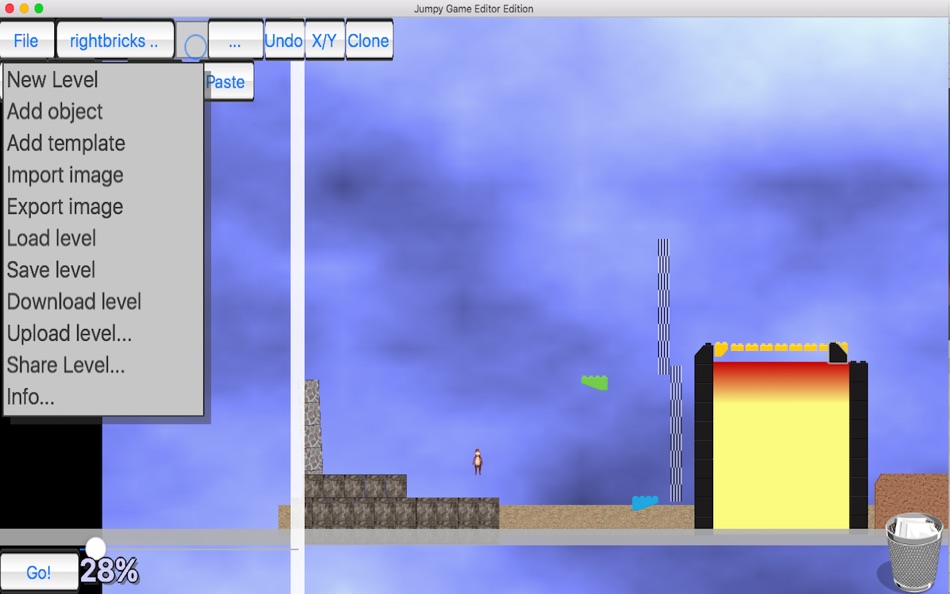
You can edit your level on your Mac and then continue to work on your level with your iphone and ipad.
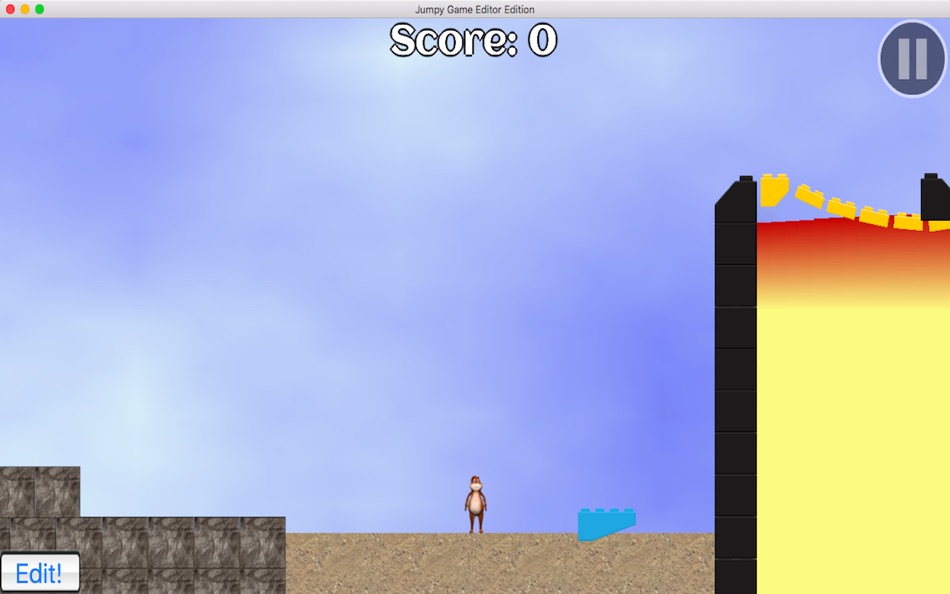
Use advanced physics to create cool and innovative levels with your own personal touch!
When ready, you can share your level with friends and family, with just one click, on social media, mail or skype.
Enter the world of Jumpy and edit the best level you can imagine and then share it with the world!
If you get any problems during the installation please refer to "JumpyEdit Support" link to the right
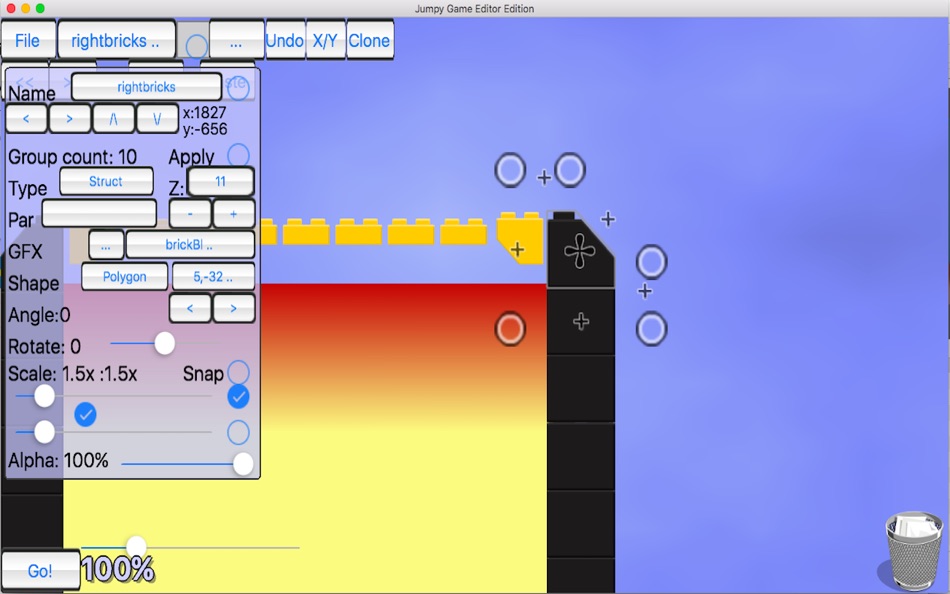
Make use of keyboard commands to speed up your level editing, and enter advanced commands to use advanced the features.
Advanced features includes:
Full physics engine, swipe controls
X/Y lock, Object locking, Grouping, Z-order, object cloning, scaling & rotation, polygon editing
30 textures, 100+ graphics, 50+ sound effects
Visual background/foreground effects
thunder/lightning, snow, rain, background parallaxx scroll
Advanced polygons
Support complex concave and convex shapes
Visual game object effects
Smoke/Fire, Overlay images, Projectiles, Fade toggle, repeat with flip
Physics joints
pivot, weld, rope, piston, friction, wheel, distance joints
Generated graphics
Text, Sun, Generated clouds, Gradients, Stars, Waves, Static waves
Polygon shapes, Textured polygons with gradient shading
Shadows
Cast or/and receive
Powerups
size, invisibility
Shape based collison
rectangle, circle, polygon
Advanced region zoom
Camera panning at object collision and button/switch activation
Button/Switches
moves/rotates objects when activated
Materials for objects
plastic, metal, wood, paper, rubber, concrete, ice etc.
Portal functionality
Advanced collision overrides
Advanced movement for objects
copy, waypoints, curves, sinus, splines, 3d sinus, hunt
Advanced sound functionality
Distance, bounce sounds, collision sound
Special functionality
set gravity, density, bounce on individual objects
Hide object timer
Object crush enemy or player
Copy movement to object
Ad
Screenshots
What's new
- Version: 1.0
- Updated:
Price History
- Today: Free
- Minimum: Free
- Maximum: Free
Track prices
Ad
Developer
- Goran Johansson
- Platforms: iOS Apps (1) iOS Games (5) macOS Apps (3)
- Lists: 0 + 0
- Points: 2 + 2 ¡
- Rankings: 0
- Reviews: 0
- Discounts: 0
- Videos: 0
- RSS: Subscribe
Points
0 ☹️
Rankings
0 ☹️
Lists
0 ☹️
- JumpyEdit for Mac OS X
Reviews
Be the first to review 🌟
Additional Information
- Version: 1.0
- Category:
macOS Apps›Developer Tools - OS:
macOS,macOS 10.8 and up - Size:
18 Mb - Supported Languages:
English - Content Rating:
9+ - Mac App Store Rating:
0 - Updated:
- Release Date:
Contacts
- Website:
 http://jumpy.info
«JumpyEdit for Mac OS X» is a Developer Tools app for macOS, developed by «Goran Johansson». It was first released on and last updated on . This app is currently free. This app has not yet received any ratings or reviews on AppAgg. Available languages: English. AppAgg continuously tracks the price history, ratings, and user feedback for «JumpyEdit for Mac OS X». Subscribe to this app or follow its RSS feed to get notified about future discounts or updates. AppAgg does not host applications or distribute software. All trademarks, logos and screenshots belong to their respective owners.
JumpyEdit for Mac OS X Short URL: Copied!- 🌟 Share
- Mac App Store
You may also like
-
- PropertyList Edit
- macOS Apps: Developer Tools By: 盼军 崔
- $0.99
- Lists: 0 + 2 Rankings: 0 Reviews: 0
- Points: 9 + 0 Version: 2.1.0 This is a Plist (Property List) file Editor that supports two modes: Outline mode and Source Code mode. Why develop this app? Because macOS has many files in Plist (Property List) ... ⥯
-
- Hex Edit Pro for Mac OS X
- macOS Apps: Developer Tools By: xin jin
- $1.99
- Lists: 0 + 0 Rankings: 0 Reviews: 0
- Points: 0 + 0 Version: 1.0 Hex Edit Pro is a fast and clever hex editor. Features Insert, delete, rearrange. Hex Fiend does not limit you to in-place changes like some hex editors. Work with huge files. Hex ... ⥯
-
- Easy XML Editor
- macOS Apps: Developer Tools By: Richard Wuerflein
- $21.99
- Lists: 0 + 1 Rankings: 0 Reviews: 0
- Points: 0 + 0 Version: 1.7.10 The XML-Editor for comfortable and simplified editing of XML. It shows XML well structured and clearly, modification is made easy by various editing features. Directly locate and edit ... ⥯
-
- JSON Wizard
- macOS Apps: Developer Tools By: InSili.co
- $14.99
- Lists: 0 + 0 Rankings: 0 Reviews: 0
- Points: 0 + 0 Version: 2.4 Edit. Visualize. Export. The ultimate JSON-driven Data Management app. Easy-to-use Import your JSON and work on the response directly. Do you want to access a network resource? You can ⥯
- New
- JSON Editor & Diff
- macOS Apps: Developer Tools By: Phanith Ny
- Free
- Lists: 0 + 0 Rankings: 0 Reviews: 0
- Points: 0 + 0 Version: 1.1.0 Edit, validate, repair, and compare JSON faster on macOS. JSON Editor & Diff is a native macOS app for developers who work with API responses, config files, and large JSON documents ... ⥯
-
- RegexToolBox
- macOS Apps: Developer Tools By: 志勇 杨
- Free
- Lists: 0 + 0 Rankings: 0 Reviews: 0
- Points: 0 + 0 Version: 4.15.0319 Edit and testing your regex in time. Features: 1,Testing regex, replacing and matching verification. 2,Highlight capture. 3,Tips for daily using regexs. 4,Regex performance count. ... ⥯
-
- CodeRunner 4
- macOS Apps: Developer Tools By: Nikolai Krill
- $22.99
- Lists: 4 + 3 Rankings: 0 Reviews: 0
- Points: 9 + 0 Version: 4.5 Whether you're new to coding or an experienced developer, CodeRunner is the perfect tool to write, run, and debug code quickly in any programming language. Enjoy essential IDE features ⥯
-
- 18 Strings
- macOS Apps: Developer Tools By: Remote Sunrise LTD
- Free
- Lists: 0 + 1 Rankings: 0 Reviews: 0
- Points: 17 + 0 Version: 2022.6 Hate doing localization for your project? Now you can hate it a little less: Save tons of money by doing automatic translation using strings from your other projects you have already ... ⥯
-
- RocketSim for Xcode Simulator
- macOS Apps: Developer Tools By: SwiftLee
- * Free
- Lists: 1 + 3 Rankings: 0 Reviews: 0
- Points: 9 + 0 Version: 14.5.0 Join thousands of iOS developers who build, test, and debug apps up to 2x faster with RocketSim. Supercharge your Xcode Simulator with 30+ powerful tools designed to boost ... ⥯
-
- Localiji
- macOS Apps: Developer Tools By: Nicolas Kick
- Free
- Lists: 0 + 3 Rankings: 0 Reviews: 1 (1)
- Points: 7 + 0 Version: 1.2.1 Localiji manages a local copy of your app localizations from App Store Connect and allows you to effortlessly sync the changes. Edit individual attributes, like your app s description, ⥯
-
- Glyph Icon Collection
- macOS Apps: Developer Tools By: Abdusodiq Saidov
- $4.99
- Lists: 2 + 1 Rankings: 0 Reviews: 0
- Points: 10 + 0 Version: 1.0 Glyph Icon Collection is a collection of 1000 vector icon graphics. All 1000 vector graphics are included in PDF format. Vector PDF files allow you to fully edit each object in many ... ⥯
-
- Penguin - Plist Editor
- macOS Apps: Developer Tools By: Triplane
- * Free
- Lists: 1 + 2 Rankings: 0 Reviews: 0
- Points: 6 + 0 Version: 2.2 Looking for an easier way to edit plist files? Penguin lets you edit any plist file in a beautiful and easy to understand tree view. Drag, drop, expand, reorder and modify your plist ... ⥯
-
- LocalizApp: Translate your app
- macOS Apps: Developer Tools By: Dimitri Giani
- * Free
- Lists: 0 + 3 Rankings: 0 Reviews: 0
- Points: 9 + 0 Version: 3.1 Make app localization effortless with LocalizApp. Harness the power of AI and smart translation tools to transform your development workflow. Key features: AI-Powered Translation with ... ⥯
-
- WebMap
- macOS Apps: Developer Tools By: Furnace Creek Software LLC
- $4.99
- Lists: 1 + 2 Rankings: 0 Reviews: 0
- Points: 6 + 0 Version: 1.2 WebMap makes it easy to create and edit sitemaps in the Sitemap XML format (that are compatible with services such as Google Webmaster Tool). With WebMap, you can visually edit fields ... ⥯