
Zakładki
| Deweloper: | Gunatit Solutions (1) | ||
| Cena: | Za darmo Nowa | ||
| Wynik: | 1110 Srebro | ||
| Rankingi: | 0 | ||
| Komentarze: | 0 Opublikuj komentarz | ||
| Listy: | 0 0 | ||
| Punkty: | 0 | ||
| +1 Punkt | |||
Podsumowanie
ControlsTwin to aplikacja od Gunatit Solutions z kategorii „Narzędzia programistyczne”.
Nowość, wyszła , więc jesteś wśród pierwszych.
Za darmo, bez reklam i bez zakupów w aplikacji. Tylko ty i aplikacja.
Microsoft Store jest wbudowany w system Windows, więc instalujesz w kilka kliknięć.
Wynik AppAgg to 1110. „Srebro”, i to wcale nieźle.
Tylko 38 megabajtów, zmieści się nawet na zapchanym dysku.
Kategoria wiekowa „EVERYONE”, więc nadaje się też dla dzieci.
Mówi tylko w jednym języku i nie jest to polski.
Na razie kompletna cisza: zero ocen, zero komentarzy. Przerwij milczenie.
To jedyna aplikacja tego dewelopera w AppAgg. Na razie.
Chcesz dowiadywać się o aktualizacjach i nowych aplikacjach przed innymi? Obserwuj dewelopera albo subskrybuj kanał RSS. Powiadomienia push przychodzą w aplikacji AppAgg Alerts na Android i iOS.
Inne platformy 0
Historia cen 0
- Aktualna cena: Za darmo
- Minimum: Za darmo
- Maksimum: Za darmo
Własny kanał na stronie głównej
Zrzuty ekranu 10
Opis

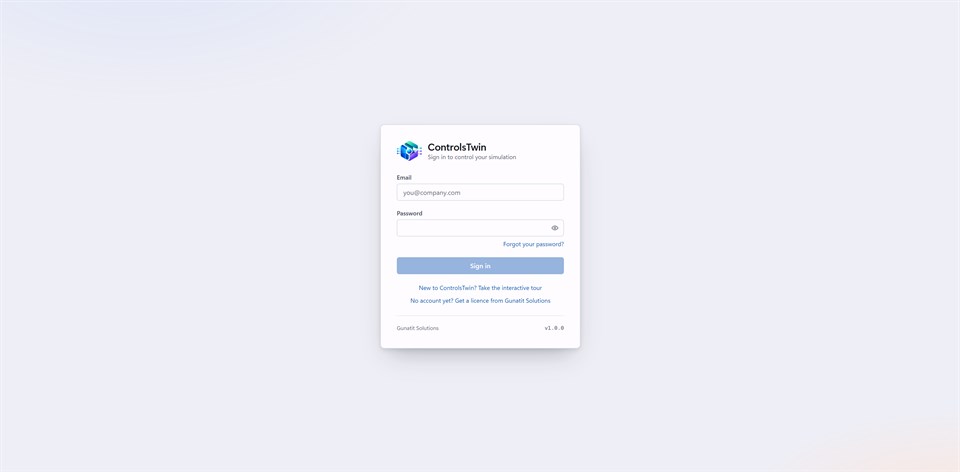
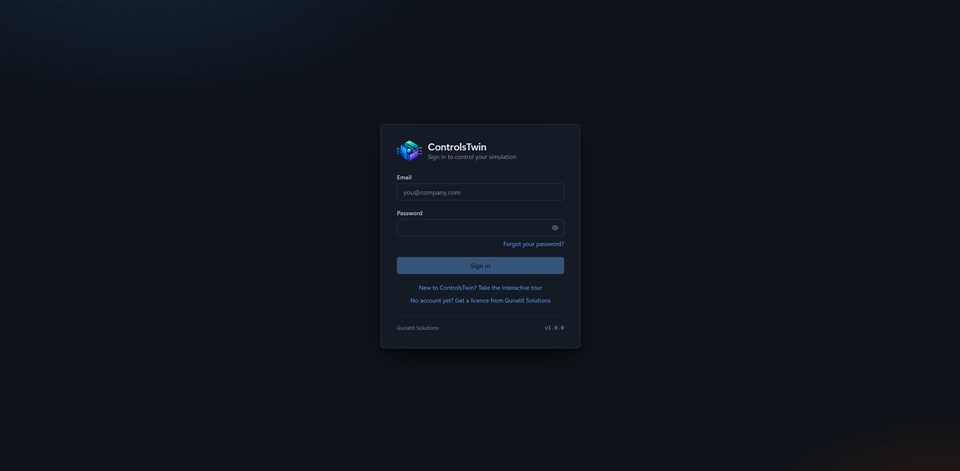
S7-PLCSIM Advanced is sold and licensed by Siemens, is not available in the Microsoft Store, and must be installed on the same PC. ControlsTwin licences are sold by Gunatit Solutions: a licence is for one named user and can be in use on one PC at a time. Signing in needs an internet connection. Without S7-PLCSIM Advanced, ControlsTwin tells you what is missing and offers an interactive tour of its screens.
ControlsTwin helps automation engineers test a Siemens PLC program in simulation, on their own PC, before they go to site. Download your program from TIA Portal into S7-PLCSIM Advanced as usual. ControlsTwin connects to that simulated PLC and reads its tags. You then surround your program with simple machine models, faults and test sequences, and see how your logic responds to the situations you set up.
WHAT YOU CAN DO
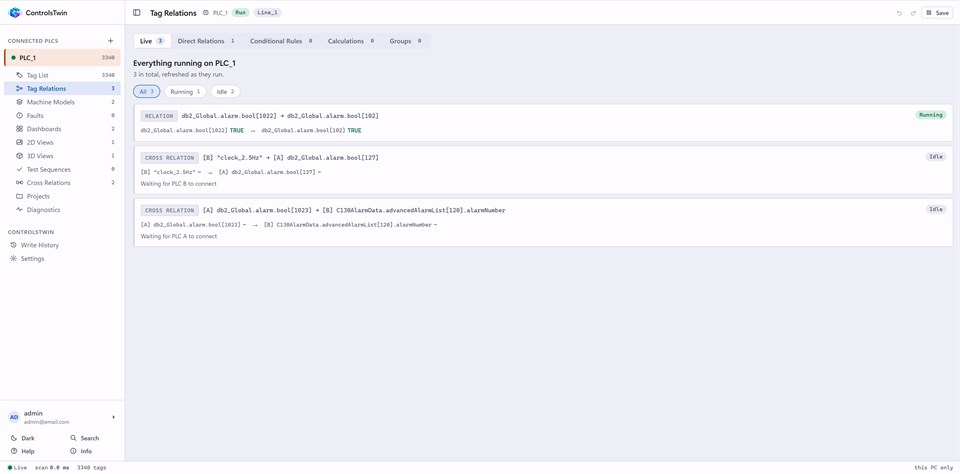
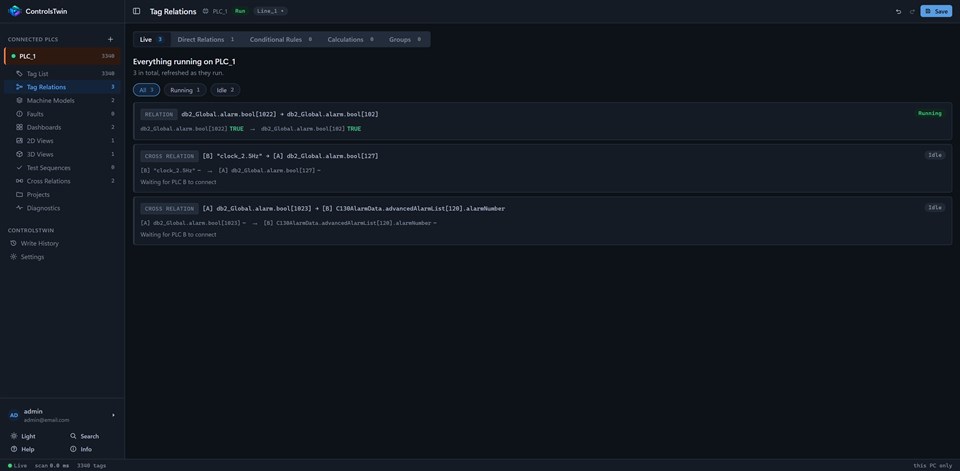
• See every tag with its live value, search tags and write values.
• Add ready-made machine models that respond to the PLC: cylinder, valve, motor or pump, conveyor with parts, tank level, analog sensor and output, first-order process for PID tests, and counter or encoder.
• Switch on faults to check that your program notices them: a jam, a trip, a sensor that never comes on, or a tag that is stuck, frozen, inverted, chattering, noisy or has a broken wire. A red warning shows on every screen while a fault is on.
• Build rules that run continuously: direct relations, conditional rules with up to eight AND/OR conditions and an ELSE value, edge triggers, and calculations that write a formula's result to a tag.
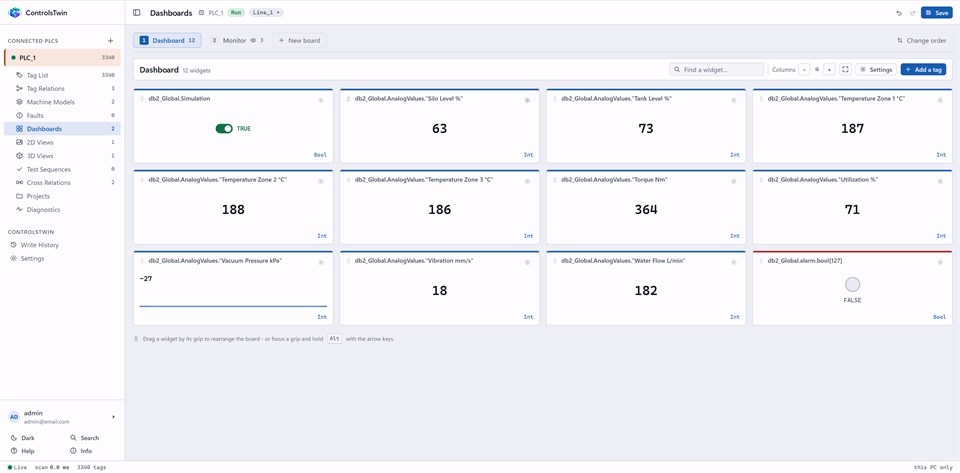
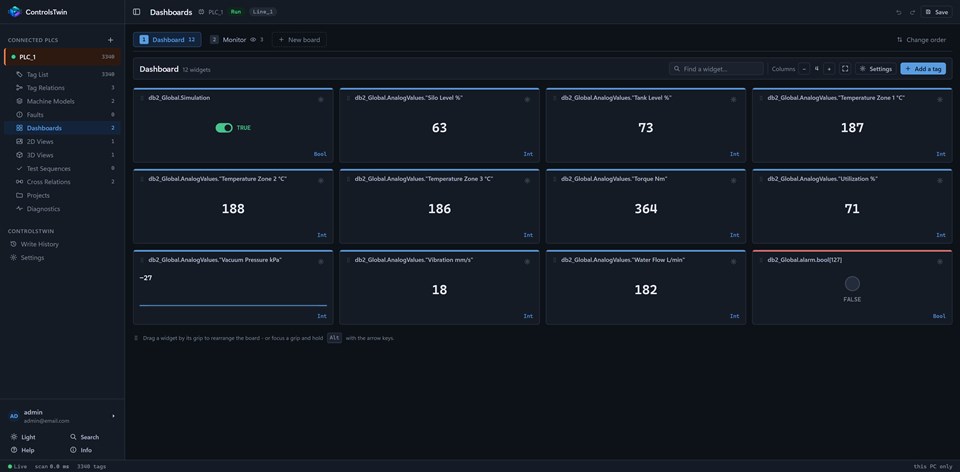
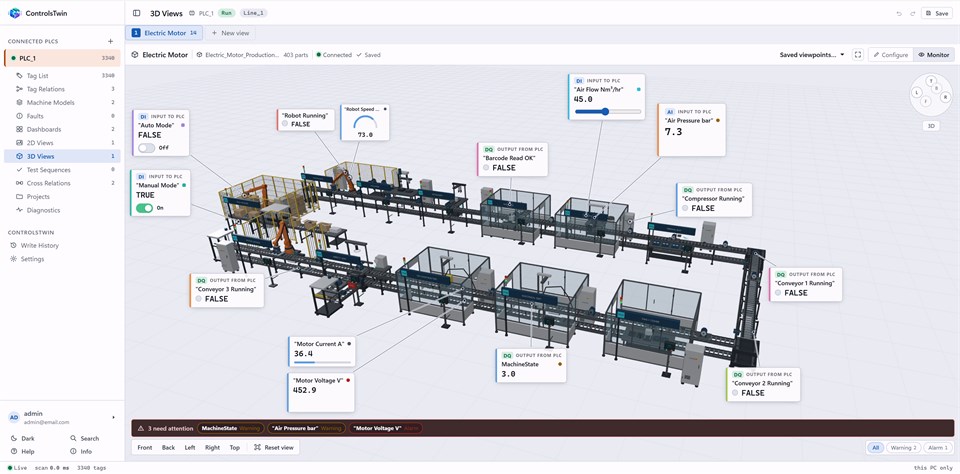
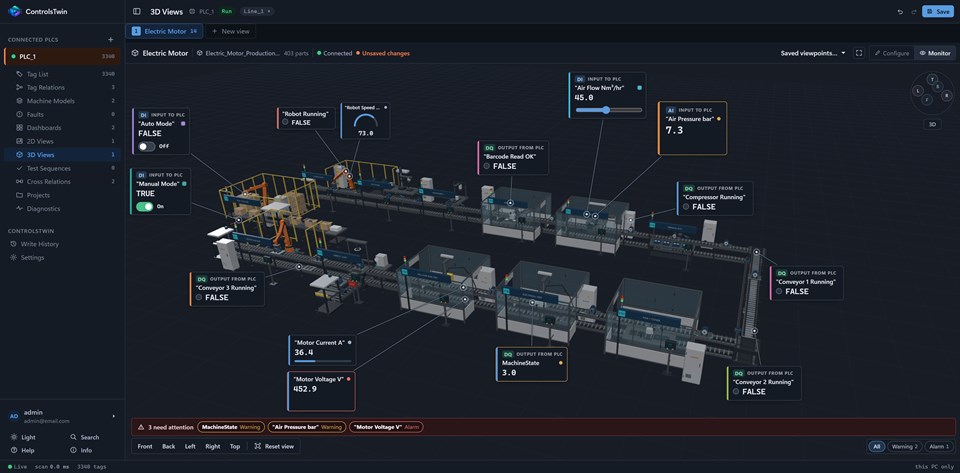
• Arrange live readings on dashboards (including trend charts), on a photo of the machine (2D views) or on a 3D model (3D views).
• Run test sequences that end in a plain pass or fail.
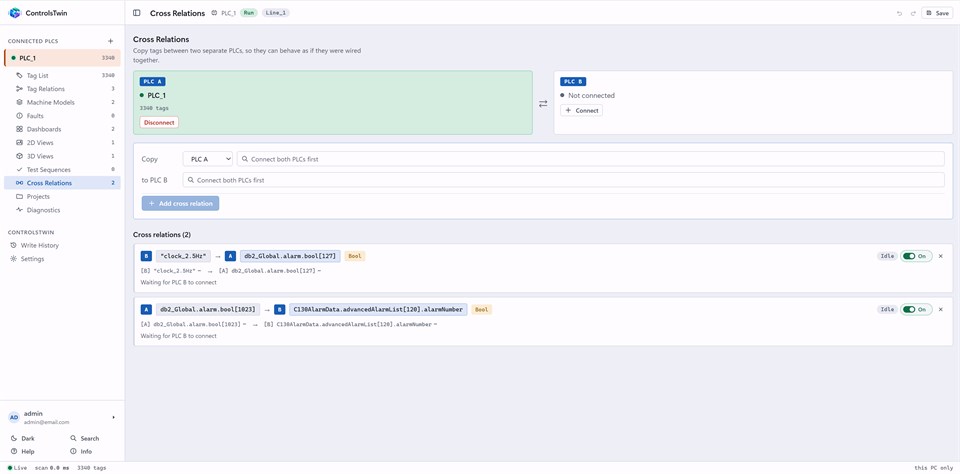
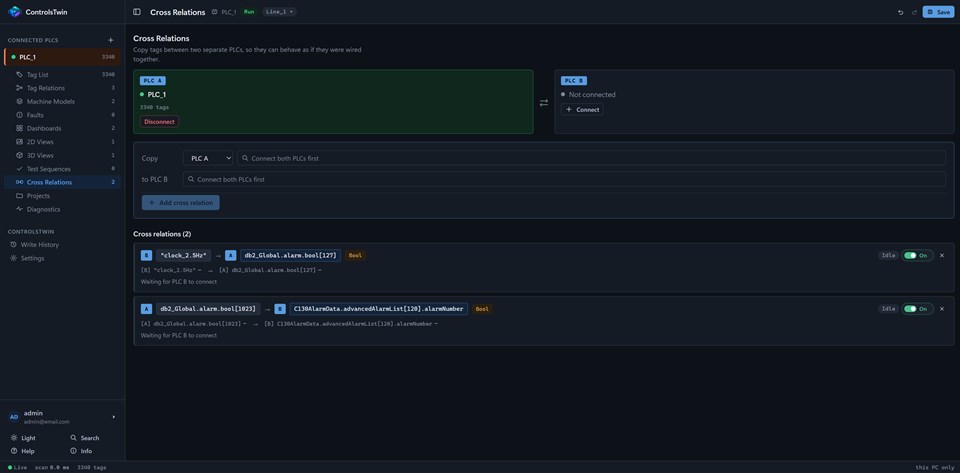
• Link tags between PLCs, and look back at every value written in a write history that survives restarts.
• Keep everything in one project file, with autosave and one-click backups.
• Start quickly with the built-in user manual and two reference projects.
HOW IT RUNS
ControlsTwin runs on your PC and opens in your web browser. It works only on that PC: it accepts no connections from other computers and never connects to a real PLC. Projects are saved in Documents\ControlsTwin Projects. S7-PLCSIM Advanced has its own Siemens system requirements; for example, Siemens does not support it on Windows Home editions.
SIMULATION ONLY
ControlsTwin is a simulation and engineering aid. Its machine models are simplified approximations, and its results reflect idealized conditions: real machines, PLCs and processes will behave differently. Never use ControlsTwin, or the simulation it works with, to read from or write to a real PLC or to control real equipment. Check everything on the real equipment with qualified people and your own safety and commissioning procedures.
LICENCE
ControlsTwin is free to download. To use it, you need a ControlsTwin licence account from Gunatit Solutions; see the publisher's website and support contact on this page. The ControlsTwin licence agreement is shown the first time you open the app and must be accepted before use.
Siemens, SIMATIC, S7-PLCSIM and TIA Portal are trademarks of Siemens AG. Gunatit Solutions is not affiliated with or endorsed by Siemens AG.
Od dewelopera
Listy 0
-
 ControlsTwin
Punkty 0
-

- +1 Punkt

Rankingi 0
-
- Twoja ocena
Deweloper 1
- Gunatit Solutions
- Obserwujący: 0
- Platformy: Windows Aplikacje (1)
- Promocje: 0
- Listy: 0 0
- Punkty: 0
- Rankingi: 0
- Komentarze: 0
- Filmy: 0
- RSS: Subskrybuj
Co nowego
- Wersja: PC
- Ostatnia aktualizacja:
Dodatkowe informacje
- Data wydania:
- Kategoria:
Aplikacje na platformę Windows›Narzędzia programistyczne - System operacyjny:
PC - Rozmiar:
38 Mb - Obsługiwane języki:
Angielski - Klasyfikacja treści:
EVERYONE - Windows Store Ocena: ¡
0 - Witryna internetowa:
 https://www.gunatitsolutions.com/
Wynik AppAgg
Szacowany wynik AppAgg dla
ControlsTwin
Deweloper: Gunatit Solutions
Wyższy wynik zwykle oznacza lepsze rezultaty w zakresie wskaźników śledzonych przez AppAgg.
Na podstawie: popularności · ocen użytkowników · świeżości · promocji · danych sklepów · aktywności społeczności
Przeliczane codziennie na podstawie aktualnych danych AppAgg.
Komentarze 0 ¡
Udostępnij
ControlsTwin Krótki URL: Skopiowano!- Windows Store
Może Ci się również spodobać
- Aplikacje na platformę Windows
- Nowe Aplikacje na platformę Windows
- Promocje Aplikacje na platformę Windows
- Popularne Aplikacje na platformę Windows
- Rankingi Aplikacje na platformę Windows
- Komentarze Aplikacje na platformę Windows
- Listy Aplikacje na platformę Windows
- Punkty Aplikacje na platformę Windows

