
Zakładki
| Deweloper: | netDesk.IT - Massimo Pagano (4) | ||
| Cena: | $3.69 Nowa | ||
| Wynik: | 600 Srebro | ||
| Rankingi: | 0 | ||
| Komentarze: | 0 Opublikuj komentarz | ||
| Listy: | 0 0 | ||
| Punkty: | 0 | ||
| +1 Punkt | |||
Podsumowanie
Hide Users to aplikacja od netDesk.IT - Massimo Pagano z kategorii „Narzędzia programistyczne”.
Nowość, wyszła , więc jesteś wśród pierwszych.
$3.69. W AppAgg ani razu w promocji. Naprawdę ani razu. Ustaw alert cenowy. My nie zapomnimy, nawet jeśli ty zapomnisz.
Microsoft Store jest wbudowany w system Windows, więc instalujesz w kilka kliknięć.
Wynik AppAgg to 600. „Srebro”, i to wcale nieźle.
Kategoria wiekowa „EVERYONE”, więc nadaje się też dla dzieci.
Zna 5 języków, ale polskiego jeszcze się nie nauczyła.
Nikt w AppAgg jeszcze jej nie ocenił. Pierwsza ocena może być twoja, i to od razu.
Ten deweloper ma w AppAgg jeszcze 3 aplikacje. Warto zajrzeć.
Chcesz dowiadywać się o promocjach, aktualizacjach i nowych aplikacjach przed innymi? Ustaw alert cenowy, obserwuj dewelopera albo subskrybuj kanał RSS. Powiadomienia push przychodzą w aplikacji AppAgg Alerts na Android i iOS.
Zrzuty ekranu 5
Inne platformy 0
Historia cen 0
- Aktualna cena: $3.69
- Minimum: $3.69
- Maksimum: $3.69
Własny kanał na stronie głównej
Opis

What it does
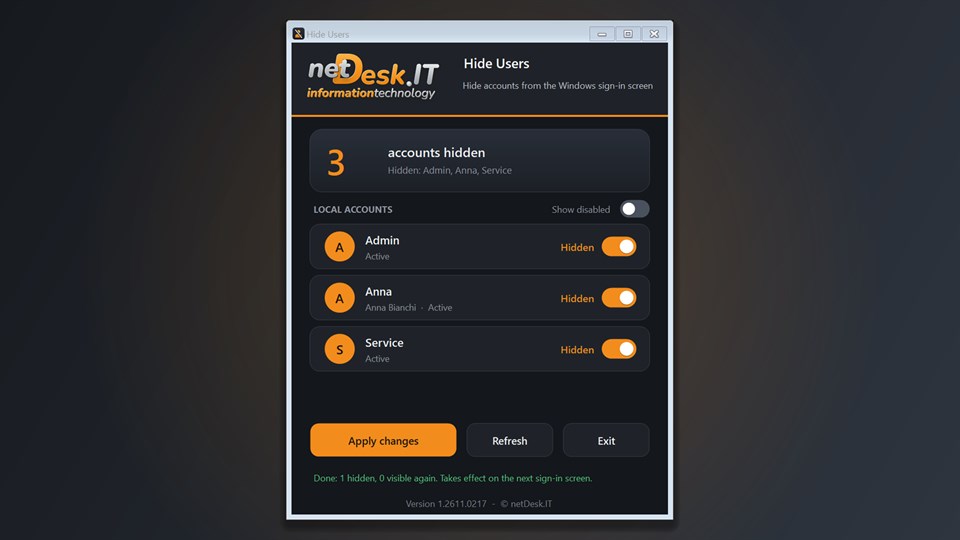
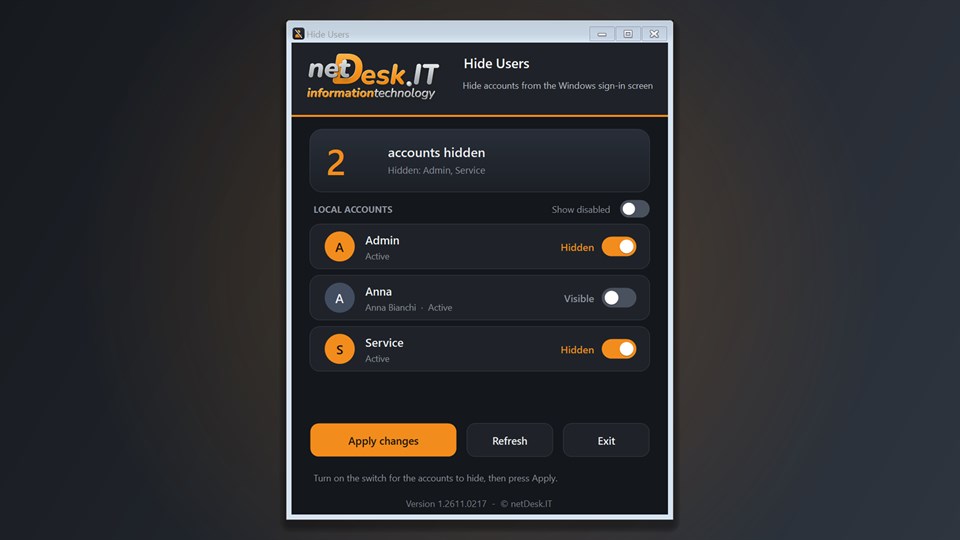
• List of local accounts: for each one you see the name, the full name and the status (active, disabled or no longer present).
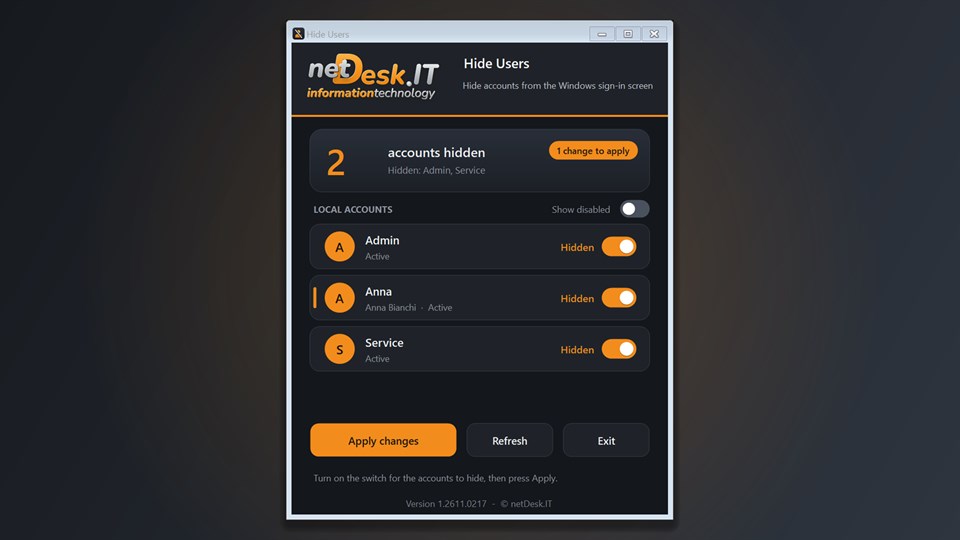
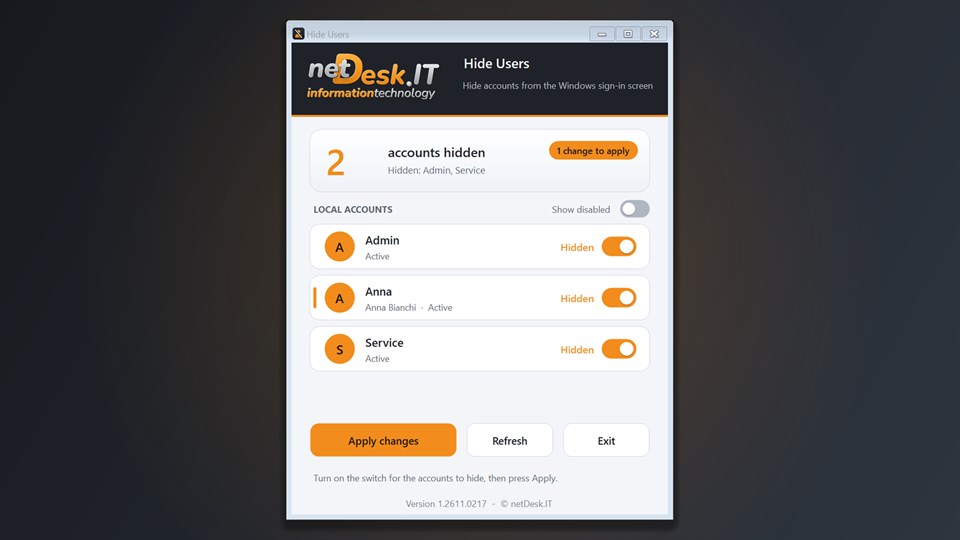
• One switch per account: turn it on to hide the account, turn it off to show it again.
• Several changes at once: choose as many accounts as you like, a summary shows the changes still to apply, and one button confirms them.
• A safeguard: at least one enabled administrator account always stays visible. If a change would hide them all, Hide Users does not apply it and explains why; it also warns you if no enabled account would appear on the sign-in screen.
• Adaptive window: it grows to show all the accounts without a scroll bar, within the limits of the screen, and it can be resized.
• Easy to undo: to make an account visible again, just turn its switch off.
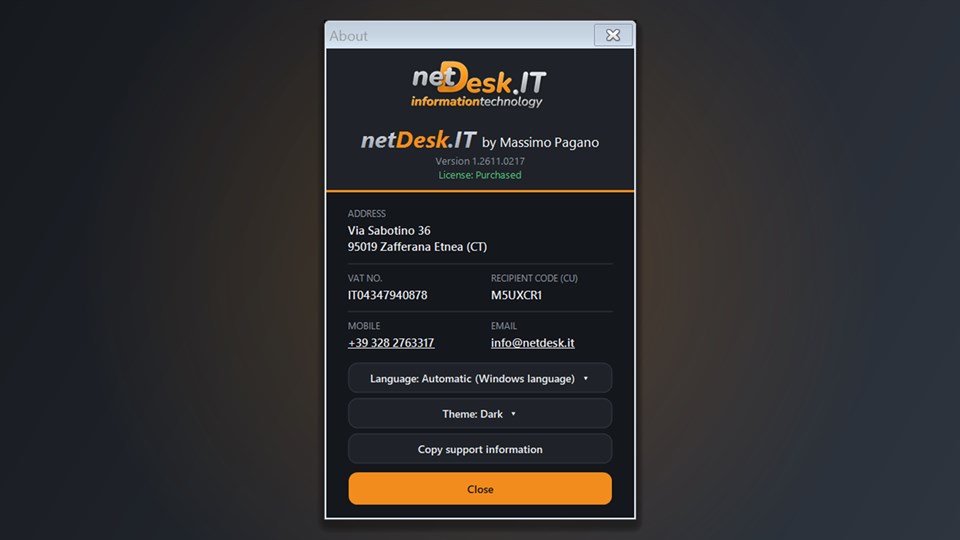
• 5 languages: Italian, English, French, German and Spanish. The app starts in the Windows language and you can change it from the About window.
How to sign in to a hidden account
If the sign-in screen offers it, choose “Other user” and type the user name and password: this depends on the Windows configuration (sign-in policies, PIN, Microsoft account). The change takes effect from the next sign-in screen.
Privacy and security
The app has no network features and sends no data to anyone. Changing the list of hidden accounts requires administrator privileges: if you start Hide Users as a normal user, you can view the list and the app offers to reopen as administrator (Windows asks for confirmation); if you decline, the list stays read-only and nothing is changed.
Who it is for
For anyone who manages a shared PC, a fixed workstation, a counter or a home PC and wants a tidier sign-in screen, without service or administration accounts in view.
Note: hiding an account is not a security measure. It tidies the sign-in screen; protection still depends on passwords.
7-day free trial; after it, hiding or showing accounts requires buying the app from the Store. Accounts already hidden stay hidden until you buy it.
Od dewelopera
Listy 0
-
 Hide Users
Punkty 0
-

- +1 Punkt

Rankingi 0
-
- Twoja ocena
Deweloper 4
- netDesk.IT - Massimo Pagano
- Obserwujący: 0
- Platformy: Windows Aplikacje (4)
- Promocje: 0
- Listy: 0 0
- Punkty: 0
- Rankingi: 0
- Komentarze: 0
- Filmy: 0
- RSS: Subskrybuj
Co nowego
- Wersja: PC
- Ostatnia aktualizacja:
- • Hide local accounts from the Windows sign-in screen.
• One switch per account, with a summary of the changes to apply.
• Interface in 5 languages.
Dodatkowe informacje
- Data wydania:
- Kategoria:
Aplikacje na platformę Windows›Narzędzia programistyczne - System operacyjny:
PC - Rozmiar:
675 Kb - Obsługiwane języki:
Angielski,Francuski,Hiszpański,Niemiecki,Włoski - Klasyfikacja treści:
EVERYONE - Windows Store Ocena: ¡
0 - Witryna internetowa:
 https://www.netdesk.it
Wynik AppAgg
Szacowany wynik AppAgg dla
Hide Users
Deweloper: netDesk.IT - Massimo Pagano
Wyższy wynik zwykle oznacza lepsze rezultaty w zakresie wskaźników śledzonych przez AppAgg.
Na podstawie: popularności · ocen użytkowników · świeżości · promocji · danych sklepów · aktywności społeczności
Przeliczane codziennie na podstawie aktualnych danych AppAgg.
Komentarze 0 ¡
Udostępnij
Hide Users Krótki URL: Skopiowano!- Windows Store
Może Ci się również spodobać
- Aplikacje na platformę Windows
- Nowe Aplikacje na platformę Windows
- Promocje Aplikacje na platformę Windows
- Popularne Aplikacje na platformę Windows
- Rankingi Aplikacje na platformę Windows
- Komentarze Aplikacje na platformę Windows
- Listy Aplikacje na platformę Windows
- Punkty Aplikacje na platformę Windows

