
Zapisane
Wybierz nazwę, która będzie wyświetlana w menu Zapisane.
Gotowe!
| Programista: | Wondershare Technology Group Co.,LTD (5) | ||
| Cena: | * Bezpłatny | ||
| Ocena: | 9,290 | ||
| Rankingi: | 0 | ||
| Komentarze: | 0 Opublikuj komentarz | ||
| Listy: | 1 + 0 | ||
| Punkty: | 5 + 0 ¡ | ||
| +1 Punkty | |||
Opis

BUILT FOR macOS
• Continuity Camera - Scan or capture on iPhone/iPad, instantly on your Mac.
• Continuity Sketch - Draw on iPhone/iPad and insert directly into your PDF.
• Widgets, Spotlight & Shortcuts - Launch PDF tools instantly, right from macOS.
AI TOOLS
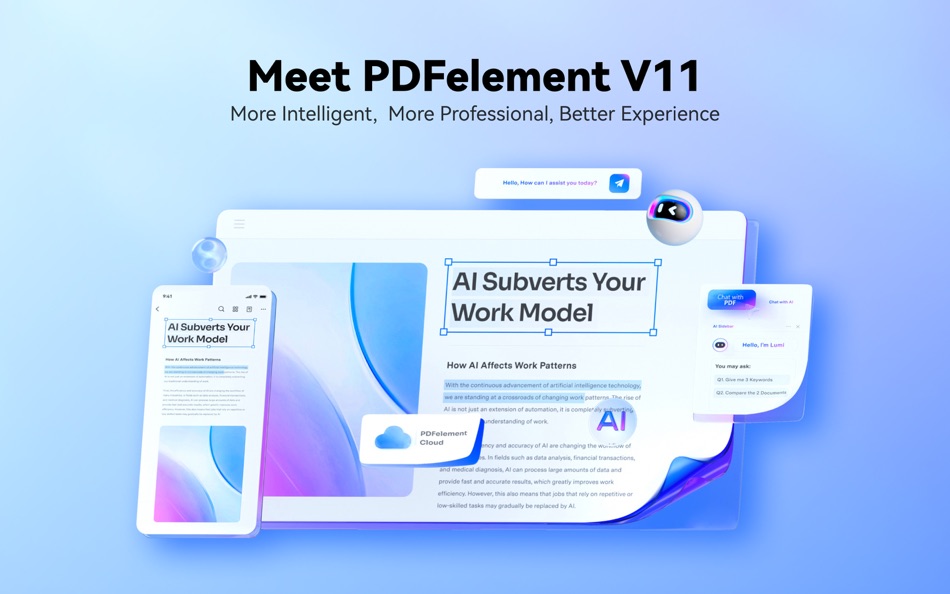
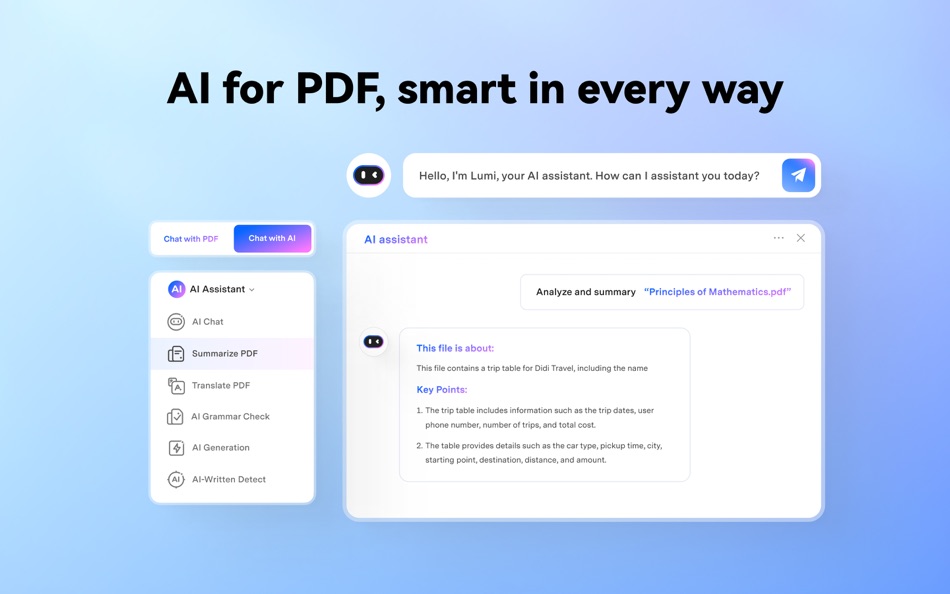
• Chat with PDFs and switch between powerful AI models.
• Polish your PDFs with Grammar check, rewrite, or translate.
• Summarize PDFs instantly with AI Knowledge Cards.
• Turn PDFs into notes, mind maps, or presentations.
EDIT PDF WITH EASE
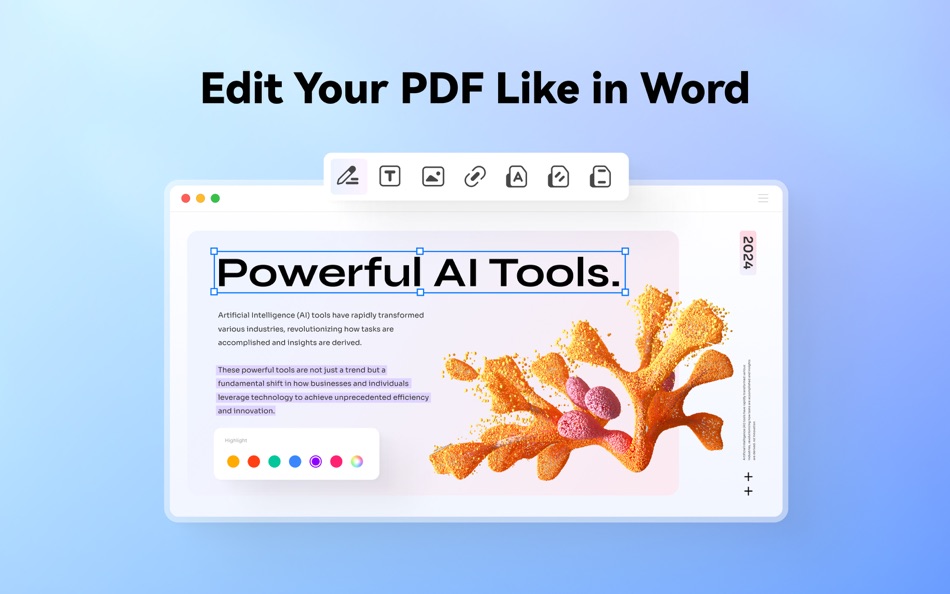
• Add text, images, and shapes to PDFs for more organized editing.
• Change sizes, colors, and font styles of the text and link.
• Insert links and add watermarks to your document.
CONVERT PDF
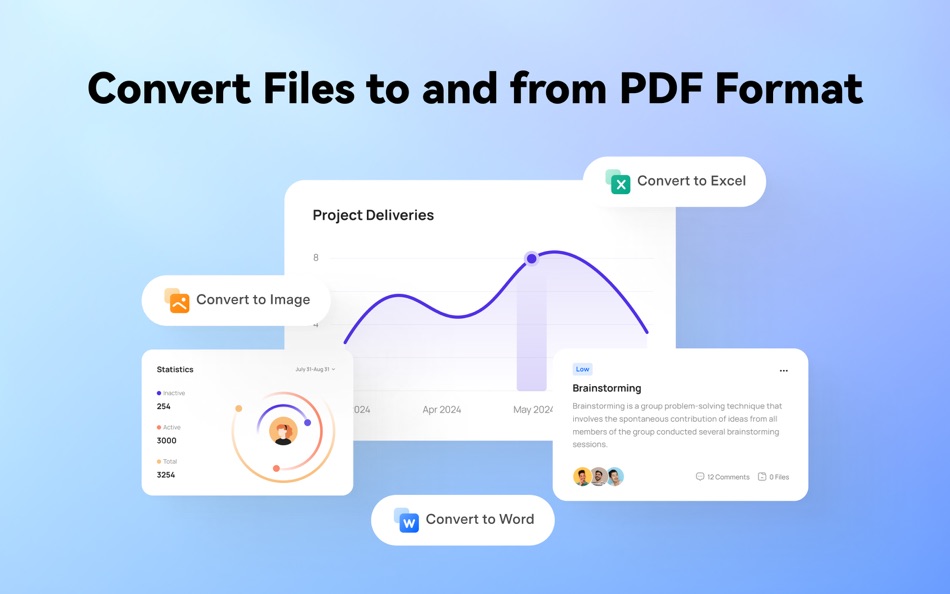
• Export to Word, Excel, PowerPoint, EPUB, HTML, RTF, or images.
• Create high-quality PDFs from documents, images, or web pages.
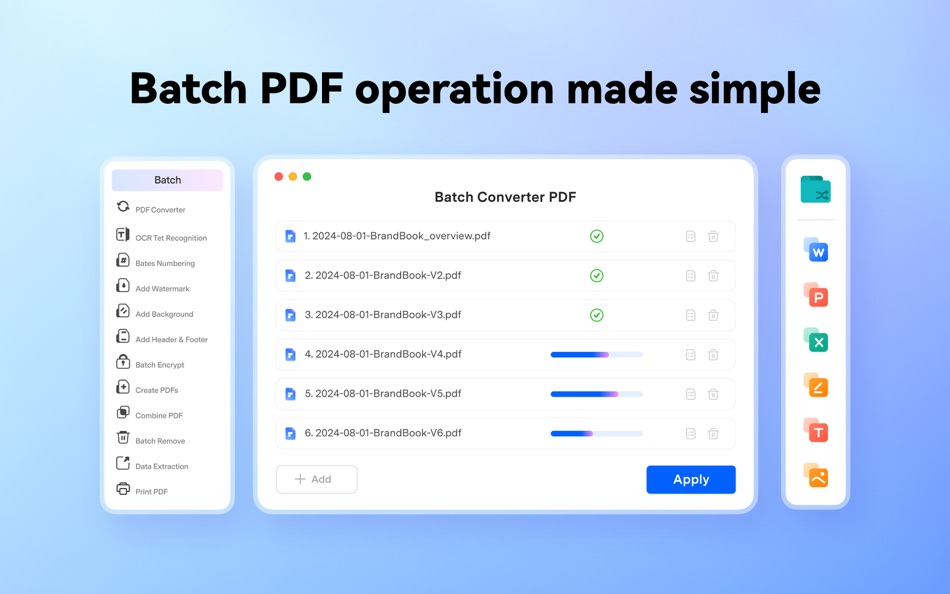
• Boost your workflow by batch converting PDFs into multiple file formats.
OCR PDF
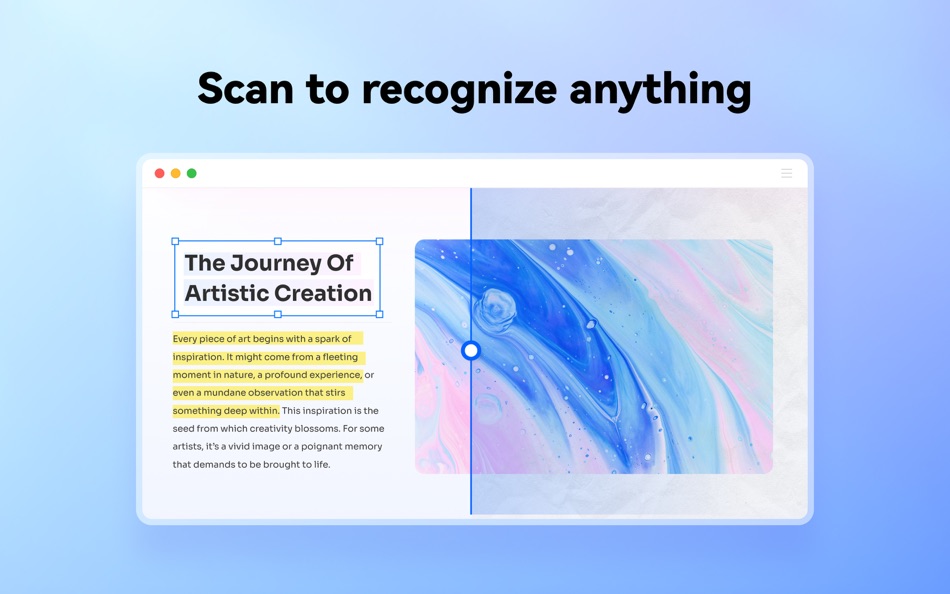
• Recognize text from scanned PDFs and images.
• OCR PDFs to Word and editable/searchable PDFs in 27 languages.
• Batch OCR PDFs/scanned images into text within seconds.
ANNOTATE PDF
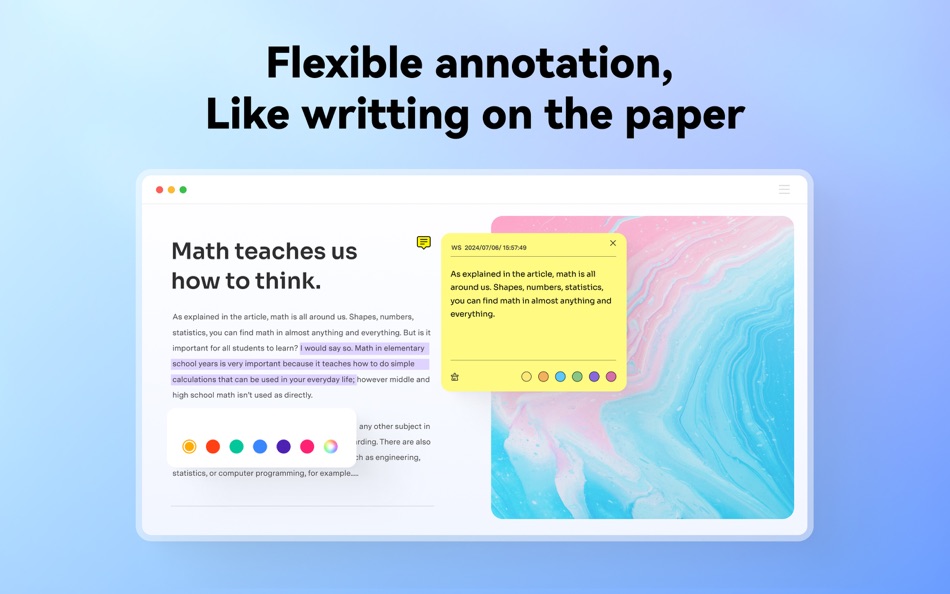
• Highlight, underline, strikethrough, or add shapes to your PDFs.
• Enhance annotations with custom stamps, colorful stickers.
• Measure lengths, areas, and perimeters directly on PDF drawings in seconds.
ORGANIZE PDF
• Merge, split, or rotate PDF pages to suit your needs.
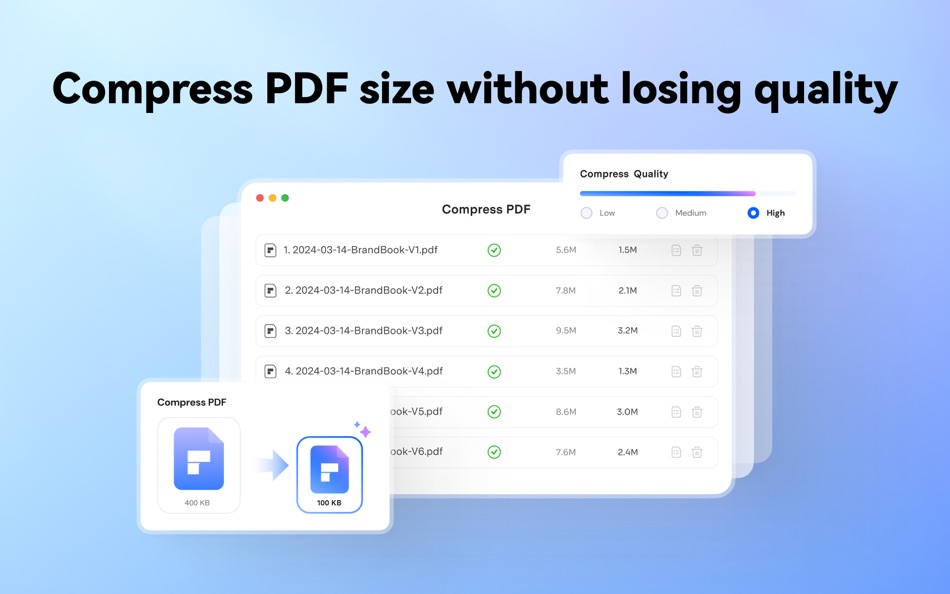
• Compress PDF to reduce its file size for optimized storage and sharing.
• Extract PDF pages for focused content management.
PROTECT PDF
• Password-protect PDFs to restrict viewing, printing, or editing with ease.
• Select areas or search terms to instantly black out all matching text.
• Smart Redact your PDF – automatically detect and redact sensitive data.
FILL & SIGN
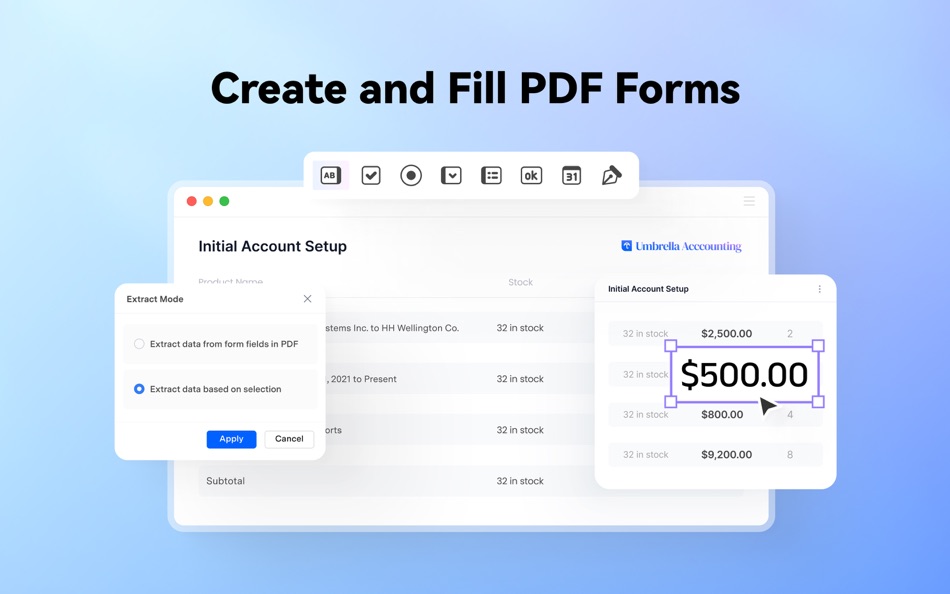
• Recognize and fill in PDF form for efficient data entry.
• Create a fillable PDF with text fields, checkboxes, combo boxes, images, and more.
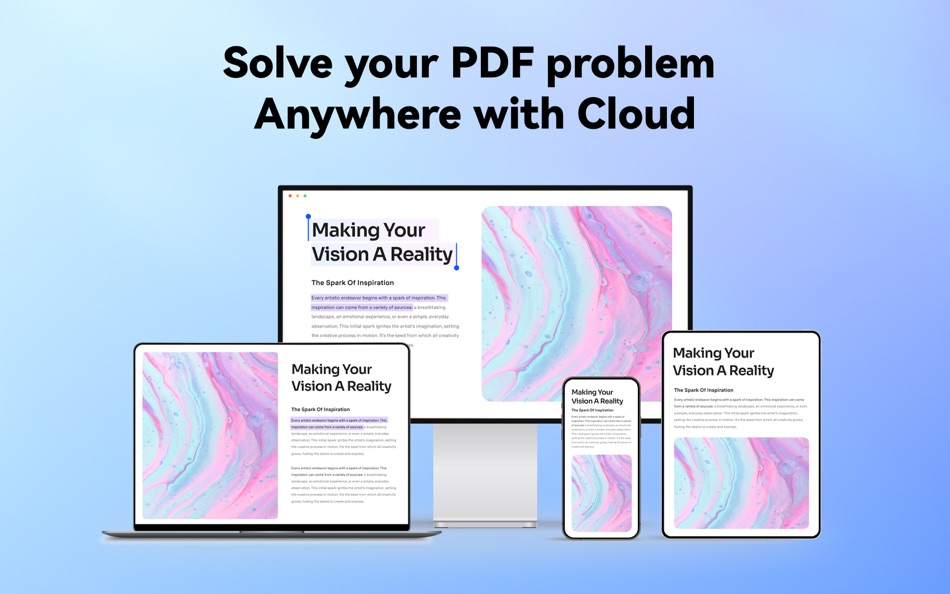
• Sign PDF on the go and sync your signatures on any device with PDFelement Cloud.
• Create e-signable PDFs and send them in bulk to recipients for convenient signing across devices.
CONTACT US
Email: support@wondershare.com
Support Center: https://www.wondershare.com/company/contact-us.html
Website: https://pdf.wondershare.com/pdfelement-mac.html
Facebook: @PDFelement
Terms of Use: https://pdf.wondershare.cn/privacy.html
EULA: https://pdf.wondershare.cn/end-user-license-agreement.html
If you think this app is helpful and like it, we'd appreciate it if you added your positive review to the App Store. Thank you for using PDFelement!
Zrzuty ekranu
Ad
Historia cen
-
* Zakupy w aplikacji - Aktualna cena: Bezpłatny
- Minimalna: Bezpłatny
- Maksymalna: Bezpłatny
Monitoruj ceny
Ocena AppAgg
9,290
Szacowana ocena AppAgg dla
PDFelement – Edit & Scan PDF
9,290
Wyższe oceny zwykle oznaczają silniejsze sygnały w AppAgg.
Na podstawie: 🔥 popularności · ⭐ ocen użytkowników · 🕒 świeżości · 🏷️ okazji · 🏬 danych sklepów · 👥 aktywności społeczności
Przeliczane codziennie na podstawie aktualnych danych AppAgg.
Krótki URL: Skopiowano!
Nowości
- Wersja: 12.1.13
- Ostatnia aktualizacja:
- Added support for batch drag-and-drop import in Receipt Assistant.
Added sample files and detailed tutorials in Receipt Assistant.
Added support for importing files using Continuity Camera into Receipt Assistant, and for Insert or Replace Pages.
Added support for Merge Pages.
Improved page zoom experience.
Improved apply redaction experience.
Fixed some known issues to improve overall reliability.
Dodatkowe informacje
- Data wydania:
- Kategoria:
macOS Aplikacje›Produktywność - System operacyjny:
macOS,macOS 11.0 i nowsze - Rozmiar:
610 Mb - Obsługiwany język:
Chinese,Dutch,English,French,German,Italian,Japanese,Korean,Portuguese,Russian,Spanish - Ocena treści:
4+ - Mac App Store Ocena:
0 - Facebook: PDFelement
- Witryna internetowa:
 https://pdf.wondershare.com/pdfelement-mac.html
Programista
- Wondershare Technology Group Co.,LTD
- Platformy: macOS Aplikacje (5)
- Listy: 1 + 1
- Punkty: 9 + 0 ¡
- Rankingi: 0
- Komentarze: 0
- Zniżki: 0
- Filmy: 0
- RSS: Subskrybuj
Listy (1)
- PDFelement – Edit & Scan PDF

Punkty (5)
-

- 457 upto
- +1
-
- 1 Eddie Tang
- +1
-
- 1 pack 10CC
- +1
-
- 2,930 바람처어럼
- +1
-
- 11,479 Simon Chan
- +1




Rankingi (0)
0 ☹️
Komentarze (0)
Skomentuj jako pierwszy 🌟
«PDFelement – Edit & Scan PDF». Platforma: macOS. Kategoria: Produktywność. Deweloper: «Wondershare Technology Group Co.,LTD». Pierwsze wydanie: . Ostatnia aktualizacja: . Aktualna cena: bezpłatnie. Ten tytuł nie otrzymał jeszcze ocen ani recenzji w serwisie AppAgg. Listy: publiczne 1, prywatne 0. Śledzone punkty: potwierdzone 5, pośrednie 0. Dostępne języki: Chinese, Dutch, English, French, German, Italian, Japanese, Korean, Portuguese, Russian, Spanish. AppAgg śledzi historię cen, oceny i opinie użytkowników «PDFelement – Edit & Scan PDF». Śledź przyszłe rabaty i aktualizacje za pośrednictwem RSS. AppAgg nie hostuje aplikacji ani nie dystrybuuje oprogramowania. Wszystkie znaki towarowe, logo i zrzuty ekranu należą do ich odpowiednich właścicieli.
PDFelement – Edit & Scan PDF Krótki URL: Skopiowano!- 🌟 Udostępnij
- Mac App Store
Podobne
-
- PDFelement 6 Pro - PDF & OCR
- macOS Aplikacje: Produktywność Przez: Wondershare Technology Group Co.,LTD
- Bezpłatny
- Listy: 0 + 1 0 0
- Punkty: 1 + 0 4K Wersja: 6.8.2 PDFelement 6 Professional = All features in PDFelement Standard+ OCR + Data Extraction + batch operations, and much more. The all-new redesigned PDFelement 6 Professional has ... ⥯
-
- PDF Reader Pro - Edit&Convert
- macOS Aplikacje: Produktywność Przez: PDF Technologies, Inc.
- * $79.99
- Listy: 1 + 1 0 0
- Punkty: 1 + 0 11K Wersja: 5.3.0 PDF Reader Pro, available on Mac, iPad, and iPhone, fulfills all your document needs across platforms. Building on features like AI tools, comment, text and image edit, merge, ... ⥯
-
- PDF Merge Files - PDF Tools
- macOS Aplikacje: Produktywność Przez: PDF Merge Files
- Bezpłatny
- Listy: 0 0 0
- Punkty: 0 + 0 3K Wersja: 1.0 PDF Merge Files - PDF Tools is a powerful Safari extension that puts 20 essential PDF tools at your fingertips - all working directly in your browser with no uploads required. CORE ... ⥯
-
- Zoho Scanner - Scan PDF
- macOS Aplikacje: Produktywność Przez: Zoho Corporation
- * Bezpłatny
- Listy: 1 0 0
- Punkty: 0 + 0 8K Wersja: 3.1 Zoho Scanner, the most powerful document scanning app, is now available for Mac. Precisely scan paper documents, business cards, receipts, and more using the camera on your iPhone or ... ⥯
-
- PDF Editor: Scan & Reader
- macOS Aplikacje: Produktywność Przez: Free PDF Inc
- * Bezpłatny
- Listy: 0 0 0
- Punkty: 0 + 0 3K Wersja: 1.4.2 PDF Editor is a professional, efficient, and user-friendly PDF editing and management tool designed specifically for Mac users. Whether you are handling study materials, work reports, ... ⥯
-
- PDF-Form-Filler Lite
- macOS Aplikacje: Produktywność Przez: 勇 陈
- Bezpłatny
- Listy: 0 0 0
- Punkty: 1 + 0 2K Wersja: 2.2.3 PDF-Form-Filler Lite is a app help you to edit your pdf files. With it you can overlay the text, images, check mark, cross mark and signature onto your pdf files. So you can use it to ... ⥯
-
- PDF Editor ゜
- macOS Aplikacje: Produktywność Przez: Netron
- * Bezpłatny
- Listy: 0 0 0
- Punkty: 0 + 0 5K Wersja: 1.0.3 PDF Convertor is a modern and efficient PDF workspace built for macOS. With fast conversions, essential PDF tools, secure signing, OCR, and AI-powered PDF chat, it helps you manage ... ⥯
-
- PDF Photos - Converter
- macOS Aplikacje: Produktywność Przez: 崴 杨
- * Bezpłatny
- Listy: 0 0 0
- Punkty: 0 + 0 3K Wersja: 1.3.2 "PDF Photos" is a special converter for PDF files and images. Supports batch conversion of PDF files to image files, supports image output quality customization, and image compression ... ⥯
-
- PDF Attributes
- macOS Aplikacje: Produktywność Przez: Alexey Nikitin & Alexandr Bondar
- Bezpłatny
- Listy: 1 + 1 0 0
- Punkty: 2 + 0 3K Wersja: 2.1.2 PDF Attributes are perfect to view and edit basic information about a document Base featured * Edit basic attributes * Detail info about the document * Preview and read PDF document ... ⥯
-
- PDF Squeezer 4
- macOS Aplikacje: Produktywność Przez: Daniel Witt
- $19.99
- Listy: 2 + 3 0 0
- Punkty: 2 + 0 10K Wersja: 4.7.2 PDF Squeezer for macOS makes compressing PDFs easier than ever. Simply drag and drop your file into the app, and it quickly reduces the file size without compromising quality. At the ... ⥯
-
- PDF ScanMerger
- macOS Aplikacje: Produktywność Przez: Patricius Albu
- $2.99
- Listy: 0 0 0
- Punkty: 0 + 0 3K Wersja: 2.0.0 PDF ScanMerger makes it effortless to turn single side scanner output into correctly ordered, double sided PDFs. FEATURES Two panel workflow load odd (front) pages and even (back) ... ⥯
-
- PDF Converter, Reader & Editor
- macOS Aplikacje: Produktywność Przez: Muhammad Afzal Noor Muhammad
- * Bezpłatny
- Listy: 0 + 1 0 0
- Punkty: 5 + 0 5K Wersja: 6.4 PDF converter is for everyone who wants to convert File to PDF or into other formats or vice versa, without any hassle. This PDF Maker , PDF Reader, PDF Viewer comes with multiple ... ⥯
-
- PDF to JPG - A Batch Converter
- macOS Aplikacje: Produktywność Przez: RootRise Technologies Pvt. Ltd.
- $2.99
- Listy: 0 0 0
- Punkty: 0 + 0 4K Wersja: 9.0 PDF to JPG is as simple as effective conversion tool for fastest way to batch convert PDF documents into best quality images. PDF to JPG converts each PDF page into JPEG, JPEG2000, ... ⥯
-
- PDF Editor - for Adobe PDF Annotate, Sign & Modify
- macOS Aplikacje: Produktywność Przez: Global Mobile Game Limited
- $29.99
- Listy: 0 0 0
- Punkty: 0 + 0 2K Wersja: 1.0.2 PDF Editor is a must-have app for anyone who reads, annotates or edits PDF documents on Mac.PDF Editor is for those who want to go beyond PDF Editor to create interactive forms, add ... ⥯
Może ci się spodobać również
Ostatnio oglądane
Ostatnia aktualizacja:
Operatory wyszukiwania dostępne w AppAggu