
| ผู้พัฒนา: | Pankaj Goswami (7) | ||
| ราคา: | * $4.99 | ||
| การจัดอันดับ: | 0 | ||
| ความเห็น: | 0 โพสต์ความคิดเห็น | ||
| รายการ: | 11 + 2 | ||
| แต้มแล: | 12 + 2,978 (4.7) ¡ | ||
| App Store | |||
คำอธิบาย

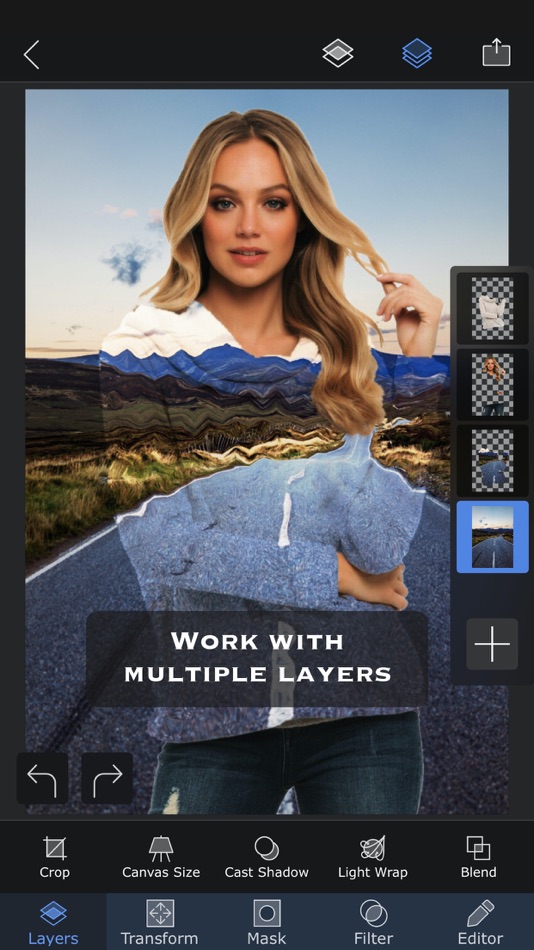
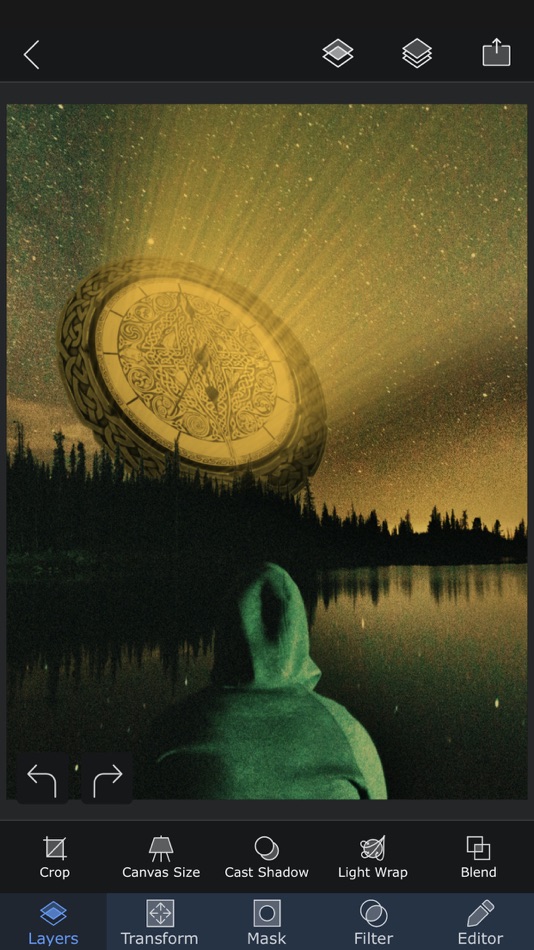
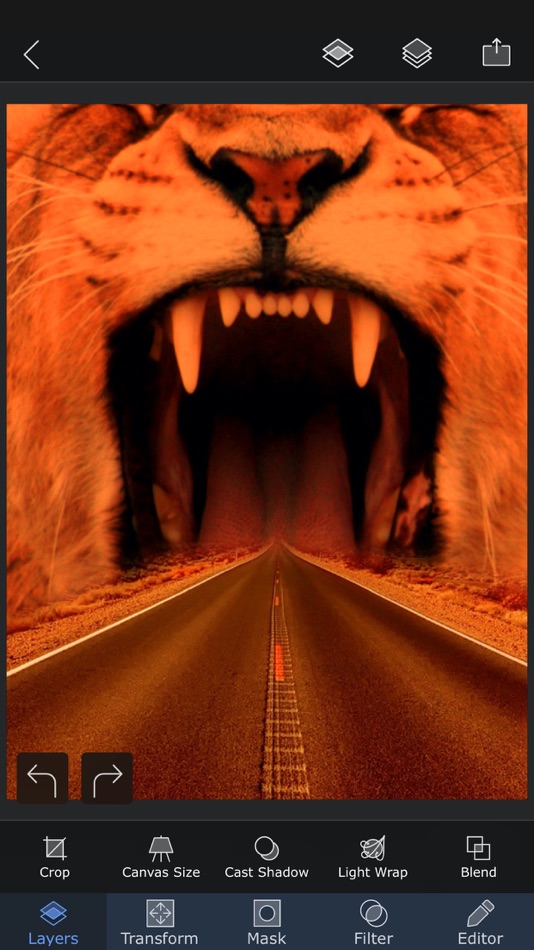
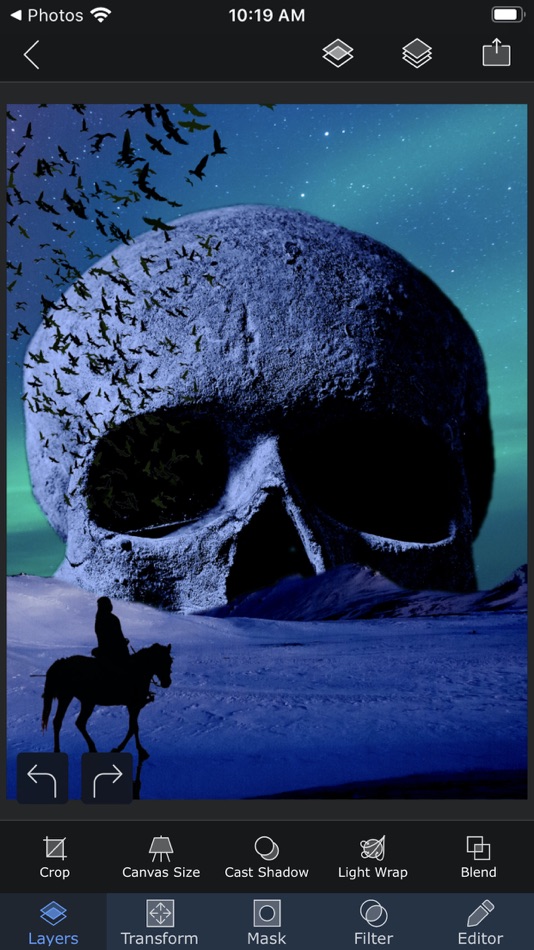
Packed with wide range of editing capabilities from multiple layers, blending modes, masking, adjustment layers, brushes, smudge, warp, effects, clarity to casting shadows, Superimpose X is a modern tool for creating your photo contents.
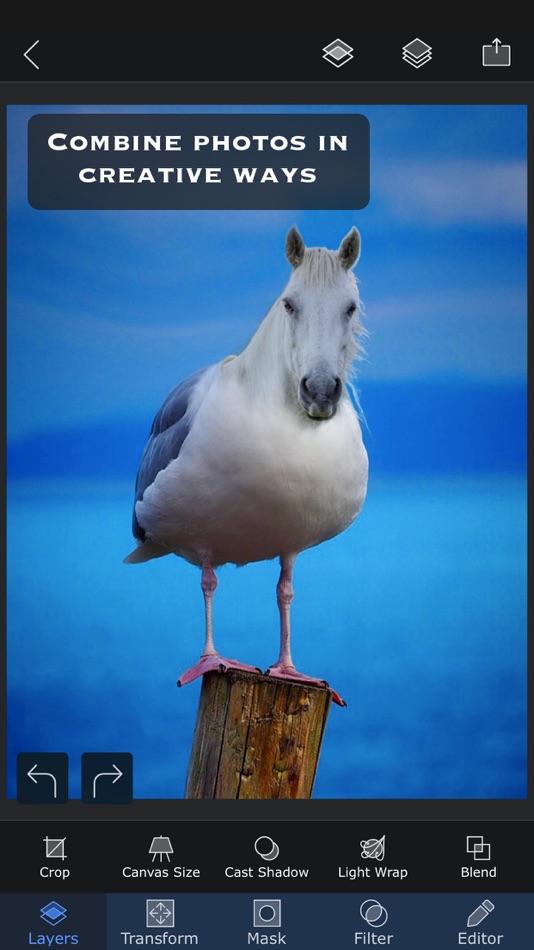
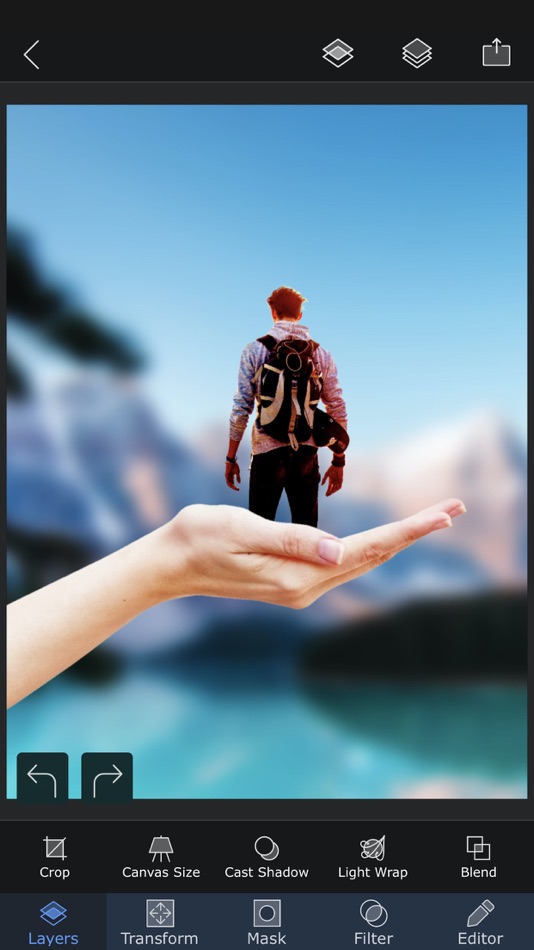
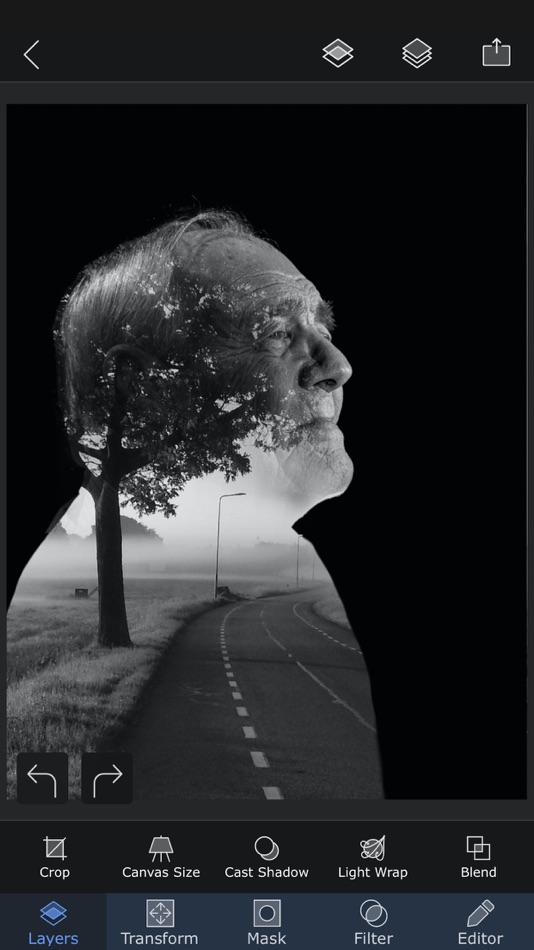
Whether you are a professional or an amateur, you will be amazed by the power Superimpose X gives to your fingertips. Composing images with multiple layers, double exposure, superimposing is easier than ever.
All your projects are saved in beautifully designed session area. So, you do not have to lose your current project if you want to move to another one in the middle.
And of course Superimpose X comes with Masking Library, where you can save all your masked images, like stickers for later use.
And all of this, packed in a beautifully designed interface that does not intimidate you, despite the amount of capabilities it comes with.
To list out a few features...
• Multiple layers (up to 24).
• 16 different adjustment layers.
• Blending modes, 18 of them.
• Opacity control.
• Numerous masking tools. From Magic Wand to Magic Lasso to predefined shapes.
• Automatically mask out people from photos using AI.
• Filling of a layer directly from camera, with real time rendering with its mask and blending modes.
• Built-in shadow creation tool.
• Built-in Light Wrap tool.
• Masking Library to store your masked images.
• Session Library, that automatically stores all your projects.
• Non destructive adjustments and layer blur.
• Non destructive beautiful photo effects (63 of them).
• An amazing Clarity tool.
• Advanced adjustment tools.
• Tools like Text, Curved Text, Selective Blur, Motion, Zoom and Spin Blur, Lens Blur, Gradient and more.
• Number of distorting tools like Warp, Perspective transform and more.
• Numerous paint and effect brushes and option to customize them.
• Smudge brush
• Clone stamp brush
• Brush for Darkening, Lightening, Desaturating etc.
• Option to export PSD with layers.
• Access to more than a million royalty free stock photos.
...and more.
And if you are already using the classic Superimpose app, you can seamlessly transfer all your masks into the new Superimpose X. This is how you could transfer the masks...
1. Open the original Superimpose app.
2. Press the "?" button on the top right corner of the "Home" screen.
3. There you should see an option called "Transfer masks to Superimpose X".
4. Press that and your masks should be available in Superimpose X.
Terms of use: https://www.superimposeapp.com/superimposex_terms_of_use.html
Privacy Policy: https://www.superimposeapp.com/privacy2.html
Ad
ภาพหน้าจอ


ประวัติราคา
-
* การซื้อภายในแอพ - วันนี้: $4.99
- ต่ำสุด: ฟรี
- มากที่สุด: $4.99
ติดตามราคา
มีอะไรใหม่
- เวอร์ชัน: 5.3.2
- อัปเดต:
- ● Bug fix and improvement.
If you like using Superimpose X, please review or rate it in the App Store. That really motivates us to keep improving the app!
ผู้พัฒนา
- Pankaj Goswami
- แพลตฟอร์ม: Android แอป (1) iOS แอป (6)
- รายการ: 15 + 5
- แต้มแล: 56 + 11,210 ¡
- การจัดอันดับ: 0
- ความเห็น: 0
- ลดราคา: 0
- วิดีโอ: 0
- RSS: ติดตาม
ข้อมูลเพิ่มเติม
รายชื่อติดต่อ
- เว็บไซท์:
 http://www.superimposeapp.com
แต้มแล (12)
-

- 156 Christopher Valko
- +1
-
- 5,020 Alberto Menendez Prados
- +1
-
- 12 diaex na
- +1
-
- 344 Aa
- +1
-
- 437 Денис
- +1
-
- 2,106 CrashTestDanny
- +1





การจัดอันดับ (0)
0 ☹️
รายการ (11)
- Superimpose X


ความเห็น (0)
เป็นคนแรกที่แสดงความเห็น 🌟
«Superimpose X». แพลตฟอร์ม: iOS. หมวดหมู่: การถ่ายภาพ. ผู้พัฒนา: «Pankaj Goswami». การเปิดตัวครั้งแรก: . อัปเดตล่าสุด: . ราคาปัจจุบัน: $4.99. ราคาต่ำสุดที่บันทึกไว้: $0.00 (). ราคาสูงสุดที่บันทึกไว้: $4.99 (). ชื่อนี้ยังไม่ได้รับการให้คะแนนหรือบทวิจารณ์บน AppAgg รายการ: สาธารณะ 11, ส่วนตัว 2. จุดที่ติดตาม: ยืนยันแล้ว 12, ทางอ้อม 2,978. ร้านค้า: App Store. คะแนนร้านค้า: 4.7. โหวต: 2,978. ภาษาที่ใช้ได้: Chinese, English, French, German, Italian, Japanese, Portuguese, Spanish. AppAgg ติดตามประวัติราคา การให้คะแนน และคำติชมของผู้ใช้ «Superimpose X». ส่วนลดและอัปเดตในอนาคต: RSS. AppAgg ไม่ได้โฮสต์แอปพลิเคชันหรือแจกจ่ายซอฟต์แวร์ เครื่องหมายการค้า โลโก้ และภาพหน้าจอทั้งหมดเป็นของเจ้าของที่เกี่ยวข้อง
Superimpose X URL แบบสั้น: คัดลอกแล้ว!- 🌟 แชร์
- App Store
คล้ายกัน
-
- Superimpose
- iOS แอป: การถ่ายภาพ โดย: Pankaj Goswami
- * ฟรี
- รายการ: 5 + 2 0 0
- แต้มแล: 12 + 3,139 (4.5) เวอร์ชัน: 9.3.2 Superimpose lets you unleash your creativity with your photo editing skills. Combine multiple photos to create artistic double exposure, surreal or just fun juxtaposed photo. ... ⥯
-
- Superimpose+:Background Eraser
- iOS แอป: การถ่ายภาพ โดย: KALEIDOSCOPE Inc.
- ฟรี
- รายการ: 0 + 1 0 0
- แต้มแล: 6 + 11,777 (4.8) เวอร์ชัน: 3.9.3 Superimpose+ allows you to remove photo background in one tap, and to overlay multiple images. Also it has automatic/manual easy tools for background removal. - Photo Background Eraser ⥯
-
- Artrooms: Superimpose Wall Art
- iOS แอป: การถ่ายภาพ โดย: Art Rooms LLC
- ฟรี
- รายการ: 0 + 0 0 0
- แต้มแล: 0 + 1,874 (4.8) เวอร์ชัน: 6.3 Save hours, forget Photoshop and ensure your art mockups always look amazing. Trending new rooms for art of all sizes added every month. Stage your art in three simple steps. Add your ... ⥯
-
- Photoleap: AI Photo Generator
- iOS แอป: การถ่ายภาพ โดย: Lightricks Ltd.
- ฟรี
- รายการ: 1 + 1 0 0
- แต้มแล: 7 + 136,759 (4.7) เวอร์ชัน: 2.120 Transform your images with Photoleap, the most powerful photo editing app on the market! Whether you re an artist, or you just simply love to edit & create, you'll be blown away by all ⥯
-
- Background Eraser 〜 Stickers
- iOS แอป: การถ่ายภาพ โดย: handyCloset Inc.
- ฟรี
- รายการ: 0 + 0 0 0
- แต้มแล: 2 + 39,279 (4.7) เวอร์ชัน: 26.0.0 Background Eraser helps you cut pictures and make a picture s background transparent. Use the results as stickers in other apps, such as PhotoLayers, for photomontage, collage, and ... ⥯
-
- Cut & Paste Photos
- iOS แอป: การถ่ายภาพ โดย: Zafar Ullah
- ฟรี
- รายการ: 0 + 2 0 0
- แต้มแล: 1 + 32,837 (4.3) เวอร์ชัน: 3.7 Take your creativity to the next level with Cut & Paste Photo. Explore incredible new ways to remove or change the background of your photo, cut out any portion from a photo & blend ... ⥯
-
- Exacto
- iOS แอป: การถ่ายภาพ โดย: Tinkerworks Apps
- $2.99
- รายการ: 6 + 7 0 0
- แต้มแล: 2 + 615 (4.5) เวอร์ชัน: 3.0 Quickly remove unwanted backgrounds or create razor-sharp photo cutouts with the Pen Selection Tool. Previously found only in advanced desktop programs, now available for the very ... ⥯
-
- Picture Editor+ : Photo Layers
- iOS แอป: การถ่ายภาพ โดย: Andor Communications Private Limited
- ฟรี
- รายการ: 0 + 0 0 0
- แต้มแล: 2 + 2,025 (4.6) เวอร์ชัน: 1.1.6 PhotoLeaf : Explore creativity by sleight of hand PhotoLeaf is a powerful, full-featured, layer-based photo editing app at your fingertips. Photo Leaf and a little imagination can make ⥯
-
- Smartist: Art Preview on Wall
- iOS แอป: การถ่ายภาพ โดย: Smartist, Inc.
- ฟรี
- รายการ: 0 + 0 0 0
- แต้มแล: 1 + 8,462 (4.8) เวอร์ชัน: 1.7.8 Designed by artists for artists, Smartist is the ultimate AI-powered art visualization app that helps creators transform their artwork into stunning, marketable mockups in minutes. ... ⥯
-
- Pic Cut Out - Background Paste
- iOS แอป: การถ่ายภาพ โดย: 立明 张
- ฟรี
- รายการ: 0 + 0 0 0
- แต้มแล: 0 + 681 (4.5) เวอร์ชัน: 2.7 Pic Cutout can remove the background of any picture of yours and maintain transparency with just draw a closed curve. Then you can paste and superimpose to any other pictures and make ... ⥯
-
- Photo Up! Picture Editor App
- iOS แอป: การถ่ายภาพ โดย: Video editor & maker app
- ฟรี
- รายการ: 0 + 0 0 0
- แต้มแล: 4 + 3,397 (4.5) เวอร์ชัน: 1.8.0 Level up your photography and editing skills with Photo Up! the ultimate photo editor. Enhance your pics, create a stunning picture collage, apply elegant or fun filters, and much ... ⥯
-
- Green Screen-Background Editor
- iOS แอป: การถ่ายภาพ โดย: Viacheslav Khakhulin
- ฟรี
- รายการ: 0 + 0 0 0
- แต้มแล: 2 + 1,063 (4.3) เวอร์ชัน: 8.6.8 Want to create unique and amazing content? This app will help you! Features - Use live camera, photos and videos as media source - Stream video - Erase green screen using advanced ... ⥯